
9 Best Agency PPC Tools and What They Actually Cost in 2026
This guide compares nine PPC tools for agencies, freelancers, and in-house marketers who manage multiple Google Ads accounts. It breaks down agency PPC tools pricing, flags where vendors don't publish simple prices, and explains how seats, accounts, and client ad spend drive cost, so you can choose software that protects your margins.


If you run Google Ads for clients, software cost shows up in your margins fast. A tool that looks cheap per month can get expensive once you add seats, accounts, or client ad spend. This list is for agency owners, freelancers, and in-house marketers who manage several accounts. We picked tools for agency fit (multi-account support, client reporting, or optimization speed) and for how clear and scalable their pricing is. Where a vendor does not publish a simple price, we say so and tell you what drives the cost.
Quick Comparison of Agency PPC Tools and Pricing
- Keywordme: freelancers and agencies cutting search term review time; $12/month per user; works inside the native Google Ads Search Terms Report with no exports.
- Optmyzr: mid-size agencies wanting rule-based automation; tiered plans, check the vendor site; the broadest optimization toolset plus reporting in one platform.
- Adalysis: teams monitoring ad performance across many accounts; tiered plans with a trial, check the vendor site; automated ad test analysis and alerts.
- Google Ads Editor: budget-conscious agencies doing large structural edits; free; first-party bulk editing across accounts with offline drafting.
- Looker Studio: agencies needing low-cost client reporting; free core product; customizable client-facing dashboards with a native Google Ads connector.
- Supermetrics: agencies running cross-channel client reports; tiered, check the vendor site; the widest connector coverage for pulling ad data into reports.
- SEMrush: agencies combining SEO and PPC research; subscription tiers, check the vendor site; competitor paid search intelligence alongside SEO tools.
- SpyFu: freelancers researching competitors for new pitches; subscription plans, check the vendor site; historical competitor ad and keyword data.
- WordStream: small teams wanting guided optimization; quote-based; guided recommendations for less experienced advertisers.
1. Keywordme
Keywordme is our own product, so weigh this section with that in mind. It's a Chrome extension that adds one-click actions to the Search Terms Report inside Google Ads. A search term is the actual query someone typed; a keyword is what you bid on. Keywordme helps you move between the two quickly: add a good search term as a keyword, or block a bad one as a negative keyword (a keyword that stops your ads showing for matching queries).
What sets it apart on this list is where it works. You stay in the native Search Terms Report, with no exports and no spreadsheets. You still make every decision yourself. Keywordme speeds up the clicks, it doesn't change your campaigns on its own.
- One-click negative keywords straight from the Search Terms Report, so junk queries get blocked as you review them.
- Add keywords with the match type applied instantly, which removes the manual formatting step.
- Keyword clustering to group related terms into tighter lists.
- Bulk editing for applying the same change across many terms at once.
- Multi-account and team support, so an agency can run it across client accounts.
Setup is installing the extension and opening Google Ads in Chrome. Whoever does search term reviews day to day, usually the account manager or freelancer, uses it. There's nothing to connect or configure beyond that.
The limits are plain. It covers the Google Ads search term and keyword workflow only. It has no reporting and no bid management, and it requires Chrome. If you want dashboards or automated rules, you'll pair it with something else on this list.
Pricing is per seat: $12/month per user, with a 7-day free trial (per company information; confirm on the website). Because it's per user rather than tied to ad spend, the bill stays flat as your clients' budgets grow. It only rises when you add team members.
Best for: Freelancers and agencies cutting search term review time on Google Ads.
2. Optmyzr
Optmyzr is a PPC management and optimization suite built with agencies in mind. It combines automation, audits, and client reporting in one platform, which makes it the broadest toolset here. It's aimed at agencies that manage many accounts and want repeatable processes rather than ad hoc fixes.

The trade-off is complexity. Expect a learning curve, and expect someone on your team to own the setup of rules and templates.
- Rule-based optimization tools that let you define the checks and changes you'd otherwise do by hand.
- Account audits that flag issues across accounts without a manual walkthrough.
- Client reporting so you can send results from the same platform you optimize in.
- Bulk management tools for applying changes across campaigns and accounts.
- Multi-platform support covering Google Ads, Microsoft Advertising, and Meta Ads.
It's not the right pick for a freelancer with a few small accounts, where the breadth would go unused. It also overlaps with several other tools below (reporting, auditing), so check you aren't paying twice for the same job.
Pricing is tiered, and it can scale with the ad spend you manage. That's the key structural point: spend-based pricing grows as your clients grow, unlike a per-seat tool. Plans and prices change, so check the current pricing page (as of October 2026) and model it against your total managed spend before committing.
Best for: Mid-size agencies wanting rule-based automation across many accounts.
3. Adalysis
Where Optmyzr tries to do everything, Adalysis leans on auditing and testing. It watches your accounts, surfaces problems, and tells you which ads are winning. It supports Google Ads and Microsoft Advertising.
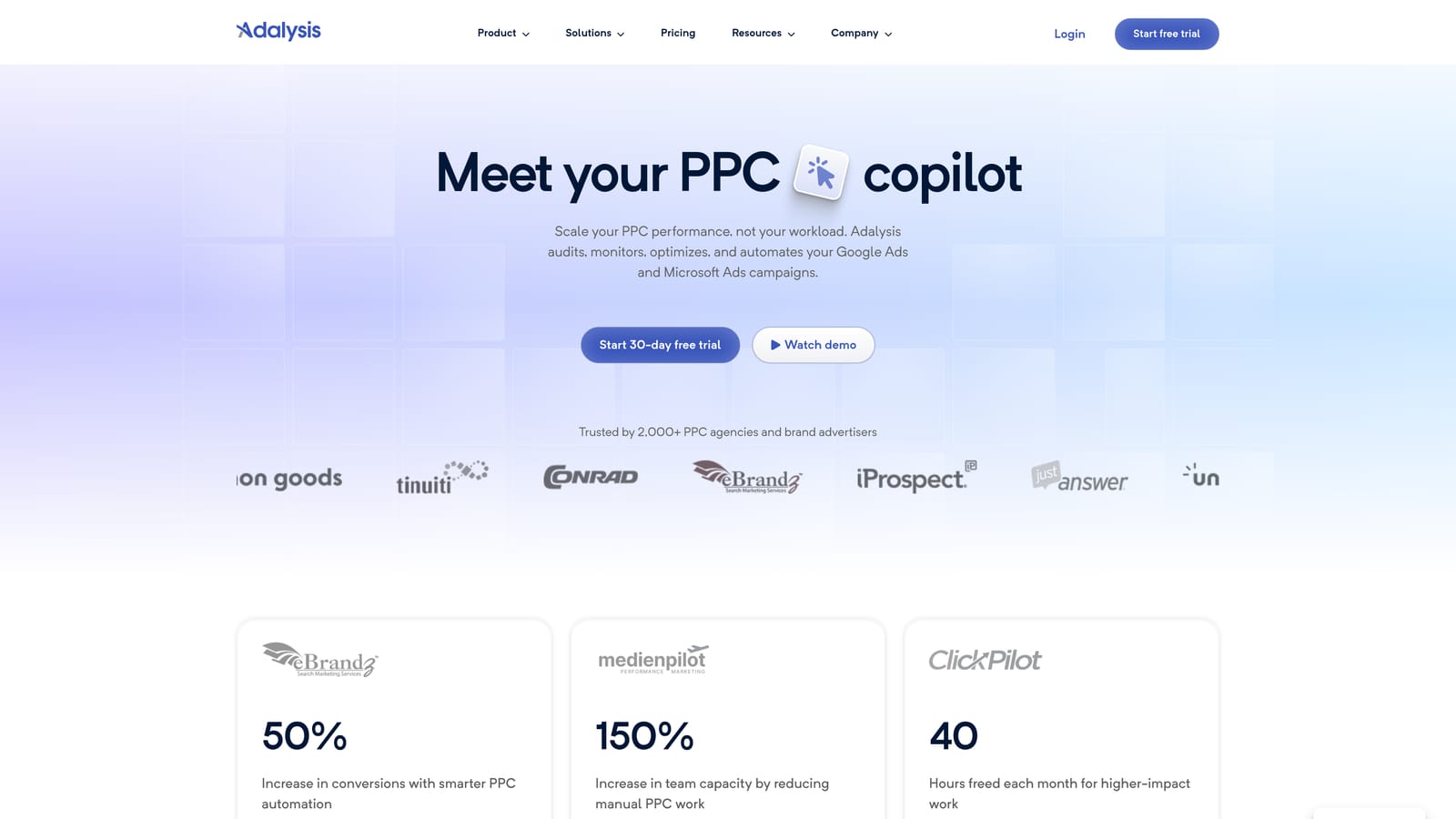
The limitation to understand up front: it's analysis-focused. It tells you what to look at, but the fixes happen elsewhere, in the ad platform itself or in another tool. If you want a tool that executes, pair it with something like Google Ads Editor or Keywordme.
What it does well
Its standout is automated ad test analysis. Instead of exporting ad data and judging tests by eye, you get the comparison done for you across accounts, plus alerts when something changes.
- Automated ad test analysis that shows which variations are actually performing better.
- Account audits that find issues across your portfolio.
- Alerts so you hear about problems before a client does.
- Quality and structure checks that catch messy account setups.
- Reporting to share findings with clients or the team.
Setup and cost
You connect your ad accounts, and a PPC manager or account lead reviews the findings. It suits teams with enough accounts that manual checking becomes a time sink. A solo freelancer with three accounts may find it more than they need.
Pricing is tiered, and a trial is available. Prices are not something we'll quote here; check the current pricing page (as of October 2026) and see what moves the cost, typically account count or managed spend.
Best for: Teams monitoring ad performance across many accounts.
4. Google Ads Editor
Google Ads Editor is Google's free desktop app for editing campaigns in bulk and drafting changes offline. It's first-party, so it works with Google's own structures and doesn't need a subscription.

Its limitation is scope. There's no reporting and no automation. It's a power tool for making structural edits, not one for analyzing performance or deciding what to change.
It's free, but "free" has a time cost. Learning the app and building a clean workflow takes effort, and it's a desktop download rather than a browser tool. Whoever handles account builds and large restructures will live in it.
- Bulk edits across accounts, so one change can apply to many campaigns and ad groups.
- Offline drafting, which lets you build and revise before anything goes live.
- Copy and paste across campaigns, which speeds up building similar structures for new clients.
- Change review before posting, so you can check edits before they're applied to the account.
- Import and export via CSV for working with spreadsheet-based builds.
It integrates only with Google Ads. If your clients also run Microsoft or Meta campaigns, you'll need other tools for those.
Pricing is simple: free, with no per-seat, spend, or account fees. For a lean agency, it's the obvious first tool in the stack.
Best for: Budget-conscious agencies doing large structural edits.
5. Looker Studio
Looker Studio is Google's free dashboard tool. It has a native Google Ads connector, so you can build client-facing reports without paying for a reporting platform. For agencies watching costs, it's the default starting point for reporting.

The catch is that it only visualizes data. It won't optimize anything, and you need to invest time building and maintaining dashboards. Templates help, but someone still has to keep reports working when a client changes goals or a connector breaks.
- Native Google Ads connector that pulls account data without a paid middleman.
- Custom dashboards that you can shape around each client's KPIs.
- Shareable reports so clients can view results through a link.
- Templates that cut build time for repeatable client reports.
- Data blending to combine sources, such as ads and analytics data, in one view.
It connects to Google Ads, Google Analytics, and Google Sheets, and third-party connectors extend it to other platforms. Those third-party connectors are often where cost creeps in, which is where a tool like Supermetrics (next) comes in.
The core product is free. Paid connectors and Pro options vary, so check current terms (as of October 2026) if you plan to go beyond Google's own data sources. The real cost of the free tier is setup and maintenance time, which you should price into your hourly rate.
Best for: Agencies needing low-cost client reporting.
6. Supermetrics
Supermetrics doesn't report or optimize on its own. It moves marketing data from ad platforms into the places where you build reports. Its distinguishing strength is connector coverage across channels, so it fits agencies reporting on Google Ads, Meta Ads, LinkedIn Ads, and more in a single view.
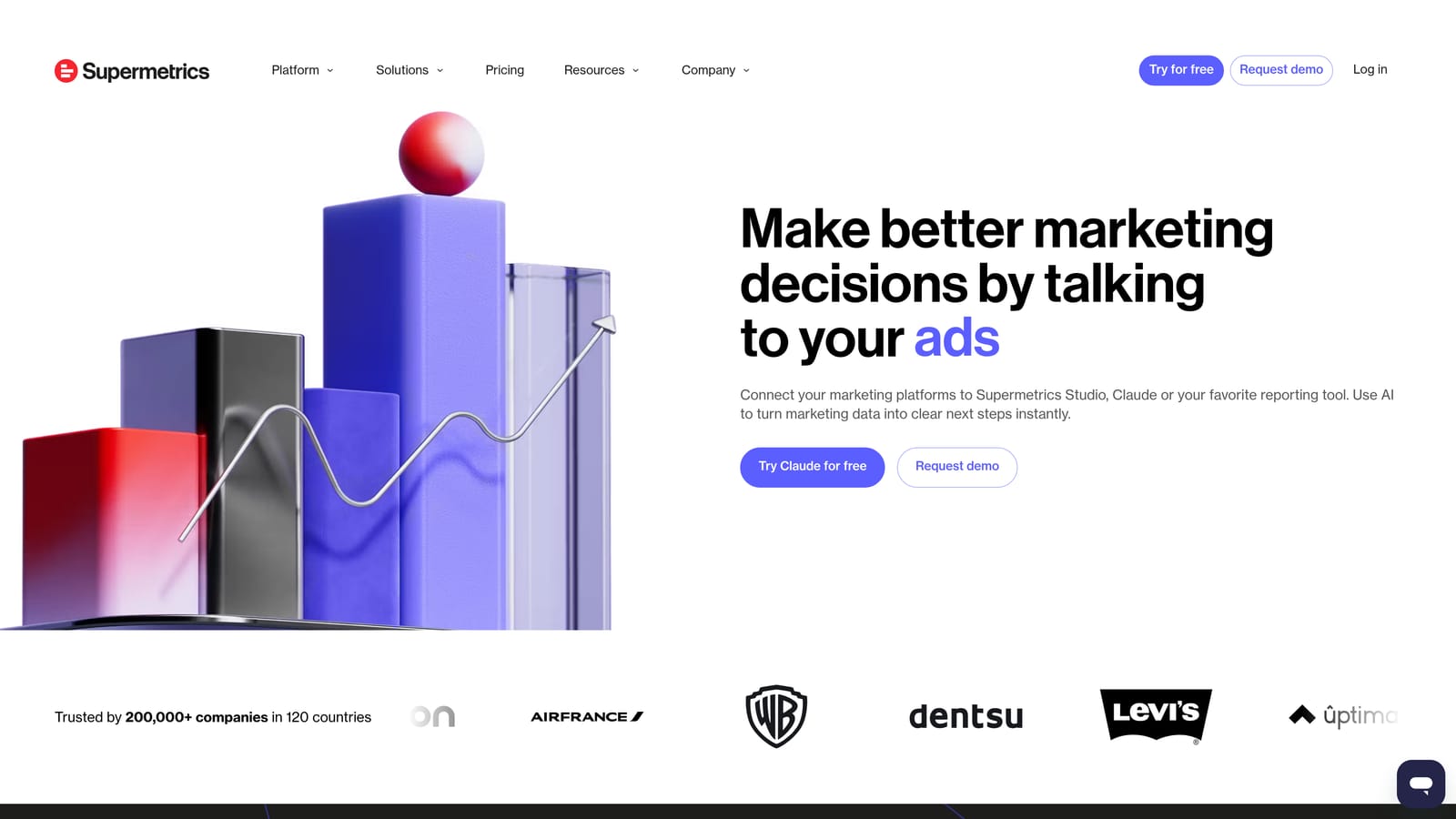
That also defines its limit. It moves data only. You still need a destination and a dashboard, and cost grows with the number of sources and accounts you pull.
Where the data goes
- Looker Studio, for dashboards that blend several ad platforms.
- Google Sheets and Excel, for teams who prefer spreadsheet reporting.
- Data warehouses, for agencies with larger data setups.
What you get
- Ad platform connectors so you don't export CSVs from each channel by hand.
- Scheduled data refresh so reports stay current without manual pulls.
- Multi-account pulls to gather data across many client accounts at once.
Setup takes some effort: authorizing accounts, building queries, and connecting destinations. It's usually owned by whoever builds the reporting, often an analyst or a technically minded account manager.
Pricing is tiered by use case and the sources you connect, and the structure rewards smaller setups and penalizes many sources. Check the current pricing page (as of October 2026). If you only report on Google Ads, Looker Studio's native connector may already cover you for free.
Best for: Agencies running cross-channel client reports.
7. SEMrush
SEMrush is an all-in-one marketing suite, and PPC is one part of it. For agencies, the draw is competitor paid search intelligence sitting next to SEO tools, so one subscription covers both research streams.
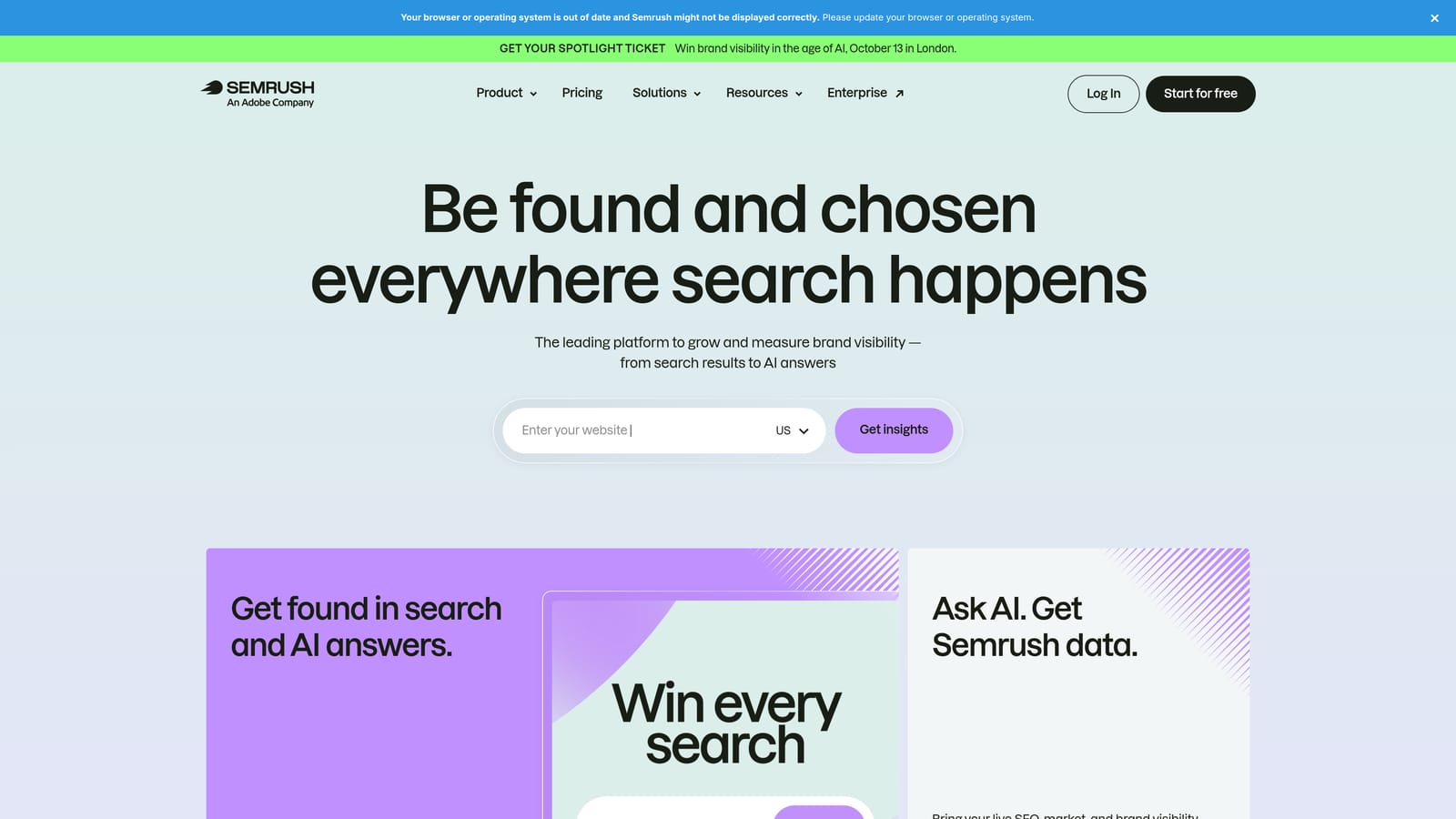
It isn't a campaign management tool. You won't use it to edit or optimize live campaigns, and with a suite this broad you may pay for modules your team never opens. That's the "one suite covers everything" trap: it covers research well, not execution.
- Keyword research to size up terms before you build them into campaigns.
- Competitor ad research to see what rivals are running in paid search.
- Advertising toolkit with PPC-specific research views.
- Position tracking to monitor how you rank for target queries.
- Agency add-ons for the reporting and client needs of agency teams.
It integrates with Google Ads, Google Analytics, and Looker Studio. Day-to-day use usually falls to strategists and SEO or PPC researchers, and it's most valuable for agencies that sell both channels.
Pricing is subscription-based with tiers, and add-ons can raise the total. Check the current pricing page (as of October 2026) and be specific about which modules you need. If you only want competitor ad data, a narrower tool may be cheaper.
Best for: Agencies combining SEO and PPC research.
8. SpyFu
SpyFu is a competitor research tool with a focus on historical paid search data. You can see which keywords competitors have bought and how their ads have changed over time. That history is its main edge over the rest of this list, and it's offered at more accessible price points than larger suites.
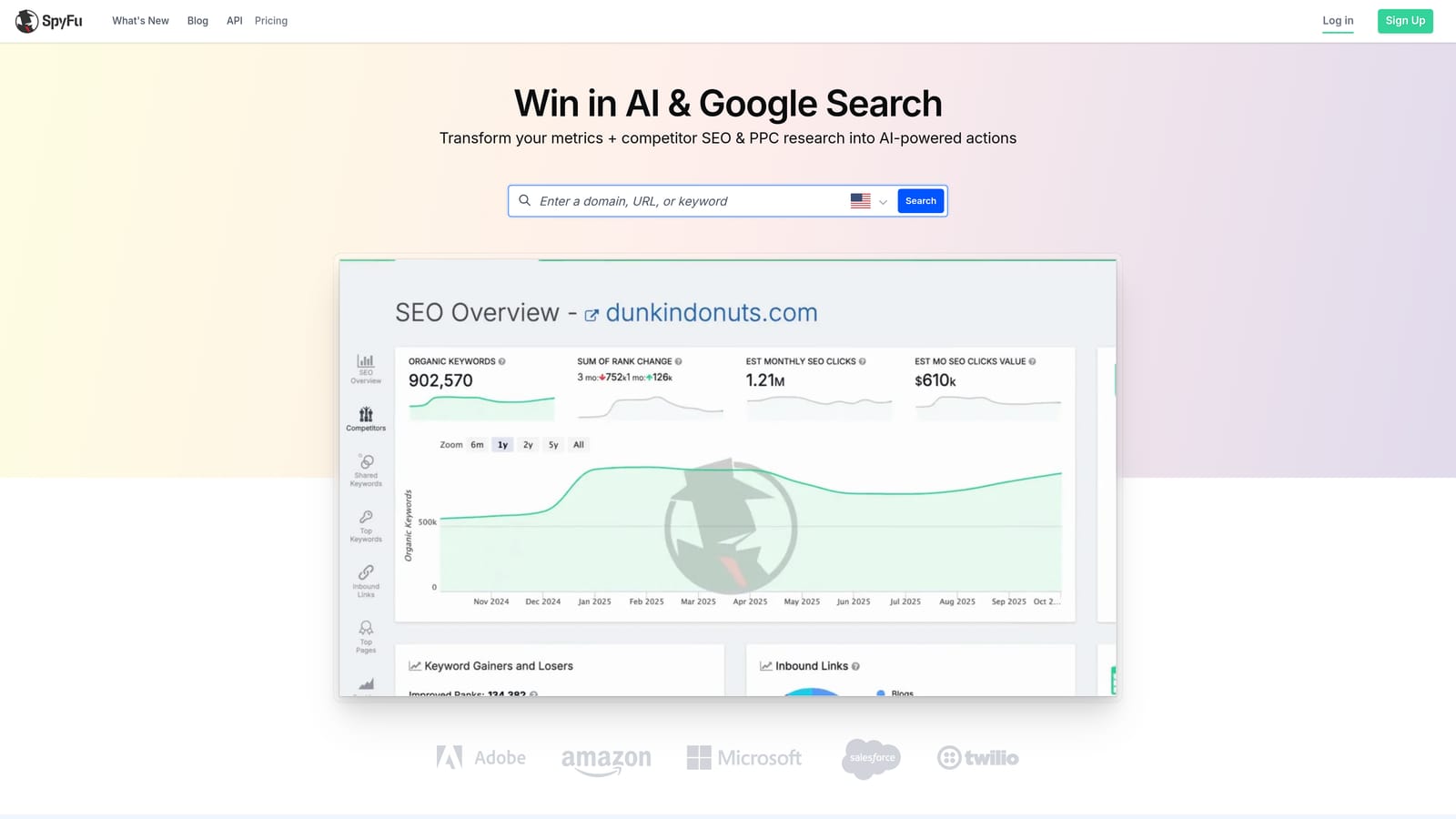
Know what you're buying: it's research only, and the numbers are modeled estimates, not the competitor's actual account data. Treat it as direction for a pitch or a strategy, not as precise spend or performance figures.
- Competitor keyword history to see what rivals have bid on over time.
- Ad history to study how competitor messaging evolved.
- Keyword research to find terms worth testing.
- Domain comparison to see where you overlap with or trail a competitor.
- Exportable reports you can drop into proposals or client decks.
Integration is limited to CSV exports, so there's no live connection to your ad accounts. Setup is minimal: sign up and start searching domains. A freelancer or strategist can run it alone.
It doesn't suit agencies that need campaign management, reporting, or optimization. It answers "what are competitors doing?" and stops there.
Pricing is by subscription plan. Check the current pricing page (as of October 2026) for plan limits and what changes the price, since research depth and export allowances often differ by tier.
Best for: Freelancers researching competitors for new pitches.
9. WordStream
WordStream offers Google Ads management and optimization aimed at small businesses and entry-level agencies. Its pitch is guidance: it grades accounts and recommends what to improve, which helps less experienced advertisers know where to start.
That guidance is also its limit. Advanced agencies tend to want more control than a recommendation-led product gives them. Pricing may also require a quote, and offerings change, so confirm what's currently sold and in what form directly with the vendor (as of October 2026).
- Account grading that shows where an account is strong or weak.
- Optimization recommendations that point to specific improvements.
- Performance reporting for sharing results with clients.
- Budget guidance to help plan and allocate spend.
It works with Google Ads, Microsoft Advertising, and Meta Ads. Setup means connecting accounts, and a junior PPC manager or small-business owner can run it without much training. Recommendations still need human judgment; apply them only after checking they suit the account.
Pricing is quote-based. Without a published number, ask what the quote depends on (typically things like ad spend or scope), and compare that with per-seat options on this list before signing.
Best for: Small teams wanting guided optimization.
Which Tool Fits Which Agency, and How to Stack Them
Pricing structure matters more than sticker price. Per-seat tools like Keywordme stay flat as client budgets grow, while spend-based tools can climb with every new account. Free tools aren't free of cost either, since setup and upkeep take billable hours.
- Solo freelancer: Google Ads Editor plus Keywordme covers bulk edits and search term cleanup for little money. Add SpyFu when you need competitor research for pitches.
- Small agency: Keywordme for daily search term work, Google Ads Editor for builds, and Looker Studio for client dashboards. Consider WordStream if your team is junior and wants guidance.
- Multi-client reporting: Looker Studio first. Add Supermetrics when clients run channels beyond Google Ads. Optmyzr is worth pricing if you also want automation and audits.
- Competitor research: SpyFu for lean, historical data; SEMrush if SEO research is part of the service.
A lean agency stack mixes one free tool, one workflow tool, and one reporting tool. For example, Google Ads Editor for structure, Keywordme for search term review, and Looker Studio for dashboards. Add heavier suites only when a specific bottleneck justifies the cost.
Optimize Google Ads Campaigns 10X Faster. Without Leaving Your Account. Keywordme lets you remove junk search terms, build high-intent keyword lists, and apply match types instantly, right inside Google Ads. No spreadsheets, no switching tabs, just quick, seamless optimization. Start your free 7-day trial (then just $12/month) and take your Google Ads game to the next level.
.svg)