
9 Best Agency PPC Tools for Managing Multiple Google Ads Accounts
A practical guide to agency ppc tools comparison.


If you run Google Ads for several clients, you already know the tool pile gets out of hand fast. This list is for agency owners, freelancers, and in-house marketers who manage multiple accounts and want to know which tools earn a spot. Each pick was judged on multi-account support, time saved on recurring work, how pricing scales with headcount or ad spend, and how much it overlaps with what Google Ads already does for free.
Quick Comparison of the Agency PPC Tools
- Keywordme: freelancers and agencies that review search terms every week; $12/month per user; works inside the native Search Terms Report, so there are no spreadsheet exports.
- Optmyzr: mid-size agencies that want rules-based optimization at scale; pricing on the website; the broadest optimization toolkit across a client portfolio.
- Google Ads Editor: anyone doing campaign builds and large structural edits; free; first-party bulk editing with offline work and change review.
- Google Ads Scripts and Manager Accounts: technical agencies; free; custom automation through scripts at manager level.
- Adalysis: agencies that need systematic account health checks; pricing on the website; audit-style alerts that surface issues across many accounts.
- SEMrush: pitching, onboarding, and competitive research; pricing on the website; competitor paid and organic research under one login.
- Swydo: agencies sending recurring branded reports; pricing on the website; reporting built around agency-to-client delivery.
- Looker Studio: agencies wanting custom dashboards without per-seat fees; free; fully customizable dashboards with a native Google Ads connector.
- Google Keyword Planner: pre-launch keyword planning; free with a Google Ads account; first-party keyword ideas and forecasts from Google.
1. Keywordme
Keywordme is a Chrome extension that adds one-click actions to the Search Terms Report inside Google Ads. It is our own product, so weigh this section with that in mind. It is built for people who sit in that report every week deciding which search terms (what people actually typed) should become keywords (what you bid on) and which should become negative keywords (terms that block your ads from matching).
What sets it apart on this list is where it works. Most tools pull data out into a dashboard or spreadsheet. Keywordme stays in the native Google Ads interface, so you review a term and act on it on the same screen. That removes the export, filter, re-upload loop that eats a lot of time in search term reviews.
- Add negative keywords straight from the Search Terms Report with one click, so junk queries stop costing you money sooner.
- Add keywords and apply match types without leaving the Google Ads interface.
- Cluster keywords to group related terms and build tighter lists.
- Bulk edit to apply the same action across many terms at once.
- Multi-account and team support, so several people can work across client accounts.
Setup is light: you install the extension in Chrome and work in Google Ads as usual. Whoever already does the weekly search term review runs it day to day, so there is no new dashboard to administer.
The limits are real. Its scope is narrow: search term and keyword workflow only. It does not do reporting, audits, or bid management, and it only works in Chrome. If your main pain is client reporting or portfolio-wide monitoring, this is not the tool for it. You will likely pair it with something else.
Pricing is a flat $12/month per user, with a 7-day free trial (as of October 2026; confirm on the website). Cost scales with the number of people using it, not with ad spend or client count.
Best for: Agencies and freelancers who spend hours on weekly search term reviews.
2. Optmyzr
Optmyzr is a PPC optimization platform that bundles rules, audits, and reporting across many accounts. It targets agencies that want to standardize how they optimize a whole client portfolio instead of fixing accounts one at a time.
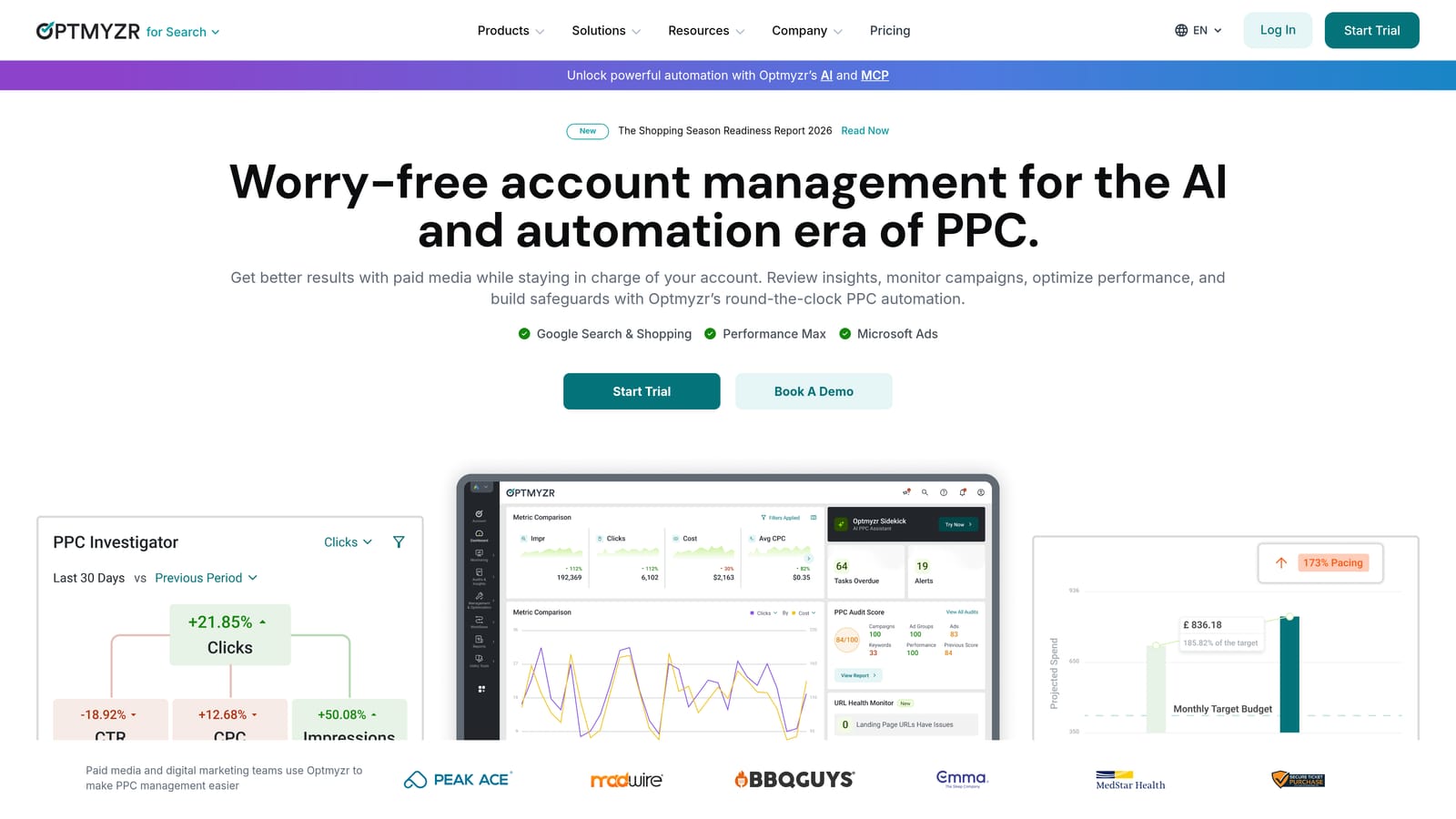
Its distinctive strength is breadth. Few tools on this list let you build a rule once, apply it across clients, and also generate reports and audits from the same place. It also reaches beyond Google, with support for Microsoft Advertising and Meta Ads.
- One-click optimizations that turn suggested changes into actions you approve, saving manual edits.
- A rule engine for setting conditions and responses you want applied consistently across accounts.
- Automated reporting so recurring client updates do not get built by hand.
- Account audits that flag issues across a portfolio.
- Scripts for teams that want extra custom automation.
Expect a real onboarding effort. You connect each ad account, then decide which rules and audits fit each client, and someone needs to own that configuration. That is usually a senior account manager or an operations lead.
The trade-off is cost and complexity. It is more expensive and more involved than single-purpose tools, and for a small team with a handful of accounts it may be overkill. A freelancer whose main bottleneck is search term review will use only a sliver of it.
Pricing is tiered and based on the ad spend you manage (see the website for current figures as of October 2026), so it grows as your client budgets grow.
Best for: Mid-size agencies that want rules-based optimization at scale.
3. Google Ads Editor
Limits first: Google Ads Editor is not a tool for live search term review. It works from data you download, so it suits structural work rather than ongoing cleanup. For that structural work, though, it is hard to beat for the price, which is nothing.

It is Google's free desktop app for making bulk changes across campaigns and accounts. Agencies use it when building new campaigns, rolling out ad copy changes to many ad groups, or restructuring an account that has grown messy.
- Bulk edits across campaigns and accounts, so one change does not mean fifty manual ones.
- Offline editing, so you can build and revise without being logged into the interface.
- Import and export via spreadsheet, which helps when you draft structure outside Google Ads first.
- Change review before posting, so a teammate can check edits before they go live.
Setup means installing the app and downloading each account you want to work on. The person who builds campaigns usually runs it. Because it is first-party, it supports Google Ads features closely, and it connects only to Google Ads.
It does not give you monitoring, alerts, or reporting, and it does nothing about ongoing waste on its own. You also need to remember to download fresh data before editing, or you risk working on stale information.
Pricing: free.
Best for: Campaign builds and large copy or structure changes.
4. Google Ads Scripts and Manager Accounts
Every agency should be using a manager account (often called an MCC) whether or not it buys anything else. The Google Ads manager account lets you link and view many client accounts under one login, and scripts add custom automation on top.
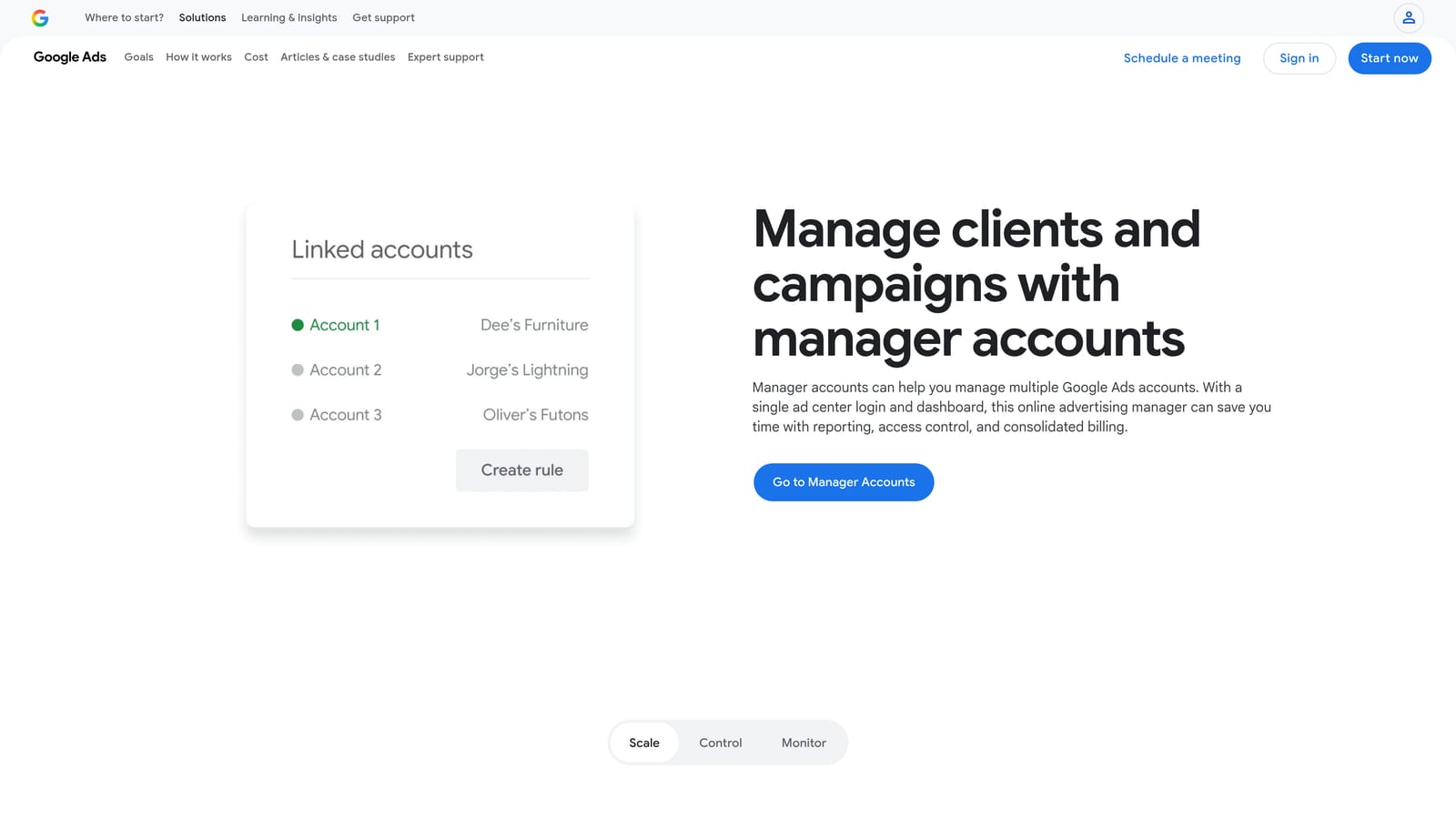
What the manager account gives you
You get consolidated access to multiple clients, with account-level access controls so team members only see what they should. It is the baseline structure the other tools on this list assume you have.
What scripts add
Scripts are JavaScript snippets that run inside Google Ads. Agencies use them to automate checks and routine tasks across accounts, such as monitoring for problems you would otherwise catch by hand. The distinctive advantage is custom automation without a license fee.
- Multi-client access from one manager login, which cuts the account-switching overhead.
- Account-level access controls, so you can limit who touches which client.
- JavaScript scripts that automate checks tailored to your own processes.
- Consolidated management so a portfolio can be handled in one place.
The catch is skill and upkeep. Scripts need someone who can write and debug code, and they need maintenance when something changes or breaks. If nobody on your team codes, the scripting half of this option stays theoretical. A manager account on its own needs no coding.
Pricing: free.
Best for: Technical agencies wanting custom automation without a license fee.
5. Adalysis
Adalysis is a PPC auditing and monitoring platform. It watches accounts for problems and sends alerts, which is useful when you manage too many clients to eyeball every one daily.
Its strength is audit-style surfacing of issues across many accounts at once. Instead of discovering a stalled ad test or an account health problem during a monthly review, you get flagged sooner.
- Automated audits that check accounts against a set of health criteria.
- Alerts that tell you when something needs attention, so you do not rely on memory.
- Ad testing analysis that helps you judge which ad variations are actually winning.
- Reporting to share findings with clients or internal teams.
It connects to Google Ads and Microsoft Advertising. Setup involves linking accounts and tuning alerts so you are not buried in noise; an account manager or PPC lead typically checks the alerts regularly.
The key limitation is that it flags rather than fixes. Changes still need manual review and action, so it tells you where to look but does not remove the work of doing it. Pair it with something that speeds up the fixing if that is your bottleneck.
Pricing is listed on the website (as of October 2026); check there for what drives the cost.
Best for: Agencies that need systematic account health checks.
6. SEMrush
SEMrush is a broad marketing suite, and for PPC work its value sits on the research side. It gives agencies PPC keyword research, competitor ad insights, and reporting.
What it does that the rest of this list does not is pair competitor paid and organic research in one login. That makes it handy before you manage anything: when pitching a prospect, onboarding a new client, or sizing up who else is bidding in a market.
- PPC keyword research to find terms worth testing in a new account.
- Competitor ad research to see how others position their offers.
- Reporting tools for packaging findings into something clients can read.
- Position tracking to watch how rankings move over time.
It integrates with Google Analytics, Google Ads, and Looker Studio. Setup is mostly account creation and project configuration, and it is usually run by strategists or SEO and PPC leads rather than the person doing daily account edits.
It is not built to edit or manage Google Ads accounts. You will not clean search terms or change bids in it. Because it spans more than PPC, you may pay for features your paid team never uses.
Pricing is subscription-tiered (see the website, as of October 2026).
Best for: Pitching, onboarding, and competitive research.
7. Swydo
Swydo does one thing: automated, white-label reporting for agencies. If your client updates are eating hours each month, it targets exactly that.
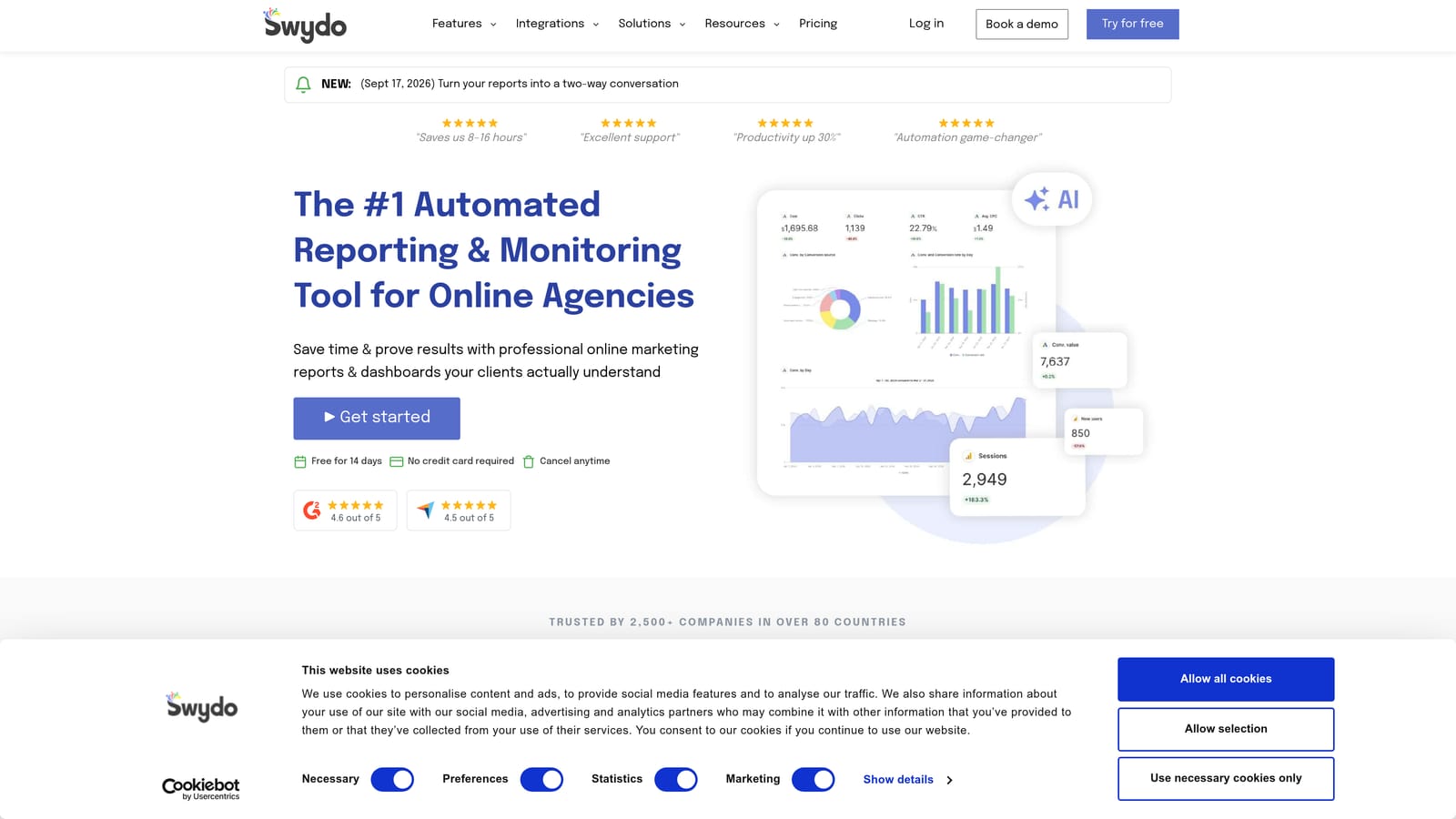
The distinguishing point is that the reporting is shaped around how agencies deliver to clients, with your branding on the output rather than a vendor's.
- White-label reports that carry your agency's branding.
- Dashboards for clients or your team to check performance on demand.
- Multi-platform data sources, so one report can cover several channels.
- Scheduled delivery so reports go out without someone remembering to send them.
It connects to Google Ads, Google Analytics, and Meta Ads. Setup means connecting each client's data sources and building or choosing templates; after that it runs mostly on schedule, with an account manager reviewing before anything important goes out.
It is reporting only. It will show you wasted spend but will not help you remove it, so it is a poor fix if your actual problem is account performance rather than client communication. This is the classic mistake of buying a reporting tool to solve a waste problem.
Pricing is on the website (as of October 2026); confirm what the plans are based on.
Best for: Agencies sending recurring branded client reports.
8. Looker Studio
Looker Studio is Google's free dashboard tool, with a native Google Ads connector. It is the do-it-yourself alternative to paid reporting platforms.

Its edge is flexibility at no per-seat cost. You can design dashboards exactly how a client wants them, reuse templates across accounts, and share live reports by link.
- A Google Ads connector that pulls account data into your dashboards.
- Custom dashboards, so you control which metrics and layout clients see.
- Templates you can duplicate for each new client instead of starting over.
- Shareable reports that clients can open without a separate login to a vendor tool.
It also works with Google Analytics, BigQuery, and partner connectors. The price of that freedom is time. Someone has to build, test, and maintain the dashboards, and fixing a broken report falls to your team. Data from non-Google platforms often requires paid partner connectors, which can erode the "free" advantage.
It is not a good fit if you want polished white-label reports delivered automatically with minimal setup. In that case a dedicated tool like Swydo may cost less in staff hours.
Pricing: free; paid partner connectors may cost extra.
Best for: Agencies wanting custom dashboards without per-seat fees.
9. Google Keyword Planner
Google Keyword Planner is the free keyword research tool inside Google Ads. It is where many agencies start when planning a new campaign.

It offers first-party keyword ideas and forecasts straight from Google, which no third-party tool can claim.
- Keyword ideas to expand a seed list into terms you might bid on.
- Search volume ranges that show relative demand.
- Forecasts to estimate how a keyword set might perform at a given budget.
- Bid estimates to sanity-check costs before launch.
You need a Google Ads account to use it, and setup is minimal. Whoever plans the campaign structure typically runs it.
The weaknesses are worth knowing. Volume ranges can be broad if you are not spending, which makes fine-grained prioritization harder. It also does nothing for live accounts: no search term review and no negative keyword management. It tells you what might work, not what is working.
Pricing: free with a Google Ads account.
Best for: Pre-launch keyword planning and forecasts.
Matching Tools to Agency Jobs
Most agencies end up with two or three tools, not one. The right mix depends on the job you are actually trying to fix, so start there.
- Fast search term cleanup: Keywordme. It is the most direct fit when the weekly review is your time sink.
- Scaled optimization and audits: Optmyzr for rules and broad optimization, Adalysis if you mainly need health alerts.
- Client reporting: Swydo for branded, scheduled delivery; Looker Studio if you would rather build it yourself.
- Free baseline stack: A manager account, Google Ads Editor, Looker Studio, and Keyword Planner cover a lot of ground for nothing.
- Keyword and competitor research: Keyword Planner for first-party data, SEMrush for competitive context.
A sensible starting stack is the free Google baseline plus one paid tool aimed at your biggest time drain. If that drain is search term review, Keywordme is a small commitment to test. Optimize Google Ads Campaigns 10X Faster. Without Leaving Your Account. Keywordme lets you remove junk search terms, build high-intent keyword lists, and apply match types instantly, right inside Google Ads. No spreadsheets, no switching tabs, just quick, seamless optimization. Start your free 7-day trial (then just $12/month) and take your Google Ads game to the next level.
.svg)