
9 Best Agency PPC Tool Pricing Plans Compared (2026 Edition)
This 2026 guide compares agency PPC tool pricing plans across nine platforms—from $12/month Chrome extensions to $500+/month enterprise dashboards—breaking down real pricing structures, feature tiers, and which tools are best suited for freelancers versus multi-client agencies managing large ad spend.


TL;DR: Agency PPC tools range from $12/month flat-rate Chrome extensions to $500+/month platforms. The right pick depends on how many accounts you manage, which features you actually use, and whether you want to work inside Google Ads or through a separate dashboard. This guide breaks down nine tools—pricing, features, and who each one is actually built for—so you can stop guessing and start comparing.
If you're running PPC for multiple clients, you already know the pricing models can be a mess. Some tools charge per account. Some charge per user. Some bury the good features behind enterprise tiers. We've mapped out the real pricing structures and what you get at each level, so agencies and freelancers can make an informed call without booking a demo just to see a number.
How Agency PPC Tool Pricing Actually Works
Before diving into specific tools, it's worth knowing the four pricing models you'll run into repeatedly. Flat per-user rates are predictable and scale with your team, not your client count. Per-client or per-account tiers start cheap but can get expensive fast as you grow. Feature-tiered plans often lock multi-account support or white-label reporting behind higher tiers—exactly the features agencies need most. And all-in-one platform bundles give you everything but charge accordingly.
Most agencies end up running two or three tools in combination: one for in-platform optimization, one for reporting, and one for competitive research. Keep that in mind as you compare. Now, here's the breakdown.
1. Keywordme
Best for: Agencies and freelancers who want fast, in-interface Google Ads optimization without spreadsheets.
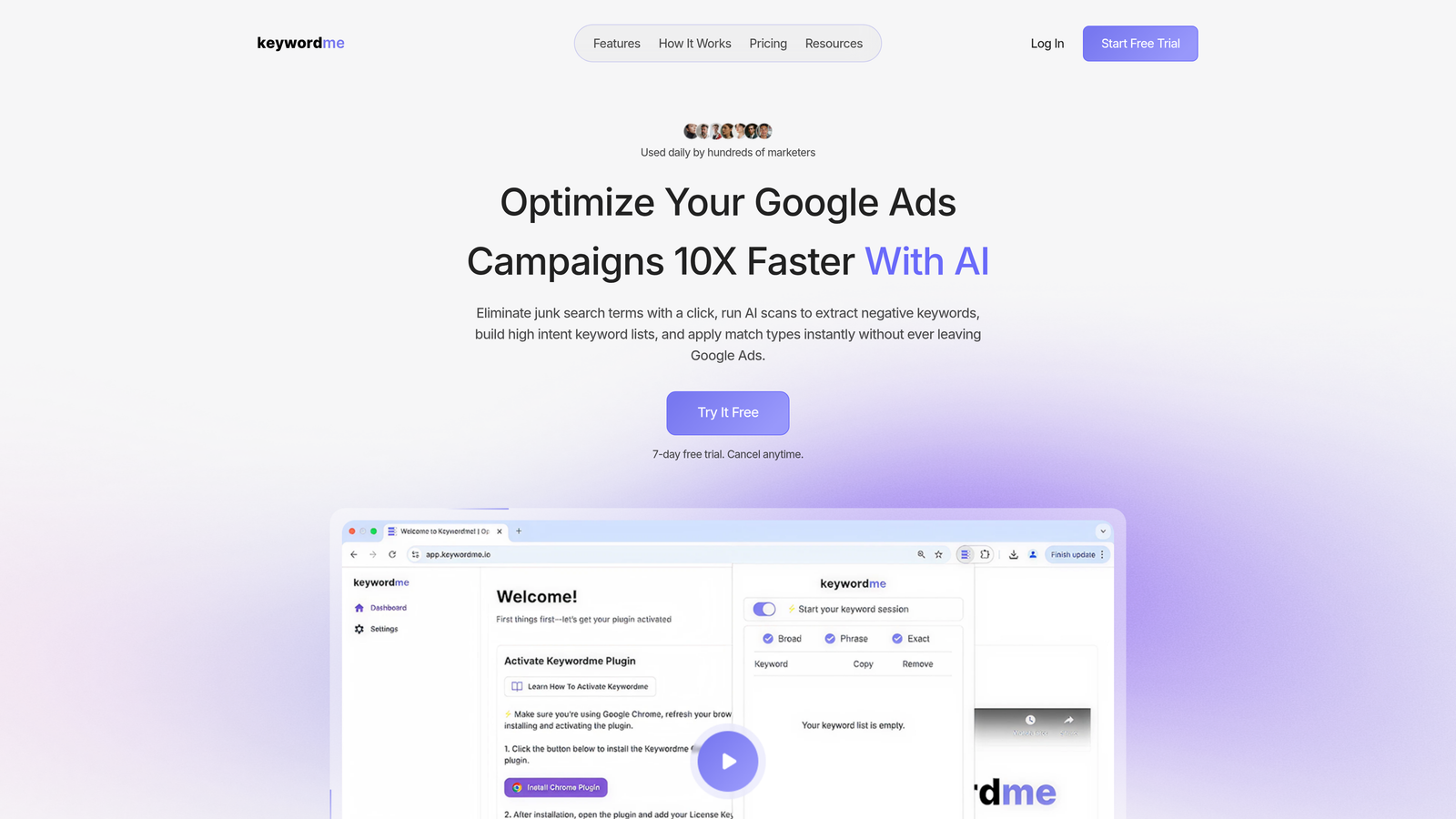
Keywordme is a Chrome extension that plugs directly into Google Ads' Search Terms Report, letting you clean up campaigns without ever leaving the native interface.
Where This Tool Shines
In most accounts I audit, the search terms report is where the most wasted spend hides. Keywordme is built specifically for that moment—when you're staring at hundreds of irrelevant terms and need to act fast. Instead of exporting to a spreadsheet, filtering, editing, and uploading back, you do it all with a click, right inside Google Ads.
The in-interface approach is genuinely different from most tools on this list. There's no separate dashboard to log into, no context-switching, and no learning curve if you already know your way around Google Ads. For agencies managing multiple accounts, the multi-account and team support means your whole team can work from the same workflow without paying per seat at an inflated rate.
Key Features
One-click negative keyword addition: Remove junk search terms and add negatives directly inside the Search Terms Report without exporting anything.
Match type application: Apply exact, phrase, or broad match types instantly to any keyword without touching a spreadsheet.
Keyword clustering: Group related search terms into structured keyword lists faster than manual sorting allows.
Bulk editing: Make large-scale changes across campaigns without leaving the Google Ads interface.
Multi-account and team support: Built for agency workflows where multiple users need to work across multiple client accounts.
Best For
Freelancers managing a handful of accounts and agency teams handling 10+ clients will both find value here. If your biggest time drain is cleaning up search terms and building negative keyword lists, this is the most direct solution on this list. It's also a strong fit for anyone who finds third-party dashboards disruptive to their workflow.
Pricing
$12/month per user, flat rate. A 7-day free trial is available. No per-account fees, no tier confusion—what you see is what you pay.
2. WordStream Advisor
Best for: Small to mid-size agencies wanting guided optimization across Google, Microsoft, and Meta Ads.
WordStream Advisor (now under LOCALiQ) is a cross-platform PPC management tool that walks you through weekly optimizations with structured recommendations.

Where This Tool Shines
The signature feature is the "20-Minute Work Week"—a guided workflow that surfaces the most impactful optimizations across your connected accounts and walks you through them one by one. It's a good fit for teams that want a structured process rather than open-ended dashboards.
Cross-platform support is a real advantage here. If you're managing Google, Microsoft, and Meta campaigns from a single interface, WordStream handles that without requiring separate logins or tool stacks.
Key Features
20-Minute Work Week workflow: Guided weekly optimization recommendations prioritized by impact across all connected platforms.
Cross-platform management: Google Ads, Microsoft Ads, and Meta Ads accessible from one interface.
Performance grader: Account health scoring that identifies gaps and improvement opportunities.
Keyword and negative keyword tools: Built-in research and list management features.
Client-facing reporting dashboards: Shareable reports for agency clients without extra configuration.
Best For
Agencies that manage multi-platform campaigns and prefer a guided optimization model over manual control. Less suited for teams that want granular control or custom automation rules.
Pricing
Not publicly listed. Requires contacting sales for a quote. Historically positioned at mid-market price points, so expect a meaningful monthly investment relative to lighter tools.
3. Optmyzr
Best for: Agencies managing significant ad spend who need rule-based automation and white-label reporting.
Optmyzr is a rule-based PPC automation platform built for teams running Google, Microsoft, and Amazon Ads at scale.

Where This Tool Shines
The automation engine is where Optmyzr earns its price tag. You can build custom rules that trigger bid adjustments, budget pacing alerts, or keyword actions based on performance thresholds—without writing scripts from scratch. For agencies billing on managed spend, that kind of proactive automation is hard to replicate manually.
The enhanced scripts library is another standout. If you've ever wanted to implement a custom script but don't have a developer on hand, Optmyzr's pre-built library covers a wide range of common automation scenarios with minimal setup.
Key Features
Rule-based automation engine: Build custom optimization rules that trigger automatically based on account performance data.
Enhanced scripts library: Pre-built Google Ads scripts you can deploy without deep technical knowledge.
White-label reporting: Client-facing reports with your agency branding and custom domain options.
MCC-level management: Manage multiple client accounts from a single interface with account-level performance views.
Shopping and feed management: Tools for e-commerce clients running Google Shopping campaigns.
Best For
Mid-to-large agencies managing $50K+ monthly in ad spend across multiple clients. The automation depth justifies the cost at scale, but smaller accounts may not see enough return to make the pricing work.
Pricing
Core plan starts around $208/month billed annually. Higher tiers are available for larger managed spend volumes. No free tier, but trial access is typically available.
4. Adalysis
Best for: Detail-oriented PPC managers who prioritize ad testing, diagnostics, and quality score improvement.
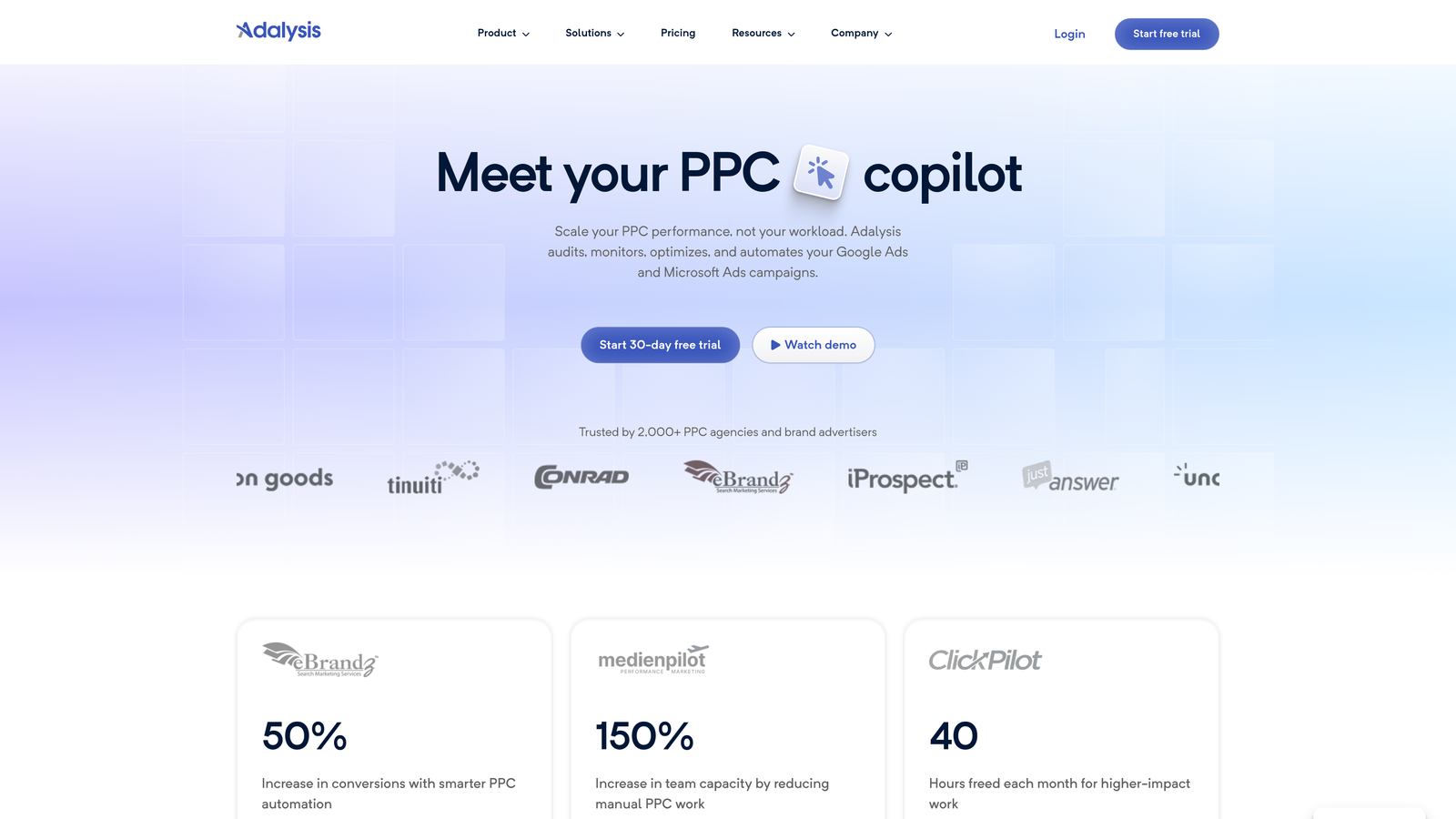
Adalysis is a PPC optimization tool built around automated ad testing and account-wide diagnostic monitoring.
Where This Tool Shines
The mistake most agencies make with ad testing is running it manually, which means tests run too long, significance gets ignored, and decisions are made on gut feel. Adalysis automates the statistical significance tracking so you're pausing underperformers based on data, not instinct.
The diagnostic alert system is genuinely useful for agencies managing multiple accounts. Instead of auditing each account manually, Adalysis flags issues proactively—things like negative keyword conflicts, quality score drops, or disapproved ads—so you're not discovering problems when a client calls.
Key Features
Automated A/B ad testing: Runs ad tests with statistical significance tracking and automatic winner selection.
Account diagnostic alerts: Proactive monitoring that flags performance issues, disapprovals, and structural problems.
Negative keyword conflict detection: Identifies cases where negative keywords are blocking intended traffic.
Quality score tracking: Monitors quality scores over time with improvement recommendations.
Bulk ad creation and management: Tools for creating and editing large volumes of ads efficiently.
Best For
Data-driven PPC managers and agencies where ad testing and account health monitoring are core parts of the service offering. Less focused on reporting or competitive research.
Pricing
Tiered by number of ads and campaigns. Entry plans start around $99/month. Scales up based on account size and volume.
5. SEMrush PPC Toolkit
Best for: Full-service agencies already using SEMrush for SEO who want PPC research bundled in.
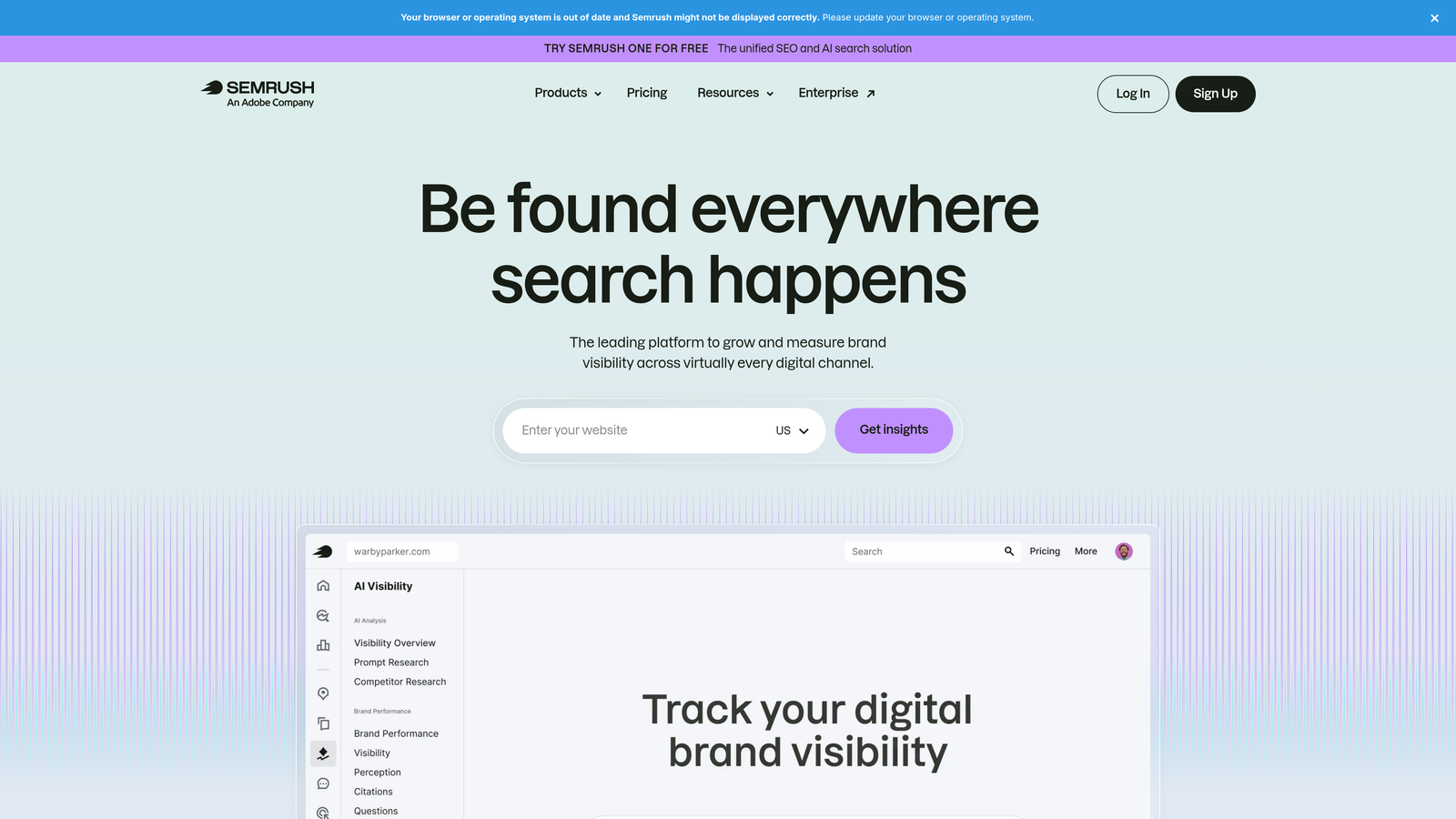
SEMrush is primarily known as an SEO platform, but its PPC Toolkit adds competitive keyword research, ad copy intelligence, and CPC data for paid search teams.
Where This Tool Shines
If your agency does both SEO and PPC, the bundled value here is real. You're getting competitor ad copy archives, keyword gap analysis, and CPC data alongside the full SEMrush SEO suite—without paying separately for a dedicated PPC research tool.
The competitor ad history is particularly useful during onboarding. When you're inheriting a new client account, being able to see what competitors have been running for the past year gives you a head start on keyword strategy and messaging angles.
Key Features
Competitor ad copy research: Historical archive of competitor ads, including copy variations and landing pages.
PPC keyword research: Keyword data with CPC estimates and competition levels for paid search planning.
Keyword gap analysis: Side-by-side comparison of your keyword coverage versus competitors.
Ad builder: Structured tool for drafting and organizing new ad campaigns before launching.
Bundled SEO suite: Full access to SEMrush's backlink, ranking, and site audit tools alongside PPC features.
Best For
Full-service agencies offering both SEO and PPC services. If you only need PPC tools, the price-to-value ratio is harder to justify compared to PPC-specific tools at lower price points.
Pricing
Pro plan starts around $139.95/month, which includes the full SEMrush suite. Guru and Business tiers are available at higher price points for larger teams and data needs.
6. SpyFu
Best for: Budget-conscious freelancers and agencies focused on competitive PPC research.
SpyFu is a competitor intelligence tool with deep PPC history data, useful for keyword research and competitive analysis without a large tool budget.

Where This Tool Shines
SpyFu's depth of historical competitor data is the main draw. You can see years of a competitor's keyword history, estimated ad spend, and actual ad copy variations—which is genuinely useful when building out a new campaign or trying to understand why a competitor is dominating a particular keyword cluster.
For freelancers doing competitive audits as part of client onboarding, SpyFu delivers solid intelligence at a price point that doesn't eat into project margins.
Key Features
Competitor PPC history: Years of historical keyword and ad copy data for any domain you want to research.
Estimated ad budgets: Approximate spend estimates for competitor domains based on keyword coverage and CPC data.
Keyword grouping and export: Tools for organizing and exporting keyword lists for use in campaigns.
SERP analysis: Paid and organic search visibility tracking for competitor domains.
Unlimited searches on paid plans: No query limits that would restrict heavy research workflows.
Best For
Freelancers and smaller agencies where competitive research is a key deliverable. Less suited as a primary optimization or management tool—it's a research layer, not a campaign management platform.
Pricing
Basic plan around $39/month. Professional plan around $79/month. Both include unlimited searches, which is a meaningful differentiator at this price range.
7. Swydo
Best for: Reporting-focused agencies that need automated, white-label client reports across multiple channels.
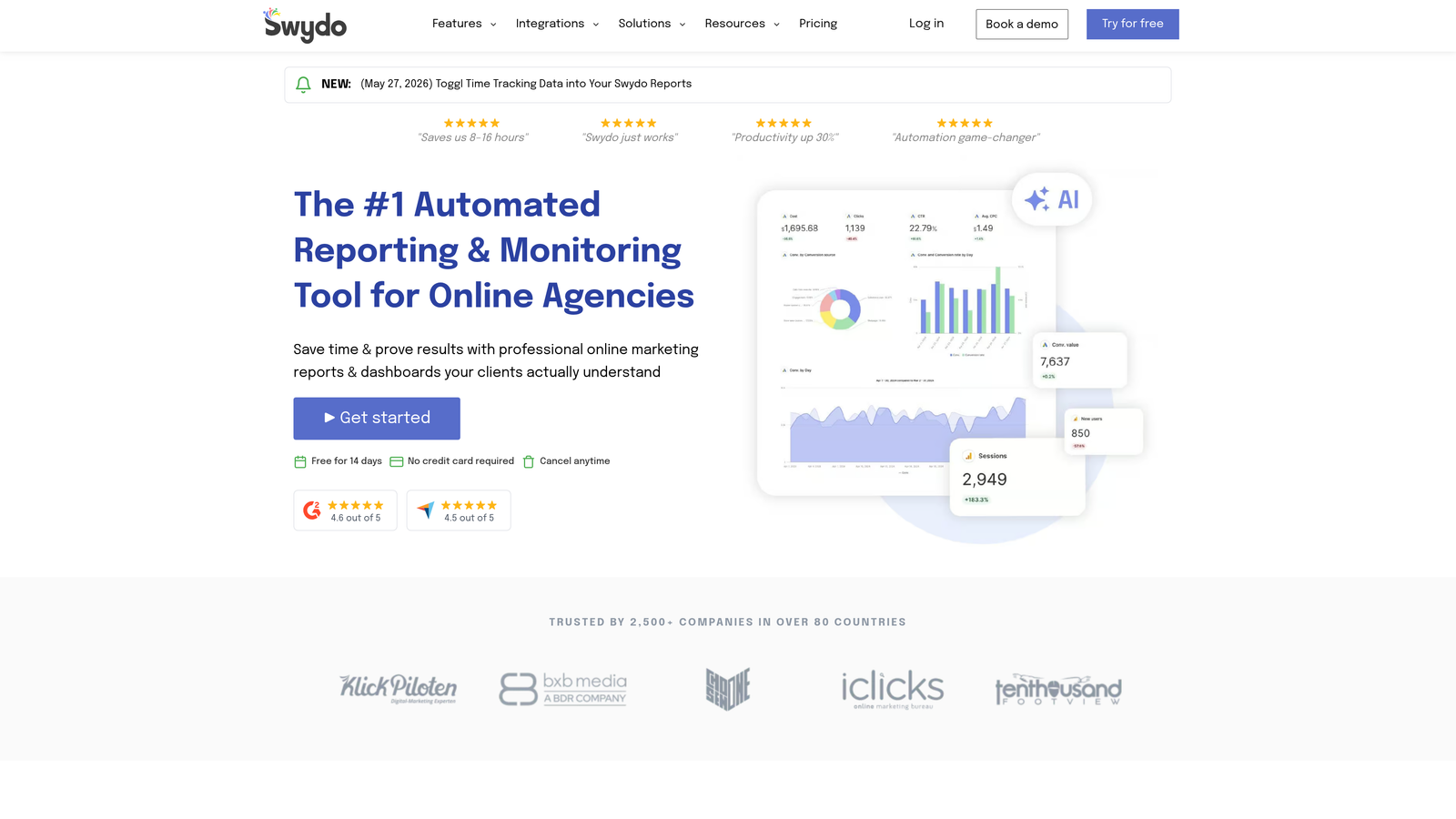
Swydo is a dedicated PPC and marketing reporting platform built specifically for agencies delivering regular client reports.
Where This Tool Shines
What usually happens at agencies is that reporting becomes a manual bottleneck at the end of every month. Someone's pulling data from Google Ads, Meta, and Microsoft into a spreadsheet, formatting it, adding commentary, and sending it out—every single month. Swydo automates that entire cycle.
The per-client pricing model makes costs predictable and directly tied to revenue. As you add clients, costs scale proportionally rather than jumping to arbitrary tier limits.
Key Features
White-label report templates: Fully branded reports with your agency logo, colors, and custom domain.
Automated report scheduling: Set reports to deliver weekly, monthly, or on a custom schedule without manual intervention.
Multi-channel data integration: Pulls from Google Ads, Meta Ads, Microsoft Ads, and other platforms into unified reports.
KPI dashboards and goal tracking: Client-facing dashboards that show progress against agreed targets.
Per-client pricing: Costs scale with client count rather than locking you into fixed tiers.
Best For
Agencies where client reporting is a significant time investment and a core part of the service offering. Not a campaign management or optimization tool—purely a reporting solution.
Pricing
Starts around $49/month for up to 5 clients. Scales with additional clients beyond that threshold.
8. AgencyAnalytics
Best for: Agencies that want a single white-label reporting hub covering PPC, SEO, social, and email in one place.
AgencyAnalytics is an all-in-one client reporting platform that consolidates data from across your clients' marketing channels into one branded dashboard.
Where This Tool Shines
The breadth of integrations is what separates AgencyAnalytics from more focused reporting tools. If you're delivering PPC reports alongside SEO rankings, social engagement, and email performance, having all of that in one white-label dashboard eliminates a lot of manual data consolidation.
Unlimited users on most plans is a meaningful advantage for growing agencies. Per-seat pricing can quietly become a significant cost as teams expand, so a flat unlimited-user model keeps reporting costs predictable even as headcount grows.
Key Features
Unified multi-channel dashboard: Google Ads, Meta, SEO, social, and email data in a single client-facing interface.
White-label with custom domain: Full agency branding including custom domain options for client portals.
Unlimited users on most plans: No per-seat cost that scales with your team size.
Automated report delivery: Scheduled report emails to clients without manual intervention.
Per-campaign pricing model: Costs tied to number of campaigns rather than users or flat tiers.
Best For
Full-service agencies managing clients across multiple channels who want a single reporting platform rather than separate tools for each channel. The per-campaign model works well for agencies with a predictable client roster.
Pricing
Freelancer plan starts around $12/month per campaign billed annually. Agency plans scale with campaign count. Pricing is transparent and publicly listed on their website.
9. Google Ads Editor
Best for: Any Google Ads user who needs bulk editing capabilities at zero cost.
Google Ads Editor is Google's free desktop application for offline campaign management, bulk editing, and multi-account operations.
Where This Tool Shines
Every agency using Google Ads should have this installed. It's not glamorous, but find-and-replace across an entire account, bulk keyword uploads, and offline editing before pushing changes live are capabilities that save real time on large accounts.
The fact that it's completely free and built by Google means it's always current with the latest campaign types and features. No subscription, no account limits, no feature paywalls. It's the baseline tool that makes everything else easier.
Key Features
Bulk editing across campaigns: Edit keywords, ads, bids, and targeting across entire accounts in a single operation.
Find-and-replace functionality: Update ad copy, URLs, or keyword text across hundreds of ads simultaneously.
Offline work with staged changes: Build and review changes before pushing them live to avoid mistakes.
Multi-account management: Access and edit multiple Google Ads accounts from one desktop interface.
CSV import and export: Structured bulk changes via spreadsheet for teams that prefer that workflow.
Best For
Every Google Ads user, full stop. It's not a replacement for optimization or reporting tools, but it's an essential part of any agency's toolkit for bulk operations and structural changes.
Pricing
Free. No subscription, no usage limits, no tiers.
Which Tool Actually Fits Your Agency?
Here's the honest breakdown by use case, because the right answer depends entirely on where your team is losing time.
For fast, in-interface Google Ads optimization: Keywordme at $12/month per user is the most direct solution on this list. If cleaning up search terms and building negative keyword lists is your biggest time drain, start here. The flat-rate pricing also means costs stay predictable regardless of how many client accounts you're managing.
For guided multi-platform management: Optmyzr fits agencies with significant managed spend who need automation rules and white-label reporting in one place. WordStream is a reasonable alternative if you prefer a more guided, workflow-driven approach across Google, Microsoft, and Meta.
For client reporting specifically: AgencyAnalytics and Swydo solve different versions of the same problem. AgencyAnalytics is better if you're reporting across multiple channels (PPC, SEO, social). Swydo is more focused and slightly more affordable for PPC-heavy reporting workflows.
For competitive research on a budget: SpyFu delivers strong value at $39–$79/month. If competitor keyword history and ad copy intelligence are part of your onboarding or strategy process, it's worth the price without needing a full-platform subscription.
For bulk editing at no cost: Google Ads Editor. Always. There's no reason not to have it installed.
The realistic picture for most agencies is a two or three-tool stack: something for in-platform optimization, something for reporting, and something for competitive research. Stack them based on where your team actually loses hours, not based on feature lists that look impressive in a demo.
Before committing to any paid plan, use the free trials—most offer 7 to 14 days. Test against your real account data, not demo accounts. The difference in how a tool performs on your actual search terms versus a curated example is often significant.
If wasted spend and messy search terms are your most urgent problem right now, Start your free 7-day trial of Keywordme and see how much time you recover in the first week. At $12/month after that, it's one of the lowest-friction additions you can make to your agency workflow.
.svg)