
9 Best Agency PPC Software Options and Their Pricing Plans in 2026
A practical guide to agency ppc software pricing plans.


If you run Google Ads for more than one client, the sticker price of a tool tells you very little. What matters is how the price behaves as you add accounts, seats, and spend. This list is for agency owners, freelancers, and in-house marketers comparing PPC software, and each tool was picked for agency relevance, a clearly described pricing structure, and a distinct job in the PPC workflow. Pricing is as of October 2026, and only prices we could confirm are quoted as figures. For everything else, check the vendor's pricing page before you buy.
Quick Comparison of Agency PPC Software and Pricing
- Keywordme: freelancers and agencies that want flat per-seat pricing; $12/month per user; works inside the native Google Ads Search Terms Report with no separate dashboard.
- Optmyzr: mid-size agencies that want automation at scale; tiered, see website; the deepest rule-based automation library on this list.
- Adalysis: agencies that want systematic account health monitoring; tiered, see website; continuous automated audits across client accounts.
- Google Ads Editor: budget-conscious advertisers doing large structural edits; free; first-party bulk editing across accounts.
- SEMrush: agencies selling both SEO and PPC; tiered monthly plans, see website; competitor ad and keyword intelligence bundled with SEO tools.
- Swydo: agencies that need to cut monthly reporting time; tiered, see website; client-ready white-label report templates.
- Google Looker Studio: agencies that want free custom reporting; free core, paid Pro tier available; fully customizable dashboards at no cost.
- WordStream by LocaliQ: small teams wanting guided optimization; quote-based; task lists that tell less experienced advertisers what to fix next.
- SpyFu: pitching prospects and researching competitors; tiered, see website; historical competitor ad copy and keyword data.
1. Keywordme
Keywordme is a Chrome extension that adds one-click actions to the Search Terms Report inside Google Ads. It's built for people who spend a lot of time sorting search terms (the actual queries people typed) into the ones worth turning into keywords and the ones that belong on a negative keyword list. That covers freelancers and agency teams alike.
Its standout trait is that the work happens in the native Google Ads interface. No export to a spreadsheet, no separate dashboard, no tab juggling. You see a junk search term, click, and it's handled.
- Remove junk search terms and build negative keyword lists with a click, so cleanup doesn't mean copying queries into a sheet.
- Add keywords and apply match types in the interface, which speeds up turning good search terms into positive keywords.
- Keyword clustering groups related terms so you can build tighter keyword lists faster.
- Bulk editing lets you act on many terms at once instead of one by one.
- Multi-account and team support keeps agency seats and client accounts manageable.
Setup is light: install the extension, open Google Ads in Chrome, and the controls appear in the report. Whoever already reviews search terms (usually the account manager or PPC specialist) runs it day to day.
Now the limits. Keywordme is focused on Google Ads search term and keyword work. It has no reporting, no bid management, and no support for other ad platforms, and it requires Chrome. If you need dashboards for clients or rule-based automation, pair it with another tool on this list.
Pricing: a flat $12/month per user, with a 7-day free trial. Price moves with the number of users, not accounts or ad spend, so adding clients doesn't raise your bill. Confirm current terms on the site.
Best for: Freelancers and agencies that want flat per-seat pricing for faster search term cleanup.
2. Optmyzr
Optmyzr is a PPC optimization, automation, and reporting platform designed for agencies managing many accounts. Its edge over the rest of this list is the depth of its rule-based automation library: you can encode how your team manages accounts and apply it across clients.

It connects to Google Ads, Microsoft Ads, and Meta Ads, so it suits agencies running more than one platform.
- One-click optimizations turn suggested fixes into quick actions you review and apply.
- A rule engine and scripts let you automate repeatable checks instead of doing them by hand each week.
- Client reporting covers the monthly deliverable without a separate tool.
- Multi-account management gives you one place to work through a whole client roster.
- Budget and bid tools help you keep spend pacing under control.
Expect real setup effort. Rules and automations pay off once configured, but someone senior has to design and maintain them. That's the main limitation: it costs more and takes more time than lightweight tools, and it's heavy for a small freelancer with a handful of accounts.
Pricing: tiered plans. We haven't confirmed current figures, so check the pricing page. Expect cost to scale with the size of your account base and the features you need, and compare it at your actual client count.
Best for: Mid-size agencies that want automation at scale.
3. Adalysis
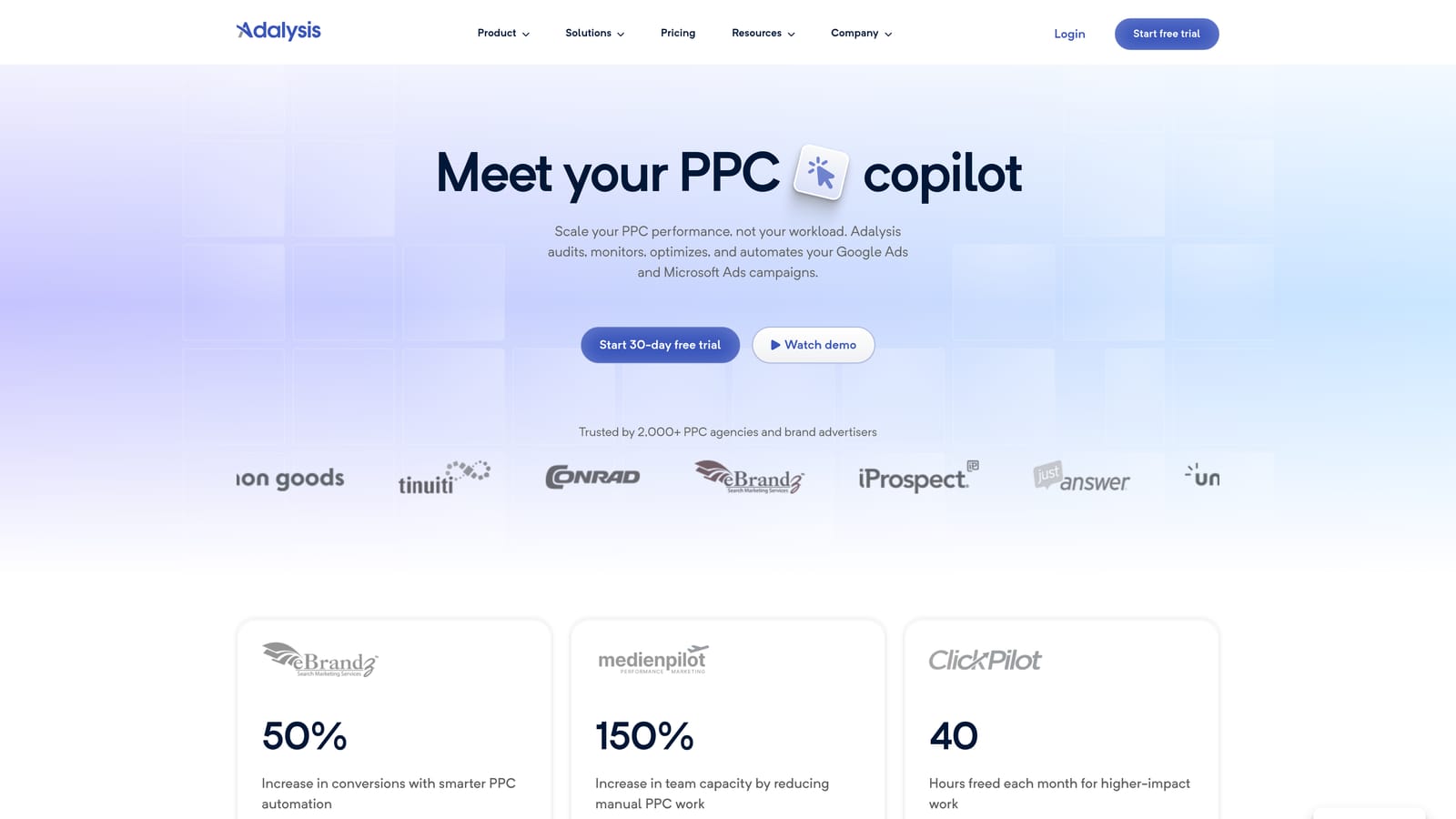
Adalysis focuses on automated PPC auditing. It scans accounts continuously, flags issues, and suggests tests, which makes it useful when you can't manually review every client every week.
What it does well
The distinguishing feature is the always-on audit across client accounts. Instead of discovering a problem at the next monthly review, you get an alert. It supports Google Ads and Microsoft Ads.
- Automated account audits point out problems you'd otherwise find only by digging.
- Ad testing analysis shows which ad variations are worth keeping and which to retire.
- Alerts catch changes in performance or account health between reviews.
- Quality Score tracking lets you watch a metric Google reports at the keyword level over time.
- Reporting packages the findings for clients or internal review.
What to watch
There's a learning curve, and the recommendations need human review. An audit flag is a prompt to investigate, not an instruction to follow blindly. It also won't speed up the hands-on work of cleaning search terms.
Pricing: tiered. Check the vendor's page for current plans and what drives the price, which typically depends on account volume and features.
Best for: Agencies that want systematic account health monitoring.
4. Google Ads Editor
Google Ads Editor is Google's free desktop app for making bulk changes to accounts. It's the tool to reach for when you're restructuring campaigns, building out many ad groups, or copying settings across accounts.

The standout is simple: it's free, first-party, and handles bulk editing across multiple accounts. Nothing else here matches that at zero cost.
- Bulk edits let you change many campaigns, ad groups, keywords, or ads in one pass.
- Offline editing means you can build out changes without being logged into the live interface.
- Multi-account management lets you work across clients in one app.
- Copy and paste across campaigns saves hours when replicating structure.
- Change review before posting lets you check everything before it goes live.
It's a desktop install, and whoever builds or restructures campaigns uses it. The limitation is that it provides no insights, alerts, or reporting. The workflow is manual, and it won't tell you what to change. For day-to-day search term review, it's slower than an in-interface approach.
Pricing: free. Nothing scales with seats, accounts, or spend.
Best for: Budget-conscious advertisers doing large structural edits.
5. SEMrush
SEMrush is a broad marketing suite with PPC research and agency tools built in. It's the pick when your agency sells SEO and paid search together and wants one subscription for competitive intelligence on both.
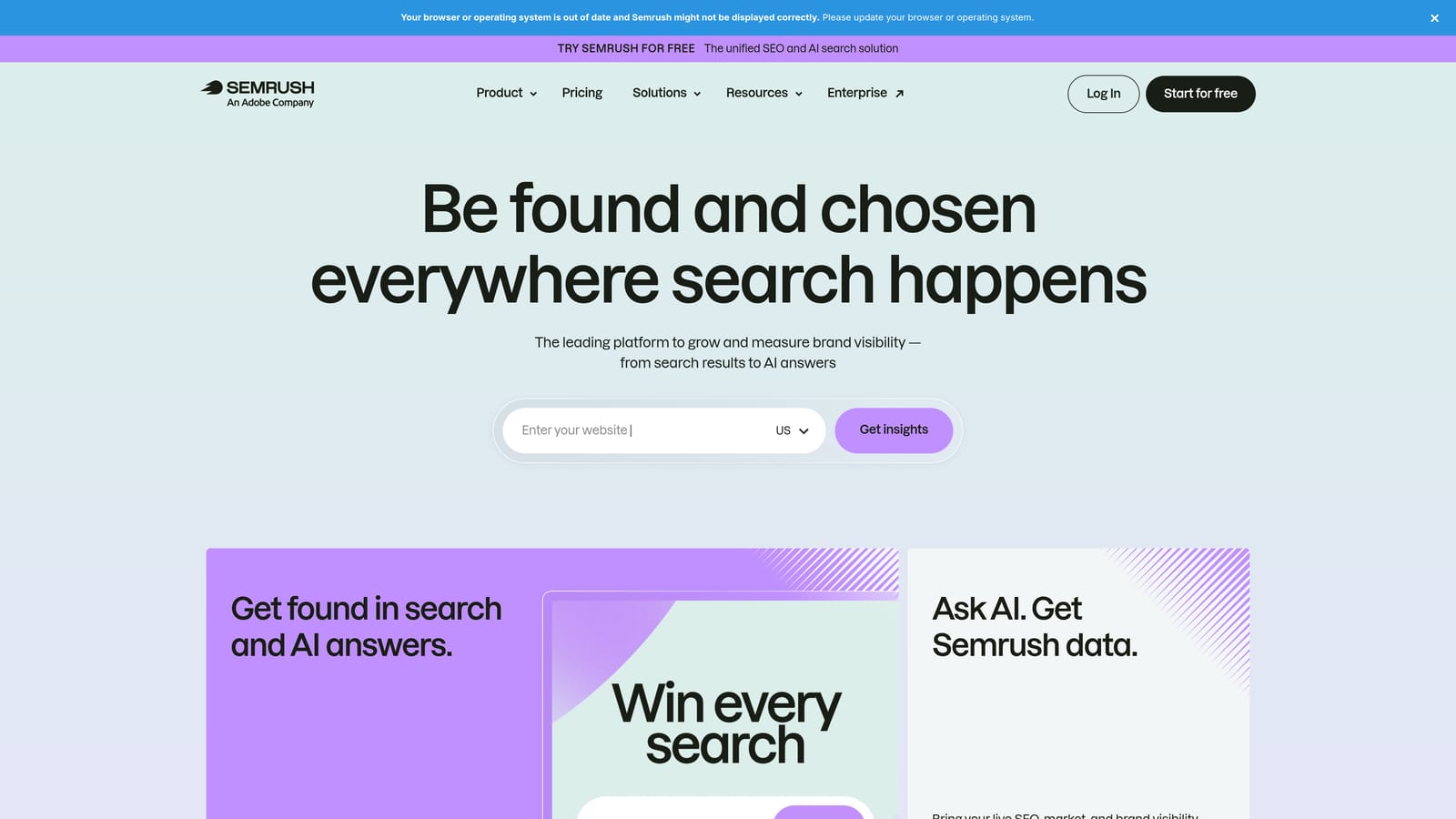
Be clear about what it is not: it doesn't edit your Google Ads accounts. It's a research and reporting layer, and PPC is one part of a much larger product.
- PPC keyword research helps you find and size terms before you build campaigns.
- Advertising research shows how competitors approach paid search.
- Competitor ad data gives you a view of what rivals are running.
- An agency toolkit supports prospecting and client work.
- Reporting pulls data through integrations with Google Ads, Google Analytics, and Looker Studio.
Setup is mostly connecting data sources and learning the suite, which is large. If you only need PPC, you'll pay for plenty you don't use.
Pricing: tiered monthly plans as of October 2026. Exact figures vary by plan and add-ons, so check the pricing page. Cost typically rises with the plan level and the number of projects or users you need.
Best for: Agencies that sell both SEO and PPC.
6. Swydo
Swydo automates white-label reporting for agencies. You connect client data sources, build report templates, and schedule delivery, so monthly reporting stops eating a day of someone's time.
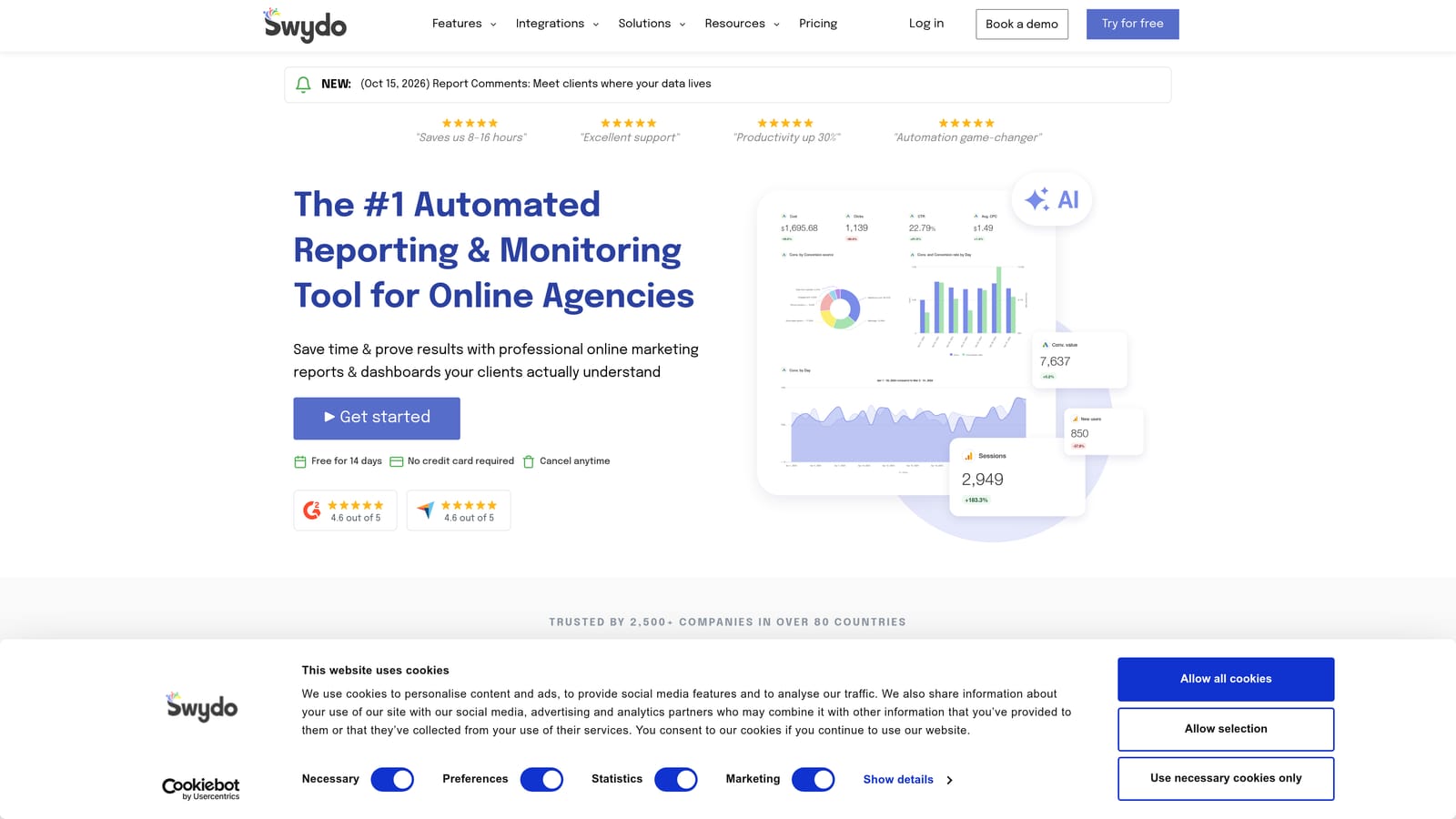
Its edge over the other reporting option here is the client-ready template approach: reports come out branded and presentable without much design work.
- White-label reports carry your agency's branding, not the vendor's.
- Dashboards give clients a live view between reports.
- Scheduled delivery sends reports automatically on your cadence.
- Report templates let you standardize across clients and reuse setups.
- Multi-platform data sources cover Google Ads, Microsoft Ads, Meta Ads, and Google Analytics.
It's typically run by an account manager or ops person rather than a campaign specialist. The limitation is plain: it reports only. It won't clean search terms, change bids, or recommend fixes, so it complements an optimization tool rather than replacing one.
Pricing: tiered. Check the site for current plans and what moves the price, which is commonly the number of accounts or data sources you connect.
Best for: Agencies that need to cut monthly reporting time.
7. Google Looker Studio
Google Looker Studio is Google's free dashboard and reporting tool, with a native Google Ads connector. If you have time to build, it gives you fully customizable client dashboards without a subscription.

That freedom is the difference from Swydo: you design everything yourself, rather than starting from polished defaults.
- A native Google Ads connector pulls campaign data in without exports.
- Custom dashboards let you show exactly the metrics each client cares about.
- Shareable reports give clients access through a link.
- Templates give you a starting point so you don't build from scratch.
- Data blending combines sources, such as Google Ads and Google Analytics, in one view.
It also connects to BigQuery and third-party connectors. The catch is time: building and maintaining dashboards across many clients is real work, and some third-party connectors cost extra. It also does nothing to optimize accounts.
Pricing: the core product is free, and a paid Pro tier is available. Third-party connector fees are the main cost to watch.
Best for: Agencies that want free custom reporting.
8. WordStream by LocaliQ
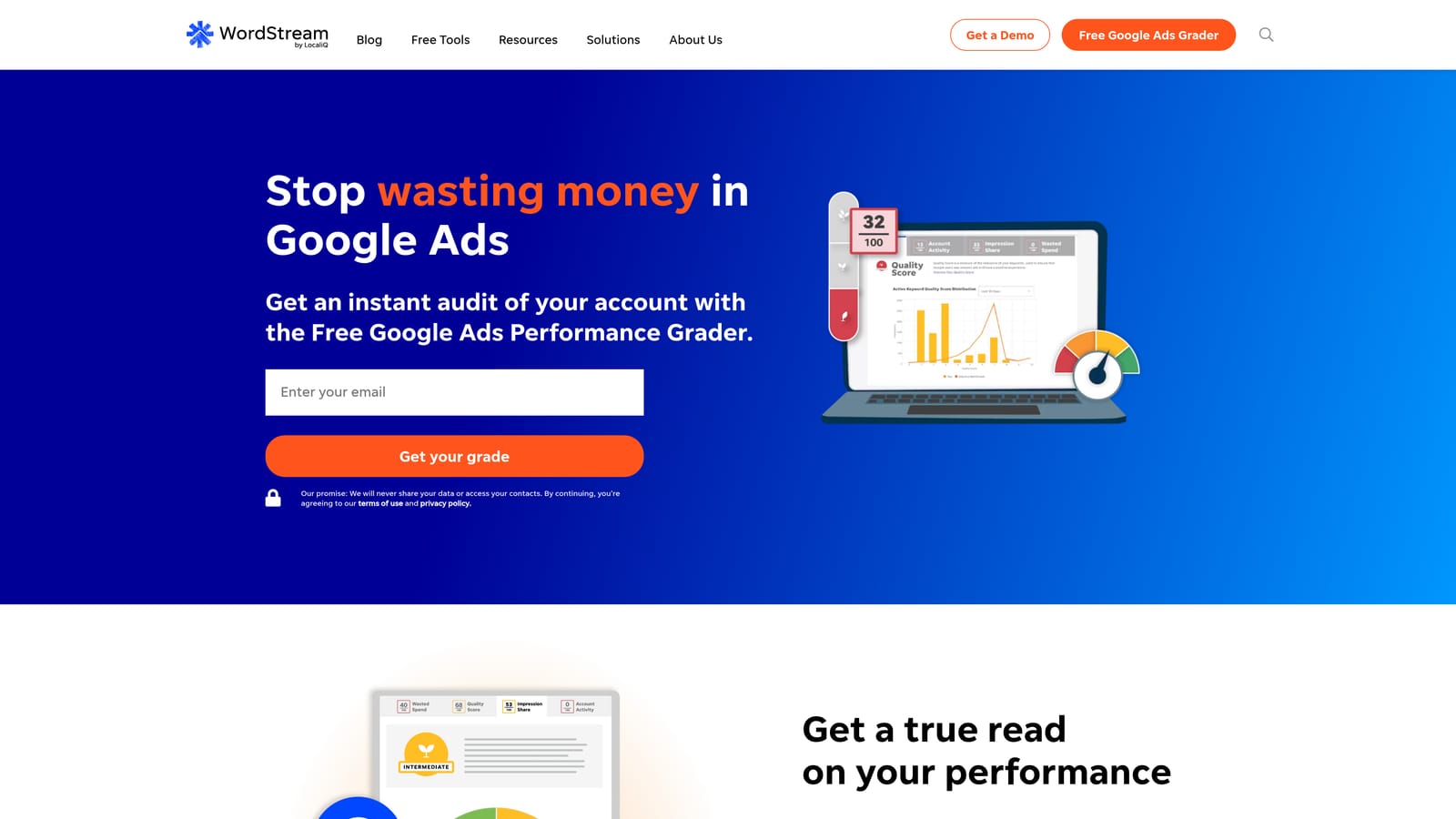
WordStream by LocaliQ is a PPC management and optimization platform aimed at smaller advertisers. Its distinctive trait is guidance: prioritized task lists tell less experienced users what to fix next, instead of leaving them to find problems themselves.
- Prioritized optimization tasks point you to the next most useful change.
- An account grader gives a quick read on account health.
- Performance reporting covers the basics for client updates.
- Google and Microsoft Ads support covers the two main search platforms.
It suits small teams without a dedicated PPC specialist, since the platform effectively coaches the user. Experienced agencies may find it too basic, and agency fit should be confirmed with the vendor before you commit, because the product is built with smaller advertisers in mind.
Pricing: quote-based. Pricing is less transparent than most tools here, so you'll need to talk to sales. Ask what happens to the price as you add accounts and spend.
Best for: Small teams wanting guided optimization.
9. SpyFu
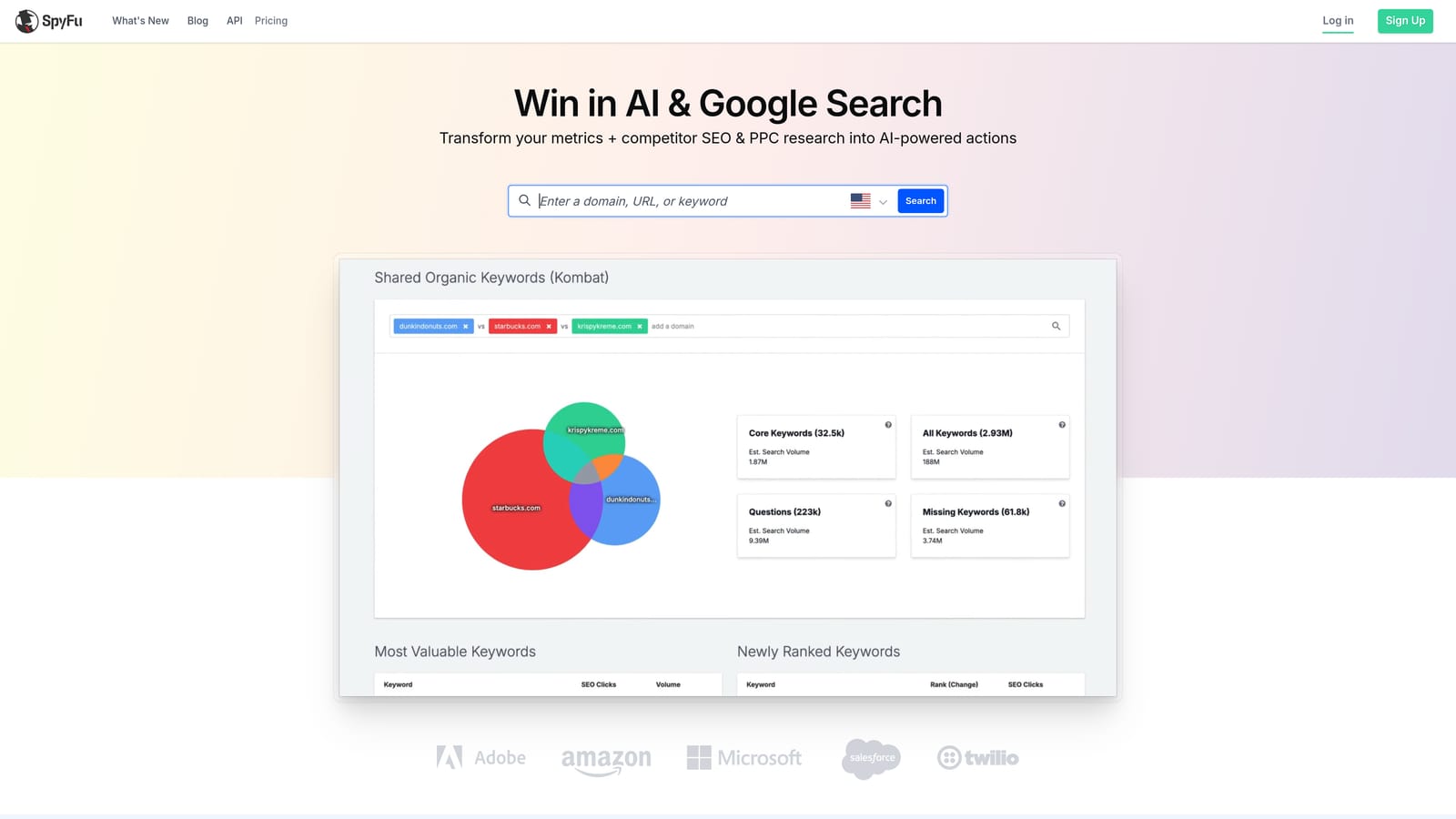
SpyFu is a competitor keyword and ad research tool. Its standout is historical data: you can look back at the ad copy and keywords a competitor has used over time, which is handy for sales pitches and for sanity-checking your own strategy.
- Competitor PPC keywords show which terms rivals bid on.
- Ad history reveals how competitor messaging has changed.
- Keyword research helps you find terms worth testing.
- Reports can be exported, which is the main way it fits into other workflows.
- Domain comparison shows overlap and gaps between you and a competitor.
There are no direct account integrations beyond exportable reports. The data is third-party estimates, not your account data, so treat it as directional. It's a research tool and does nothing to manage or optimize campaigns. Whoever handles sales or strategy usually uses it more than the person in the account.
Pricing: tiered. Check the pricing page for current plans and limits, which commonly govern how much data and how many reports you can pull.
Best for: Pitching prospects and researching competitors.
Which Tool Fits Which Agency Setup
For per-seat optimization, Keywordme is the simplest to model: $12 per user per month, regardless of how many client accounts you manage. If your biggest time sink is search term review, that's the cleanest fit, though it won't give you reporting or bid management. For a full agency suite with automation, Optmyzr is the heavier option, and Adalysis is the better choice if monitoring matters most.
For reporting, Swydo gets you polished white-label output fast, while Looker Studio is free if you'll invest the build time. On a zero budget, Google Ads Editor and Looker Studio cover bulk edits and dashboards. For competitor research, SEMrush suits agencies that also sell SEO, and SpyFu is the focused pick for pitches.
One reminder before you buy: pricing models differ. Per-seat, per-account, and spend-based plans cross over as you grow, so price each shortlisted tool at your own client count, whether that's 5, 15, or 30 accounts, not at the entry-level sticker price.
Optimize Google Ads Campaigns 10X Faster. Without Leaving Your Account. Keywordme lets you remove junk search terms, build high-intent keyword lists, and apply match types instantly, right inside Google Ads. No spreadsheets, no switching tabs, just quick, seamless optimization. Start your free 7-day trial (then just $12/month) and take your Google Ads game to the next level.
.svg)