
9 Best Agency PPC Software Tools Compared for 2026
This agency PPC software comparison reviews nine tools for Google Ads agencies, PPC leads, and freelancers, covering search term review, auditing, bulk edits, reporting, data pipelines, and research. Each pick is chosen for the agency workflow problem it solves, with pricing noted where costs scale by seats, accounts, or dashboards.


If you run Google Ads for a handful of clients (or a few dozen), you already know no single piece of software covers every job. This list is for agency owners, PPC leads, and freelancers who want tools that save real hours without hiding what is happening inside the accounts. Each tool was picked for what it fixes in an agency workflow: search term and keyword work, auditing, bulk edits, reporting, data pipelines, and research. Pricing is flagged where it scales with seats, accounts, or dashboards.
Quick Comparison of the Agency PPC Tools
- Keywordme: freelancers and agency teams that spend hours on search term review; $12/month per user with a 7-day free trial; one-click keyword and negative keyword actions inside the native Google Ads Search Terms Report.
- Optmyzr: mid-size agencies that want rule-driven control; tiered pricing, see website; the broadest library of configurable optimizers and rules on this list.
- Adalysis: agencies QA-ing many client accounts; tiered pricing, see website; automated ad-testing analysis with alerts across accounts.
- Google Ads Editor: agencies doing big build-outs on a budget; free; the official offline editor with change review before posting.
- Google Ads Manager Account (MCC) and Scripts: technical agencies that want centralized access and free automation; free; native cross-account management plus custom scripts.
- DashThis: agencies needing polished recurring reports fast; tiered by number of dashboards, see website; template-based multi-channel dashboards.
- Supermetrics: data-minded agencies building custom reporting stacks; quote-based or tiered, see website; flexible pipelines into Sheets, Looker Studio, and warehouses.
- SEMrush Advertising Toolkit: agencies doing pitch research and competitive analysis; subscription tiers, see website; PPC and SEO competitor intelligence in one platform.
- Swydo: agencies wanting branded reports plus goal monitoring; tiered pricing, see website; white-label reporting built around agency client management.
Pricing for every tool except Keywordme and the two free Google tools should be confirmed on each vendor's site, since plans and limits change. Everything below reflects the information available as of November 2026.
1. Keywordme
Keywordme is our own product, so here is the honest version. It is a Chrome extension that adds one-click actions inside the Search Terms Report in Google Ads. That report shows the actual queries people typed that triggered your ads. Those are search terms, which are different from keywords, the targeting terms you add to your account. Keywordme lets you act on that report without leaving it.
The standout is where it works: inside the native Google Ads interface. You review search terms, then add a query as a positive keyword or block it as a negative keyword (a term that stops your ads from showing on matching searches), all from the same screen. There are no exports and no spreadsheet round trips.
- Add keywords and negative keywords straight from the Search Terms Report, so cleanup happens as you review.
- Apply match types with clicks instead of typing brackets and quotation marks by hand.
- Cluster related keywords to build tighter, more organized lists.
- Bulk edit to apply the same action across many terms at once.
- Use multi-account and team support to run the same workflow across client accounts.
Setup is light: install the extension in Chrome and work in Google Ads as usual. The person who runs it day to day is whoever reviews search terms, usually a PPC specialist or account manager. You stay in control of every decision, since you choose which terms to add or exclude.
The limitation is scope. Keywordme works with Google Ads only and focuses on search terms and keywords. It has no reporting, no bidding or budget management, and no cross-channel features, so you will need to pair it with other tools for those jobs. If your pain is client reports or Meta campaigns, it will not help.
Pricing is a flat $12/month per user, with a 7-day free trial. Cost scales with the number of team members, not with client count or ad spend.
Best for: Agencies and freelancers who spend hours on search term review and negative keyword lists.
2. Optmyzr
Optmyzr is a PPC management platform with optimization tools, audits, and reporting, built for agencies and in-house teams. Its strength is breadth: a large library of configurable optimizers and rules that hands-on specialists can tune to how they like to run accounts.
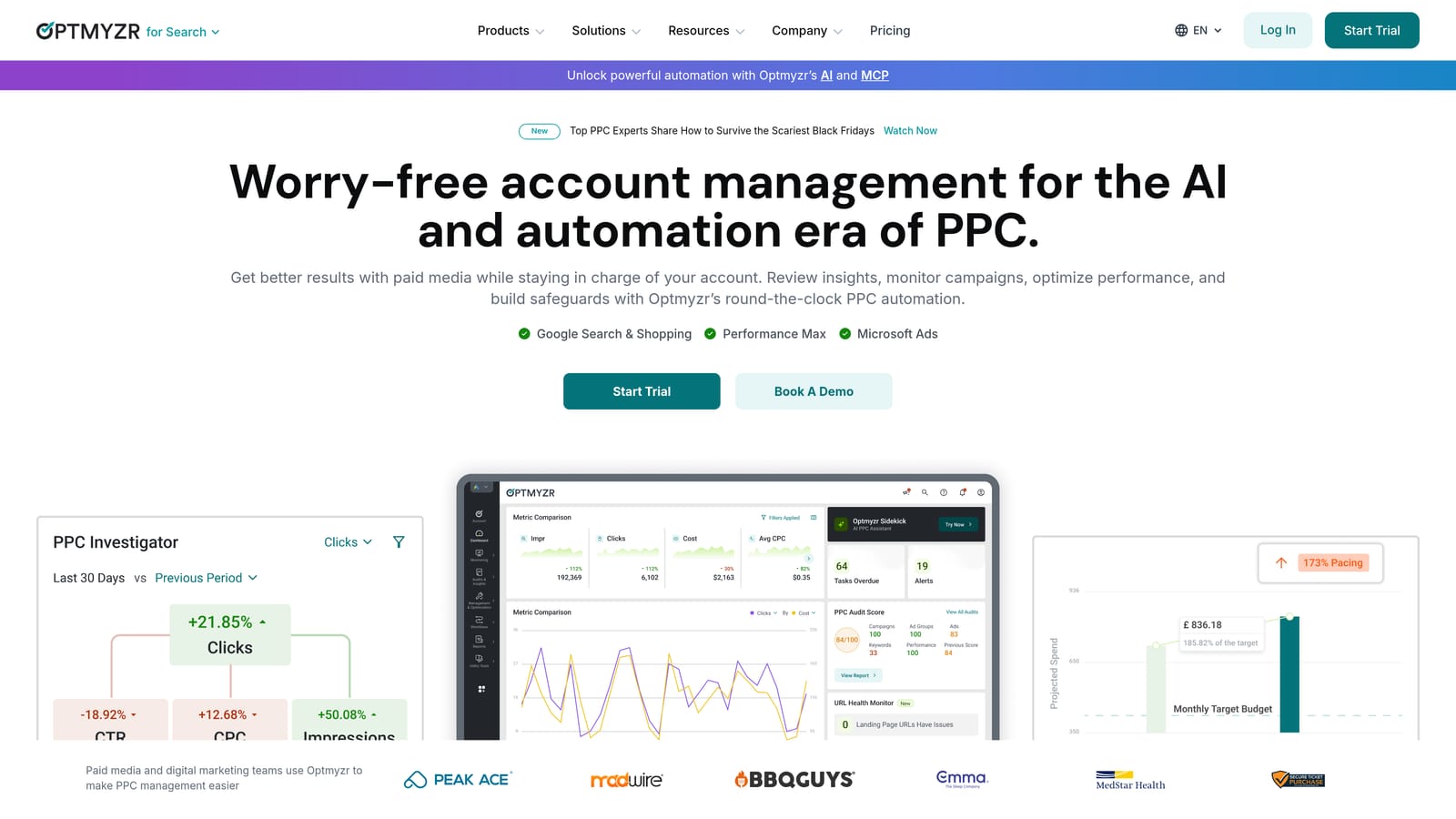
That makes it the closest thing on this list to a full paid search workbench. If you like building your own logic ("if cost per conversion rises past X, flag it"), Optmyzr gives you the controls to do that and review the results.
- One-click optimizations apply recommended changes after you review them, which cuts repetitive account work.
- A rule engine lets you encode your own checks and actions so they run consistently across accounts.
- Account audits surface structural and performance issues without manual digging.
- Bulk editing handles changes across many campaigns at once.
- Client reporting packages results for stakeholders without a second tool.
It connects to Google Ads and Microsoft Advertising. Setup means linking accounts and then deciding which optimizers and rules to turn on, and that second part takes real time. Expect a specialist, not a junior account coordinator, to own it.
The tradeoffs are a steeper learning curve and a cost that can feel heavy for small agencies. If you only need search term cleanup, it is more platform than you need. It also does not cover Meta, so social campaigns need another home.
Pricing is tiered, and the starting price is listed on the Optmyzr website. Tiers generally reflect the scale of what you manage, so check current plans against your client count and spend.
Best for: Mid-size agencies wanting deep, rule-driven control of paid search accounts.
3. Adalysis
Adalysis is an automated auditing and alerting tool. It scans accounts for problems and testing opportunities, so your team spends time fixing issues instead of hunting for them. Its sharpest edge is ad-testing analysis: it evaluates ad variations and tells you what is winning across many accounts at once.
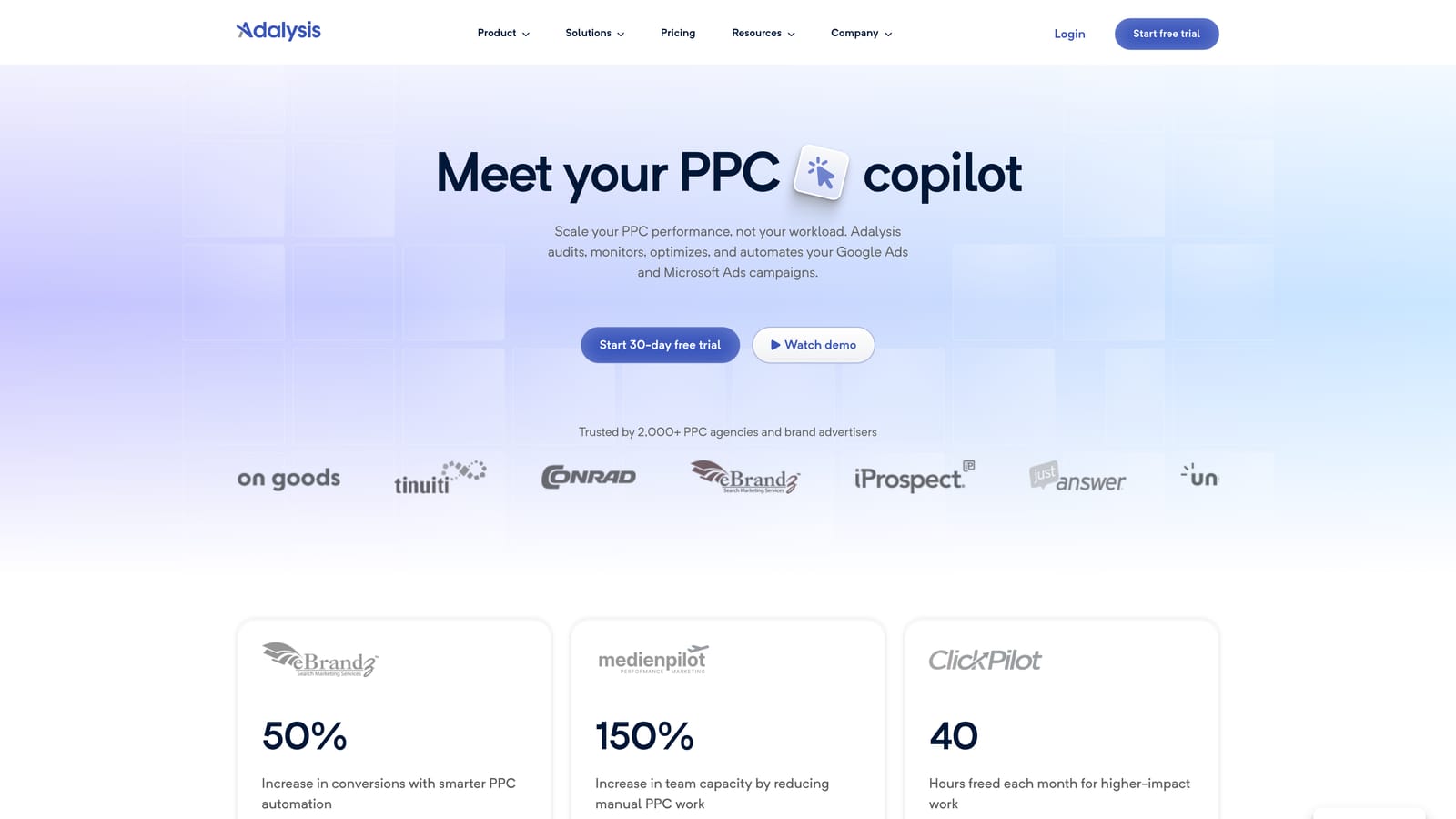
Think of it as a second pair of eyes that never gets tired. For an agency with dozens of accounts, that matters, because the account nobody looked at this week is usually the one with the problem.
- Automated account audits flag issues across accounts without a manual checklist.
- Ad testing analysis shows which ads are performing, so test decisions rest on data.
- Alerts notify you when something changes or breaks, shortening the time to catch a problem.
- Quality and structure checks highlight weak spots in how accounts are built.
- Reporting summarizes findings for internal review or clients.
It supports Google Ads and Microsoft Advertising. Setup is mostly connecting accounts and tuning which alerts matter. A PPC lead or QA-minded account manager typically owns it, then routes tasks to the team.
The main limitation is its diagnostic focus. Adalysis tells you what is wrong, but fixes still require manual work or another tool. If you want the platform to do the editing, look at Optmyzr or Google Ads Editor alongside it.
Pricing is tiered; see the Adalysis website for current starting prices and what each tier includes.
Best for: Agencies QA-ing a large number of client accounts.
4. Google Ads Editor
Limitations first: Google Ads Editor has no automation, no alerts, and no reporting. Everything in it is manual. What you get in exchange is a free, official desktop app from Google for bulk editing and managing campaigns offline.
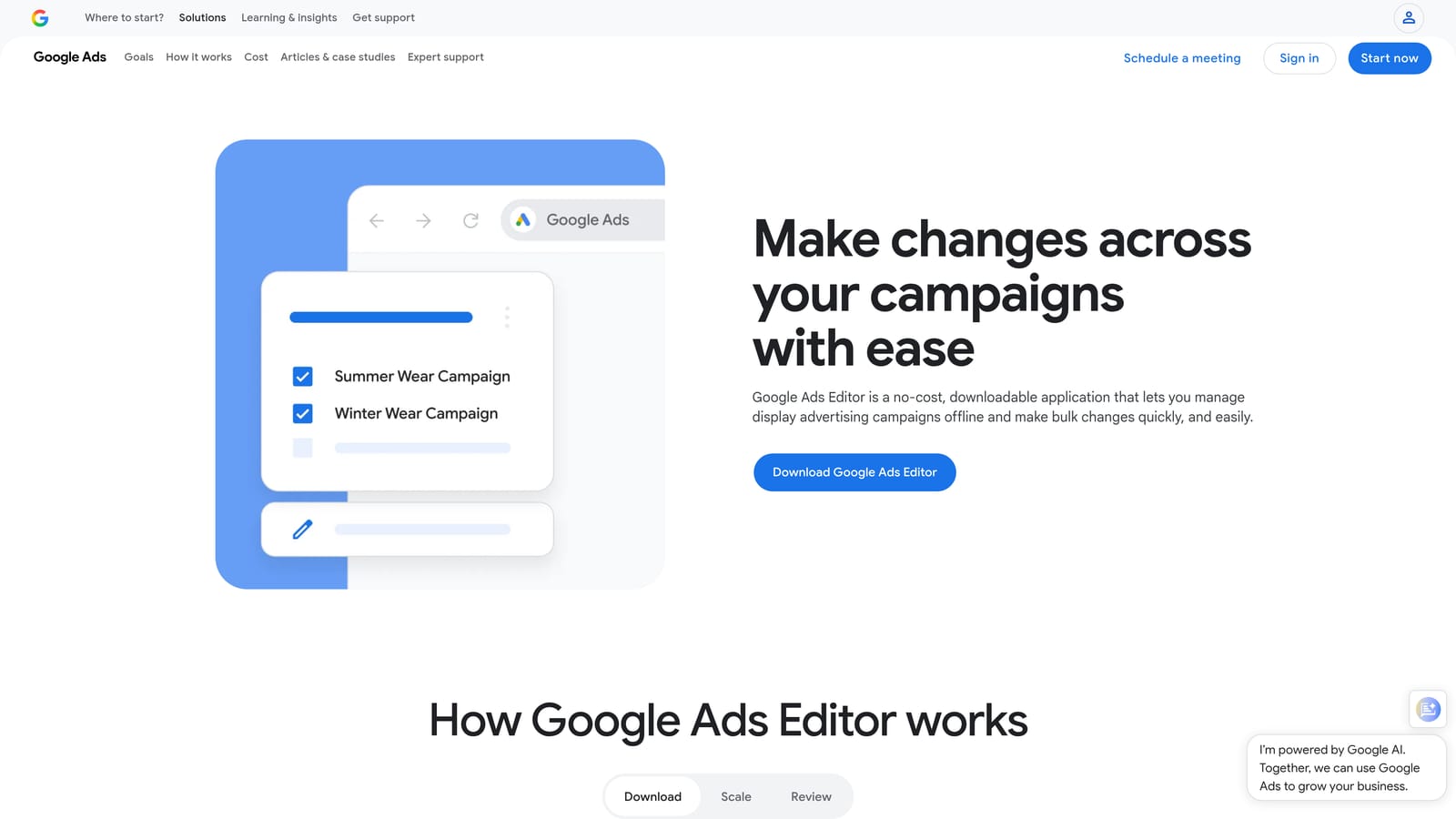
That makes it the standard choice for big structural work: launching a new account with hundreds of ad groups, restructuring campaigns, or rolling the same changes out across clients. Nothing else on this list handles that kind of build-out as cheaply.
- Bulk edits change keywords, ads, and settings across many campaigns in one pass.
- Offline drafting lets you build and revise without touching the live account.
- Copy and paste across accounts reuses structures and ad copy for multiple clients.
- Change review shows exactly what will be posted before anything goes live.
- Multi-account management lets you move between client accounts in one app.
It only covers Google Ads. Setup is a download and sign-in, and the person using it is whoever builds or restructures campaigns. There is some practice involved before bulk changes feel safe, so review every change before posting.
It is not for agencies hoping for ongoing monitoring or recommendations, since it does nothing unless you tell it to. For day-to-day search term work, a tool that sits inside the live interface is faster.
Pricing: free.
Best for: Agencies doing large build-outs and structural edits on a budget.
5. Google Ads Manager Account (MCC) and Scripts
A manager account, often called an MCC (My Client Center), is Google's native structure for agencies. You link client accounts under one manager login instead of juggling separate credentials. Google Ads manager accounts are free, and they pair with Scripts, snippets of JavaScript that automate tasks inside Google Ads.
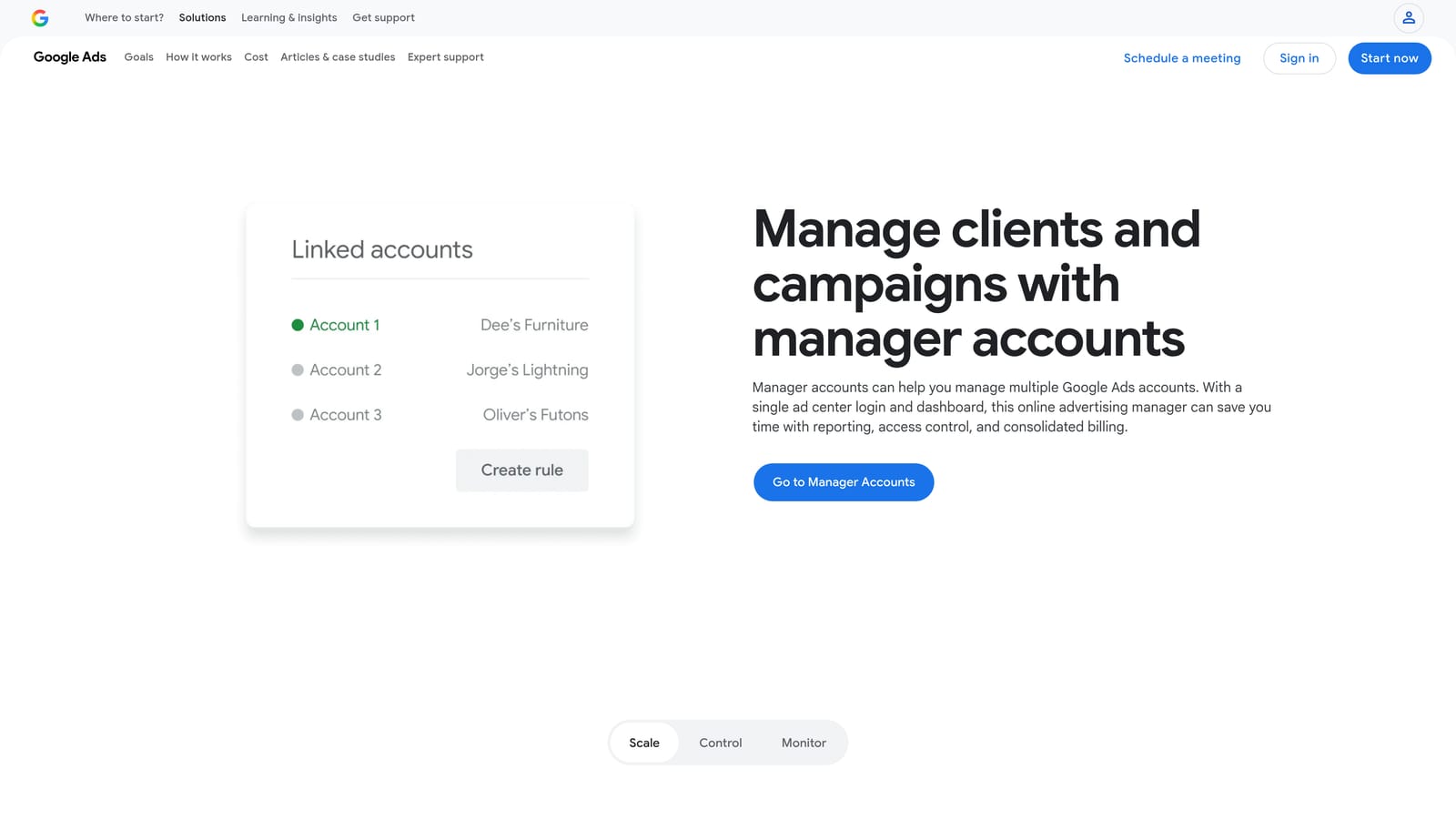
This is the foundation most agencies already use. What sets it apart on this list is that it combines native cross-account management with free custom automation. If you have someone who can write code, scripts can do things paid tools charge for.
- A single login across client accounts removes the credential shuffle and saves time every day.
- Access controls let you decide which team members can see or change which accounts.
- Shared negative keyword lists apply one set of exclusions across multiple campaigns.
- Cross-account reporting gives a basic roll-up view without extra software.
- Scripts automate custom checks and tasks that fit your specific workflow.
The catch is scripts. They need coding skill and ongoing upkeep, and a script that worked last year can break when something changes. It also covers Google Ads only. A team without a technical person will get the account structure benefits but little from automation.
Pricing: free.
Best for: Technical agencies wanting free, customizable automation and centralized access.
6. DashThis
DashThis is a reporting dashboard that pulls data from many marketing platforms into automated client reports. It does one job, and it does it quickly: template-based, multi-channel dashboards you can set up without much design effort.
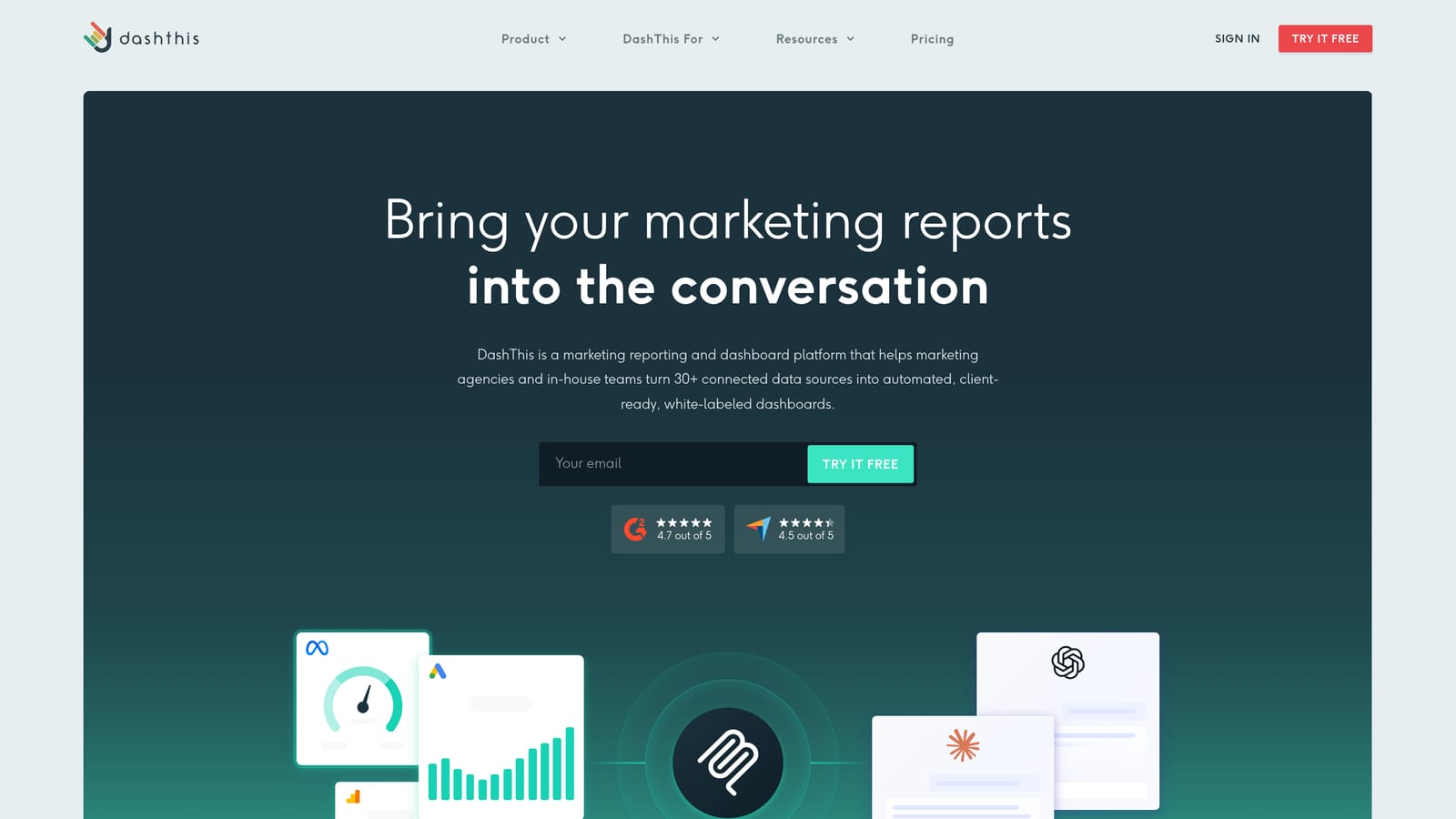
If you spend the first week of every month copying numbers into slides, this is the kind of tool that gives that time back. It will not touch your campaigns, though.
- Report templates get a client dashboard live without building from scratch.
- Many data source integrations combine Google Ads, Meta Ads, Google Analytics, and other platforms in one view.
- Automated report sending delivers reports to clients on a schedule.
- Shareable dashboards let clients check results themselves between reports.
- Custom branding options make reports look like your agency's work.
Setup is connecting data sources and choosing or tweaking a template, which an account manager can handle without technical help. Reporting is its whole purpose: there is no campaign optimization, so it needs to sit alongside tools that do the actual work.
Pricing is tiered by the number of dashboards, so cost rises as your client roster grows. See the DashThis website for current plans.
Best for: Agencies that need polished, recurring client reports quickly.
7. Supermetrics
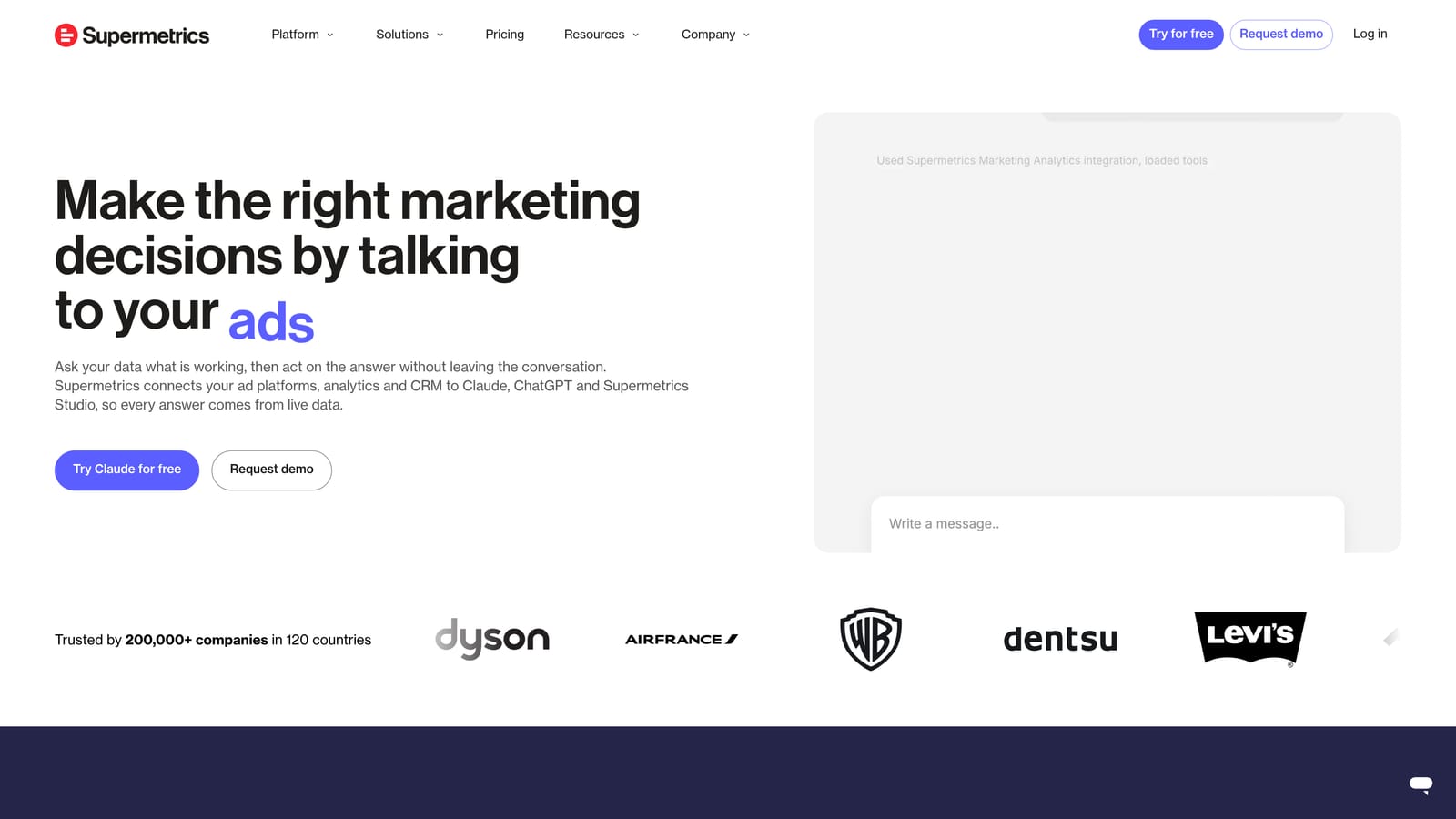
Supermetrics is a marketing data connector. It moves ad and analytics data into spreadsheets, BI tools, and data warehouses, and it is not a reporting tool in itself. That is the key difference from DashThis and Swydo: Supermetrics gives you the pipes, and you decide what to build with them.
What it is good at
Flexibility. Because it feeds raw data to the destination of your choice, you can blend sources, build custom metrics, and design reports no template would allow.
- Connectors for many ad platforms bring Google Ads, Meta, and others into one place.
- Looker Studio and Google Sheets destinations let you build reports in tools your team may already use.
- Scheduled data refresh keeps reports current without manual pulls.
- Data warehouse transfers (such as BigQuery) support larger, long-term datasets.
- Data blending combines sources so you can compare channels on one set of metrics.
What it takes
Setup happens in the destination tool, so someone needs to be comfortable with Sheets, Looker Studio, or a warehouse. Usually that is an analyst or a data-minded account lead. It is not an optimization product and will not improve campaigns on its own.
Pricing is quote-based or tiered; see the Supermetrics website. Cost typically depends on which connectors and destinations you use and how much you need, so scope your stack before requesting a quote.
Best for: Data-minded agencies building custom reporting stacks.
8. SEMrush Advertising Toolkit
This one is for research, not account management. The PPC tools inside SEMrush let you see competitors' paid keywords and ad copy, which makes them useful before you ever touch a client's account. The standout is that it combines PPC and SEO research in one platform.
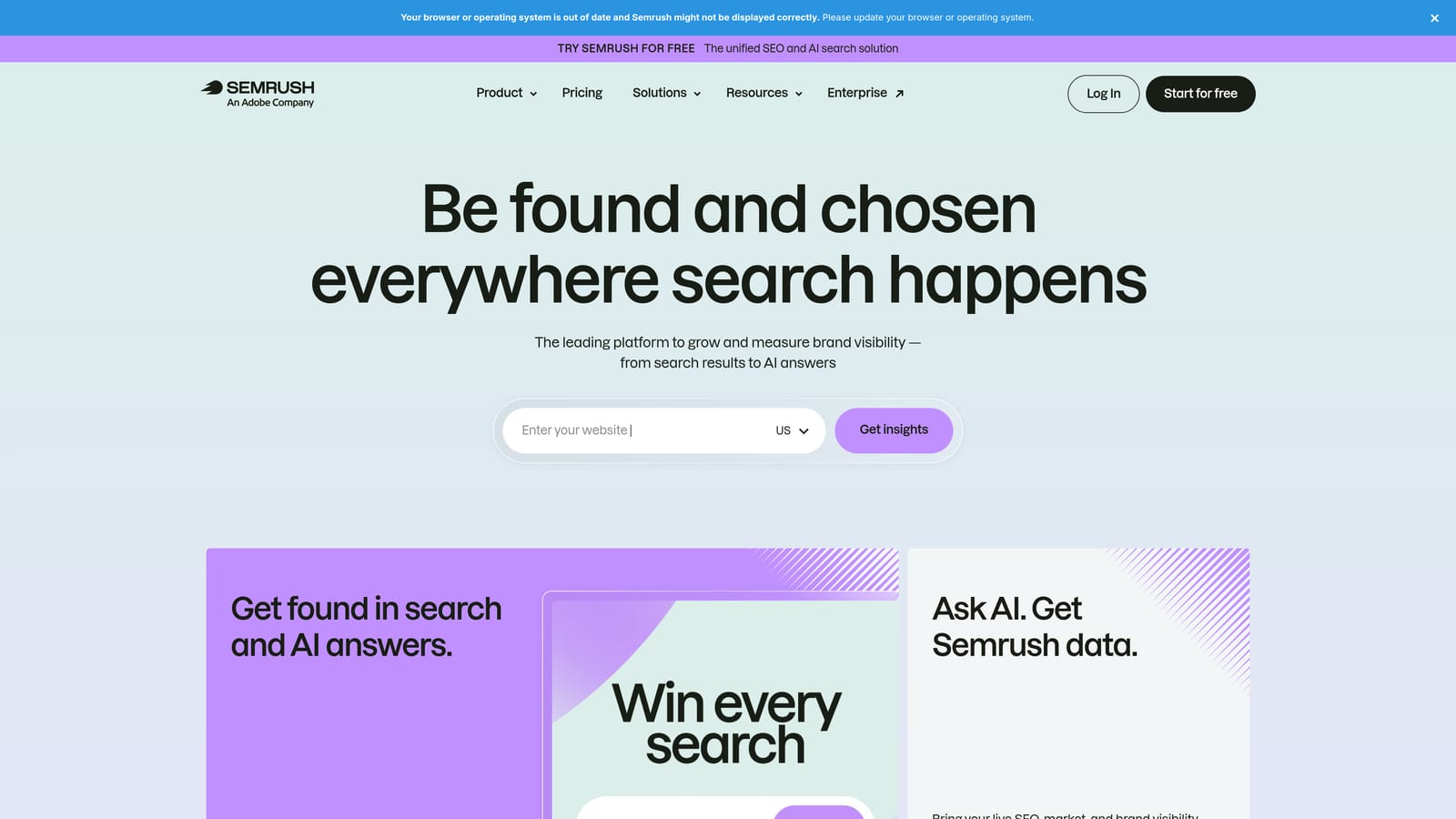
Agencies tend to use it at the pitch stage and for ongoing competitive checks: what is a competitor bidding on, and what are they saying in their ads?
- Competitor PPC keyword research shows which terms rivals appear to target, so you can spot gaps.
- Ad copy research reveals messaging angles competitors are running.
- Keyword research tools help size and shortlist terms for new campaigns.
- Domain comparison puts your client next to competitors in one view.
- Position tracking monitors keyword rankings over time.
It integrates with Google Ads, Google Analytics, and Looker Studio. Setup is light for research use, and an account strategist or SEO lead often runs it as much as the PPC team does.
Be clear about what the data is: research and estimates from third-party sources, not your own account data. It does not manage campaigns, so it will not replace anything in the optimization or editing categories. Because it spans SEO too, smaller teams who need only PPC research may be paying for more than they use.
Pricing is by subscription tier; see the SEMrush website for current plans and add-ons.
Best for: Agencies doing pitch research and competitive keyword analysis.
9. Swydo
Swydo is a reporting and monitoring platform built for agencies. Its distinguishing trait is white-label reporting designed around how agencies manage clients, rather than a general dashboard tool adapted for them.
Where DashThis leans on speed and templates, Swydo adds goal tracking and performance monitoring, so you can see which clients are off pace without opening each account.
- White-label reports carry your agency's branding, not the vendor's.
- Performance monitoring helps you spot accounts drifting off target.
- Goal tracking compares results to the targets you set for each client.
- Multi-client management keeps many clients organized in one workspace.
- Automated report delivery sends reports on a schedule.
It connects with Google Ads, Meta Ads, Google Analytics, and other marketing platforms. Setup is connecting each client's data sources and building or adapting report layouts, a job an account manager can own.
The limitation is the same as other reporting tools: no hands-on campaign editing or optimization. You will still need something else to act on what the reports show.
Pricing is tiered; see the Swydo website for current starting prices and what changes between plans.
Best for: Agencies wanting branded client reporting plus goal monitoring.
Matching Tools to Jobs: What Most Agencies Actually Buy
No tool here does everything, and most agencies end up pairing two or three. Pick by the job that eats the most hours:
- Search term cleanup and keyword building: Keywordme, for fast keyword and negative keyword actions inside Google Ads.
- Account audits and alerts: Adalysis for scanning many accounts, or Optmyzr if you also want rule-driven fixes.
- Bulk edits and build-outs: Google Ads Editor, which is free.
- Centralized access and custom automation: a manager account with Scripts, if you have the technical skill.
- Client reporting: DashThis for speed, or Swydo for white-label reports with goal tracking.
- Data pipelines: Supermetrics, for custom reporting stacks.
- Competitor research: SEMrush, for pitches and competitive keyword analysis.
A practical starting stack for a small agency is a manager account, Google Ads Editor, Keywordme, and one reporting tool. Larger teams often add an auditing or optimization platform on top. If search term review is where your team loses time, the simplest first step is to try it where you already work.
Optimize Google Ads Campaigns 10X Faster. Without Leaving Your Account. Keywordme lets you remove junk search terms, build high-intent keyword lists, and apply match types instantly, right inside Google Ads. No spreadsheets, no switching tabs, just quick, seamless optimization. Start your free 7-day trial (then just $12/month) and take your Google Ads game to the next level.
