
9 Best Agency PPC Software Alternatives in 2026 (Ranked by Workflow Impact)
This ranked breakdown of the best agency PPC software alternatives in 2026 evaluates nine tools—from in-interface optimizers to full reporting suites—helping multi-client Google Ads managers identify the right fit based on workflow bottlenecks, team size, and budget.


TL;DR: Most agency PPC software is either overpriced, bloated, or forces you out of Google Ads to do basic tasks. This list covers the best agency PPC software alternatives in 2026, from in-interface optimization tools to full reporting suites, so you can find the right fit based on your workflow, team size, and budget.
If you're managing Google Ads for multiple clients, you've probably hit the wall with whatever tool you started with. Maybe it's too expensive as you scale. Maybe it's clunky. Maybe it pulls you out of the native Google Ads UI to do things you could do faster natively—if you had the right layer on top.
These nine tools cover a range of use cases: keyword optimization, negative keyword management, bid automation, reporting, and full campaign management. Each one solves a different bottleneck. We'll break down what each tool actually does well, who it's best for, and what it costs.
1. Keywordme
Best for: Agencies that want to optimize Google Ads search terms without leaving the native UI
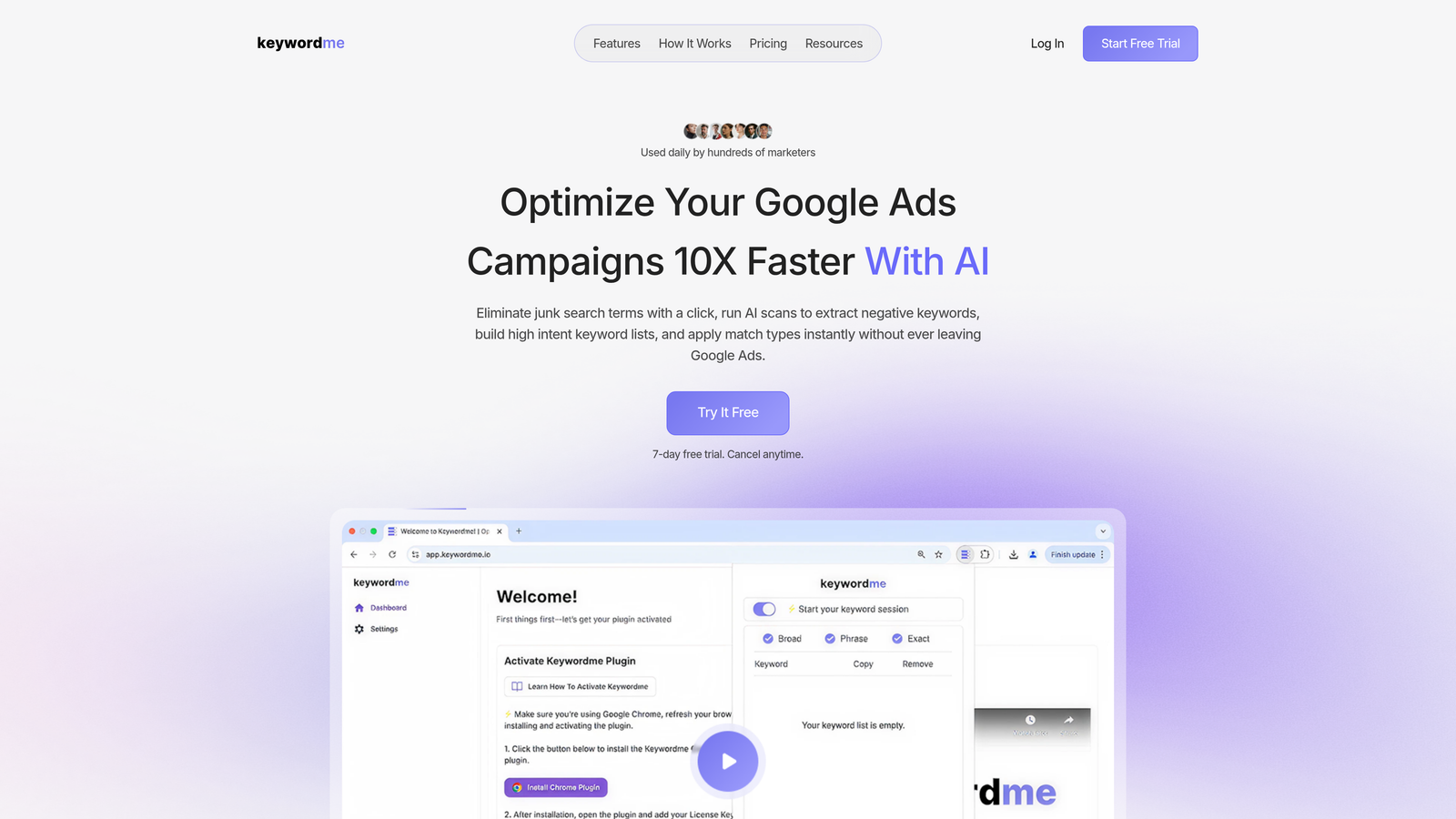
Keywordme is a Chrome extension that lives directly inside your Google Ads Search Terms Report, turning what's usually a slow, spreadsheet-heavy process into a series of one-click actions.
Where This Tool Shines
In most accounts I audit, the Search Terms Report is a mess. Irrelevant queries eating budget, match types applied inconsistently, keyword lists that haven't been updated in weeks. The usual fix involves exporting to a spreadsheet, filtering, making decisions, then re-importing. Keywordme collapses that entire loop into a single browser session.
The real differentiator is zero context switching. You're already in Google Ads. You open the Search Terms Report, and Keywordme surfaces the controls you need right there. Add negatives, apply match types, cluster keywords by theme, build high-intent lists—without touching a spreadsheet or opening another tab. For agencies managing multiple accounts, that time saving compounds fast.
Key Features
One-Click Negative Keyword Management: Flag and add negative keywords directly from the Search Terms Report without exporting or switching tools.
Instant Match Type Application: Apply broad, phrase, or exact match to any search term in one click, right inside the native UI.
Keyword Clustering: Group search terms by theme to build structured keyword lists quickly, without manual sorting.
Bulk Editing: Handle multiple search terms at once, saving significant time on large accounts with high search volume.
Multi-Account and Team Support: Built for agency workflows with support for multiple accounts and team members under a flat per-user rate.
Best For
Freelancers and agency teams who spend meaningful time inside the Google Ads Search Terms Report every week. Especially valuable for anyone managing 5 or more accounts who's tired of the export-edit-reimport cycle. Not a cross-platform tool—this is Google Ads specific.
Pricing
$12/month per user. Flat rate, not a percentage of ad spend. 7-day free trial available with no credit card required.
2. Optmyzr
Best for: Agencies that need rule-based automation and one-click optimization across multiple PPC platforms
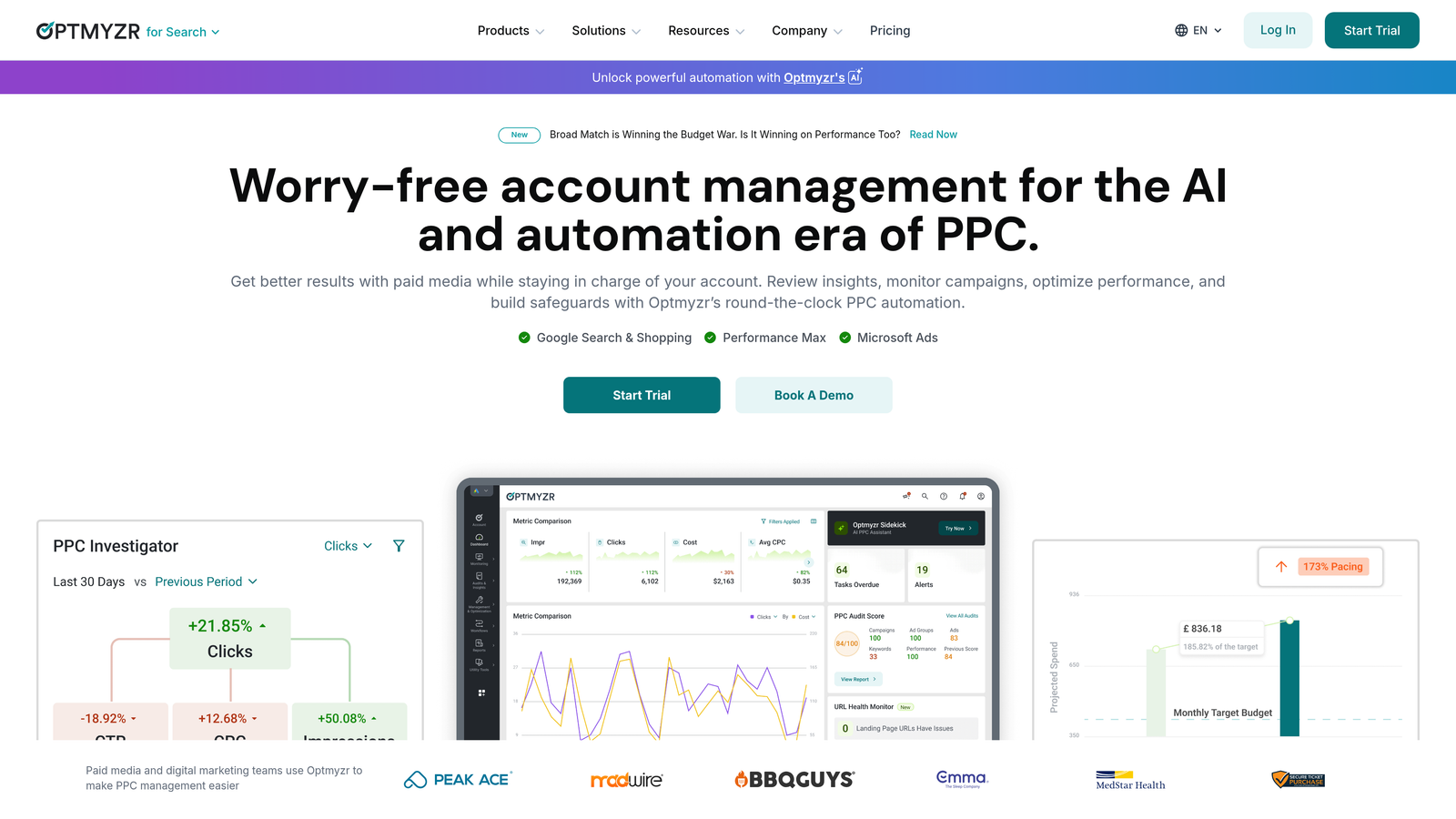
Optmyzr is a PPC management platform built by ex-Google engineers, offering automation recipes, custom scripts, and cross-platform campaign management across Google Ads, Microsoft Ads, and Amazon Ads.
Where This Tool Shines
Optmyzr's strength is its automation depth. The rule builder lets you create sophisticated bid and budget logic without writing raw scripts, which is a genuine time saver for agencies that want automation without a developer on staff. The "one-click optimization" suggestions surface prioritized actions across all your accounts in a single view.
The reporting layer is solid for client-facing agencies. Dashboards are customizable, and the agency tier supports multiple client accounts with separate logins. If you're running Google and Microsoft Ads simultaneously for clients, Optmyzr handles that cross-platform complexity better than most tools at this price point.
Key Features
PPC Management Scripts and Automation Recipes: Pre-built and customizable automation logic for bids, budgets, and keyword management.
One-Click Optimization Suggestions: Surfaces prioritized actions across all accounts so you can work through them systematically.
Cross-Platform Support: Manages Google Ads, Microsoft Ads, and Amazon Ads from a single interface.
Custom Rule Builder: Create conditional automation rules without writing code.
Agency Reporting Dashboards: Client-facing reports with white-label options and customizable metrics.
Best For
Mid-size to larger agencies managing significant monthly ad spend across multiple platforms. The learning curve is real, so it rewards teams willing to invest setup time upfront. Less ideal for freelancers or small teams that only run Google Ads.
Pricing
Starts around $208/month based on managed ad spend tiers. Verify current pricing at their site, as tiers change periodically.
3. WordStream Advisor (LocaliQ)
Best for: SMB-focused agencies that want guided, task-based optimization workflows
WordStream Advisor, now part of LocaliQ (owned by Gannett), is a guided PPC management platform known for its 20-Minute Work Week workflow that surfaces prioritized optimization tasks for smaller campaigns.

Where This Tool Shines
The 20-Minute Work Week concept is genuinely useful for agencies managing SMB clients where campaigns don't change dramatically week to week. The platform surfaces what needs attention, walks you through it, and tracks completion. It's less about power-user control and more about structured consistency.
That said, WordStream has evolved significantly since the LocaliQ acquisition. What used to be a standalone SaaS tool has shifted toward a more managed service model. If you're evaluating it as pure software, verify what you're actually buying before committing. The product experience may differ from what older reviews describe.
Key Features
20-Minute Work Week Workflow: Guided task queue that surfaces the highest-priority optimizations for each account.
Automated Keyword Suggestions: Surfaces new keyword opportunities and negative keyword alerts based on account activity.
Cross-Platform Management: Covers both Google Ads and Microsoft Ads from a single interface.
Landing Page and Conversion Tracking Tools: Built-in tools for tracking campaign performance beyond the click.
SMB Benchmarks and Reporting: Industry-specific benchmarks that help contextualize performance for smaller clients.
Best For
Agencies focused on SMB clients who want structure and guided workflows rather than deep automation control. Less suited to agencies managing high-spend, complex accounts that need granular control.
Pricing
Not publicly listed. Contact LocaliQ directly for current pricing.
4. Adalysis
Best for: Agencies where ad testing and Quality Score monitoring are core deliverables
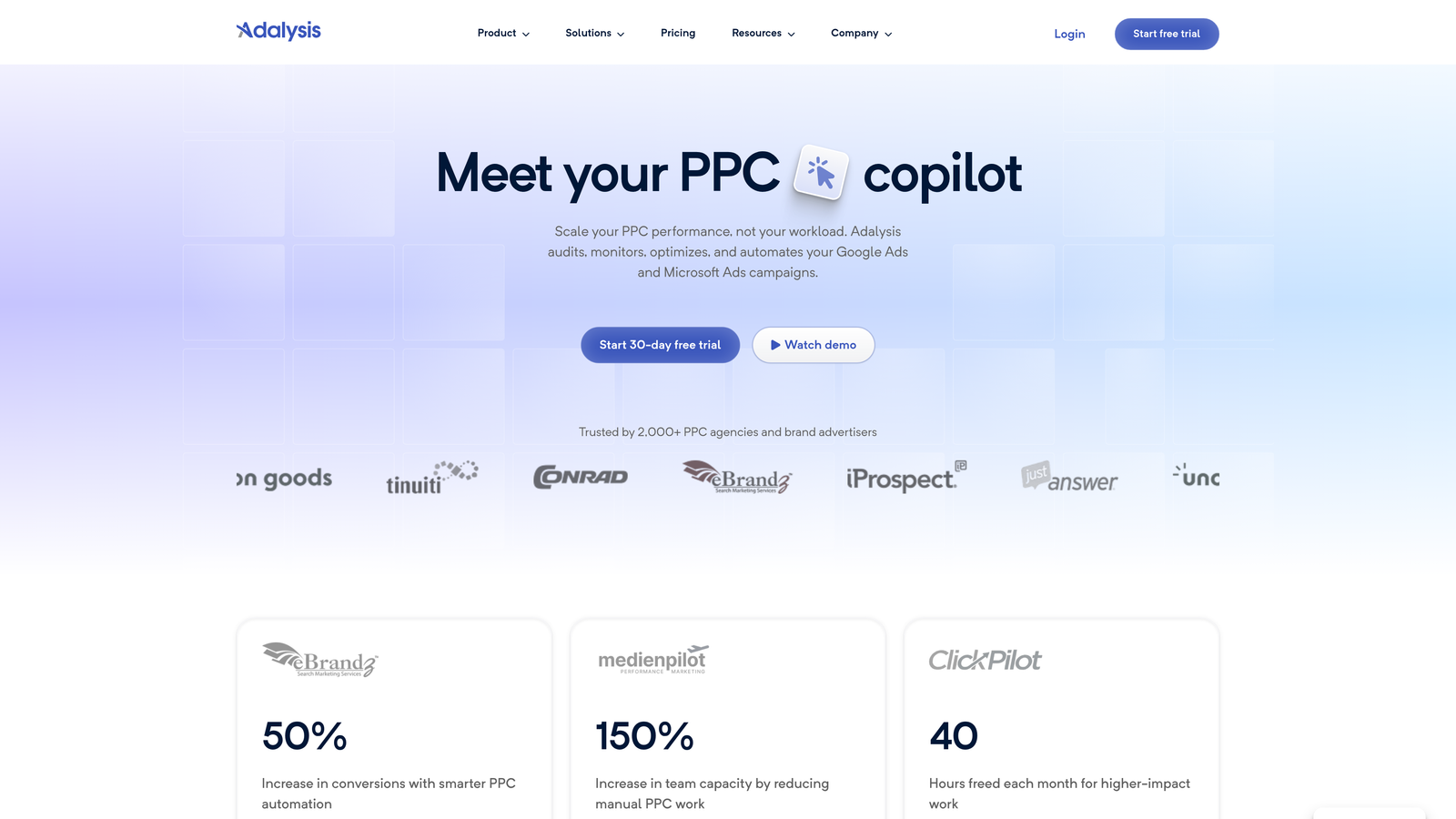
Adalysis is a Google Ads optimization platform focused specifically on ad testing, Quality Score analysis, and account health monitoring, with automated A/B testing that tracks statistical significance.
Where This Tool Shines
The mistake most agencies make with ad testing is running tests without statistical rigor. They pause the "losing" ad too early or let tests run too long without a clear decision framework. Adalysis automates that logic, flagging when a test has reached significance and recommending the next action. That alone saves a lot of guesswork.
The account health audit dashboards are genuinely useful during onboarding new clients. Disapproval alerts, broken ad notifications, and Quality Score tracking give you a clear picture of where an account stands before you start making changes.
Key Features
Automated A/B Ad Testing: Tracks statistical significance and surfaces clear winners without manual analysis.
Quality Score Monitoring: Historical tracking of Quality Score changes across keywords and ad groups.
Account Health Dashboards: Centralized view of disapprovals, broken ads, and performance anomalies.
Broken Ad and Disapproval Alerts: Proactive notifications so issues don't go unnoticed between check-ins.
Keyword and Ad Performance Analysis: Granular breakdowns of what's working and what needs attention.
Best For
Agencies that sell creative testing and account audits as core services. Less focused on keyword management or bid automation, so it works best alongside a tool that covers those functions.
Pricing
Starts around $99/month. Verify current pricing on their site.
5. Google Ads Editor
Best for: Budget-conscious agencies that need powerful bulk editing without a monthly fee
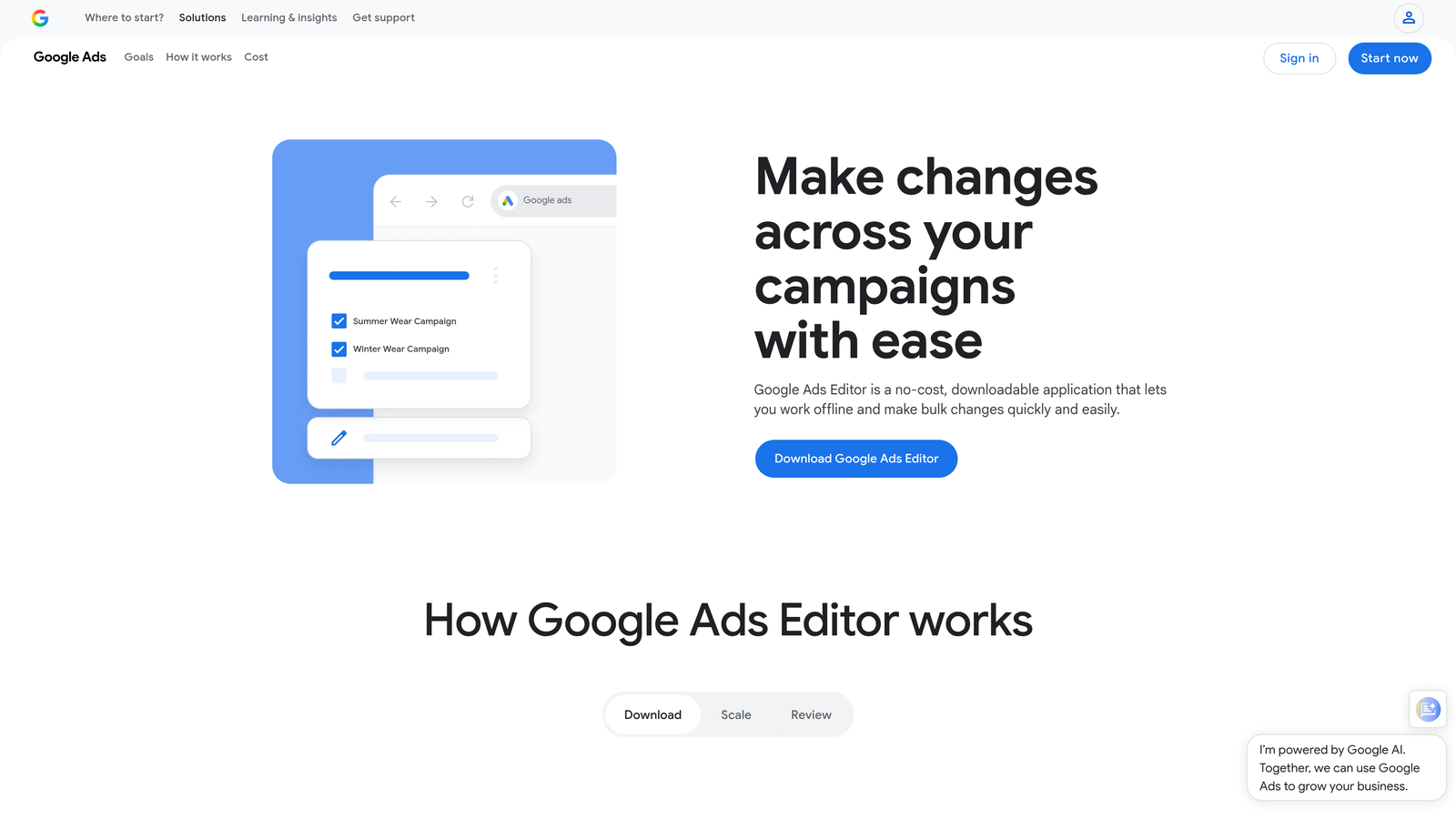
Google Ads Editor is Google's free desktop application for bulk editing and offline campaign management, and it remains the zero-cost baseline every agency should know how to use.
Where This Tool Shines
For pure bulk editing power, Ads Editor is hard to beat at any price. Find-and-replace across campaigns, draft mode for reviewing changes before they go live, CSV imports for structured data updates. It handles tasks that would take hours in the native UI in a fraction of the time.
The honest limitation is that it requires workflow discipline. There's no automation, no AI, no suggestions. It does exactly what you tell it to do. For experienced PPC managers who know what they want to change and just need speed, that's fine. For teams that need guidance on what to optimize, it falls short.
Key Features
Bulk Find-and-Replace: Edit across campaigns, ad groups, and keywords simultaneously without opening each one individually.
Offline Editing with Draft Mode: Make changes offline and review them before pushing live, reducing the risk of accidental edits.
Multi-Account Management: Manage multiple Google Ads accounts from a single desktop interface.
CSV Import and Export: Structured data changes via spreadsheet for complex bulk operations.
Free with Any Google Ads Account: No subscription, no tiers, no spend minimums.
Best For
Agencies on tight budgets, or any team that needs a reliable bulk editing tool as part of a lean software stack. Also useful as a complement to other tools rather than a standalone solution.
Pricing
Free.
6. SEMrush PPC Toolkit
Best for: Agencies that want competitive intelligence before and during campaign build-outs
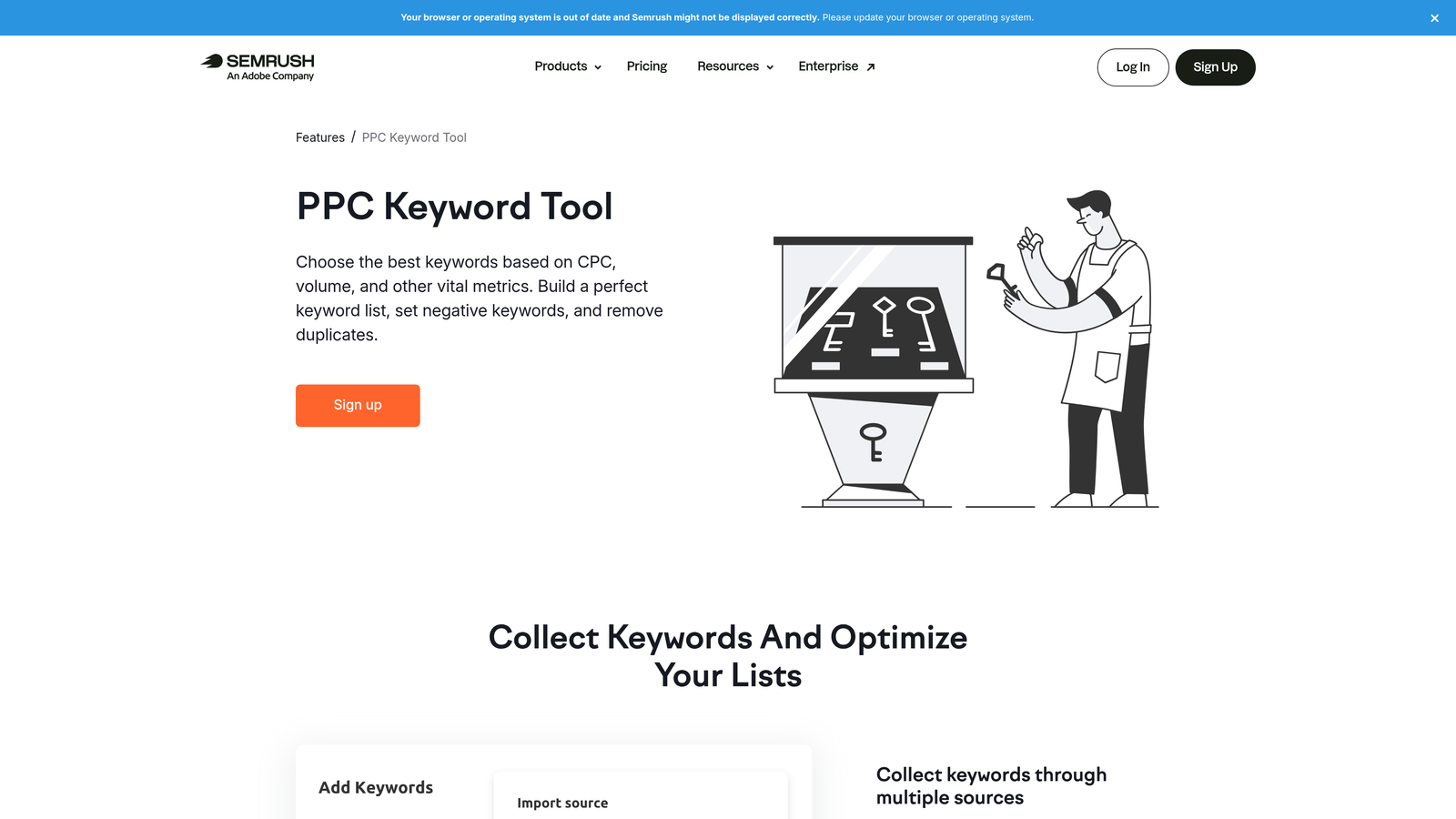
SEMrush's PPC Toolkit is the research and intelligence layer within the broader SEMrush platform, offering competitor ad copy analysis, keyword gap data, and CPC estimates that inform smarter campaign decisions.
Where This Tool Shines
What usually happens when agencies onboard a new client is they build campaigns based on the client's assumptions about what their customers search for. SEMrush flips that by showing you what competitors are actually bidding on, what ad copy they're running, and where keyword gaps exist between your campaigns and theirs. That's a much stronger foundation than guesswork.
The ad history feature is particularly useful. You can see how a competitor's messaging has evolved over time, which tells you something about what's been working for them. It's not campaign management—it's intelligence gathering, and it's genuinely good at that.
Key Features
Competitor Ad Copy Research: View actual ad copy and landing pages competitors are running for any keyword.
Keyword Gap Analysis: Identify keywords your competitors are bidding on that you're missing.
CPC Data and Volume Estimates: Benchmark cost-per-click and search volume before committing budget.
Ad History Tracking: See how competitor PPC strategies have evolved over months or years.
PPC Keyword Grouping: Organize keyword lists and surface negative keyword suggestions before campaign launch.
Best For
Agencies that want to do serious competitive research before building or rebuilding campaigns. Not a campaign management tool, so it needs to be paired with something that handles execution.
Pricing
Included in SEMrush plans starting around $139.95/month. Verify current pricing on their site.
7. Madgicx
Best for: Agencies running both Meta and Google Ads who need AI-driven creative and audience intelligence
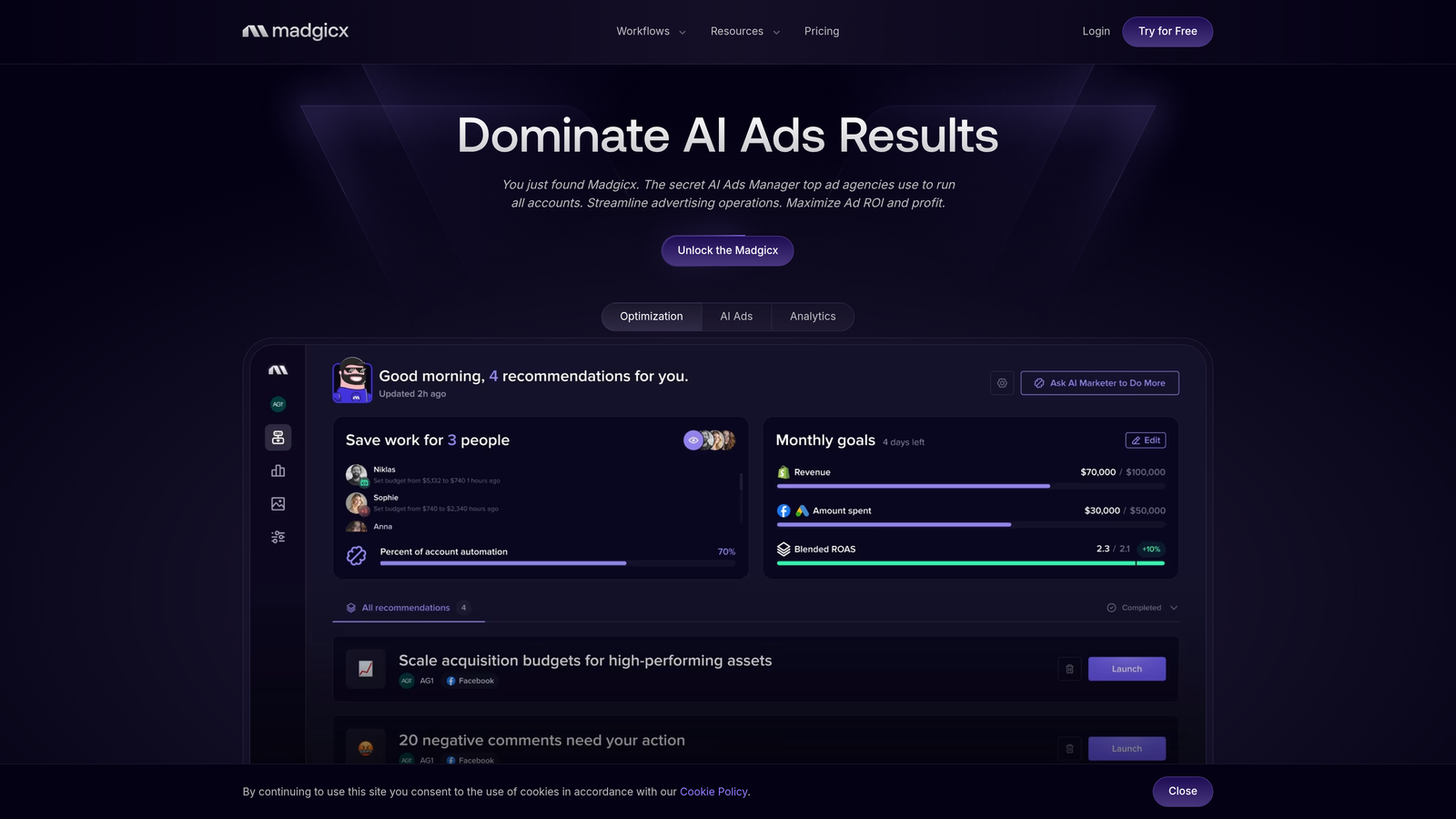
Madgicx is an AI-driven advertising platform that combines creative analytics, audience segmentation, and autonomous bidding for agencies managing campaigns across both paid social and search.
Where This Tool Shines
Madgicx is built for agencies where Meta and Google Ads run in parallel and creative performance is a key variable. The creative analytics layer surfaces which ad assets are driving results and which are dragging performance, which is the kind of insight that's hard to extract manually when you're managing dozens of campaigns.
The autonomous bidding and scaling recommendations are useful for agencies that want to automate budget allocation decisions rather than making them manually. The tradeoff is onboarding complexity—this isn't a tool you install and immediately understand. It rewards teams willing to invest time in setup.
Key Features
AI-Driven Bid and Budget Optimization: Automated decisions on where to allocate budget based on performance signals.
Creative Analytics: Identifies top-performing ad assets and flags underperformers across campaigns.
Audience Intelligence and Segmentation: Surfaces audience insights to inform targeting decisions.
Cross-Platform Support: Covers both Meta and Google Ads from a single interface.
Automated Campaign Scaling Recommendations: Suggests when and how to scale campaigns based on performance trends.
Best For
Agencies with a meaningful mix of paid social and search, where creative testing and audience performance are as important as keyword management. Less relevant for Google Ads-only shops.
Pricing
Pricing varies by ad spend. Check their site for current tiers.
8. Skai (formerly Kenshoo)
Best for: Enterprise agencies managing omnichannel campaigns across search, social, and retail media
Skai is one of the oldest names in enterprise PPC management, offering deep integrations across search, paid social, and retail media networks including Amazon, Walmart, and Instacart.
Where This Tool Shines
Skai's retail media integrations are genuinely difficult to replicate elsewhere. If you're managing campaigns across Amazon Advertising, Walmart Connect, and Instacart Ads alongside traditional search and social, Skai is one of the few platforms that handles all of it under one roof with proper attribution and reporting.
The AI-powered forecasting and budget allocation tools are built for accounts where spend decisions have significant downstream consequences. This is enterprise infrastructure, not a lightweight optimization layer. The complexity and cost reflect that.
Key Features
Omnichannel Bid Management: Unified campaign management across search, paid social, and retail media networks.
Retail Media Integrations: Direct connections to Amazon, Walmart, and Instacart advertising platforms.
AI-Powered Forecasting: Budget allocation recommendations based on predicted performance outcomes.
Enterprise Reporting and Attribution: Cross-channel attribution and reporting built for large, complex accounts.
Custom Automation and Rule-Based Management: Sophisticated automation logic for teams with specific workflow requirements.
Best For
Large agencies and in-house teams managing high ad spend across multiple channels including retail media. Overkill for most small-to-mid agencies, and the pricing reflects that clearly.
Pricing
Enterprise pricing. Contact Skai directly for a quote.
9. Supermetrics
Best for: Agencies that need automated data pipelines for client reporting without building custom integrations
Supermetrics is a data connector that pulls PPC and marketing data from Google Ads, Meta, LinkedIn, and 100+ other sources into Google Sheets, Looker Studio, BigQuery, and other reporting destinations.
Where This Tool Shines
Manual data exports are one of the biggest hidden time drains in agency reporting. Someone on the team pulls numbers from Google Ads, Meta, LinkedIn, maybe a few other platforms, pastes them into a spreadsheet, formats it, sends it to the client. Supermetrics automates that entire pull so the data is always current when the client opens the report.
It's purely a data layer—there are no optimization features, no bid management, no keyword tools. What it does, it does well. Scheduled refreshes, clean data pipelines, team sharing, and white-label reporting support make it a near-universal component of agency reporting stacks.
Key Features
100+ Data Source Connectors: Pulls from Google Ads, Meta, LinkedIn, and most major ad platforms into your reporting destination of choice.
Automated Data Pulls: Scheduled refreshes into Google Sheets, Looker Studio, or BigQuery without manual exports.
Real-Time and Scheduled Reporting: Flexible refresh cadences depending on how frequently clients need updated data.
No Campaign Management Features: Purely a data and reporting layer—it connects and moves data, nothing more.
Team Sharing and White-Label Support: Collaborate internally and deliver branded reports to clients.
Best For
Any agency spending meaningful time on manual data exports for client reporting. Works best as part of a stack alongside a campaign management or optimization tool, since it handles reporting only.
Pricing
Pricing varies by connector and destination. Check their site for current plans.
Which Tool Is Right for Your Agency?
Here's the honest truth: most agencies don't need one giant platform that does everything. They need a lean stack. One tool that optimizes inside the campaign interface. One that handles reporting. That combination covers the majority of what actually slows agencies down day to day.
If your main pain point is wasted spend and keyword bloat inside Google Ads, start with Keywordme. It's the fastest way to clean up search terms without leaving the native UI, and at $12/month per user, it's the lowest-friction entry point on this list.
If you need cross-platform automation and rule-based scripts, Optmyzr is worth the investment for mid-to-large agencies. For competitive research before you build campaigns, SEMrush's PPC Toolkit is hard to beat. Reporting-only workflows should look at Supermetrics. Enterprise accounts with omnichannel complexity should evaluate Skai.
Quick selection guide by use case:
Fastest keyword optimization inside Google Ads: Keywordme
Cross-platform automation and scripts: Optmyzr
Ad testing and Quality Score monitoring: Adalysis
Competitive research and keyword intelligence: SEMrush PPC Toolkit
SMB-focused guided workflows: WordStream/LocaliQ
Meta + Google creative and audience intelligence: Madgicx
Automated client reporting pipelines: Supermetrics
Enterprise omnichannel management: Skai
Zero-cost bulk editing baseline: Google Ads Editor
If you haven't tried Keywordme yet, the 7-day free trial costs nothing and takes about two minutes to install. Run it against your messiest account's Search Terms Report and see what you find. Start your free 7-day trial and see how much faster your optimization workflow gets when you're not leaving the native UI to do basic tasks.
.svg)