
9 Best Agency PPC Management Tools in 2026
Discover the 9 best agency PPC management tools in 2026, evaluated for multi-account support, bid automation, cross-account reporting, and real agency workflows. From lightweight Chrome extensions for search term cleanup to full-suite platforms, this guide helps agencies of all sizes find the right tools to manage client campaigns efficiently without sacrificing margin.


TL;DR: Managing PPC campaigns for multiple clients is a different beast than running ads for a single brand. You need tools that handle bulk operations, cross-account reporting, negative keyword management, bid automation, and team collaboration without eating your entire margin. This roundup covers the best agency PPC management tools in 2026, from lightweight Chrome extensions that speed up daily search term work to full-suite platforms that handle everything from bid strategy to client reporting. We evaluated each tool based on multi-account support, workflow speed, pricing scalability for agencies, and how well it actually fits into a real agency workflow. Whether you're a two-person shop or a 50-seat operation, there's something here for you. Let's get into it.
1. Keywordme
Best for: Fast search term cleanup and negative keyword management directly inside Google Ads
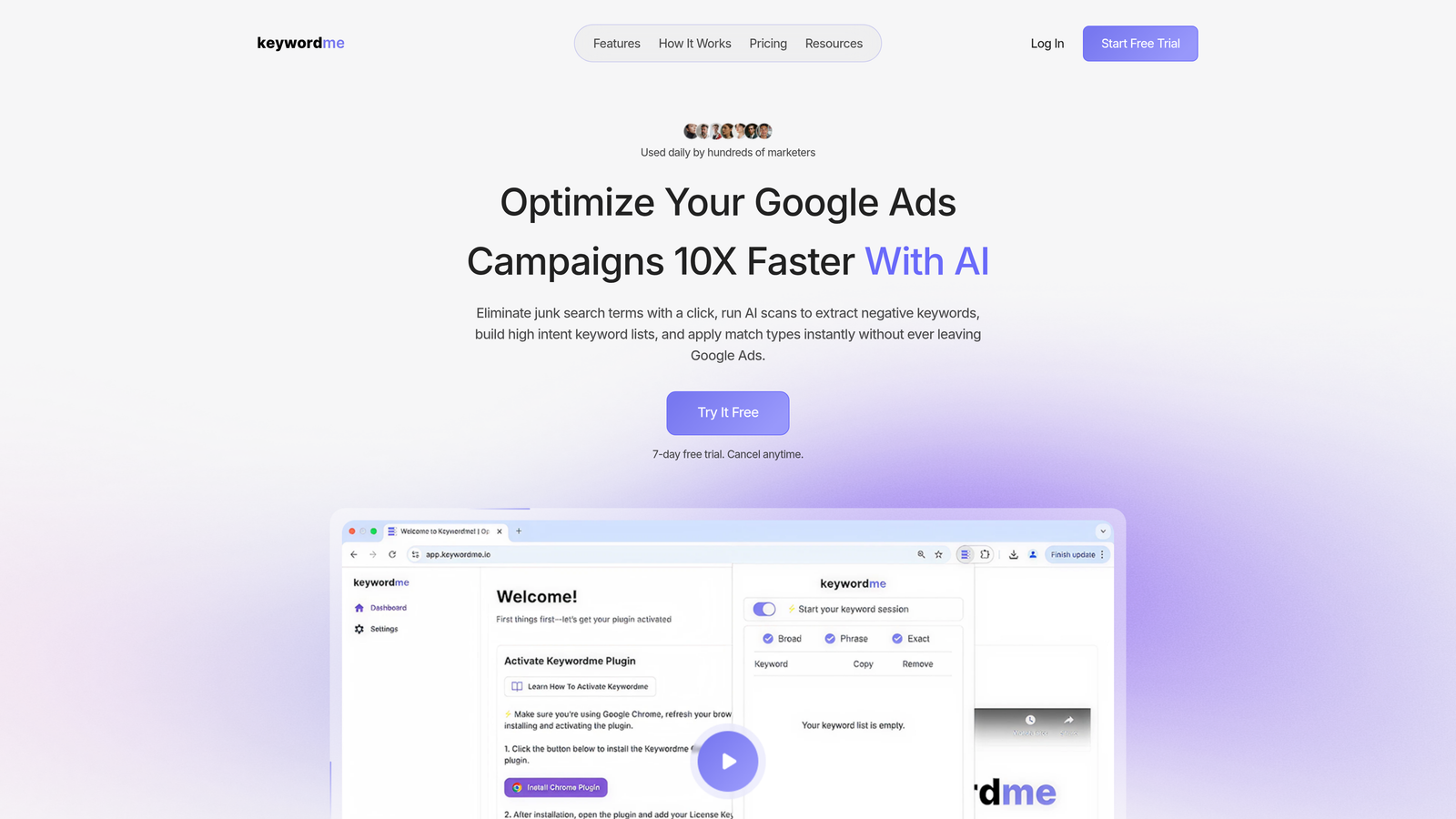
Keywordme is a Chrome extension that integrates directly into Google Ads' Search Terms Report, letting you optimize campaigns without ever opening a spreadsheet or switching tabs.
Where This Tool Shines
In most accounts I audit, the search terms report is where agencies lose the most time. You're exporting to Excel, cross-referencing negative lists, and then uploading changes back in. Keywordme eliminates that entire loop. You work directly inside the Google Ads interface, and every action—adding a negative, grouping keywords, applying a match type—happens with a single click.
For agencies managing multiple client accounts, this is genuinely useful. The multi-account and team support means your whole team can work from the same tool without duplicating effort or stepping on each other's changes. The workflow speed-up is most noticeable on accounts with high search volume, where reviewing terms manually every week would otherwise eat hours.
Key Features
One-Click Junk Term Removal: Flag and remove irrelevant search terms directly from the Search Terms Report without exporting data.
Keyword Clustering: Group related search terms into themed keyword lists quickly, making it easier to build tightly structured ad groups.
Bulk Match Type Application: Apply exact, phrase, or broad match types to multiple keywords at once without touching a spreadsheet.
Multi-Account and Team Support: Designed for agency workflows, with support for multiple accounts and shared team access.
No External Dashboard Required: Everything happens inside the native Google Ads UI, which means zero context-switching.
Best For
Agency teams and freelance PPC managers who spend significant time each week reviewing search terms across multiple Google Ads accounts. Especially valuable if your current workflow involves spreadsheet exports and manual uploads. If search term hygiene is a bottleneck in your agency, this is the most direct fix available.
Pricing
$12/month per user with a 7-day free trial. Flat-rate pricing makes it easy to budget for across a team without worrying about ad spend thresholds.
2. Optmyzr
Best for: Full-suite PPC automation and multi-platform campaign optimization for mid-to-large agencies
Optmyzr is a comprehensive PPC management platform offering automated optimizations, custom rule engines, and cross-platform support across Google, Microsoft, and Meta Ads.

Where This Tool Shines
Optmyzr is what most agencies reach for when they outgrow manual optimization and need structured automation. The One-Click Optimizations feature is genuinely well-built: it surfaces recommended actions based on account performance and lets you apply them in bulk, which is a real time-saver when you're managing dozens of accounts.
The custom rule engine is where more advanced users will spend most of their time. You can build conditional logic to automate bids, pause underperforming ads, or flag anomalies without writing a script. For agencies that want automation without a developer, this is one of the better options on the market.
Key Features
One-Click Optimizations: Pre-built optimization recommendations you can review and apply in bulk across accounts.
Custom Rule Engine: Build automated rules and workflows using if/then logic without coding.
Cross-Platform Support: Manage Google Ads, Microsoft Ads, and Meta Ads from a single dashboard.
PPC Account Auditing: Structured audit reports that surface performance gaps and missed opportunities.
MCC-Level Management: Manage multiple client accounts from a single interface with account-level permissions.
Best For
Mid-to-large agencies managing significant ad spend across multiple platforms who need a centralized automation layer. Also strong for agencies that want to reduce reliance on Google Scripts or manual optimization routines.
Pricing
Starts around $249/month, scaling with the total ad spend managed across connected accounts. Can get expensive at higher spend levels, so worth modeling out before committing.
3. WordStream (by LocaliQ)
Best for: Smaller agency teams that need guided optimization workflows and consistent account routines
WordStream is a guided PPC optimization platform known for its 20-Minute Work Week workflow and performance grading system, designed to help smaller teams maintain consistent optimization habits.

Where This Tool Shines
The 20-Minute Work Week concept is genuinely useful for agencies where account managers are stretched thin. Instead of staring at a blank dashboard wondering where to start, WordStream queues up the most impactful optimization tasks for each account. It's opinionated in a good way: it tells you what to do next.
The Google Ads Performance Grader is also worth mentioning as a standalone tool. It's free, and it's one of the better ways to quickly audit a new client account during the sales process or onboarding phase. It grades accounts across multiple dimensions and gives you a talking point for why changes are needed.
Key Features
20-Minute Work Week: Guided weekly optimization workflow that prioritizes the highest-impact tasks for each account.
Google Ads Performance Grader: Free account audit tool that scores campaigns across multiple performance dimensions.
Cross-Platform Management: Manage Google, Meta, and Microsoft Ads from one interface.
Keyword and Negative Keyword Tools: Built-in tools for expanding keyword lists and managing negatives.
Benchmarking and Reporting: Compare account performance against industry benchmarks and generate client reports.
Best For
Smaller agencies or individual freelancers managing a moderate number of accounts who benefit from structured, guided workflows. Less suited for agencies that need deep automation or enterprise-level customization.
Pricing
Custom pricing based on ad spend managed. The Performance Grader tool is free and available without an account, which makes it a useful prospecting tool regardless of whether you use the full platform.
4. Adalysis
Best for: Agencies focused on systematic ad testing, quality score monitoring, and proactive campaign auditing
Adalysis is a PPC management tool built around automated ad testing, quality score tracking, and campaign audit alerts, using statistical significance to surface real winners rather than guesswork.
Where This Tool Shines
The mistake most agencies make with ad testing is calling winners too early or never calling them at all. Adalysis uses statistical significance thresholds to determine when a test has enough data to declare a winner, which removes the guesswork and the "we'll check it next month" procrastination that kills testing programs.
The campaign audit alerts are also genuinely useful for agencies that manage a lot of accounts. Instead of manually checking each account for issues, Adalysis surfaces problems proactively: disapproved ads, budget pacing issues, negative keyword conflicts. It functions like a background monitor running across your entire client portfolio.
Key Features
Automated Ad Testing: Statistically significant ad variation testing that automatically identifies winning creative.
Quality Score Monitoring: Historical quality score tracking at the keyword level across accounts.
Campaign Audit Alerts: Proactive alerts for account issues, disapprovals, and optimization opportunities.
Negative Keyword Conflict Detection: Identifies cases where negative keywords are blocking relevant traffic.
Multi-Account Dashboard: Centralized view across all client accounts for agencies.
Best For
Agencies that run structured ad testing programs and want to manage quality score and account health systematically across multiple clients. Strong fit for teams that care about creative performance data, not just bid and budget management.
Pricing
Starts around $99/month, scaling with ad spend managed. More affordable entry point than full-suite platforms, making it accessible for smaller agencies.
5. Marin Software
Best for: Enterprise agencies managing large budgets across search, social, and e-commerce channels
Marin Software is an enterprise-grade cross-channel campaign management platform offering unified bid management, budget allocation, and performance analytics across search, social, and e-commerce advertising.
Where This Tool Shines
Marin is built for scale. If you're managing significant ad spend across Google, Meta, and e-commerce channels simultaneously, the unified bid management layer becomes genuinely valuable. You're not jumping between native platforms to make budget decisions—you're working from a single view that accounts for cross-channel performance.
The revenue attribution modeling is a differentiator for agencies managing performance-focused clients. Rather than relying purely on last-click data, Marin can model contribution across the funnel, which changes how you allocate budget across channels. That's a meaningful capability when you're defending budget decisions to a client.
Key Features
Cross-Channel Bid Management: Unified bid optimization across search, social, and e-commerce from one platform.
Automated Budget Pacing: Dynamic budget allocation that adjusts spend in real time based on performance signals.
Revenue Attribution Modeling: Multi-touch attribution that goes beyond last-click to model true channel contribution.
Bulk Campaign Management: Large-scale campaign editing tools designed for high-volume account management.
Enterprise Reporting: Advanced analytics and reporting built for complex, multi-channel client setups.
Best For
Enterprise agencies and large in-house teams managing substantial ad budgets across multiple channels. The pricing and complexity make it overkill for smaller agencies, but it's purpose-built for organizations operating at scale.
Pricing
Custom enterprise pricing based on ad spend managed. Expect a significant investment; this is not a tool for small accounts or budget-conscious agencies.
6. Skai (formerly Kenshoo)
Best for: Agencies managing retail media and marketplace advertising alongside traditional PPC channels
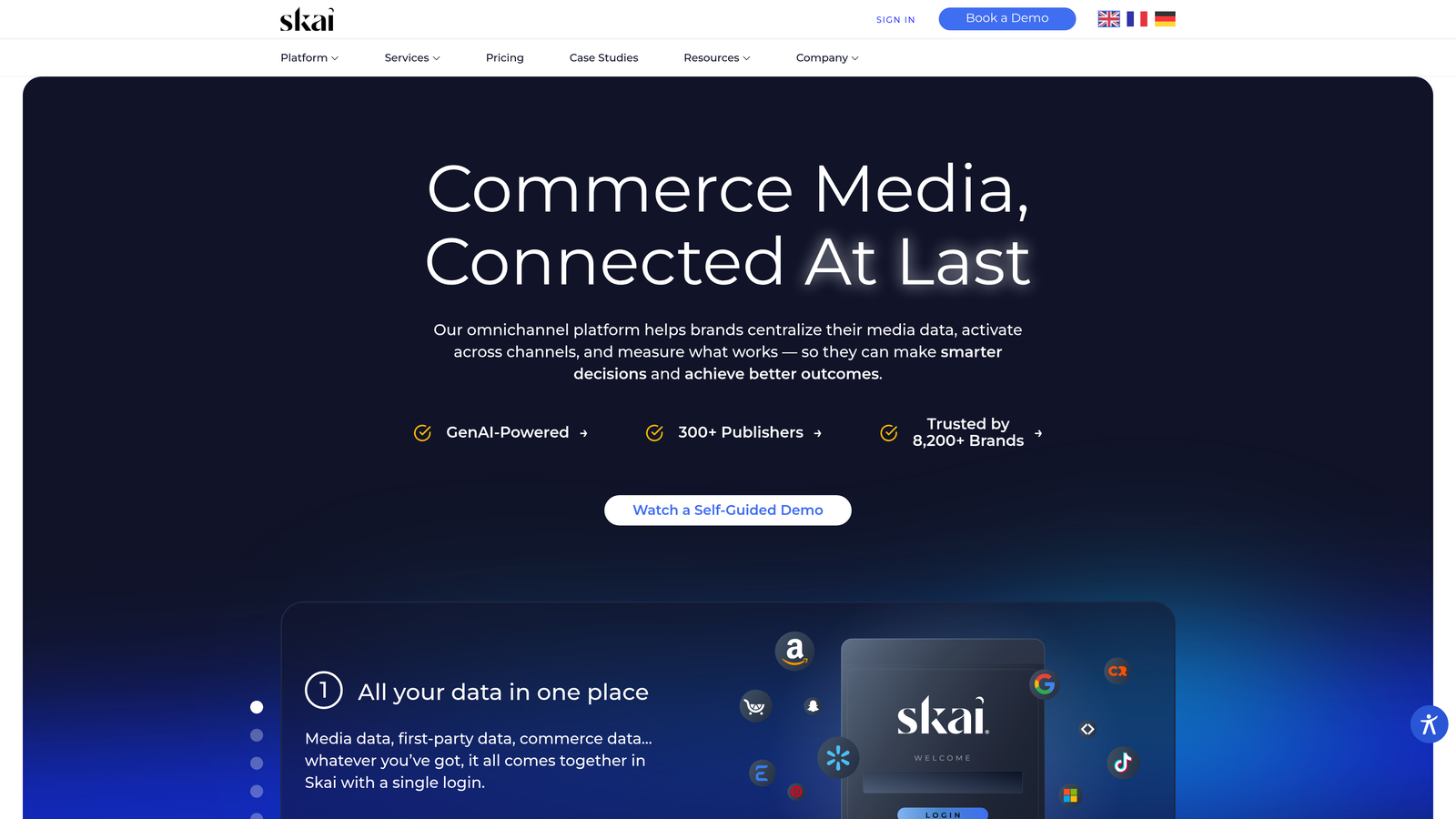
Skai is an omnichannel performance marketing platform with particularly strong support for retail media and marketplace advertising, including Amazon, Walmart, and Instacart, alongside traditional search and social PPC.
Where This Tool Shines
What sets Skai apart from other enterprise platforms is the retail media coverage. Most PPC tools treat Amazon advertising as an afterthought or don't cover it at all. Skai has native integrations with major retail media networks, which makes it the right call for agencies whose clients are spending across both Google Ads and marketplace platforms.
The AI-powered bid optimization and budget forecasting are also solid. The forecasting tools in particular are useful for client conversations: you can model out what additional budget would likely produce before committing to a spend increase, which is a compelling capability when managing client expectations.
Key Features
Omnichannel Campaign Management: Unified management across search, social, and retail media channels.
Retail Media Integrations: Native support for Amazon, Walmart, Instacart, and other retail media networks.
AI Bid Optimization: Machine learning-based bid management that adapts to performance signals across channels.
Budget Forecasting: Predictive modeling tools for projecting performance at different spend levels.
Unified Cross-Channel Reporting: Single reporting view across all connected advertising channels.
Best For
Agencies with clients who advertise heavily on retail media networks alongside traditional PPC channels. Also strong for agencies that need advanced forecasting capabilities for client planning conversations.
Pricing
Custom enterprise pricing, typically suited to larger spend levels. Best evaluated through a direct conversation with their sales team based on your specific account portfolio.
7. Google Ads Editor
Best for: Bulk editing, offline campaign management, and large-scale changes across Google Ads accounts
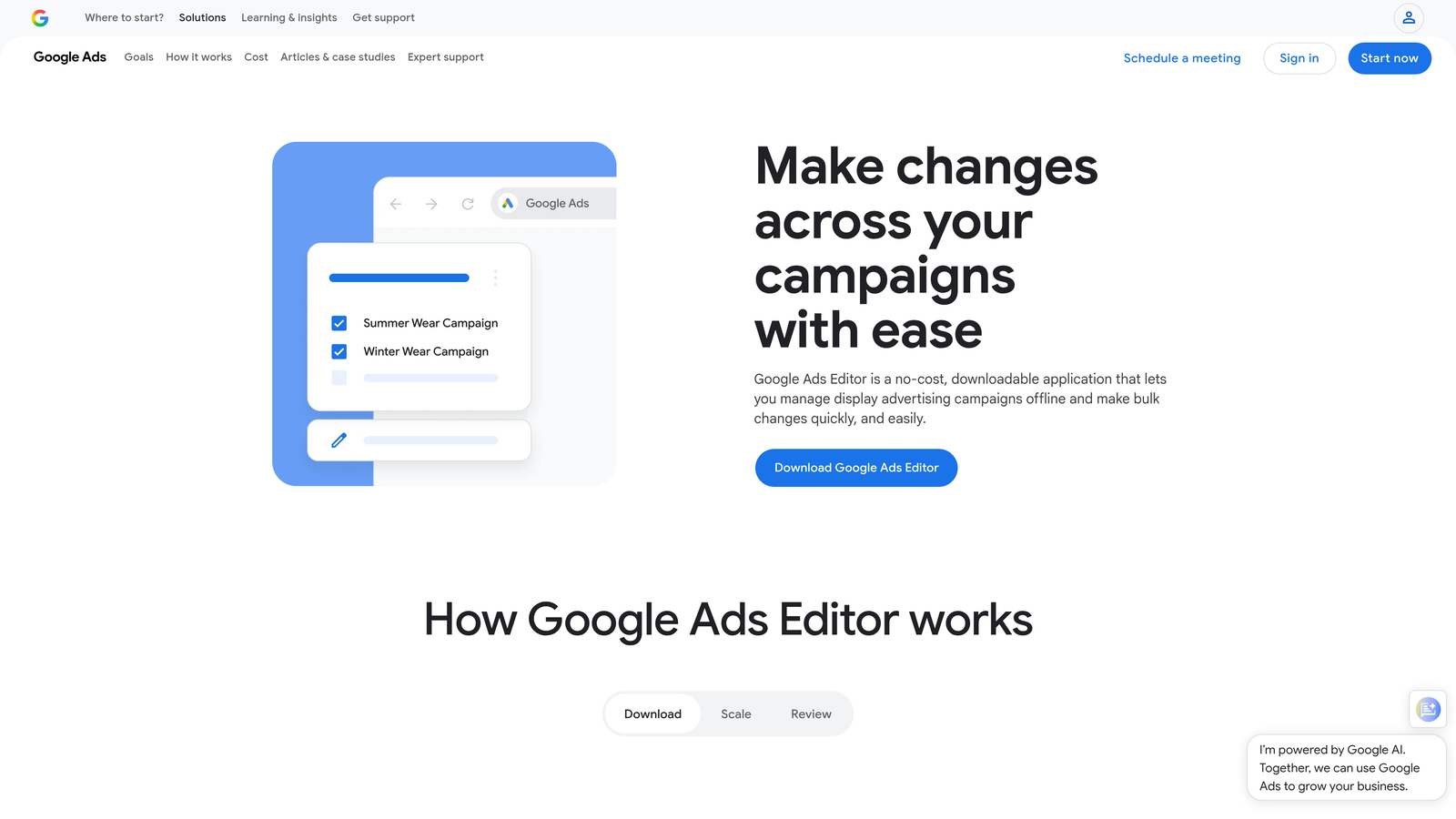
Google Ads Editor is Google's free desktop application for bulk editing and offline management of Google Ads campaigns, and it's the universal baseline tool that virtually every agency uses.
Where This Tool Shines
Every agency PPC manager should know Google Ads Editor cold. It's free, it's powerful, and for certain tasks—restructuring campaigns, copying ad groups across accounts, making large-scale keyword changes—nothing else comes close in terms of raw efficiency. The offline editing capability is also genuinely useful: you can prep a large batch of changes, review everything before uploading, and avoid the lag of working in the browser-based interface.
The find-and-replace function alone saves hours on large accounts. Need to update every ad that references an old promotion? Done in seconds. Copying a well-performing campaign structure from one client account to a new one? Straightforward. It's not glamorous, but it's foundational.
Key Features
Bulk Editing: Make large-scale changes to campaigns, ad groups, keywords, and ads simultaneously.
Offline Editing: Work on campaigns without an internet connection and upload changes when ready.
Copy/Paste Across Accounts: Duplicate campaign structures, ad groups, or keyword lists between accounts easily.
Find and Replace: Update text across multiple campaigns or ad elements in a single action.
Completely Free: No cost regardless of account size or ad spend managed.
Best For
Every agency managing Google Ads campaigns. This is not optional—it's a baseline skill and tool. It pairs well with other tools on this list rather than replacing them. Use it for structural changes and bulk edits; use other tools for ongoing optimization and reporting.
Pricing
Free. No cost, no spend thresholds, no user limits. There is genuinely no reason not to use this.
8. Channable
Best for: Agencies managing Shopping campaigns and large product catalog advertising for e-commerce clients
Channable is a feed management and PPC automation platform that generates and manages ads dynamically from product data feeds, making it especially powerful for agencies handling large e-commerce clients.
Where This Tool Shines
If you manage Shopping campaigns for e-commerce clients with large product catalogs, you already know the pain of keeping feeds clean and ads up to date. Channable automates the connection between product data and ad creation, so when inventory changes, pricing updates, or new products launch, the feed and the ads update accordingly without manual intervention.
The rule-based feed optimization is where agencies get real leverage. You can set rules that automatically exclude out-of-stock products, adjust titles to include high-priority keywords, or segment products into custom labels for bidding purposes. For agencies managing multiple e-commerce clients, this kind of automation scales in a way that manual feed management simply cannot.
Key Features
Automated Ad Creation from Feeds: Generate and update ads dynamically based on live product data.
Rule-Based Feed Optimization: Apply conditional rules to filter, enrich, and segment product feeds automatically.
Google and Microsoft Shopping Support: Full support for both major Shopping platforms from a single feed setup.
SEA Automation for Text Ads: Create and update text ads based on inventory data and product attributes.
Multi-Client Feed Management: Manage feeds across multiple client accounts from a centralized interface.
Best For
Agencies with e-commerce clients running Google Shopping or Performance Max campaigns with large or frequently changing product catalogs. Less relevant for agencies focused primarily on lead generation or service-based clients.
Pricing
Starts around €59/month, scaling with the number of items and channels managed. Pricing is reasonable for the value delivered on large catalog accounts.
9. AgencyAnalytics
Best for: Client reporting, white-label dashboards, and automated report delivery across all marketing channels
AgencyAnalytics is a client reporting and dashboard platform built specifically for agencies, offering white-label reports, automated scheduling, and integrations with over 80 marketing platforms.
Where This Tool Shines
Client reporting is one of the most time-consuming parts of running an agency, and it's also one of the most visible deliverables you produce. AgencyAnalytics is purpose-built for this problem. The white-label dashboards look polished, the automated report scheduling means reports go out on time without anyone manually pulling data, and the 80+ integrations mean you can pull Google Ads, Meta, Microsoft Ads, SEO, and social data into a single client-facing view.
The per-client campaign structure with granular permissions is also practical for agencies. Clients can log in and see their own data without accessing other clients' accounts. It sounds basic, but a lot of reporting tools don't handle this cleanly. AgencyAnalytics does.
Key Features
White-Label Dashboards: Fully branded client-facing dashboards and reports with your agency's logo and colors.
Automated Report Scheduling: Set up recurring reports that deliver automatically to clients on a defined schedule.
80+ Integrations: Connect Google Ads, Meta Ads, Microsoft Ads, Google Analytics, SEO tools, and more in one place.
Custom Metrics and Data Blending: Create calculated metrics and blend data across platforms for unified reporting.
Granular Client Permissions: Give clients access to their own dashboards without exposing other account data.
Best For
Agencies of any size that want to reduce time spent on manual reporting and deliver professional, branded client dashboards. Particularly valuable for agencies managing clients across multiple advertising and marketing channels who need a unified reporting layer.
Pricing
Starts at $79/month for 5 client campaigns, scaling with the number of active client accounts. Pricing is straightforward and predictable, which makes it easy to factor into your agency's overhead.
Which Tool Is Right for Your Agency?
The honest answer is that most agencies use several of these tools simultaneously rather than picking one and calling it done. Each tool in this list solves a different part of the agency PPC workflow, and the right stack depends on where your biggest bottlenecks actually are.
Here's a quick breakdown by use case to help you prioritize:
For search term cleanup and negative keyword management: Start with Keywordme. It's the most direct solution to one of the most time-consuming daily tasks in Google Ads management, and at $12/month per user it's an easy call. The fact that it works inside the native Google Ads interface means there's no new tool to learn—just faster execution of work you're already doing.
For full PPC automation and multi-platform management: Optmyzr is the strongest mid-market option. If you're managing meaningful ad spend across Google, Microsoft, and Meta and want a structured automation layer, it's worth the investment.
For client reporting and dashboards: AgencyAnalytics is the clear choice. It's purpose-built for the agency reporting workflow and will save your team real hours every month on report production.
For bulk editing and structural campaign work: Google Ads Editor is non-negotiable. It's free and it handles large-scale changes more efficiently than any other tool on this list. Use it as your baseline, then layer other tools on top.
For e-commerce and Shopping campaigns: Channable is the specialist tool here, particularly if your clients have large or dynamic product catalogs.
The trend in 2026 is toward tools that reduce context-switching and fit into existing workflows rather than requiring you to live in a separate dashboard. That's worth keeping in mind as you evaluate options. The best tool is the one your team will actually use consistently, and tools that meet you where you already work tend to get used more than tools that require a full workflow change.
If you're looking for a quick win with an immediate impact on your daily workflow, start your free 7-day trial of Keywordme. It takes minutes to install and you'll feel the difference the first time you open your Search Terms Report. After that, build your stack from there based on where your agency needs the most support.
.svg)