
9 Best Agency-Level PPC Software Tools
The best agency-level PPC software tools in 2026 cover everything from bid management and keyword research to white-label reporting and multi-account optimization, helping agencies scale client campaigns without drowning in manual work. This roundup of 9 top picks is based on real workflow impact, scalability, and value for money across teams of all sizes.


TL;DR: The best agency-level PPC software in 2026 includes tools for in-interface optimization, bid management, reporting, keyword research, and multi-account management. This list covers the top 9 picks based on real workflow impact, agency scalability, and value for money.
Managing PPC at agency scale is a different beast than running a single campaign. You're juggling multiple clients, dozens of accounts, and constant pressure to prove ROI — all while trying not to drown in spreadsheets.
The right agency-level PPC software doesn't just save time; it changes how your team works. This list covers tools that genuinely move the needle for agencies: from in-interface Google Ads optimizers to cross-channel bid managers and white-label reporting platforms.
We've focused on tools that are actually used in agency workflows — not just ones with impressive marketing pages. Whether you're a solo freelancer scaling up or a 20-person agency managing millions in ad spend, there's something here for you.
The 9 Best Agency-Level PPC Software Tools
These tools span every layer of the agency workflow: campaign optimization, competitive research, automation, reporting, and platform management. Some you'll use daily; others will become essential during onboarding or monthly reporting cycles.
1. Keywordme
Best for: In-interface Google Ads optimization for agencies managing multiple client accounts
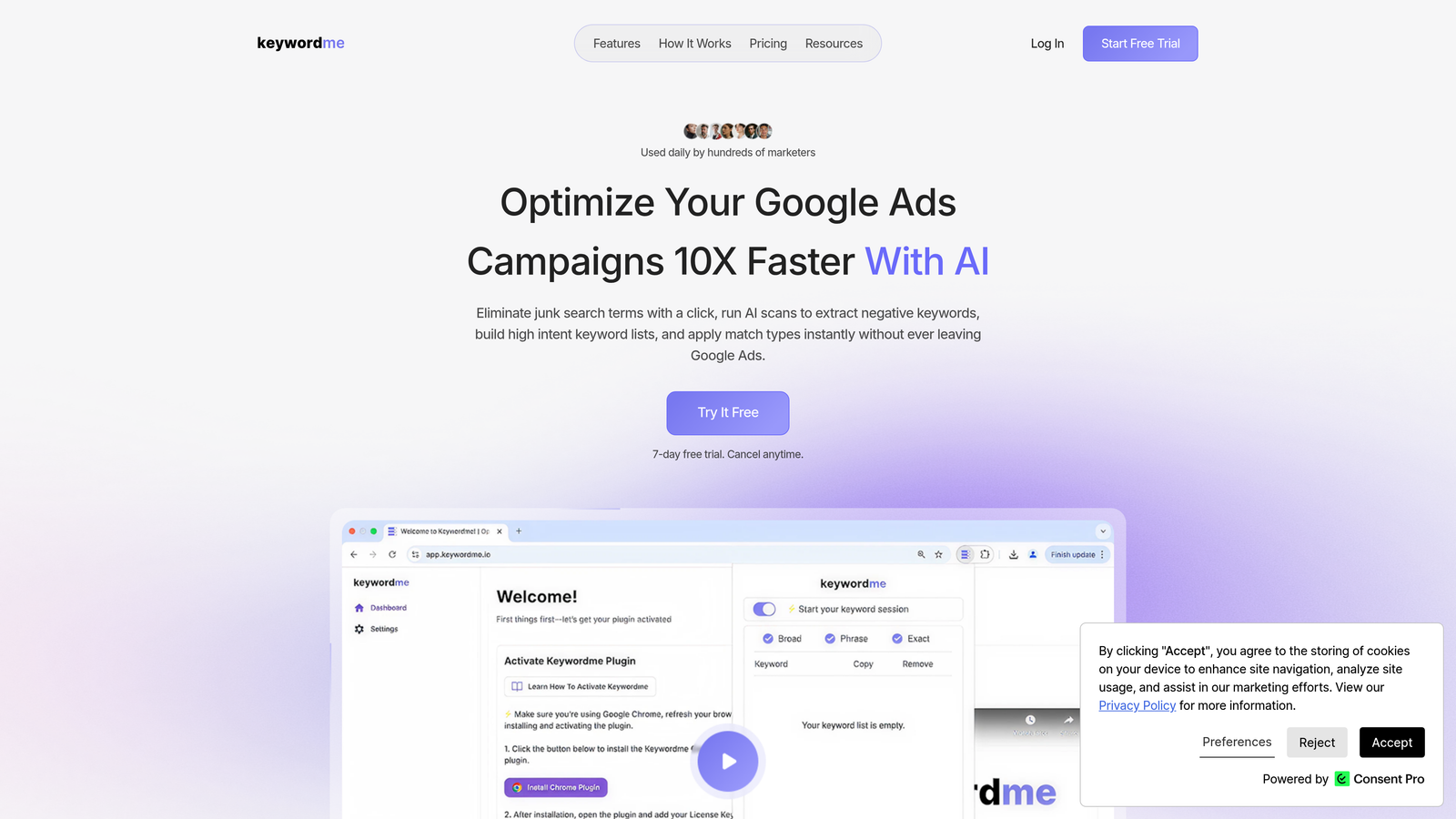
Keywordme is a Chrome extension that plugs directly into Google Ads' Search Terms Report, letting you remove junk terms, add negatives, apply match types, and build keyword groups — all with one click, without leaving the native UI.
Where This Tool Shines
Most agency PPC workflows involve a painful export-edit-upload cycle: download search terms to a spreadsheet, tag the bad ones, build a negative list, upload it back. Keywordme cuts that entire loop. You're working inside Google Ads itself, which means less context-switching and faster decisions per account.
In most accounts I audit, negative keyword management is the biggest time sink relative to its impact. Keywordme makes it a one-click action. For agencies managing 10, 20, or 50 accounts, that compounds quickly into serious hours saved per week.
Key Features
One-Click Negative Keyword Management: Remove junk search terms and add negatives directly inside the Search Terms Report without exporting anything.
Instant Match Type Application: Apply broad, phrase, or exact match to keywords in-interface without touching a spreadsheet.
Keyword Clustering and Bulk Editing: Group and structure keywords faster for cleaner campaign architecture.
Multi-Account and Team Support: Built for agency workflows with multi-account access and team collaboration in mind.
7-Day Free Trial: No setup friction — install the extension and you're running within minutes.
Best For
Freelancers and agency teams who live inside Google Ads daily and want to cut optimization time without adopting a heavy new platform. Especially useful for anyone who's still doing search term management in spreadsheets and wants to stop.
Pricing
Flat rate of $12/month per user. 7-day free trial available. One of the most affordable tools on this list relative to the time it saves.
2. Optmyzr
Best for: Automation-heavy agency workflows across Google and Microsoft Ads
Optmyzr is a PPC management platform built for rule-based automation, bid management, and agency-grade reporting across Google and Microsoft Ads.

Where This Tool Shines
Optmyzr is the go-to for agencies that want to systematize their optimization process. Its "One-Click Optimizations" surface high-priority recommendations across accounts, so your team isn't manually hunting for issues — they're acting on a prioritized queue.
The rule-based automation engine is where it really earns its place in larger agency stacks. You can set up bid adjustments, budget rules, and keyword management workflows that run automatically, which scales well when you're managing accounts across multiple verticals.
Key Features
One-Click Optimizations: Surfaces actionable recommendations across accounts so teams can work through a prioritized list efficiently.
Rule-Based Automation: Automates bids, budgets, and keyword actions based on custom performance thresholds.
PPC Reporting Dashboards: Client-facing reports with agency branding and multi-account views.
Multi-Account Management: Designed for agency teams managing many accounts simultaneously.
Google and Microsoft Ads Integration: Works across both major search platforms from a single interface.
Best For
Mid-to-large agencies that need to scale repetitive optimization tasks and want a structured workflow system rather than manual account-by-account reviews.
Pricing
Tiered pricing based on ad spend managed. Free trial available. Check optmyzr.com for current rates.
3. Google Ads Editor
Best for: Bulk offline editing and structural campaign changes at scale
Google Ads Editor is Google's free desktop application for bulk offline editing of Google Ads campaigns — a foundational tool in virtually every agency's stack.

Where This Tool Shines
If you're doing large structural changes — duplicating campaigns across clients, uploading hundreds of keywords, or running find-and-replace across ad copy — Google Ads Editor is still the fastest way to do it. The offline editing model means you can stage and review changes before anything goes live, which reduces costly mistakes.
What usually happens here is that agencies use Editor for the heavy lifting (bulk uploads, campaign cloning) and then use in-interface tools for day-to-day optimization. It's a foundational layer, not a replacement for more specialized tools.
Key Features
Bulk Offline Editing: Stage large changes before pushing them live, reducing the risk of errors in active campaigns.
Campaign Duplication: Copy entire campaign structures across accounts quickly — useful for multi-client setups with similar account architectures.
CSV Import/Export: Upload keyword lists and ad copy at scale using spreadsheet workflows.
Find-and-Replace: Update ad copy, URLs, or keywords across multiple campaigns in seconds.
Free with Any Google Ads Account: No subscription, no cost — just download and connect.
Best For
Every agency using Google Ads. This is baseline infrastructure, not optional. Particularly valuable during onboarding new clients or restructuring existing accounts.
Pricing
Free. No subscription required. Available to any Google Ads account holder.
4. SEMrush (PPC Toolkit)
Best for: Keyword research, competitor ad analysis, and paid search gap identification
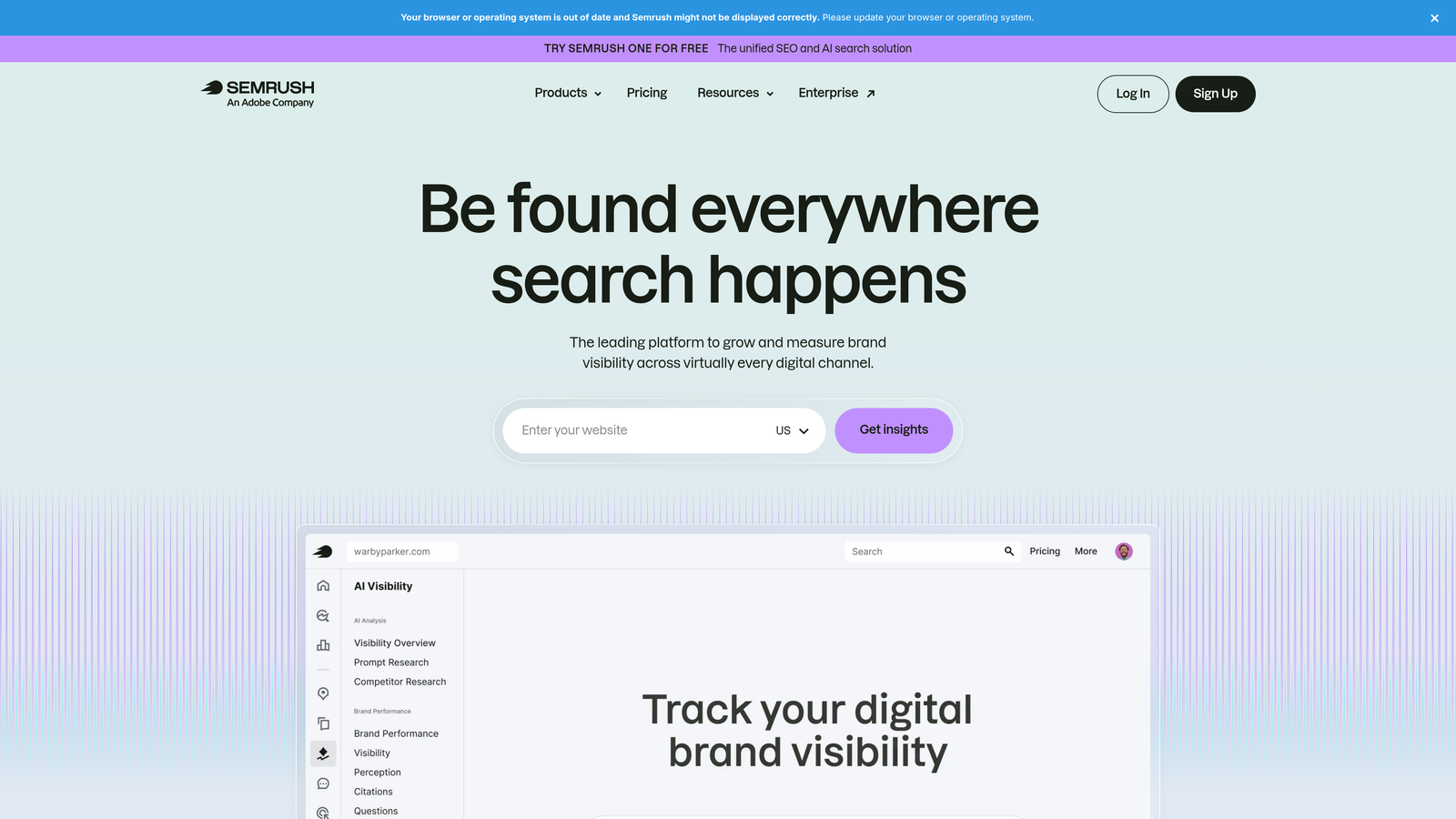
SEMrush is an all-in-one digital marketing platform with a dedicated PPC toolkit for building keyword lists, analyzing competitor ads, and identifying paid search opportunities.
Where This Tool Shines
The mistake most agencies make is skipping competitive research during client onboarding. SEMrush's PPC Keyword Tool and competitor ad history modules give you a fast read on what's already working in a client's space before you spend a dollar on ads.
The ability to see competitor ad copy history, keyword overlap, and estimated spend in one place makes it genuinely useful for strategy work. It's not a campaign management tool — it's a research and planning tool that informs your campaign structure before you build it.
Key Features
PPC Keyword Tool: Build, filter, and organize keyword lists with volume and CPC data built in.
Competitor Ad Copy Research: View historical ad copy and keyword data for any competitor domain.
Ad Builder: Draft Google Ads creative directly within the platform using competitive insights.
Keyword Gap Analysis: Identify paid keywords your competitors are bidding on that you're missing.
Unified SEO and PPC Data: Useful for agencies offering both services to see the full search landscape in one view.
Best For
Agencies that do regular competitive analysis, new client onboarding research, or manage both SEO and PPC for clients. Less useful as a day-to-day campaign management tool.
Pricing
Starts at approximately $139.95/month (Pro plan). Agency plans available. Check semrush.com for current pricing.
5. SpyFu
Best for: Competitive PPC intelligence on a budget
SpyFu is a competitive intelligence tool that reveals what keywords your competitors are bidding on, how much they're spending, and what ad copy they've historically run.

Where This Tool Shines
SpyFu does one thing really well: it shows you your competitors' entire paid search history. Years of keyword data, ad copy variations, and estimated spend — all searchable by domain. For new client onboarding, this is often the first place I go to understand the competitive landscape before touching the account.
It's more affordable than SEMrush and more focused. If your primary need is competitive PPC research rather than a full SEO suite, SpyFu often delivers more value per dollar for that specific use case.
Key Features
Competitor Keyword History: See every keyword a competitor has bid on, going back years.
Ad Copy Variation Tracking: Review historical ad copy to understand messaging that competitors have tested and kept.
Most Profitable Keywords: Identify which keywords competitors have consistently maintained, suggesting they're converting.
PPC Research for Onboarding: Fast competitive landscape mapping when taking on a new client.
Affordable Entry Point: Lower cost than broader platforms for agencies that only need competitive intelligence.
Best For
Agencies that prioritize competitive research during onboarding or strategy reviews, especially those who don't need the full SEMrush suite and want a more cost-effective option.
Pricing
Starts at approximately $39/month. Check spyfu.com for current plans.
6. Adalysis
Best for: Systematic ad testing and ongoing account health monitoring
Adalysis is a PPC account management tool focused specifically on systematic ad testing, quality score monitoring, and ongoing account health diagnostics.
Where This Tool Shines
Most agencies run ad tests inconsistently — a new variation gets added, no one tracks statistical significance, and eventually someone pauses the loser based on gut feel. Adalysis brings structure to that process. It tracks A/B test results with proper significance thresholds and tells you when you actually have a winner.
The account health alerting is also underrated. Disapproved ads, quality score drops, and performance anomalies surface automatically — which matters when you're managing enough accounts that manual checking becomes unrealistic.
Key Features
Automated A/B Ad Testing: Tracks test results with statistical significance thresholds so you know when to call a winner.
Quality Score Monitoring: Historical quality score trending by keyword, ad group, and campaign.
Account Health Alerts: Automated flags for disapproved ads, performance drops, and other account issues.
Ad Rotation Management: Recommendations for pausing underperforming ad variations based on data.
Built for PPC Account Managers: The interface and workflow are designed specifically for ongoing optimization retainers, not general marketers.
Best For
Agencies running ongoing optimization retainers who want a structured approach to ad testing and account health monitoring across multiple client accounts.
Pricing
Tiered by number of accounts and ad spend. Check adalysis.com for current pricing.
7. AgencyAnalytics
Best for: White-label client reporting and automated multi-channel dashboards
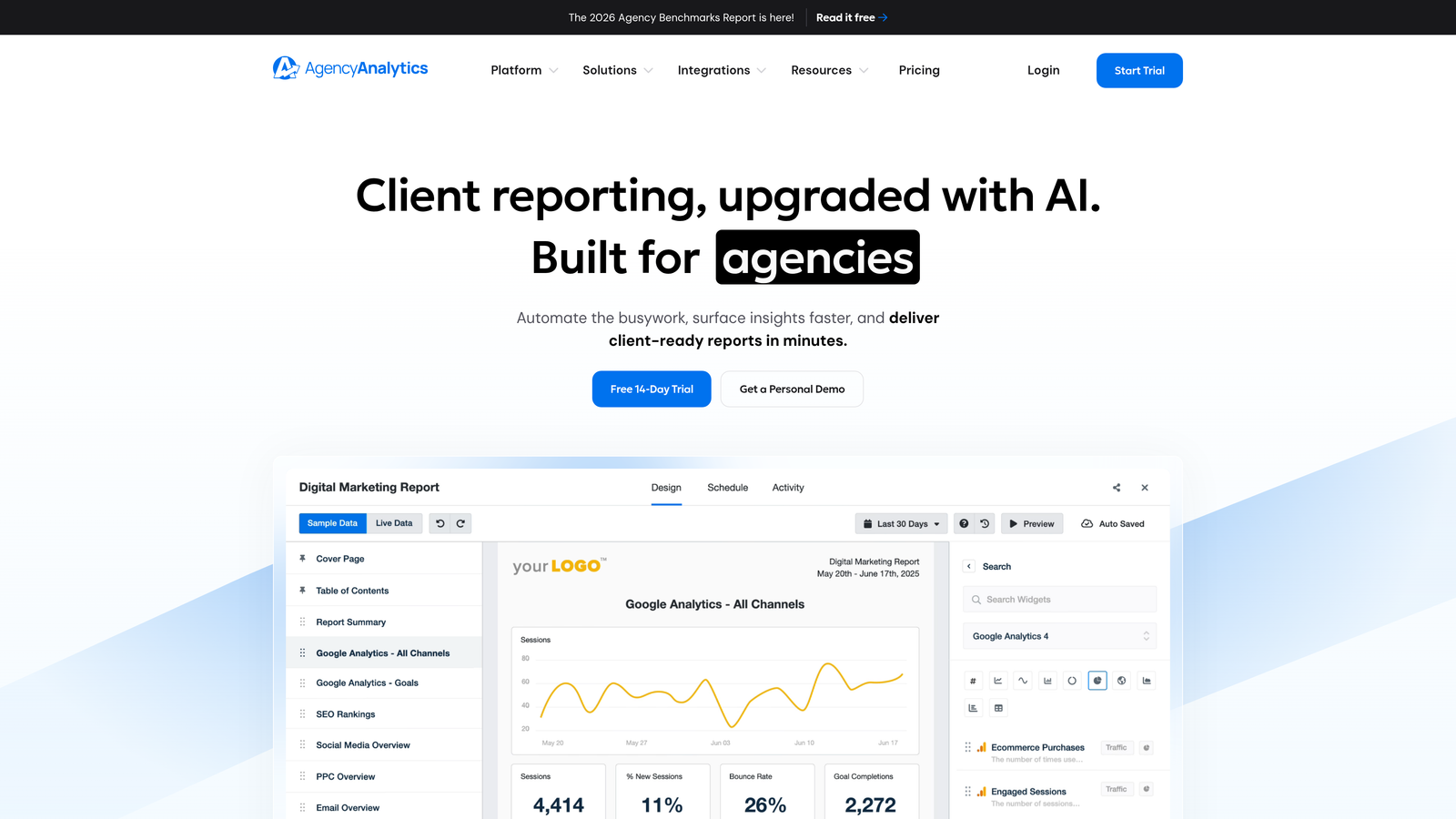
AgencyAnalytics is a white-label reporting platform built for digital marketing agencies, enabling automated multi-channel client dashboards and scheduled report delivery.
Where This Tool Shines
Client reporting is one of the biggest time sinks in agency operations. AgencyAnalytics replaces the manual process of pulling data from Google Ads, Meta, and Analytics into a slide deck with automated dashboards that update on their own and go out on a schedule.
The white-label feature is genuinely useful: clients see your agency's branding, not AgencyAnalytics'. For smaller agencies trying to look more polished, or larger agencies trying to reduce reporting overhead, this is a high-impact tool.
Key Features
White-Label Dashboards: Fully branded client-facing dashboards with your agency's logo and colors.
80+ Platform Integrations: Connects Google Ads, Meta Ads, Google Analytics, and many other channels in one view.
Drag-and-Drop Report Builder: Customize dashboard layouts without needing developer help.
Automated Scheduled Reports: Set reports to deliver to clients automatically — weekly, monthly, or on custom schedules.
Multi-Client Management: Team access controls and client-level permissions for agency workflows.
Best For
Agencies that want to professionalize client reporting, reduce manual report assembly time, and deliver consistent, branded performance dashboards to multiple clients.
Pricing
Starts at approximately $12/month per client campaign. Check agencyanalytics.com for current plans.
8. Supermetrics
Best for: Custom reporting pipelines for data-driven agencies
Supermetrics is a data connector that pulls PPC and marketing data from 100+ sources into Google Sheets, Looker Studio, BigQuery, and other BI tools — ideal for agencies with custom reporting setups.
Where This Tool Shines
Supermetrics isn't a reporting tool — it's a data pipeline. If your agency has a custom Looker Studio setup, a Google Sheets reporting template, or a BigQuery data warehouse, Supermetrics is what keeps all of it fed with fresh data automatically. It removes the manual export-and-paste workflow entirely.
This is the right tool for agencies that have outgrown off-the-shelf dashboards and need flexible, structured data access. It requires more setup than AgencyAnalytics, but gives you far more control over how data is structured and presented.
Key Features
100+ Data Source Connectors: Pulls from all major ad platforms, analytics tools, and social channels.
Google Sheets and Looker Studio Integration: Automates data pulls into the most common agency reporting environments.
BigQuery and Data Warehouse Support: For agencies building more advanced data infrastructure.
Scheduled Data Refreshes: Keeps dashboards and reports current without manual intervention.
Flexible Reporting Architecture: Works with your existing setup rather than replacing it.
Best For
Data-driven agencies with existing custom reporting infrastructure who need reliable, automated data pipelines rather than a pre-built dashboard solution.
Pricing
Varies by connector and data volume. Check supermetrics.com for current pricing.
9. Microsoft Advertising (Bing Ads)
Best for: Extending Google Ads campaigns to Microsoft's search network with minimal extra effort
Microsoft Advertising is the native search advertising platform for the Bing, Yahoo, and DuckDuckGo networks — with a convenient import-from-Google feature that makes it easy to extend existing campaigns.
Where This Tool Shines
The import-from-Google feature is the real selling point here. You can duplicate an entire Google Ads campaign structure into Microsoft Advertising in minutes, which means the incremental effort to cover the Microsoft network is genuinely low. For agencies already managing Google Ads, this is often a quick win to offer clients.
Microsoft Advertising also has a LinkedIn audience targeting integration that's particularly relevant for B2B agencies. The ability to layer LinkedIn profile data — job title, company, industry — onto search campaigns isn't available anywhere else and can meaningfully improve targeting precision for B2B clients.
Key Features
Import from Google Ads: Duplicate Google campaign structures into Microsoft Advertising in minutes.
LinkedIn Profile Targeting: Layer job title, company, and industry targeting onto search campaigns — unique to Microsoft.
Lower Competition in Certain Verticals: Qualitatively, many advertisers find less competition and lower CPCs on the Microsoft network in specific industries.
Universal Event Tracking: Conversion measurement across the Microsoft network.
Agency Hub: Multi-account management interface for agencies managing multiple client accounts.
Best For
Any agency already running Google Ads that wants to extend reach with minimal additional effort. Especially valuable for B2B-focused agencies who can leverage the LinkedIn audience targeting integration.
Pricing
Free to use as a platform. You pay only for ad spend. No subscription cost.
Which Tool Is Right for Your Agency?
Here's a quick breakdown by use case to help you decide where to start:
For faster in-account optimization: Keywordme is the obvious starting point. If your team is still managing search terms in spreadsheets, this is the quickest workflow upgrade on the list.
For automation and bid management at scale: Optmyzr is the strongest option for agencies that want rule-based workflows and a structured optimization queue across many accounts.
For competitive research and onboarding: SEMrush gives you the broadest view; SpyFu is more affordable if competitive PPC intelligence is your primary need.
For client reporting: AgencyAnalytics works well out of the box. Supermetrics is the better choice if you have custom reporting infrastructure or need more flexibility in how data is structured.
For ad testing and account health: Adalysis fills a gap that most other tools don't address well — systematic testing with statistical rigor.
For platform coverage: Google Ads Editor and Microsoft Advertising are foundational and free. There's no reason not to use both.
Most agencies end up layering three to five of these tools depending on team size, client mix, and workflow maturity. Start with what solves your biggest bottleneck today.
If search term management and in-account optimization are eating your team's time, Start your free 7-day trial of Keywordme and see how much faster your Google Ads workflow can get — right inside the interface you're already using, for $12/month after trial.
.svg)