
9 Best Agency Google Ads Tools for Managing Client Accounts in 2026
This guide ranks nine agency Google Ads tools for managing multiple client accounts, judged on multi-account support, time saved, client-facing reporting, per-seat or per-client pricing, and fit with the native interface. It helps agency owners, freelancers, and in-house leads build a practical stack instead of paying for overlapping subscriptions.


If you run Google Ads for several clients, you already know the native interface does most of the job and a handful of add-ons cover the gaps. This list is for agency owners, freelancers, and in-house leads who want a practical stack, not a pile of subscriptions. Each tool was judged on multi-account support, time saved per task, reporting and client-facing output, pricing that works per seat or per client, and how well it sits alongside the regular Google Ads interface. Pricing and features change, so check each vendor's site before you buy (details here are as of November 2026).
Quick Comparison of the Agency Tools
- Keywordme: agencies that spend hours on search term cleanup; $12/month per user with a 7-day free trial; takes search term actions inside the native Search Terms Report with no export.
- Google Ads Editor: teams making big structural changes; free; official offline bulk editing with review before changes post.
- Google Ads Manager Account (MCC) and Scripts: agencies with a technical team member; free; custom scripted alerts built on Google's own platform.
- Optmyzr: mid-size agencies wanting a full optimization platform; see website for pricing; a rule engine for optimizations across many accounts.
- Adalysis: agencies focused on QA and creative testing; see website for pricing; automated ad copy testing with ongoing audit alerts.
- Looker Studio: agencies wanting custom reports without a license fee; free; fully customizable client dashboards.
- Swydo: agencies sending recurring cross-channel reports; see website for pricing; white-labeled automated reporting across ad platforms.
- Semrush: pitching, new-account research, and keyword expansion; see website for pricing; competitor ad and keyword intelligence beyond your own account data.
- Google Keyword Planner: initial keyword discovery and budget forecasting; free; first-party Google keyword data and forecasts.
1. Keywordme
Keywordme is a Chrome extension that adds one-click actions to the Search Terms Report inside Google Ads. It's our own product, so weigh this section with that in mind. It's built for people who review search terms (the actual queries people typed) and decide which to add as keywords and which to block as negative keywords.
What sets it apart on this list is where it works: directly in the native report. You don't export a CSV, sort it in a spreadsheet, and upload changes back. You click on the page you're already reviewing.
- Add negatives straight from the Search Terms Report, so junk queries stop costing you with one click.
- Add search terms as keywords and apply match types in the Google Ads UI, without retyping or reformatting.
- Keyword clustering groups related terms so you can review and act on them together.
- Bulk editing handles many terms at once when a report is long.
- Multi-account and team support suits agencies where several people touch several accounts.
Setup is light: install the extension in Chrome and open Google Ads. It integrates with Google Ads through the browser, and whoever reviews search terms day to day (usually a PPC specialist or account manager) is the one who uses it. You stay in control of each action, since you decide what gets added or excluded.
The limits are real. It's focused on search terms and keywords, so there's no reporting, bidding, or budget tooling, and it only runs in Chrome. If your bottleneck is dashboards or pacing, it won't help.
Pricing is $12/month per user with a 7-day free trial (verify current terms on the site as of November 2026). Cost scales with the number of seats.
Best for: Agencies that spend hours each week on search term and negative keyword cleanup.
2. Google Ads Editor
Google Ads Editor is Google's free desktop app for managing accounts in bulk and offline. You download account data, make changes locally, review them, and then post them to the live account.

Its edge is that review step. For a large restructure, such as renaming campaigns, changing match types across ad groups, or updating hundreds of ads, you can see everything staged before anything goes live. No other tool here offers that official offline workflow.
- Bulk edits across campaigns save you from clicking through the web interface one entity at a time.
- Offline drafting and review lets you check a big batch of changes before they affect spend.
- Copy and paste between accounts helps you reuse a proven structure for a new client.
- Multi-account management lets you work across several accounts in one app.
It's a Google product, so it works with Google Ads only. Setup is a download and sign-in, but the learning curve is steeper than the web interface, and new team members need some training. Someone comfortable with account structure should own it.
It's not built for reporting, and it offers no search term guidance, so it won't tell you what to change, only help you change it fast. Cost is free.
Best for: Teams making large structural changes across many campaigns.
3. Google Ads Manager Account (MCC) and Scripts
A Google Ads manager account (often called an MCC, for My Client Center) is the native way to run many client accounts under one login. Scripts are JavaScript snippets that run inside Google Ads to automate checks and alerts. They're listed together because the manager account is the foundation and scripts are the add-on that makes it proactive.
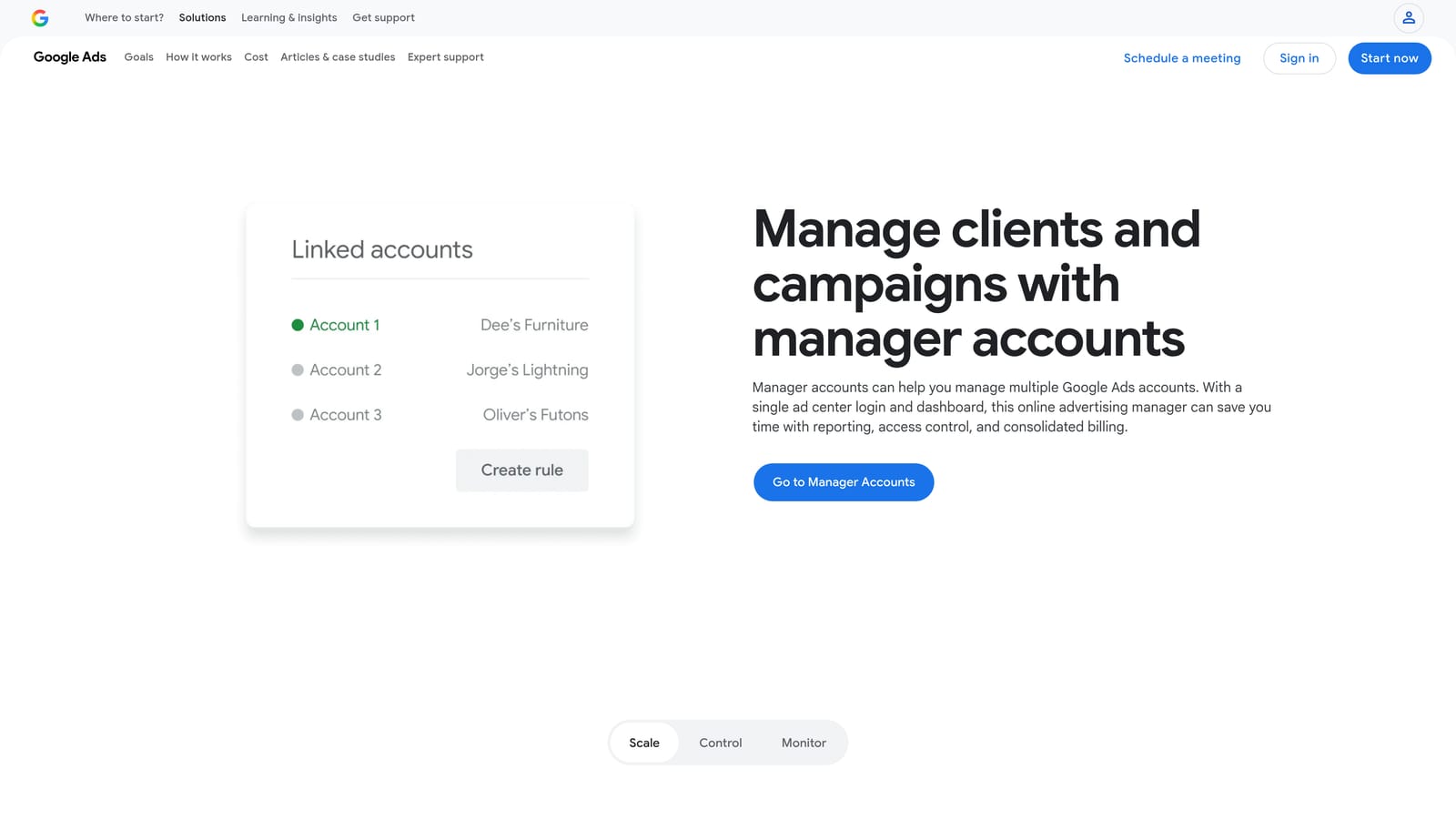
What the manager account gives you
- Linked client accounts under one login, so you aren't juggling credentials.
- User access management to control who sees which accounts.
- Cross-account views for a quick look at how accounts are doing.
What scripts add
- Custom automations and alerts, such as a notice when spend spikes or an account stops serving, can be built to your own rules.
Scripts can also read from and write to Google Sheets, which makes lightweight custom reports possible. The catch: scripts need JavaScript skills and ongoing maintenance. When Google changes something or a client's setup shifts, someone has to fix the code. Without a technical person, skip the scripting half. The manager account itself is a must for any multi-client agency.
Both are free.
Best for: Agencies with a technical team member who wants custom monitoring.
4. Optmyzr
Optmyzr is a PPC management platform with optimization tools, automations, and reporting. It's aimed at agencies that want one system to find and act on improvements across many accounts.

Its distinguishing piece is a rule engine. You define conditions and actions once, then apply them at scale, rather than repeating the same check account by account.
- Rule-based automations run your own logic across accounts on a schedule.
- Optimization suggestions point out where to look first.
- Bulk management tools make changes across many entities at once.
- Reporting covers client-facing output within the same platform.
It integrates with Google Ads and Microsoft Advertising. Expect real setup effort: building rules and templates well takes time, and it works best when a senior PPC person owns it. Automation should be reviewed, not left unattended, since a badly written rule can act on many accounts at once.
The limitation is fit. Pricing is spend-based, and the feature depth can be more than a small agency or freelancer needs. Check the site for current rates, as the price moves with the ad spend you manage.
Best for: Mid-size agencies that want a full optimization platform.
5. Adalysis
Adalysis is an auditing and monitoring tool for Google Ads accounts. Think of it as a second pair of eyes that keeps checking while your team works on other things.
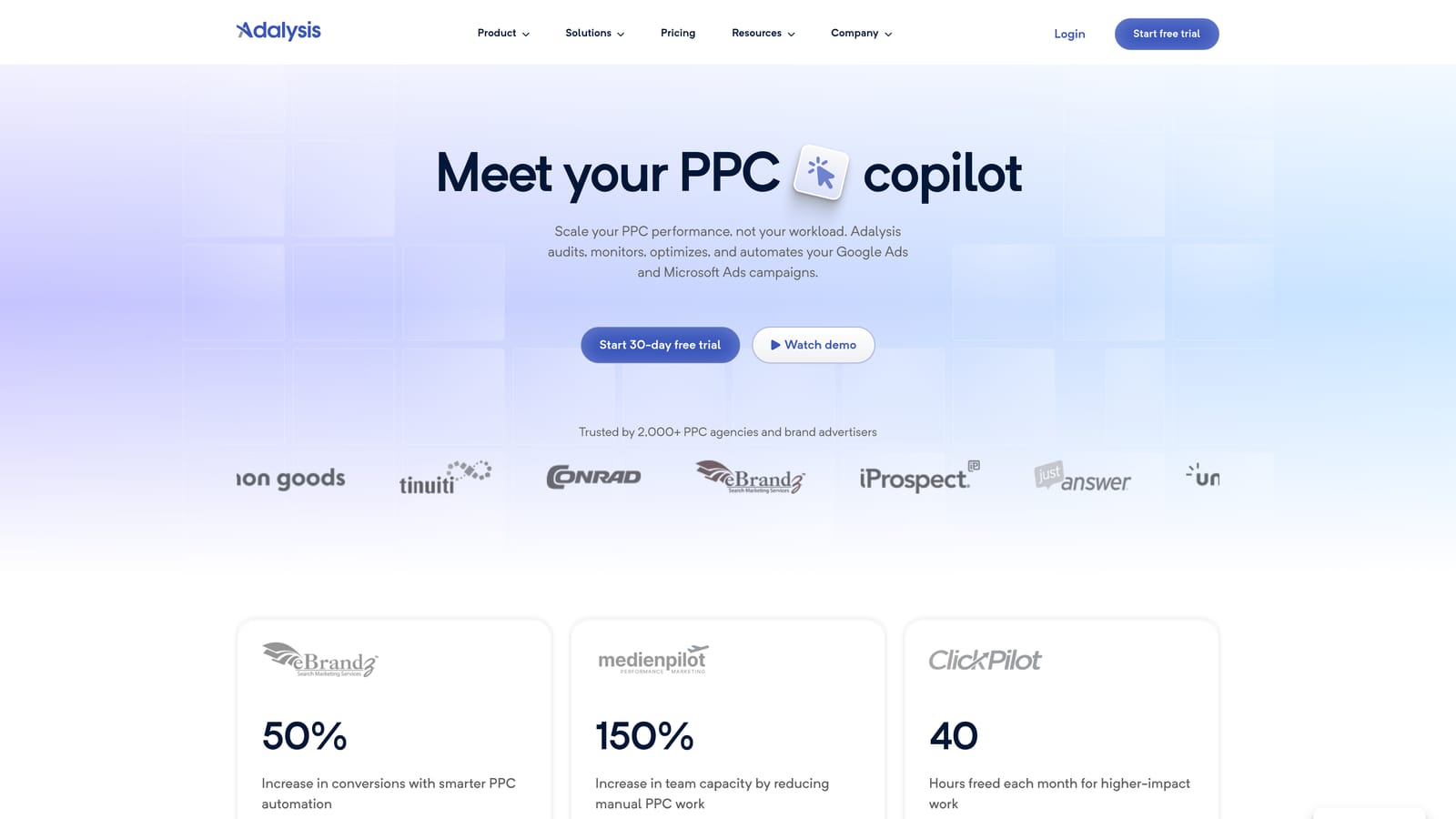
It stands out for automated ad copy testing and audit alerts. Instead of someone remembering to review ad performance, the tool surfaces winners, losers, and problems.
- Automated ad testing compares ad variations so creative decisions rest on results.
- Account audits flag issues across structure and settings.
- Alerts tell you when something changes or breaks, so problems don't sit unnoticed.
- Quality checks catch common errors before they cost money.
It connects to Google Ads and Microsoft Advertising. Setup means linking accounts and tuning which alerts matter, otherwise the volume can feel noisy. A QA-minded account manager or PPC lead typically runs it.
The honest limit: it's more diagnostic than hands-on. It tells you what to look at, but you'll still make edits elsewhere, in the interface, Editor, or another tool. Pricing isn't something to guess at; see the website for current plans and what drives the cost.
Best for: Agencies that prioritize QA and creative testing.
6. Looker Studio
Looker Studio is Google's free dashboard tool. You connect Google Ads data and build reports your clients can open and share.
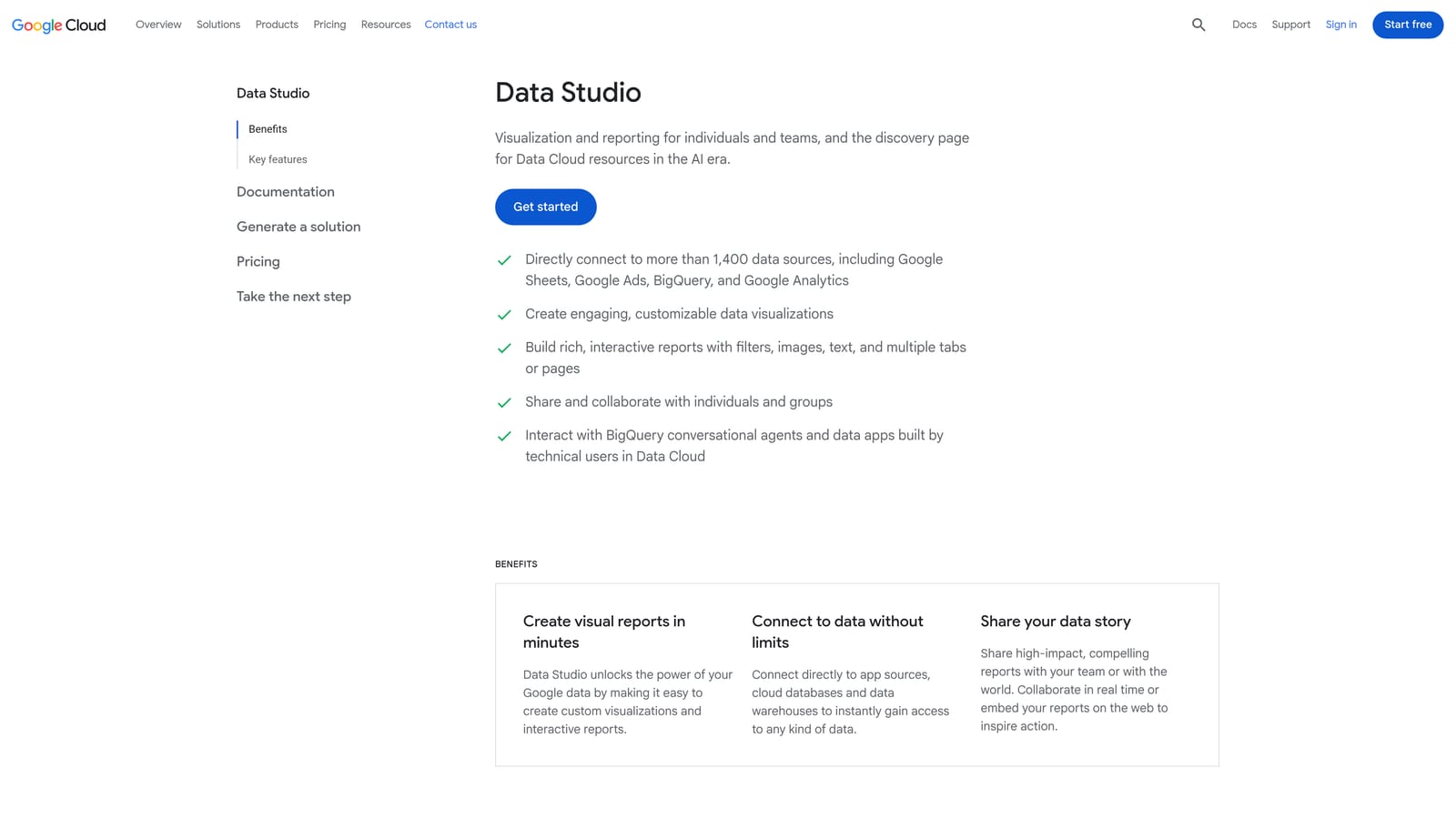
What it does best on this list is flexibility at no license cost. You decide every chart, metric, and layout, which suits agencies with clients who want specific views.
- The Google Ads connector pulls account data into reports without manual exports.
- Customizable dashboards let you show the metrics each client cares about.
- Shareable reports give clients a live link instead of a PDF.
- Template duplication lets you build one good layout and copy it per client.
It also connects to Google Analytics and Google Sheets. Setup effort is front-loaded, and the real cost is maintenance: with many clients, keeping templates updated and fixing broken data sources takes someone's time. Pulling in non-Google platforms often needs third-party connectors, some of which cost extra.
The tool itself is free.
Best for: Agencies that want custom reports without a license fee.
7. Swydo
Swydo is a reporting platform built for agencies. It handles templates, branding, and scheduled delivery so reports go out without someone assembling them each month.
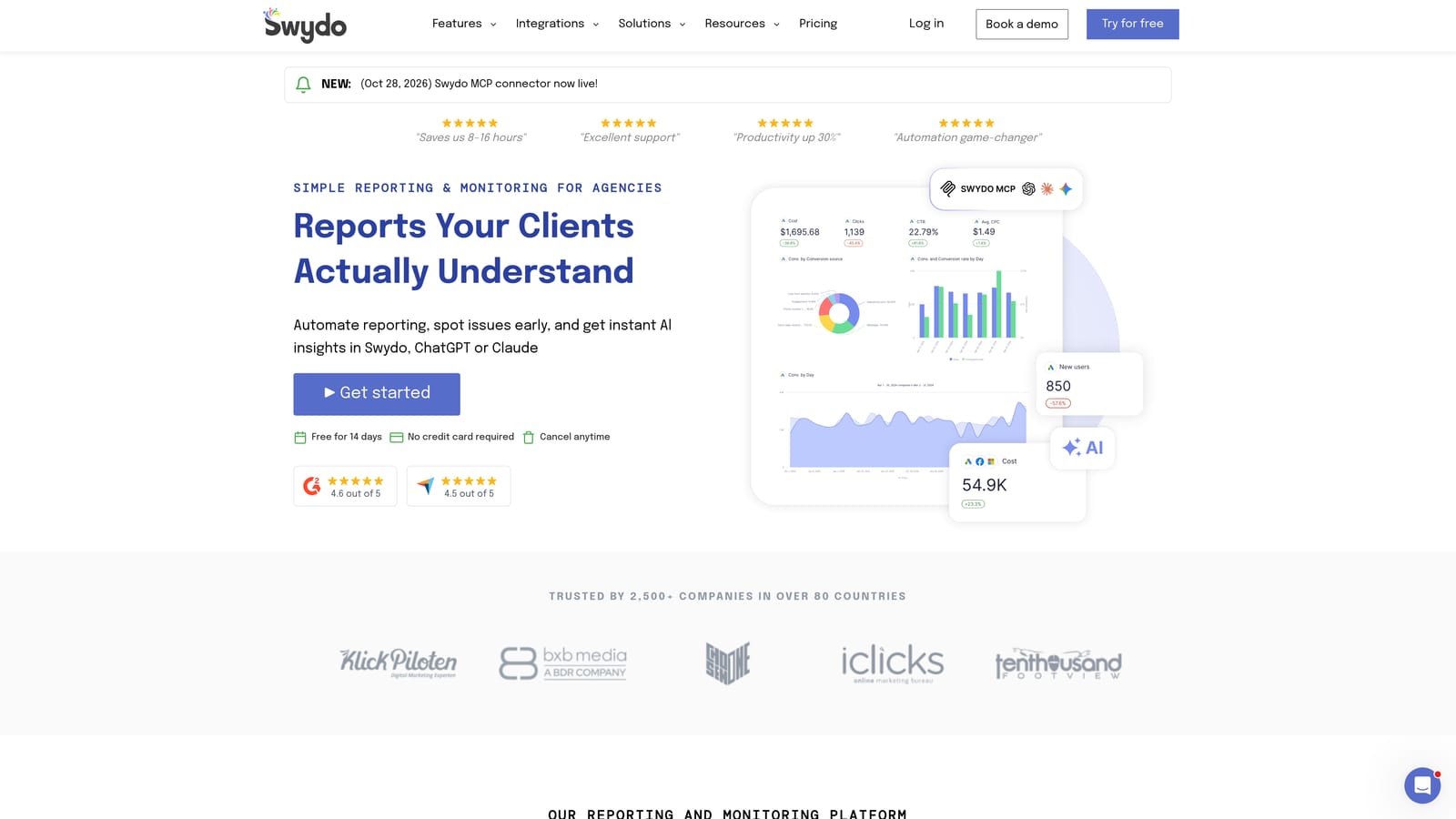
The distinguishing strength is white-labeled, automated reporting that spans multiple ad platforms, which suits agencies reporting on Google Ads next to other channels.
- Report templates cut down the time to set up each new client.
- White-label options put your agency's branding on what clients see.
- Automated report delivery sends reports on a schedule.
- Multi-platform data sources bring several channels into one report.
It connects with Google Ads, Google Analytics, and Meta Ads. Setup is mostly connecting data sources and choosing templates, and an account manager or reporting lead usually owns it.
It's reporting only. It can't change anything in an account, so it won't help with optimization. If you already have polished Looker Studio dashboards, the case for it is mostly convenience and automation. See the website for current pricing and what it scales with.
Best for: Agencies that send recurring cross-channel client reports.
8. Semrush
Semrush is a broad SEO and marketing suite, and its PPC research tools are the part relevant here. It shows you what's happening outside your own account.
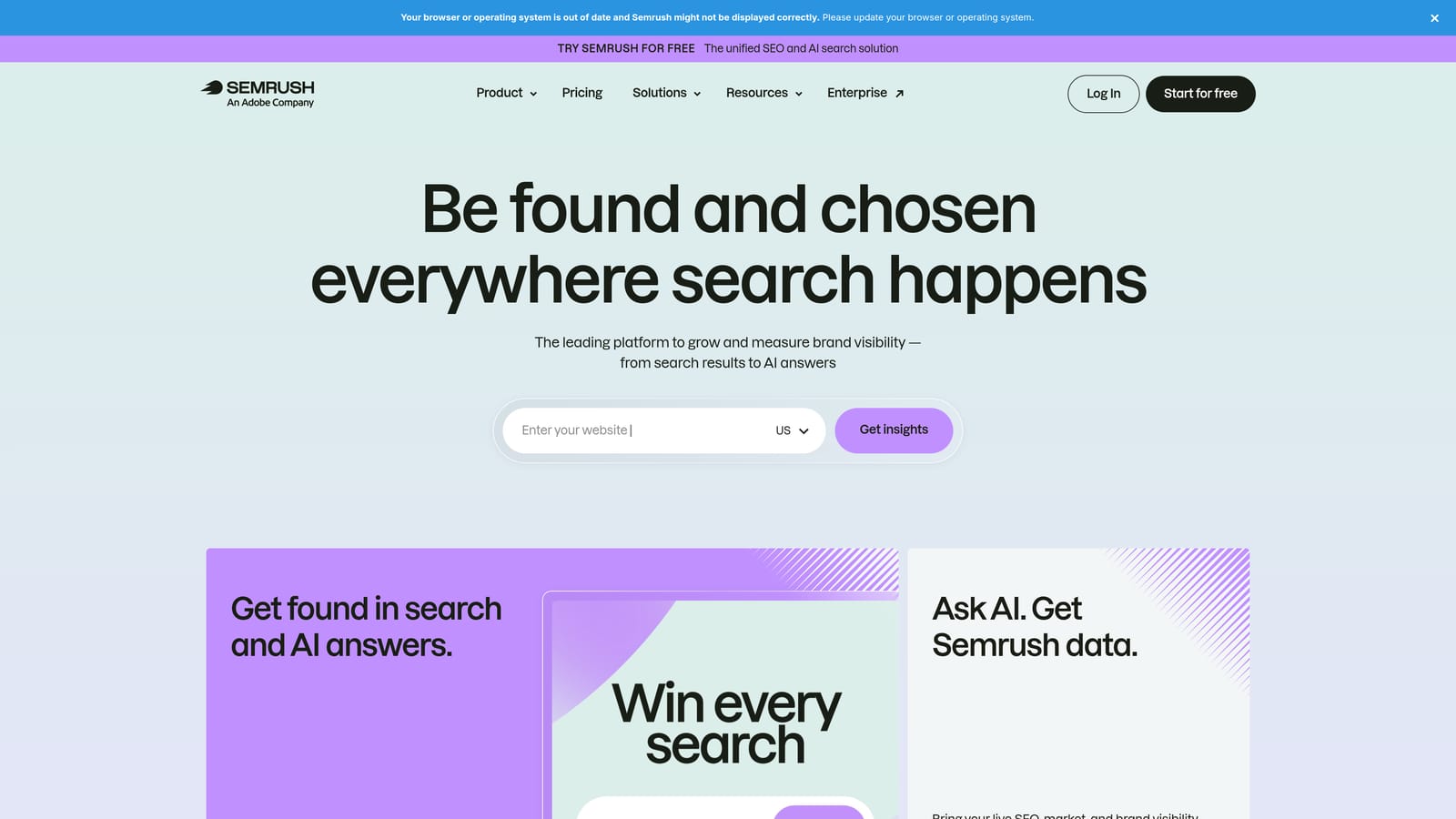
That's its distinguishing value: competitor ad and keyword intelligence you can't get from a client's account data, which is handy before a pitch or when a new client has no history.
- Competitor ad research shows how rivals position their ads.
- Keyword research surfaces terms worth considering.
- Keyword gap analysis highlights terms competitors target that you don't.
- Domain analysis gives a quick read on a prospect's or competitor's search presence.
It integrates with Google Ads, Google Analytics, and Looker Studio. Setup is simple, and it's often used by strategists or whoever handles new business and planning rather than daily account managers.
Know the caveats: figures are third-party estimates, not your actual data, and a full subscription may be costly if PPC is your only use. Pricing varies by plan; see the website for current rates.
Best for: Pitching, new-account research, and keyword expansion.
9. Google Keyword Planner
Google Keyword Planner is the free research tool inside Google Ads. You use it to find keyword ideas, see search volume ranges, and forecast how a plan might perform.

Its advantage is source: it's first-party Google data, so ideas and forecasts come straight from the platform you're buying on.
- Keyword ideas help you build an initial list from a seed term or a site.
- Search volume ranges give a rough sense of demand.
- Forecasts estimate clicks and cost for a plan, useful in budget conversations.
- Bid estimates give a starting point for expected costs.
It lives inside Google Ads, so there's nothing extra to install. One thing to keep straight: Keyword Planner suggests keywords, which are not the same as the search terms real users type once your ads are running. Those only appear in your Search Terms Report.
The limits: without active spend, volumes show as broad ranges, and there are no workflow tools around it. It's free.
Best for: Initial keyword discovery and budget forecasting.
Matching Tools to Your Agency's Gaps
You don't need all nine. Pick by the job that's costing you the most time.
- Search term cleanup: Keywordme, since it works inside the report where you already review queries.
- Bulk editing: Google Ads Editor, with the manager account as the base for multi-client access.
- Auditing and monitoring: Adalysis for QA and ad testing, Optmyzr if you want rules that act at scale, or scripts if you have the technical skills.
- Client reporting: Looker Studio if you'll invest setup time, Swydo if you'd rather pay for automation and white-labeling.
- Research: Keyword Planner for first-pass ideas and forecasts, Semrush when you need competitor context.
A small stack usually beats one big platform. A solid starting point is the manager account, Editor, Looker Studio, and one tool for search term hygiene, all free except the last. Add paid platforms only when a specific gap shows up, and keep a human reviewing anything automated.
Optimize Google Ads Campaigns 10X Faster. Without Leaving Your Account. Keywordme lets you remove junk search terms, build high-intent keyword lists, and apply match types instantly, right inside Google Ads. No spreadsheets, no switching tabs, just quick, seamless optimization. Start your free 7-day trial (then just $12/month) and take your Google Ads game to the next level.
