
9 Best Agency Client PPC Management Tools for Google Ads Teams in 2026
A practical guide to agency client ppc management tools.


Managing Google Ads for several clients is really four or five different jobs: search term cleanup, bulk edits, automation and audits, client reporting, and keeping the team's recurring tasks on track. This list is for agency owners, freelancers, and in-house marketers who run multiple accounts. Tools were picked for fit with agency workflows, multi-account support, pricing transparency, and how much manual work they actually remove. Most agencies end up with a small stack rather than one winner.
Quick Comparison of the Agency PPC Tools
- Keywordme: agencies and freelancers who spend hours on search term reviews; $12/month per user; one-click search term actions inside the native Google Ads interface.
- Google Ads Editor: teams doing big restructures and bulk ad or keyword updates; free; offline drafting with review before anything is posted.
- Optmyzr: mid-size agencies wanting automation plus reporting; tiered, see website; rule-based automation across many accounts.
- Google Ads Manager Account (MCC) and Scripts: technical teams wanting free automation; free; native account hierarchy plus scriptable alerts.
- Looker Studio: agencies wanting low-cost custom dashboards; free; report templates you can clone per client.
- AgencyAnalytics: full-service agencies reporting across channels; tiered, see website; PPC, SEO, and social in one white-label client report.
- Adalysis: agencies running search ad tests at scale; tiered, see website; automated ad testing and audit alerts across accounts.
- Supermetrics: agencies building multi-platform reports in Sheets or Looker Studio; tiered or quote-based, see website; the broadest connector coverage on this list.
- Asana: teams needing accountability for recurring client tasks; free tier, paid plans per user; workflow and approval tracking.
1. Keywordme
Keywordme is a Chrome extension that adds one-click actions inside the Search Terms Report in Google Ads. It's built for people who review search terms (the actual queries users typed that triggered your ads, as opposed to the keywords you bid on) week after week and are tired of exporting to spreadsheets to do it. Keywordme is our own product, so here's the honest version: it does one job, and it does that job inside the interface you already use.
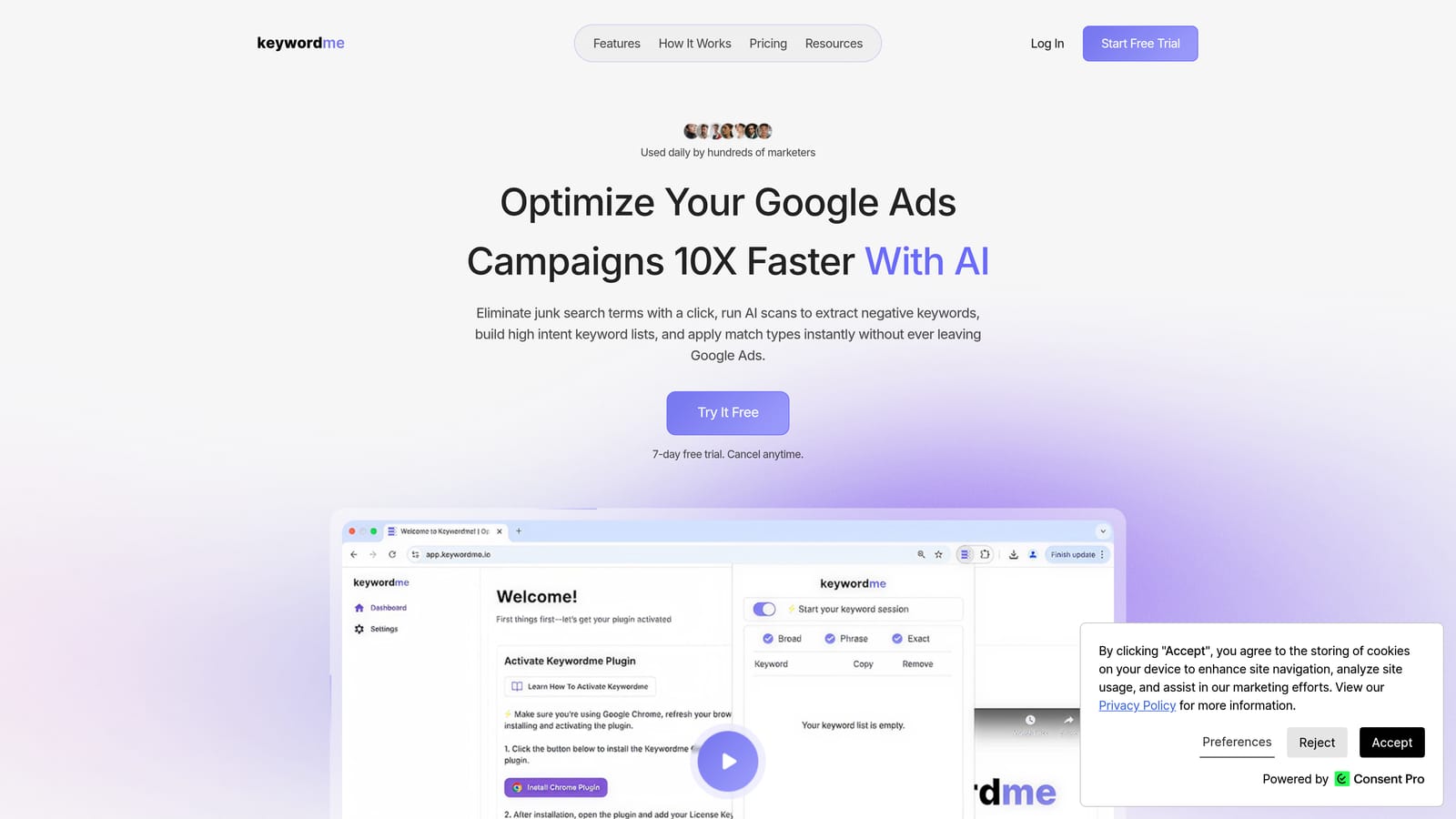
What sets it apart on this list is that nothing leaves Google Ads. No dashboard to log into, no export, no re-upload. You review the report, click, and the action happens. You still make every call yourself; it speeds up the clicking, not the judgment.
- One-click negative keywords straight from the Search Terms Report, so junk queries stop costing you money faster.
- Add search terms as keywords with the match type already applied, which saves the manual setup for each new keyword.
- Keyword clustering to group related terms, handy when you're building tighter ad groups from a messy report.
- Bulk editing so you can handle many terms at once instead of one at a time.
- Multi-account and team support, so several people at an agency can use it across client accounts.
Setup is installing the extension in Chrome and opening Google Ads. Whoever does search term reviews day to day, usually a PPC specialist or account manager, is the one who uses it.
The limits are clear. It works with Google Ads only and focuses on search term and keyword work. It has no client reporting and no bid automation, so you'll pair it with something else for those jobs. If you're a Microsoft Advertising-heavy shop, it won't help there.
Pricing is a flat $12/month per user, with a 7-day free trial. It doesn't scale with ad spend or the number of accounts, which makes costs easy to predict as you add clients.
Best for: Agencies and freelancers who spend hours on search term reviews.
2. Google Ads Editor
Google Ads Editor is Google's free desktop application for managing accounts in bulk. It suits anyone who needs to make structural changes across lots of campaigns without clicking through the web interface one screen at a time.

Its signature strength is working offline. You download accounts, make changes in a draft state, review everything, and only then post. For a big restructure, that review step is a real safety net, and nothing else on this list offers the same thing for free.
- Bulk edits across campaigns and accounts, so one change can apply to hundreds of items.
- Offline drafting and review, letting you check the work before it goes live.
- Copy and paste across accounts, useful when you're rolling a proven structure out to a new client.
- Import and export through spreadsheets, for teams that build changes in a sheet first.
Setup is a download and an account sign-in. It integrates with Google Ads only, and it's typically run by whoever handles builds and restructures.
The trade-off is the workflow. It's manual and spreadsheet-style, and it has no client reporting. It's also not where you'd do quick day-to-day search term triage, since you'd be pulling down accounts and posting changes for work that takes seconds elsewhere.
Pricing: free.
Best for: Large account restructures and bulk ad or keyword updates.
3. Optmyzr
Optmyzr is a PPC management platform that bundles optimization tools, rule-based automation, and reporting. It's aimed at agencies that want one suite covering several jobs at once.

The standout is the Rule Engine: you define conditions and actions, and it applies them across many accounts. That's powerful for repeatable work like pausing underperformers or flagging overspend. Automation rules still need human review, though. A rule that makes sense for one client can quietly misfire for another, so check what it's doing.
What you get
- Rule Engine automation that applies your logic across accounts instead of you repeating checks manually.
- Bulk optimization tools for making changes at scale.
- Client reporting so you can send updates without a separate reporting tool.
- Account audits and recommendations that point you at what to look at first.
Fit and limits
It connects to Google Ads, Microsoft Advertising, and Meta Ads, which helps if your clients run across platforms. Expect a learning curve; setup takes time, and it's best owned by a specialist who'll tune the rules. Cost scales with ad spend, so check how that lands for your portfolio. Smaller freelancers with a couple of accounts may find it more than they need.
Pricing is tiered. See the website for current rates.
Best for: Mid-size agencies wanting automation plus reporting in one suite.
4. Google Ads Manager Account (MCC) and Scripts
A Google Ads manager account, often called an MCC (My Client Center), is the free structure that lets you oversee multiple client accounts from a single login. Scripts are small bits of JavaScript that run inside Google Ads to automate tasks and send alerts.
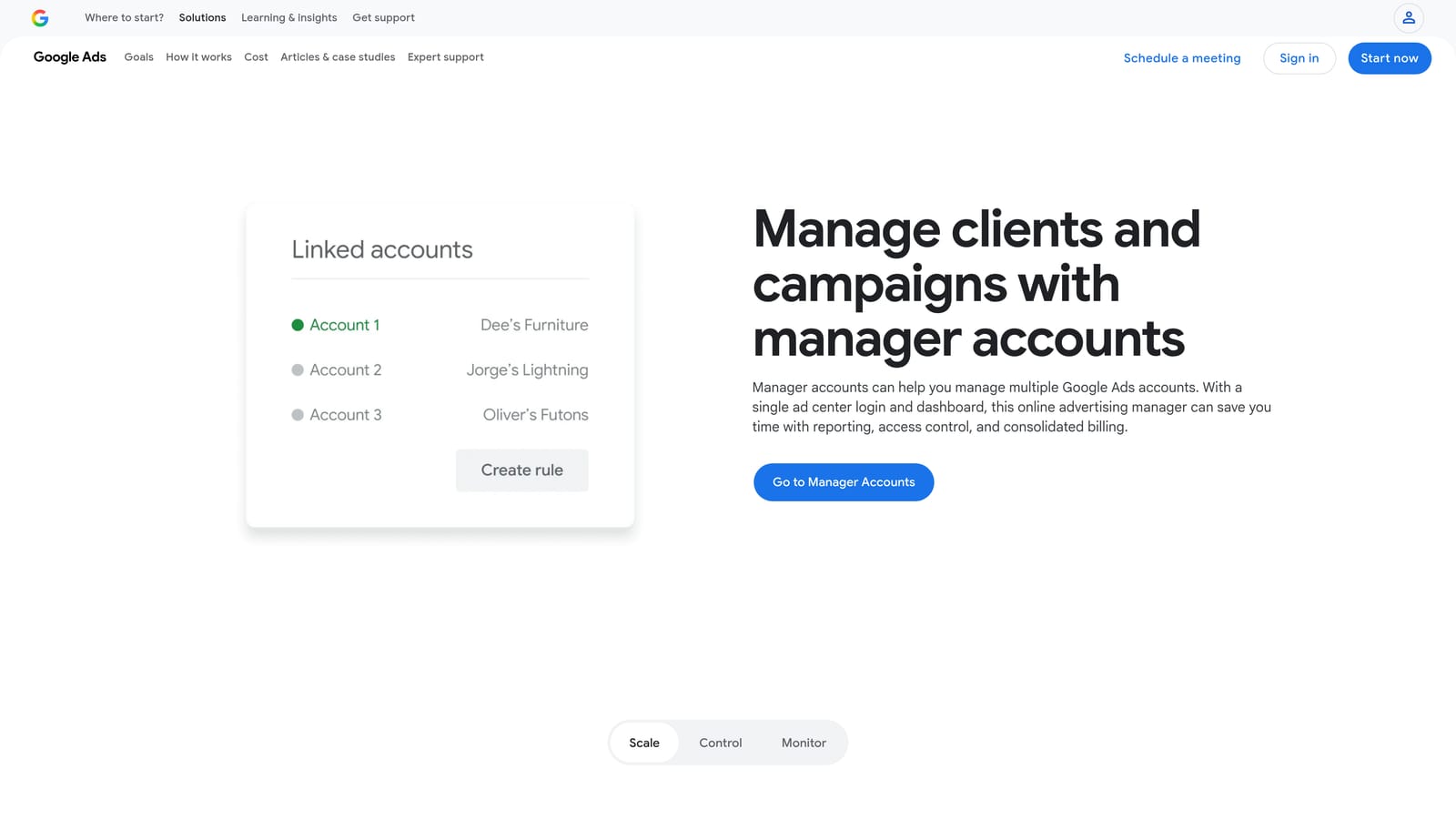
The MCC is the foundation most agencies build on, because it handles the account hierarchy natively. Scripts add automation without a subscription, which is why technical teams like them for things such as budget pacing alerts.
- Single login for many client accounts, so you aren't signing in and out all day.
- User access management, which controls who on your team can see and change which accounts.
- Cross-account reporting views for a quick read on performance across clients.
- Scripts for alerts and automation, extendable to Google Sheets for custom outputs.
The catch is skill. Scripts need JavaScript, so someone on the team has to write, maintain, and debug them. A broken script that silently stops alerting is worse than no script. The built-in reporting is also basic, so you'll likely pair it with a dashboard tool for client-facing work.
Pricing: free.
Best for: Technical teams who want free automation like budget pacing alerts.
5. Looker Studio
Looker Studio is Google's free dashboarding tool for building client-facing reports. It has a native Google Ads connector, so pulling in campaign data is straightforward.
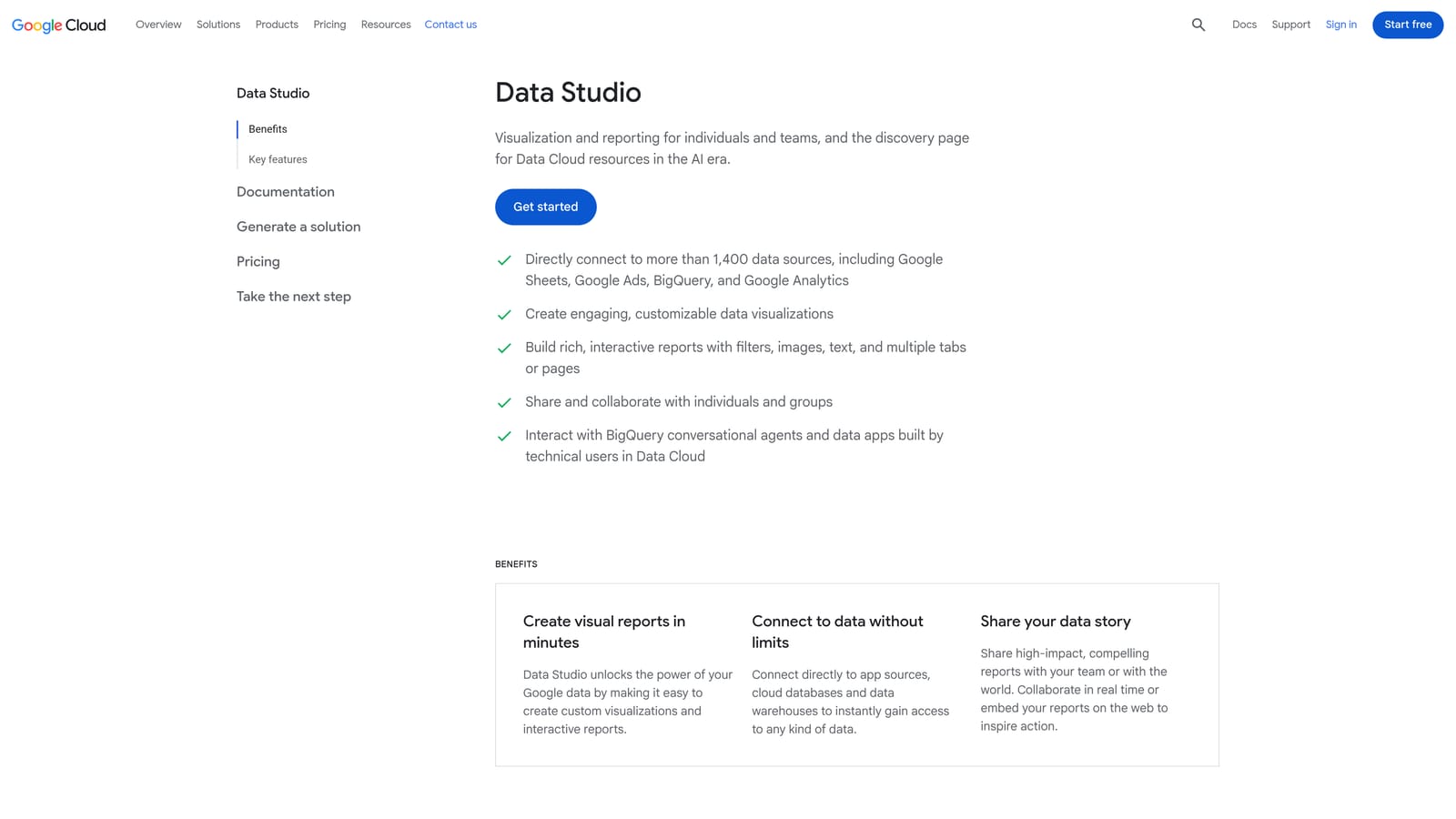
Its best trick for agencies is templating: build one solid report, then clone it for each client and swap the data source. That keeps the cost near zero and the look consistent, while still letting you customize layouts, metrics, and branding to your taste.
- Native Google Ads connector, so the core data arrives without extra tooling.
- Customizable templates that you reuse and adjust per client.
- Shareable report links, which clients can open without needing a login to your tools.
- Data blending to combine sources, like ads data with analytics, in one view.
It also connects to Google Analytics and Google Sheets, plus partner connectors for other platforms. Those partner connectors for non-Google sources may cost extra, which is where tools like Supermetrics (below) come in.
Know what it is: visualization only. A dashboard shows clients what happened; it doesn't fix anything. There's no optimization here. Building good templates also takes upfront design time, and someone has to maintain them when connectors or metrics change.
Pricing: free, with a paid Pro tier available.
Best for: Agencies wanting low-cost custom client dashboards.
6. AgencyAnalytics
AgencyAnalytics is a reporting platform built for agencies, with white-label dashboards (reports carrying your agency's branding rather than the vendor's) and client logins.
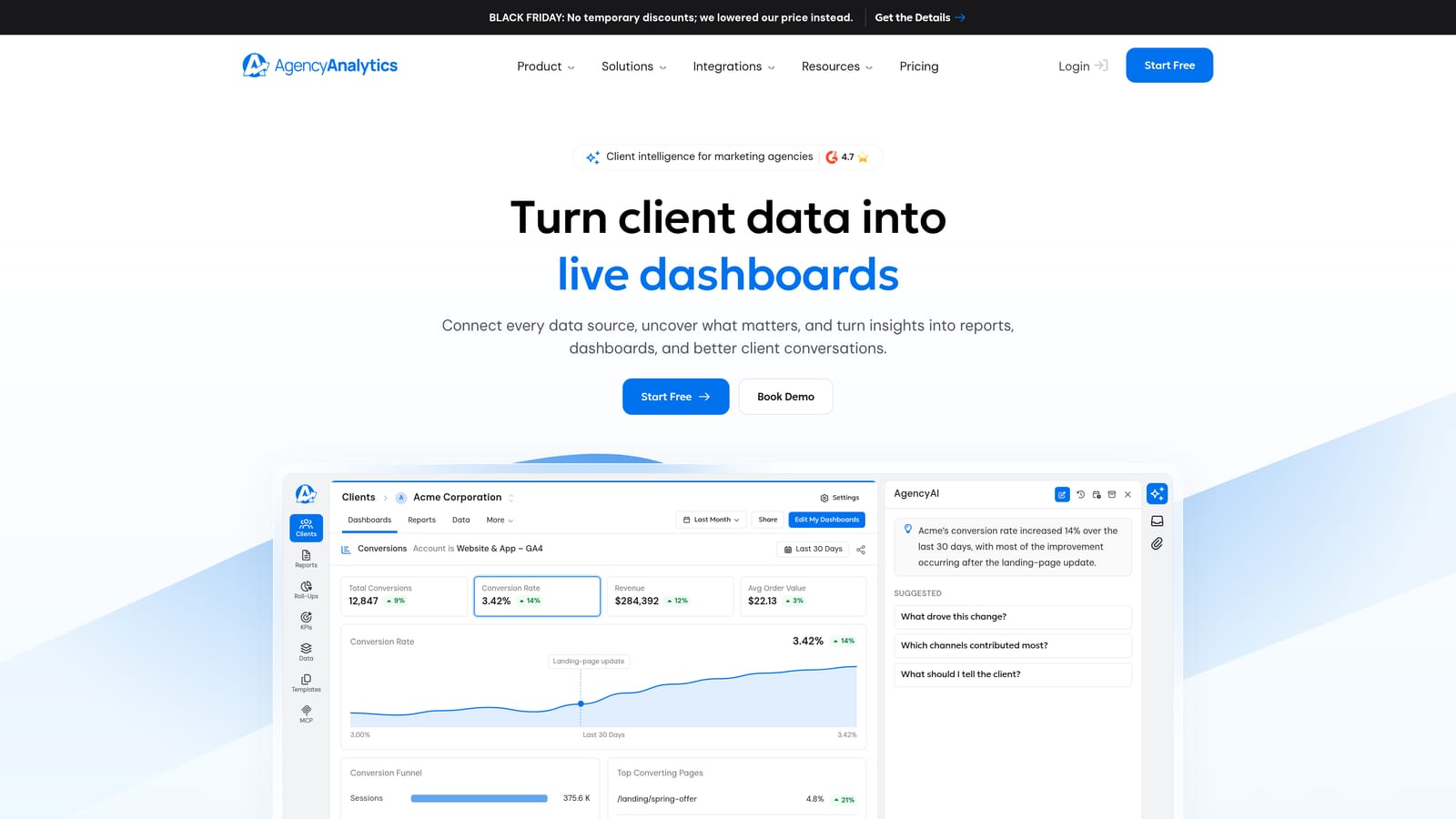
What distinguishes it here is breadth in one client-ready package. PPC, SEO, and social can sit together in a single report, which suits agencies that sell more than paid search and don't want to stitch together separate documents each month.
- White-label dashboards that present as your own brand.
- Client portal logins so clients can check numbers themselves and ask fewer "how are we doing?" questions.
- Multi-channel reporting across ads, SEO, and social.
- Automated report scheduling to send updates without monthly manual assembly.
It integrates with Google Ads, Google Analytics, Meta Ads, and a range of SEO and social platforms. Setup means connecting each client's accounts and arranging dashboards, usually handled by an account manager or reporting lead.
It's reporting only. It won't optimize a campaign, so it doesn't replace anything in the optimization categories above. A PPC-only freelancer might find the multi-channel scope unnecessary and a free Looker Studio template plenty.
Pricing is tiered. See the website for current plans.
Best for: Full-service agencies reporting across several channels.
7. Adalysis
Adalysis is a PPC audit and testing platform that scans ad accounts and flags problems. Think of it as a second pair of eyes watching all your accounts at once.
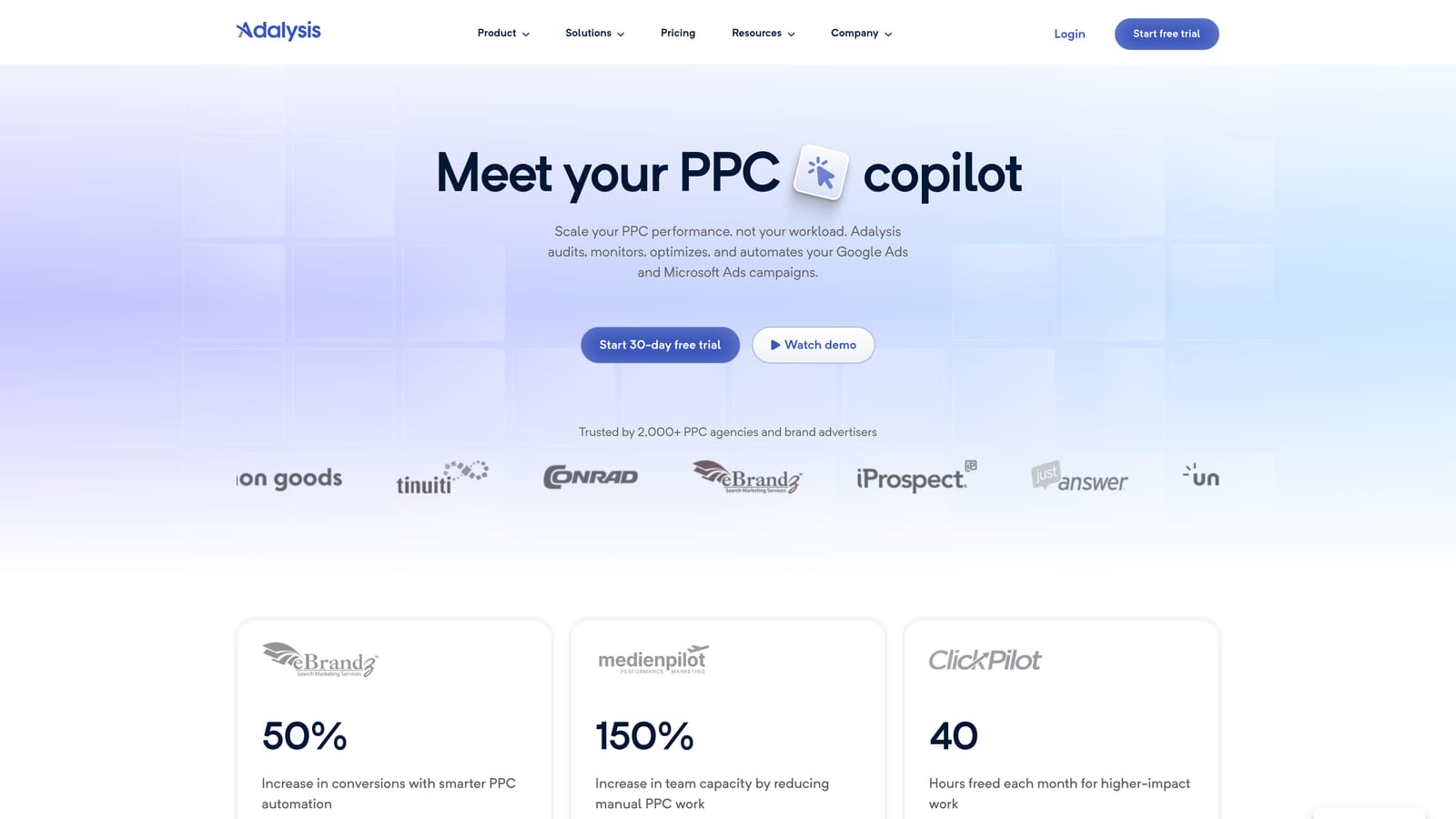
The standout is automated ad testing paired with audit alerts across many accounts. If you run lots of responsive search ads and want a systematic read on which variations are winning, this handles the tracking that's tedious by hand.
- Automated account audits that surface issues you'd otherwise find only by digging.
- Ad testing to compare variations and see which deserve to stay.
- Alerts that point you at changes needing attention.
- Quality and performance checks across campaigns.
It connects to Google Ads and Microsoft Advertising. A PPC specialist usually owns it, working through the flags during regular account reviews. Remember that an alert is a prompt to investigate, not an instruction to act.
It's audit-focused, and reporting isn't its core strength, so clients will still need a separate dashboard. It's also less compelling if you manage a handful of small accounts where a manual check takes minutes.
Best for: Agencies running search ad tests at scale.
8. Supermetrics
Supermetrics is a data connector. It pulls Google Ads and other platform data into Google Sheets, Looker Studio, and warehouses like BigQuery on a schedule.
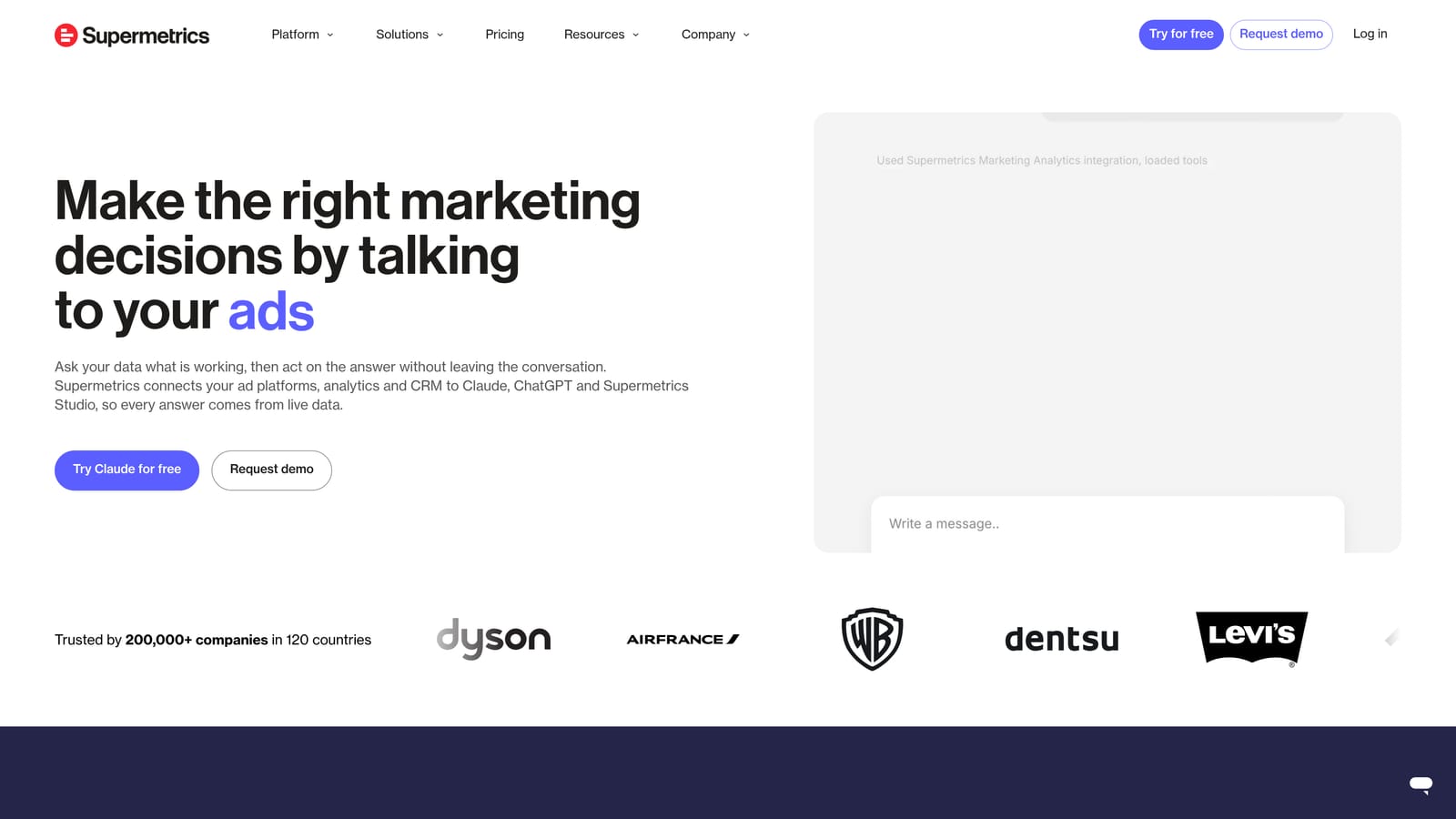
Its edge is connector coverage: it's the broadest on this list, which matters when a client's spend is split across Google, Meta, and other channels and you need one combined view. (Note this is Supermetrics alone, not Google's separate enterprise product, Search Ads 360.)
- Connectors for many ad platforms, so you aren't limited to Google data.
- Data transfer to Sheets and Looker Studio, feeding the reporting setups you already have.
- Scheduled refreshes that keep reports current without manual exports.
- Warehouse destinations for agencies that store data centrally.
It pairs naturally with Looker Studio, Sheets, and BigQuery. Someone comfortable with data setup should own it, because you're building the pipes before anything gets visualized.
It's data plumbing only: no reporting design, no optimization. Costs can climb as you add connectors, so price it against your actual client mix before committing. If your clients are Google-only, the free native Looker Studio connector may be enough.
Pricing is tiered or quote-based. See the website.
Best for: Agencies with multi-platform reporting built in Sheets or Looker Studio.
9. Asana
Asana is a project management platform. It's the odd one out here because it has no ad data at all, but agencies lose a lot of time and consistency to forgotten recurring tasks, and that's the gap it fills.
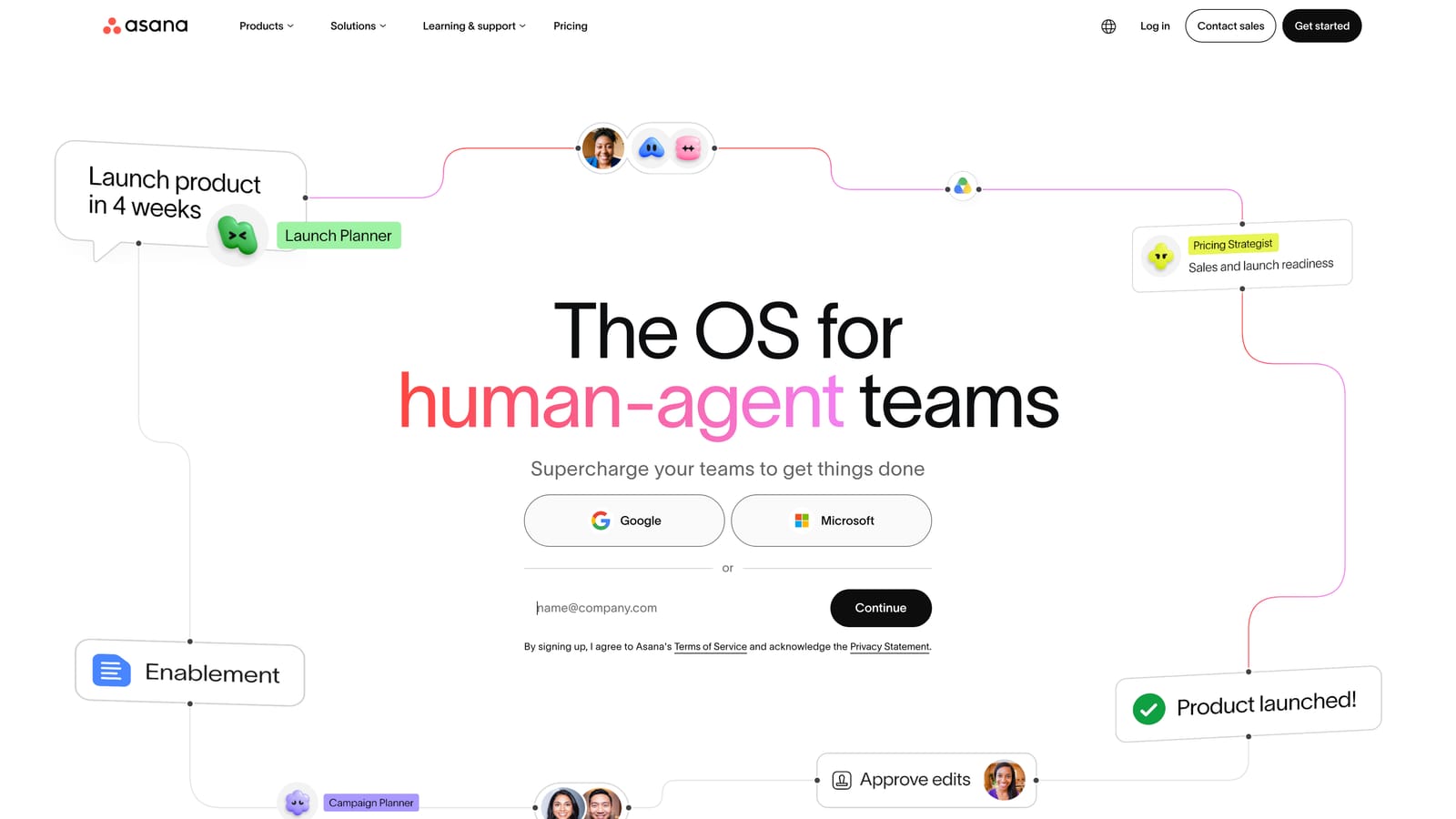
The standout is workflow and approval tracking. Build a template for the weekly search term review, the monthly report, and the new-client onboarding checklist, and every account gets the same process with a named owner.
- Recurring task templates so routine PPC checks get scheduled rather than remembered.
- Approval workflows for sign-off on budget changes or ad copy before they go live.
- Team workload views to see who's overloaded before something slips.
- Client project boards to organize onboarding and ongoing work per account.
It integrates with Slack, Google Workspace, and many third-party apps. An account lead or operations manager usually sets it up, and adoption depends on the whole team actually using it.
It does nothing for campaign performance on its own, and it won't pull in or optimize ad platform data. If you're a solo freelancer, it may be overkill.
Pricing: there's a free tier, with paid plans charged per user.
Best for: Agency teams needing accountability for recurring client tasks.
Which Tools to Pair for Your Agency
No single tool above covers every job, and most agencies settle on two or three. Here's how the picks line up by use case:
- Search term cleanup: Keywordme, for fast negative keywords and keyword additions inside Google Ads.
- Bulk edits: Google Ads Editor, especially for restructures you want to review before posting.
- Automation and audits: Optmyzr for rules across accounts, Adalysis for ad testing and alerts, or MCC Scripts if you have JavaScript skills and want free.
- Client reporting: Looker Studio for low cost, AgencyAnalytics for white-label multi-channel reports, Supermetrics when data needs to come from many platforms.
- Team workflow: Asana for recurring tasks and approvals.
A lean starting stack might be the free MCC, Looker Studio for reporting, and Keywordme for the search term work that eats the most hours. Add automation or workflow tools as the client count grows.
Optimize Google Ads Campaigns 10X Faster. Without Leaving Your Account. Keywordme lets you remove junk search terms, build high-intent keyword lists, and apply match types instantly, right inside Google Ads. No spreadsheets, no switching tabs, just quick, seamless optimization. Start your free 7-day trial (then just $12/month) and take your Google Ads game to the next level.
