
9 Affordable Tools for PPC Managers That Actually Save Time
Discover 9 genuinely affordable tools for PPC managers that streamline Google Ads workflows without enterprise-level pricing, covering keyword optimization, negative keyword management, reporting, and competitor research for freelancers and lean agency teams.


TL;DR: You don't need a $500/month platform to run tight Google Ads campaigns. This list covers the best affordable tools for PPC managers, from in-interface optimization to keyword research and reporting, all priced for freelancers, solo advertisers, and lean agency teams.
Managing PPC on a budget doesn't mean cutting corners. It means being smart about which tools you actually pay for. The market is full of bloated platforms charging enterprise prices for features most managers never use. This list cuts through the noise and focuses on tools that are genuinely affordable, purpose-built for Google Ads workflows, and actually used by working PPC professionals.
Whether you're a freelancer managing a handful of accounts or an agency owner scaling a team, these tools cover the core jobs: keyword optimization, negative keyword management, reporting, competitor research, and landing page testing. Here are the top affordable tools worth your money in 2026.
1. Keywordme
Best for: PPC managers who want to optimize campaigns directly inside Google Ads without switching tools.
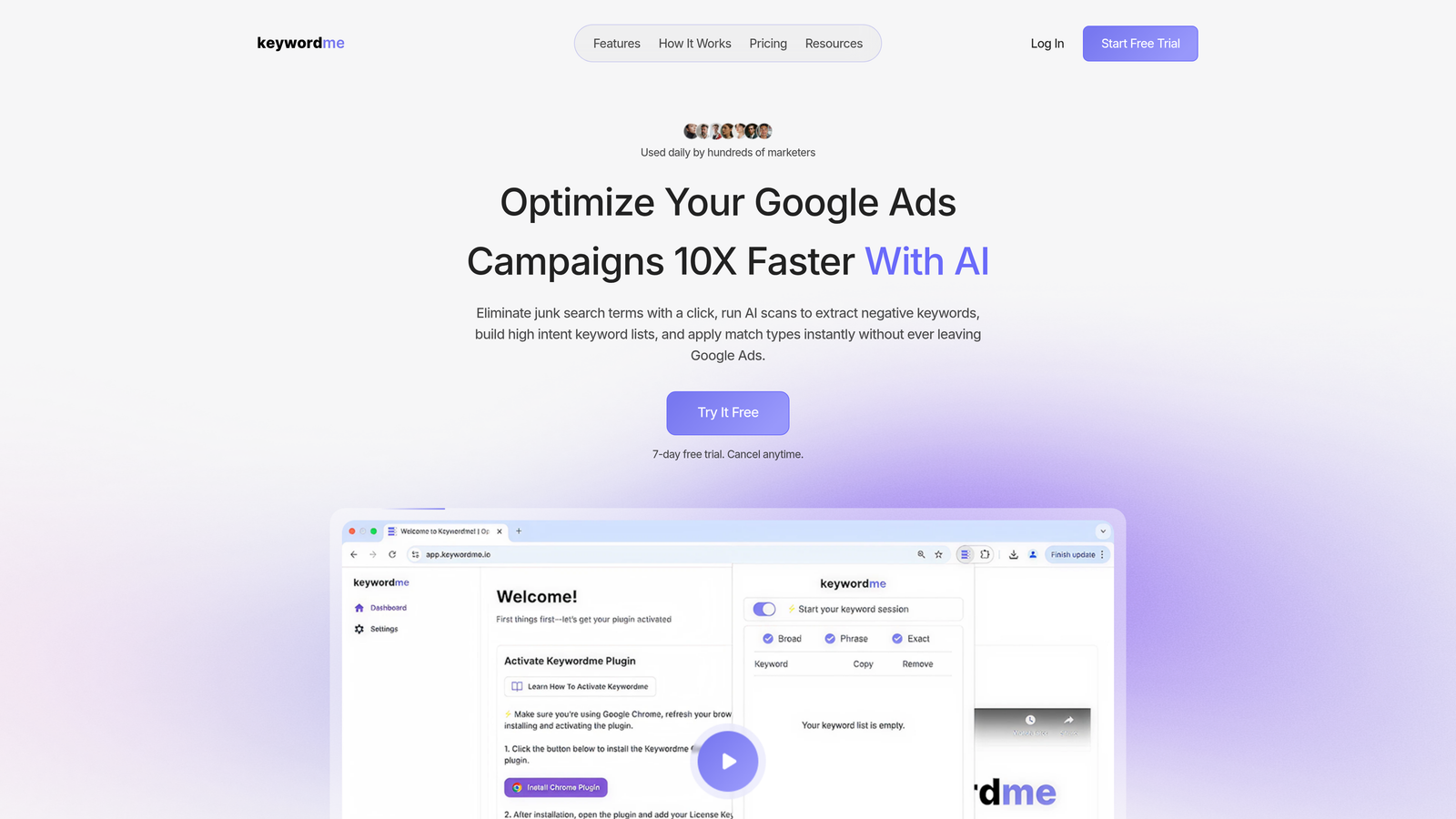
Keywordme is a Chrome extension that plugs directly into Google Ads' Search Terms Report, letting you remove junk queries, add negatives, apply match types, and build keyword groups with one-click actions.
Where This Tool Shines
In most accounts I audit, the biggest time drain isn't strategy. It's the manual grind of exporting search terms to a spreadsheet, filtering out irrelevant queries, copying negatives back into Google Ads, and doing it all over again next week. Keywordme eliminates that loop entirely by letting you do everything inside the native Google Ads interface.
The one-click workflow is genuinely fast. You're reviewing your Search Terms Report, you spot a junk query, you click to add it as a negative. Done. No tab switching, no CSV exports, no pasting. For agencies managing multiple clients, the multi-account and team support means your whole team works the same streamlined process.
Key Features
One-Click Negative Keyword Addition: Add negatives directly from the Search Terms Report without leaving Google Ads.
Instant Match Type Application: Apply broad, phrase, or exact match to keywords without exporting to spreadsheets.
Keyword Clustering and Bulk Editing: Group and organize keywords faster with built-in clustering tools.
Multi-Account and Team Support: Built for agencies managing multiple clients with team-level access.
Native UI Integration: Works entirely inside Google Ads, no external dashboard required.
Best For
Freelancers and agency teams who spend significant time inside the Search Terms Report every week. If your optimization workflow currently involves spreadsheets or tab-switching between Google Ads and a third-party tool, this extension directly removes that friction. Especially strong for agencies with junior team members who need a fast, low-error workflow.
Pricing
$12/month per user. A 7-day free trial is available with no commitment required. One of the most straightforward pricing models on this list.
2. Google Keyword Planner
Best for: Initial keyword discovery and validating search demand before building campaigns.
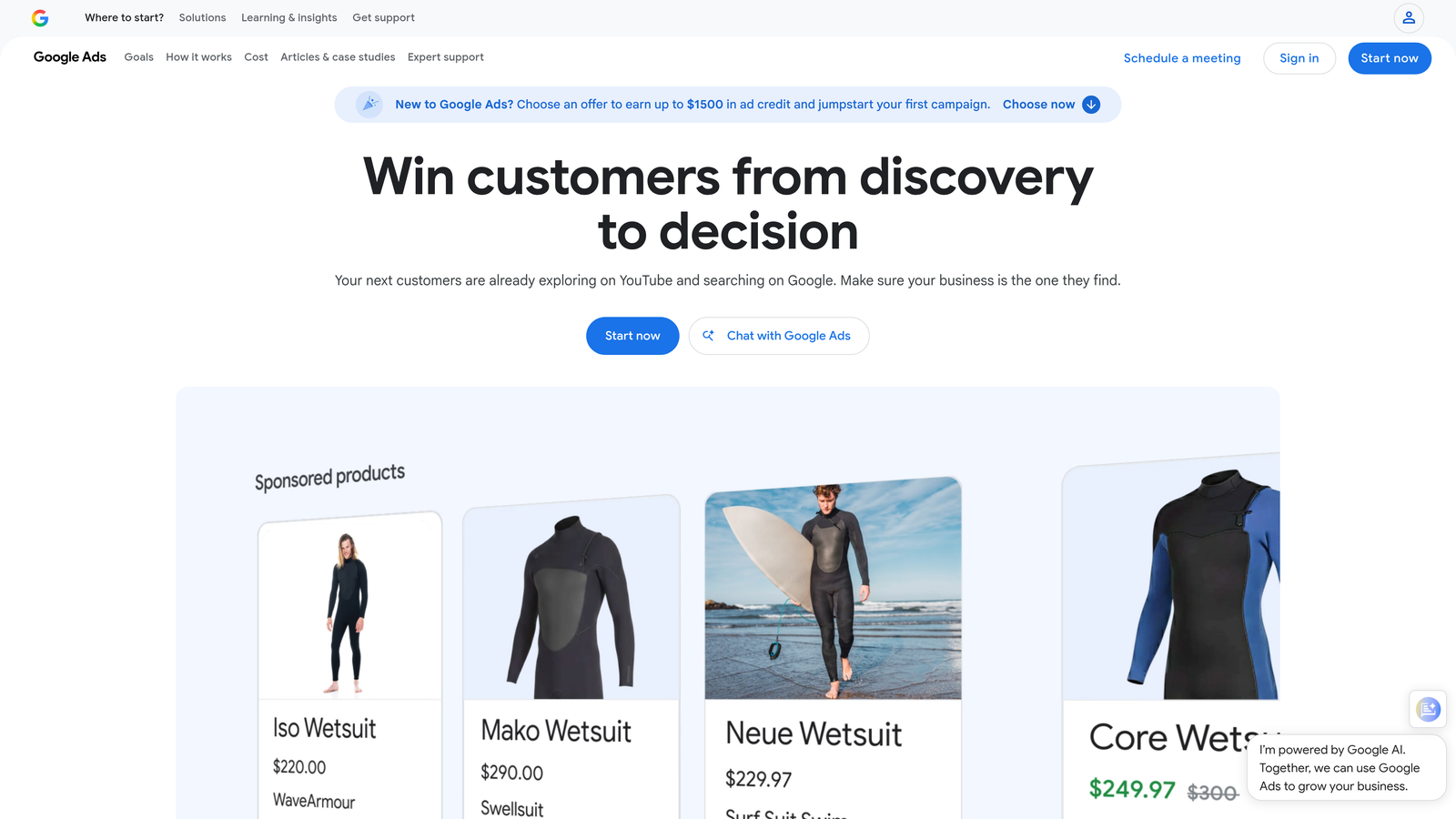
Google Keyword Planner is Google's native keyword research tool, available free inside any Google Ads account, providing search volume data, competition levels, and bid estimates pulled directly from Google's own data.
Where This Tool Shines
The obvious advantage here is the data source. You're pulling search volume and bid estimates directly from Google, which means you're working with the most accurate picture of what's actually being searched. For initial campaign builds and budget planning conversations with clients, it's hard to beat.
What usually happens here is managers use it for discovery, then validate their shortlist with a more granular tool. The main limitation is that volume data shows in ranges rather than exact figures unless your account has active spend. Still, for free, it covers a lot of ground.
Key Features
Search Volume Ranges and Seasonal Trends: See how search demand shifts month-to-month for any keyword.
Keyword Ideas from Seed Terms or URLs: Generate related keyword suggestions based on your inputs.
Bid Estimate Ranges: Get top-of-page and first-position bid estimates for budget planning.
Direct Campaign Integration: Add keywords directly to a campaign from within the planner.
Competition Level Indicators: Low, medium, and high competition labels for quick prioritization.
Best For
Any PPC manager building new campaigns or researching new verticals. It's also a solid tool for justifying keyword choices to clients because the data comes directly from Google. If you're budget-constrained and can only use free tools, this is your keyword research foundation.
Pricing
Free with any Google Ads account. No paid tier.
3. SpyFu
Best for: Competitive PPC research at a lower price point than all-in-one platforms.
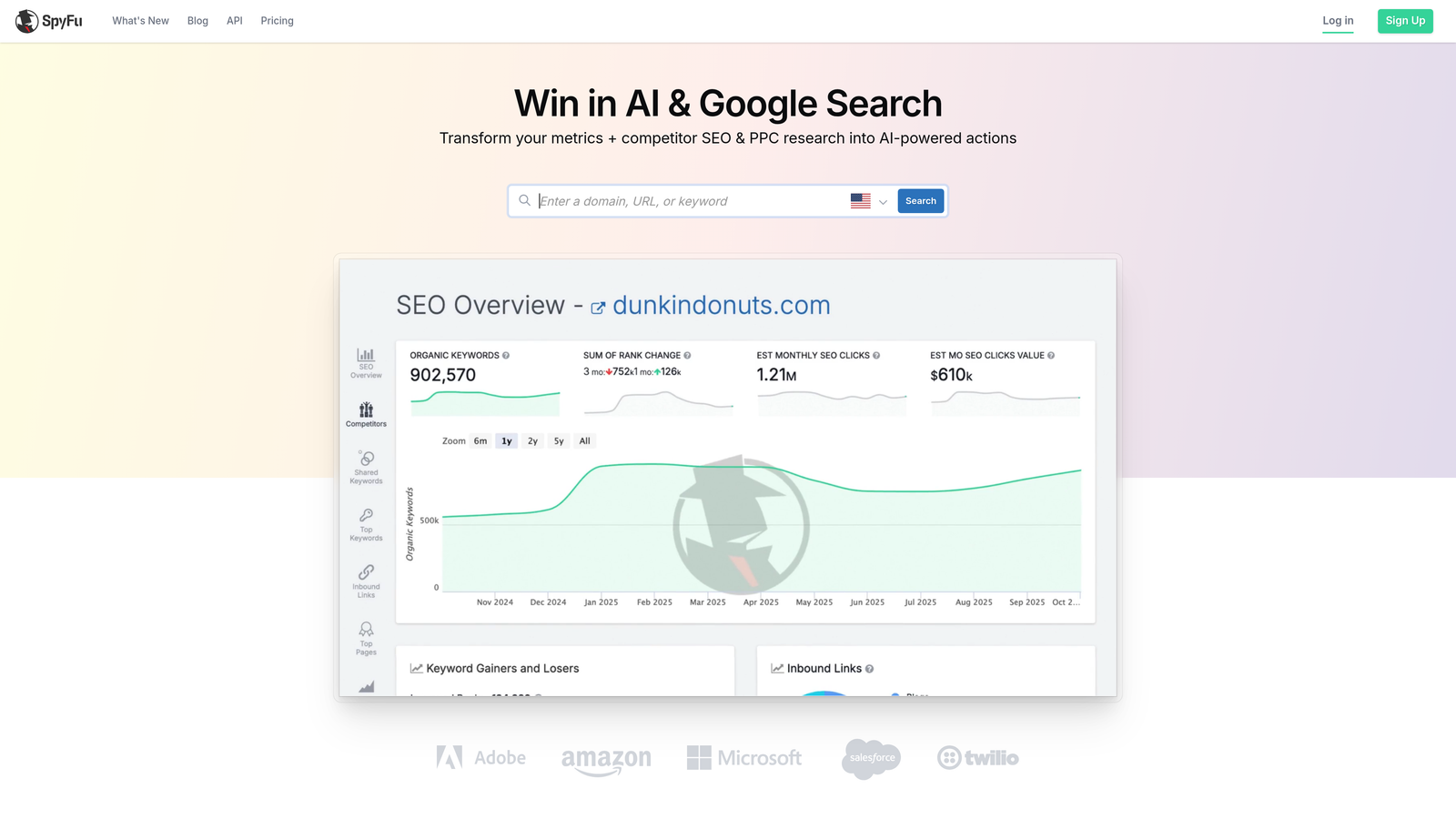
SpyFu is a competitive intelligence tool that lets you research which keywords competitors are bidding on, view their historical ad copy, and estimate their PPC spend without the enterprise price tag.
Where This Tool Shines
The mistake most agencies make is skipping competitive research entirely because tools like SEMrush feel expensive for what they need. SpyFu solves that by focusing specifically on PPC competitive data at a more accessible price. You can pull up any competitor's domain and see their top paid keywords, ad copy history, and estimated spend over time.
For new account builds, the PPC keyword gap analysis is particularly useful. You can see which high-intent terms competitors are bidding on that you're not, which is a faster starting point than building a keyword list from scratch.
Key Features
Competitor Keyword History: See every keyword a competitor has bid on, including historical data going back years.
Ad Copy Archive: Browse competitor ad copy for creative research and angle inspiration.
PPC Keyword Gap Analysis: Identify high-intent keywords competitors are targeting that you're missing.
Domain Overview: Quick snapshot of any competitor's top paid keywords and estimated spend.
Affordable Entry-Level Plans: Priced significantly lower than broader platforms for similar competitive data.
Best For
Freelancers and agency owners who need solid competitive intelligence without paying for a full SEO and PPC suite. Strong for onboarding new clients where you need to understand the competitive landscape quickly. Also useful for ad copywriters who want to research what messaging is already resonating in a market.
Pricing
Paid plans available. Verify current pricing at spyfu.com before committing.
4. Optmyzr
Best for: Agencies managing multiple accounts who need automation without writing custom scripts.
Optmyzr is a PPC management platform offering pre-built optimization scripts, rule-based automations, and one-click recommendations designed to reduce manual campaign management time.

Where This Tool Shines
Optmyzr sits at the higher end of what I'd call "affordable," but for agencies managing several accounts, the time savings justify the cost. The pre-built optimization scripts are the standout feature: you get the functionality of custom Google Ads scripts without needing a developer or knowing JavaScript. That's a real unlock for smaller agencies.
The one-click recommendations with audit trails are also worth calling out. You're not just getting suggestions, you're getting a record of what was changed and why, which matters when clients ask questions or you're training new team members.
Key Features
Pre-Built Optimization Scripts: Automate common PPC tasks without any coding knowledge required.
Rule-Based Bid and Budget Automations: Set conditions that trigger automatic adjustments based on performance thresholds.
One-Click Optimization Recommendations: Act on platform-generated suggestions with a full audit trail.
Multi-Account Management Dashboard: Manage and monitor multiple client accounts from a single view.
Client-Facing Reporting Dashboards: Build and share performance reports without manual data pulling.
Best For
Agency owners and senior PPC managers running five or more accounts who need systematic automation without the engineering overhead. Less suited to solo freelancers managing one or two accounts, where the cost-to-value ratio gets harder to justify.
Pricing
Mid-range pricing scaled by account spend. Verify current plans at optmyzr.com.
5. Google Looker Studio
Best for: Building client-ready PPC dashboards without paying for a reporting tool.
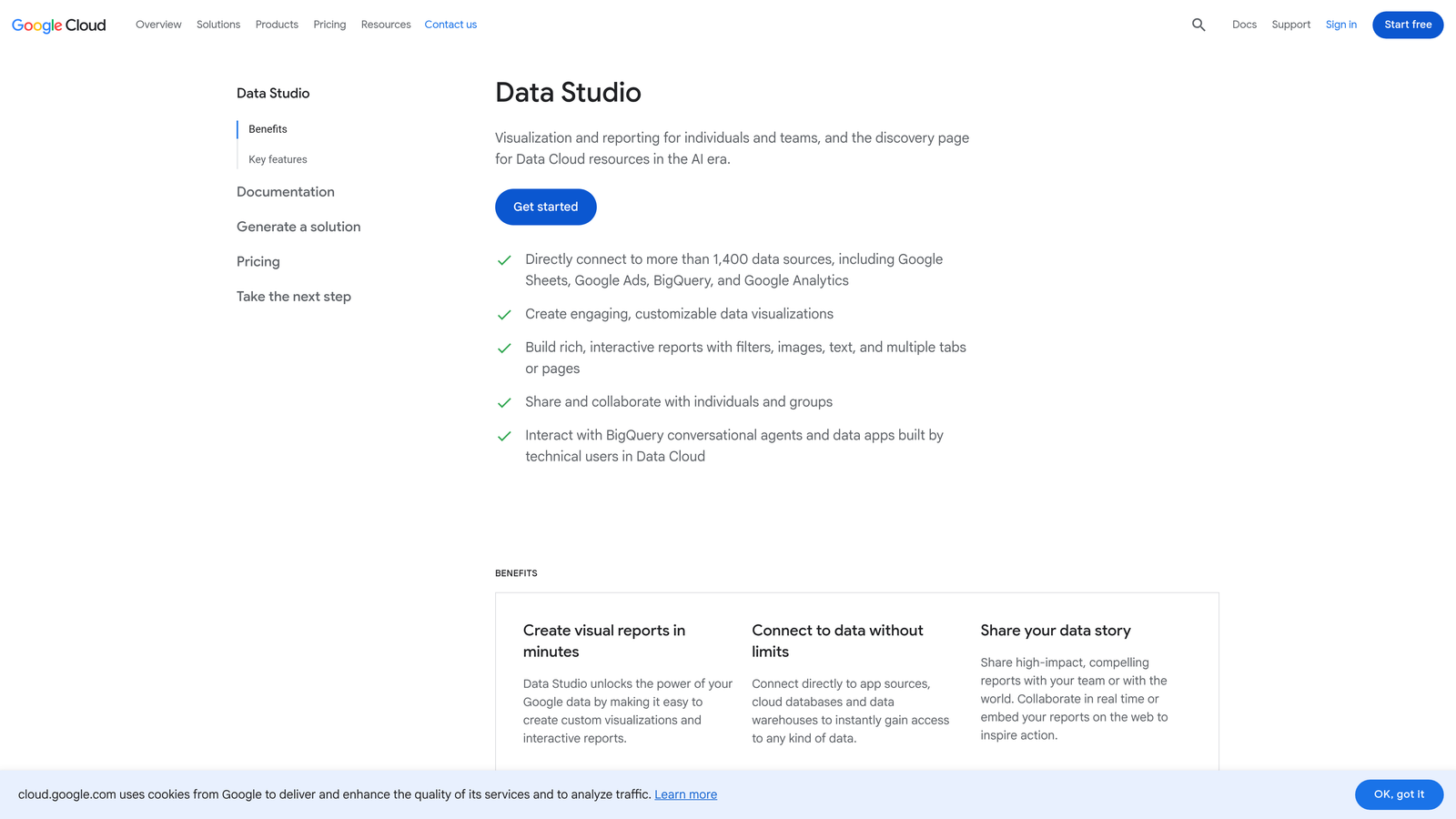
Google Looker Studio is Google's free data visualization platform that connects natively to Google Ads and Analytics to build shareable, real-time dashboards without any subscription cost.
Where This Tool Shines
For reporting, this is the obvious starting point for any budget-conscious PPC manager. The native Google Ads connector means your campaign data flows in automatically, and you can build a client-facing dashboard that updates in real time. No more pulling weekly screenshots or manually updating spreadsheet reports.
The template gallery is a practical shortcut. There are solid PPC-focused templates available that you can clone and customize, which cuts down the initial setup time considerably. The trade-off is that Looker Studio has a learning curve, and building something polished does take a few hours upfront.
Key Features
Native Google Ads and Analytics Connectors: Pull live campaign data without any manual export or import.
Drag-and-Drop Dashboard Builder: Build and arrange report components without any coding.
Shareable Reports with Real-Time Data: Send clients a link to a live dashboard rather than static screenshots.
Template Gallery: Start from pre-built PPC report templates to speed up setup.
Completely Free: No subscription, no usage limits for standard connectors.
Best For
Any PPC manager who needs professional client reporting without paying for a dedicated reporting platform. Especially valuable for freelancers where every subscription dollar counts. If you're currently sending clients manual PDF reports or spreadsheet exports, Looker Studio is an immediate upgrade at zero cost.
Pricing
Free. No paid tier for standard use.
6. Unbounce
Best for: PPC managers who own the post-click experience and need to build and test landing pages independently.
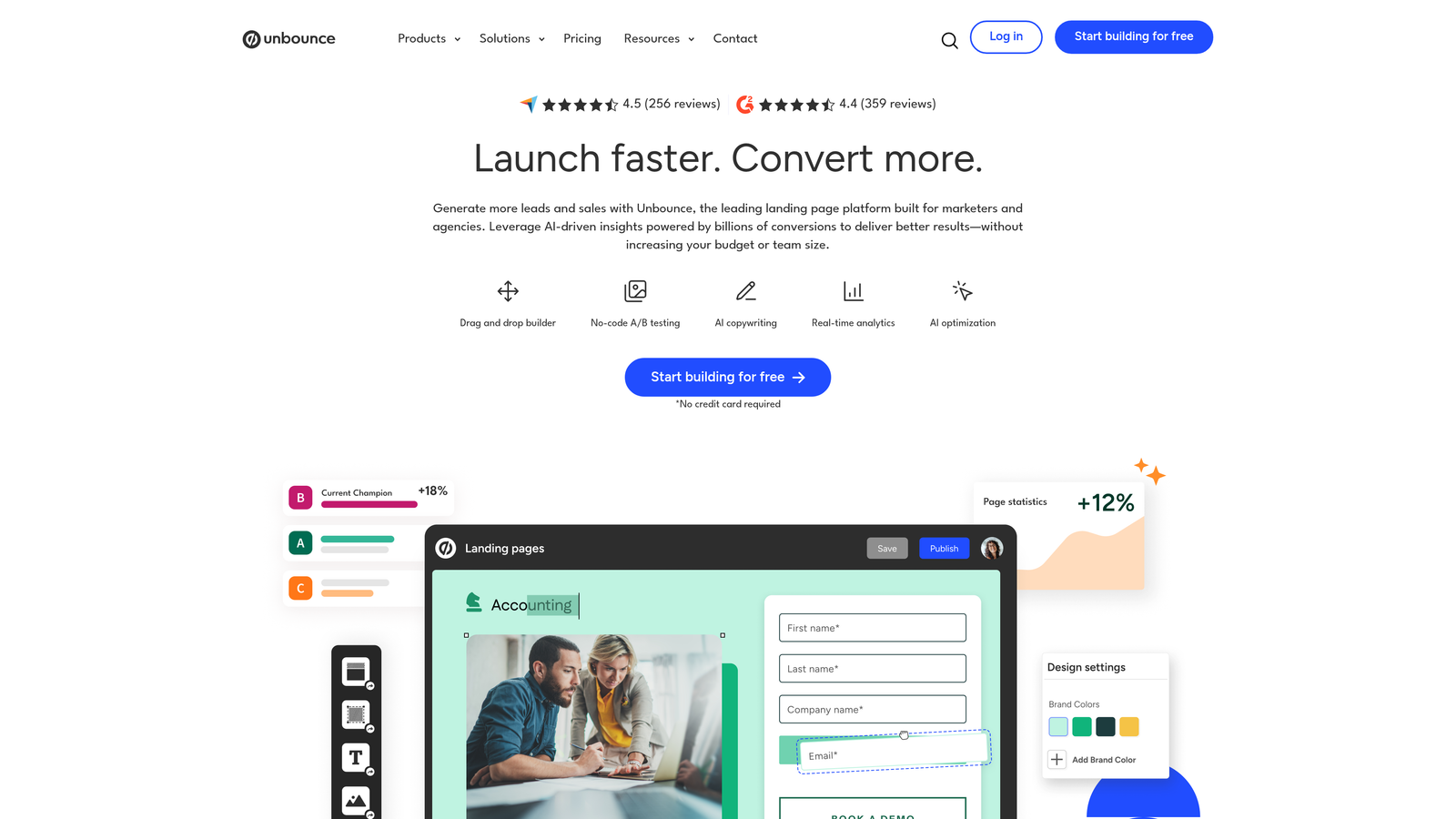
Unbounce is a landing page builder and conversion optimization platform designed for marketers who need to build, test, and iterate PPC landing pages without relying on a development team.
Where This Tool Shines
Here's the thing: a well-optimized Google Ads campaign sending traffic to a weak landing page is still a weak campaign. Unbounce gives PPC managers direct control over the post-click experience without waiting on developers. You can build a landing page, run an A/B test, and implement the winner in the same week.
The Dynamic Text Replacement feature is particularly useful for PPC. It lets you match the landing page headline to the keyword that triggered the ad, which improves Quality Score and conversion rates without building a separate page for every keyword group. Smart Traffic, Unbounce's AI routing feature, automatically sends visitors to the variant most likely to convert based on their attributes.
Key Features
Drag-and-Drop Landing Page Builder: Build conversion-focused pages with PPC-specific templates, no code required.
Built-In A/B Testing: Run split tests and measure conversion rate differences with statistical confidence.
Smart Traffic AI: Automatically routes visitors to the best-performing variant based on visitor attributes.
Dynamic Text Replacement: Match landing page copy to the keyword that triggered the ad for better relevance.
CRM and Google Ads Integration: Connect with HubSpot, Salesforce, and major ad platforms.
Best For
PPC managers who are accountable for conversion rate, not just click-through rate. If you're running lead gen campaigns and the client's website isn't built for conversion, Unbounce gives you an independent path to better results. The cost is higher than most tools on this list, but for conversion-focused accounts, the ROI case is straightforward.
Pricing
Paid plans available. Verify current pricing at unbounce.com.
7. SEMrush
Best for: Agency owners who need both SEO and PPC competitive data under one subscription.
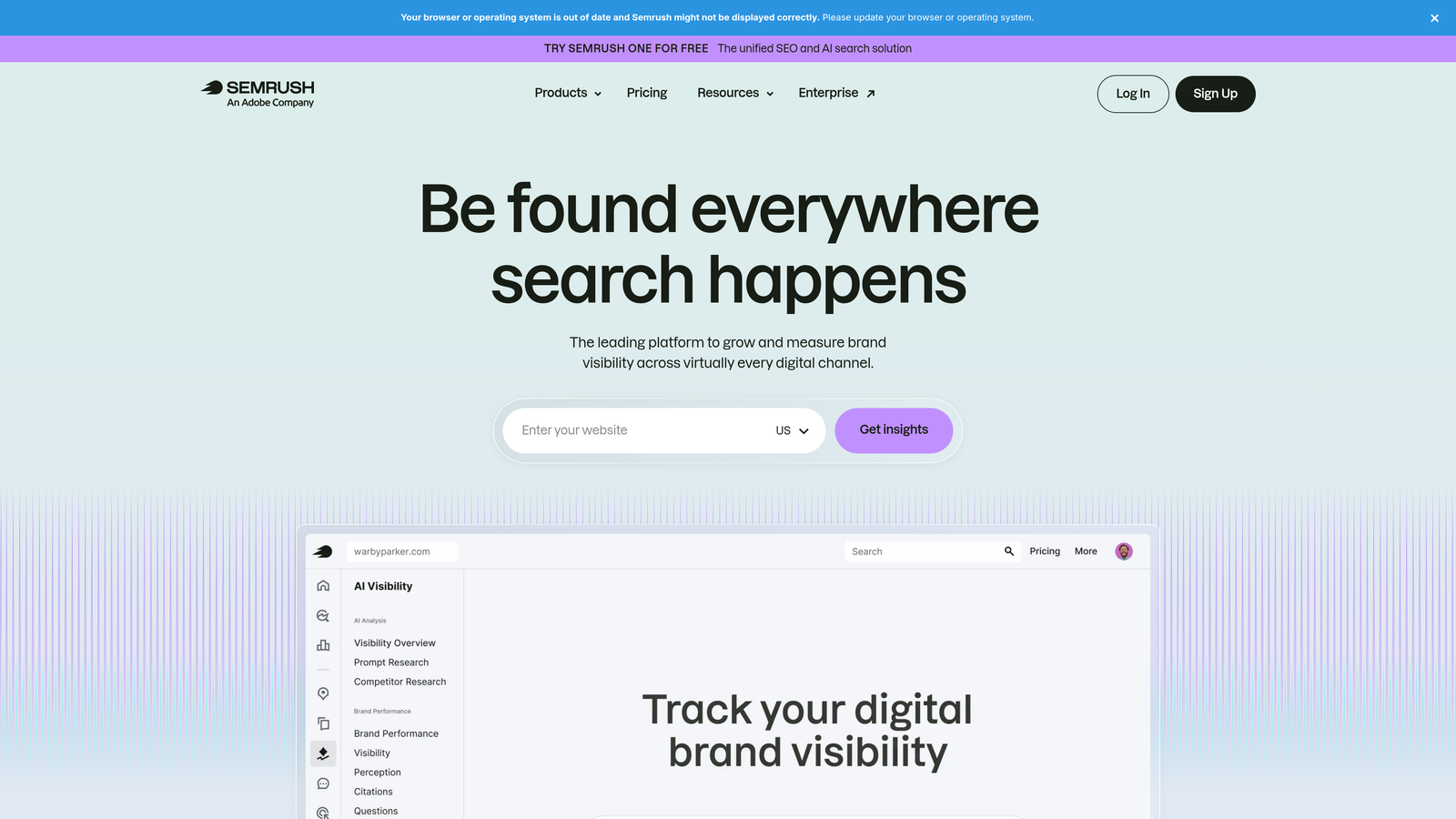
SEMrush is an all-in-one marketing platform with dedicated PPC tools including Advertising Research, PPC Keyword Tool, and Ad History, useful when you need paid and organic intelligence in a single platform.
Where This Tool Shines
SEMrush is more expensive than single-purpose tools, but it earns its place on an affordable list when you do the math. If you're currently paying separately for a keyword research tool, a competitor research tool, and a rank tracker, consolidating into SEMrush often works out cheaper. The PPC-specific features are genuinely useful, not just tacked-on additions.
The Advertising Research tool shows you exactly which keywords a competitor is running ads on right now, along with their ad copy and landing page destinations. Combined with the PPC Keyword Tool for organizing and cleaning keyword lists, it covers most of the research workflow for new campaign builds.
Key Features
Advertising Research Tool: See competitors' active paid keywords, ad copy, and estimated traffic in real time.
PPC Keyword Tool: Build, organize, and deduplicate keyword lists before uploading to Google Ads.
Ad Copy History: Browse historical ad creatives from any domain to inform your own copy strategy.
Keyword Gap Analysis: Compare your paid keyword coverage against multiple competitors simultaneously.
Position Tracking: Monitor ad visibility and ranking changes over time for your campaigns.
Best For
Agency owners or senior PPC managers who also handle SEO for their clients, or who want a single platform covering both disciplines. Less cost-effective for pure PPC specialists who only need the paid search features, where a more focused tool like SpyFu may deliver better value.
Pricing
Multiple plans available. Verify current pricing at semrush.com.
8. Adalysis
Best for: PPC managers running large accounts who need systematic ad testing and Quality Score monitoring.
Adalysis is a Google Ads and Microsoft Ads management tool focused on automated ad testing, Quality Score monitoring, and performance alerting, built specifically for managers who need systematic ad rotation and account health tracking.
Where This Tool Shines
Most PPC managers I talk to have ad testing on their to-do list but rarely get to it systematically. Adalysis solves this by automating the testing workflow: it tracks statistical significance, flags when a test has enough data to declare a winner, and helps you pause underperformers without manually checking every ad group. For accounts with hundreds of ad groups, this is a meaningful time saver.
The Quality Score monitoring is another strong point. Adalysis tracks Quality Score trends over time at the keyword level, which Google's native interface doesn't do well. Knowing whether your QS is improving or declining after a landing page change is genuinely useful diagnostic information.
Key Features
Automated Ad Testing Workflows: Track test performance and receive alerts when results reach statistical significance.
Quality Score Monitoring: Track Quality Score history and trends at the keyword level over time.
Performance Alerts: Get notified about budget pacing issues, anomalies, and underperforming segments.
Ad Group Health Checks: Surface optimization opportunities across large account structures systematically.
Bulk Ad Management: Create, pause, and manage ads across large accounts without individual edits.
Best For
PPC managers running accounts with a high volume of ad groups and campaigns where manual ad testing is impractical. Particularly valuable for agencies that need to demonstrate a systematic testing methodology to clients. Less essential for smaller accounts where manual monitoring is still manageable.
Pricing
Pricing scales by account spend. Verify current plans at adalysis.com.
9. NegativeKeywordPro
Best for: PPC managers who need dedicated negative keyword management at scale across multiple campaigns.
NegativeKeywordPro is a focused negative keyword management tool designed to help PPC managers build, organize, and apply negative keyword lists across campaigns and ad groups without the overhead of a full PPC platform.
Where This Tool Shines
Negative keyword management is one of those tasks that's easy to underestimate until you're managing large accounts with dozens of campaigns. The problem isn't just finding the bad queries, it's organizing them, avoiding conflicts between lists, and applying them at the right level (campaign vs. ad group) without creating accidental exclusions. NegativeKeywordPro is built specifically around that workflow.
The conflict detection feature is worth highlighting: it flags situations where a negative keyword would accidentally block a term you actually want to bid on. This is a common mistake in accounts with multiple negative lists, and catching it before it goes live prevents real performance damage.
Key Features
Bulk Negative Keyword List Building: Build and organize negative lists across multiple campaigns simultaneously.
Search Term Analysis: Surface irrelevant query patterns across your account to identify new negatives.
Negative Keyword Conflict Detection: Flag negatives that would accidentally block terms you want to keep.
Campaign and Ad Group Level Application: Apply negatives at the right structural level for precise exclusions.
Export-Ready Lists: Generate formatted lists ready for direct upload to Google Ads.
Best For
PPC managers handling large accounts or multiple clients where negative keyword hygiene is a recurring time investment. Works well as a complement to an in-interface tool like Keywordme: Keywordme handles the real-time, one-click optimization inside Google Ads, while NegativeKeywordPro handles larger-scale list building and conflict auditing.
Pricing
Verify current pricing and availability at negativekeywordpro.com.
Which Tool Is Right for Your Workflow?
The right combination depends on what's eating your time and budget. Here's a quick breakdown by use case.
Best free options: Google Keyword Planner for research and Google Looker Studio for reporting. Between the two, you have discovery and client communication covered at zero cost.
Best for solo freelancers: Keywordme at $12/month is the highest-leverage paid tool on this list for anyone who spends regular time in the Search Terms Report. Pair it with SpyFu for competitive research and you have a lean, effective stack under $60/month.
Best for agencies: Optmyzr for automation and multi-account management, Keywordme for in-interface optimization, and Looker Studio for reporting. Adalysis is worth adding if your accounts are large enough that systematic ad testing becomes a bottleneck.
Best for conversion-focused accounts: Unbounce is the clear choice if you own the post-click experience and need to iterate landing pages independently of a dev team.
You don't need all nine. Start with what solves your biggest time drain right now, and build from there. If that time drain is the Search Terms Report, which it is in most accounts, Start your free 7-day trial of Keywordme and see how much faster your weekly optimization gets. At $12/month after the trial, it's one of the easiest calls on this list.
.svg)