
9 Affordable PPC Tools for Freelancers in 2026
This guide reviews 9 affordable PPC tools for freelancers who need to run tight, profitable Google Ads campaigns without an enterprise budget. Each tool is evaluated on price, practical value, and how well it fits a solo or small-team workflow covering keyword research, negative management, bid monitoring, reporting, and competitive intel.


Freelancers running Google Ads for clients face a real squeeze: enterprise-grade PPC tools cost hundreds of dollars a month, but doing everything manually eats hours you don't have. The good news? You don't need a big-agency budget to run tight, profitable campaigns. A handful of well-priced tools cover the core jobs—keyword research, search term cleanup, bid monitoring, reporting, and competitive intel—without the bloat.
This list focuses on tools that are genuinely affordable for solo users, built for the way freelancers actually work, and worth the subscription. Each tool is assessed on price, practical value, and how well it fits a one-person or small-team workflow. Whether you're managing two client accounts or twenty, at least a few of these will save you real time and real money.
1. Keywordme
Best for: Freelancers who want to clean up search terms and manage negatives without leaving Google Ads
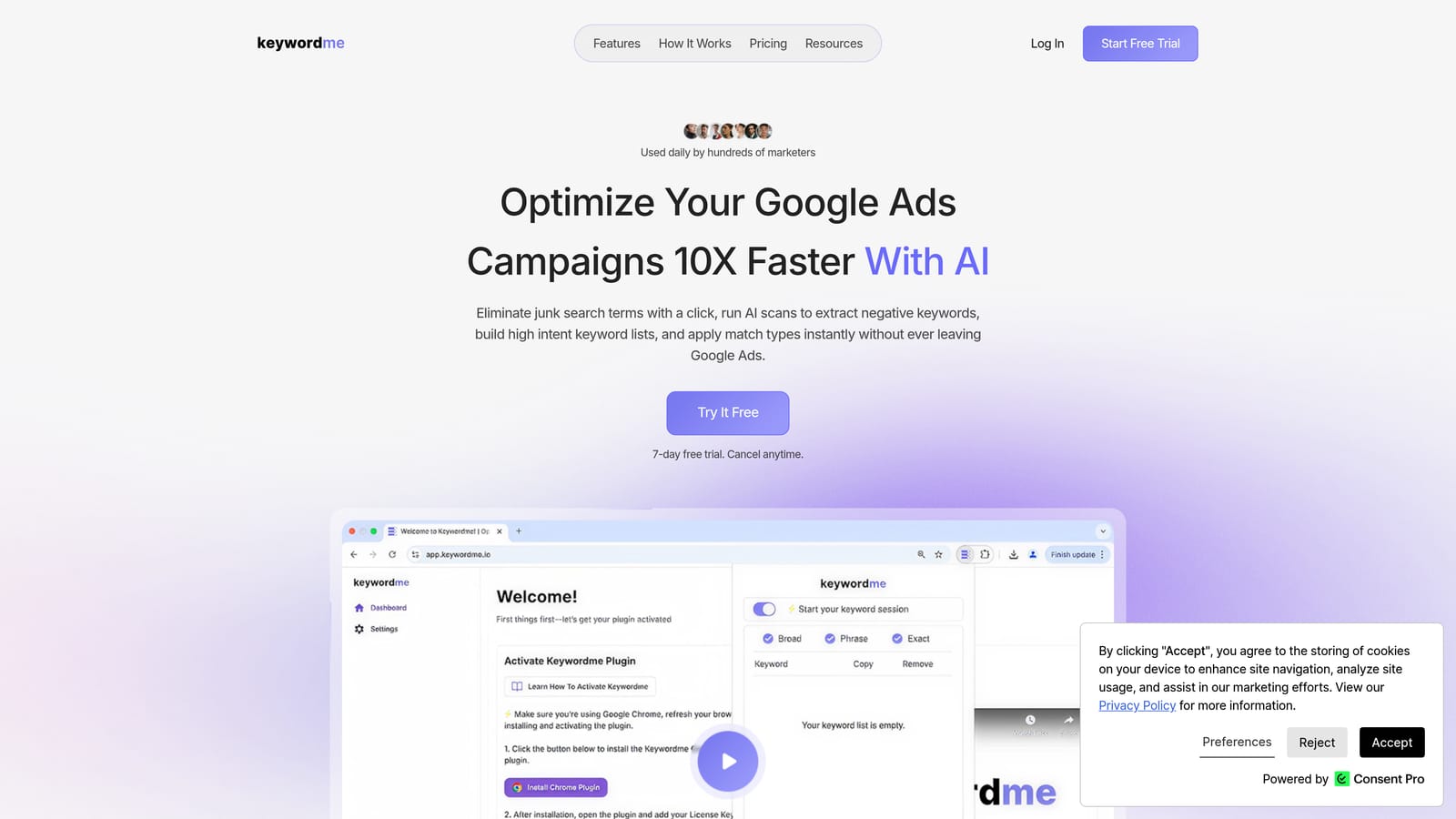
Keywordme is a Chrome extension that plugs directly into Google Ads' Search Terms Report, turning what's normally a multi-step manual process into a series of one-click actions.
Where This Tool Shines
If you've ever exported a search terms report to a spreadsheet, filtered out junk, built a negative keyword list, and then re-uploaded it back into Google Ads—you know how much time that loop consumes. Keywordme cuts that entire workflow down by letting you act on search terms directly inside the Google Ads interface. No tab switching, no CSV files, no reformatting.
For freelancers managing multiple client accounts, the multi-account and team support features mean you're not constantly logging in and out or rebuilding your workflow from scratch for each client. The keyword clustering and bulk editing capabilities also help when you're building out new campaign structures quickly.
Key Features
One-click negative keyword addition: Remove irrelevant search terms and add them as negatives directly from the Search Terms Report.
Instant match type application: Apply broad, phrase, or exact match types without exporting to a spreadsheet first.
Keyword clustering and bulk editing: Group related keywords and make bulk changes without leaving the native Google Ads UI.
Multi-account and team support: Manage several client accounts and collaborate with team members from one extension.
Native Google Ads integration: Works inside the existing interface—no separate dashboard to learn or maintain.
Best For
Freelancers and small agency teams who spend meaningful time each week on search term cleanup and negative keyword management. Particularly useful if you're managing three or more client accounts and want to standardize your optimization workflow across all of them.
Pricing
$12/month per user, with a 7-day free trial. At that price point, it's one of the most accessible paid PPC tools available for solo practitioners.
2. Google Keyword Planner
Best for: Initial keyword research and budget forecasting using data sourced directly from Google
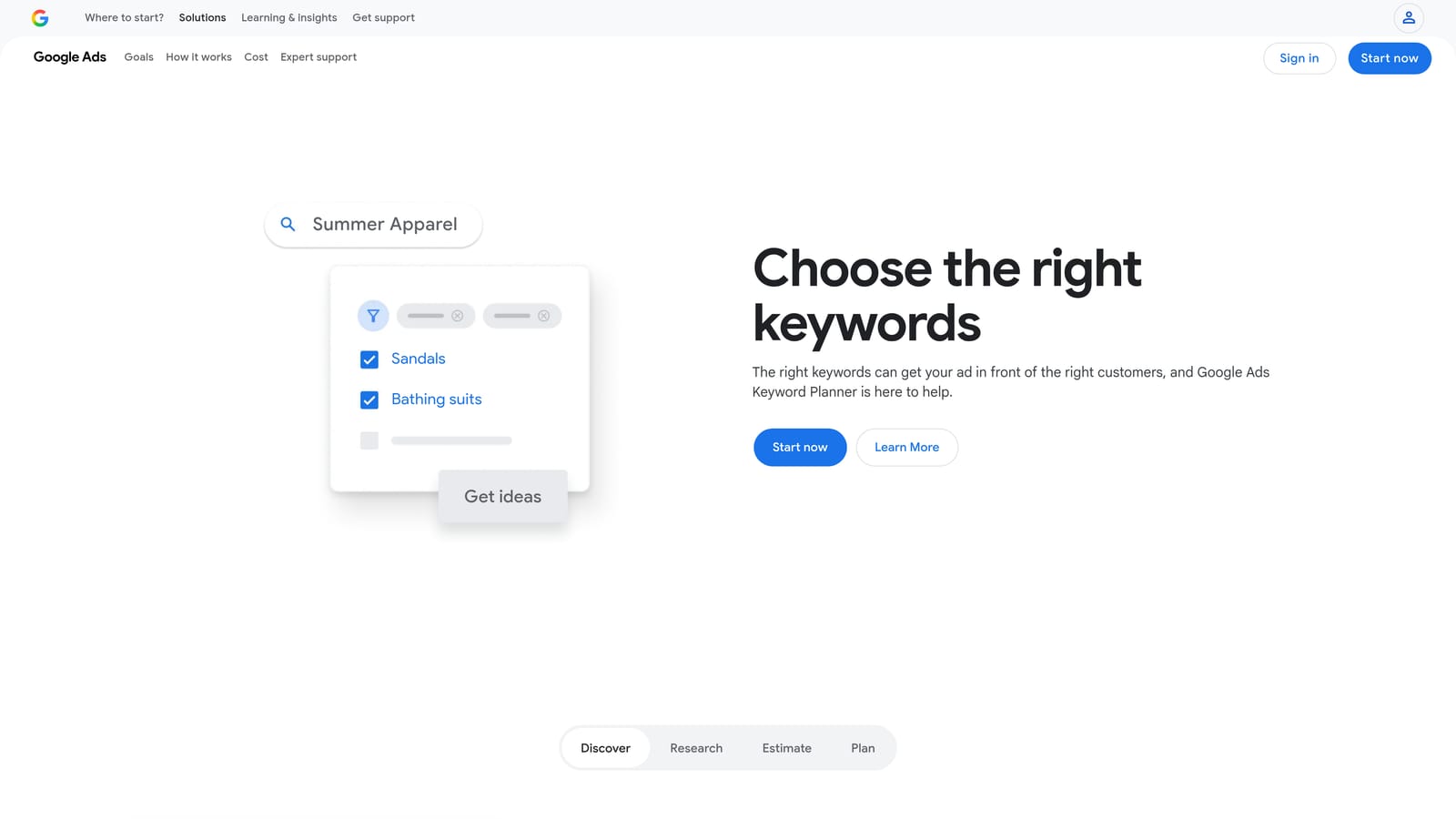
Google Keyword Planner is the free keyword research tool built into every Google Ads account, and it remains one of the most reliable starting points for PPC research because the data comes straight from Google.
Where This Tool Shines
The main advantage over third-party keyword tools is data provenance. Volume estimates, competition levels, and CPC ranges come from Google's own systems, not from a third-party crawl or model. That makes it particularly useful when you need to set realistic client expectations around search volume or estimated cost per click.
One honest limitation: accounts with lower spend tend to see volume data displayed as ranges rather than exact numbers. If you're working with smaller or newer client accounts, you'll get directional data rather than precise figures. Still, for initial research and forecast modeling, it's a solid free resource that every freelancer should have in their toolkit.
Key Features
Keyword ideas from seed keywords or URLs: Generate relevant keyword suggestions from a starting term or a client's website.
Search volume ranges and seasonality trends: Understand demand patterns over time to inform campaign timing.
Estimated CPC and competition data: Get directional cost and competition signals before committing budget.
Forecast tool: Model projected clicks, impressions, and spend for budget planning conversations with clients.
Free with any Google Ads account: No additional subscription required.
Best For
Any freelancer doing keyword research or budget planning. It's the logical first stop before layering in data from paid tools, and it costs nothing beyond having an active Google Ads account.
Pricing
Free with a Google Ads account. No paid tier or upgrade required.
3. WordStream Free Tools
Best for: Quick account health checks and client onboarding audits
WordStream offers a free Google Ads Performance Grader that audits an existing account and scores it across several key dimensions, making it a useful tool for freelancers who need a fast snapshot of account health without building a manual audit from scratch.

Where This Tool Shines
The Performance Grader is particularly handy during client onboarding. When you're taking over an existing account, running it through the grader gives you a structured overview of where things stand—Quality Score, CTR, impression share, and wasted spend—without spending hours digging through every campaign manually. The shareable PDF report also gives you something tangible to present to a new client.
It's worth being clear about what this tool is and isn't: it's a snapshot audit, not a full account analysis platform. It surfaces headline issues quickly, but deeper investigation still requires your own review. Think of it as a first-pass diagnostic, not a replacement for hands-on account work.
Key Features
Free Google Ads Performance Grader: Scores an account across Quality Score, CTR, impression share, and wasted spend in minutes.
Shareable PDF report: Generates a formatted report you can share with clients or keep for your own records.
Free keyword research tools: Basic keyword tools available without creating an account.
No ongoing subscription required: The free tools are genuinely free, not trials that expire.
Best For
Freelancers who frequently onboard new clients with existing Google Ads accounts and want a structured, presentable audit snapshot without manual setup time.
Pricing
Free tools at no cost. WordStream offers paid plans, but the features relevant to most freelancers are available without a subscription.
4. Optmyzr
Best for: Freelancers managing multiple client accounts who need workflow automation and scheduled reporting
Optmyzr is a paid PPC management platform built around one-click optimizations, automated rules, and scheduled reporting across multiple Google Ads accounts.

Where This Tool Shines
Optmyzr is designed to reduce the repetitive manual work that accumulates when you're managing several accounts simultaneously. The one-click optimization suggestions surface bid changes, keyword recommendations, and ad adjustments in a reviewable queue—you approve or dismiss, rather than hunting for issues yourself. That workflow suits freelancers who want to stay in control of decisions while cutting the time spent finding what needs attention.
Pricing is at the higher end of what many freelancers consider affordable for a solo setup, so it makes the most sense once you're billing across enough client accounts for the time savings to offset the monthly cost. Verify current pricing at optmyzr.com before committing, as plans and tiers can change.
Key Features
One-click optimization suggestions: Reviewable recommendations for bids, keywords, and ads across accounts.
Automated rule-based campaign management: Set conditions and let rules handle routine adjustments.
Scheduled client reports: Automate report delivery so you're not manually building reports each month.
Account health monitoring and alerts: Get notified when something needs attention rather than checking manually.
Multi-account dashboard: Manage several client accounts from a single interface.
Best For
Freelancers managing five or more client accounts who are spending significant time on repetitive optimization tasks and reporting. Less cost-effective for someone managing one or two accounts.
Pricing
Paid plans—verify current pricing at optmyzr.com. Entry-level plans may be above $50/month, so assess value relative to your client volume.
5. SpyFu
Best for: Competitive research and building initial paid keyword lists for new clients
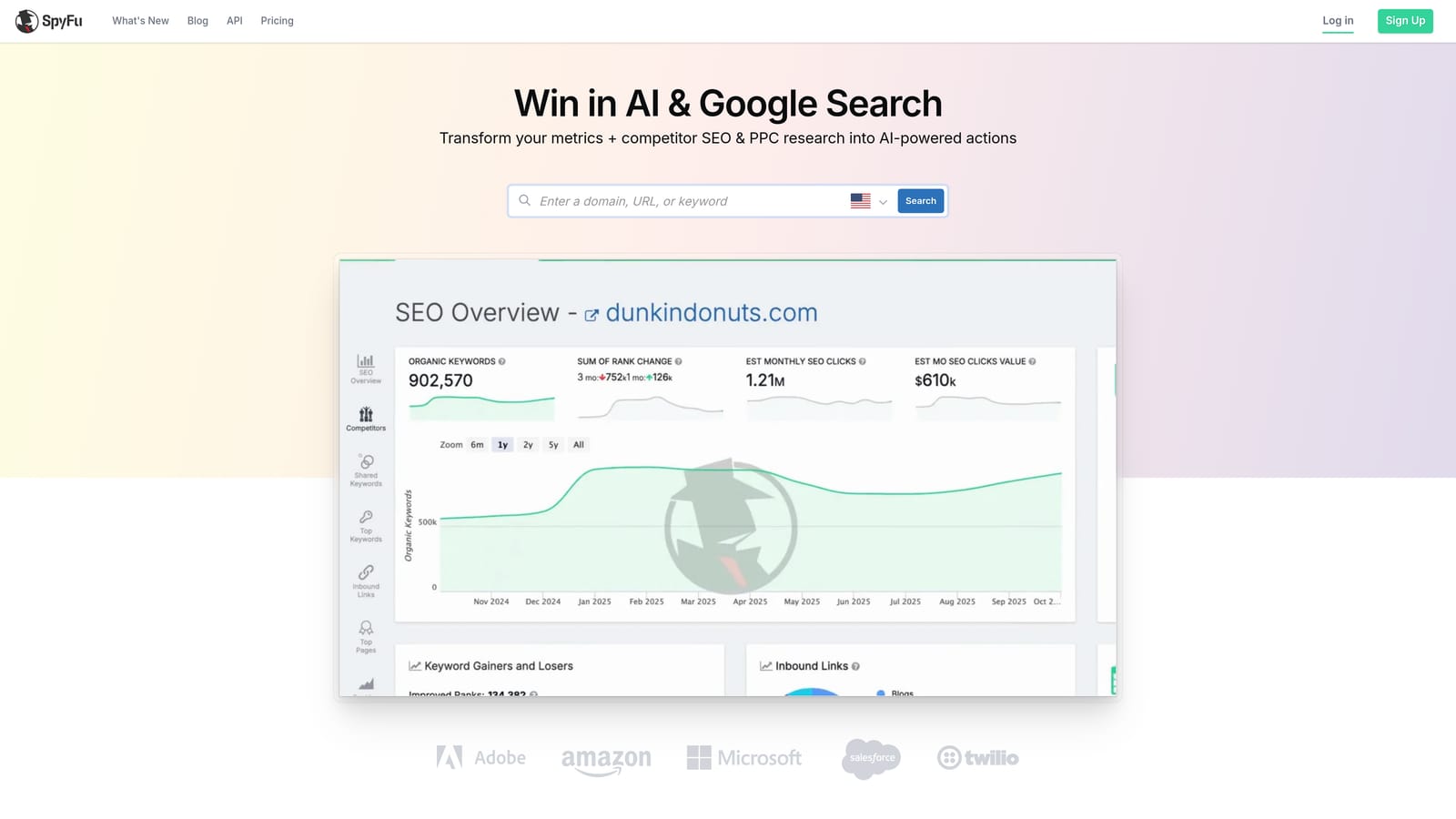
SpyFu is a competitive intelligence tool that surfaces competitors' paid keyword history, ad copy variations, and estimated spend data, making it useful when you're pitching a new client or refreshing a stale campaign strategy.
Where This Tool Shines
When you're onboarding a new client in an unfamiliar industry, SpyFu gives you a fast competitive picture. You can see which keywords competitors have been bidding on historically, what ad copy they've tested, and how their paid strategy has shifted over time. That context helps you build a more informed initial keyword list rather than starting from scratch with Keyword Planner alone.
An important caveat: SpyFu's data is estimated, not pulled directly from Google. Treat competitor spend figures and keyword data as directional signals rather than precise measurements. It's a research starting point, not a source of verified competitor data.
Key Features
Competitor paid keyword history: See which keywords competitors have bid on and for how long.
Ad copy and variation history: Review competitors' past ad creative to inform your own testing.
Estimated competitor ad spend: Directional spend estimates to understand relative competitive investment (not exact figures).
Keyword overlap analysis: Identify where your client's keyword coverage overlaps with or diverges from competitors.
Entry-level plans suited to freelancer budgets: Lower-tier options available compared to enterprise competitive tools.
Best For
Freelancers who regularly pitch new clients or take over accounts in competitive niches and need a fast, structured way to map the competitive paid search landscape.
Pricing
Paid plans—verify current pricing at spyfu.com. Entry-level options have historically been accessible for solo users, but confirm before subscribing.
6. Semrush
Best for: Freelancers handling both SEO and PPC for the same clients
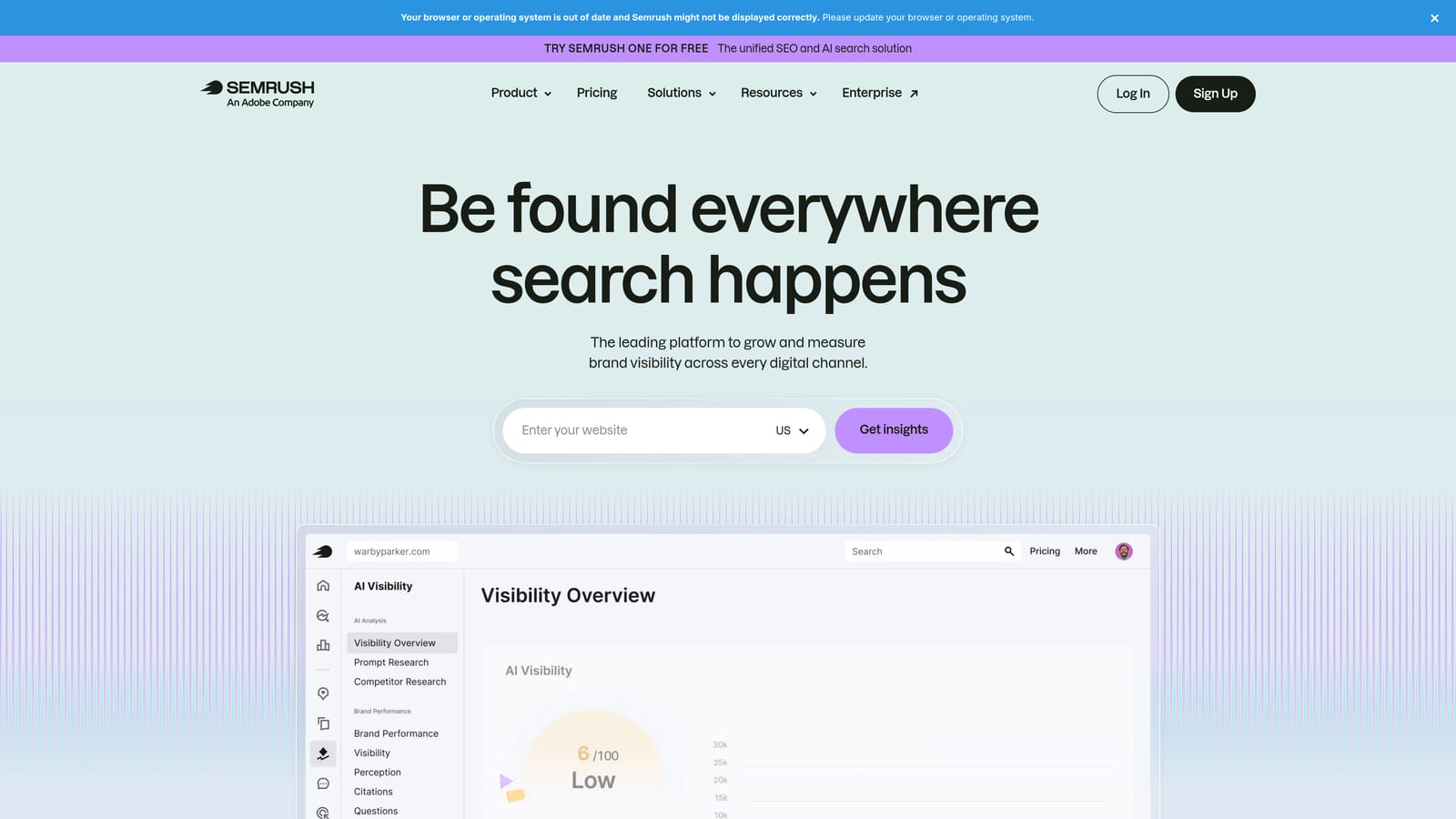
Semrush is a broad digital marketing platform with dedicated PPC research features including Advertising Research, Keyword Gap analysis, and CPC data across markets.
Where This Tool Shines
Semrush makes the most sense for freelancers who aren't purely PPC-focused. If you're managing both paid and organic search for clients, the platform's combined SEO and PPC data set can justify the subscription cost in a way it might not for someone doing only Google Ads work. The Advertising Research tool surfaces competitor paid keywords and ad copy, while the Keyword Gap tool helps identify paid opportunities your client is missing relative to competitors.
For a pure PPC freelancer, Semrush may feel like paying for a lot of features you won't use. It's worth being honest with yourself about how much of the platform you'll actually open before committing to a monthly plan. Verify current pricing at semrush.com, as the Pro plan entry point changes periodically.
Key Features
Advertising Research: Competitor paid keywords, ad copy, and traffic estimates in one view.
Keyword Gap tool: Compare your client's keyword coverage against competitors to find paid opportunities.
CPC data across keywords and markets: Understand cost benchmarks for budget planning.
PLA research for ecommerce clients: Useful if you manage Shopping campaigns alongside search.
Combined SEO and PPC data: One platform for both channels, which reduces tool sprawl for multi-service freelancers.
Best For
Freelancers offering both SEO and PPC services to clients, where the combined data set justifies the cost. Less compelling for pure PPC practitioners who only need the paid research features.
Pricing
Paid plans—verify current pricing at semrush.com. The Pro plan is the entry-level option; confirm it fits your budget before subscribing.
7. Adalysis
Best for: Freelancers running structured ad testing and needing automated account diagnostics
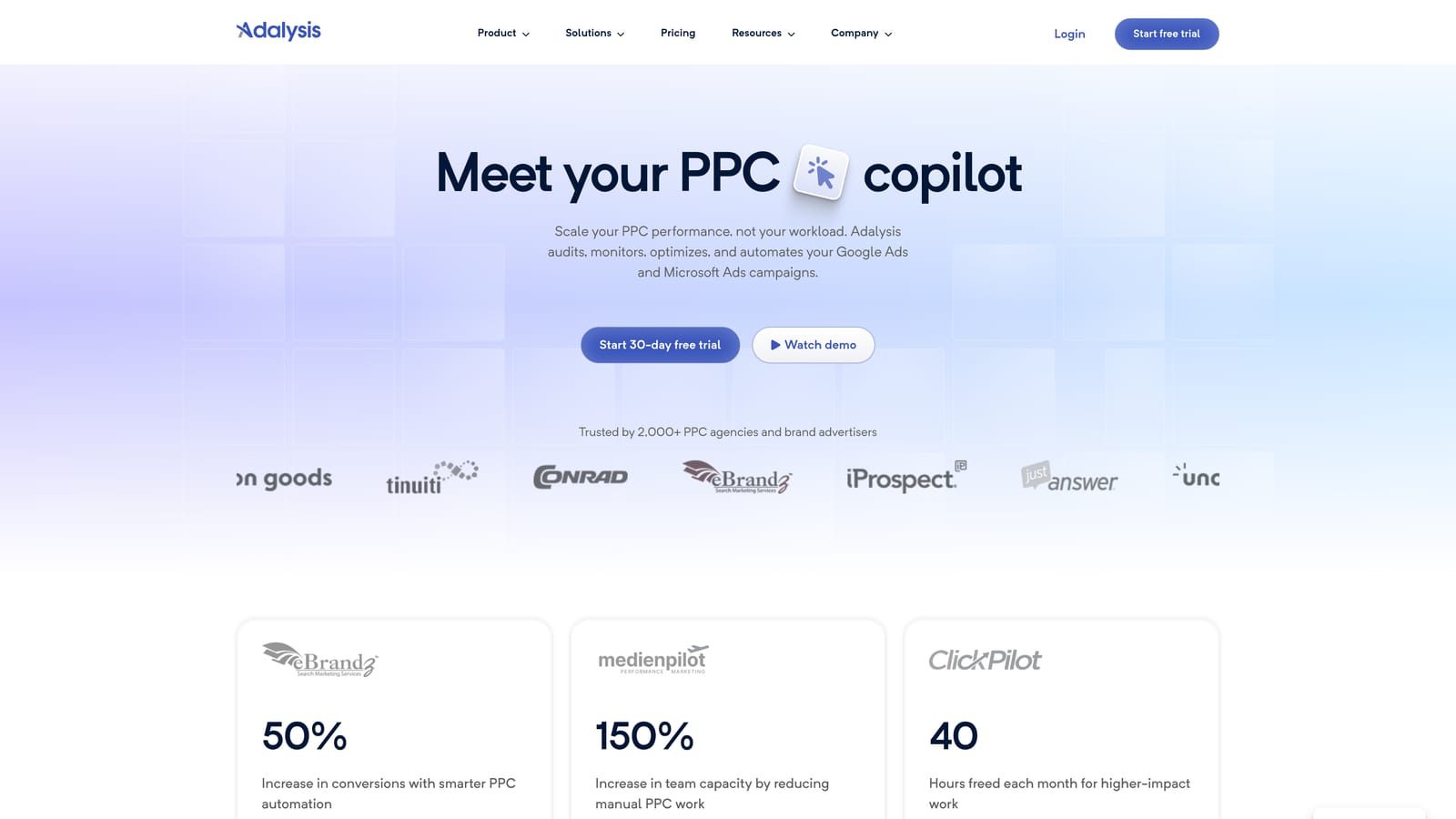
Adalysis is a Google Ads-focused management platform that automates ad testing workflows, monitors Quality Scores, flags negative keyword conflicts, and surfaces account-level issues that are easy to miss in day-to-day management.
Where This Tool Shines
One feature worth calling out specifically: negative keyword conflict detection. When you add negative keywords to a campaign, it's possible to accidentally block your own positive keywords from triggering ads—a mistake that's surprisingly easy to make and hard to catch manually. Adalysis flags these conflicts automatically, which can save you from silently throttling your own campaigns.
The automated ad testing workflow is also genuinely useful for freelancers who run structured creative tests but don't want to build manual tracking in spreadsheets. Adalysis handles statistical significance monitoring and surfaces winners without requiring you to check in constantly. Pricing is based on managed ad spend, so verify current tiers at adalysis.com to understand where your client accounts would fall.
Key Features
Automated ad testing with statistical significance tracking: Run structured tests without manually monitoring results.
Quality Score monitoring and trend analysis: Track Quality Score changes over time across campaigns.
Negative keyword conflict detection: Automatically flags cases where negatives are blocking your own positive keywords.
Search term analysis and recommendations: Surfaces search term insights alongside account-level recommendations.
Account diagnostic alerts: Proactive notifications when something in an account needs attention.
Best For
Freelancers who run formal ad testing programs and manage accounts large enough that manual conflict checking is impractical. The conflict detection feature alone can be worth the subscription for accounts with complex negative keyword structures.
Pricing
Paid plans based on managed ad spend—verify current pricing at adalysis.com before subscribing.
8. Google Ads Editor
Best for: Bulk edits, offline campaign changes, and managing large keyword or negative keyword lists
Google Ads Editor is Google's free desktop application for managing Google Ads accounts offline, with changes synced when you reconnect.
Where This Tool Shines
Ads Editor is the right tool when you need to make large-scale changes across campaigns that would be tedious to handle one by one in the web interface. Restructuring ad groups, updating dozens of keywords, building out negative keyword lists, or copying campaigns across accounts are all significantly faster in Editor than in the browser-based UI.
It's worth being clear about what Ads Editor doesn't do: there's no automation, no AI suggestions, and no reporting. It's a bulk editing interface, and a very good one. Think of it as a power tool for structural work rather than a management platform for ongoing optimization. It's also completely free, which makes it a no-brainer addition to any freelancer's toolkit.
Key Features
Bulk keyword and ad edits across campaigns: Make large-scale changes faster than the web interface allows.
Offline editing with sync on reconnect: Work on account changes without an active internet connection.
Negative keyword list creation and management: Build and organize negative keyword lists efficiently.
Multi-account support in a single desktop interface: Switch between client accounts without logging in and out of a browser.
Free download from Google: No subscription, no trial, no cost.
Best For
Any freelancer doing significant structural work in Google Ads accounts—campaign builds, keyword list expansion, or negative keyword management at scale. It complements in-interface tools like Keywordme rather than replacing them.
Pricing
Free. Available as a desktop download directly from Google.
9. Looker Studio
Best for: Building custom client reporting dashboards without paying for a separate reporting platform
Looker Studio (formerly Google Data Studio) is Google's free data visualization tool with a native Google Ads connector, letting freelancers build shareable client dashboards at no cost.
Where This Tool Shines
Client reporting is one of those tasks that eats time every month if you don't have a system. Looker Studio lets you build a custom dashboard once, connect it to a client's Google Ads account, and share it via a link the client can bookmark—no login required on their end. When the next month rolls around, the data updates automatically. That's a meaningful time saving compared to pulling data manually and building a report in a presentation tool each time.
The honest trade-off is setup time. Looker Studio is not plug-and-play; you'll spend time configuring data sources, building charts, and formatting the layout the first time. But once a template is built, you can copy it for new clients with relatively little additional effort. If you're already paying for a reporting tool, it's worth checking whether Looker Studio can replace it.
Key Features
Native Google Ads data connector: Connect directly to Google Ads data at no cost, with no third-party integration required.
Customizable dashboards and report templates: Build reports that match what your clients actually want to see.
Shareable via link: Clients can view live reports without needing a Looker Studio account.
Supports multiple data sources in one report: Combine Google Ads data with Analytics, Search Console, or other sources.
Free with a Google account: No subscription, no usage limits for standard features.
Best For
Freelancers who want to deliver polished, automated client reports without a monthly reporting tool subscription. Most useful once you've invested the initial setup time to build a reusable template.
Pricing
Free with a Google account. No paid tier required for the features most freelancers need.
Which Tools Are Right for Your Situation
The best PPC toolkit for a freelancer is rarely a single all-in-one platform. It's usually two or three complementary tools that each do one job well, at a combined cost that makes sense relative to what you're billing.
If you're just starting out with one or two client accounts, the free tools alone cover a lot of ground. Google Keyword Planner handles research, Google Ads Editor handles bulk structural work, Looker Studio handles reporting, and WordStream's Performance Grader helps you audit new accounts quickly. That's a capable foundation at zero cost.
Once you're managing several accounts and spending real time each week on search term cleanup and negative keyword management, adding a paid tool or two starts to pay for itself. Keywordme at $12/month is the most direct solution to the search term workflow problem—it removes the export-filter-upload loop entirely by letting you act on search terms right inside Google Ads. For competitive research, SpyFu or the PPC features in Semrush fill the gap, with Semrush making more sense if you also handle SEO for clients.
For freelancers scaling toward agency-level account volume, Optmyzr and Adalysis both become more compelling. Optmyzr's automation and reporting features reduce the per-account time cost significantly, and Adalysis's conflict detection and ad testing workflows are hard to replicate manually at scale.
If you want a broader view across all the options at different price points—including tools that go beyond freelancer-only use cases—the full affordable PPC management software comparison covers nine tools with pricing, features, and best-fit guidance for different team sizes.
If search term management is eating your week, start your free 7-day trial of Keywordme and see how much of that time disappears when you can handle negatives and match types with a click, right inside Google Ads. After the trial, it's $12/month—less than most client lunches. Optimize Google Ads campaigns faster, without leaving your account, and put that recovered time toward work that actually grows your business.
.svg)