
9 Best Affordable PPC Tools for Agencies in 2026
This guide rounds up nine affordable PPC tools for agencies, chosen for predictable pricing, costs that stay flat as you add clients, and a distinct job in the workflow. It covers search term cleanup, bulk edits, reporting, competitor research, automation, and landing pages, and shows how to pair a few tools instead of hunting for one that does everything.


If you run PPC for several clients on thin margins, every per-account fee and per-seat upgrade comes straight out of profit. These nine tools were picked for three things: pricing you can predict, a cost that doesn't balloon as you add clients, and a distinct job in the workflow, whether that's search term cleanup, bulk edits, reporting, competitor research, automation, or landing pages. Most agencies end up pairing a few of them rather than hunting for one tool that does everything. For deeper walkthroughs on Google Ads workflows, see the Keywordme blog.
Quick Comparison of the Tools
- Keywordme: agencies cleaning search terms across many client accounts; $12/month per user; works inside the native Google Ads Search Terms Report with no exports.
- Google Ads Editor: agencies building or restructuring many campaigns; free; offline bulk editing with a review step before changes post.
- Optmyzr: growing agencies that want automation and audits; tiered pricing, see website; customizable rule-based automation across many accounts.
- Looker Studio: agencies wanting zero-cost client reporting; free; reusable live dashboard templates.
- Swydo: agencies that need polished reports fast; tiered pricing, see website; ready-made white-label templates with scheduled delivery.
- Semrush: agencies researching competitors for pitches; subscription plans, see website; competitor ads and keywords in one broad suite.
- SpyFu: budget-conscious agencies doing competitor keyword research; tiered pricing, see website; historical record of competitors' paid keywords and ads.
- Unbounce: agencies improving landing page conversion; tiered by traffic, see website; landing page building and A/B testing without developers.
- Google Ads Scripts: technical agencies wanting custom automation; free; fully custom JavaScript automation inside Google Ads.
1. Keywordme
Keywordme is our own product, so weigh this section with that in mind. It's a Chrome extension that adds one-click actions to the Search Terms Report inside Google Ads. It's built for agencies and freelancers who spend a chunk of every week sorting through the queries that triggered client ads.
A quick vocabulary check, since it matters here. A keyword is what you bid on. A search term is what someone actually typed. A negative keyword blocks matching searches from triggering your ads. Search term cleanup means reviewing the queries, adding the good ones as keywords with a chosen match type, and adding the junk as negatives.
What sets Keywordme apart on this list is where it works: directly in the native Search Terms Report. No export, no spreadsheet, no second dashboard. You make each decision, and the extension makes applying it a click instead of a multi-step process.
- Add negative keywords straight from the Search Terms Report, so junk queries stop costing you money faster.
- Add search terms as keywords with your chosen match type without leaving the Google Ads interface.
- Keyword clustering groups related terms so you can build tighter keyword lists.
- Bulk editing handles many terms at once instead of one row at a time.
- Multi-account and team support fits agencies juggling several client accounts and several people.
Setup is installing the extension in Chrome and using it on accounts you already access. Whoever does search term reviews, typically a PPC manager or specialist, runs it day to day.
Limitations: it's Google Ads only. It has no reporting, no bid management, and no cross-channel features, and it doesn't make changes on its own; you review and decide. If you need dashboards or automation, you'll pair it with other tools below.
Pricing: $12/month per user, with a 7-day free trial (confirm current terms on the website). The cost scales with seats, not client accounts or ad spend.
Best for: Agencies that spend hours each week cleaning search terms across client accounts.
2. Google Ads Editor
Google Ads Editor is Google's free desktop application for managing accounts in bulk. It's aimed at anyone who builds or restructures campaigns at volume, such as an agency onboarding a new client with dozens of ad groups.

Its edge over everything else here is offline structural editing. You download an account, make sweeping changes, review exactly what will change, and only then post it live. That review step catches mistakes before they spend client money.
- Bulk edits across campaigns and accounts replace repetitive clicking in the web interface.
- Offline drafting and review lets you work without touching live campaigns until you're sure.
- Copy and paste between accounts lets you reuse a proven structure for a new client.
- CSV import and export lets you build large keyword or ad sets in a spreadsheet and bring them in.
It installs on your computer and works with Google Ads accounts you can access, including through a manager account. Expect a learning curve; the interface is dense, and it takes a few sessions to feel quick in it.
Limitations: there's no search term mining workflow and no reporting. It's for building and editing structure, not for the ongoing job of reviewing what queries are triggering your ads. Check Google Ads Help for the current feature set.
Pricing: free, with no seat or account fees.
Best for: Agencies building or restructuring many campaigns at once.
3. Optmyzr
Optmyzr is a PPC management platform that combines optimization suggestions, audits, and rule-based automation. It's designed for agencies running enough accounts that manual checks stop being practical.

What it does well
The Rule Engine is the draw: you define conditions and actions, then apply them across many accounts, so your own playbook runs consistently instead of living in someone's head. That's a different approach from the other tools here, which either help you act manually (Keywordme, Editor) or require you to code it yourself (Scripts).
- Rule Engine automation applies your own logic across accounts on a schedule.
- One-click optimizations turn suggested changes into quick actions you approve.
- Account audits flag issues across accounts so nothing sits unnoticed.
- Reporting tools cover client updates inside the same platform.
Integrations, setup, and fit
It supports Google Ads, and has covered Microsoft Advertising and Meta Ads; confirm current platform coverage on the website. Setup means connecting accounts and then spending real time configuring rules, so plan for a senior person to own it.
Limitations: pricing scales with managed ad spend, which can be a poor fit for small agencies or those with a few large budgets. It's also more platform than a two-person shop needs.
Pricing: tiered plans; as of October 2026, check the website for current numbers. Managed ad spend is the main thing that moves the price.
Best for: Growing agencies that want automation and audits at scale.
4. Looker Studio
Looker Studio is Google's free dashboard and reporting tool, and it connects natively to Google Ads. For agencies counting every dollar, it's the default answer for client reporting.

Its strength is reuse. Build one solid template, then point it at each client's data and share a live dashboard instead of exporting screenshots every month.
- The native Google Ads connector pulls campaign data in without manual exports.
- Shareable live dashboards let clients check performance whenever they like.
- Reusable report templates mean you build once and clone per client.
- Blended data combines sources, such as ads and analytics, in one view.
It also connects to Google Analytics, Google Sheets, and partner connectors for other platforms. A reporting lead or analyst usually owns the templates.
Limitations: building good templates takes time, and it can't change anything in an account, so it's reporting only. Partner connectors for non-Google platforms are often paid, and Looker Studio Pro is a paid tier; verify current terms before relying on either.
Pricing: free. Costs appear only if you add paid connectors or Pro.
Best for: Agencies wanting zero-cost client reporting.
5. Swydo
Swydo is a reporting platform built for agencies. It's the paid alternative for teams that would rather buy finished report templates than spend hours building dashboards.
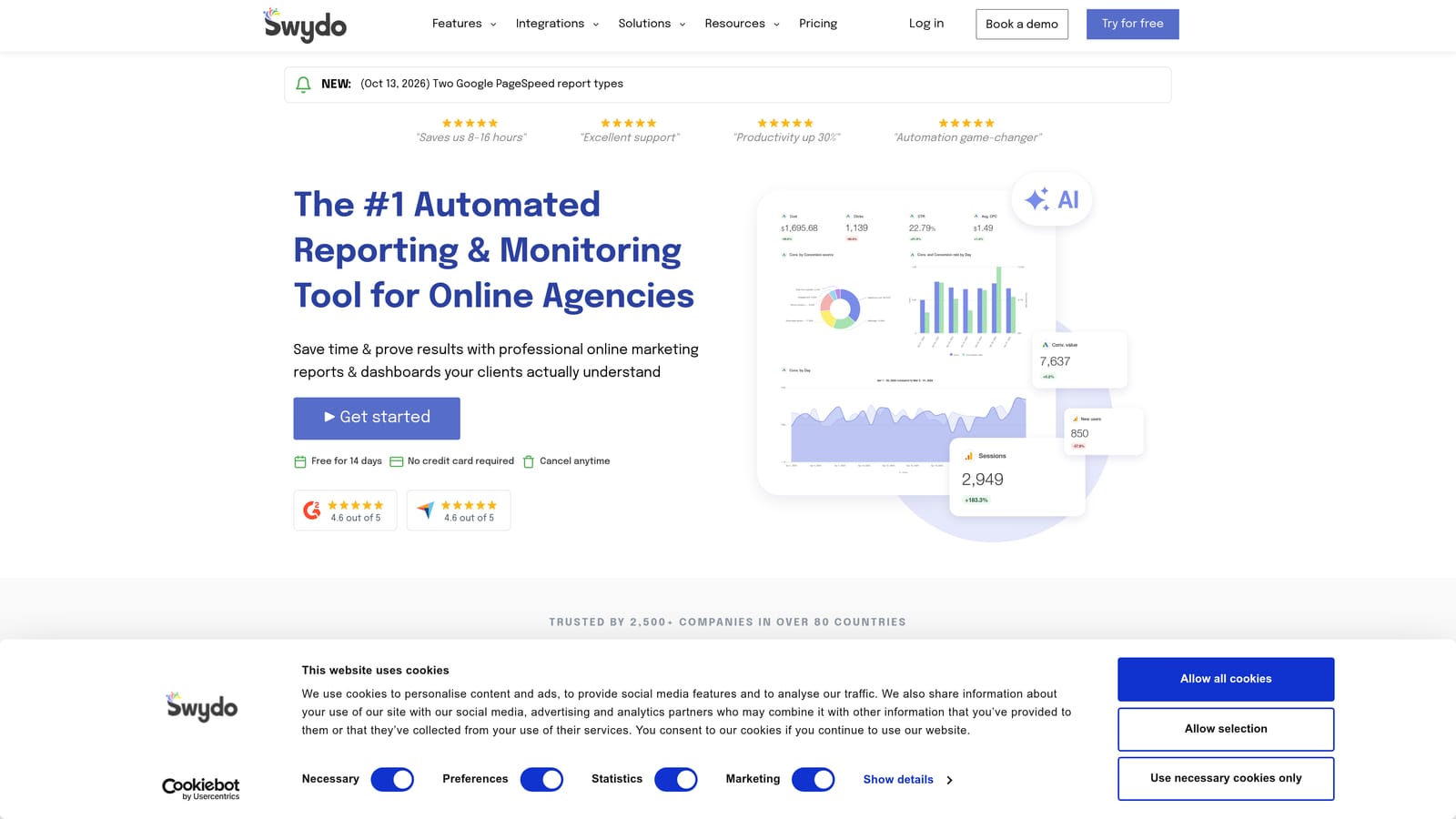
The distinguishing piece is the combination of ready-made PPC templates, white-label branding, and scheduled delivery. Reports go out on a cadence with your agency's look, which saves account managers a recurring chore.
- White-label reports carry your agency's branding, not the tool's.
- Report scheduling sends updates automatically so nobody builds them by hand each month.
- PPC report templates give you a working starting point on day one.
- Multi-platform data sources pull in Google Ads, Meta Ads, Google Analytics, and Microsoft Advertising.
Setup is mostly connecting client accounts and choosing templates, which is lighter than a Looker Studio build. Account managers can usually run it themselves.
Limitations: it's reporting only. It won't help you clean search terms, adjust bids, or optimize anything. You also pay for a tool that Looker Studio can partly replace if you're willing to invest build time.
Pricing: tiered; as of October 2026, see the website for current plans. Pricing generally depends on the plan tier and how much you connect, so check how it scales with your client count.
Best for: Agencies that need polished client reports without building dashboards.
6. Semrush
Semrush is a broad marketing toolkit, and for PPC the relevant parts are its advertising research and keyword tools. Agencies use it to see what competitors are bidding on and how their ads read.
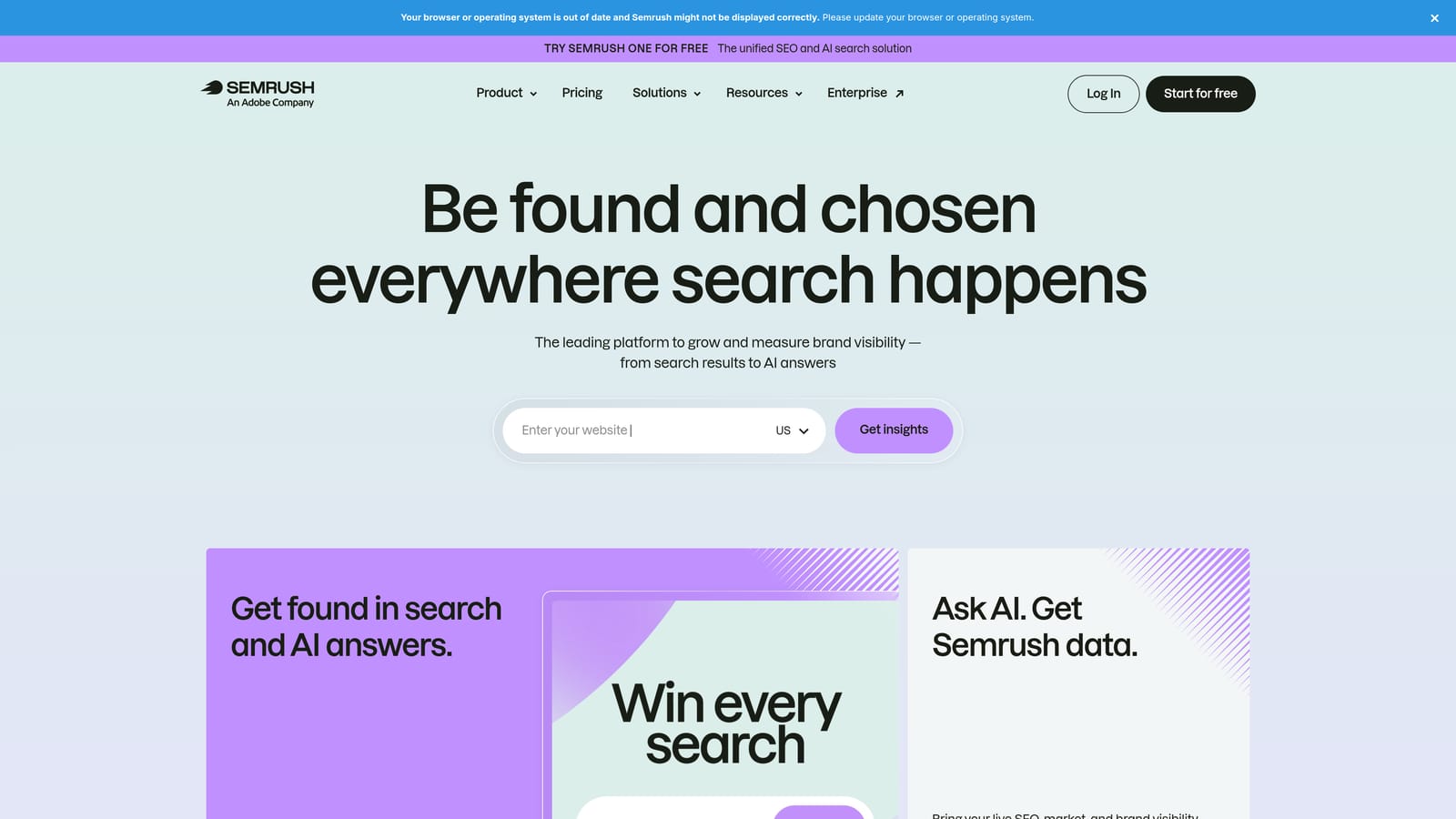
What it does that the others here don't is put competitor ads, paid keywords, and general keyword research in one suite. That's handy for pitches, where you want to show a prospect the landscape before you've touched their account.
- Advertising research shows which keywords and ads competitors are running.
- The PPC keyword tool helps you build keyword lists and gauge competition.
- Competitor ad copy lets you study messaging angles in your prospect's market.
- Keyword research covers organic and paid angles from the same login.
It connects to Google Analytics and Google Search Console, and has offered Google Ads connections; verify current integrations. It's usually run by a strategist or account lead rather than the person doing daily campaign work.
Limitations: it costs more than most tools here, and the competitor numbers are third-party estimates, not actual spend or clicks. Treat them as directional. It also can't change your campaigns.
Pricing: subscription plans; as of October 2026, see the website. Plan level and add-ons move the price, so confirm which features you need are included.
Best for: Agencies researching competitors for pitches and new accounts.
7. SpyFu
SpyFu focuses on competitor keyword and ad research, and its angle is history. You can look back at which paid keywords and ad variations a competitor has run over time, not just what they're doing today.
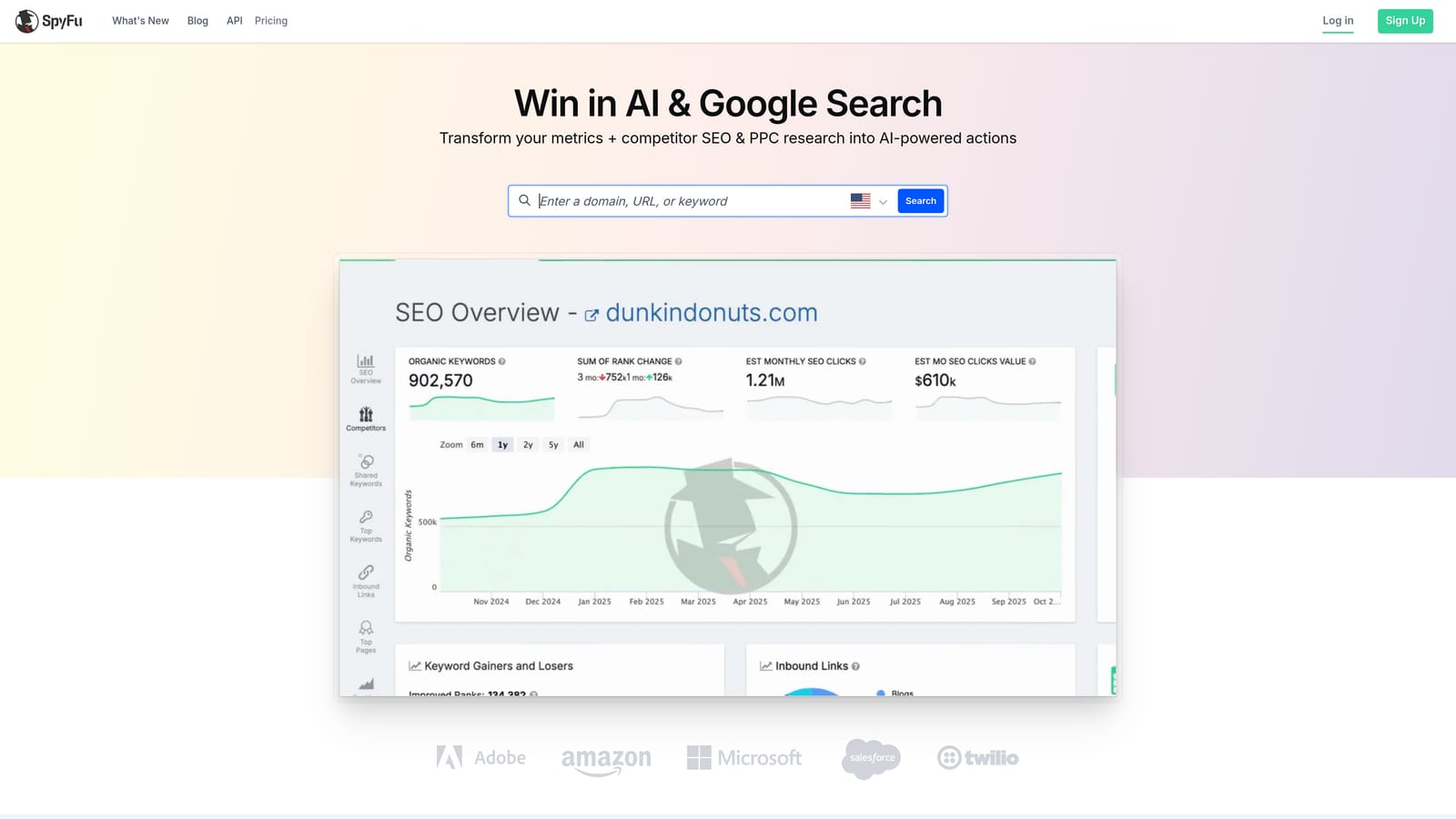
That history is useful for spotting what's survived. An ad variation or keyword a competitor has kept running for months is a decent clue that it's working for them, though that's an inference, not proof.
- Competitor paid keyword lists give you a starting point for new campaigns.
- Ad history shows how competitors' messaging has changed.
- Keyword research helps size up opportunities and competition.
- Domain comparison shows where you and a rival overlap or differ.
Setup is minimal: it's a research tool you search in, with exports for taking data elsewhere. Check the website for any direct integrations. A strategist or account manager typically uses it at the planning stage.
Limitations: its data is estimated, and it has no campaign management features. It's an input to your decisions, not a place to make them. Smaller niches and low-volume terms may be thinly covered.
Pricing: tiered; as of October 2026, see the website. The plan tier and the amount of data or exports you need drive the cost.
Best for: Budget-conscious agencies doing competitor keyword research.
8. Unbounce
Unbounce is a landing page builder with A/B testing, aimed at paid traffic. It's for the agency whose campaigns are fine but whose clients' pages convert poorly, and who can't wait on a developer.
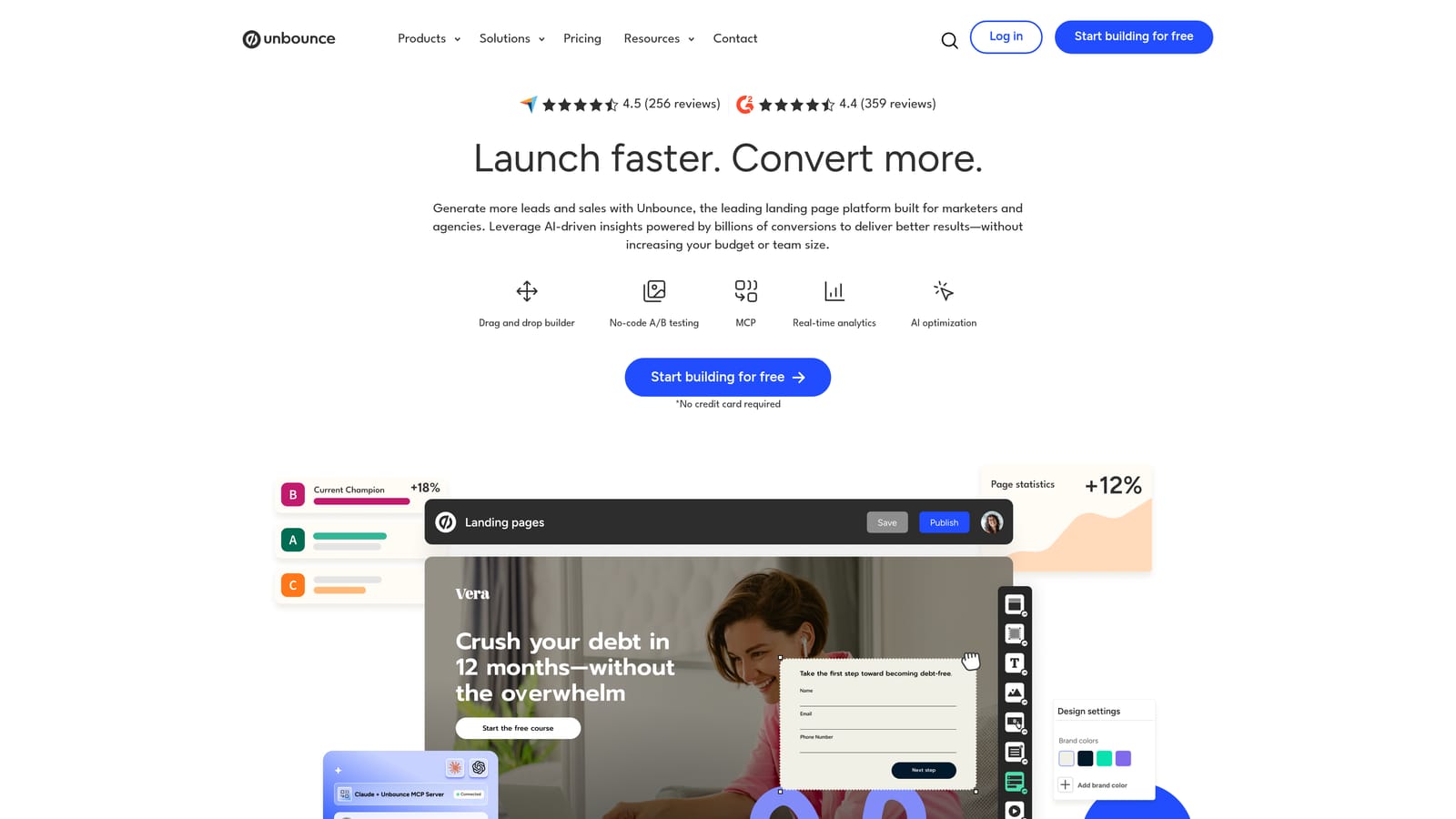
It's the only tool on this list that touches the post-click experience. Everything else works on the ad account or the research around it. Better pages can lift results from clicks you're already paying for.
- The drag-and-drop builder lets marketers launch pages without developer help.
- A/B testing compares page variants so changes rest on data, not opinion.
- Templates give you a faster starting point for common page types.
- AI-assisted features are offered; verify what's currently included in your plan.
It has been known to connect with tools like HubSpot, Zapier, and Google Ads; confirm the current integration list before committing. A designer or conversion specialist usually runs it, with the PPC manager supplying the testing priorities.
Limitations: cost rises with traffic and with the number of client domains, which can get expensive for agencies with many small clients. Tests also need enough traffic to be meaningful.
Pricing: tiered by traffic; as of October 2026, see the website. Monthly visitors and client domains are the main price drivers.
Best for: Agencies improving landing page conversion for paid traffic.
9. Google Ads Scripts
Google Ads Scripts lets you automate tasks in Google Ads by writing JavaScript that runs inside the account. There's no license, which makes it the cheapest route to custom automation on this list.
Its edge is total flexibility. If you can describe the check or action, a script can probably do it, and manager-account support means one script can cover many client accounts.
- Custom JavaScript automation handles tasks no off-the-shelf tool covers.
- Budget and anomaly alerts warn you when spend or performance moves unexpectedly.
- Link checking catches broken landing page URLs before they waste clicks.
- Manager-account support lets one script run across a portfolio of clients.
It works with Google Ads and can read and write Google Sheets and send Gmail messages, which covers most alerting and lightweight reporting needs. Someone with JavaScript skills has to write, test, and maintain it.
Limitations: it demands coding ability and ongoing upkeep. Scripts break when things change, and there's no support desk. If nobody on your team writes code, this isn't a realistic option. Check Google's developer documentation for current capabilities and limits.
Pricing: free. The real cost is the developer or PPC engineer time.
Best for: Technical agencies wanting custom automations without licensing fees.
Matching Tools to Jobs and Agency Size
No single tool here covers everything, and trying to find one usually costs more than building a small stack. Here's how the jobs map:
- Search term cleanup: Keywordme.
- Bulk edits and restructuring: Google Ads Editor.
- Reporting: Looker Studio if you'll build templates, Swydo if you'd rather buy them.
- Competitor research: SpyFu on a tighter budget, Semrush if you want a broader suite.
- Landing pages: Unbounce.
- Automation: Optmyzr for rules without code, Google Ads Scripts if you have the skills.
For a starter stack, a freelancer or very small agency can run Keywordme, Google Ads Editor, and Looker Studio for $12 per user per month plus free tools. A mid-sized team can add SpyFu for research and a reporting tool if dashboard building eats too many hours. Larger agencies with real ad spend under management are the ones who should price out Optmyzr, since that's where automation across many accounts starts to pay for itself.
Start with the job that eats the most hours. For many agencies, that's search term review. Optimize Google Ads Campaigns 10X Faster. Without Leaving Your Account. Keywordme lets you remove junk search terms, build high-intent keyword lists, and apply match types instantly, right inside Google Ads. No spreadsheets, no switching tabs, just quick, seamless optimization. Start your free 7-day trial (then just $12/month) and take your Google Ads game to the next level.
.svg)