
8 Best Affordable PPC Software Options for Small Business in 2026
This guide compares eight affordable PPC software options for small business owners, solo marketers, and freelancers running Google Ads on a limited budget. Each tool is judged on price transparency, time saved, and fit for small accounts, so you can cut wasted spend and handle routine work without paying for an agency-level stack.


If you run Google Ads on a small budget, you probably do not need a six-figure agency stack. You need a few tools that save time on routine work, cut wasted spend, and do not cost more than the clicks they are protecting. This list is for solo marketers, freelancers, and owners running their own accounts. The tools were picked on price transparency, time saved, fit for small accounts, and whether each one solves a specific problem instead of repeating what Google Ads already does.
Quick Comparison of Affordable PPC Tools
- Keywordme: solo advertisers and small teams cleaning up search terms; $12/month per user; works inside the native Google Ads Search Terms Report with no export.
- Google Ads Editor: owners making structural changes across many campaigns; free; official offline drafting with review before posting.
- Optmyzr: growing accounts ready for automation; see website for pricing; a customizable rule engine for recurring checks and changes.
- WordStream Advisor (LOCALiQ): owners without PPC expertise; quote-based; plain-English guidance aimed at non-specialists.
- Adalysis: freelancers and agencies needing audits; see website for pricing; automated ad-copy test analysis across an account.
- Google Ads Scripts: technical users or teams with a developer; free; fully custom automation with no software fee.
- Google Keyword Planner: planning new campaigns; free with a Google Ads account; keyword and forecast data straight from Google.
- Looker Studio: freelancers and owners who need reports; free; shareable dashboards that blend Google Ads with other data sources.
1. Keywordme
Keywordme is a Chrome extension that adds one-click actions directly inside the Google Ads Search Terms Report. It is our own product, so weigh this section with that in mind. It is built for people who keep finding irrelevant queries in their reports and dread the export-to-spreadsheet routine.
A quick definition helps here. A keyword is what you bid on. A search term is what someone actually typed before seeing your ad. Search terms you do not want to pay for become negative keywords, and the ones that convert get added as positive keywords with a chosen match type (broad, phrase, or exact) that controls how closely queries must resemble them. Keywordme speeds up exactly that loop.
What it does distinctively well is stay in the native interface. You review the Search Terms Report where you already work, so there is no separate dashboard and no CSV round trip. You still decide what gets added or excluded; nothing changes on its own.
- Add negative keywords from the Search Terms Report in one click, so junk queries stop costing you.
- Add keywords and apply match types inside the Google Ads interface, without retyping or reformatting.
- Keyword clustering groups related terms so you can build tighter keyword lists faster.
- Bulk editing lets you act on many terms at once instead of one row at a time.
- Multi-account and team support suits freelancers and small agencies handling several clients.
Setup is installing the extension and opening Google Ads; the only integration is Google Ads itself. Whoever reviews search terms day to day uses it, so no specialist is required.
The limits are real. It focuses on the search term and keyword workflow. It does not manage bids, write ads, or run full campaigns, and it requires Chrome. If you need automation or reporting, you will pair it with something else on this list.
Pricing is $12/month per user, with a 7-day free trial as of this writing (verify on the website). The price scales with the number of users, not ad spend.
Best for: Solo advertisers and small teams that want faster search term cleanup on a low flat fee.
2. Google Ads Editor
Google Ads Editor is Google's free desktop application for managing accounts in bulk, including offline. It is aimed at anyone who has outgrown clicking through the web interface one campaign at a time.

Its edge over everything else here is the draft-and-review workflow. You download an account, make dozens or hundreds of changes offline, review them, and post only when you are happy. That is official, free, and safe for big restructures, like renaming campaigns, swapping ad copy across ad groups, or adjusting match types on a large keyword set.
- Bulk edits across campaigns save hours on repetitive changes.
- Multi-account management lets freelancers handle several accounts from one app.
- Offline drafting and change review let you check work before it goes live.
- Copy and paste across campaigns and accounts makes duplicating a proven structure quick.
Setup means installing the app and signing in with your Google Ads login. It works only with Google Ads. Whoever owns the account structure typically runs it, and the learning curve is steeper than the web UI at first.
It is not built for quick search term triage. Reviewing queries and excluding junk is clumsier here than in a purpose-built workflow, so many people use it for structure and something else for search terms.
Pricing: free.
Best for: Owners making structural changes across many campaigns or ad groups at no cost.
3. Optmyzr
Feature-heavy is the first thing to know about Optmyzr, a PPC management and optimization platform. It combines automation rules, optimization suggestions, and reporting, and it is built for advertisers who want a system running checks for them.

Its standout is the customizable rule engine. You can define recurring conditions and have the platform flag or act on them, which is useful once an account is big enough that manual checks stop scaling.
- Rule-based automation runs your recurring checks and changes on a schedule.
- Optimization suggestions point to places worth your attention.
- Reporting turns account data into something you can share.
- Budget and bid management tools help you keep spend pacing where you want it.
It connects to Google Ads and Microsoft Advertising. Expect real setup time: you need to decide what rules matter and tune them, so someone has to own the platform regularly.
The trade-off is scope. For a very small account with a couple of campaigns, it can be more platform than you need, and the cost may outweigh the benefit. If your actual problem is junk search terms, a full suite is the common over-purchase.
Pricing: tiered plans, and the starting price changes, so check the Optmyzr website for current figures. Tiers are generally tied to the size of what you manage.
Best for: Growing accounts that want automation and are ready to learn a full platform.
4. WordStream Advisor (LOCALiQ)
If you do not want to learn PPC jargon, WordStream Advisor is aimed squarely at you. It is small business PPC software, now associated with LOCALiQ branding, that gives guided recommendations and performance insights. Verify current branding and packaging on the site, since both have shifted over time.
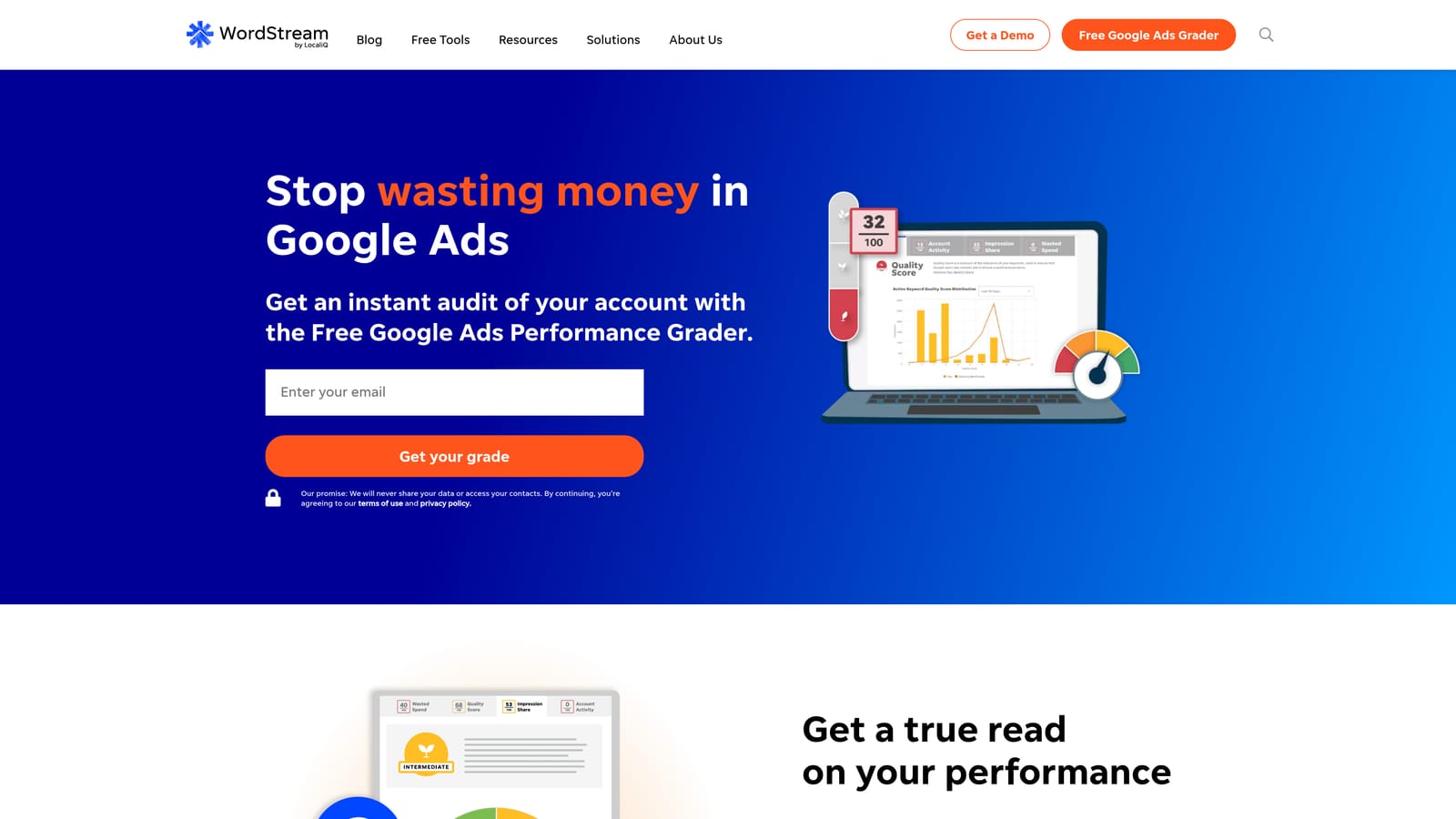
What it does best on this list is explain. Recommendations are written for owners, not specialists, so you get a prompted list of things to look at rather than a blank dashboard.
- Guided optimization recommendations tell you what to fix next.
- Performance grading gives a quick read on how an account is doing.
- Account monitoring keeps an eye on changes so you do not have to.
- Reporting summarizes results in a form you can hand to a boss or client.
It supports Google Ads, Microsoft Advertising, and Facebook Ads, which is handy if you run more than one channel. Setup is connecting accounts, and the owner or a single marketer can run it.
The limitation is control. Experienced advertisers may find the guidance too simple, and you should check pricing and contract terms carefully before committing.
Pricing: quote-based, so you will need to contact the vendor.
Best for: Owners who want guided steps without PPC expertise.
5. Adalysis
Adalysis is audit, alerting, and ad testing software for search accounts. It suits people who need to find problems systematically, especially across several accounts.
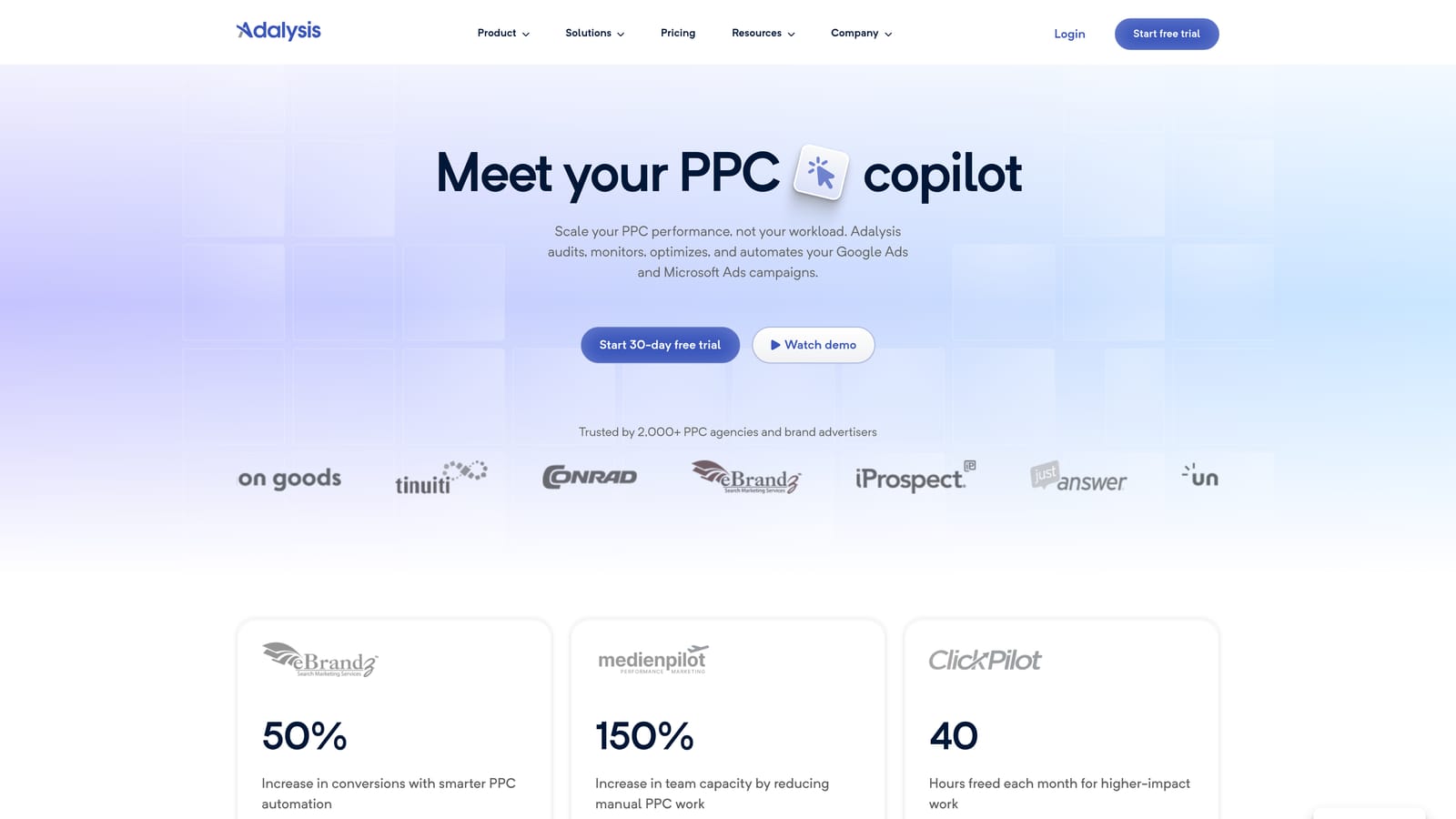
Its signature strength is automated ad-copy test analysis. Instead of eyeballing which responsive or text ads are winning, it analyzes tests across the account and surfaces conclusions. No other tool here does that.
- Automated ad test analysis shows which copy is actually performing.
- Account audits and alerts catch issues before they burn budget.
- Quality checks highlight setup problems worth fixing.
- Reporting packages findings for clients or stakeholders.
It connects to Google Ads and Microsoft Advertising. Setup is moderate, and the person running it should be comfortable acting on audit findings.
The limits: it diagnoses issues rather than applying every fix, so you still do the work. It also fits multi-account use better than one tiny account, where the value can be thin.
Pricing: check the Adalysis website for current plans, as pricing is not something to assume.
Best for: Freelancers and agencies that need systematic audits and ad testing.
6. Google Ads Scripts
With Google Ads Scripts, you write JavaScript that runs inside your account to automate checks, alerts, and reports. It is a built-in Google Ads feature, and it suits technical people.
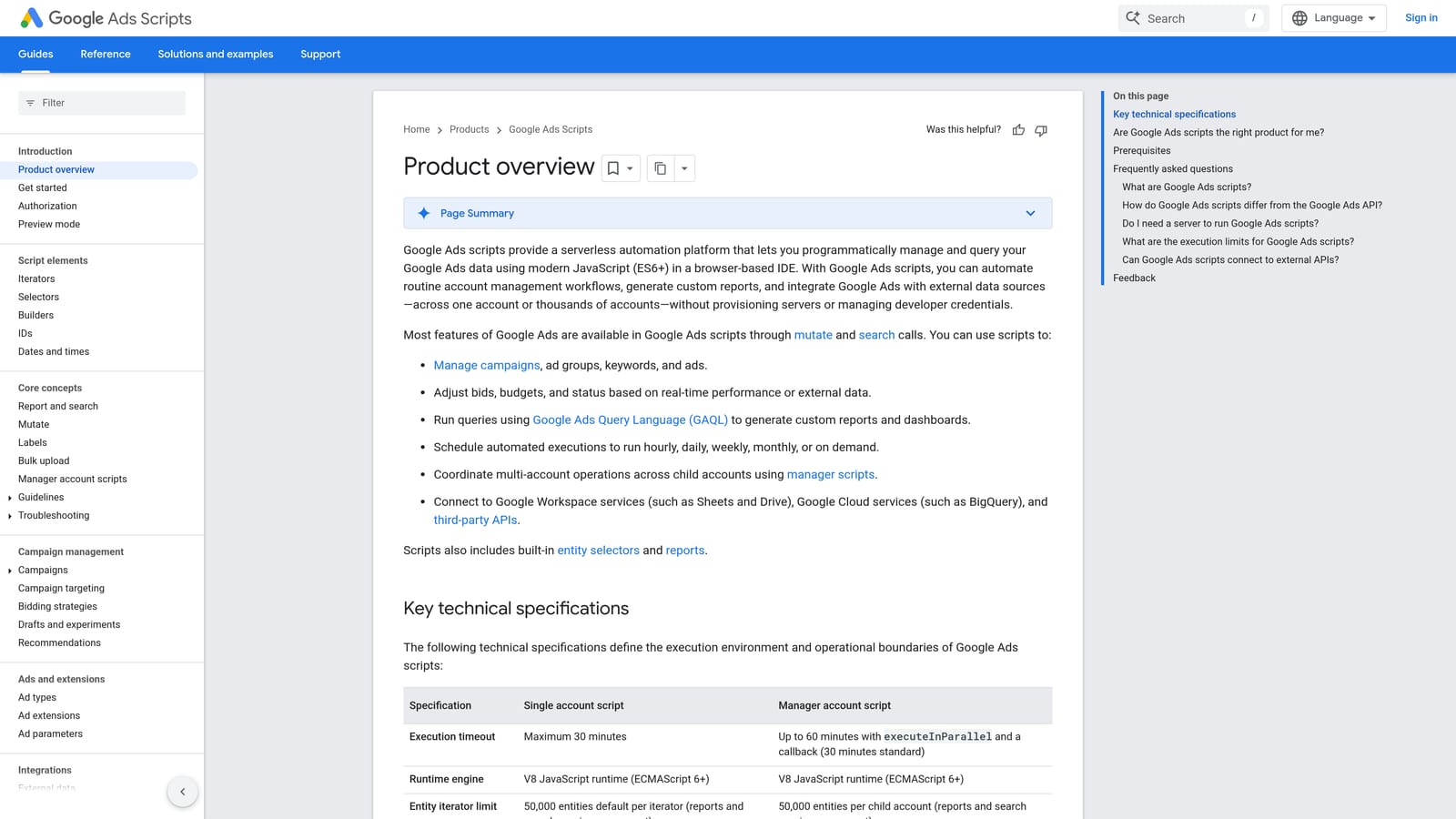
The advantage is flexibility at zero software cost. If you can describe a check, such as emailing yourself when spend spikes or a campaign stops serving, a script can usually do it.
- Custom JavaScript automation lets you build exactly the check you need.
- Scheduled runs mean it works without you remembering to look.
- Alerts and reporting push findings to you or into a spreadsheet.
- Free script libraries and examples give you a starting point instead of a blank file.
It works with Google Ads and Google Sheets. Setup effort depends entirely on your coding comfort, and someone has to maintain scripts when things change or break.
That is the catch. If nobody on your team writes code, the free price is misleading, because your time is the cost. It is also unsuited to anyone who wants a point-and-click interface.
Pricing: free.
Best for: Technical users or teams with a developer who want custom automation.
7. Google Keyword Planner
Google Keyword Planner is the free research and forecasting tool inside Google Ads. It helps before you launch: finding keyword ideas, seeing search volume ranges, and estimating what a campaign might do.

Its value is that the data comes from Google. You get keyword ideas, forecasts, and bid estimates in the same account where you will build the campaign.
- Keyword ideas expand a seed list into terms you had not considered.
- Search volume ranges show relative demand for planning.
- Forecasts help you estimate traffic and spend before committing budget.
- Bid estimates give a rough sense of what clicks may cost.
Setup is nothing beyond a Google Ads account, and the person planning campaigns uses it. It is research only. It does not clean up search terms or optimize a running account, and volume detail may be limited, particularly for accounts with little spend.
Treat the estimates as planning guides, not promises.
Pricing: free with a Google Ads account.
Best for: Planning new campaigns and finding keyword ideas for free.
8. Looker Studio
Looker Studio is Google's free tool for building dashboards from Google Ads and other data. If your pain is reporting, not optimization, this is often the cheapest fix.
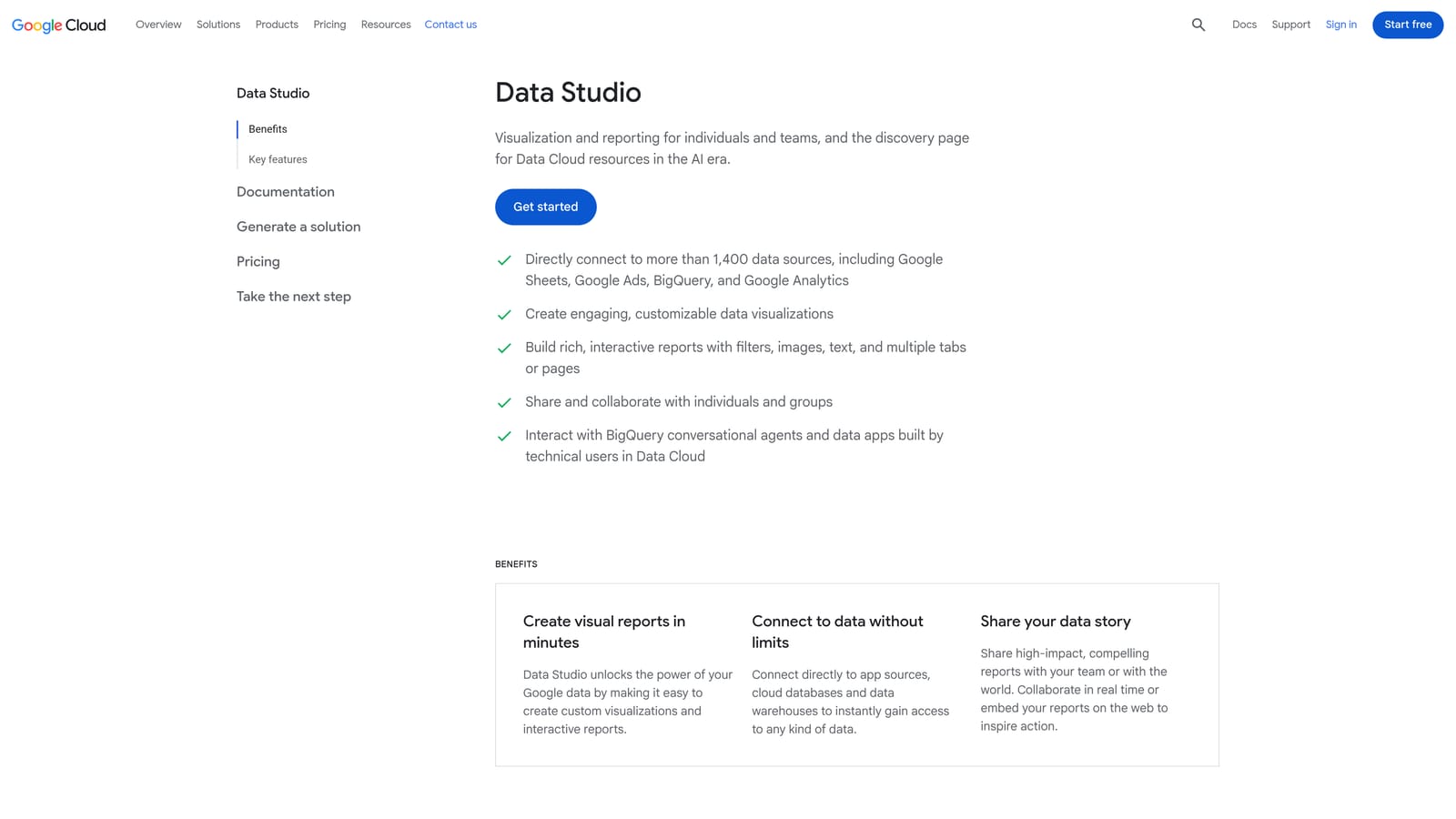
It stands out for blending sources. You can put Google Ads next to Google Analytics or a Google Sheets file in one shareable report, which is useful when a client wants one view instead of three.
- Custom dashboards show the metrics you care about, not a fixed template.
- The Google Ads connector pulls account data in without exports.
- Shareable reports let clients or colleagues view results through a link.
- Scheduled report delivery sends updates automatically.
It integrates with Google Ads, Google Analytics, and Google Sheets. Expect some setup time to build the first dashboard, though you can reuse it afterward. Whoever handles reporting runs it.
It is reporting only. It will show you wasted spend but will not remove it, so it pairs with an action tool.
Pricing: free.
Best for: Freelancers and owners who need clear performance reports for free.
Matching the Right Tool to Your Situation
Most small accounts do not need all eight. Pick by the problem you actually have.
- Free baseline stack: Google Ads Editor for structure, Keyword Planner for research, and Looker Studio for reporting cost nothing and cover a lot.
- Fastest search term cleanup: Keywordme, if junk queries are your main leak and you want to stay inside Google Ads for $12/month per user.
- Guided help for non-specialists: WordStream Advisor, with quote-based pricing you should confirm first.
- Testing and audits: Adalysis for ad tests and systematic checks, or Optmyzr if you want automation too.
Pricing, plans, and features change, so compare current numbers on each vendor's site before you buy.
Optimize Google Ads Campaigns 10X Faster. Without Leaving Your Account. Keywordme lets you remove junk search terms, build high-intent keyword lists, and apply match types instantly, right inside Google Ads. No spreadsheets, no switching tabs, just quick, seamless optimization. Start your free 7-day trial (then just $12/month) and take your Google Ads game to the next level.
