
9 Best Affordable PPC Optimization Tools in 2026
Discover 9 affordable PPC optimization tools that help freelancers and agencies reduce wasted ad spend and automate campaign management without enterprise budgets. This curated list features practical solutions ranging from free options to subscriptions under $50/month, focusing on tools that deliver genuine time and cost savings rather than just attractive interfaces.


You don't need enterprise-level budgets to run optimized PPC campaigns. Whether you're a freelancer managing a handful of accounts or an agency juggling dozens of clients, there are solid affordable PPC optimization tools that can help you cut wasted ad spend, find better keywords, and automate the tedious stuff—all without breaking the bank.
This list covers 9 tools that deliver real value at accessible price points, from free options to budget-friendly subscriptions under $50/month. We've prioritized tools that actually save you time and money, not just ones with fancy dashboards.
1. Keywordme
Best for: Google Ads users who want to optimize directly within the native interface
Keywordme is a Chrome extension that turns the Google Ads Search Terms Report into an optimization powerhouse.

Where This Tool Shines
The biggest time-suck in Google Ads management is the endless back-and-forth between the search terms report and your campaign settings. You spot a junk keyword, copy it, navigate to the keywords tab, paste it into the negatives list, repeat. Keywordme eliminates that entire workflow by letting you take action right where you're already working.
What makes this particularly valuable for agencies is the multi-account support and team collaboration features. You can standardize optimization workflows across client accounts without forcing your team to learn a separate platform.
Key Features
One-Click Negative Keyword Additions: Flag irrelevant search terms and add them to negative lists without leaving the report.
Bulk Match Type Application: Apply broad, phrase, or exact match types to multiple keywords simultaneously instead of editing them one by one.
Keyword Clustering: Automatically group related search terms to identify patterns and build more organized campaign structures.
Multi-Account Support: Switch between client accounts seamlessly without losing your workflow context.
Native UI Integration: Works directly inside Google Ads—no separate dashboard to learn or log into.
Best For
Google Ads managers who spend hours each week combing through search terms reports. Especially valuable for agencies handling multiple accounts where standardized optimization processes matter. If you're already comfortable with Google Ads but frustrated by repetitive manual tasks, this is built for you.
Pricing
$12/month per user with a 7-day free trial. Flat-rate pricing means no surprises based on ad spend or account size.
2. Google Ads Editor
Best for: Bulk campaign edits and offline account management
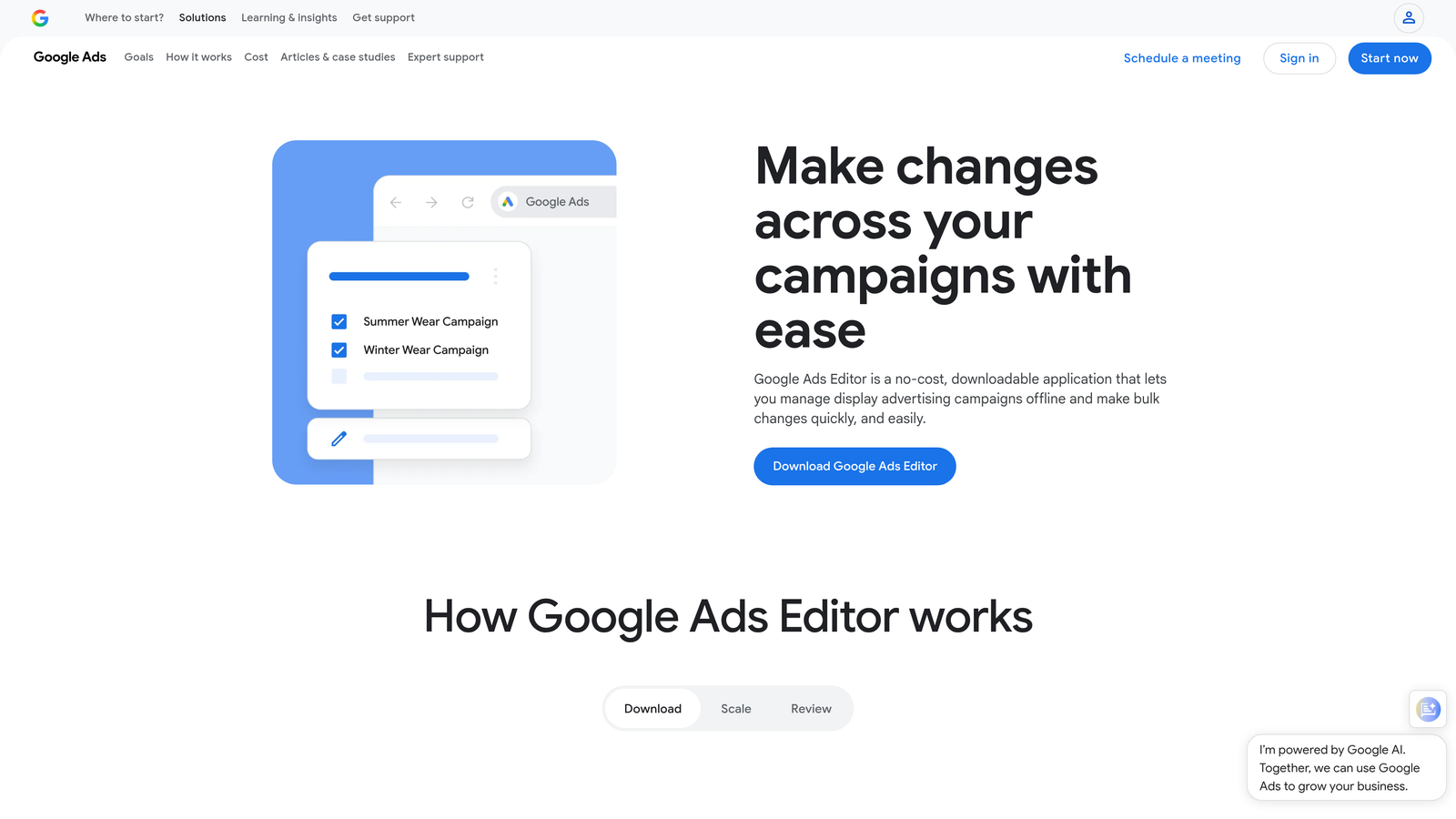
Google Ads Editor is a free desktop application that lets you download entire accounts, make bulk changes offline, and push updates when you're ready.
Where This Tool Shines
When you need to restructure campaigns, duplicate ad groups across accounts, or make sweeping changes to hundreds of keywords, the web interface becomes painfully slow. Ads Editor gives you spreadsheet-like control over your entire account structure.
The offline capability is underrated. You can download an account, work on it during a flight or in a coffee shop with spotty wifi, then upload your changes later. For agencies building out new client accounts, the copy-paste functionality between accounts is a massive time-saver.
Key Features
Bulk Editing Across Campaigns: Make changes to thousands of keywords, ads, or settings in minutes instead of hours.
Offline Campaign Management: Download accounts and work without an internet connection, then sync changes when you're back online.
Copy/Paste Between Accounts: Duplicate successful campaign structures across multiple client accounts with minimal adjustments.
Find and Replace Functionality: Update URLs, phone numbers, or ad copy elements across entire accounts instantly.
Draft and Review Changes: Preview all modifications before posting them live to catch errors.
Best For
Anyone managing Google Ads accounts who regularly needs to make bulk changes. Essential for agencies launching new accounts or restructuring existing ones. If you find yourself thinking "I wish I could just edit this in a spreadsheet," this is your answer.
Pricing
Completely free. It's Google's own tool, so there's no catch—just download and use it.
3. Optmyzr
Best for: Rule-based automation and one-click optimization suggestions
Optmyzr is a PPC management platform that automates repetitive optimization tasks through customizable rules and scripts.

Where This Tool Shines
Optmyzr excels at surfacing optimization opportunities you might miss manually. The one-click optimizations analyze your account and present actionable recommendations—pause underperforming ads, adjust bids on high-converting keywords, or flag budget pacing issues.
The custom rule builder is where power users get real value. You can create sophisticated automation workflows without writing code. For example, automatically pause keywords with zero conversions after 100 clicks, or increase bids by 15% on keywords that hit specific ROAS targets.
Key Features
One-Click Optimizations: Review suggested changes and apply them with a single click instead of manual implementation.
Custom Rule Builder: Create automated workflows based on performance metrics without coding knowledge.
Budget Pacing Tools: Monitor daily spend against monthly budgets and get alerts before overspending or underspending.
Shopping Campaign Optimization: Specialized tools for product feed management and Shopping campaign bid strategies.
Multi-Platform Support: Manage Google Ads, Microsoft Ads, and Amazon Ads from one dashboard.
Best For
Agencies or in-house teams managing moderate to large ad budgets who want to automate routine optimizations. Best suited for accounts spending at least $10,000 monthly where the time savings justify the platform cost.
Pricing
Starts around $208/month for smaller accounts. Pricing scales with ad spend, so larger accounts pay more but get access to advanced features.
4. WordStream Free Tools
Best for: Quick account audits and performance benchmarking
WordStream Free Tools offers a suite of no-cost PPC utilities, with the Google Ads Performance Grader being the standout.

Where This Tool Shines
The Performance Grader gives you a fast health check of any Google Ads account. Connect it, wait 60 seconds, and you get a scored report highlighting wasted spend, Quality Score issues, negative keyword gaps, and other common problems.
What makes this particularly useful is the industry benchmarking. The tool compares your metrics against similar businesses in your vertical, so you can see if your 3% CTR is actually good or terrible for your industry. This is invaluable when you're taking over a new account and need to quickly assess its current state.
Key Features
Google Ads Performance Grader: Automated account audit that scores your campaigns and identifies improvement areas.
Free Keyword Tool: Basic keyword research functionality for discovering new search terms and estimating search volume.
Facebook Ads Grader: Similar audit tool for Facebook advertising accounts.
Benchmarking Against Industry Averages: Compare your performance metrics to similar businesses in your sector.
Actionable Improvement Recommendations: Specific suggestions for fixing identified issues, not just vague advice.
Best For
Freelancers and agencies who need quick diagnostic tools for prospect accounts or periodic health checks on existing clients. Also useful for in-house marketers who want a second opinion on their account performance.
Pricing
Completely free. WordStream offers a premium platform separately, but the free tools have no usage limits or forced upgrades.
5. Adalysis
Best for: Ad testing analysis and Quality Score improvement
Adalysis specializes in automated ad testing and Quality Score tracking to help you improve campaign performance systematically.
Where This Tool Shines
Most PPC managers know they should be testing ads, but tracking statistical significance manually is tedious. Adalysis automates the entire process—it monitors your ad tests, calculates when you have enough data to declare a winner, and alerts you when it's time to pause underperformers.
The Quality Score tracking is another standout feature. Google only shows current Quality Scores, but Adalysis maintains historical data so you can see trends over time. This is critical when you're trying to diagnose why performance changed or prove that optimization efforts actually improved account health.
Key Features
Automated Ad Testing Analysis: Statistical significance calculations tell you exactly when to pause losing ad variations.
Quality Score Tracking: Historical Quality Score data shows trends and helps diagnose performance changes.
N-Gram Analysis for Search Terms: Identifies common word patterns in search queries to find negative keyword opportunities.
Ad Copy Recommendations: Suggests headline and description improvements based on top performers in your account.
Anomaly Detection Alerts: Automatic notifications when campaign metrics deviate significantly from normal patterns.
Best For
PPC managers focused on continuous improvement through systematic testing. Particularly valuable for accounts with large ad groups where manual ad testing becomes impossible to track effectively.
Pricing
Starts around $99/month based on ad spend. Pricing increases as your monthly budget grows, but remains accessible for small to mid-sized accounts.
6. PPC Entourage
Best for: Amazon PPC optimization for sellers and agencies
PPC Entourage is built specifically for Amazon advertising, offering automation and bulk management tools for Sponsored Products, Brands, and Display campaigns.
Where This Tool Shines
Amazon's native advertising interface is notoriously clunky for bulk operations. PPC Entourage solves this by giving you spreadsheet-like control over thousands of keywords and products simultaneously.
The automated bid management is particularly valuable for sellers with large catalogs. You can set rules like "increase bids by 20% on keywords with ACoS below 15%" and let the system handle the adjustments. The search term harvesting feature automatically identifies high-performing customer queries and adds them as exact match keywords, which is essential for scaling profitable Amazon campaigns.
Key Features
Automated Bid Management for Amazon: Rule-based bid adjustments based on ACoS, conversion rate, and other performance metrics.
Bulk Operations for Campaigns: Make changes to hundreds of keywords or products in minutes instead of hours.
Negative Keyword Automation: Automatically add poorly performing search terms to negative lists based on your criteria.
Search Term Harvesting: Identify converting customer queries and add them as targeted keywords.
Performance Analytics Dashboard: Track ACoS, ROAS, and other Amazon-specific metrics across all campaigns.
Best For
Amazon sellers and agencies managing multiple brand accounts who need to optimize at scale. If you're running more than 10 Amazon campaigns, the time savings alone justify the cost.
Pricing
Plans start around $47/month for smaller sellers. Pricing scales based on monthly ad spend, with agency plans available for managing multiple accounts.
7. Channable
Best for: Product feed optimization and multi-channel e-commerce advertising
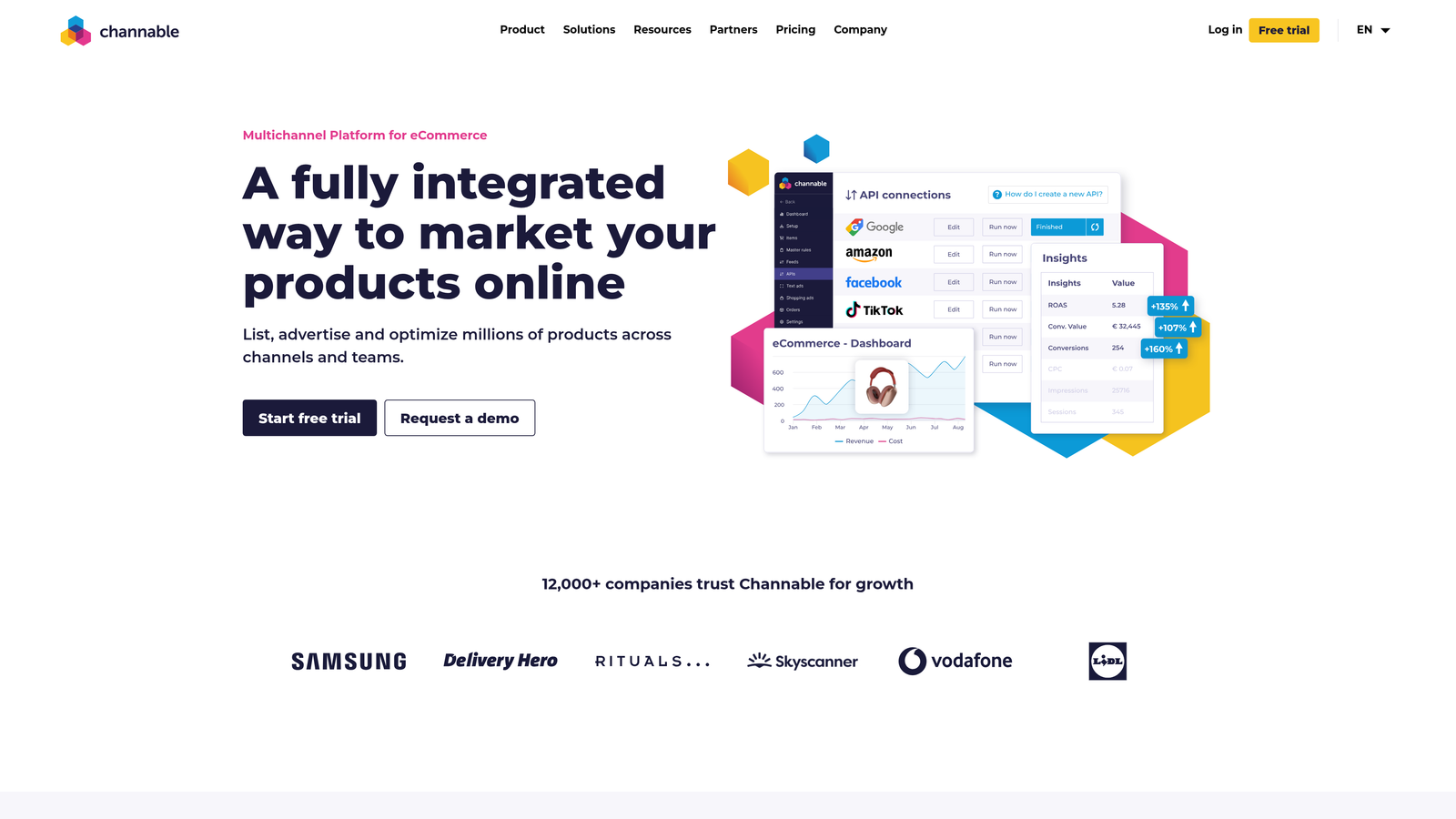
Channable combines feed management with PPC automation, making it ideal for e-commerce advertisers running Shopping campaigns across multiple platforms.
Where This Tool Shines
Product feed quality directly impacts Shopping campaign performance, but most e-commerce platforms export mediocre feeds. Channable lets you transform those feeds with rules—concatenate brand names and product types into better titles, map custom labels for bidding strategies, or exclude out-of-stock items automatically.
The dynamic text ad generation is clever. You can create templates that automatically generate unique ad copy for thousands of products based on feed attributes. This is particularly powerful for retailers with large catalogs who can't manually write ads for every product.
Key Features
Product Feed Optimization: Transform and enhance product data with rule-based modifications before sending to ad platforms.
Dynamic Text Ad Generation: Automatically create unique ad copy for products using feed attributes as variables.
Multi-Channel Feed Distribution: Manage feeds for Google Shopping, Facebook, Amazon, and other platforms from one interface.
Rule-Based Automation: Set conditions for how products are categorized, titled, or excluded from campaigns.
Shopping Campaign Management: Organize products into ad groups and apply bid strategies based on custom labels.
Best For
E-commerce businesses running Shopping campaigns with catalogs larger than 100 products. Especially valuable for retailers selling across multiple platforms who need centralized feed management.
Pricing
Usage-based pricing starting around €29/month for smaller catalogs. Cost increases based on the number of products and channels you're managing.
8. Google Keyword Planner
Best for: Free keyword research and search volume estimates
Google Keyword Planner is the built-in keyword research tool inside every Google Ads account.
Where This Tool Shines
Despite being free, Keyword Planner provides data directly from Google's search data—which means it's more accurate than third-party estimates. The search volume ranges might be broader than you'd like, but they're real.
The "Discover new keywords" feature is particularly useful when expanding into new product lines or services. Enter a few seed terms or a competitor URL, and you'll get hundreds of related keyword ideas with competition levels and bid estimates. This gives you a realistic picture of what you'll need to spend before launching campaigns.
Key Features
Keyword Ideas from Seed Terms: Enter a few keywords and get hundreds of related suggestions with metrics.
Search Volume Estimates: Monthly search volume ranges based on actual Google search data.
Competition and Bid Estimates: See how competitive each keyword is and what other advertisers are bidding.
Keyword Grouping Suggestions: Automatically organize keywords into logical ad groups based on themes.
Historical Trend Data: View search volume patterns over time to identify seasonal trends.
Best For
Anyone running Google Ads who needs basic keyword research without paying for third-party tools. Perfect for small accounts or freelancers just starting out who can't justify expensive keyword tools yet.
Pricing
Free with any Google Ads account. You don't even need to be actively running campaigns to access it.
9. Tenscores
Best for: Quality Score monitoring and historical tracking
Tenscores focuses exclusively on tracking and improving Google Ads Quality Score, which directly impacts your cost-per-click and ad rank.
Where This Tool Shines
Quality Score is one of the most important metrics in Google Ads, but Google only shows you the current score—not what it was last week or last month. Tenscores solves this by maintaining historical Quality Score data for every keyword in your account.
This historical view is invaluable when diagnosing performance drops. If your CPCs suddenly increased, you can check if Quality Scores declined and identify which component changed—expected CTR, ad relevance, or landing page experience. The tool breaks down each factor so you know exactly what to fix.
Key Features
Quality Score Monitoring: Track Quality Scores for all keywords automatically and get alerts when they change.
Historical QS Tracking: Maintain a complete history of Quality Score changes over time.
Landing Page Relevance Insights: Identify keywords with poor landing page experience scores.
Expected CTR Analysis: See which keywords Google predicts will have low click-through rates.
Ad Relevance Scoring: Find keywords where your ad copy doesn't match search intent closely enough.
Best For
PPC managers focused on improving account efficiency through Quality Score optimization. Most valuable for competitive industries where small Quality Score improvements translate to significant CPC savings.
Pricing
Starts around $25/month for smaller accounts. Pricing increases based on the number of keywords you're tracking.
Making the Right Choice
The best affordable PPC optimization tool depends entirely on where you're spending your time and what's actually slowing you down.
If you're a freelancer or small agency managing Google Ads accounts, start with the free tools—Google Ads Editor and Keyword Planner cover the basics without any cost. Add Keywordme for $12/month if you're tired of the manual search terms optimization grind, and you've got a solid foundation for under $150/year.
For agencies managing multiple clients, Keywordme's multi-account support and native interface integration eliminate the context-switching tax that kills productivity. Pair it with WordStream's free grader for quick client audits and Adalysis if you're serious about systematic ad testing.
E-commerce sellers need different tools. If you're on Amazon, PPC Entourage at $47/month is purpose-built for the platform's quirks. For multi-channel retailers running Shopping campaigns, Channable's feed optimization capabilities justify the investment once your catalog exceeds 100 products.
The common thread across all these tools is that they solve specific, repetitive problems. They don't just give you more data—they actually save time or reduce wasted spend in measurable ways. That's what separates affordable tools worth using from cheap tools that just add complexity.
Before committing to any paid tool, take advantage of free trials. Most of these platforms offer 7-14 day trial periods, which is enough time to test them against your actual workflow and see if they deliver real value.
Optimize Google Ads Campaigns 10X Faster. Without Leaving Your Account. Keywordme lets you remove junk search terms, build high-intent keyword lists, and apply match types instantly—right inside Google Ads. No spreadsheets, no switching tabs, just quick, seamless optimization. Start your free 7-day trial (then just $12/month) and take your Google Ads game to the next level.
.svg)