
8 Best Affordable PPC Management Tools for Freelancers in 2026
This guide compares 8 of the best affordable PPC management tools for freelancers, highlighting transparent pricing and low setup friction for solo Google Ads operators. Each pick is evaluated on real fit for small freelance shops rather than agency-scale enterprise teams.


If you're running client Google Ads accounts on your own, you don't need an agency-grade platform with a five-figure minimum spend. You need something that saves you real hours on search term reviews, keyword building, and bid changes, without adding a monthly bill that eats your margin. The tools below were picked for transparent (or at least reasonably discoverable) pricing, low setup friction, and a clear fit for solo operators or small freelance shops rather than enterprise teams.
Quick Comparison
- Keywordme: best for solo Google Ads freelancers doing search term cleanup; starts at $12/month per user; works directly inside the native Search Terms Report so there's no export or dashboard switch.
- Google Ads Editor: best for bulk campaign restructuring across accounts; free; official Google desktop tool with no third-party account access needed.
- Optmyzr: best for freelancers managing several accounts who want scheduled automation; quote-based pricing; runs unattended optimization rules across accounts.
- WordStream Advisor: best for freelancers who want a guided weekly routine; quote-based pricing; built around a templated "20-Minute Work Week" workflow.
- SEMrush PPC Toolkit: best for freelancers who also do SEO; starts around $139.95/month; bundles PPC keyword research with SEO and competitor tools in one subscription.
- SpyFu: best for competitor keyword research on a tight budget; starts around $39/month; cheapest entry point on this list.
- Adalysis: best for standing account audits between manual check-ins; starts around $99/month per account; runs continuous background checks for issues.
- AdEspresso: best for freelancers running paid social alongside Google Ads; starts around $49/month; purpose-built A/B testing across Facebook, Instagram, and Google.
1. Keywordme
Keywordme is a Chrome extension that adds one-click optimization actions directly inside the Google Ads Search Terms Report. Instead of exporting search term data to a spreadsheet, sorting for waste, and re-uploading negative keyword lists, you act on the report where it already lives. It's built for freelancers and small agency teams who spend recurring hours each week on search term cleanup and want that time back.
What sets it apart from the other tools here is that it doesn't ask you to leave Google Ads at all. Optmyzr, WordStream, and SEMrush all pull you into a separate dashboard; Keywordme layers on top of the interface you're already using.
- Removes junk or wasteful search terms as negative keywords with a single click instead of a manual add-negative-keyword flow
- Applies match type changes on the spot, so you can move a search term to phrase or exact without opening a separate editor
- Groups related search terms through keyword clustering, helping you spot patterns before they turn into wasted spend
- Supports bulk editing and multi-account or team access, useful once you're juggling more than one client
Setup is just installing the Chrome extension and connecting it to your Google Ads account; there's no separate login to manage day to day since it sits inside the interface you already use. It's built for one platform, though: this is a Google Ads search term and keyword tool, not a cross-platform suite for Microsoft or Amazon Ads, and it won't help with campaign structure, bidding strategy, or ad copy testing.
Pricing is a flat $12 per month per user, with a 7-day free trial (confirm current terms on keywordme.com, as pricing can change).
Best for: Solo Google Ads freelancers who want faster search term cleanup without leaving the platform or learning a new dashboard.
2. Google Ads Editor
Google Ads Editor is Google's own free desktop application for making bulk changes across one or more Google Ads accounts before pushing them live. If Keywordme is about search term hygiene, Ads Editor is about structural changes: campaigns, ad groups, keywords, and budgets at scale.

Its main limitation up front is that it does nothing for you automatically. There's no search term flagging, no AI-driven recommendation, no reporting layer. It's a review-and-push interface, not an optimization engine. That said, for a freelancer restructuring several client accounts at once, that's exactly the point: you make changes offline, review them, and upload only when you're confident.
- Lets you edit campaigns, ad groups, ads, and keywords offline before syncing changes back to the live account
- Copies settings between campaigns or even between accounts, saving you from rebuilding structure from scratch
- Manages multiple accounts from a single interface, which matters once you have more than one or two clients
- Keeps a change history so you can review exactly what's about to go live before you post it
Setup is a straightforward download and account login; it's run directly by the freelancer with no team management layer to speak of. It doesn't suit anyone looking for automated optimization or reporting; you'll still need something else, whether that's Keywordme, Optmyzr, or manual review, to actually find what needs changing.
It's free, which makes it an easy addition to any freelancer's toolkit regardless of what else you're running.
Best for: Freelancers restructuring campaigns or making large bid and budget changes across several client accounts at once.
3. Optmyzr
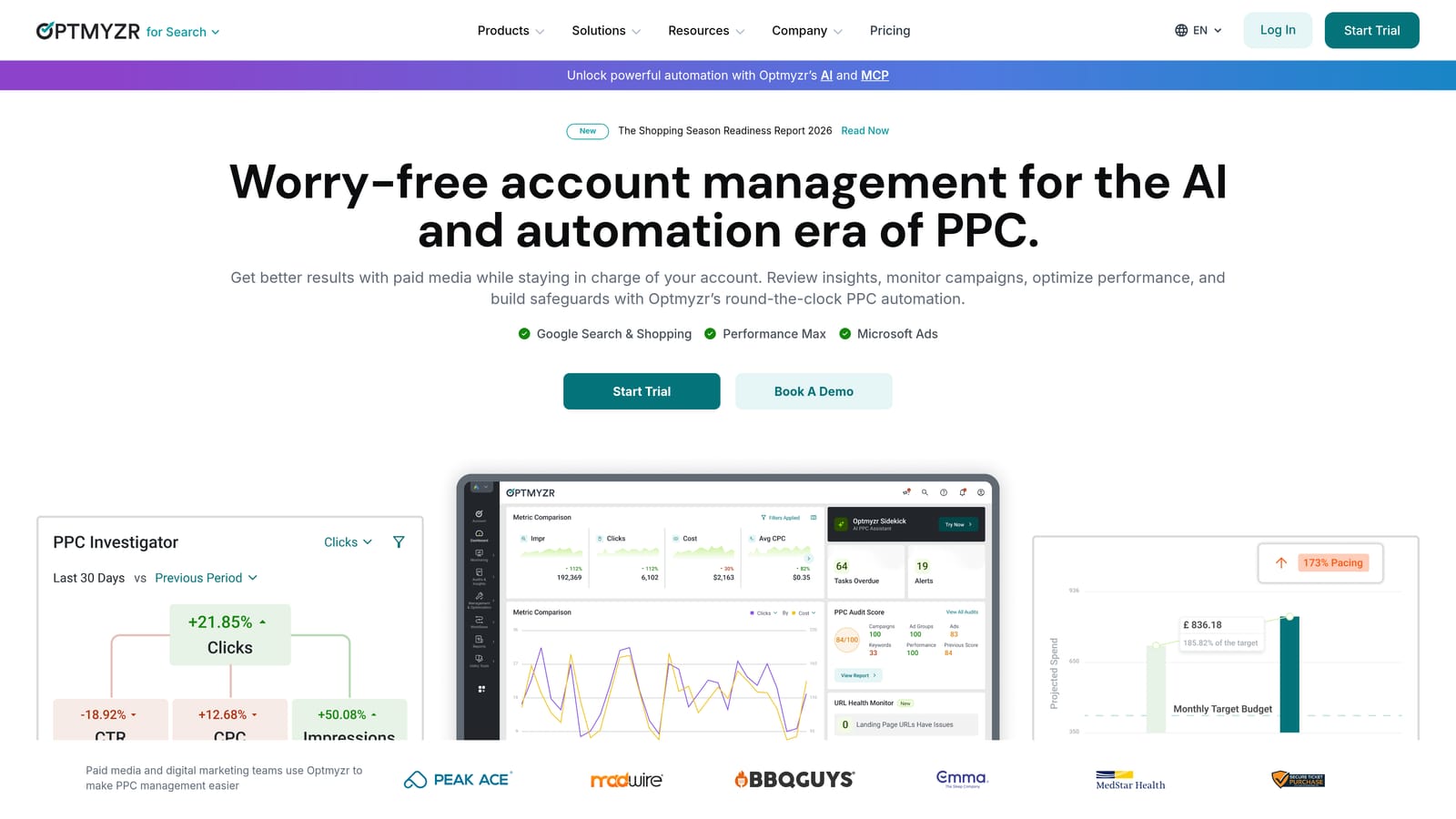
Optmyzr is a PPC management and automation platform built around rule-based bidding, account audits, and reporting across Google, Microsoft, and Amazon Ads. It's aimed at freelancers and small agencies who want optimization tasks to run on a schedule rather than requiring a manual login every time.
What it does well
The standout feature is custom automation rules that keep working while you're not looking. You can set conditions for bid or budget changes and let them execute on schedule, which is useful if you're managing more accounts than you can realistically check daily.
- Runs custom automation rules for bids and budgets on a schedule you set
- Generates one-click account audits with prioritized recommendations, useful for fast client onboarding
- Produces white-label reports you can hand to clients under your own branding
- Covers Google Ads, Microsoft Advertising, and Amazon Ads from one login
Trade-offs
Pricing isn't published in detail on the site and typically scales with ad spend and account count, so you'll want to get a quote before assuming it fits a solo budget (verify current tiers on optmyzr.com). There's also a real learning curve: the automation rule builder and audit tools take longer to master than a single-purpose extension. For a freelancer with one or two small accounts, it may be more platform than you need.
Best for: Freelancers managing several client accounts who want scheduled automation instead of manual reviews.
4. WordStream Advisor
WordStream Advisor, from LocaliQ, is an all-in-one PPC management platform combining campaign management, alerts, and performance grading for Google and Microsoft Ads. Its defining feature is the "20-Minute Work Week," a guided workflow meant to compress a full account review into a short, templated session.

That structure is the appeal for freelancers who don't want to build their own optimization checklist from scratch. Instead of deciding what to check each week, the tool tells you where to look.
- Walks you through a guided weekly review designed to take about 20 minutes per account
- Offers a free Google Ads Performance Grader for a quick health check before you even sign up
- Manages Google and Microsoft Ads campaigns from one dashboard
- Sends alerts when it flags account issues or opportunities worth acting on
Setup involves connecting your ad accounts and going through onboarding with LocaliQ's team, since pricing and access typically run through a sales conversation rather than self-serve signup. That's the main limitation for freelancers: you can't see a price on the site, so budgeting for it means booking a call first. It also leans toward guided workflows over deep customization, so freelancers who want granular control over automation rules may find Optmyzr a better fit.
Pricing is quote-based (confirm current terms on wordstream.com).
Best for: Freelancers who want a structured, guided routine rather than building their own optimization checklist.
5. SEMrush PPC Toolkit
SEMrush's PPC Toolkit is the paid-search module inside SEMrush's broader marketing suite, covering keyword research, competitor ad tracking, and PPC audits. It's worth separating from campaign management tools like Optmyzr or Keywordme: this is a research and planning layer, not something that touches your live account.
The distinction matters because it's a common mix-up. Keyword research tools help you find and organize keywords before they go into a campaign; campaign management tools optimize what's already running. SEMrush sits firmly in the first category.
- Tracks competitor ad copy and landing pages so you can see what's working in your niche
- Builds keyword lists with the Keyword Magic Tool, useful for new client onboarding
- Organizes keywords into ad groups with the PPC Keyword Tool before you build campaigns
- Exports keyword lists in bulk with CPC estimates attached
Setup is simple, it's a web-based subscription with no account connection required for the research features, though exporting into Google Ads is a manual step. It doesn't suit freelancers looking for a live optimization or automation layer; you'll still need to apply anything you find manually. The value here is really for freelancers who also handle SEO or content work and want one subscription that covers both, rather than paying separately for a PPC-only research tool.
Pricing starts around $139.95/month on the Pro plan as of 2026 (confirm current pricing on semrush.com).
Best for: Freelancers who also handle SEO or content strategy and want one subscription covering both.
6. SpyFu
Pricing is the first thing to know about SpyFu: at roughly $39/month on the entry plan (as of 2026, confirm on spyfu.com), it's the cheapest tool on this list, and that makes it a natural fit for freelancers pitching new clients without much budget committed yet.
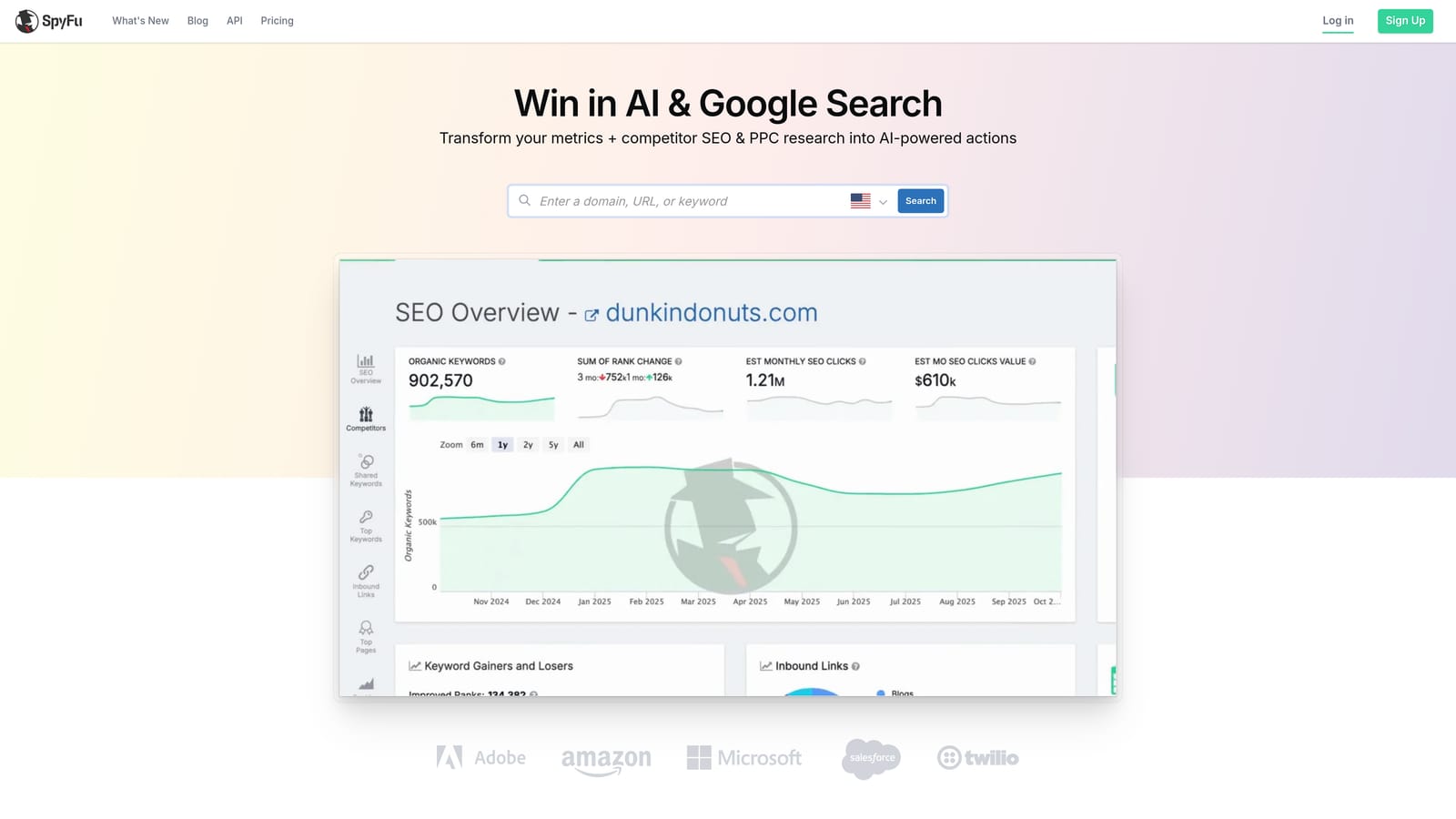
It's a competitor research tool, showing the keywords a domain has bid on historically along with estimated spend, clicks, and ad copy. Like SEMrush, it's not a live campaign manager, it informs the keyword lists and competitive strategy you build elsewhere.
- Shows a competitor's historical PPC keywords and ad copy so you can see what they've tested
- Estimates monthly ad spend and clicks by domain, useful for sizing up a competitive market before a pitch
- Groups and exports keywords for building out new campaigns
- Tracks ranking history for both organic and paid keywords over time
Setup is a quick account signup with no ad account connection needed for the core research features; exporting to Google Ads is a manual CSV step. The limitation is straightforward: there's no live account management or automation here at all. If you're expecting SpyFu to touch your client's actual campaigns, it won't. It's a research tool that stops at the keyword list.
Best for: Freelancers doing initial keyword research for a new client pitch or onboarding on a tight budget.
7. Adalysis
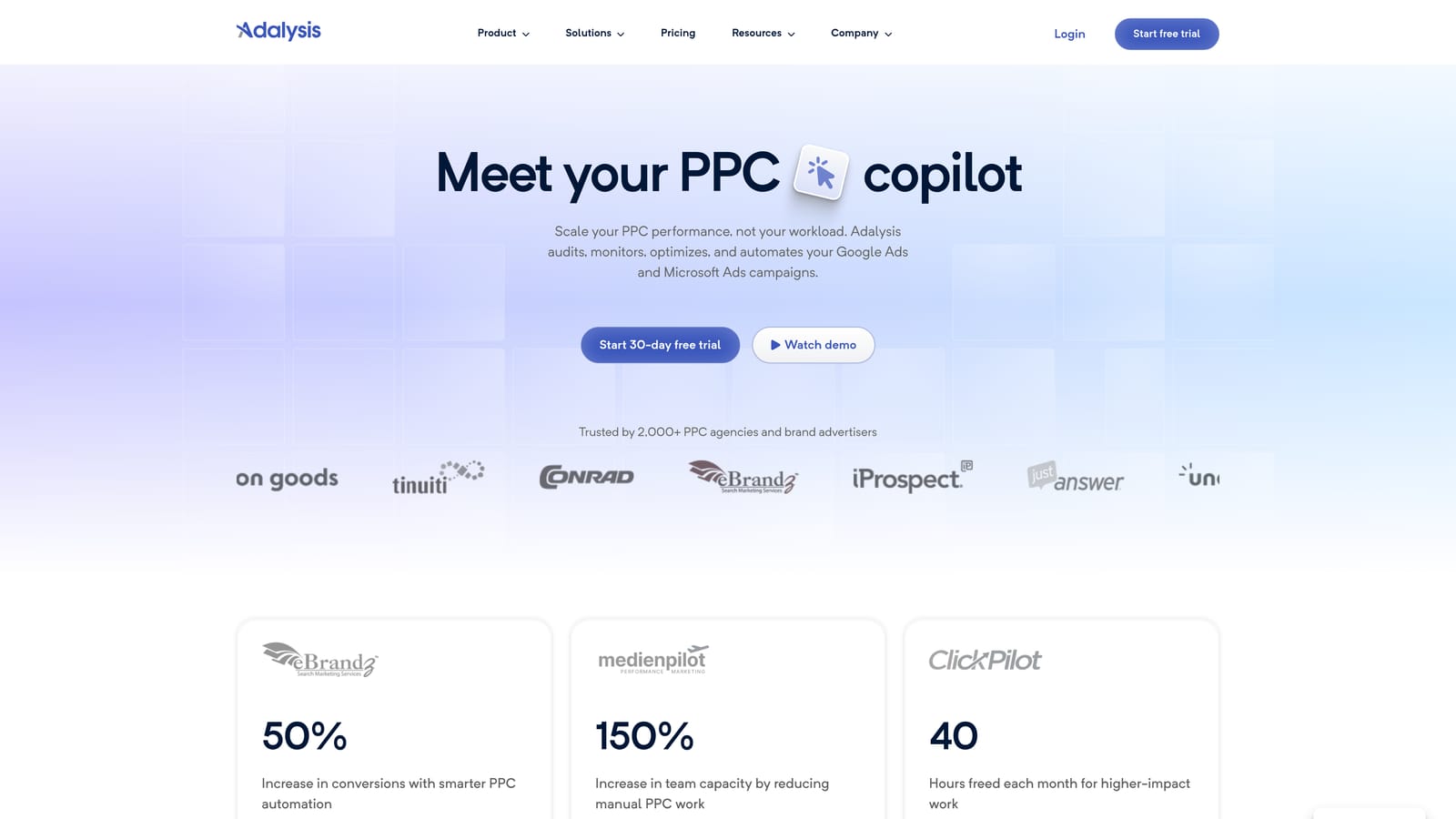
Adalysis runs continuous background audits on Google Ads and Microsoft Advertising accounts, flagging issues like disapproved ads, low Quality Scores, and wasted spend between your active optimization sessions. Where Keywordme is something you use in the moment to clean up search terms, Adalysis works passively, catching problems you might not notice until your next scheduled review.
- Runs automated ad copy tests and checks for statistical significance so you know when a result is real
- Delivers ongoing account audits with a prioritized list of what to fix first
- Tracks Quality Score changes over time so you can catch a slide before it costs you
- Sends custom alerts when something in the account changes unexpectedly
Setup means connecting your Google Ads or Microsoft Advertising account and letting it run in the background; day-to-day, you check in on its flagged issues rather than actively operating it. The catch for freelancers is pricing structure: at roughly $99/month per account (as of 2026, confirm on adalysis.com), costs scale with each client you add. For a freelancer managing five small accounts, that adds up fast compared with a flat per-user tool.
Best for: Freelancers who want a standing safety net catching issues between manual check-ins.
8. AdEspresso
AdEspresso is built around ad creation and A/B testing across Facebook, Instagram, and Google Ads. It's the one tool on this list that treats Google Ads as part of a broader paid social workflow rather than the main event.
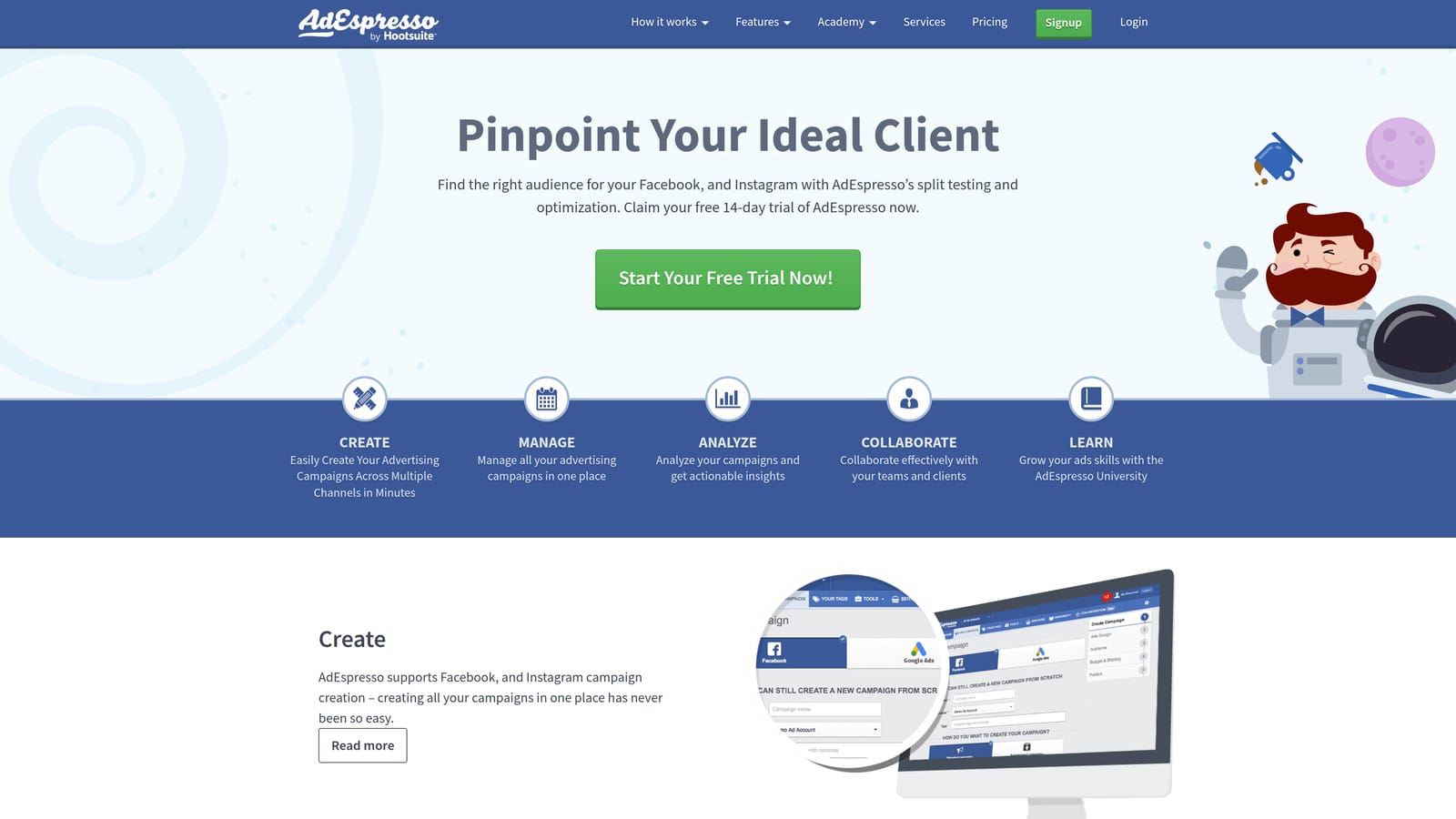
For freelancers who run both paid social and Google Ads for the same clients, that's genuinely useful: you get one dashboard and one testing workflow instead of switching between platforms. For freelancers focused solely on search, the Google Ads side will likely feel lighter than a dedicated tool like Keywordme or Optmyzr.
- Builds A/B tests for ad creative and targeting through a drag-and-drop interface
- Unifies Facebook, Instagram, and Google campaign management in one dashboard
- Suggests optimizations automatically based on test results, cutting down manual analysis
- Includes client reporting templates, handy when you're managing several accounts
Setup involves connecting each ad platform's account; it's designed to be run directly by the freelancer without needing a dedicated ad ops person. The main limitation is scope weighting: this is primarily a paid social tool with Google Ads support layered on, not a search term optimization tool.
Pricing starts around $49/month on the entry plan as of 2026 (confirm current pricing on adespresso.com).
Best for: Freelancers managing both paid social and Google Ads for the same clients.
Matching the Tool to Your Client Load
If you're a solo Google Ads specialist and your biggest time sink is search term reviews, Keywordme and Google Ads Editor cover the two ends of that job well: one cleans up search terms and applies match types in seconds, the other handles the bulk structural changes free of charge. Together they cost as little as $12/month and require no dashboard switching.
If your work involves restructuring campaigns across several accounts at once, lean on Google Ads Editor for the heavy lifting and consider Optmyzr once you have enough accounts to justify scheduled automation. If you're juggling multi-channel work or need to hand clients polished reports, WordStream Advisor or AdEspresso fit better depending on whether your focus is search-and-social guidance or ad testing specifically.
For most freelancers running Google Ads day to day, the fastest win is cutting the manual search term review down to minutes. That's the specific problem Keywordme is built to solve, working right inside the Search Terms Report so you never have to export a spreadsheet again. Start your free 7-day trial (then just $12/month) and see how much time you get back on your next account review.
.svg)