
9 Best Affordable Google Ads Tools for Budget-Conscious Advertisers
Discover nine affordable Google Ads tools that help budget-conscious advertisers optimize campaigns, manage bids, and track conversions without enterprise-level spending. This guide focuses on cost-effective solutions—from free Google tools to specialized paid options—that deliver measurable performance improvements for freelancers and agencies alike, with an emphasis on streamlined Chrome extensions and in-interface tools that simplify PPC workflows.


Running Google Ads on a tight budget doesn't mean settling for worse results. The right affordable tools let you do the same work — optimizing search terms, managing bids, tracking conversions — in a fraction of the time, without enterprise-level subscriptions.
This guide covers nine budget-friendly Google Ads tools that deliver real performance gains in 2026, whether you're a freelancer managing a handful of accounts or a small agency scaling multiple clients. Each tool is evaluated on what it actually solves, how it fits a lean PPC workflow, and whether the cost is justified by time saved or wasted spend recovered.
Quick picks by need:
- Cut search term cleanup time:Keywordme — one-click negatives and match types directly inside Google Ads, $12/month.
- Free keyword research: Google Keyword Planner — official Google data, free with any Google Ads account.
- Bulk campaign edits across accounts: Google Ads Editor — free desktop app for offline editing and cross-account management.
- Competitive keyword intelligence on a budget: SpyFu — 18+ years of competitor PPC history, from $39/month.
Most effective PPC managers combine Google's free native tools with one or two specialized paid solutions rather than paying for an all-in-one platform. The tools below are organized by use case, with honest notes on where each one earns its place in a cost-conscious stack.
1. Keywordme
Best for: Fast search term optimization directly within Google Ads interface
Keywordme is a Chrome extension that lets you optimize campaigns without leaving the Search Terms Report.

Where This Tool Shines
The biggest time-sink in Google Ads management is processing search terms. Most advertisers export to spreadsheets, manually sort through queries, then copy-paste keywords and negatives back into the interface. Keywordme eliminates that entire workflow by adding optimization actions directly to the Search Terms Report.
What usually happens is you spot a junk search term, click to add it as a negative, apply the match type, and move on—all in seconds. The same goes for high-intent queries you want to promote to keywords. No tab switching, no spreadsheet gymnastics, just quick decisions and instant implementation.
Key Features
One-Click Negative Addition: Remove irrelevant search terms instantly without leaving the report.
Bulk Match Type Application: Apply exact, phrase, or broad match types to multiple keywords at once.
Keyword Clustering: Automatically group related search terms to build organized ad groups faster.
Multi-Account Support: Switch between client accounts seamlessly if you're managing multiple advertisers.
Direct Interface Integration: Works inside the native Google Ads UI, not a separate dashboard.
Best For
Freelancers and agencies who process search terms regularly and want to cut optimization time from hours to minutes. Especially valuable if you manage multiple accounts and need consistent workflows across clients. The flat-rate pricing makes it predictable for budgeting regardless of account spend.
Pricing
$12/month per user with a 7-day free trial. No spend-based tiers or hidden fees—just straightforward monthly billing.
2. Google Ads Editor
Best for: Bulk campaign management and offline editing across multiple accounts
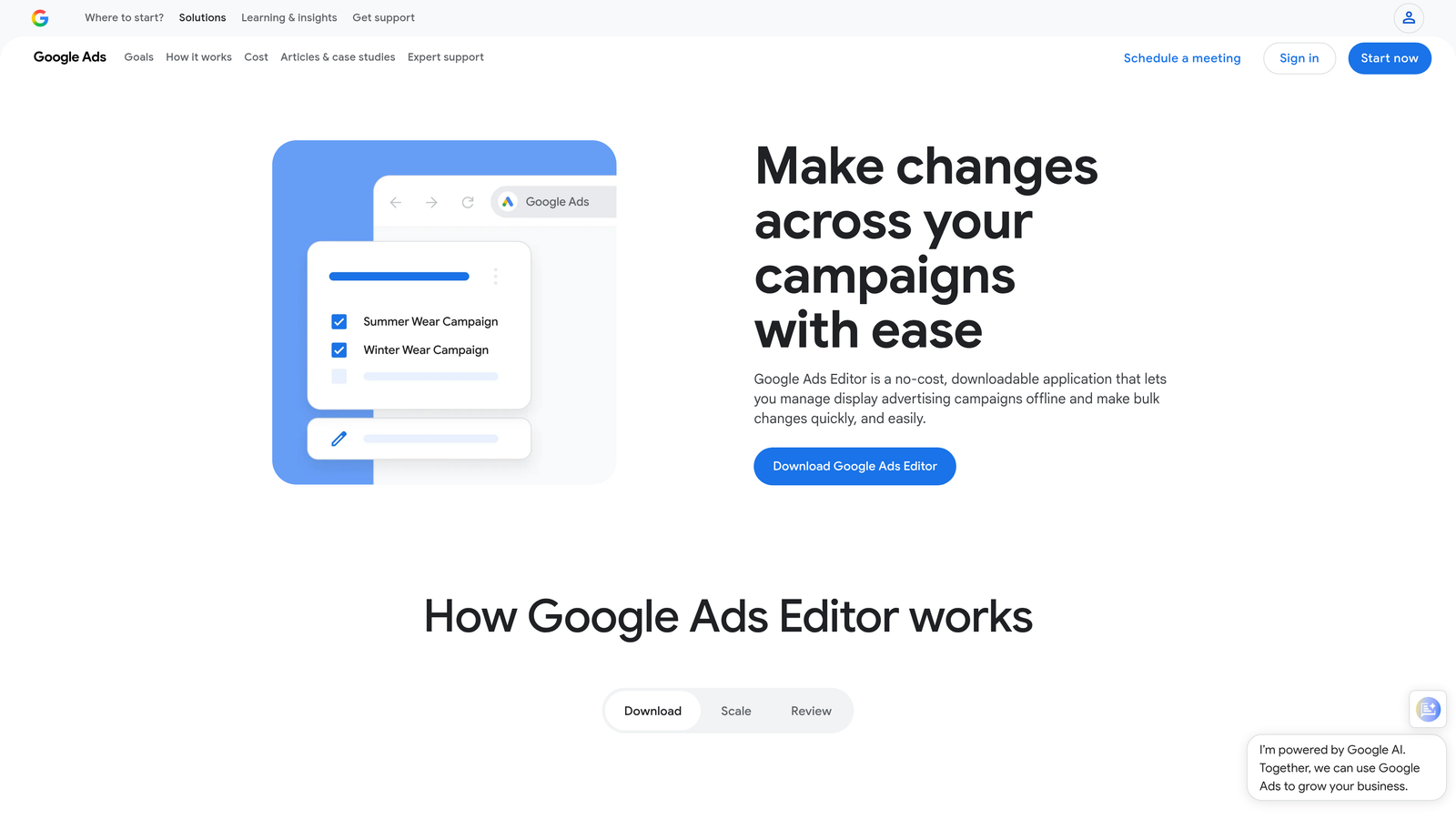
Google Ads Editor is Google's free desktop application for managing campaigns at scale.
Where This Tool Shines
When you need to make sweeping changes across campaigns, the web interface becomes painfully slow. Editor lets you download entire accounts, make bulk edits offline, review everything before posting, then push changes in one batch.
The copy-paste functionality between accounts is a game-changer for agencies. Build a campaign structure once, copy it to ten client accounts, adjust budgets and targeting, and post everything in minutes. The find-and-replace feature alone saves hours when updating tracking parameters or landing page URLs across hundreds of ads.
Key Features
Bulk Editing: Change bids, budgets, or settings across thousands of keywords simultaneously.
Offline Management: Work on campaigns without an internet connection and sync when ready.
Cross-Account Copying: Duplicate campaign structures between different Google Ads accounts.
Find and Replace: Update URLs, tracking codes, or text across entire accounts instantly.
Draft Review System: Preview all changes before posting to live campaigns.
Best For
Agencies managing multiple client accounts or advertisers who frequently launch similar campaign structures. Essential for anyone making large-scale updates to bids, keywords, or ad copy. The offline capability matters if you work from locations with spotty internet.
Pricing
Completely free. Download directly from Google and use with any Google Ads account.
3. Google Keyword Planner
Best for: Free keyword research and search volume forecasting
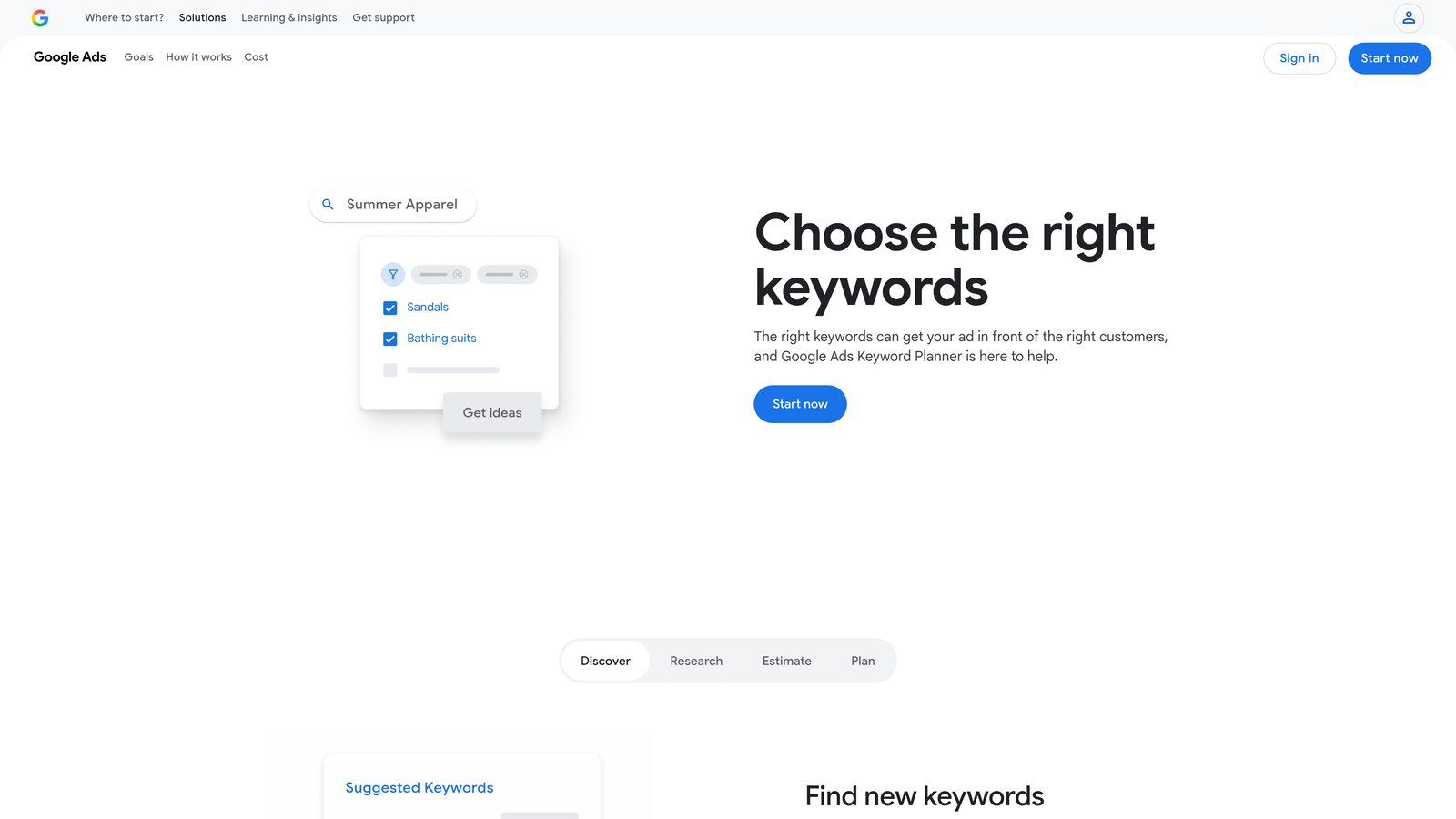
Google Keyword Planner is the built-in keyword research tool inside every Google Ads account.
Where This Tool Shines
For budget-conscious advertisers, Keyword Planner delivers surprisingly robust data without costing anything. The search volume estimates come directly from Google's own data, making them more reliable than third-party approximations.
The forecasting feature helps you model what different bid levels might cost before spending real money. You can test keyword combinations, see predicted impressions and clicks, and adjust budgets based on actual Google data rather than guesswork. For new campaigns, this planning step prevents expensive surprises when you go live.
Key Features
Keyword Discovery: Generate hundreds of related keyword ideas from seed terms or landing pages.
Search Volume Data: See monthly search estimates and seasonal trends for any keyword.
Bid Forecasting: Preview costs and performance at different bid levels before launching campaigns.
Competition Metrics: Understand how many other advertisers target the same keywords.
Historical Trends: Identify seasonal patterns and long-term search behavior changes.
Best For
Advertisers building new campaigns from scratch or expanding into new keyword territories. Especially useful for validating keyword ideas before investing in paid research tools. The forecasting works well for budget planning and client proposals.
Pricing
Free with any Google Ads account. Full data access requires running active campaigns.
4. Optmyzr
Best for: Automated optimization rules and one-click PPC improvements
Optmyzr is a PPC management platform that automates repetitive optimization tasks across Google Ads accounts.

Where This Tool Shines
The one-click optimizations surface opportunities you'd normally spend hours finding manually. The platform analyzes your account, identifies specific improvements, and presents them as pre-built actions you can apply instantly.
Custom automation rules let you set conditions that trigger bid adjustments, budget shifts, or pause decisions automatically. For example, you can create rules that increase bids on high-converting keywords when they drop below position 3, or pause ads that haven't converted after spending a certain amount. These rules run continuously, handling routine optimizations while you focus on strategy.
Key Features
One-Click Optimizations: Pre-built improvement suggestions you can implement with a single click.
Custom Automation Rules: Build conditional logic that adjusts campaigns based on performance triggers.
Budget Management Tools: Distribute spend across campaigns intelligently based on performance.
Shopping Campaign Features: Specialized tools for managing product feeds and shopping ads.
Reporting Templates: Pre-designed client reports that pull data automatically.
Best For
Agencies managing multiple accounts who need automation to scale without hiring more team members. Works well for advertisers comfortable with rule-based optimization but who want more sophistication than Google's basic automated rules. The shopping tools make it particularly valuable for e-commerce advertisers.
Pricing
Starts around $249/month for smaller accounts. Pricing scales with the number of accounts managed and monthly ad spend.
5. SpyFu
Best for: Competitive keyword research and ad history analysis
SpyFu reveals which keywords your competitors bid on and shows their ad copy history over time.

Where This Tool Shines
The competitive intelligence changes how you approach keyword research. Instead of guessing which terms drive results, you see exactly what competitors spend money on month after month. If three competitors consistently bid on the same keyword, that's a strong signal it converts profitably.
The ad history feature shows you every variation of ad copy a competitor has tested. You can see which messages they kept running and which ones disappeared quickly—a proxy for what worked versus what flopped. This shortens your own testing cycles by learning from competitors' experiments.
Key Features
Competitor Keyword Tracking: See every keyword a competitor bids on and their estimated spend.
Ad History Research: View years of competitor ad copy variations and testing patterns.
PPC Keyword Suggestions: Discover profitable keywords based on competitor data.
Domain Comparisons: Analyze keyword overlap and gaps between multiple competitors.
SERP Analysis: Understand who ranks organically versus who pays for each keyword.
Best For
Advertisers entering competitive markets who want to avoid expensive keyword experiments. Useful for agencies pitching new clients—showing their competitors' PPC strategies demonstrates expertise and provides concrete expansion opportunities. The historical data helps identify seasonal patterns in competitor behavior.
Pricing
Starts at $39/month for basic plans with limited searches. Higher tiers unlock more competitive domains and deeper historical data.
6. Adalysis
Best for: Automated ad testing and Quality Score monitoring
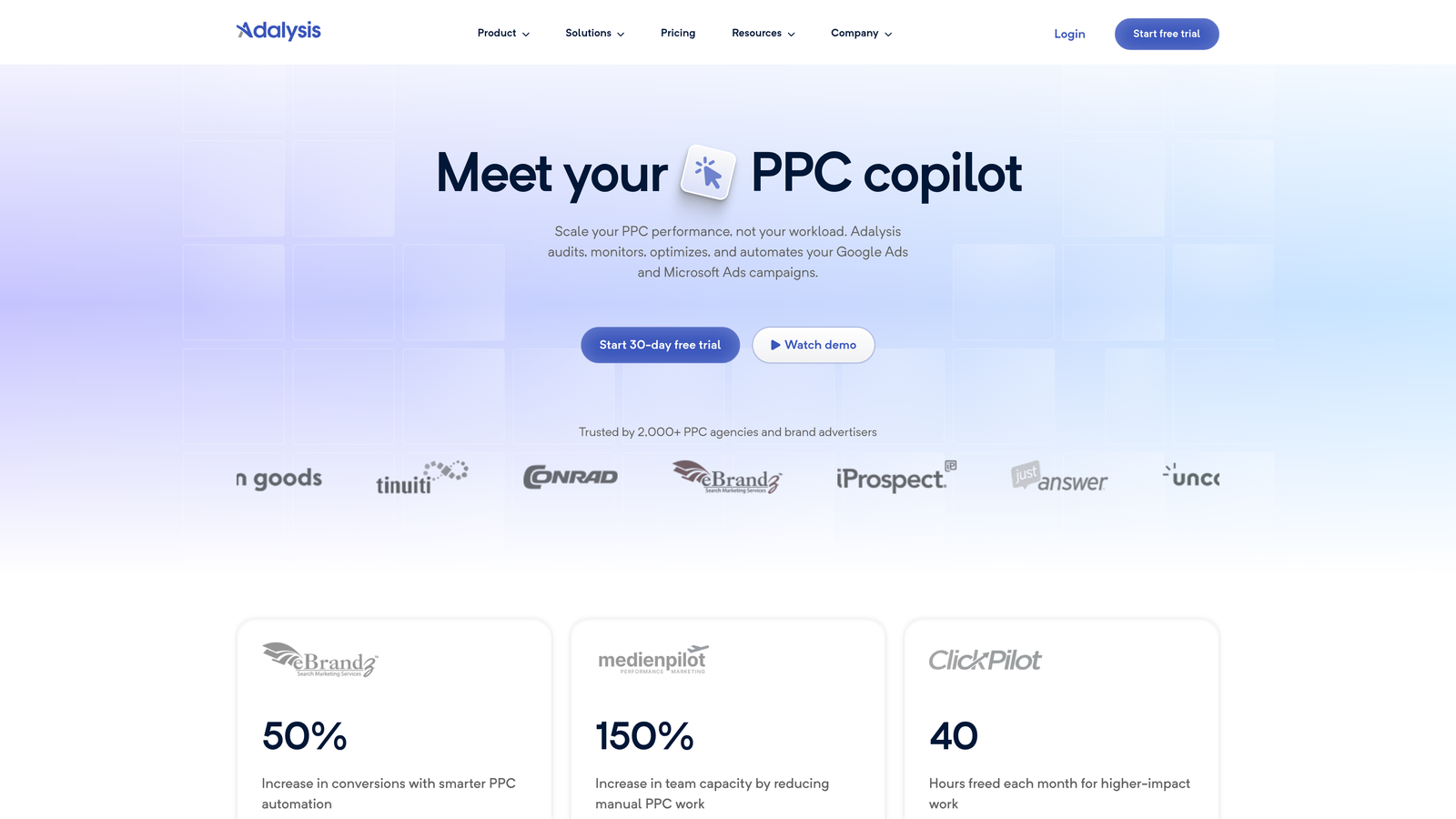
Adalysis specializes in continuous ad testing and Quality Score tracking with spend-based pricing.
Where This Tool Shines
Most advertisers test ad copy inconsistently or let winning ads run forever without further optimization. Adalysis automates the entire testing cycle—it rotates ads, monitors statistical significance, pauses losers, and suggests new variations based on what's working.
The Quality Score tracking goes deeper than Google's interface shows. You can see historical Quality Score changes, identify which components dropped, and get specific recommendations for improvement. This matters because Quality Score directly impacts your costs—improving it from 5 to 7 can cut CPCs by 30% or more.
Key Features
Automated Ad Testing: Continuous rotation and performance monitoring with statistical analysis.
Quality Score Tracking: Historical monitoring of Quality Score changes across all keywords.
N-gram Analysis: Identify which words and phrases in your ads drive the best performance.
Landing Page Monitoring: Get alerts when landing pages break or load slowly.
Audit Recommendations: Regular account health checks with prioritized improvement suggestions.
Best For
Advertisers who run significant ad spend and want to maximize ROI through rigorous testing. The spend-based pricing makes it accessible for smaller accounts while scaling appropriately for larger budgets. Particularly valuable if Quality Score issues are driving up your costs.
Pricing
Based on monthly ad spend, starting around $99/month for accounts spending up to $10,000. Pricing increases with spend but remains percentage-based.
7. Channable
Best for: Product feed optimization and e-commerce PPC automation
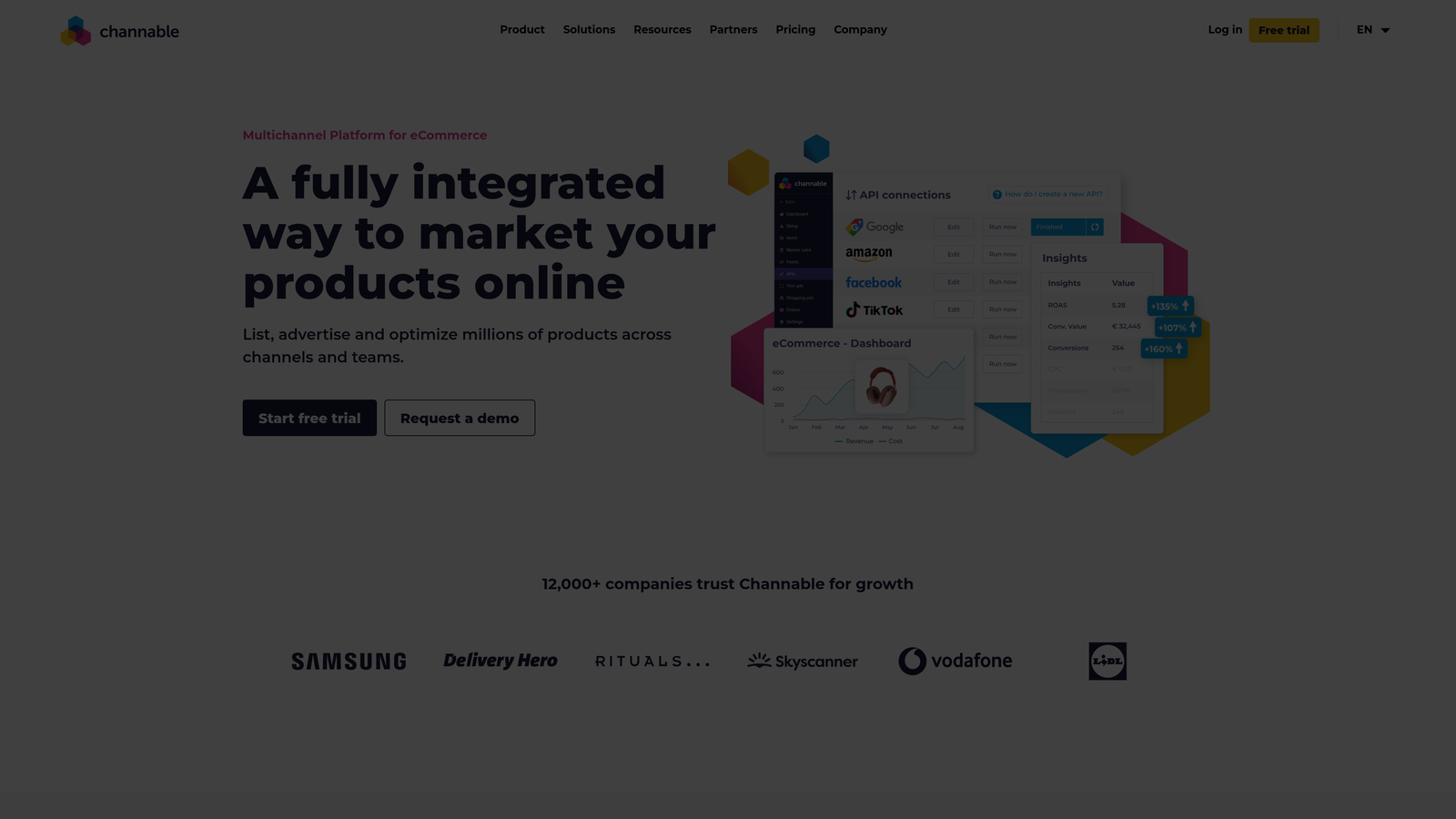
Channable manages product feeds and automates ad generation for e-commerce advertisers across multiple channels.
Where This Tool Shines
E-commerce advertisers struggle with product feed quality—missing attributes, poor titles, incorrect categorization. Channable fixes these issues through rule-based transformations that clean up feeds before they reach Google Ads.
The dynamic ad generation creates customized ad copy for different product categories automatically. You set templates with variables, and Channable populates them with product-specific details. This scales ad creation from dozens to thousands of products without manual copywriting for each SKU.
Key Features
Feed Optimization: Clean and enhance product data with automated rules and transformations.
Dynamic Ad Creation: Generate product-specific ad copy at scale using templates.
Rule-Based Automation: Set conditions that update feeds automatically when products change.
Multi-Channel Support: Manage feeds for Google, Facebook, Amazon, and other platforms simultaneously.
Performance Analytics: Track which products and categories drive the best ROAS.
Best For
E-commerce businesses running Shopping campaigns or dynamic search ads with large product catalogs. Especially valuable if you sell across multiple channels and need consistent feed management. The automation saves significant time for stores with frequently changing inventory.
Pricing
Starts around $49/month for basic plans covering smaller product catalogs. Pricing scales with the number of products and channels managed.
8. Supermetrics
Best for: Automated PPC data reporting and dashboard creation
Supermetrics pulls Google Ads data into spreadsheets, Data Studio, and business intelligence platforms automatically.
Where This Tool Shines
Building client reports from Google Ads data typically means manual exports, formatting, and updating spreadsheets every week. Supermetrics automates the entire process—data refreshes on schedule, calculations update automatically, and reports stay current without manual intervention.
The multi-platform connectors let you combine Google Ads data with analytics, social media, and other marketing channels in one dashboard. This unified view makes it easier to see how PPC performance connects to overall marketing results. For agencies, the time savings on reporting alone often justifies the cost.
Key Features
Google Ads Data Pulls: Automatically import campaign, ad group, and keyword data into spreadsheets.
Automated Reporting: Schedule data refreshes so reports update without manual work.
Multi-Platform Connectors: Combine data from Google Ads, Analytics, Facebook, and dozens of other sources.
Custom Metrics: Create calculated fields and custom dimensions for specialized reporting.
Scheduled Refreshes: Set reports to update daily, weekly, or monthly automatically.
Best For
Agencies producing regular client reports or advertisers who analyze performance in spreadsheets and dashboards. Valuable if you need to combine Google Ads data with other marketing channels for comprehensive reporting. The automation matters most when you're managing multiple accounts with similar reporting needs.
Pricing
Single connector plans start around $39/month for basic Google Sheets integration. Multi-connector plans and business intelligence platform connections cost more.
9. Tenscores
Best for: Quality Score optimization and historical tracking
Tenscores specializes in monitoring Quality Score changes and providing specific improvement recommendations.
Where This Tool Shines
Google Ads only shows current Quality Score, not how it's changed over time or what triggered drops. Tenscores tracks historical Quality Score data so you can see exactly when scores declined and correlate changes with account modifications.
The component breakdown shows whether Quality Score issues stem from expected CTR, ad relevance, or landing page experience. This specificity guides optimization efforts—if ad relevance is the problem, you need better keyword-to-ad alignment, not landing page changes. The tool essentially translates Google's vague Quality Score signals into actionable tasks.
Key Features
Quality Score Monitoring: Track Quality Score changes across all keywords over time.
Historical Tracking: See how Quality Scores evolved and identify patterns in changes.
Component Breakdown: Understand which specific factors drive Quality Score up or down.
Optimization Recommendations: Get specific suggestions for improving low Quality Scores.
Account-Wide Analysis: Identify systemic Quality Score issues affecting multiple campaigns.
Best For
Advertisers dealing with high CPCs who suspect Quality Score problems are inflating costs. Useful for accounts with declining performance where the cause isn't immediately obvious—Quality Score tracking often reveals the underlying issue. The historical data helps prove ROI when Quality Score improvements lead to lower costs.
Pricing
Starts around $25/month for smaller accounts. Pricing scales based on the number of keywords monitored.
Making the Right Choice
The best affordable Google Ads tool depends on your specific pain point. If you spend hours processing search terms every week, an in-interface tool like Keywordme cuts that time dramatically. For competitive research, SpyFu reveals profitable keywords competitors already validated. E-commerce advertisers with large catalogs need feed management like Channable provides.
Most successful PPC managers combine free Google tools with one or two specialized paid solutions. Start with Google Ads Editor and Keyword Planner since they cost nothing, then add paid tools that solve your biggest time-sink or performance problem.
For freelancers and small agencies, prioritize tools with flat monthly pricing rather than spend-based models. A $12-50/month tool that saves you five hours weekly pays for itself immediately through reclaimed billable time. The key is choosing tools that integrate into your existing workflow rather than forcing you to adopt entirely new processes.
If you're managing multiple accounts, automation and bulk editing capabilities matter more than advanced features you'll rarely use. The agencies I work with typically use 3-4 specialized tools rather than one expensive all-in-one platform—this approach keeps costs predictable while covering all optimization bases.
Quality Score issues deserve special attention because they directly inflate costs. If your CPCs seem high relative to competition, tools like Tenscores or Adalysis often identify fixable problems that reduce spend by 20-40% once addressed.
The reporting and data tools become essential as you scale. When you're managing one account, manual reporting is tolerable. At five accounts, automation stops being optional—the time savings from Supermetrics or similar platforms quickly exceeds the monthly cost.
Start with the tool that addresses your most expensive problem, measure the time or cost savings, then expand your stack as needed. Most of these tools offer free trials, so test them with real account data before committing to monthly payments.
Start your free 7-day trial of Keywordme and see how much faster search term optimization becomes when you work directly inside Google Ads. At just $12/month after the trial, it's one of the most cost-effective ways to reclaim hours of manual work every week.
.svg)