
8 Best Affordable Google Ads Tool Subscriptions for Small Budgets in 2026
Google Ads software costs can rival media spend for small advertisers. This guide ranks eight options for an affordable Google Ads tool subscription, from free tools like Google Ads Editor to $12/month Keywordme, and helps freelancers, in-house marketers, and small agencies pick by the specific job they need done.


Google Ads tooling gets expensive fast, and plenty of small advertisers end up with a software bill that rivals their media spend. This list is for freelancers, in-house marketers, and small agencies who manage real accounts without a big team behind them. Each tool made the cut for a clearly stated or free entry point, plus one specific job it does well: search term cleanup, bulk editing, reporting, auditing, ad testing, or keyword research. Pick by job, not by the longest feature list.
Quick Comparison of Affordable Google Ads Tools
- Keywordme: freelancers and agencies who clean search terms often; $12/month per user; works inside the native Search Terms Report with no exports.
- Google Ads Editor: advertisers making big structural changes on no budget; free; offline drafting with change review across accounts.
- Google Ads Scripts and Looker Studio: technical solo marketers; free; fully custom reporting and automated checks.
- Optmyzr: agencies and in-house teams with larger accounts; see website for pricing; a rule engine built for PPC professionals.
- Adalysis: agencies wanting continuous monitoring; see website for pricing; automated ad-copy testing alongside account alerts.
- SEMrush: marketers researching competitors; see website for pricing; competitor ad and keyword intelligence.
- WordStream (LocaliQ): small business owners running their own ads; see website for pricing; plain-language grading and guidance.
- Google Keyword Planner: advertisers building first keyword lists; free with a Google Ads account; first-party Google keyword data.
1. Keywordme
Keywordme is a Chrome extension that adds one-click actions to the Search Terms Report inside Google Ads. It is built for people who review search terms (the queries people actually typed) and need to decide which ones to block and which to promote into keywords (what you bid on). It is our own product, so weigh this section with that in mind.
Its real strength is location. You work in the native Google Ads interface, so there is no export, no spreadsheet, and no separate dashboard to log into. You still read each search term and decide what happens to it. Nothing is changed automatically.
- Add negative keywords straight from the Search Terms Report, so irrelevant queries stop triggering your ads once you approve them.
- Add search terms as keywords and apply match types in the Google Ads interface, which shortens building a high-intent list.
- Keyword clustering groups related terms so you can handle them together rather than one row at a time.
- Bulk editing lets you act on many terms at once.
- Multi-account and team support suits agencies running several client accounts.
Setup is installing the extension and opening Google Ads in Chrome. The person who reviews search terms day to day is the one who uses it, so there is little to administer.
The limits are plain. Keywordme focuses on the search term and keyword workflow only. It does not do reporting, bid automation, or ad creation, and it requires Chrome. If you need audits or dashboards, pair it with something else.
Pricing is a flat $12 per user per month, with a 7-day free trial. The price moves with the number of users, not ad spend or account count.
Best for: Freelancers and agencies who spend lots of time cleaning search terms.
2. Google Ads Editor
Google Ads Editor is Google's free desktop application for bulk campaign editing. It is designed for advertisers who need to change many campaigns, ad groups, or ads at once and would rather draft those changes offline than click through the web interface.
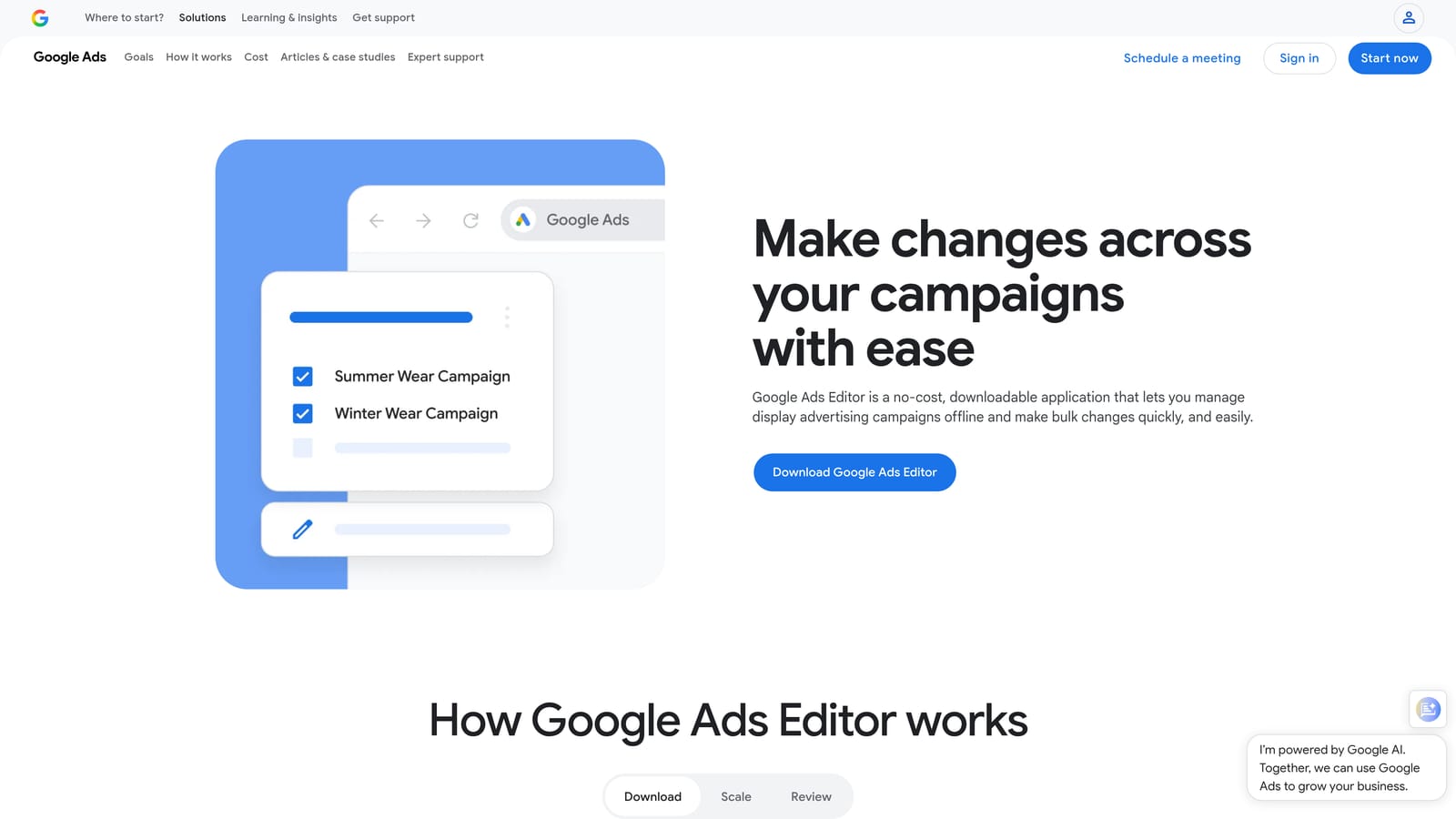
What sets it apart on this list is the review step. You download accounts, make changes in a draft state, check them, and only then post them. For restructures, copying campaigns between accounts, or large ad copy updates, that is hard to beat at any price.
- Bulk edits across campaigns let you change bids, budgets, ads, or keywords in one pass.
- Offline drafting means you can work through a big restructure without touching the live account.
- Multi-account management lets you move between client accounts in one app.
- Change review shows what will be posted so mistakes get caught before they go live.
It installs on your computer and connects to your Google Ads login, so setup is quick, but expect a learning curve. Its interface differs from the web version, and the person using it needs to understand account structure well.
It is not a search term analysis tool and has no reporting dashboards. You will still need another method to decide which queries to block.
Pricing is free.
Best for: Advertisers making large structural changes on zero budget.
3. Google Ads Scripts and Looker Studio
This entry is a free combination rather than a single product. Looker Studio builds dashboards from your Google Ads data, while Google Ads scripts run small JavaScript programs inside your account to automate checks and alerts. It suits technically inclined solo marketers who would rather spend time than money.
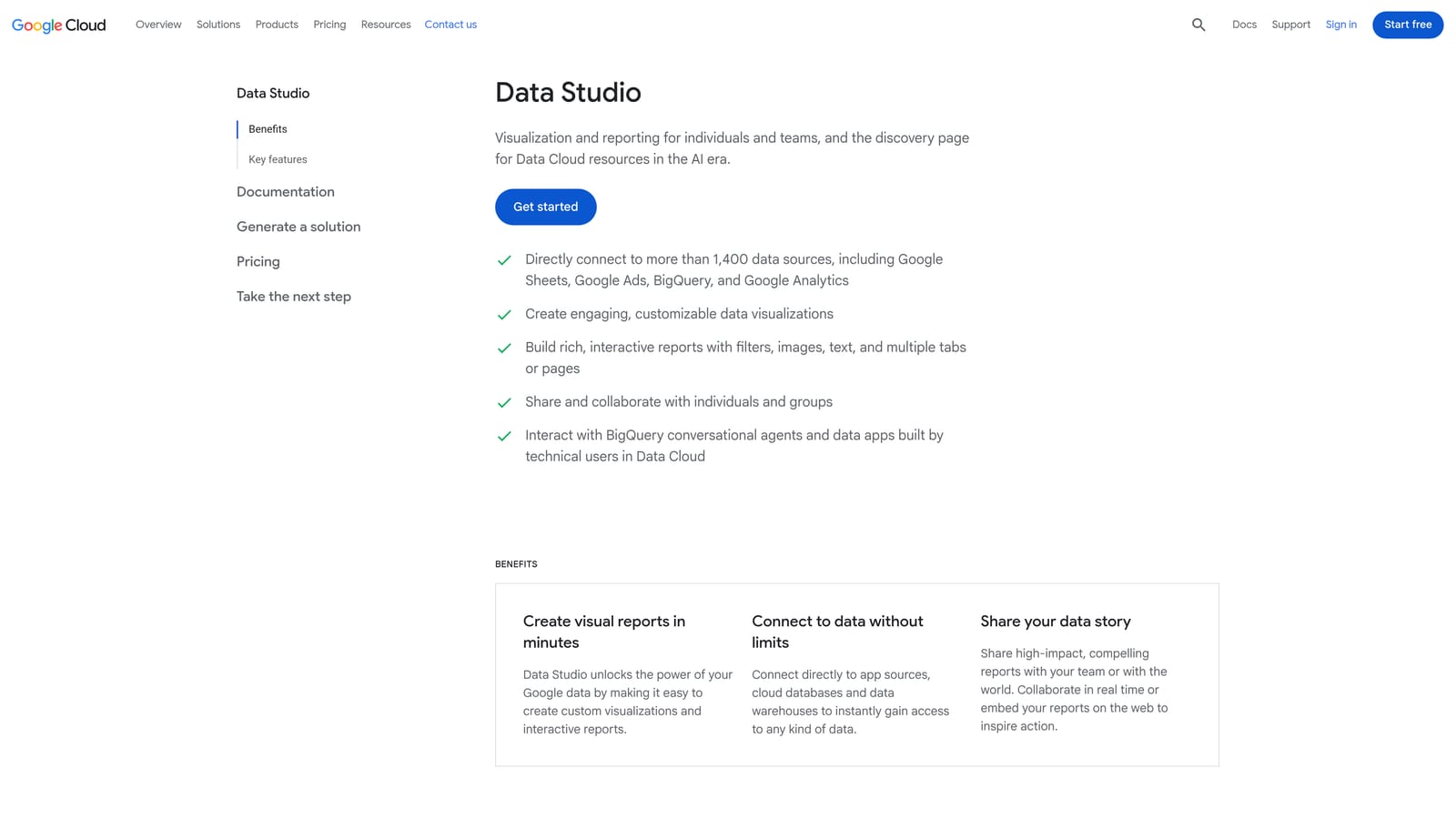
Nothing else here matches its flexibility at zero subscription cost. You decide which metrics appear, how they are laid out, and what triggers an alert, rather than accepting a vendor's fixed reports.
What you get
- A Google Ads connector feeds account data into dashboards you design.
- Scheduled scripts can flag problems such as stalled spend or broken items so you hear about them early.
- Custom reporting templates can be reused across clients once built.
- Everything is customizable, including the Google Sheets outputs scripts can write.
What it costs you in time
The price is setup. Dashboards take hours to get right, and scripts need some JavaScript knowledge to write or adapt. When something breaks, you are the support team. It also does not tell you which search terms to block.
Pricing: Looker Studio's basic version is free, and scripts are included in Google Ads. Check Google's current terms if you plan to use paid Looker Studio features.
Best for: Technically inclined solo marketers who trade time for savings.
4. Optmyzr
Optmyzr is a PPC optimization suite with rule-based tools, audits, and reporting, aimed at professionals who manage accounts all day. It supports Google Ads and Microsoft Advertising.
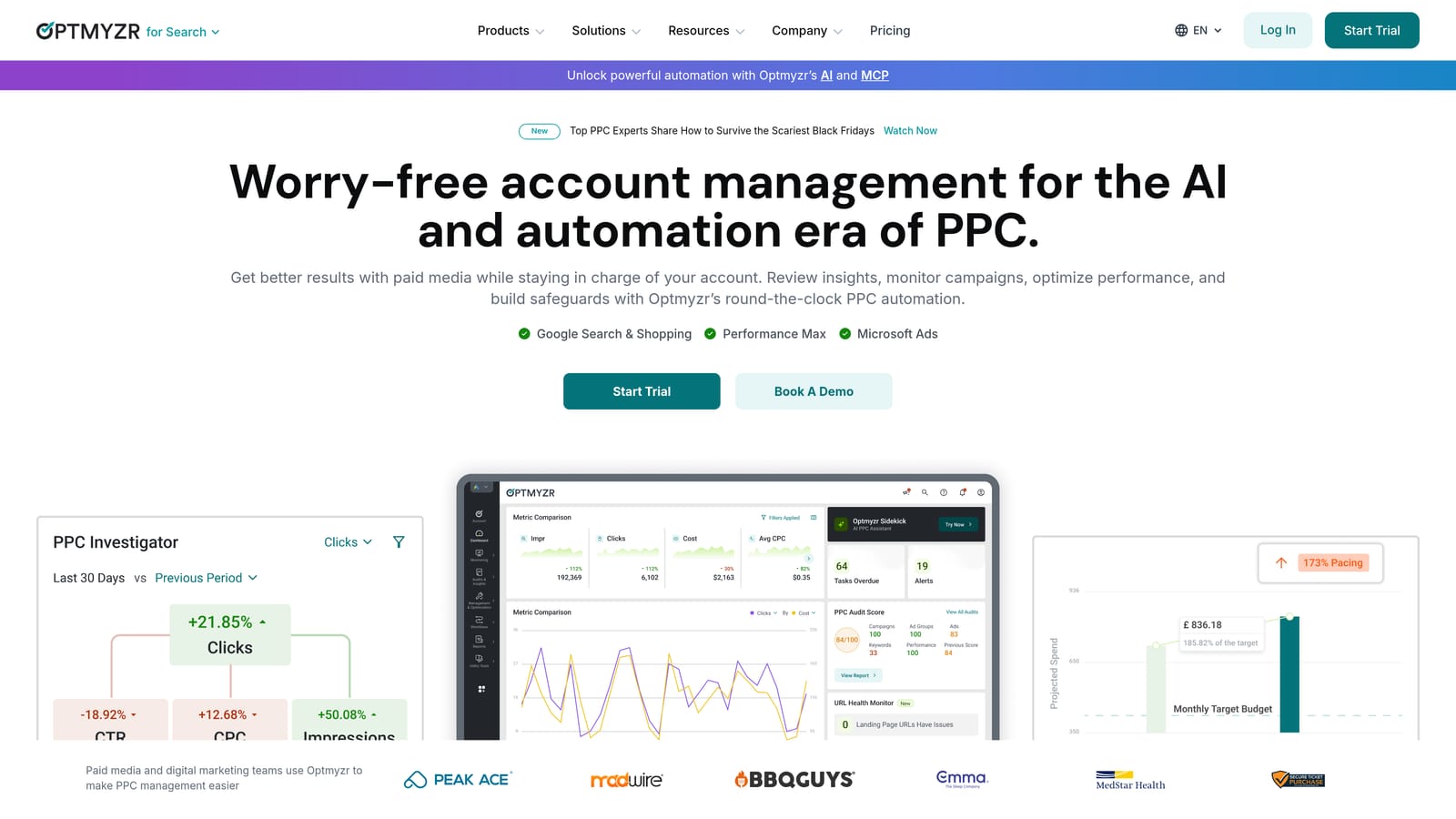
Its distinguishing feature on this list is breadth with control. The rule engine lets you define conditions and actions for your own accounts, which is closer to how an experienced practitioner thinks than a generic recommendation list.
- One-click optimizations turn identified issues into actions you can apply quickly.
- Account audits surface problems worth checking across campaigns.
- The rule engine automates repeated checks and adjustments according to logic you set.
- Reporting helps you present results to clients or stakeholders.
Expect more setup than a single-purpose tool. You will connect accounts, learn the interface, and tune rules to your accounts, so someone with real PPC experience should own it.
The main limitation for this article's audience is cost. Pricing is tied to managed ad spend, which can stretch very small budgets, and it is far more tool than a lone advertiser with a modest account needs.
Pricing: as of November 2026, check the Optmyzr website for current plans. The price depends on the ad spend you manage.
Best for: Agencies and in-house PPC teams managing larger accounts.
5. Adalysis
Adalysis is a PPC audit, alerting, and ad testing platform covering Google Ads and Microsoft Advertising. It is built for people who want something watching accounts continuously so they do not have to check everything by hand.
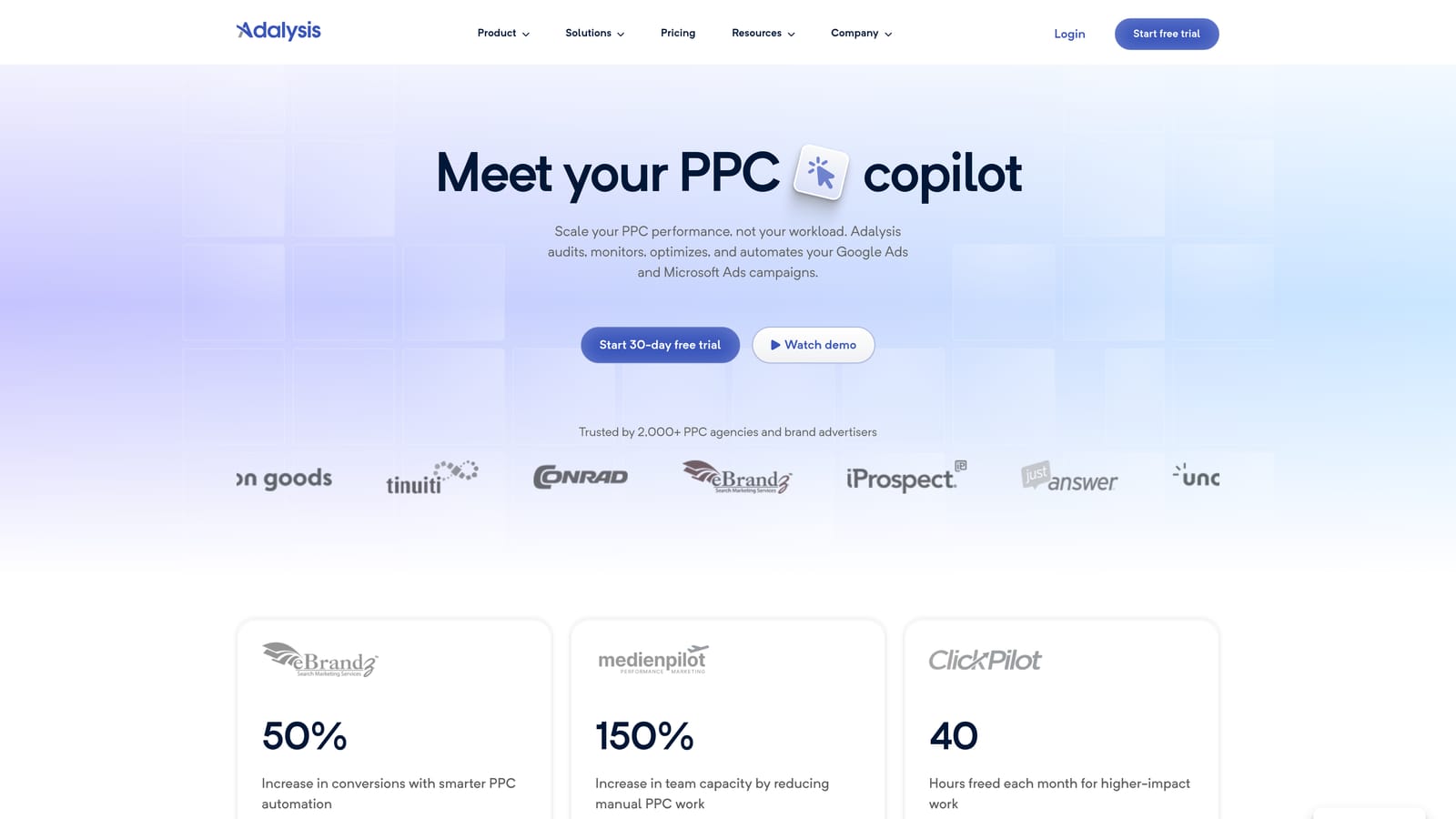
Where it stands out is automated ad-copy testing together with ongoing monitoring. Few tools here will tell you which ad variations are winning and flag when an account drifts.
- Automated account audits scan for issues and prioritize what to look at.
- Ad-copy testing compares variations so you can decide which ones to keep.
- Alerts notify you when something changes or breaks.
- Reporting packages results for clients or internal review.
Setup means connecting your ad accounts and letting it analyze them. Whoever manages the accounts day to day should review its findings, since the output is a to-do list, not finished work.
It is better suited to agencies managing multiple accounts than to a single small account, where the monitoring may be more than you need. It also does not replace hands-on search term review.
Pricing: as of November 2026, see the Adalysis website for current plans. Pricing generally depends on how many accounts or how much spend you connect, so confirm before committing.
Best for: Agencies wanting continuous monitoring and ad testing.
6. SEMrush
SEMrush is a broad marketing suite, and its PPC tools cover competitor advertising and keyword research. You would buy it for what the market is doing, not to manage your account.
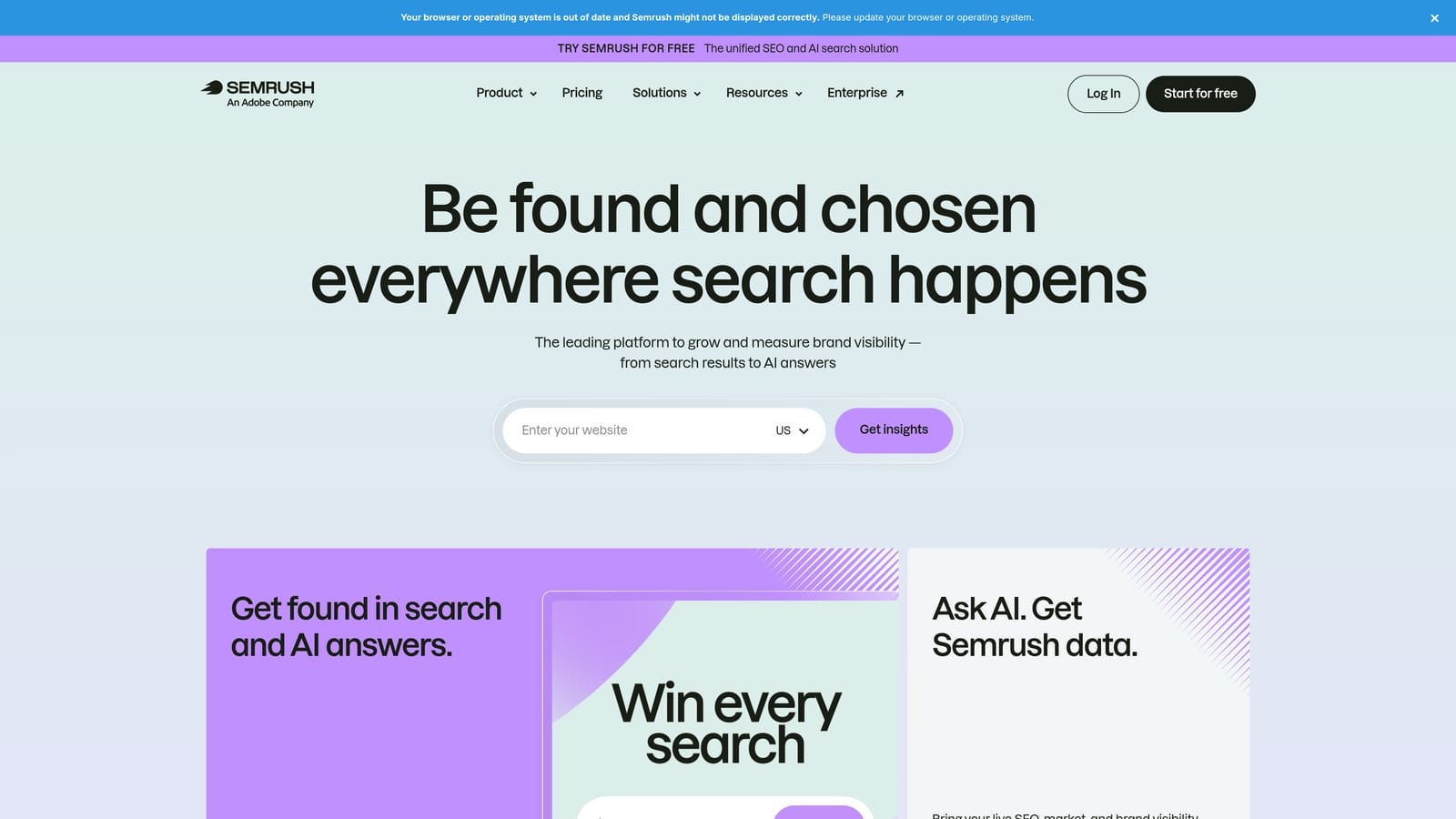
Competitor ad and keyword intelligence is the point. Before launching, you can see which terms rivals appear to target and where your keyword coverage has gaps.
- Advertising research shows competitor ad copy and the keywords they appear to be bidding on.
- Keyword gap analysis highlights terms competitors cover that you do not.
- Keyword research generates ideas beyond what you already have.
- Position tracking monitors where you appear for chosen terms.
It connects with Google Ads and Looker Studio. Setup is light, though the interface has a lot in it, and a marketer or strategist typically runs it rather than whoever handles daily account hygiene.
Know its limits. The data is estimated, so treat competitor numbers as directional, not exact. It is research only, and the subscription covers a broad suite that goes beyond PPC, which may be more than you want to pay for.
Pricing: as of November 2026, check SEMrush's site for current plans. Price varies by plan tier and add-ons.
Best for: Marketers researching competitors before launching campaigns.
7. WordStream (LocaliQ)
WordStream is a small business advertising platform known for account grading and guided recommendations. It is aimed at owners who run their own Google Ads and want plain-language direction.
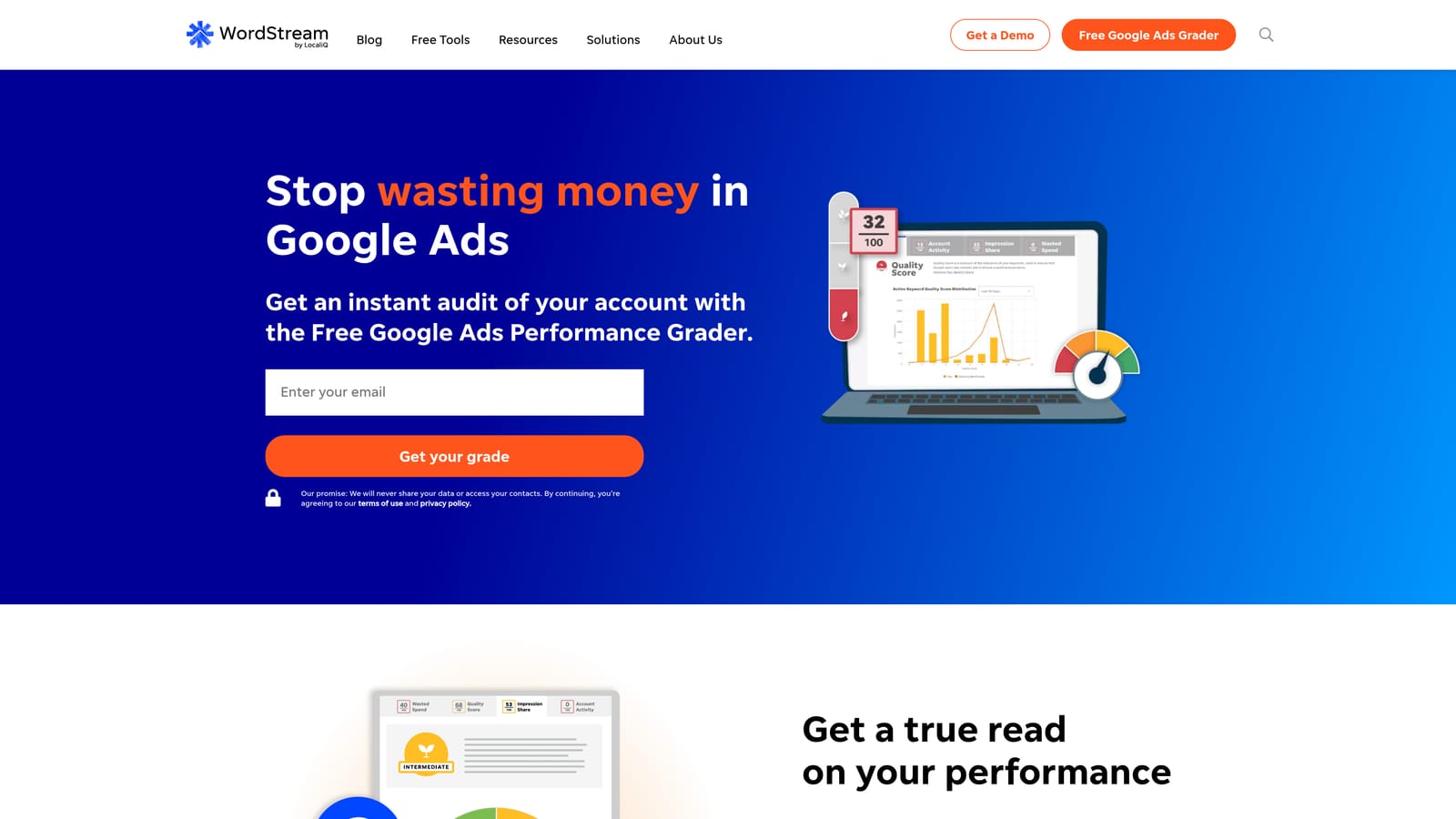
Its edge is approachability. It explains what to look at in terms a beginner can follow, which most professional tools do not bother with.
- The account grader scores your account and points to areas for improvement.
- Guided recommendations suggest next steps in plain language.
- Performance reporting summarizes results without a lot of configuration.
It connects to Google Ads, and setup is simple. The owner can run it without PPC training, though they still need to judge whether each suggestion makes sense for their business.
The caveat is packaging. WordStream now sits under the LocaliQ brand, and its offerings have changed over time, with some leaning toward managed services rather than self-serve software. Verify what is currently offered and what the contract involves before you sign up.
Pricing: as of November 2026, see the website. Cost can depend on the plan type and on ad spend under management.
Best for: Small business owners running their own Google Ads.
8. Google Keyword Planner
Google Keyword Planner is the free keyword research tool inside Google Ads. It helps you find and evaluate keywords before you build campaigns.

Its draw is first-party data. The ideas, volume ranges, and bid estimates come straight from Google, which makes it a sensible starting point for any new keyword list.
- Keyword ideas expand a seed term or website into a list of candidates.
- Search volume ranges show roughly how much demand exists.
- Forecasts estimate what a set of keywords might deliver at a given budget.
- Bid estimates give a rough sense of what clicks may cost.
It needs a Google Ads account and takes minutes to learn. Whoever plans the campaign uses it.
It is a planning tool only. It will not clean up search terms in a running account, and volume detail can be limited when an account has little or no spend.
Pricing: free with a Google Ads account.
Best for: Advertisers building initial keyword lists.
Which Affordable Google Ads Tool to Pick for Your Situation
Buy for the job that is costing you money. On many small accounts, that job is reviewing search terms, not owning a full suite.
- Tight budget: combine Google Ads Editor, Looker Studio with scripts, and Keyword Planner. It costs nothing but time.
- Fast search term cleanup: Keywordme, at $12 per user per month, keeps the work inside Google Ads while you make every call.
- Agency monitoring: Optmyzr or Adalysis, if you manage enough accounts to justify them.
- Competitor research: SEMrush, treating its estimates as directional.
- Planning a new account: Keyword Planner.
Prices and packaging change, so confirm current rates on each vendor's site before you commit.
Optimize Google Ads Campaigns 10X Faster. Without Leaving Your Account. Keywordme lets you remove junk search terms, build high-intent keyword lists, and apply match types instantly, right inside Google Ads. No spreadsheets, no switching tabs, just quick, seamless optimization. Start your free 7-day trial (then just $12/month) and take your Google Ads game to the next level.
