
9 Best Affordable Google Ads Software Tools in 2026
Discover 9 affordable Google Ads software tools in 2026 that help you optimize campaigns without breaking the bank. This guide features budget-friendly solutions under $50/month—including Chrome extensions and full platforms with free tiers—designed for freelancers, startups, and agencies looking to maximize ROI while minimizing software costs.


Managing Google Ads doesn't have to drain your budget before you even spend on clicks. Whether you're a freelancer running campaigns for local businesses, a marketer at a lean startup, or an agency owner watching margins, the right affordable Google Ads software can make the difference between profitable campaigns and wasted ad spend.
This guide covers 9 tools that won't break the bank—from Chrome extensions that work inside Google Ads to full-featured platforms with generous free tiers. We've focused on tools that deliver real value for under $50/month, with several options under $20.
Let's find the right fit for your workflow and budget.
1. Keywordme
Best for: Fast, in-interface Google Ads optimization without spreadsheets or external dashboards
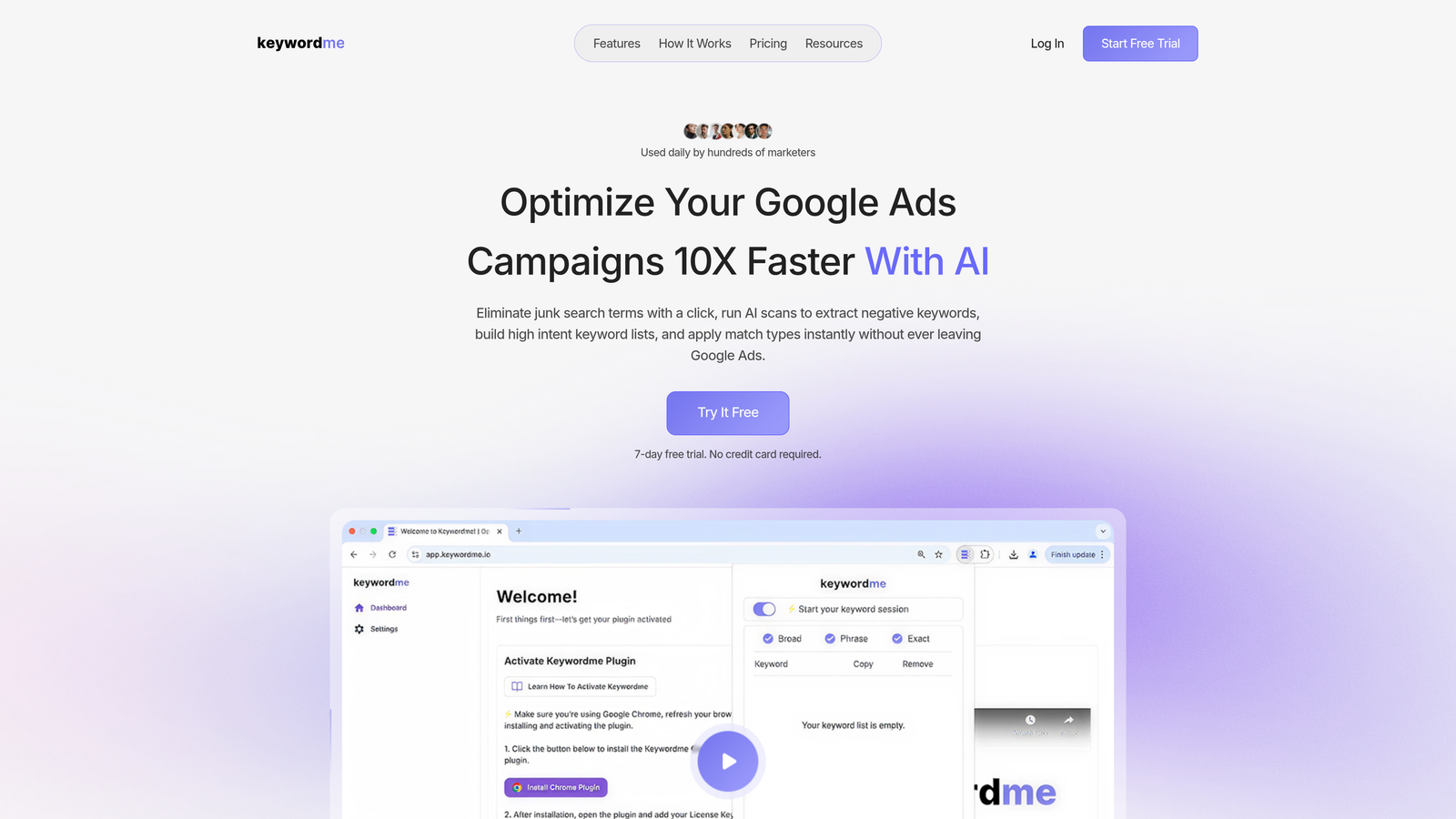
Keywordme is a Chrome extension that lets you optimize Google Ads campaigns directly within the Search Terms Report—no tab switching required.
Where This Tool Shines
Most PPC optimization happens in spreadsheets. You export search terms, sort through junk, build negative lists, then manually upload everything back into Google Ads. Keywordme eliminates that entire workflow.
The extension integrates seamlessly into your existing Google Ads interface. You can remove wasteful search terms, add high-intent keywords, apply match types, and build negative keyword lists with single clicks—right where you're already working. For agencies managing multiple clients, the multi-account support and team features make it especially powerful.
Key Features
One-Click Junk Removal: Identify and eliminate wasteful search terms instantly without exporting data.
Instant Negative Keyword Lists: Build and apply negative keyword lists directly in the interface.
Match Type Application: Apply exact, phrase, or broad match modifiers without leaving Google Ads.
Keyword Clustering: Group related search terms automatically for better campaign structure.
Multi-Account Management: Switch between client accounts seamlessly with team collaboration features.
Best For
Solo advertisers and agencies who spend significant time in the Search Terms Report and want to cut manual optimization tasks by 10x. Particularly valuable if you manage multiple accounts or need team members to follow consistent optimization workflows.
Pricing
$12/month per user with a 7-day free trial. Simple flat-rate pricing with no spend tiers or hidden fees.
2. Google Ads Editor
Best for: Bulk campaign changes and offline editing without internet connectivity
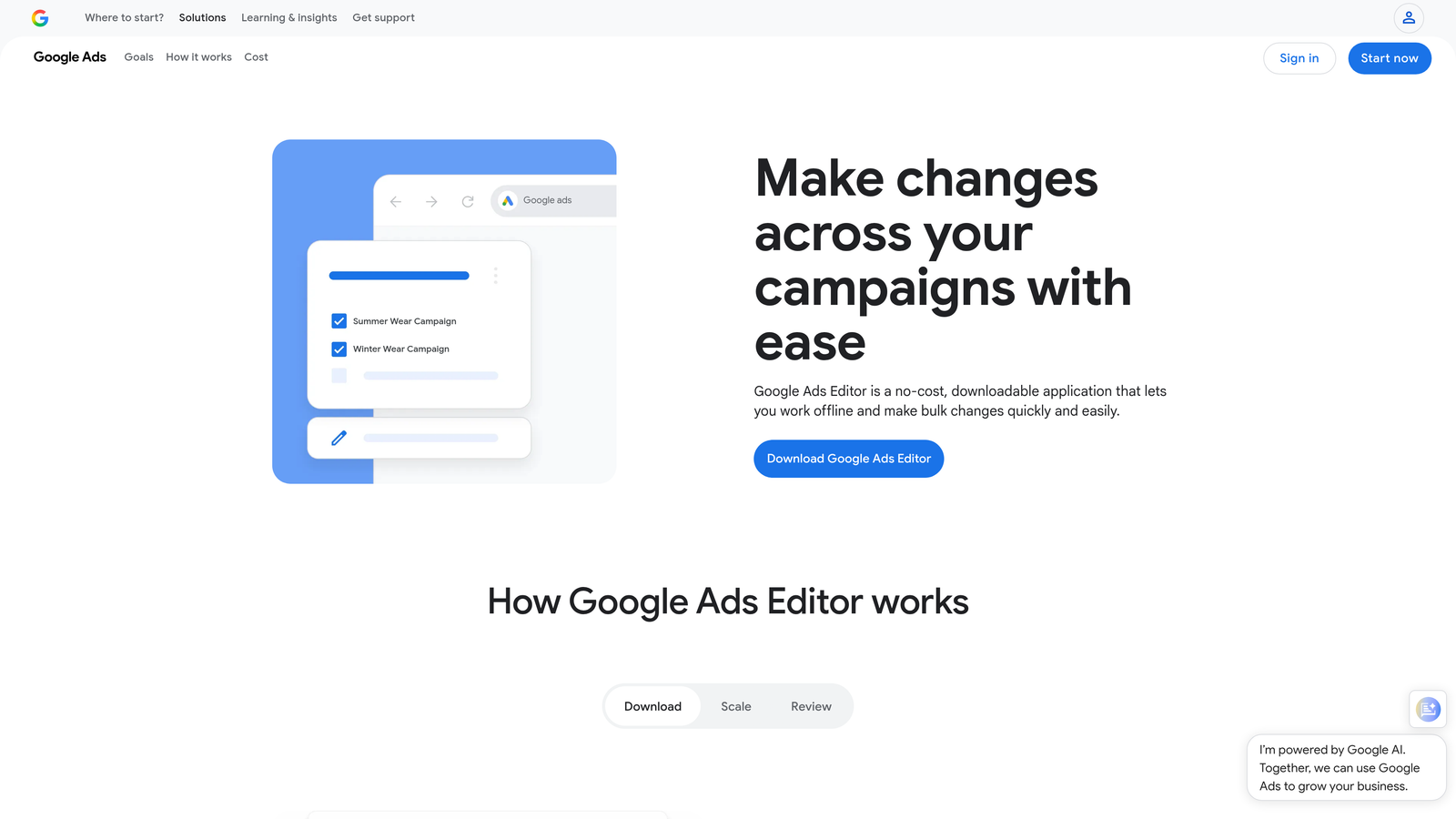
Google Ads Editor is Google's free desktop application for making large-scale changes to campaigns offline, then uploading when ready.
Where This Tool Shines
When you need to restructure campaigns, duplicate ad groups across multiple campaigns, or make sweeping changes to hundreds of keywords, the web interface becomes painfully slow. Google Ads Editor solves this by letting you work locally.
The real power comes from bulk operations. You can find and replace text across thousands of ads, copy entire campaign structures between accounts, and draft major changes without affecting live campaigns until you're ready to push them live.
Key Features
Bulk Editing: Make changes to thousands of items simultaneously using spreadsheet-style editing.
Offline Management: Download campaigns, make changes without internet, then upload when connected.
Find and Replace: Update text across ads, keywords, and URLs in seconds.
Copy Between Accounts: Duplicate successful campaign structures across client accounts.
Draft Mode: Preview changes before pushing them live to avoid costly mistakes.
Best For
Agencies managing large account structures or anyone making frequent bulk changes. Essential for restructuring campaigns, launching new products across multiple ad groups, or managing accounts with thousands of keywords.
Pricing
Completely free. No limitations, no premium tiers.
3. Optmyzr
Best for: Rule-based automation and one-click optimizations for growing PPC teams
Optmyzr is a PPC management platform that automates repetitive optimization tasks using customizable rules and pre-built workflows.

Where This Tool Shines
Optmyzr bridges the gap between manual management and full automation. The Rule Engine lets you create custom automation workflows without writing code—like automatically pausing keywords that haven't converted after spending a certain amount, or adjusting bids based on Quality Score changes.
The one-click optimizations are particularly useful. Instead of manually reviewing every campaign for opportunities, Optmyzr surfaces actionable recommendations—like budget reallocation suggestions or bid adjustments—that you can implement with a single click.
Key Features
One-Click Optimizations: Pre-built workflows for common tasks like bid adjustments and budget reallocation.
Rule Engine: Create custom automation rules without coding knowledge.
Shopping Campaign Tools: Specialized features for managing product feeds and Shopping campaigns.
PPC Audits: Automated account audits that identify waste and missed opportunities.
Multi-Account Dashboards: Manage multiple client accounts from a single interface.
Best For
Growing agencies and in-house teams managing mid-to-large ad budgets who want automation without building custom scripts. Works best when you have consistent optimization workflows that can be templated.
Pricing
Starts around $249/month for the entry tier. Pricing scales with ad spend, but smaller accounts can access lower-cost plans.
4. WordStream Free Tools
Best for: Free account audits and identifying quick wins in existing campaigns
WordStream offers a suite of free PPC tools, with their Google Ads Performance Grader being the standout for budget-conscious advertisers.

Where This Tool Shines
The Performance Grader connects directly to your Google Ads account and runs a comprehensive audit in minutes. It identifies wasted spend, low-performing keywords, and structural issues—then provides a prioritized list of recommendations.
What makes this valuable is the specificity. Instead of generic advice, you get actionable insights like which ad groups have poor Quality Scores, which campaigns are overspending on mobile, and which search terms are draining budget without converting.
Key Features
Free Performance Grader: Comprehensive account audit with actionable recommendations.
Keyword Research Tool: Generate keyword ideas with search volume and competition data.
Quality Score Tracker: Monitor Quality Score changes over time.
Detailed Reports: Downloadable reports you can share with clients or stakeholders.
No Commitment: Use the free tools without signing up for the paid platform.
Best For
Beginners who need guidance on where to focus optimization efforts, or agencies pitching new clients who want to demonstrate quick wins. The free tools provide enough value that you may not need the paid platform.
Pricing
Free tools available with no credit card required. Paid platform starts around $49/month for small businesses.
5. Adalysis
Best for: Automated ad testing and performance monitoring for data-driven advertisers
Adalysis specializes in automated A/B testing and continuous performance monitoring that surfaces issues before they become expensive problems.

Where This Tool Shines
Most advertisers set up ad tests, then forget to check results for weeks. Adalysis automates the entire testing cycle—creating test variations, monitoring statistical significance, and alerting you when a winner emerges.
The performance alerts are equally valuable. If a campaign suddenly starts underperforming, Quality Scores drop, or a high-converting keyword stops triggering ads, you get notified immediately. This prevents the common scenario where you discover problems days later after wasting budget.
Key Features
Automated A/B Testing: Set up ad tests that run and report results automatically.
Performance Alerts: Get notified when campaigns deviate from expected performance.
Quality Score Tracking: Monitor Quality Score changes at the keyword level over time.
N-gram Analysis: Identify common patterns in search terms to find new negative keywords.
RSA Asset Analysis: Track which Responsive Search Ad assets perform best.
Best For
Advertisers who run continuous ad testing and want to catch performance issues early. Particularly useful for accounts with large keyword portfolios where manual monitoring isn't practical.
Pricing
Starts around $99/month based on monthly ad spend. Pricing increases with spend tiers.
6. SpyFu
Best for: Competitor research and discovering profitable keywords your competitors are bidding on
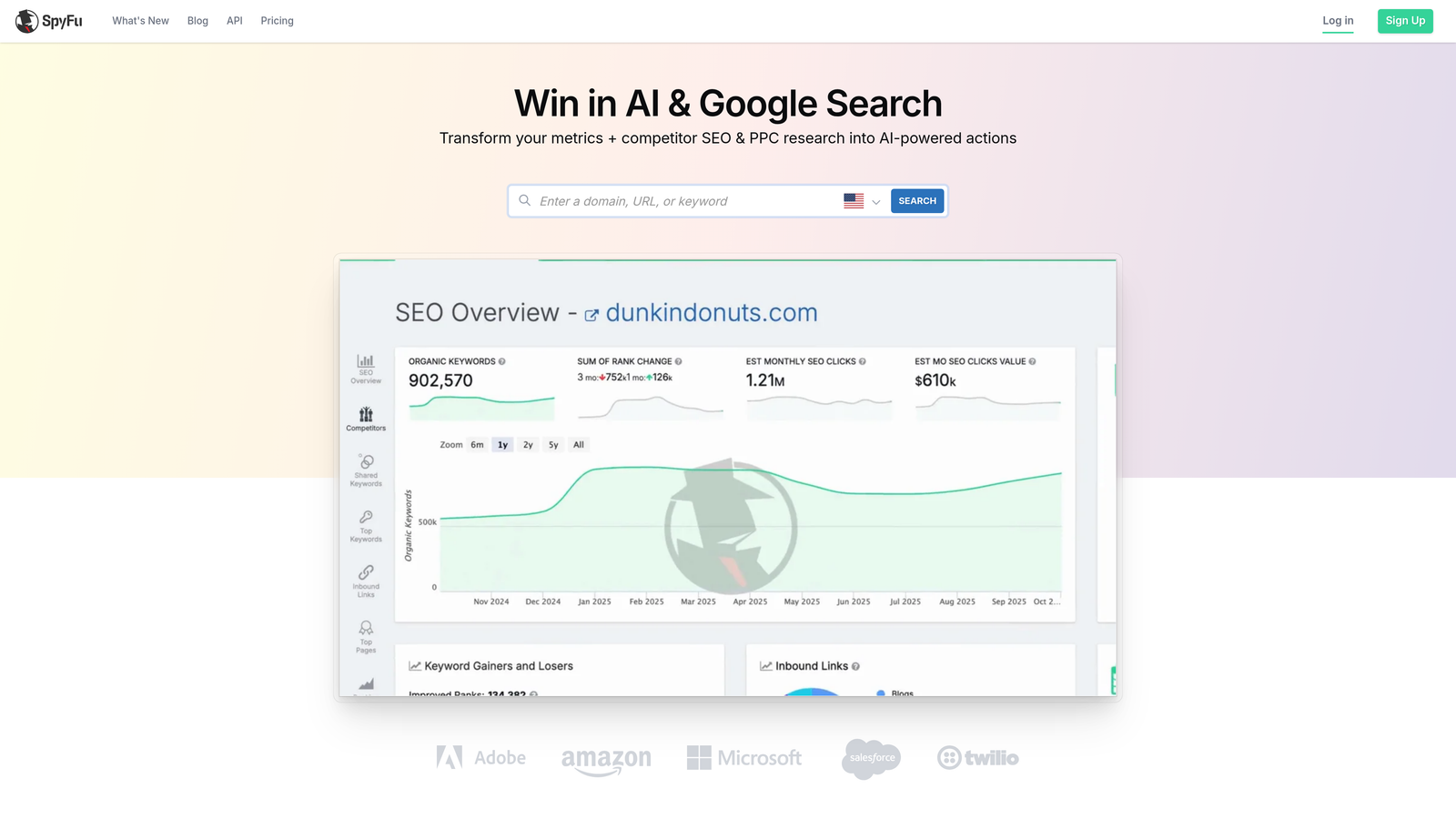
SpyFu reveals your competitors' Google Ads strategies by showing their keyword history, ad copy, and estimated spend over time.
Where This Tool Shines
Instead of guessing which keywords to bid on, SpyFu shows you exactly what's working for competitors. You can download their entire keyword list, see which ads they've been running for years (indicating profitability), and estimate how much they're spending.
The historical data is particularly valuable. If a competitor has been bidding on the same keyword for three years, that's a strong signal it's converting. You can also see when they stopped bidding on keywords—often indicating they weren't profitable.
Key Features
Competitor Keyword Downloads: Export full lists of keywords your competitors are bidding on.
Ad Copy History: View years of historical ad copy to identify messaging that works.
Estimated Ad Spend: See how much competitors are likely spending on Google Ads.
Keyword Grouping: Get suggestions for organizing keywords into logical ad groups.
PPC Research: Discover new keyword opportunities based on competitor analysis.
Best For
New campaigns where you're unsure which keywords to prioritize, or competitive industries where understanding the landscape provides strategic advantage. Works best when you have identifiable competitors with established Google Ads presence.
Pricing
Starts at $39/month for the basic plan with limited lookups. Higher tiers offer more competitor tracking and historical data.
7. Channable
Best for: Shopping campaign optimization and automated product feed management
Channable is a feed management platform that optimizes product data for Shopping campaigns and automates feed updates across channels.
Where This Tool Shines
Shopping campaigns live or die by product feed quality. Channable lets you transform messy product data into optimized feeds using rule-based automation—like automatically adding brand names to titles, creating custom labels based on margin, or excluding out-of-stock items.
The dynamic text ad creation is also powerful. You can generate thousands of text ads automatically using product attributes, ensuring your ad copy matches exactly what you're selling without manually writing each variation.
Key Features
Product Feed Optimization: Transform and enhance product data using customizable rules.
Dynamic Ad Creation: Generate text ads automatically from product attributes.
Rule-Based Management: Set up automation rules for feed updates and product categorization.
Multi-Channel Export: Push optimized feeds to Google, Facebook, and other platforms.
Performance Analytics: Track which products and feed optimizations drive results.
Best For
E-commerce businesses running Shopping campaigns with large product catalogs. Most valuable when you have hundreds or thousands of SKUs that need consistent feed optimization.
Pricing
Starts around $29/month for the basic tier with limited products. Pricing scales with catalog size.
8. Lunio
Best for: Click fraud prevention and protecting ad budgets from invalid traffic
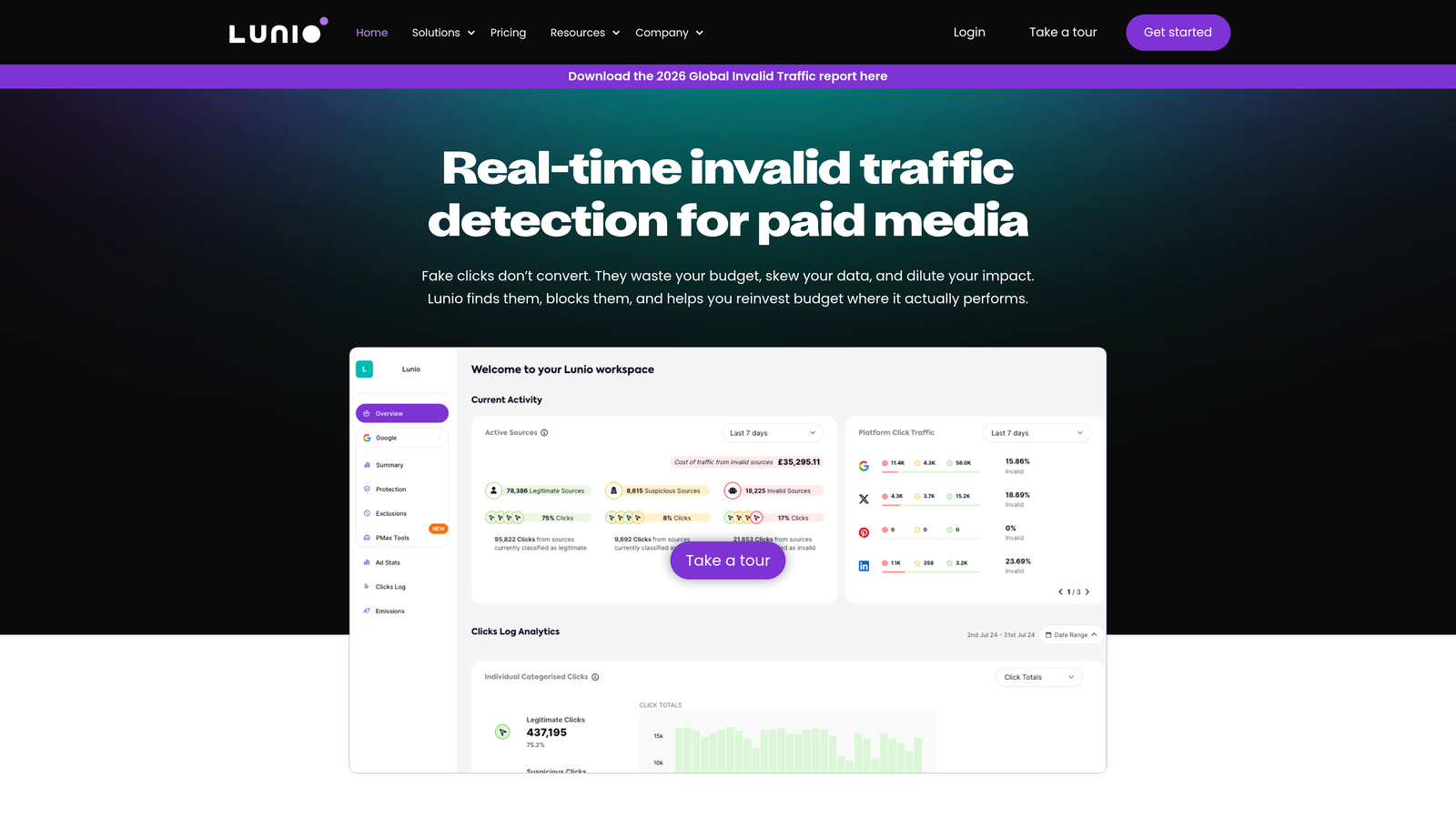
Lunio (formerly PPC Protect) identifies and blocks fraudulent clicks from bots, competitors, and other invalid traffic sources in real-time.
Where This Tool Shines
Click fraud isn't just a theoretical problem. Competitors clicking your ads, bots draining budgets, and accidental repeat clicks from the same users all waste spend without generating legitimate leads.
Lunio monitors every click in real-time, identifies patterns indicating fraud, and automatically adds offending IP addresses to your Google Ads exclusion list. The fraud analytics dashboard shows exactly how much budget you're saving and which traffic sources are problematic.
Key Features
Real-Time Detection: Identify fraudulent clicks as they happen using behavioral analysis.
Automatic IP Exclusions: Block invalid traffic sources in Google Ads automatically.
Bot Protection: Filter out bot traffic and crawler activity.
Fraud Analytics: Track saved budget and identify fraud patterns over time.
Cross-Platform Protection: Works across Google Ads, Facebook Ads, and other platforms.
Best For
High-spend accounts in competitive industries where click fraud is common, or campaigns with unusually high click-to-conversion ratios that suggest invalid traffic. Most valuable when spending $5,000+ monthly.
Pricing
Pricing based on monthly ad spend with affordable entry tiers for smaller budgets. Typically starts around $50-100/month for accounts spending $5,000-10,000 monthly.
9. Supermetrics
Best for: Automated reporting and pulling Google Ads data into spreadsheets or dashboards
Supermetrics is a data connector that automatically pulls Google Ads metrics into Google Sheets, Looker Studio, and other reporting platforms.
Where This Tool Shines
Manual reporting eats hours every week. You log into Google Ads, export data, paste it into spreadsheets, update formulas, then repeat for every client or campaign.
Supermetrics automates this entirely. Set up a query once, and your reports refresh automatically on schedule. You can blend Google Ads data with Analytics, Facebook Ads, and other sources to create comprehensive dashboards that update themselves.
Key Features
Automated Data Pulls: Schedule automatic data refreshes to Google Sheets on daily, weekly, or custom intervals.
Looker Studio Connector: Build live dashboards that update automatically without manual exports.
Multi-Platform Blending: Combine Google Ads data with Analytics, Facebook, and other sources.
Custom Query Builder: Create specific data pulls with custom date ranges, metrics, and dimensions.
Historical Data Access: Pull historical performance data for trend analysis.
Best For
Agencies creating client reports or in-house teams that need regular performance dashboards. Most valuable when managing multiple accounts or platforms that need consolidated reporting.
Pricing
Starts around $29/month for a single data source connector. Multi-source plans and team licenses cost more.
Making the Right Choice
The right affordable Google Ads software depends on where you're losing the most time and money right now.
If you spend hours cleaning up search terms in spreadsheets, Keywordme eliminates that workflow entirely by letting you optimize directly in Google Ads. For bulk campaign restructuring, Google Ads Editor remains unbeatable and completely free.
Agencies managing multiple clients should prioritize tools with multi-account support—Keywordme, Optmyzr, and Supermetrics all excel here. E-commerce businesses running Shopping campaigns will get the most value from Channable's feed optimization.
For competitive research, SpyFu reveals what's working for competitors before you spend your own budget testing. And if you're in a high-fraud industry, Lunio can save more than it costs by blocking invalid clicks.
The fastest path to better ROAS often starts with optimizing what you're already spending. Most accounts have 20-40% of search terms that should be excluded immediately, but manual review takes too long to do consistently.
Tools that work inside your existing workflow—rather than requiring you to switch between multiple dashboards—typically deliver the highest ROI because you'll actually use them daily. Start your free 7-day trial of Keywordme to see how much faster optimization becomes when you eliminate the spreadsheet step entirely. At $12/month, it pays for itself by saving a single wasted click.
.svg)