
9 Best Affordable Google Ads Optimization Tools in 2026
Discover the 9 best affordable Google Ads optimization tools in 2026, tested and compared to help freelancers and agencies cut wasted spend, improve ROAS, and find better keywords without breaking the budget. From in-interface search term optimization to full campaign auditing, these solutions deliver professional-grade Google Ads performance at price points that make financial sense for businesses of every size.


TL;DR: You don't need to spend hundreds per month to optimize your Google Ads campaigns like a pro. Whether you're a freelancer managing a handful of accounts or an agency juggling dozens of clients, there are plenty of affordable Google Ads optimization tools that can help you cut wasted spend, find better keywords, and improve ROAS without blowing your budget. We tested and compared tools that offer real optimization power at price points that won't make your accountant cry. Here's what we found, starting with the ones that give you the most bang for your buck.
If you're still figuring out the fundamentals, it's worth reading up on the best way to optimize Google Ads and what makes a solid PPC tool before diving in. But if you already know what you need and just want the list, let's get into it.
1. Keywordme
Best for: Freelancers and agencies who want fast, in-interface search term optimization without leaving Google Ads.
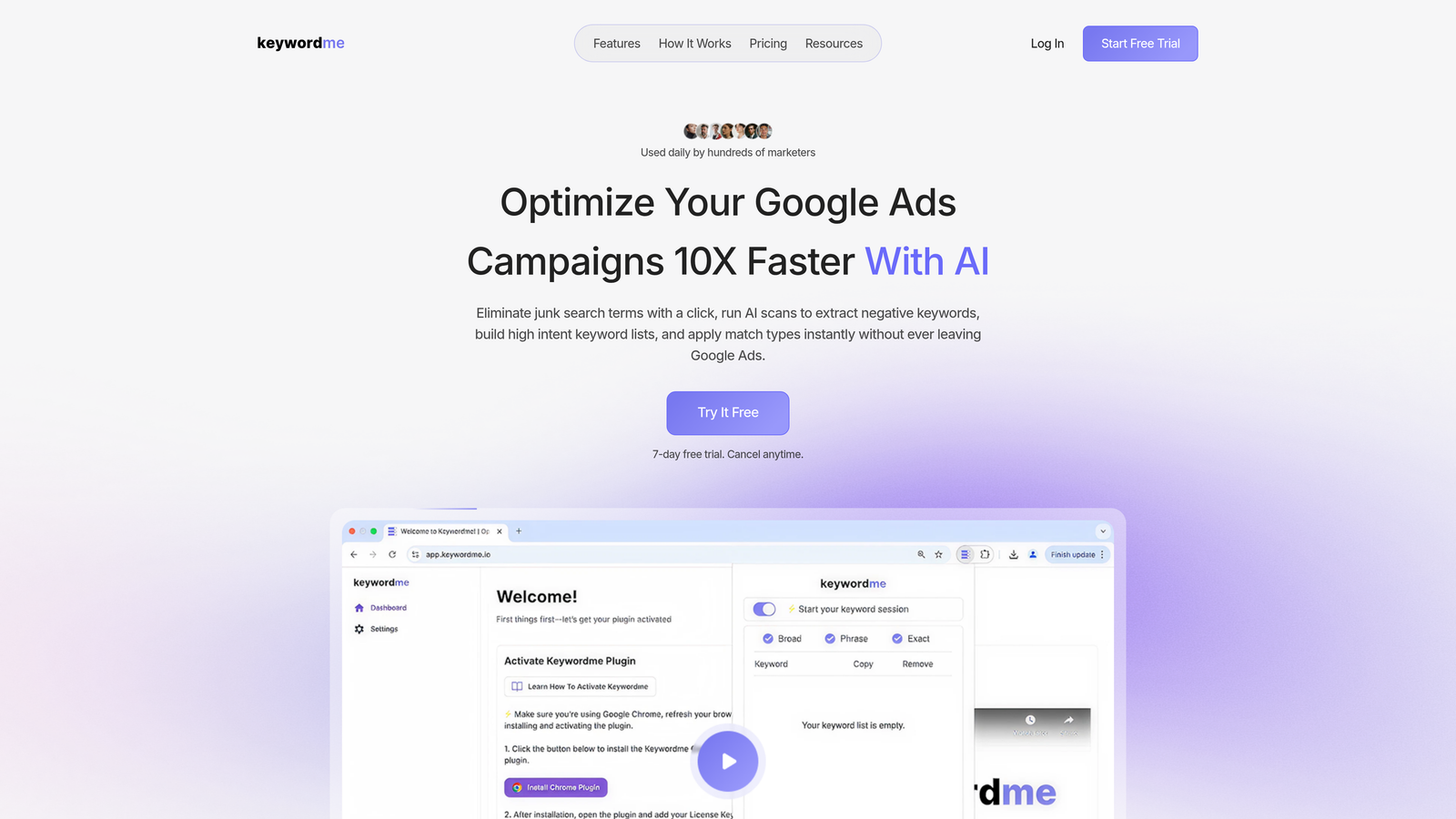
Keywordme is a Chrome extension that plugs directly into Google Ads' Search Terms Report and turns manual PPC tasks into one-click actions.
Where This Tool Shines
In most accounts I audit, the biggest source of wasted spend is search terms that should have been excluded weeks ago. The problem isn't that people don't know to check their search terms report. It's that the process of exporting, reviewing, and uploading negatives is just tedious enough that it gets pushed to next week. Keywordme solves that by letting you handle everything directly inside the native Google Ads interface.
You're not switching tabs, opening spreadsheets, or uploading CSVs. You just see a junk search term, click to exclude it, and move on. For agencies managing multiple client accounts, that kind of friction reduction compounds quickly across dozens of campaigns.
Key Features
One-Click Negative Keyword Management: Remove junk search terms directly from the Search Terms Report without exporting anything.
Instant Keyword Addition with Match Types: Add high-intent search terms as keywords and apply match types on the spot.
Keyword Clustering: Group related search terms into themed clusters to build tighter ad groups faster.
Bulk Editing: Handle multiple changes across campaigns in a single workflow without leaving Google Ads.
Multi-Account and Team Support: Built for agencies managing multiple clients, with team collaboration features included.
Best For
Keywordme is ideal for solo advertisers, freelance PPC managers, and agency teams who spend real time inside Google Ads every week. If your biggest bottleneck is the repetitive manual work of search term review and negative keyword management, this tool is built specifically for that problem. At $12/month flat, it's also one of the few tools that doesn't penalize you for growing your ad spend.
Pricing
$12/month per user (flat rate). A 7-day free trial is available with no credit card required. Pricing does not scale with ad spend, which is a meaningful advantage over most competitors in this space.
2. Optmyzr
Best for: Experienced PPC managers and agencies who need deep automation, custom rules, and cross-platform campaign management.
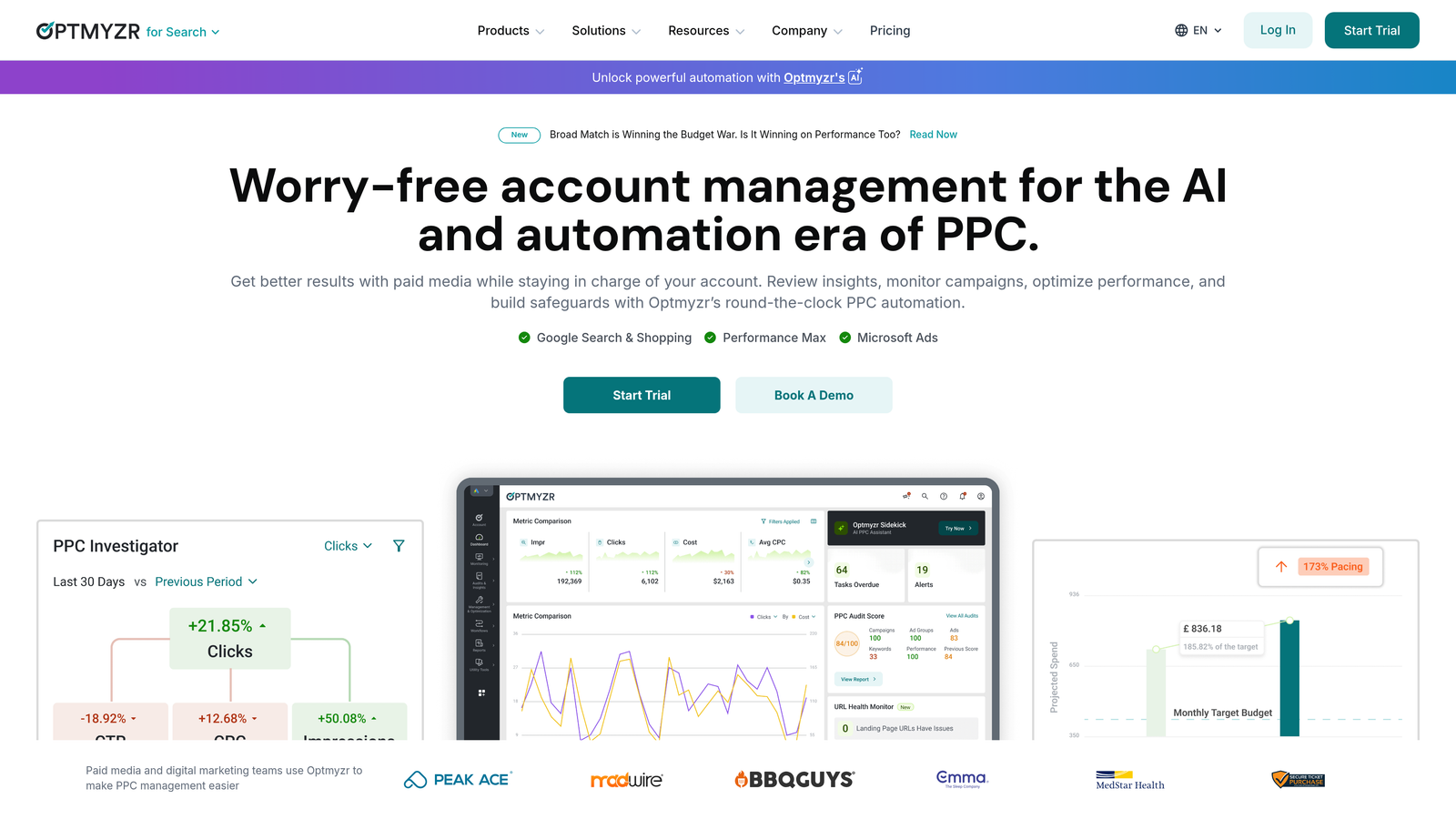
Optmyzr is a comprehensive PPC management platform offering one-click optimizations, a powerful rule engine, and detailed reporting across Google Ads, Microsoft Ads, and Amazon.
Where This Tool Shines
Optmyzr sits at the more sophisticated end of the affordable spectrum. It's not cheap at entry level, but for agencies running significant spend across multiple platforms, the automation capabilities can justify the cost quickly. The rule engine is genuinely powerful, and the one-click optimization suggestions are more nuanced than what you'd get from simpler tools.
What usually happens here is that teams use Optmyzr to replace a stack of manual processes: bid adjustments, budget pacing checks, and performance alerts. If you're doing all of that manually right now, the time savings are real.
Key Features
One-Click Optimizations: Surface and apply prioritized recommendations across your account with minimal effort.
Rule Engine and PPC Scripts: Build custom automation logic without needing to write code from scratch.
Cross-Platform Support: Manage Google Ads, Microsoft Ads, and Amazon campaigns from one dashboard.
Budget Pacing and Bid Management: Monitor spend trajectory and adjust bids based on performance targets.
Automated Reporting and Dashboards: Generate client-ready reports without manual data assembly.
Best For
Optmyzr works best for mid-to-large agencies or in-house teams managing high-volume accounts across multiple channels. If you're a solo freelancer managing smaller budgets, the entry price may be harder to justify compared to lighter tools.
Pricing
Starts around $249/month. A free trial is available. Pricing tiers typically scale with features and account volume.
3. Opteo
Best for: Google Ads managers who want daily AI-powered recommendations they can act on without deep technical setup.
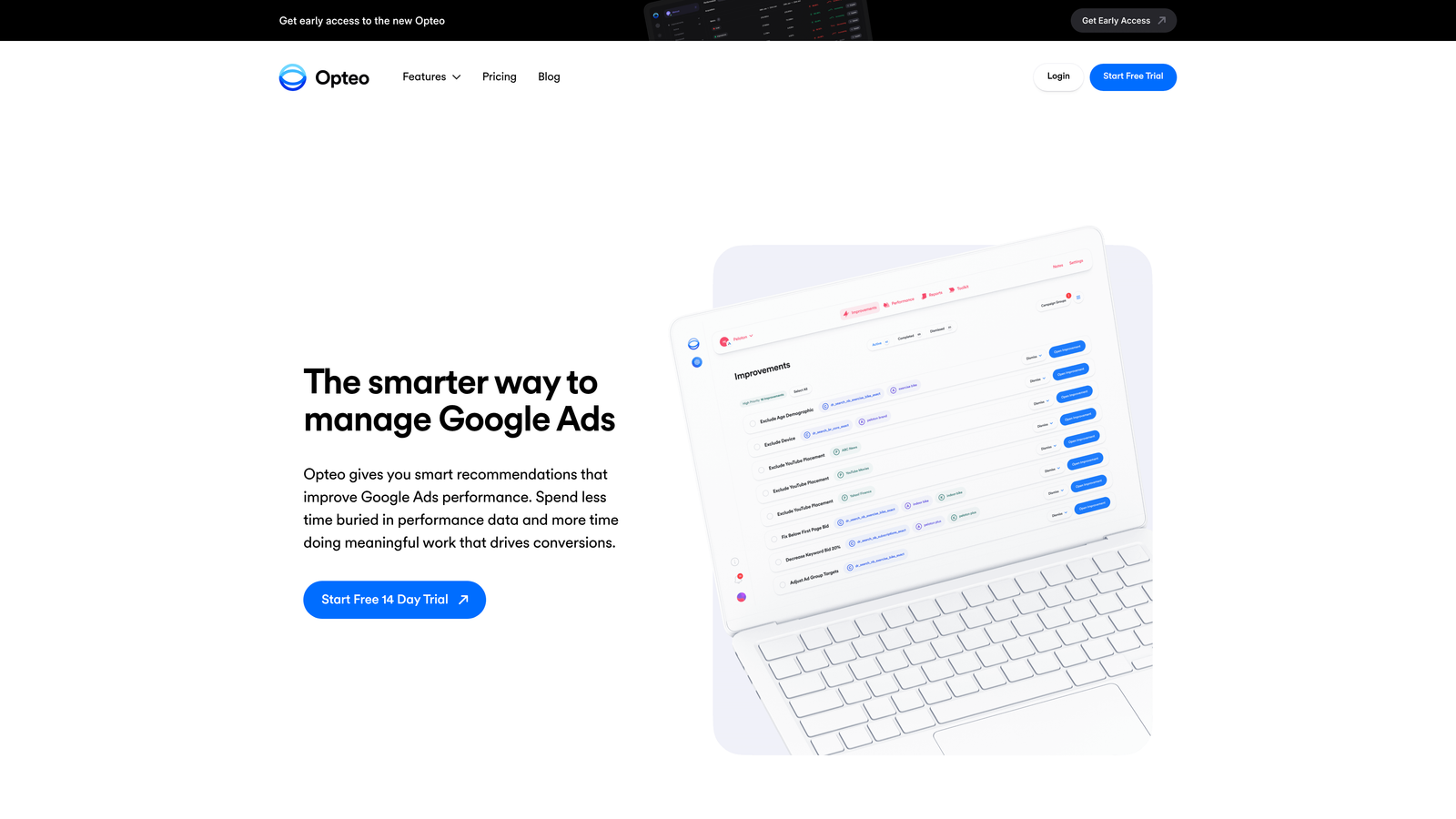
Opteo is an AI-driven optimization tool that continuously surfaces improvement suggestions for your Google Ads campaigns and lets you implement them with a single click.
Where This Tool Shines
Opteo's strength is its simplicity. The dashboard is clean, the recommendations are clearly explained, and the one-click implementation means you're not spending time figuring out how to act on the insights. For smaller accounts or managers who want a daily optimization habit without a steep learning curve, it's a solid pick.
The mistake most agencies make with tools like Opteo is treating the recommendations as gospel. They're suggestions, not commands. The best users review them with context and apply judgment before clicking. When used that way, Opteo genuinely speeds up the review cycle.
Key Features
Daily Optimization Suggestions: Automated analysis surfaces prioritized recommendations every day.
One-Click Implementation: Apply changes directly from the recommendation card without navigating through Google Ads.
Budget and Performance Alerts: Get notified when campaigns deviate from expected performance patterns.
Ad Copy A/B Testing Insights: Track which ad variations are winning and get suggestions for next steps.
Minimal, Action-Focused Dashboard: Designed to reduce noise and keep you focused on what matters.
Best For
Opteo is a strong fit for freelancers and small agencies managing Google Ads accounts in the low-to-mid spend range who want a guided daily workflow without heavy configuration.
Pricing
Starts around $99/month, with pricing tiers based on ad spend managed. A free trial is available.
4. WordStream (by LocaliQ)
Best for: Small businesses and agencies looking for guided optimization workflows and cross-channel ad management in one place.
WordStream, now part of LocaliQ, is a well-established PPC platform known for its guided optimization approach and the free Google Ads Performance Grader.

Where This Tool Shines
WordStream built its reputation on making PPC accessible to non-specialists. The "20-Minute Work Week" concept is exactly what it sounds like: a structured workflow designed to get meaningful optimizations done in a short, focused session. For small business owners or account managers who aren't full-time PPC specialists, that structure is genuinely useful.
The free Performance Grader is worth mentioning on its own. It's one of the most widely used free audit tools in the industry, and it gives you a quick benchmark for where your account stands without any commitment.
Key Features
20-Minute Work Week: A guided optimization workflow designed for time-constrained managers.
Google Ads Performance Grader: Free tool that audits your account and scores it across key metrics.
Cross-Channel Ad Management: Manage Google and other ad channels from a single platform.
Keyword and Negative Keyword Suggestions: Surface opportunities and exclusions based on account data.
Reporting and Benchmarking: Compare performance against industry benchmarks.
Best For
WordStream suits small businesses, local advertisers, and agencies that want a guided, structured approach rather than a fully manual workflow. It's less suited to advanced PPC managers who want deep customization.
Pricing
Custom pricing based on account needs. The Performance Grader tool is free to use without an account.
5. Adalysis
Best for: PPC managers who prioritize ad testing, quality score tracking, and systematic account auditing.
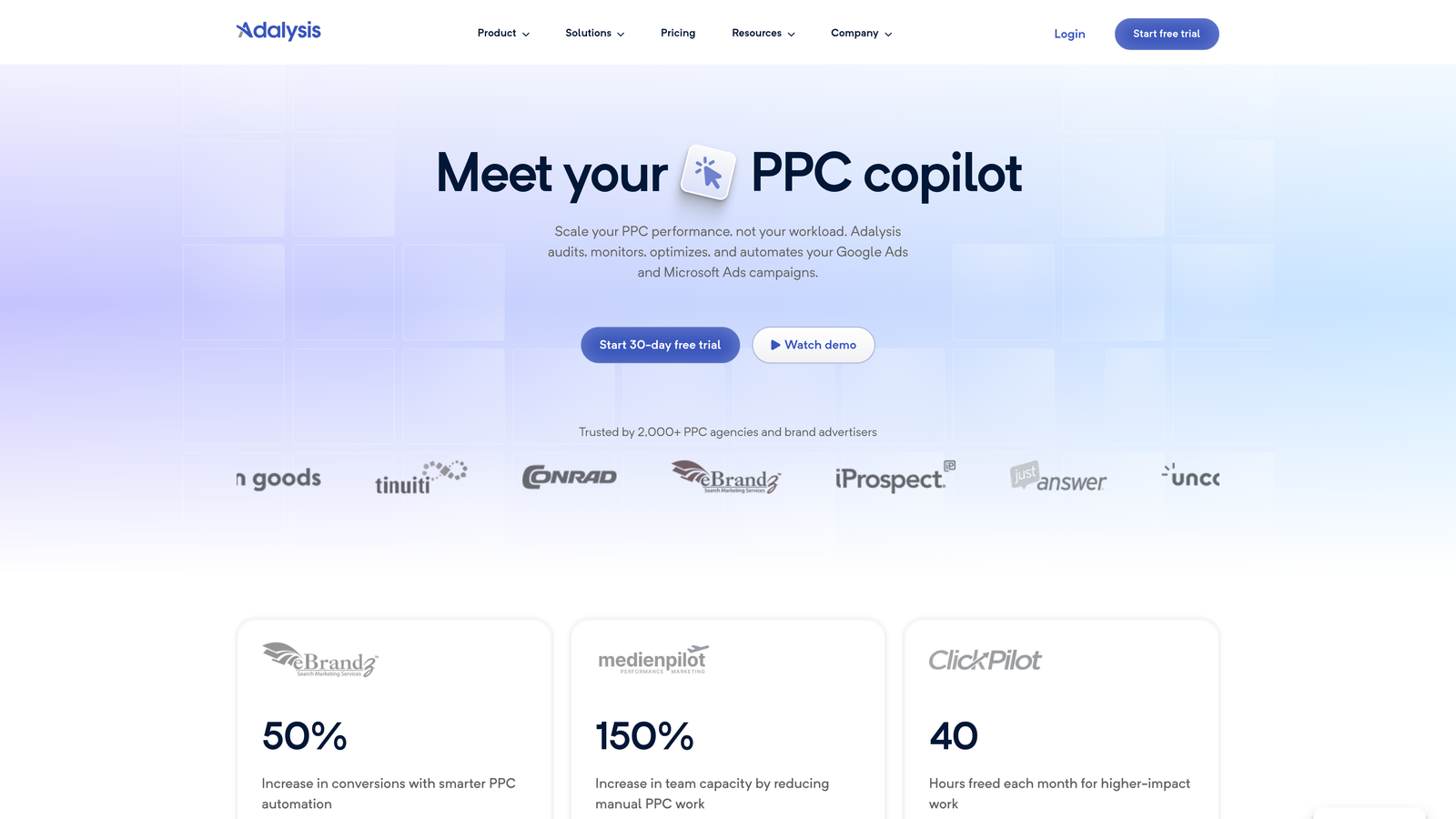
Adalysis is a Google Ads optimization platform built around automated ad testing, quality score monitoring, and audit-style campaign analysis.
Where This Tool Shines
Adalysis does something most optimization tools skip: it takes ad testing seriously. The platform tracks statistical significance on your ad tests so you're not making decisions based on noise. In most accounts I audit, ad testing is either not happening at all or being done without any statistical rigor. Adalysis fixes that.
The n-gram and search query analysis features are also genuinely useful for identifying patterns in how people are actually triggering your ads. It's the kind of analysis that takes hours to do manually in a spreadsheet.
Key Features
Automated Ad Testing: Run statistically significant ad tests with automated tracking and winner detection.
Quality Score Monitoring: Track quality score changes over time and get specific improvement suggestions.
Negative Keyword Conflict Detection: Identify negative keywords that are accidentally blocking your own ads.
Campaign Audit Checklists: Systematic audit workflows to catch common account issues.
Search Query and N-Gram Reports: Analyze patterns across search terms to find optimization opportunities at scale.
Best For
Adalysis is best suited to PPC managers who run structured ad testing programs and want systematic audit capabilities alongside their day-to-day optimization work. It's particularly useful for accounts with significant ad copy variation to test.
Pricing
Starts around $99/month based on ad spend managed. A free trial is available.
6. Google Ads Editor
Best for: Anyone who needs to make bulk edits across campaigns quickly and doesn't want to pay for a third-party tool to do it.
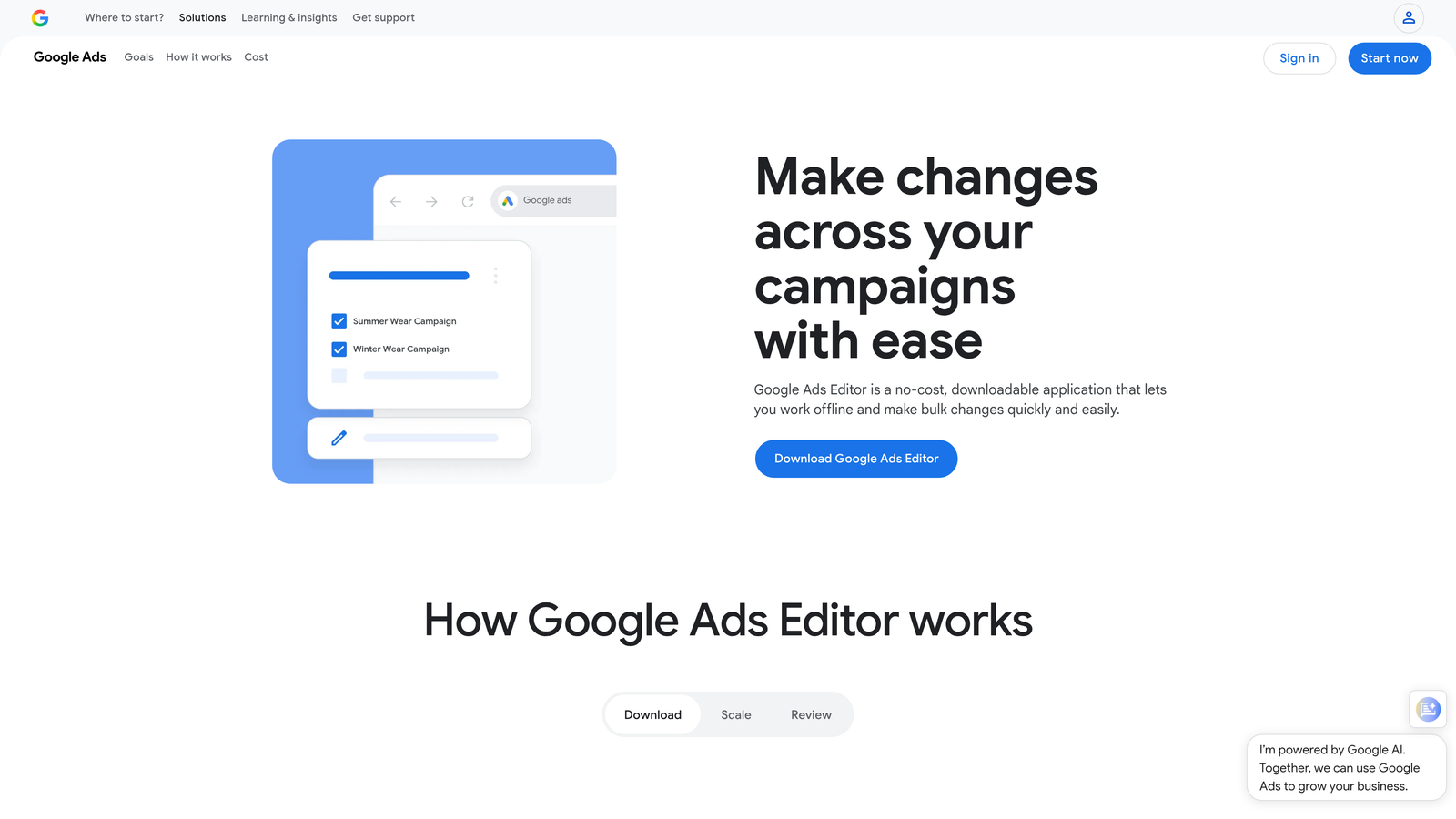
Google Ads Editor is Google's free desktop application for managing campaigns offline and uploading bulk changes.
Where This Tool Shines
It's free, it's powerful, and most PPC managers underuse it. If you've ever needed to rename 50 ad groups, swap out a URL across hundreds of ads, or copy a campaign structure from one account to another, Ads Editor makes those tasks fast. The offline editing capability is also useful when you're working in environments with unreliable internet.
The honest limitation is that it's not an optimization tool in the modern sense. It doesn't surface recommendations or automate decisions. It's a bulk editing interface. But for what it does, it does it well, and the price is hard to argue with.
Key Features
Completely Free: No subscription, no usage limits, no ad spend tiers.
Bulk Editing: Make changes across campaigns, ad groups, keywords, and ads simultaneously.
Offline Editing: Work without an internet connection and upload changes when ready.
Cross-Account Copy/Paste: Duplicate campaign structures across multiple accounts easily.
Find and Replace: Update keywords, ad copy, and URLs across the account in seconds.
Best For
Google Ads Editor is essential for anyone making large-scale structural changes to accounts. It's not a replacement for optimization tools, but it's a powerful complement to them, especially when combined with a tool like Keywordme for search term management.
Pricing
Free. No subscription required.
7. Lunio
Best for: Advertisers who suspect a significant portion of their budget is being consumed by invalid clicks, bots, or competitor activity.
Lunio (formerly PPC Protect) is a click fraud protection platform that automatically detects and blocks invalid traffic before it drains your Google Ads budget.

Where This Tool Shines
Click fraud is one of those problems that's easy to ignore until you start looking at the data. Lunio runs in the background, monitoring your traffic for patterns associated with invalid clicks, and automatically manages IP exclusions to prevent repeat offenders. The dashboard shows you what's been blocked and estimates the spend you've saved.
What usually happens when advertisers first set this up is a moment of genuine surprise at how much of their traffic was flagged. Whether that translates to meaningful budget recovery depends on the account and industry, but for competitive verticals with high CPCs, the math often works out quickly.
Key Features
Real-Time Invalid Click Detection: Identifies bot traffic, competitor clicks, and other invalid activity as it happens.
Automated IP Exclusion Management: Adds bad actors to exclusion lists automatically without manual intervention.
Cross-Channel Protection: Covers Google Ads, Meta, and other paid channels from one platform.
Fraud Analytics Dashboard: Visualize invalid traffic patterns and estimated budget savings.
Simple Google Ads Integration: Setup is straightforward and doesn't require developer resources.
Best For
Lunio is most valuable for advertisers in competitive industries with high CPCs where invalid clicks represent a meaningful share of spend. E-commerce, legal, finance, and SaaS advertisers tend to see the clearest ROI from click fraud protection.
Pricing
Custom pricing based on ad spend. A free trial is available. Contact Lunio directly for a quote based on your account volume.
8. Channable
Best for: E-commerce advertisers who need to manage product feeds and automate Shopping campaign creation at scale.
Channable is a feed management and PPC automation platform that lets e-commerce advertisers build dynamic campaigns directly from their product catalogs.
Where This Tool Shines
If you're running Google Shopping campaigns with a large product catalog, managing feeds manually is a nightmare. Channable lets you set rules that automatically update your feed based on product attributes, pricing, or performance data. You can pause underperforming products, adjust titles for better relevance, and distribute your feed across multiple channels without touching each product individually.
The rule-based campaign creation is where Channable really earns its place. Instead of building ad groups manually for hundreds of product categories, you define the logic once and let the platform generate the structure. For e-commerce agencies, this kind of automation is a serious time saver.
Key Features
Product Feed Optimization: Clean, enrich, and optimize your Google Shopping feed with rule-based transformations.
Dynamic Ad and Keyword Generation: Automatically create ads and keywords from product data.
Automated Campaign Creation: Build Google Ads campaign structures from your product catalog without manual setup.
Multi-Channel Feed Distribution: Send optimized feeds to Google, Meta, Amazon, and other channels simultaneously.
Performance-Based Rules: Automatically pause or enable products based on ROAS, stock levels, or margin thresholds.
Best For
Channable is built for e-commerce advertisers and agencies managing large product catalogs across multiple channels. If you're running fewer than a few hundred products or don't use Shopping campaigns, the value proposition is less compelling.
Pricing
Starts around €49/month for core feed management features. Pricing scales with the number of items and channels.
9. N-Gram Analysis via Google Sheets (DIY Method)
Best for: PPC managers who want to understand search term patterns deeply and are comfortable working with spreadsheet data.
Google Sheets combined with free n-gram scripts from the PPC community gives you a surprisingly powerful search term analysis workflow at zero cost.
Where This Tool Shines
N-gram analysis is the process of breaking search terms into word fragments (single words, two-word phrases, three-word phrases) and aggregating performance data across those fragments. It's one of the best ways to find patterns in how people are triggering your ads, and it surfaces negative keyword opportunities that you'd never spot by reviewing individual search terms one by one.
The PPC community has produced some excellent free scripts and Sheets templates that do the heavy lifting. The tradeoff is time: this is a manual process that requires you to export data, run the analysis, and interpret the output yourself. For someone learning account management or working with tight budgets, that tradeoff is often worth it.
Key Features
Completely Free: Uses Google Sheets or Excel with no subscription required.
Community Scripts Available: Free n-gram scripts from the PPC community handle the core analysis logic.
Full Methodology Control: Customize your analysis approach to match your specific account structure.
Works at Any Account Size: No spend minimums or account size requirements.
Builds Analytical Intuition: Doing this manually builds a deeper understanding of search term patterns before you invest in paid tools.
Best For
This method is ideal for PPC managers early in their career, freelancers managing smaller accounts on tight margins, or anyone who wants to understand what's happening in their search terms before committing to a paid optimization tool. It pairs well with Google Ads Editor for implementing the changes you find.
Pricing
Free. Requires time, spreadsheet skills, and access to your Google Ads search terms export.
Which Tool Is Right for Your Situation
Here's a quick way to think about which tool matches where you are right now.
You're a solo freelancer or small agency on a tight budget: Start with Keywordme at $12/month and Google Ads Editor (free). That combination covers search term management and bulk editing without a significant monthly commitment.
You manage e-commerce accounts with large product catalogs: Channable is built for your workflow. Pair it with Keywordme for search term cleanup and you've covered the two biggest optimization levers for Shopping campaigns.
You want AI-powered daily recommendations without heavy setup: Opteo at $99/month gives you a clean, guided workflow that surfaces what to fix each day.
You run a mid-to-large agency and need deep automation across platforms: Optmyzr is the most feature-complete option in this list, though the price reflects that.
You're just starting out and have more time than budget: Google Ads Editor plus the DIY n-gram method in Google Sheets will teach you more about your accounts than most paid tools, at zero cost.
The honest truth is that most accounts don't need the most expensive tool on this list. They need consistent search term review, smart negative keyword management, and regular bid and budget monitoring. Those three habits, done well, drive most of the optimization gains in a typical Google Ads account.
Keywordme was built specifically to make the first two of those habits faster and less painful. If you spend any meaningful time inside Google Ads each week, the friction it removes from search term management is immediately noticeable. Start your free 7-day trial and see how much faster your optimization workflow gets when you're not leaving the interface to manage it.
.svg)