
8 Best Affordable Google Ads Management Tools for Small Budgets in 2026
This guide compares eight budget-friendly options so freelancers, small business owners, and agency leads can choose an affordable Google Ads management tool without paying for an enterprise suite. Each tool is evaluated by cost and by the specific job it does well, including search term cleanup, bulk editing, automation, auditing, and reporting.


If you run Google Ads for yourself, clients, or a small team, you don't need an enterprise suite that costs more than your ad spend. The tools below are for freelancers, small business owners, and agency leads who want to manage accounts without enterprise pricing. They were chosen by cost and by whether they actually do a specific job: search term cleanup, bulk editing, automation, auditing, or reporting. Details come from each vendor's own pricing and feature pages, and prices and trials can change, so confirm them on the vendor's site before you buy.
Quick Comparison of the Eight Tools
- Keywordme: freelancers and agencies who spend the most time on search term review; $12/month per user (7-day free trial); works inside the native Google Ads Search Terms Report, with no exports or spreadsheets.
- Google Ads Editor: anyone doing large structural changes; free; first-party offline bulk editing with review before posting.
- Optmyzr: agencies wanting automation across many accounts; tiered pricing, see the vendor's site; a large library of customizable rule-based optimizations.
- Adalysis: agencies monitoring ad tests and account health; pricing on the vendor's site; automated ad copy testing and issue alerts.
- Google Ads Scripts: technical advertisers who want free custom automation; free; unlimited custom automation with no software cost.
- Looker Studio: freelancers who need client reporting; free; shareable client-facing dashboards at no cost.
- WordStream by LocaliQ: small business owners new to Google Ads; pricing on the vendor's site; beginner-friendly guided recommendations.
- Swydo: agencies that send monthly client reports; pricing on the vendor's site; automated white-label client reports.
1. Keywordme
Keywordme is a Chrome extension that adds one-click actions to the Search Terms Report inside Google Ads. It's our own product, so weigh this section with that in mind. It's built for people who spend a big chunk of their week reviewing search terms (what people actually typed before seeing your ad) and deciding which ones become keywords (what you bid on) and which become negative keywords (terms you exclude).
Its distinguishing trait on this list is where it works: directly in the native Google Ads interface. You don't export a report, sort it in a spreadsheet, and upload changes. You review the terms where they already sit and act on them.
- One-click negative keywords from the Search Terms Report, so junk queries get excluded as you read them.
- Adding keywords and applying match types without leaving Google Ads, which keeps promising terms moving into your campaigns quickly.
- Keyword clustering, which helps you group related terms when building new keyword lists.
- Bulk editing, for handling many terms at once instead of one at a time.
- Multi-account and team support, useful when several people or several client accounts are involved.
Setup is light: it integrates with Google Ads through Chrome, so there's no separate dashboard to learn. The person doing the search term review is the person who runs it day to day. You still decide which terms to exclude or add; it speeds up your actions rather than making campaign decisions for you.
The limits are plain. It's focused on the search term and keyword workflow, so it doesn't manage bids and doesn't do reporting. It only works in Chrome. If your main waste isn't junk search terms, you'll need other tools alongside it.
Pricing is $12/month per user, with a 7-day free trial (as of October 2026; confirm on the Keywordme site). Cost scales with the number of users.
Best for: Freelancers and agencies who spend the most time on search term review.
2. Google Ads Editor
Google Ads Editor is Google's free desktop app for bulk editing and managing campaigns offline. It's the right pick when the job is structural: restructuring ad groups, rewriting dozens of ads, or rolling out changes across several accounts.

Its edge over everything else here is that it's free and first-party. Nothing else on this list gives you bulk structural editing at zero cost from Google itself.
- Bulk edits across campaigns and accounts, so a change that would take an hour in the browser takes minutes.
- Offline drafting and review, letting you build changes and check them before anything goes live.
- Copy and paste across campaigns, which makes duplicating a proven structure quick.
- Multi-account management, so agencies can work across clients in one app.
- Change history and the ability to revert before posting, which gives you a safety net for big edits.
It connects to your Google Ads accounts, you download the data, edit it, and post the changes back. Whoever owns the account structure usually runs it.
The limitations: it has no automation and no insights, so it won't tell you what to change. There's also a learning curve for beginners, and a bad bulk edit can do real damage if you post without reviewing. It's a power tool, not a guide.
It's free, with no pricing tiers (as of October 2026).
Best for: Anyone doing large structural changes at no cost.
3. Optmyzr
Optmyzr is a PPC management platform built around rule-based optimization and audits. It suits agencies and in-house teams who manage many accounts and want repeatable optimizations rather than manual checks.

What sets it apart here is the size of its library of customizable rule-based optimizations. You can adapt rules to how you manage accounts instead of accepting a fixed set of recommendations.
Main features:
- One-click optimizations that apply suggested changes after you review them.
- Rule-based automation, so recurring tasks run on your logic instead of your calendar.
- Account audits that surface issues across campaigns.
- Reporting for sharing results with clients or stakeholders.
- Cross-account management, which keeps a multi-client workload in one place.
It integrates with Google Ads, Microsoft Advertising, and Meta Ads. Expect more setup than a browser extension: you connect accounts, configure rules, and someone has to own that configuration over time.
Its limits come from its depth. It's more tool than a solo advertiser with one or two small accounts usually needs, and cost scales with account size. That scaling can undercut the "affordable" angle for tiny budgets.
Pricing is tiered; see the Optmyzr website for current plans (as of October 2026).
Best for: Agencies wanting automation across many accounts.
4. Adalysis
Adalysis is an auditing and monitoring platform for PPC accounts. It watches your accounts for problems and tracks what's working, which makes it a fit for teams managing a lot of ads and wanting an early-warning system.
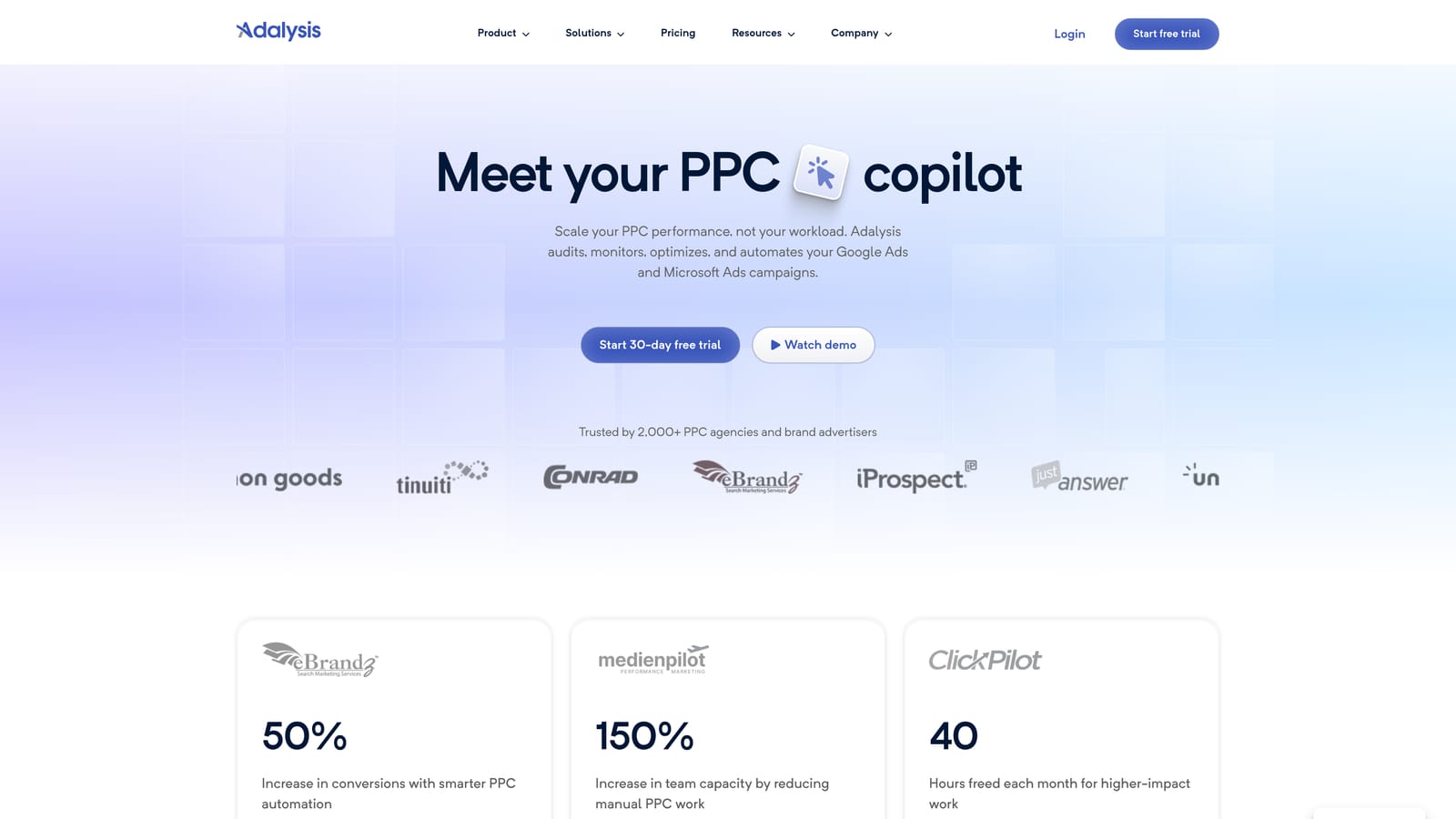
Its standout feature compared with the rest of this list is automated ad copy testing paired with issue alerts. Where other tools help you act, Adalysis is strongest at telling you what deserves attention.
- Automated account audits that check for common issues without a manual walkthrough.
- Ad testing tracking, so you can see which ad variations are winning.
- Alerts that flag changes or problems as they appear.
- Quality and keyword insights to guide where you look next.
- Reporting for communicating account health to clients.
It connects with Google Ads and Microsoft Advertising. Setup involves linking accounts and tuning alerts, and the people who benefit most are those reviewing many accounts on a regular cycle.
The trade-off: it flags problems more than it fixes them, so you'll still make the changes elsewhere. It's best suited to agencies, and a single small account may not justify it.
Pricing is listed on the Adalysis website; check there for current plans and what drives cost (as of October 2026).
Best for: Agencies monitoring ad tests and account health at scale.
5. Google Ads Scripts
Google Ads Scripts is a free, built-in way to automate Google Ads with JavaScript. You write (or adapt) small programs that run inside your account on a schedule.

It's the only option here that offers unlimited custom automation at no software cost. If you can imagine the check or report, a script can probably do it.
What you can build
- Custom automation for tasks specific to your accounts.
- Scheduled runs, so scripts execute without you opening the interface.
- Budget and broken-link alerts that catch problems early.
- Custom reporting pushed to Google Sheets.
- Starting points from an example script library, so you don't begin from a blank file.
What it costs you instead of money
The price is skill and time. It requires coding ability and ongoing upkeep: scripts need testing, and they can break when things change. A script that changes bids or pauses campaigns incorrectly can cost more than any subscription, so test carefully before scheduling.
It works with Google Ads and Google Sheets, and is usually run by a technically minded advertiser or a developer on the team. It's free (as of October 2026).
Best for: Technical advertisers who want free custom automation.
6. Looker Studio
Looker Studio is Google's free dashboard and reporting tool, with a Google Ads connector. It does one job, reporting, and does it without a subscription.

Its advantage on this list is free, shareable, client-facing dashboards. For a freelancer, that can replace a paid reporting tool.
- A native Google Ads connector, so account data flows in without exports.
- Custom dashboards you shape around the metrics your clients care about.
- Shareable reports that clients can view through a link.
- Scheduled email delivery, so reports arrive without manual sending.
- Data blending, for combining sources in one view.
It also works with Google Sheets and Google Analytics. Setup effort is real but front-loaded: you build a template once, then reuse it. Whoever owns client communication usually maintains it.
The limit is that it's reporting only and cannot change your account. Building clean dashboards takes some time, and you're on your own for design and upkeep. Looker Studio is free, though paid third-party connectors for other platforms vary in price (as of October 2026).
Best for: Freelancers who need free client reporting.
7. WordStream by LocaliQ
WordStream by LocaliQ is a guided PPC management platform aimed at small businesses. It's designed for owners who don't have a PPC specialist and want help knowing what to fix.
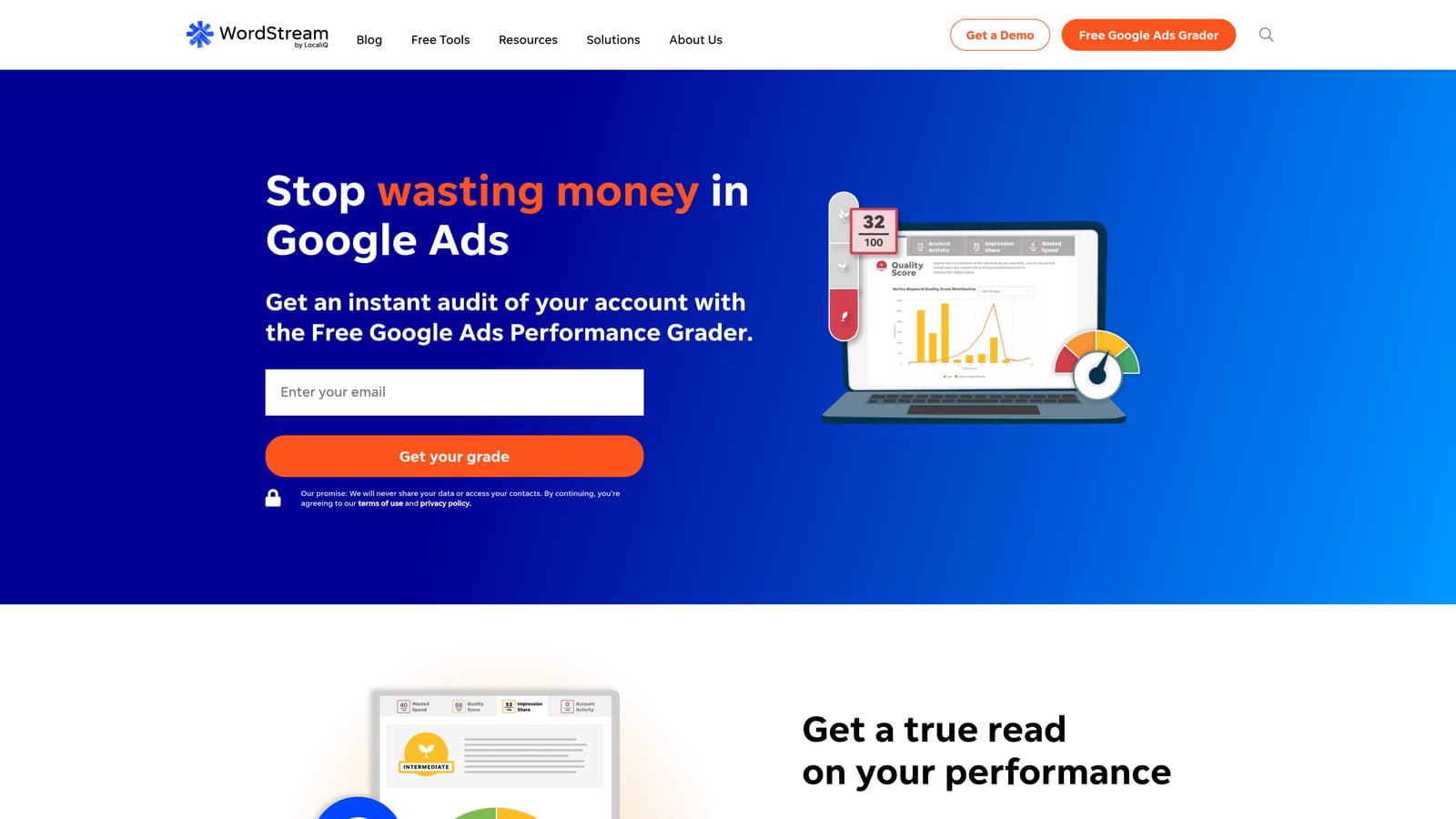
What it does better than most of this list is beginner-friendly guidance. Recommendations are framed so a non-specialist can follow them.
- Performance grading that gives a quick read on how an account is doing.
- Optimization recommendations pointing to specific improvements.
- Campaign management tools for building and adjusting campaigns.
- Reporting to track results over time.
- Multi-platform ads support for running more than Google.
It integrates with Google Ads, Microsoft Advertising, and Meta Ads. Setup is aimed at non-experts, and the business owner or a marketing generalist typically runs it.
The limits: it can cost more than DIY tools, which matters when affordability is the point. And its recommendations need review. Treat them as suggestions to evaluate against your goals, not as instructions to follow blindly.
Pricing is on the WordStream website; check what moves the price there (as of October 2026).
Best for: Small business owners new to Google Ads.
8. Swydo
Swydo is a white-label PPC reporting platform for agencies. It takes data from your clients' ad accounts and turns it into branded reports you can send on a schedule.
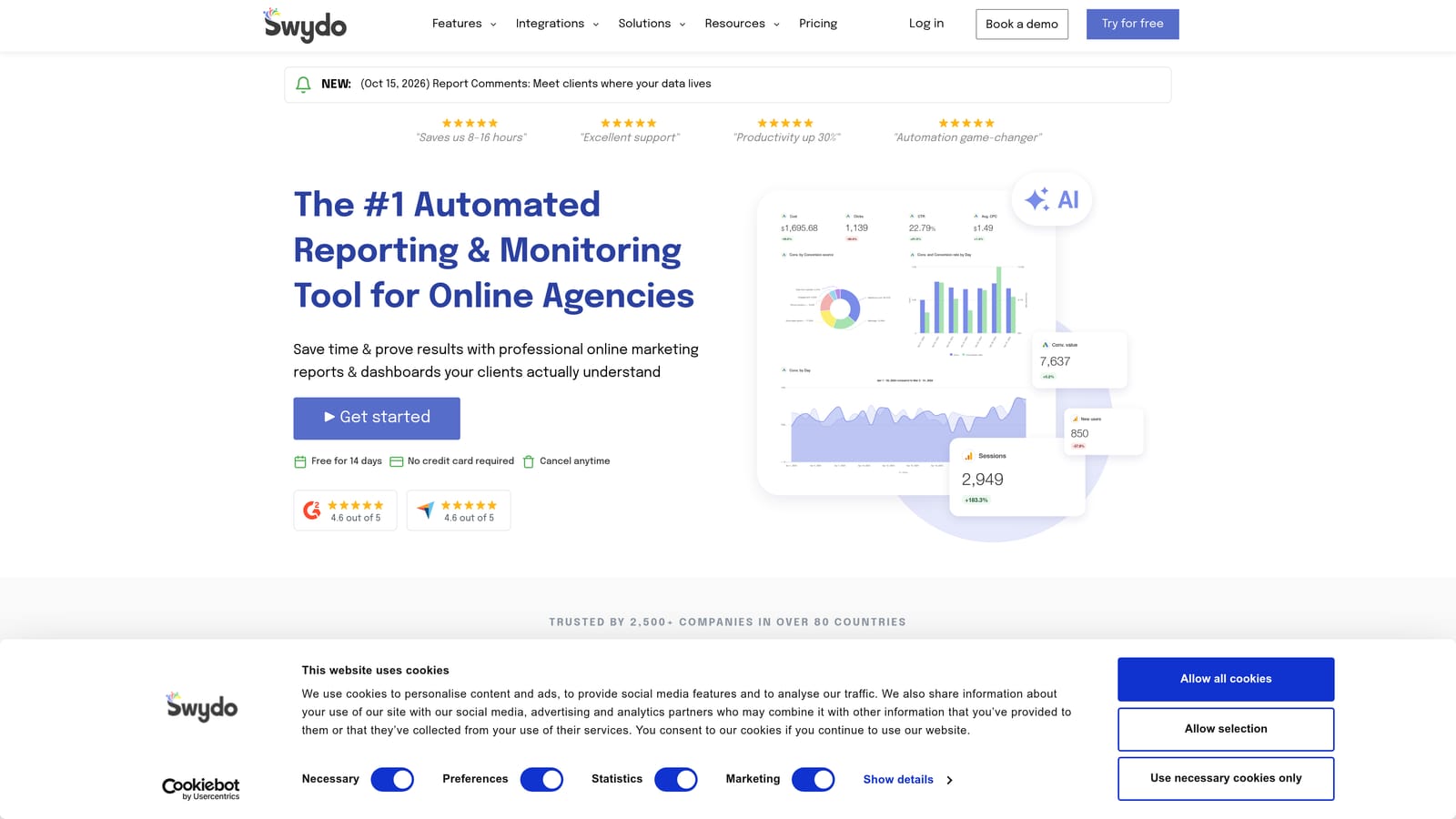
Its edge over the free reporting option here is automated white-label output: reports carry your brand and go out without manual assembly.
- White-label reports that present your agency's branding, not the tool's.
- Automated report scheduling, so monthly sends don't eat your time.
- Client dashboards for on-demand viewing.
- Goal tracking to show progress against targets.
- Multi-platform data, bringing several channels into one report.
It integrates with Google Ads, Meta Ads, and Google Analytics. Setup means connecting each client's accounts and building report templates, and it's usually run by an account manager or the agency owner.
The limit is simple: it's reporting only, with no optimization actions. If you only have a couple of clients, a free tool like Looker Studio may do the same job for less.
Pricing is on the Swydo website; check for current plans and what drives cost (as of October 2026).
Best for: Agencies that send monthly client reports.
Matching the Tool to Your Situation
If you're a solo advertiser whose main waste is junk search terms, Keywordme is the most direct fix at $12/month per user. If you're a freelancer who needs client reports, start with Looker Studio, which costs nothing. If you're an agency scaling across accounts, Optmyzr or Adalysis fit better, depending on whether you want automation or monitoring. If you're technical and want free custom automation, Google Ads Scripts is hard to beat, with Google Ads Editor covering bulk edits.
Most small teams end up pairing one optimization tool with one free reporting tool. Whatever you pick, review automated recommendations before applying them, and don't buy a full platform when your real problem is a messy search terms report.
Optimize Google Ads Campaigns 10X Faster. Without Leaving Your Account. Keywordme lets you remove junk search terms, build high-intent keyword lists, and apply match types instantly, right inside Google Ads. No spreadsheets, no switching tabs, just quick, seamless optimization. Start your free 7-day trial (then just $12/month) and take your Google Ads game to the next level.
.svg)