
8 Best Affordable Google Ads Management Software Options
This guide compares 8 affordable Google Ads management software options priced for solo advertisers, freelancers, and small agencies managing accounts under $10k a month, weighing real features against real cost.


If you're managing a Google Ads account under $10k a month, you don't need an enterprise platform with a five-figure annual contract and a dedicated onboarding team. You need tools priced for how you actually work, whether that's cleaning up search terms between client calls or building out a new campaign on a Tuesday night. This list sticks to software that solo advertisers, freelancers, and small agencies can justify on a real budget, weighing what each tool actually does against what it costs.
Quick Comparison
- Keywordme: best for advertisers who want faster search term cleanup inside Google Ads itself; starts at $12/month per user; the only tool here that works entirely inside the native Search Terms Report.
- Google Ads Editor: best for anyone needing free bulk edits across accounts; free; the only completely free bulk editing tool built by Google.
- Optmyzr: best for agencies wanting automation rules across many accounts; pricing scales with managed spend; custom rule automation at scale.
- WordStream Advisor by LocalIQ: best for small business owners without dedicated PPC staff; quote-based; a guided weekly optimization checklist.
- Semrush PPC Toolkit: best for marketers who also need SEO and competitor research; plan-based pricing; bundles PPC planning with a full SEO suite.
- Adalysis: best for advertisers running frequent ad tests; starting around $99/month; statistically validated ad testing.
- SpyFu: best for freelancers doing competitor research before a pitch; starting around $39/month; low-cost historical ad and keyword data.
- Revealbot: best for advertisers running both Meta and Google Ads; starting around $79/month; one rule engine across both platforms.
1. Keywordme
Keywordme is a Chrome extension that adds one-click optimization actions directly into the Google Ads Search Terms Report, the report showing the actual queries that triggered your ads (as opposed to the keywords you bid on). It's built for advertisers who spend real time each week sorting through search terms manually, deciding which ones to add as negative keywords, which to promote into new keyword lists, and which match types to apply.
What sets it apart from everything else on this list is that it never asks you to leave Google Ads. There's no separate login, no CSV export, no pasting data into a spreadsheet to sort it. You work inside the report you're already looking at, and the actions apply immediately.
- Removes junk search terms from the Search Terms Report with a single click, instead of manually adding them as negative keywords one by one
- Builds negative keyword lists quickly from terms you flag as irrelevant, so wasted spend gets cut faster
- Applies match types to new keywords instantly, without opening the keyword editor separately
- Groups related search terms through keyword clustering, making it easier to spot patterns instead of scanning a flat list
- Supports multiple accounts and team members, which matters once you're managing more than one client
Setup is just installing the Chrome extension and connecting it to your Google Ads account, which most users can do in a few minutes without help from anyone else. Any PPC manager, freelancer, or account owner can run it day to day since it doesn't require a developer or admin to configure.
The limitation is scope: Keywordme is focused specifically on search term and keyword workflows. It's not a full campaign reporting dashboard, and it won't manage budgets, bidding strategies, or cross-channel data. If you need a bird's-eye view of account performance or automated bid rules, you'll want to pair it with another tool.
Pricing is a flat $12 per month per user (as of September 2026, worth confirming on the site since pricing can shift), with a 7-day free trial. There are no tiers based on ad spend or account count, which makes it easy to budget for regardless of how big your accounts get.
Best for: Solo advertisers and agencies who want to speed up search term cleanup without leaving Google Ads.
2. Google Ads Editor
Google Ads Editor is Google's own free desktop application for making bulk changes to campaigns offline and uploading them in one batch. If you've ever needed to update fifty ad groups at once or copy a campaign structure across accounts, this is the tool built for exactly that.

Its biggest advantage on this list is the price: it's free, with no usage caps, and it comes straight from Google, so there's no third party sitting between you and your account data.
- Makes bulk edits to campaigns, ad groups, and keywords in one pass instead of clicking through the web interface item by item
- Lets you edit offline and upload changes later, which is handy when you're working without a stable connection or want to review before pushing live
- Manages multiple accounts from a single interface, useful if you're juggling several clients
- Supports copy-paste of changes across campaigns, saving you from rebuilding similar structures from scratch
Setup just means downloading the application and signing in with your Google Ads credentials. Any account manager can run it themselves; there's no admin layer or approval process needed.
The tradeoff is that it's purely an editing tool. There's no automation, no alerts, no reporting dashboard, and no suggestions about what to change. It assumes you already know what needs fixing and just want to make the change faster. If you're looking for something to flag problems or optimize on its own, this isn't it.
Pricing: free, full stop, since it's an official Google tool.
Best for: Anyone who needs free bulk editing across multiple campaigns or accounts before spending on paid tools.
3. Optmyzr
Optmyzr is a PPC management platform built around rule-based automation, bid management, and account audits. It's aimed at agencies and in-house teams managing enough accounts that manual optimization stops being realistic.

Where it stands out
Optmyzr's automation rules can run across many accounts simultaneously, which is a real time-saver for an agency trying to apply the same logic (like pausing keywords below a certain Quality Score) to every client at once rather than repeating the work account by account.
- Automates bid and budget changes based on rules you define, cutting down manual adjustments
- Surfaces one-click optimization suggestions so you can act on recommendations without building your own logic from scratch
- Tracks Quality Score changes over time, helping you spot which ad groups are trending in the wrong direction
- Rolls up reporting across client accounts, useful for agency owners who need a single view without opening each account separately
Who it fits
Optmyzr connects with Google Ads, Microsoft Advertising, and Google Analytics, and it's typically run by a PPC manager or agency lead rather than a total beginner, since setting up automation rules well takes some familiarity with your account's patterns first.
The catch on affordability: pricing scales with the ad spend you manage, so a tool that looks reasonably priced for a small account can get considerably more expensive as your client base grows into larger budgets. Check current tier pricing on their site since it changes.
Best for: Agencies managing several client accounts who need automation rules rather than one-off manual fixes.
4. WordStream Advisor by LocalIQ
WordStream Advisor by LocalIQ is a campaign management platform structured around a guided weekly optimization routine spanning Google, Microsoft, and Facebook Ads. Rather than handing you raw data and letting you figure out priorities, it walks you through a checklist.

The signature feature here is the "20-Minute Work Week," a guided checklist designed for business owners who don't have a dedicated PPC hire on staff and just need a repeatable process to follow each week.
- Guides you through a short, structured optimization routine instead of leaving you to build your own checklist
- Reports on campaign performance across Google, Microsoft, and Facebook Ads in one place
- Suggests new keywords to add based on your existing account data
- Flags account issues through alerts so problems don't sit unnoticed for weeks
It connects to Google Ads, Microsoft Advertising, and Facebook Ads, and it's designed to be run by a business owner directly, not necessarily someone with deep PPC experience.
The limitation worth flagging: WordStream doesn't publish pricing, and historically it has leaned toward bundling the software with managed services rather than selling standalone access at a fixed low rate. That makes it harder to know upfront whether it fits a tight budget, so you'll need to get a quote before assuming it's affordable for your situation.
Pricing is quote-based; contact them directly for current rates.
Best for: Small business owners who want a guided routine rather than building their own optimization process.
5. Semrush PPC Toolkit
Semrush is best known as an SEO platform, but its PPC toolkit gives you competitor research and keyword gap analysis that's genuinely useful for planning and auditing Google Ads campaigns, especially before you launch something new.
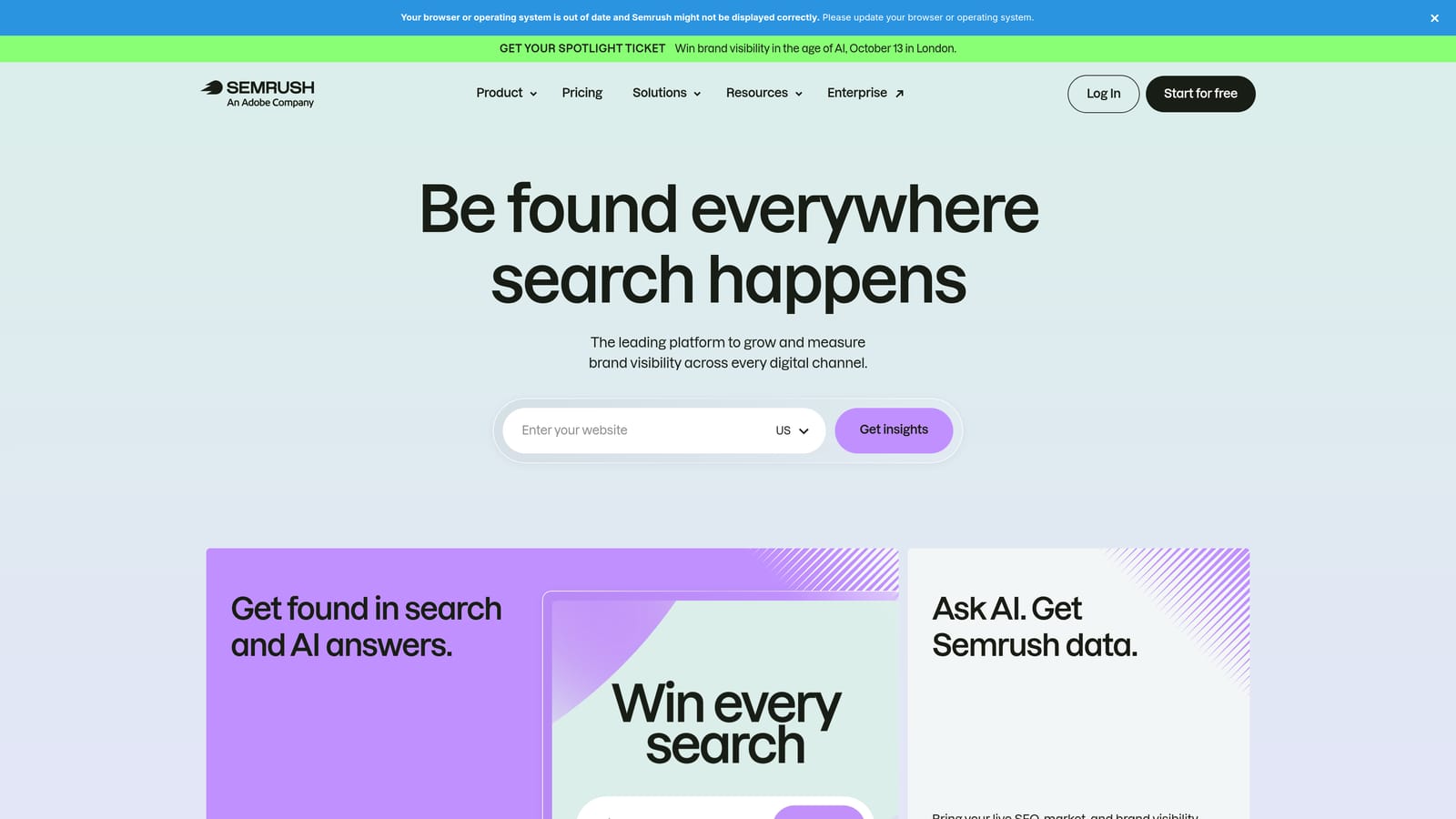
What makes it stand out on this list is that it's not really a single-purpose PPC tool. It's a broader marketing suite, so if you're already doing SEO or content work, the PPC features come along with a subscription you might be paying for anyway.
- Shows competitor ad copy and landing pages, giving you a look at what's working for others in your space
- Runs keyword gap analysis between accounts, surfacing terms competitors bid on that you don't
- Tracks ad history for competitor domains over time, not just a current snapshot
- Bundles SEO and content research tools into the same subscription, avoiding the need for a separate tool
It connects with Google Ads and Google Analytics data and is typically used by marketers doing research and planning rather than someone who needs to manage bids day to day.
The limitation is real: Semrush's campaign management and bid control features are shallow next to dedicated PPC platforms. It's a research and planning tool wearing a PPC hat, not something that will run your account for you. If your main need is bid automation or campaign execution, this isn't the answer.
Pricing runs on Semrush's standard monthly subscription tiers across the full suite; check the site for current plan pricing since it applies to more than just the PPC features.
Best for: Marketers who want competitor research and SEO tools bundled with light PPC planning support.
6. Adalysis
The interface-heavy nature of Adalysis is the first thing to know about it: this is a data-table-driven auditing and ad testing platform, not a friendly dashboard with big charts. It's built for advertisers already comfortable digging into raw PPC metrics.
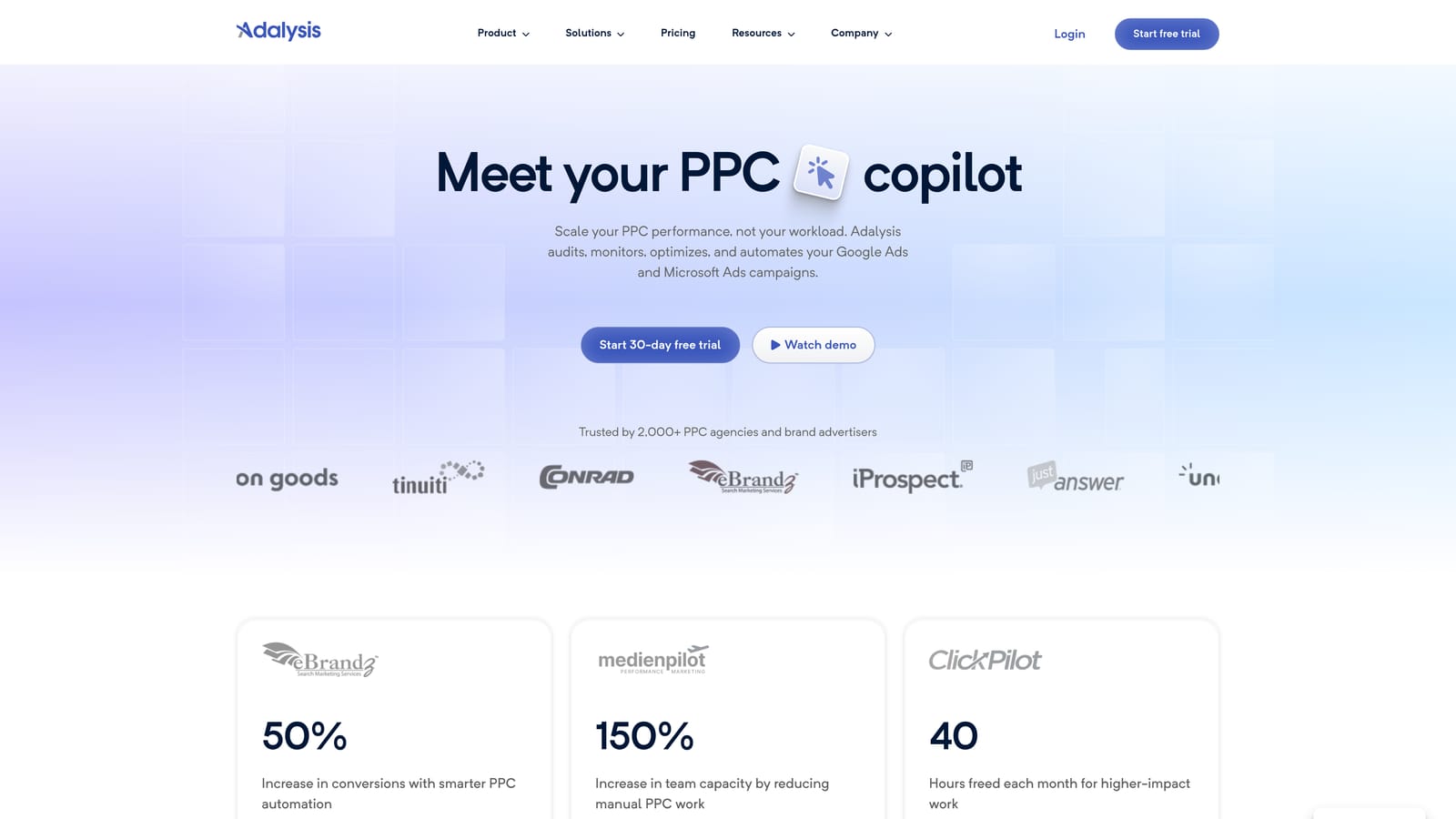
What it does particularly well is statistical ad testing. Instead of just telling you which ad variation got more clicks this week, it tracks whether the difference is actually statistically significant, which matters if you don't want to declare a "winner" based on noise.
- Runs automated account-wide error checks, catching issues like disapproved ads or broken tracking before they cost you money
- Tests ad copy variations and tells you when results are statistically significant, not just directionally different
- Tracks historical Quality Score changes so you can see trends rather than a single point in time
- Suggests bid and keyword adjustments based on search term and keyword performance data
It integrates with Google Ads and Microsoft Advertising, and is generally run by whoever handles the day-to-day optimization work, since getting value out of it means actually reading the audit results and acting on them.
It's not a fit for someone who wants a simple, guided experience or a hands-off tool. If you're not already testing ad copy regularly or comfortable interpreting statistical significance, a lot of what Adalysis offers will go unused.
Pricing starts around $99/month, tiered by account size; confirm current rates on their pricing page since this is one of the pricier options here relative to flat-fee tools.
Best for: Advertisers who run frequent ad copy tests and want confidence the results are statistically valid.
7. SpyFu
SpyFu is a competitor research tool that pulls historical Google Ads keywords, ad copy, and estimated spend for any domain you look up. It's less about managing your own campaigns and more about understanding what competitors have already tried, including what they've stopped doing.
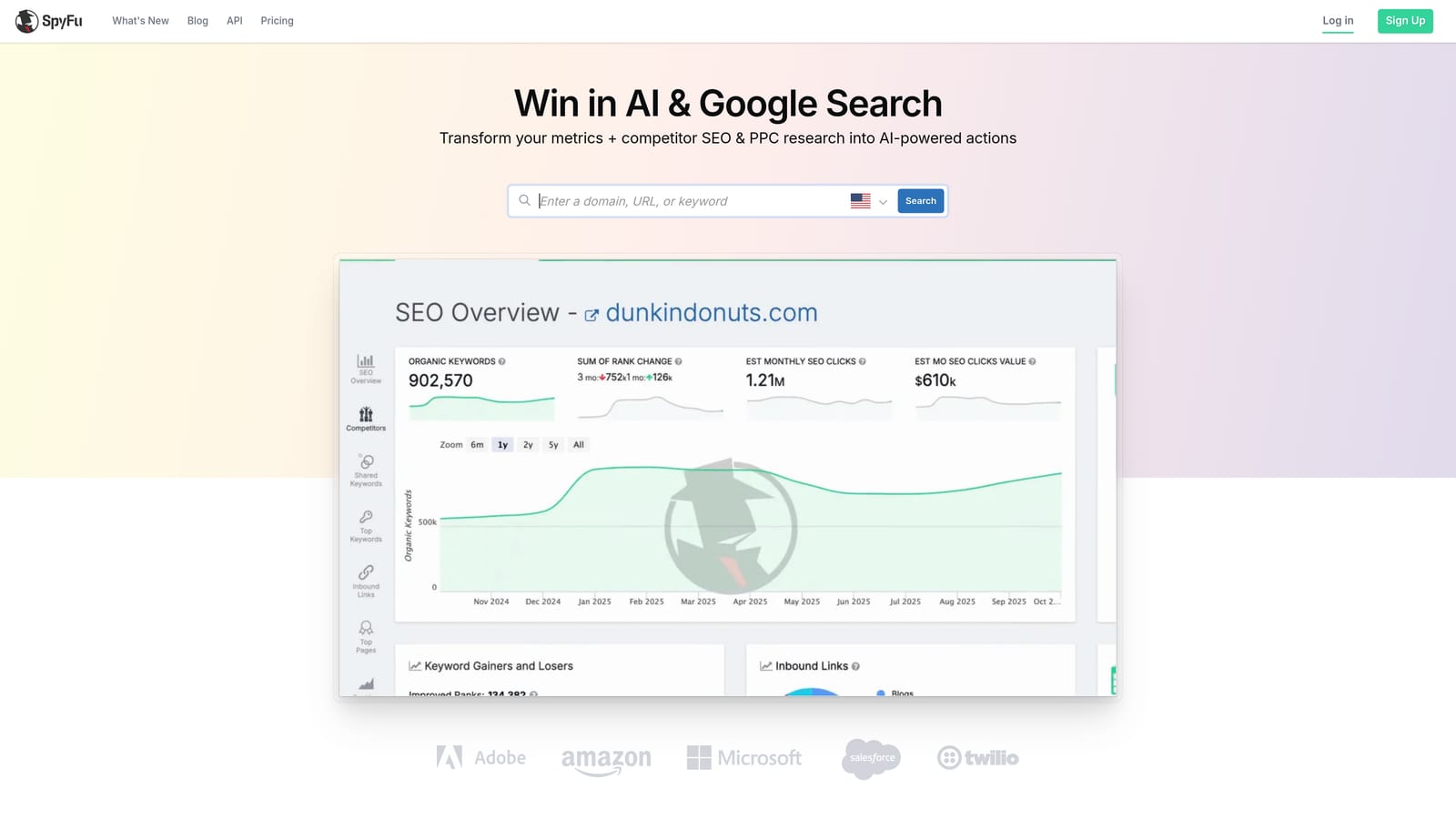
Compared to everything else on this list, SpyFu's entry price is one of the lowest, and it's built specifically around competitor keyword and ad history rather than trying to be a general-purpose management platform.
- Shows a competitor's historical Google Ads keywords, so you can see what they've bid on over time
- Archives past ad copy by domain, letting you see how messaging has evolved
- Estimates competitor ad spend, giving you a rough sense of budget scale
- Groups keywords into clusters useful for building a new campaign structure
Data exports to CSV, which you can then feed into Google Ads Editor or a spreadsheet for actual campaign building. It's typically run by whoever's doing account planning or new client onboarding, since it's most useful at the research stage rather than ongoing management.
The clear limitation: SpyFu doesn't manage or edit live Google Ads campaigns. It's a research tool that feeds into other platforms, not a replacement for them. If you're looking for something to run your account day to day, this won't do it alone.
Pricing starts around $39/month for the entry tier; check current pricing since it's updated periodically.
Best for: Freelancers doing client prospecting or competitive audits before building a campaign.
8. Revealbot
Originally built for Meta Ads automation, Revealbot now extends its custom rule builder to Google Ads too, which makes it a strong option if you're running budgets across both platforms and don't want two separate automation systems to manage.
The rule builder lets you set performance triggers, such as pausing an ad group if cost per conversion crosses a threshold, or increasing budget when return on ad spend clears a target, and have those changes apply automatically once configured.
- Builds custom automation rules that adjust bids, budgets, or campaign status based on triggers you set
- Applies performance-triggered changes automatically once rules are live, cutting down manual monitoring
- Sends automated alerts through Slack or email so you know when a rule fires
- Runs rules across both Meta and Google Ads, giving you one system instead of two
It connects with Google Ads, Meta Ads, and Slack, and is generally set up and maintained by whoever manages paid media, since building rules well requires understanding your account's performance patterns first.
The tradeoff is setup time. Revealbot isn't a one-click tool; it requires more upfront configuration than most others on this list, so it's not the right pick if you want something that delivers value the day you sign up. It rewards advertisers willing to invest time defining rules properly.
Pricing starts around $79/month, tiered by ad spend or account count; confirm current tiers on their site.
Best for: Advertisers managing both Meta and Google Ads who want one automation rule engine across channels.
Matching the Right Tool to Your Situation
If you're a solo advertiser or freelancer spending most of your time cleaning up search terms and deciding what to turn into negative keywords, start with Keywordme and Google Ads Editor together: one handles the daily cleanup inside the native interface, the other covers free bulk edits when you need to make sweeping changes. If you're running an agency and need automation that applies consistently across client accounts, Optmyzr and Adalysis are worth the higher price tag, since both are built for scale rather than single-account management. And if research and prospecting are part of your workflow, whether that's pitching new clients or planning a campaign from scratch, add SpyFu or Semrush to whatever execution tools you're already using.
None of these tools do everything, and that's the point: pick based on the actual task you're stuck doing manually right now, not the tool with the longest feature list. If that task is search term cleanup, Start your free 7-day trial of Keywordme (then just $12/month) and see how much faster it gets when you're not leaving Google Ads to do it.
.svg)