
8 Best Affordable Google Ads Extensions for Marketers, Freelancers & Agencies in 2026
This guide reviews the 8 best affordable Google Ads extensions and companion tools for 2026, helping freelancers, agencies, and solo advertisers cut optimization time by replacing manual spreadsheet workflows with budget-friendly Chrome extensions and PPC tools evaluated on price, ease of use, and scalability across single or multi-account setups.


TL;DR: If you're running Google Ads and tired of bouncing between spreadsheets, clunky dashboards, and the native interface, affordable Chrome extensions and PPC tools can cut your optimization time dramatically. This list covers the best budget-friendly Google Ads extensions and companion tools available in 2026, evaluated on price, ease of use, feature depth, and fit for solo advertisers versus agency teams. Whether you're managing one account or fifty, there's something here for every workflow and budget.
Managing Google Ads manually is a grind. You export search terms, paste them into a spreadsheet, flag the junk, build negative lists, then manually upload changes back into the interface. Rinse and repeat every week. For freelancers and agencies doing this across multiple accounts, the overhead adds up fast.
The good news: a growing set of affordable tools either plug directly into Google Ads or sit alongside it to eliminate that friction. Here are the top tools worth using in 2026.
1. Keywordme
Best for: In-interface PPC optimization without spreadsheets or tab-switching
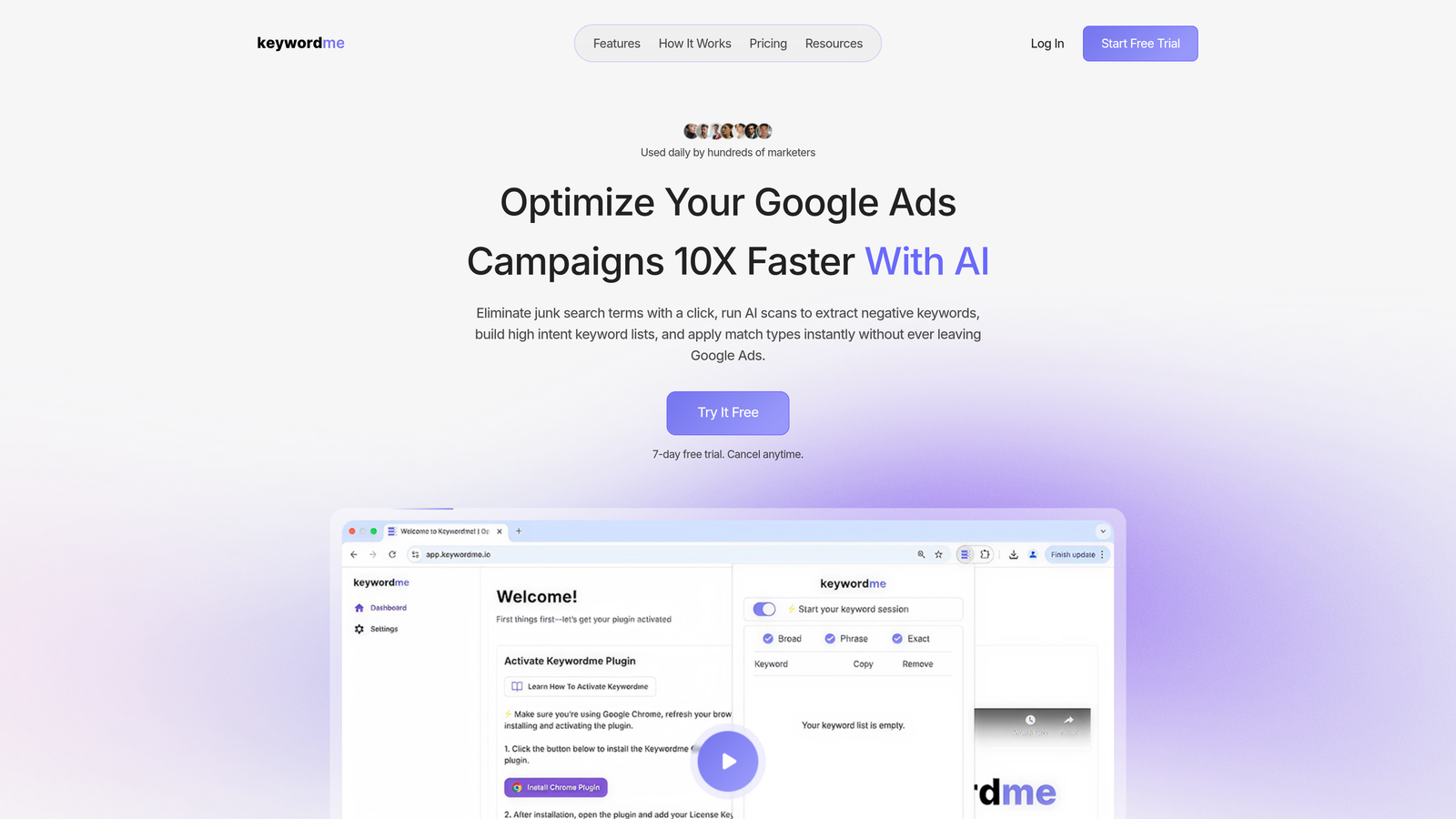
Keywordme is a Chrome extension that integrates directly into Google Ads' Search Terms Report, letting you act on keywords without ever leaving the native UI.
Where This Tool Shines
Most Google Ads tools pull you out of the interface and into a separate dashboard. Keywordme goes the other direction: it lives inside Google Ads and turns what used to be a multi-step export-edit-upload workflow into single clicks. In most accounts I audit, the Search Terms Report is where wasted spend hides. Keywordme makes cleaning it up genuinely fast.
The keyword clustering feature is particularly useful for agencies. Instead of manually grouping search terms into themes before deciding what to add or exclude, Keywordme surfaces patterns automatically. Bulk editing across multiple actions saves real time when you're working through a large account or managing several clients back to back.
Key Features
One-Click Negative Additions: Remove junk search terms and add negatives directly from the Search Terms Report without exporting anything.
Match Type Application: Apply exact, phrase, or broad match types to keywords instantly from within the native interface.
Keyword Clustering: Automatically groups related search terms to speed up analysis and keyword list building.
Bulk Editing: Handle multiple keyword actions in one pass rather than one at a time.
Multi-Account and Team Support: Built for agencies managing multiple clients, with team access included at the flat per-user rate.
Best For
Freelancers and agency managers who spend meaningful time each week in the Search Terms Report. Also well-suited for solo advertisers who want a faster optimization workflow without paying for a full PPC management platform. The flat-rate pricing makes it easy to budget for, regardless of how much you're spending on ads.
Pricing
$12/month per user. A 7-day free trial is available with no credit card required to start.
2. Google Ads Editor
Best for: Bulk campaign edits and offline changes at no cost
Google Ads Editor is Google's official free desktop application for managing and bulk-editing campaigns without needing a live internet connection.

Where This Tool Shines
If you need to restructure campaigns, rename ad groups, find-and-replace across hundreds of ads, or copy entire campaign structures between accounts, Ads Editor is unmatched for that kind of heavy lifting. It's been around long enough that most experienced PPC managers know it well, and the fact that it's completely free makes it a no-brainer as a base tool.
The offline capability is genuinely useful when you're prepping a large account overhaul and don't want to make live changes until everything is reviewed. That said, it's a desktop app rather than a Chrome extension, so it doesn't help with real-time Search Terms Report work or in-interface optimization.
Key Features
Bulk Editing: Copy, paste, and find-and-replace across campaigns, ad groups, keywords, and ads simultaneously.
Offline Access: Download your account, make changes locally, then push updates when you're ready.
Multi-Account Management: Switch between multiple accounts within one desktop interface.
Free Forever: No subscription, no usage limits, no per-account fees.
Best For
Any Google Ads user who needs to make large-scale structural changes efficiently. Particularly valuable for agencies onboarding new clients or rebuilding account structures. Not ideal as a standalone tool for ongoing keyword hygiene or search term analysis.
Pricing
Free. No subscription or account tier required.
3. SpyFu
Best for: Affordable competitive intelligence on Google Ads keywords and ad copy
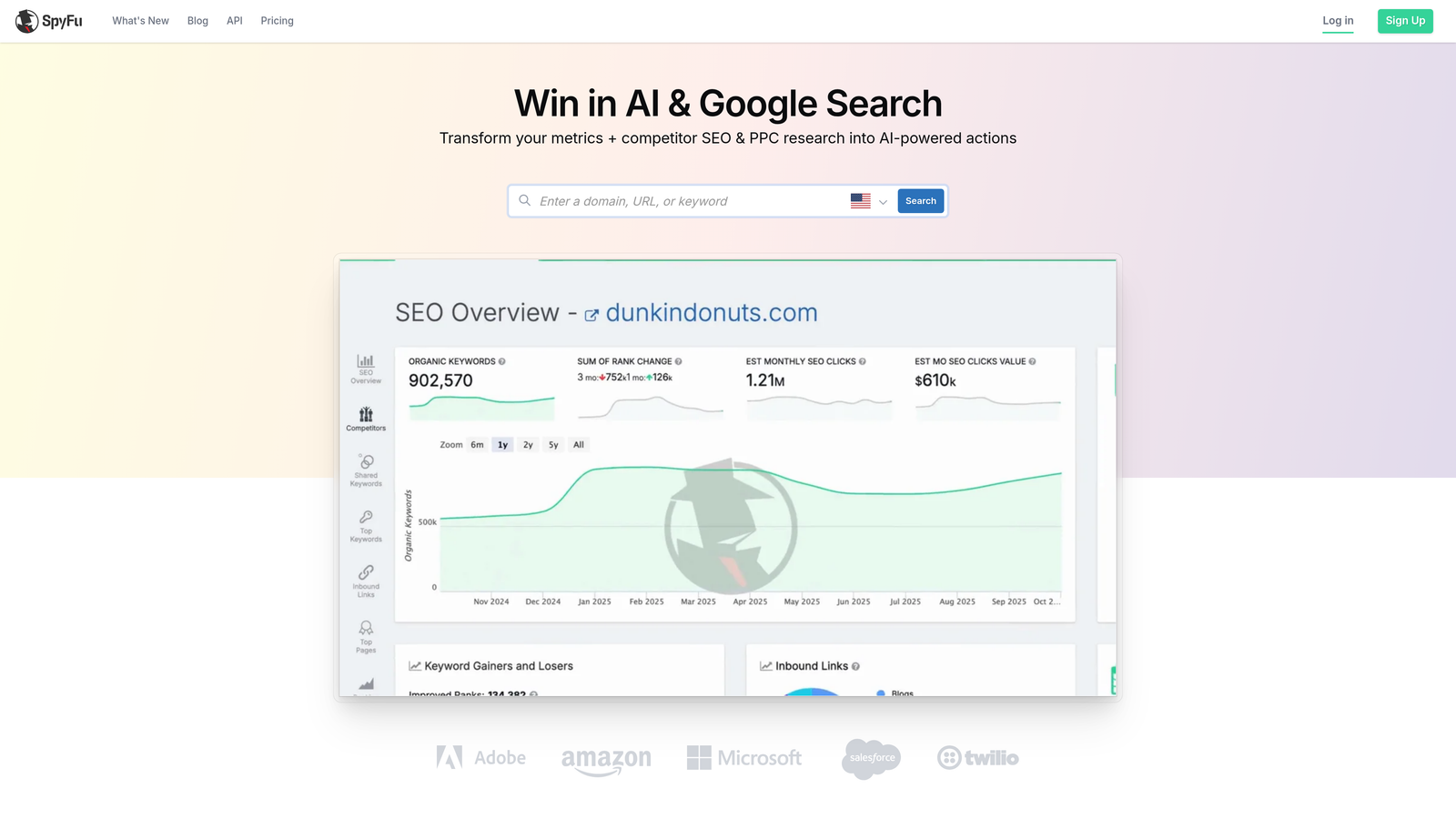
SpyFu is a competitive research tool that surfaces competitors' Google Ads keyword history, ad copy archives, and estimated spend data at a price point well below most full-suite platforms.
Where This Tool Shines
When you're taking on a new client or entering a new vertical, understanding what competitors are bidding on and how their ad copy has evolved over time is genuinely valuable intelligence. SpyFu has one of the longer historical archives in this space, which means you can see not just what a competitor is running today but what they've tested and dropped over the years.
For freelancers doing pre-campaign research or agencies building out initial keyword lists, SpyFu offers a strong return at its price point. It's not an in-interface tool, so it won't help you optimize a live campaign, but for the research phase it punches above its weight.
Key Features
Competitor Keyword History: See the full list of keywords a competitor has bid on, including historical data going back years.
Ad Copy Archive: Review past and current ad copy variations to understand competitor messaging strategy.
Estimated Spend and Click Data: Get rough estimates of competitor ad spend and traffic volumes.
Keyword Overlap Analysis: Identify gaps and opportunities by comparing your keyword list against competitors.
Best For
Freelancers and agencies doing competitive research before launching campaigns. Also useful for auditing existing accounts to find keyword opportunities you may be missing. Not a campaign management tool, but a solid research companion.
Pricing
Starts around $39/month. Verify current pricing at spyfu.com before committing.
4. Adalysis
Best for: Systematic ad testing and quality score monitoring
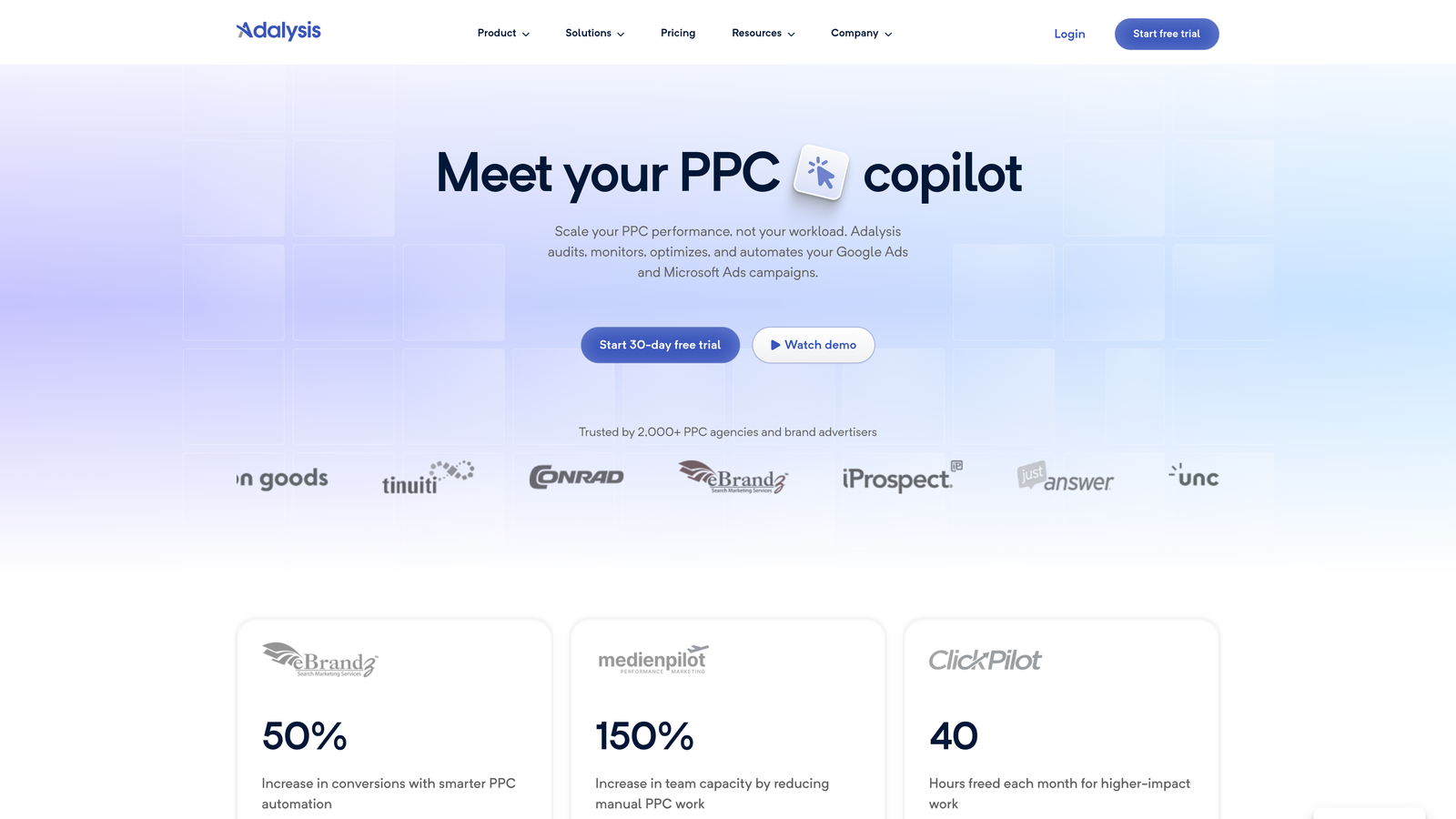
Adalysis is a PPC management tool built around structured ad testing, quality score tracking, and automated alerts that flag campaign health issues before they become expensive problems.
Where This Tool Shines
The mistake most agencies make with ad testing is running experiments without a system. Ads run until someone remembers to check them, then decisions get made based on gut feel rather than statistical significance. Adalysis adds structure to that process with automated testing rules that pause underperforming ads and surface winners based on defined criteria.
Quality score monitoring is another area where Adalysis earns its keep. Tracking quality score changes over time across large accounts manually is tedious. Adalysis automates the tracking and sends alerts when scores drop, so you can investigate the cause rather than discover the damage weeks later.
Key Features
Automated A/B Testing Rules: Set conditions for pausing underperforming ads automatically, removing the need for manual monitoring.
Quality Score Tracking: Monitor quality score trends historically across campaigns and ad groups.
Campaign Health Alerts: Get notified about budget pacing issues, anomalies, and underperforming segments.
Structured Testing Workflows: Built-in frameworks that guide you through statistically sound ad experiments.
Best For
Teams and agencies running frequent ad experiments who want to remove guesswork from the testing process. Also valuable for account managers responsible for quality score improvement across multiple clients. Less useful if you're primarily focused on keyword management or reporting.
Pricing
Starts around $99/month. Verify current pricing at adalysis.com. Best value when shared across an agency team managing multiple clients.
5. Supermetrics
Best for: Automated Google Ads reporting into Sheets, Looker Studio, or Excel
Supermetrics is a data connector that automatically pulls Google Ads performance data into your reporting environment of choice, keeping dashboards current without manual exports.
Where This Tool Shines
If you're building client-facing dashboards and spending time each week manually exporting data from Google Ads and pasting it into reports, Supermetrics solves that problem cleanly. You set up the connection once, schedule automatic refreshes, and the data flows on its own. For agencies delivering regular performance reports, the time savings compound quickly.
The cross-channel capability is worth noting. If you're running Google Ads alongside Meta, LinkedIn, or other platforms, Supermetrics can pull data from multiple sources into one report, which makes cross-channel analysis much more practical than juggling separate exports.
Key Features
Automated Data Pulls: Connect Google Ads directly to Sheets, Looker Studio, Excel, or BigQuery with scheduled refreshes.
Multi-Platform Connectors: Pull data from Google Ads, Meta, LinkedIn, and other channels into unified reports.
Scheduled Refresh: Reports update automatically so you're not manually exporting data before every client call.
Flexible Destinations: Works with the reporting tools most agencies and freelancers already use.
Best For
Agencies and freelancers who produce regular client reports and want to automate the data collection process. Not a campaign management or optimization tool, but an essential time-saver for anyone spending hours on reporting each week.
Pricing
The Google Sheets connector starts around $29/month. Pricing varies by connector and data destination. Verify current pricing at supermetrics.com.
6. NegativeKeywords.io
Best for: Dedicated negative keyword list management across campaigns
NegativeKeywords.io is a single-purpose tool focused entirely on building, organizing, and managing negative keyword lists across Google Ads campaigns and shared lists.
Where This Tool Shines
Negative keyword hygiene is one of those tasks that's easy to deprioritize until wasted spend becomes obvious on a report. A dedicated tool for managing shared negative lists removes the friction that usually leads to this work getting skipped. The focused workflow means there's very little learning curve: you're here to manage negatives, and that's what the tool does.
For accounts running multiple campaigns with overlapping themes, shared negative keyword lists are an efficient way to apply exclusions at scale. NegativeKeywords.io makes that process more systematic than building and maintaining those lists manually inside Google Ads.
Key Features
Shared List Management: Build and apply negative keyword lists across multiple campaigns from one place.
Keyword Hygiene Workflow: Focused interface for identifying and excluding irrelevant search terms draining budget.
Low Learning Curve: Single-purpose design means you're productive quickly without a lengthy onboarding process.
Budget Protection: Systematic exclusion of irrelevant terms helps reduce wasted spend over time.
Best For
Advertisers managing multiple campaigns who want a more organized approach to negative keyword hygiene. A good complement to Keywordme if you want dedicated tooling for both in-interface optimization and structured list management.
Pricing
Verify current pricing at negativekeywords.io before committing. Pricing and availability should be confirmed as this niche sees frequent tool changes.
7. SEMrush PPC Toolkit
Best for: Combined SEO and PPC research under one subscription
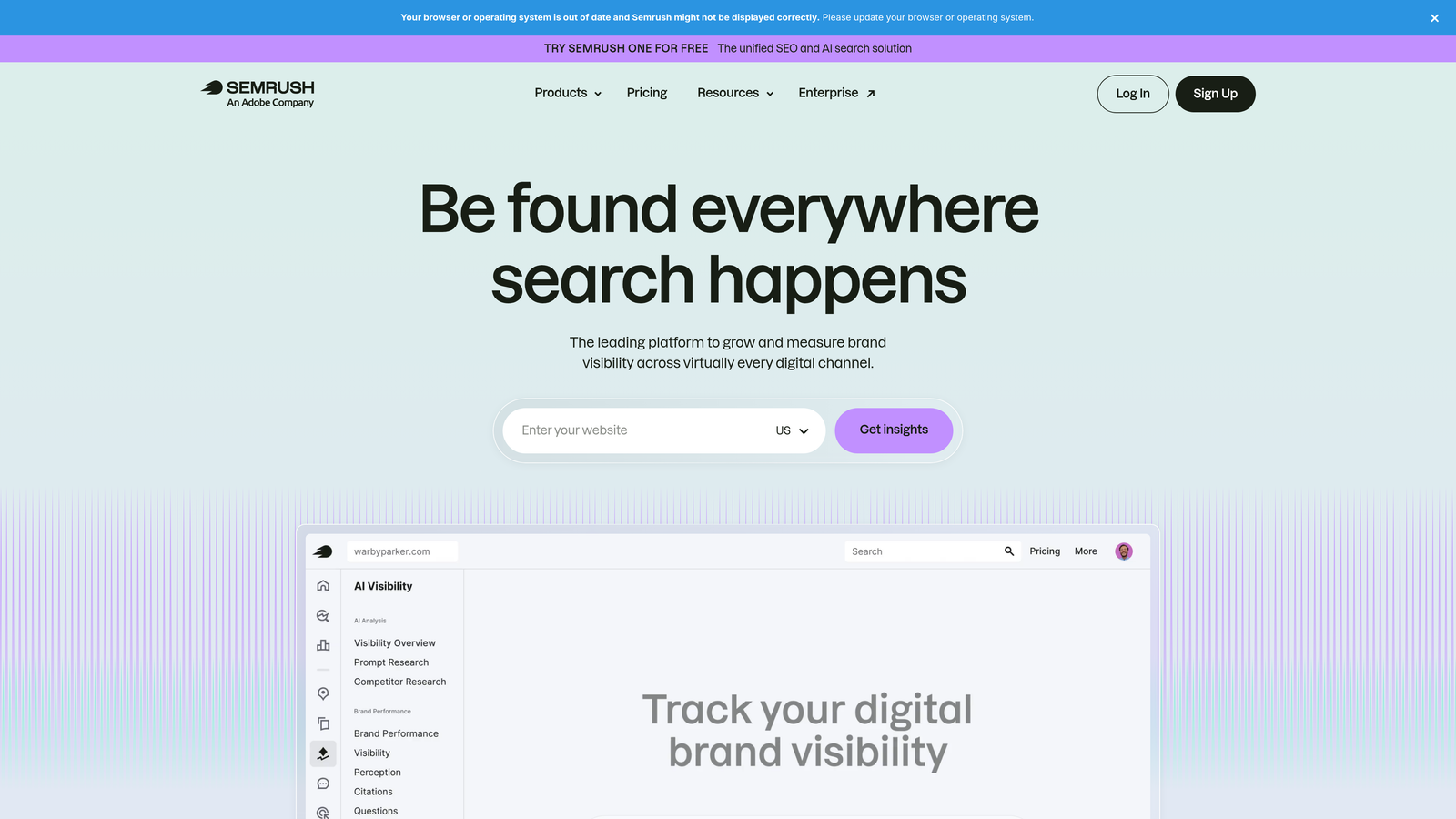
SEMrush's PPC Toolkit offers competitive keyword research, ad copy analysis, and CPC data for advertisers who want to inform campaign strategy with deep competitive intelligence.
Where This Tool Shines
SEMrush is a strong option when you need both SEO and PPC research in one place. If you're already paying for an SEMrush subscription for organic work, the PPC Toolkit adds meaningful value without a separate bill. The ad copy research and competitor keyword data are solid, and the CPC estimates help with budget planning before a campaign goes live.
It's worth being honest here: SEMrush is at the higher end of what most people would call affordable for a solo advertiser. The value proposition is strongest when you're using the full platform across multiple use cases, not just for PPC research alone.
Key Features
Competitor Ad Research: Surface competitor keywords, ad copy, and ad history to inform your own strategy.
CPC and Keyword Data: Estimate cost-per-click and keyword difficulty before building campaigns.
Ad History Archive: Review how competitors' ad messaging has evolved over time.
Unified SEO and PPC Data: One subscription covers both organic and paid research workflows.
Best For
Agencies and freelancers who need both SEO and PPC research tools and want to consolidate under one platform. Less cost-effective for users who only need PPC competitive intelligence, where SpyFu offers a more targeted and affordable alternative.
Pricing
Starts around $139.95/month. Verify current pricing at semrush.com. Best value when the full suite is used across SEO and PPC workflows.
8. Optmyzr
Best for: Rule-based automation and one-click PPC optimizations for agencies
Optmyzr is a PPC management platform built around automation, pre-built optimization scripts, and account audit tools that don't require coding knowledge to use.
Where This Tool Shines
Optmyzr is genuinely powerful for agencies that want to automate repetitive optimization tasks without writing custom scripts. The pre-built rule sets cover bid management, budget pacing, and ad testing in a way that's accessible to account managers who aren't developers. The account audit feature is particularly useful when onboarding a new client: it surfaces structural issues and missed opportunities quickly.
That said, Optmyzr is the most expensive tool on this list and sits outside what most solo advertisers would consider affordable. It's included here because the per-client cost becomes reasonable when spread across an agency's book of business, and the automation capabilities can justify the price for teams managing significant ad spend.
Key Features
Pre-Built Optimization Scripts: Apply automated rules for bidding, budgets, and ad testing without writing code.
Rule-Based Bid Management: Set conditions that trigger bid adjustments based on performance data.
PPC Account Audits: Run structured audits that surface actionable recommendations across campaigns.
Report Automation: Generate client-facing reports automatically on a scheduled basis.
Best For
Agencies managing multiple high-spend accounts who want to reduce manual optimization time through automation. The cost is harder to justify for individual advertisers or freelancers managing smaller budgets. Worth evaluating during a trial period to see whether the automation features match your actual workflow needs.
Pricing
Starts around $208/month. Verify current pricing at optmyzr.com. Cost is more manageable when split across multiple client accounts.
Matching the Right Tool to Your Situation
Every tool on this list solves a real problem, but they don't all solve the same one. Here's a quick way to think about where to start based on your situation.
Solo advertiser on a tight budget: Start with Google Ads Editor (free) for bulk structural work, then layer in Keywordme at $12/month for faster in-interface optimization. That combination covers most of what a single-account manager needs without a significant monthly commitment.
Freelancer doing competitive research: SpyFu is the most affordable dedicated intelligence tool at around $39/month. If you're already paying for SEMrush for SEO work, the PPC Toolkit adds value without an extra subscription.
Agency managing multiple clients: Keywordme's multi-account support and flat per-user pricing make it a strong foundation. Pair it with Supermetrics for automated reporting and you've covered the two biggest time drains in agency PPC work: optimization and client deliverables.
Wasted spend is your biggest pain point right now: Keywordme's one-click negative keyword workflow and NegativeKeywords.io for structured list management are the most direct solutions. Most wasted spend in Google Ads traces back to poor search term hygiene, and both tools make that work faster and more systematic.
Teams running frequent ad experiments: Adalysis adds structure to the testing process and removes the guesswork from knowing when to pause an underperforming ad. Worth the mid-range price if ad testing is a regular part of your workflow.
Most tools here offer free trials, so there's no real reason not to test before committing. Start with the tool that solves your most immediate problem. Once that's working, layer in others as your workflow matures and your client base grows.
If you're looking for the fastest way to reduce wasted spend and speed up in-interface optimization without adding another dashboard to your stack, Start your free 7-day trial of Keywordme and see how much time you get back in your first week.
.svg)