
8 Best Affordable Google Ads Chrome Extensions for PPC Optimization in 2026
A practical guide to affordable google ads chrome extension.


If you run Google Ads for yourself, a handful of clients, or a small agency, you probably don't want another platform that bills like an enterprise suite. Browser extensions are the cheap alternative, but they split into two very different groups. Some edit your Google Ads account. Others only show you data. We picked these tools for fit with Google Ads workflows, price transparency, whether they work inside the Google Ads interface, and how well they suit solo advertisers and small teams.
Quick Comparison of the Tools
- Keywordme: freelancers and agencies who spend their time cleaning search terms; $12/month per user (as of November 2026, verify on the site); edits keywords and negatives directly inside the native Search Terms Report.
- Optmyzr: established agencies already running multiple accounts; pricing on request via its website; rule-based optimizations and audits across accounts.
- Keywords Everywhere: anyone doing quick keyword research before building campaigns; credit-based pricing, see its website; shows volume and CPC data right on search results pages.
1. Keywordme
Keywordme is our own product, so weigh this section with that in mind. It's a Chrome extension that adds one-click actions to the Search Terms Report in Google Ads. The target buyer is a freelancer or agency marketer who spends a chunk of every week sorting through search terms and deciding what to add or block.
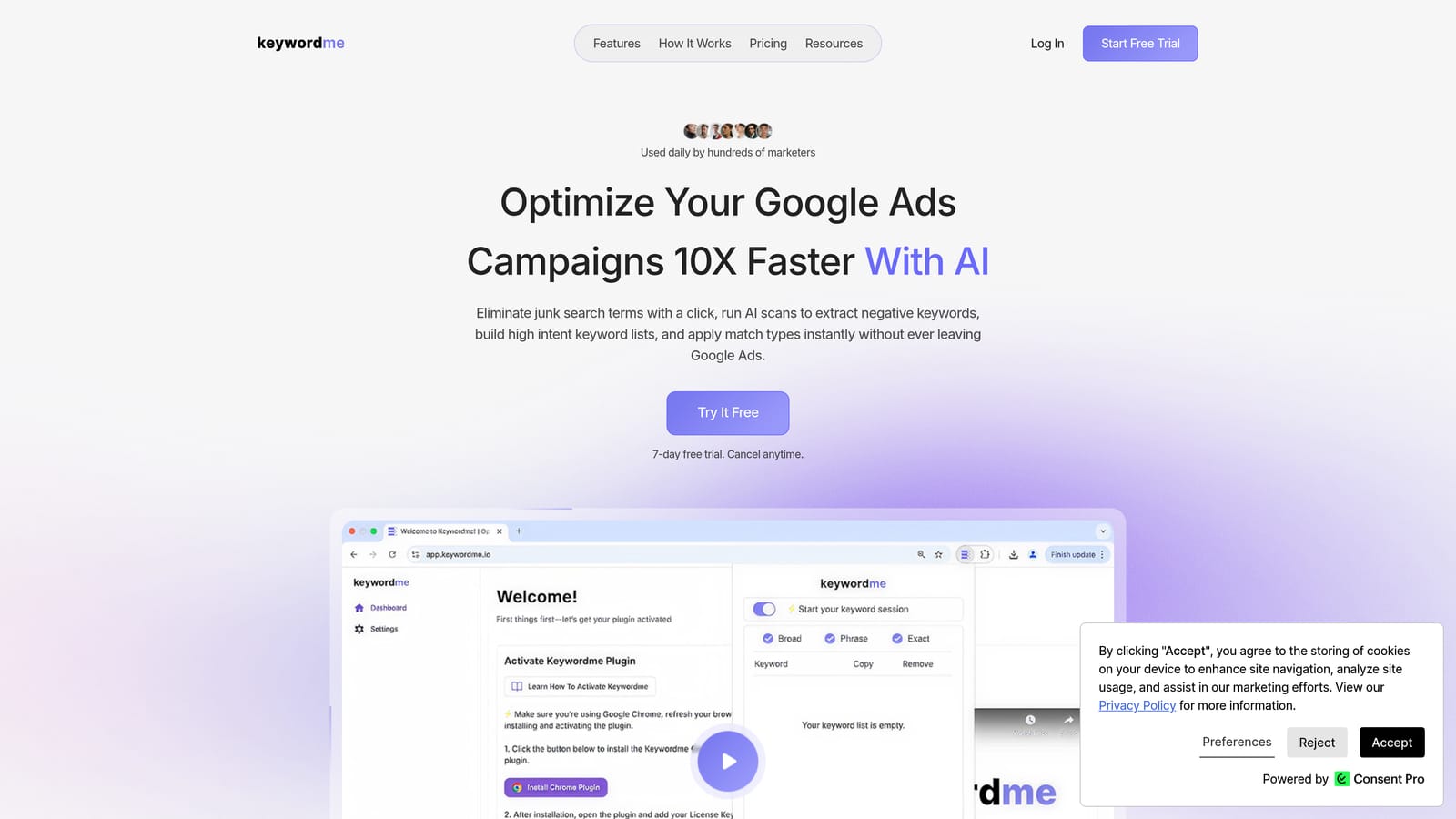
A quick definition, since the whole tool hangs on it: a search term is what someone actually typed into Google. A keyword is what you bid on. A negative keyword tells Google not to show your ad for matching searches. Keywordme works on the gap between those: you see the search terms, then turn them into keywords or negatives without leaving the report.
What sets it apart on this list is where the edit happens. You change keywords and negatives inside the native Search Terms Report, with no export, no spreadsheet, and no pasting back into an upload. Most other tools here either research from outside your account or sit on top of a separate platform.
- One-click negative keywords straight from the Search Terms Report, so junk queries get blocked as you spot them.
- Add search terms as keywords with the match type you choose, which helps you avoid the common habit of adding everything as broad match.
- Keyword clustering to group related terms when you're building out new ad groups.
- Bulk editing for handling many terms at once instead of one at a time.
- Multi-account and team support, useful when several people touch several client accounts.
Setup is a Chrome extension install, and it works in Google Ads through the browser. Whoever does the search term review runs it day to day, so there's no admin layer to manage.
The limits are plain. It focuses on search term and keyword management. It isn't a bidding tool, a reporting suite, or an ad-copy tool, and it only runs in Chrome. You still make the calls: it speeds up the clicks, but deciding which terms are relevant stays with you.
Pricing is $12/month per user, with a 7-day free trial, as of November 2026. Cost scales with the number of users, not ad spend or accounts. Check the website for current terms.
Best for: Freelancers and agencies who spend their time cleaning search terms.
2. Optmyzr
Optmyzr is a PPC optimization platform rather than a single-purpose extension. It also has a companion browser extension, but the platform is the main product, and the extension's scope is something to confirm on the vendor's site before you buy. It's designed for agencies and in-house teams that manage many accounts and want systematic optimization.

Its distinguishing strength against the rest of this list is cross-account, rule-based work. Instead of fixing one account at a time by hand, you can set up rules and audits that run across your accounts and flag what needs attention. Nothing else here operates at that level.
- Rule-based optimizations that let you codify checks you'd otherwise repeat manually.
- Account audits that surface issues across campaigns, which helps when you take over an unfamiliar account.
- Reporting to pull client-facing summaries without building them from scratch.
- Cross-account management so one view covers many clients.
It integrates with Google Ads and Microsoft Advertising. Setup takes more effort than installing an extension: you connect accounts and configure rules, so expect someone to own it, typically a PPC lead or account manager.
The main drawback for this article's audience is cost and scope. Platform pricing is likely to be high for solo advertisers, and because the extension is secondary to the platform, you may be paying for far more than a browser add-on. If you manage one or two accounts, much of it will sit idle.
Pricing isn't something we can quote reliably. Check the Optmyzr website for current plans and what drives the price, which for platforms like this commonly relates to the accounts or ad spend you manage.
Best for: Established agencies already running multiple accounts.
3. Keywords Everywhere
Keywords Everywhere belongs in the research category, not the account-editing one. It's a browser extension that overlays keyword volume, CPC, and related terms on search pages. It suits marketers who want quick numbers while planning a campaign.
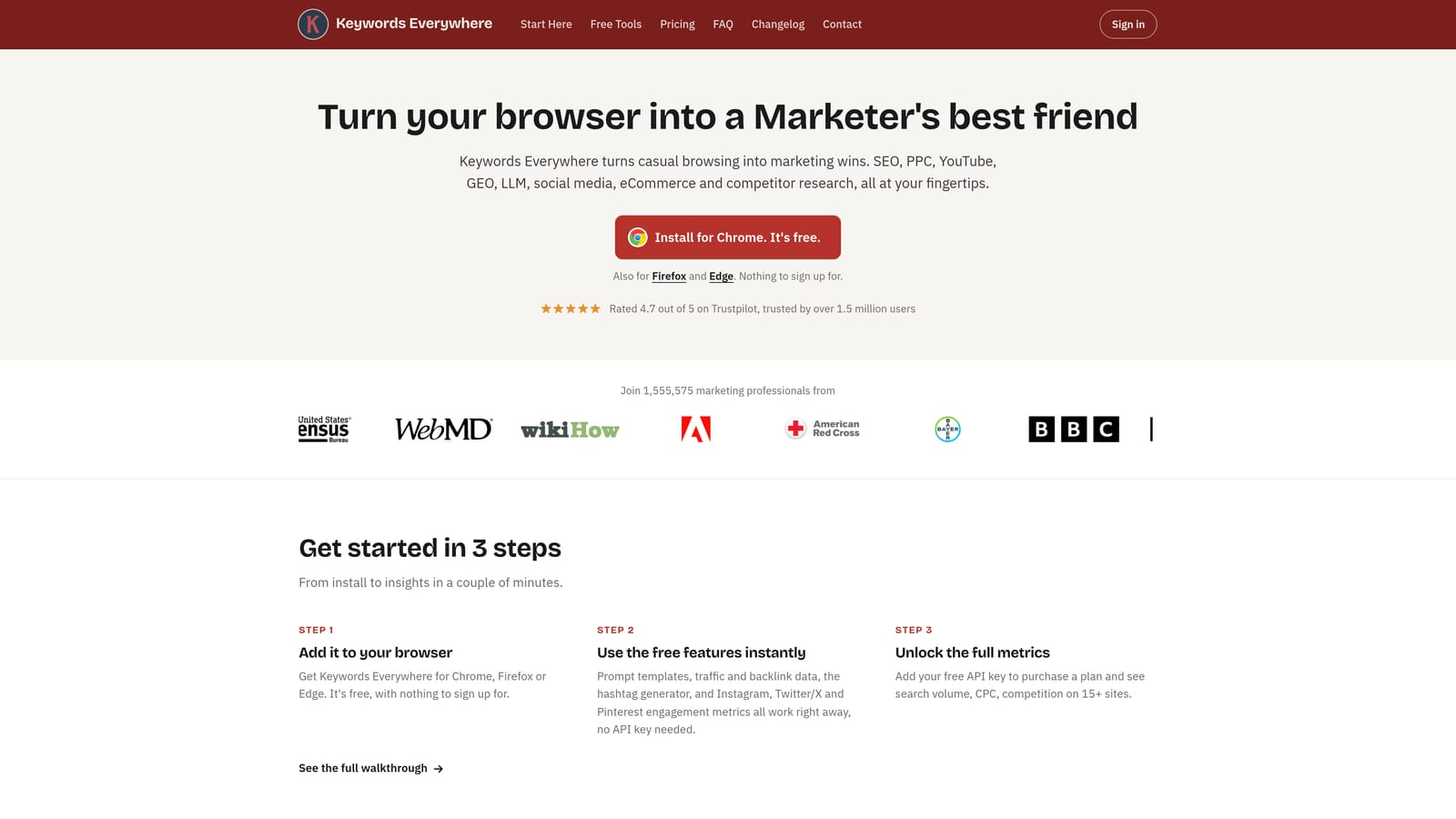
Its standout trait is where the data appears: right on the search results page, as you browse. You don't open a separate keyword tool, run a query, and export. That makes it fast for sanity checks, such as whether a phrase has meaningful volume or what advertisers seem to pay for it.
- Search volume and CPC overlays so you can judge a term's demand and cost without leaving the page.
- Related and People Also Search For keywords to spot angles you hadn't considered.
- Credit-based pricing, which means you pay for the lookups you use instead of a flat seat.
- Keyword list export so you can move your findings into a spreadsheet or campaign build.
It works on Google Search, YouTube, and various other sites. Setup is an extension install, and anyone doing planning can use it.
The key limitation: it's research only. It does not edit Google Ads campaigns, so it can't add keywords, add negatives, or clean up search terms in your account. Treat it as a planning companion to an in-account tool, not a replacement. Also note that the numbers are estimates for planning, and your own account data is the better guide once campaigns run.
Pricing is credit-based, so what moves your cost is how many lookups you do. See the Keywords Everywhere website for current rates, as these can change.
Best for: Quick keyword research before building campaigns.
Matching the Tool to the Job
This is a short list on purpose. Only three tools made it through, because very few extensions actually edit a Google Ads account, and we didn't want to pad the field with tools we couldn't verify. Pricing here is as of November 2026, so confirm on each vendor's site.
- Search term cleanup: Keywordme. It's the one built to work inside the Search Terms Report, adding negatives and keywords with chosen match types. That's where wasted spend usually shows up first.
- Keyword research: Keywords Everywhere. Use it before you build, then let real search term data guide you after launch.
- Agency multi-account work: Optmyzr, if you already manage enough accounts to justify a platform. Smaller teams that mostly need search term hygiene across clients may find Keywordme's multi-account and team support enough.
- Competitor and SERP checks: none of the three covers this well, so look to a dedicated SERP or ad-intelligence tool instead.
Most of these complement each other. A common low-cost pairing is a research overlay for planning plus an in-account extension for ongoing cleanup.
Optimize Google Ads Campaigns 10X Faster. Without Leaving Your Account. Keywordme lets you remove junk search terms, build high-intent keyword lists, and apply match types instantly, right inside Google Ads. No spreadsheets, no switching tabs, just quick, seamless optimization. Start your free 7-day trial (then just $12/month) and take your Google Ads game to the next level.
