
9 Best AdWords Optimization Tools for Smarter PPC Management in 2026
Managing Google Ads campaigns in 2026 requires more than manual adjustments—the right adwords optimization tool can automate bid management, uncover wasted spend, and surface competitive insights you'd miss on your own. This guide reviews nine leading platforms tested across real-world scenarios, from solo marketers to agencies, helping you choose tools that reduce click fraud, identify profitable keywords faster, and streamline PPC management without the constant monitoring.


If you've ever felt like you're burning through ad budget faster than you can figure out why, you're not alone. Google Ads optimization can feel like a full-time job—hunting down negative keywords, adjusting bids, testing ad copy, and trying to stay ahead of competitors who seem to have endless resources. The good news? The right tools can automate the grunt work and surface insights you'd never catch manually.
In 2026, AdWords optimization tools have evolved beyond simple dashboards. The best ones integrate directly into your workflow, whether that means working inside Google Ads itself, pulling competitive intelligence, or protecting your budget from click fraud. We've tested the leading platforms across different use cases—from solo marketers managing a handful of campaigns to agencies juggling dozens of client accounts.
Here are the top AdWords optimization tools that can help you cut wasted spend, find profitable keywords faster, and actually get your evenings back.
1. Keywordme
Best for: Fast search term optimization without leaving Google Ads
Keywordme is a Chrome extension that lives inside your Google Ads interface, turning the tedious process of search term cleanup into quick, intuitive clicks.

Where This Tool Shines
The biggest time-sink in PPC management is often the simplest task: reviewing search terms and deciding what to keep, what to add as negatives, and what to promote to your keyword list. Keywordme eliminates the spreadsheet shuffle by letting you handle all of this directly in the Search Terms Report.
Click once to remove junk terms. Click again to add high-intent keywords with the right match type. No copy-pasting between tabs, no reformatting in Excel, no context-switching that kills your momentum. It's the kind of tool that makes you wonder how you ever managed without it.
Key Features
One-Click Negative Keyword Management: Add negative keywords directly from the Search Terms Report without opening separate menus or navigating away from your workflow.
Instant Match Type Application: Apply exact, phrase, or broad match modifiers to keywords as you review them, no manual formatting required.
Keyword Clustering: Automatically group related keywords into organized campaign structures, making it easier to manage large accounts without losing track of themes.
Multi-Account Support: Switch between client accounts seamlessly if you're managing multiple Google Ads profiles, with team collaboration features for agencies.
Bulk Editing Capabilities: Process multiple search terms at once when you spot patterns, speeding up optimization sessions significantly.
Best For
Solo marketers and agency teams who spend significant time in the Search Terms Report and want to eliminate manual data manipulation. If you're tired of spreadsheet workflows or constantly switching between tabs to make simple changes, this is your tool.
Pricing
Flat rate of $12/month per user with a 7-day free trial. No pricing tiers based on ad spend, which makes it predictable for growing accounts.
2. Optmyzr
Best for: Rule-based automation across large PPC accounts
Optmyzr is a comprehensive PPC management platform built around the concept of one-click optimizations with human oversight.

Where This Tool Shines
Optmyzr's Rule Engine lets you create custom automation rules that mirror your actual optimization strategy. Want to pause keywords that haven't converted after 100 clicks? Automatically increase bids on terms with ROAS above your target? You can set it up once and let the platform suggest changes based on your criteria.
The platform doesn't make changes automatically by default—it presents recommendations you can approve or reject with a single click. This "automation with guardrails" approach works well for experienced advertisers who want efficiency without losing control.
Key Features
Custom Rule Engine: Build sophisticated automation rules based on performance metrics, time periods, and account-specific thresholds.
One-Click Optimizations: Review suggested changes across bid adjustments, budget allocation, and keyword management in a unified dashboard.
Shopping Campaign Tools: Specialized features for managing product feeds, bidding strategies, and Shopping campaign structures.
Quality Score Tracking: Monitor Quality Score changes over time and get recommendations for improvement at the keyword level.
Advanced Reporting: Build custom reports that combine data from multiple accounts and platforms with flexible scheduling options.
Best For
Agencies and in-house teams managing multiple accounts with complex optimization strategies. If you're running six-figure monthly budgets and need sophisticated automation that doesn't run on autopilot, Optmyzr delivers.
Pricing
Starts at $249/month for accounts managing up to $25K in ad spend, with pricing scaling as your spend increases.
3. WordStream
Best for: Beginners who need guided PPC optimization
WordStream built its reputation on the "20-Minute Work Week" concept—the idea that you can meaningfully optimize your PPC accounts in short, focused sessions.
Where This Tool Shines
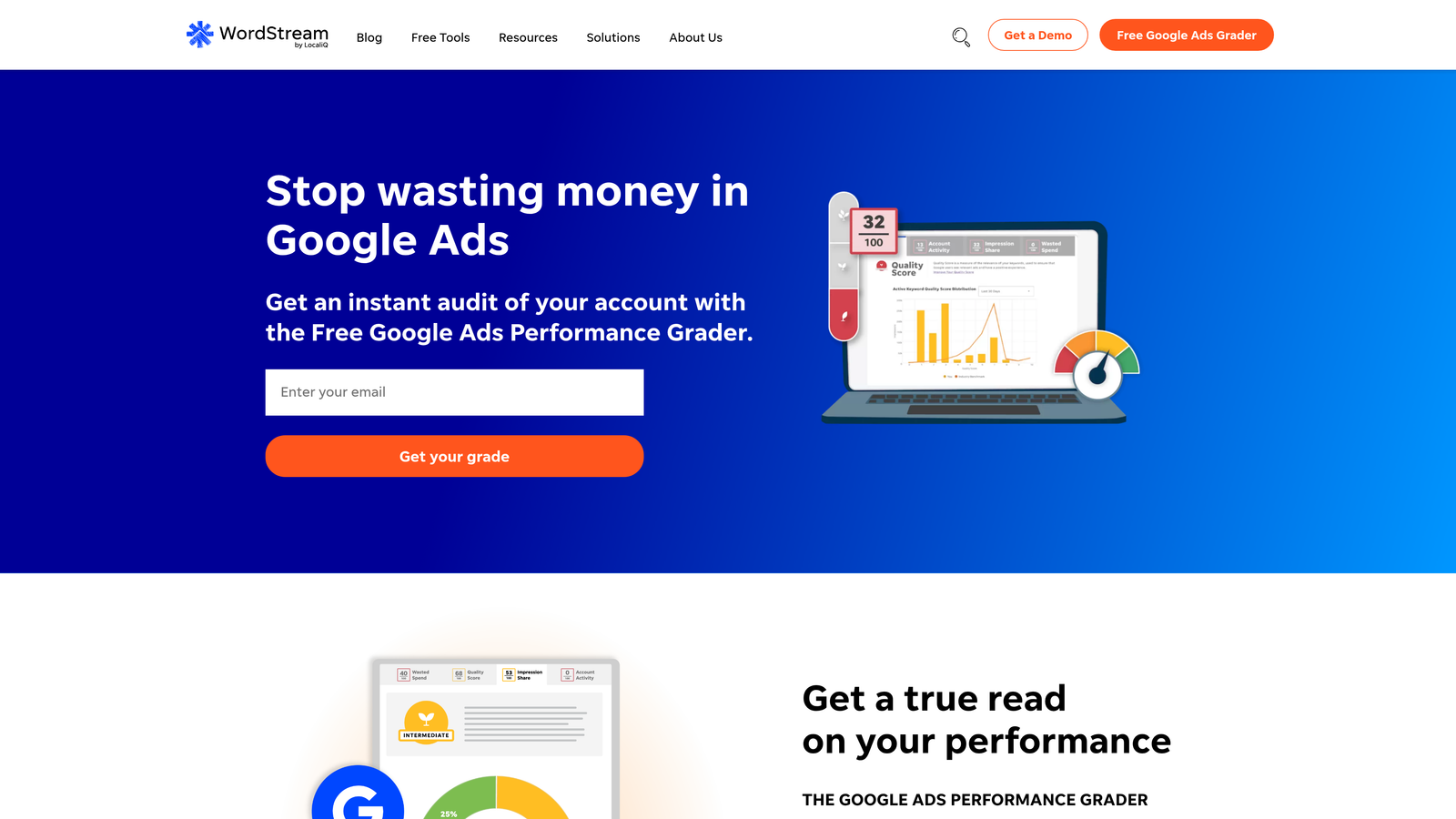
WordStream excels at making PPC management less intimidating. The platform sends you weekly optimization alerts that highlight specific issues in your account, then walks you through fixing them step by step. It's like having a PPC consultant looking over your shoulder, pointing out opportunities you might have missed.
The Performance Grader tool gives you a clear account health score and prioritizes what to fix first. This guided approach works especially well if you're managing PPC alongside other marketing responsibilities and can't afford to become a full-time ads specialist.
Key Features
Weekly Optimization Alerts: Get prioritized recommendations delivered to your inbox, focusing your attention on the highest-impact changes.
Performance Grader: Run comprehensive account audits that identify wasted spend, poor Quality Scores, and structural issues.
Cross-Platform Management: Manage Google Ads, Microsoft Advertising, and Facebook campaigns from a single interface.
Guided Workflows: Step-by-step instructions for implementing optimizations, reducing the learning curve for PPC newcomers.
Negative Keyword Suggestions: Automated recommendations for terms to exclude based on your search term data.
Best For
Small business owners and marketers who are relatively new to PPC or managing ads as part of a broader role. If you need clear guidance on what to do next rather than endless data to interpret, WordStream fits the bill.
Pricing
Custom pricing based on your ad spend, typically starting around $300/month for smaller accounts with personalized onboarding and support.
4. Adalysis
Best for: Data-driven ad testing and Quality Score optimization
Adalysis takes a scientific approach to PPC optimization, with a particular focus on ad copy testing and Quality Score improvement.

Where This Tool Shines
If you're serious about ad testing, Adalysis removes the guesswork. The platform automatically tracks performance across ad variations and tells you when results reach statistical significance—no more making decisions based on gut feel or premature data.
The Quality Score tracking is equally thorough. Adalysis monitors your Quality Scores at the keyword level over time, identifying trends and providing specific recommendations for improvement. Since Quality Score directly impacts your cost per click and ad position, this level of detail can translate into significant cost savings.
Key Features
Automated Ad Testing: Run controlled experiments across ad variations with statistical significance calculations built in.
Quality Score Monitoring: Track Quality Score changes historically and get actionable recommendations for improvement.
Search Term Analysis: Automated negative keyword suggestions based on your search query data and performance patterns.
Account Audits: Comprehensive health checks that identify structural issues, policy violations, and optimization opportunities.
Pause/Reactivate Automation: Set rules to automatically pause underperforming elements and reactivate them when conditions improve.
Best For
Performance marketers who obsess over incremental improvements and want to make decisions based on solid data rather than assumptions. If you're running multiple ad variations and need to know which actually performs better, Adalysis is essential.
Pricing
Starts at $149/month for accounts managing up to $50K in monthly ad spend, with higher tiers available for larger budgets.
5. SEMrush PPC Toolkit
Best for: Competitive intelligence and keyword research
SEMrush is primarily known as an SEO platform, but its PPC toolkit offers powerful competitive research capabilities that can inform your ad strategy.
Where This Tool Shines
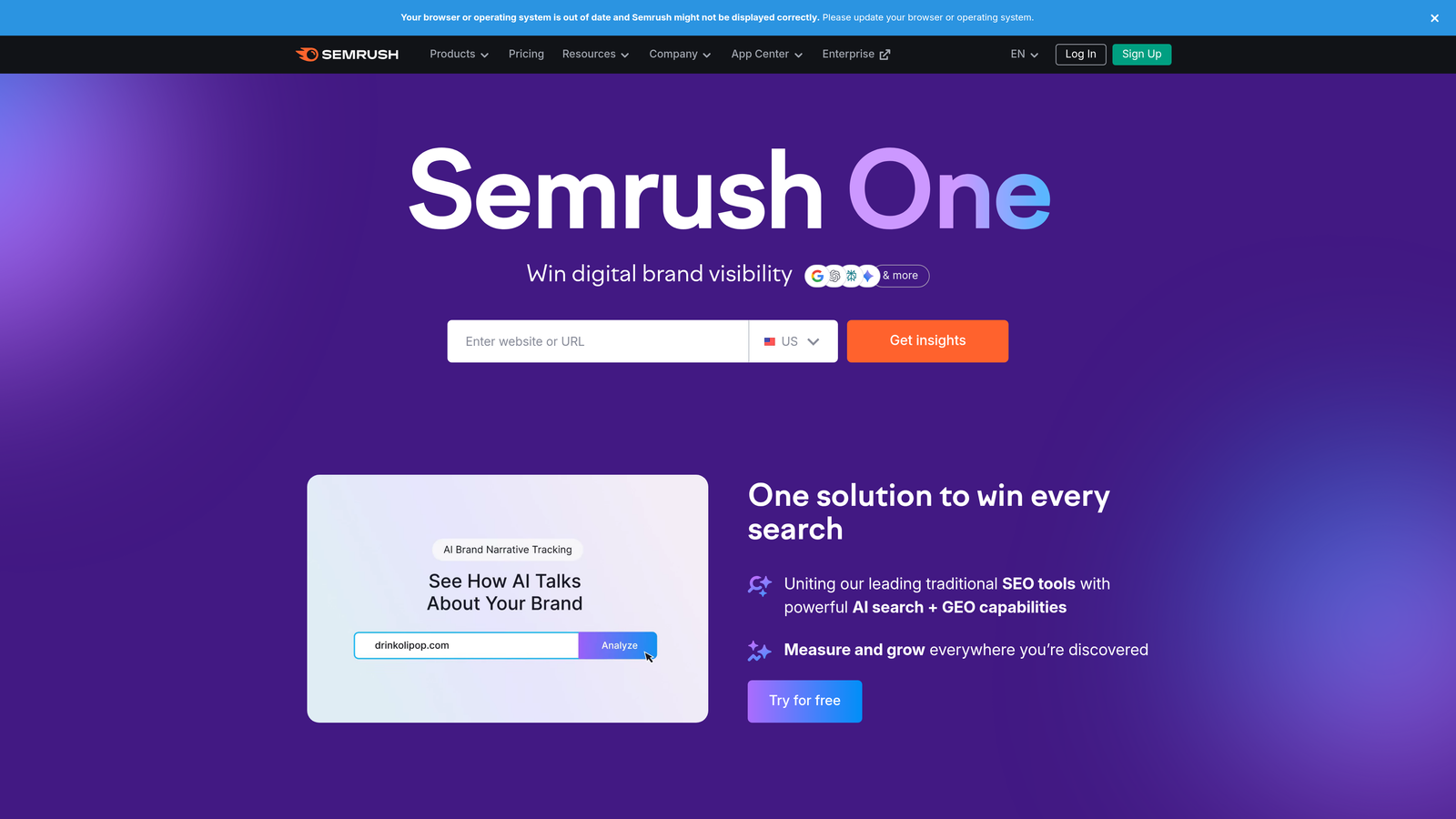
SEMrush lets you peek behind the curtain at your competitors' PPC strategies. You can see which keywords they're bidding on, view their ad copy variations, track their positioning over time, and even estimate their ad spend. This intelligence helps you identify gaps in your own strategy and discover profitable keywords you might have overlooked.
The PPC Keyword Tool combines competitive data with search volume, CPC estimates, and competition metrics to help you build campaigns around terms that actually have commercial intent. It's particularly valuable during the initial campaign planning phase or when expanding into new product categories.
Key Features
Competitor Keyword Research: Discover which keywords your competitors are bidding on and how their strategy has evolved over time.
Ad Copy Analysis: View historical ad variations from competitors to understand their messaging approach and identify opportunities.
PPC Keyword Tool: Get comprehensive keyword data including CPC estimates, competition levels, and search volume for campaign planning.
Position Tracking: Monitor your ad positions and compare them against competitors across target keywords.
Ad History Database: Access historical ad data to see how competitors have tested different offers and messaging angles.
Best For
Marketers who need competitive intelligence to inform their PPC strategy, especially in crowded markets where understanding the competitive landscape provides a real advantage. Also valuable for agencies pitching new clients who want to demonstrate what competitors are doing.
Pricing
Pro plan at $139.95/month includes the full PPC toolkit along with SEO and content marketing tools, making it a solid value if you need multiple capabilities.
6. SpyFu
Best for: Historical competitor data and spend estimates
SpyFu specializes in deep historical data on competitors' PPC activities, going back years to show how their strategies have evolved.

Where This Tool Shines
SpyFu's historical perspective is its superpower. You can see not just what competitors are doing now, but what they've tested in the past and how long they've been running specific campaigns. If a competitor has been bidding on a keyword consistently for two years, that's a strong signal it's profitable for them.
The platform also provides estimated ad spend figures for competitors, helping you understand the scale of their investment and whether you're competing against companies with much deeper pockets. This context is invaluable for setting realistic expectations and choosing your battles wisely.
Key Features
Historical Keyword Data: See years of historical data showing when competitors started and stopped bidding on specific terms.
Ad Spend Estimates: Get approximate monthly spend figures for competitors to understand their budget commitment.
Most Profitable Keywords: Identify which keywords competitors have been consistently bidding on, suggesting profitability.
Ad Variation History: View all the ad copy variations a competitor has tested over time.
Kombat Tool: Compare your keyword portfolio directly against competitors to find gaps and opportunities.
Best For
Competitive marketers who want to understand not just current competitor tactics but long-term strategic patterns. Particularly useful when entering established markets where you need to understand what's already been tested.
Pricing
Basic plan at $39/month provides core competitor research features, with the Professional plan at $79/month unlocking deeper historical data and unlimited searches.
7. Google Ads Editor
Best for: Bulk campaign management and offline editing
Google Ads Editor is Google's free desktop application for managing campaigns at scale.
Where This Tool Shines
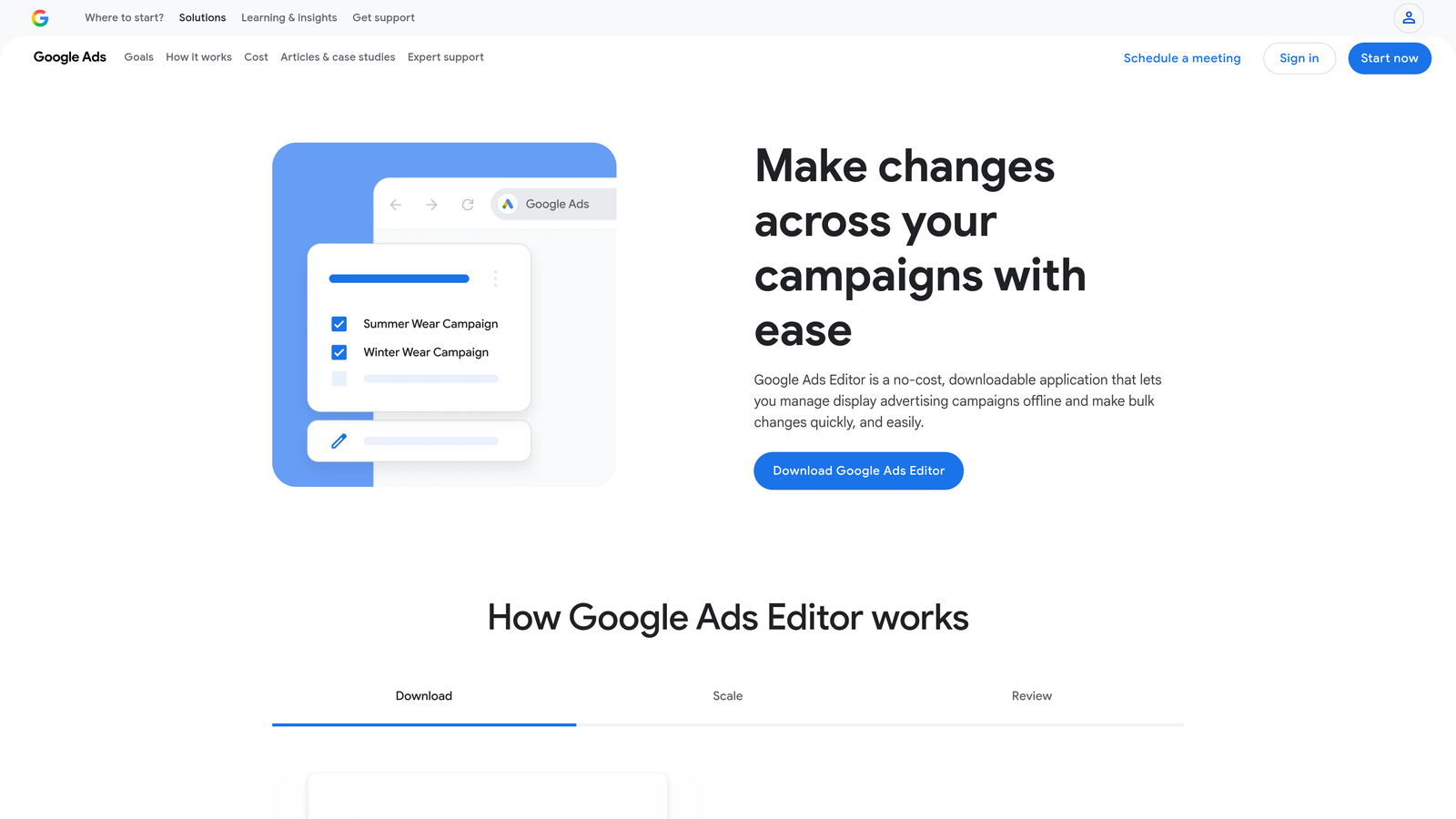
When you need to make sweeping changes across multiple campaigns, ad groups, or keywords, Google Ads Editor is unmatched. The desktop interface lets you work offline, make bulk edits using spreadsheet-like functionality, and then push all changes live at once.
The find-and-replace feature alone saves countless hours. Need to update UTM parameters across 500 ads? Change bid adjustments for an entire campaign? Copy campaign structures between accounts? Editor handles it all with a few clicks. It's not flashy, but it's essential infrastructure for anyone managing substantial PPC accounts.
Key Features
Bulk Editing: Make changes across thousands of keywords, ads, or campaigns simultaneously using spreadsheet-style editing.
Offline Campaign Management: Download your account, make changes without an internet connection, and upload when ready.
Find and Replace: Search for specific text or settings across your entire account and replace them in bulk.
Copy and Paste Between Accounts: Duplicate campaign structures or settings between different Google Ads accounts seamlessly.
Advanced Search: Filter and find specific elements across large accounts using multiple criteria simultaneously.
Best For
Anyone managing more than a handful of campaigns, especially agencies that need to duplicate structures across client accounts or make systematic changes at scale. It's a workhorse tool that every PPC professional should have installed.
Pricing
Completely free from Google, available for Windows and Mac.
8. Channable
Best for: E-commerce feed management and Shopping campaign automation
Channable is a feed management platform designed specifically for e-commerce advertisers running Shopping campaigns across multiple marketplaces.
Where This Tool Shines
If you're running Shopping campaigns with hundreds or thousands of products, manual management becomes impossible. Channable automates the creation and optimization of product feeds, letting you set rules that dynamically generate ad titles, descriptions, and campaign structures based on your product catalog.
The platform excels at feed enrichment—automatically improving product titles, adding missing attributes, and optimizing feeds for better performance across Google Shopping, Amazon, Facebook, and other marketplaces. You can also set up rules to automatically adjust bids based on inventory levels, profit margins, or seasonal factors.
Key Features
Dynamic Ad Generation: Automatically create optimized text ads and Shopping ads from your product feed data.
Feed Optimization: Enrich product data with better titles, descriptions, and attributes to improve visibility and click-through rates.
Multi-Marketplace Support: Manage feeds for Google Shopping, Amazon, Facebook, Instagram, and dozens of other platforms from one interface.
Rule-Based Automation: Set up conditional logic to adjust bids, pause products, or modify campaigns based on inventory or performance data.
Inventory Sync: Automatically pause ads for out-of-stock products and reactivate them when inventory is replenished.
Best For
E-commerce businesses running Shopping campaigns with large product catalogs, especially those selling across multiple marketplaces. If you're manually managing product feeds or struggling to keep Shopping campaigns updated with inventory changes, Channable solves those headaches.
Pricing
Starts at €29/month for smaller catalogs, with pricing scaling based on SKU count and number of channels you're advertising on.
9. Lunio
Best for: Click fraud detection and prevention
Lunio (formerly PPC Protect) specializes in identifying and blocking invalid traffic before it drains your ad budget.
Where This Tool Shines
Click fraud is one of those problems many advertisers don't realize they have until they start measuring it. Lunio monitors your traffic in real-time, identifying patterns that indicate bot traffic, competitor click fraud, or accidental clicks from irrelevant sources.
When the platform detects invalid traffic, it automatically adds those IP addresses to your exclusion lists in Google Ads, preventing future wasted clicks. The analytics dashboard shows you exactly how much budget you're saving and where the fraudulent traffic was coming from. For advertisers in competitive industries or those with limited budgets, this protection can significantly improve ROI.
Key Features
Real-Time Fraud Detection: Monitor incoming traffic and identify suspicious patterns using machine learning algorithms.
Automatic IP Exclusions: Add detected fraudulent IP addresses to your Google Ads exclusion lists without manual intervention.
Cross-Platform Protection: Guard against invalid clicks across Google Ads, Microsoft Advertising, and Facebook campaigns.
Detailed Analytics: See exactly how much budget you've saved and where fraudulent traffic originated.
Custom Rules: Set your own thresholds and criteria for what constitutes suspicious activity based on your specific traffic patterns.
Best For
Advertisers in highly competitive industries where click fraud is common, or anyone who's noticed suspicious traffic patterns eating into their budget. Also valuable for campaigns with high CPCs where each fraudulent click represents significant wasted spend.
Pricing
Starts at $49/month for accounts with up to $5K in monthly ad spend, with pricing tiers scaling based on your budget size.
Finding Your Perfect Tool Stack
Here's the reality: no single tool handles everything perfectly. Most successful PPC managers combine two or three tools to cover their complete workflow.
If you're looking for the fastest way to clean up search terms and manage negatives without leaving Google Ads, Keywordme eliminates the spreadsheet shuffle and gets you back to strategic work. For comprehensive automation across large accounts, Optmyzr delivers sophisticated rule-based optimization with human oversight. WordStream works best if you're newer to PPC and want guided recommendations that prioritize what matters most.
Adalysis is the go-to for advertisers who obsess over ad testing and Quality Score improvements. SEMrush and SpyFu excel when you need competitive intelligence to inform your strategy—SEMrush for current data and broad market insights, SpyFu for deep historical patterns. Google Ads Editor remains essential infrastructure for bulk editing, regardless of what other tools you use.
For e-commerce advertisers, Channable solves the product feed management nightmare that comes with large catalogs. And if you're in a competitive industry where click fraud is eating your budget, Lunio provides protection that pays for itself quickly.
The best approach? Start with the tool that addresses your biggest pain point. If you're spending hours manually reviewing search terms, start there. If competitor research is your weakness, begin with intelligence tools. Build your stack based on where you're losing the most time or money.
Optimize Google Ads Campaigns 10X Faster—Without Leaving Your Account. Keywordme lets you remove junk search terms, build high-intent keyword groups, and apply match types instantly—right inside Google Ads. No spreadsheets, no switching tabs, just quick, seamless optimization. Manage one campaign or hundreds and save hours while making smarter decisions. Start your free 7-day trial (then just $12/month) and take your Google Ads game to the next level.
.svg)