
9 Best AdWords Keyword Tools for Google Ads Search Campaigns
A practical guide to adwords keyword tool.


People still type "AdWords keyword tool" into Google, even though AdWords became Google Ads back in 2018. What they usually want is one of two things: a way to find keywords before a Search campaign launches, or a way to clean up keywords and search terms once it's running. This list covers both, aimed at freelancers, agency owners, and in-house marketers. Tools were weighed on fit with Google Ads workflows, where the data comes from, how openly they price, how useful they are across multiple client accounts, and what they honestly can't do.
Quick Comparison of the Tools
- Keywordme: freelancers and agencies cleaning up search terms and negatives; $12/month per user; works inside the native Google Ads Search Terms Report.
- Google Keyword Planner: anyone needing a free baseline before launch; free with a Google Ads account; first-party Google data with handoff into campaign planning.
- Semrush Keyword Magic Tool: agencies wanting broad research in one suite; see website for pricing; competitor PPC keyword research next to a very large keyword database.
- Ahrefs Keywords Explorer: teams running SEO and PPC from one source; see website for pricing; a clicks metric showing how often searches produce clicks.
- WordStream Free Keyword Tool: small business owners wanting a starter list; free; ideas organized by industry with no setup.
- SpyFu: agencies auditing competitors in a new vertical; see website for pricing; multi-year competitor ad and keyword history.
- Moz Keyword Explorer: SEO-led marketers who also need commercial-intent phrases; see website for pricing; a priority score blending volume, difficulty, and opportunity.
- Google Trends and Search Console: seasonal timing and mining your own organic queries; free; real queries already driving traffic to your site.
- AnswerThePublic: long-tail ideation and negative keyword brainstorming; free daily searches, paid plans on the website; question and modifier phrases that expose intent.
1. Keywordme
Keywordme is our own product, so here's the plain version. It's a Chrome extension that adds one-click actions to the Search Terms Report inside Google Ads. It does refinement, not discovery. It's built for people who already have campaigns spending money and need to deal with what users actually typed.

A quick distinction matters here. A keyword is what you bid on. A search term is what someone actually searched. A negative keyword blocks searches you don't want. Keywordme works on that last step: you read the search terms, then either add them as keywords or exclude them, without leaving the Google Ads interface.
- One-click negative keywords straight from the Search Terms Report, so junk queries get excluded without exporting anything.
- Add search terms as keywords with the match type you choose (broad, phrase, or exact), so good queries become controlled keywords.
- Keyword clustering, which groups related terms so you can spot patterns instead of reading line by line.
- Bulk editing, for applying the same action to many terms at once.
- Multi-account and team support, which helps agencies handling several clients.
Setup is a browser extension install, and it connects through the Google Ads interface you already use. The person running it day to day is whoever does search term reviews, usually a PPC manager or freelancer. There's no separate dashboard to learn.
The limits are real. Keywordme gives you no search volume, no forecasts, and no competitor research, so you'll need another tool from this list for discovery. It requires Chrome, and it only helps once your campaigns have search term data to review. If you're pre-launch with no data, start elsewhere.
Pricing is a flat $12 per month per user, with a 7-day free trial. Cost scales with the number of users, not ad spend or accounts, though check keywordme.io for the current terms.
Best for: Freelancers and agencies cleaning up search terms and negatives across Google Ads accounts.
2. Google Keyword Planner
Google Keyword Planner is the free research and forecasting tool inside Google Ads. It's the default starting point for anyone building a Search campaign, and it's still what most people mean when they say "AdWords keyword tool."
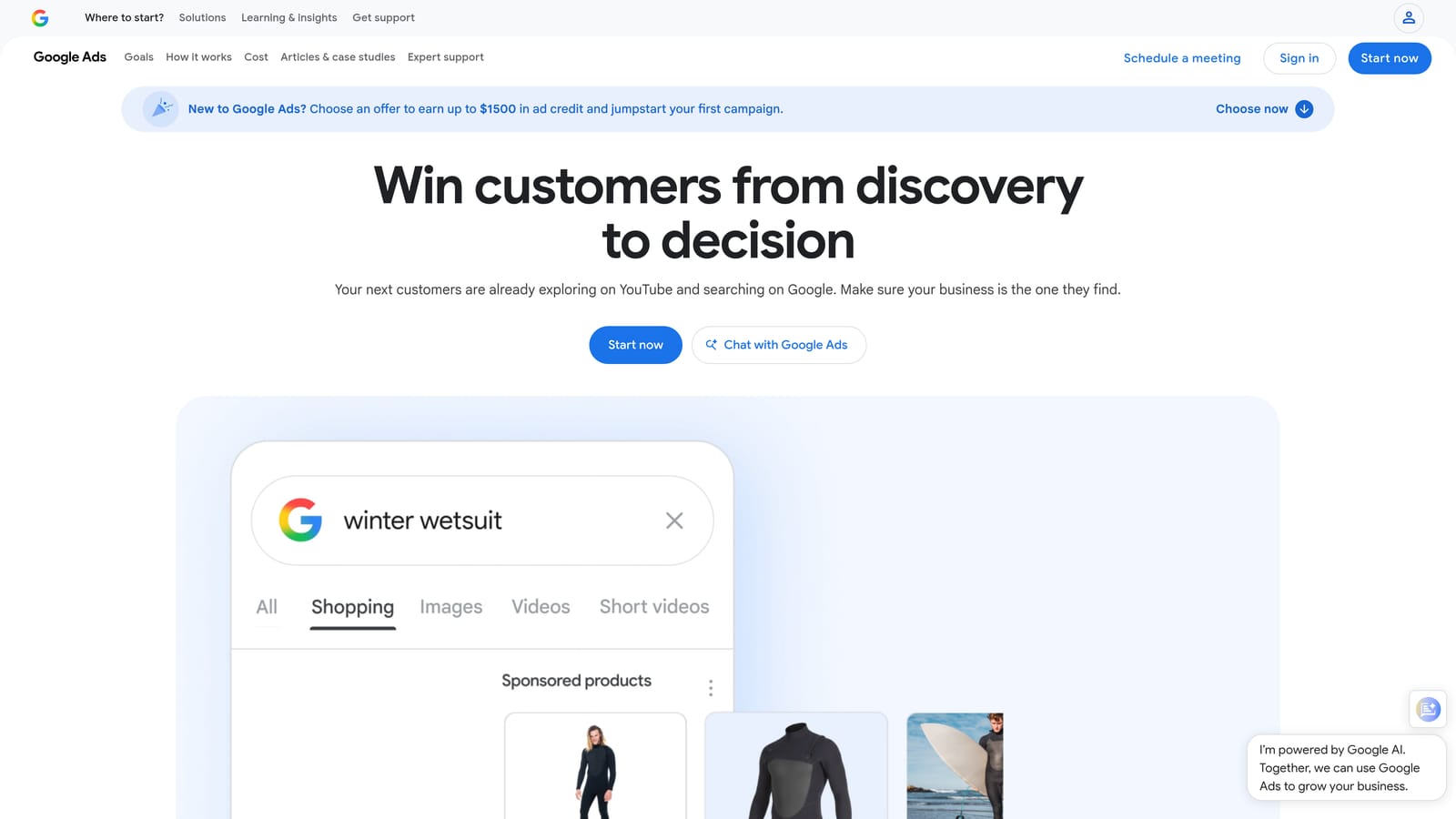
Its main edge is that the data comes from Google itself, and ideas move directly into campaign planning. No third-party tool can offer that handoff.
- Keyword ideas from seed terms or a website URL, useful for filling out a first ad group structure.
- Historical search metrics, so you can see which terms have meaningful demand.
- Bid range estimates, which give you a rough budget sanity check before spending.
- Forecasts for planned keywords, to estimate clicks and cost for a proposed setup.
You need a Google Ads account, and setup takes minutes. A campaign manager or the business owner can run it. The tool is built for planning, not ongoing cleanup.
The limitations: suggestions skew broad, and accounts with little or no spend may see volume shown as ranges rather than precise numbers. Google changes these access rules from time to time, so check Google Ads Help for the current ones. A common mistake is exporting Keyword Planner suggestions wholesale and loading them as broad match. Suggestions are candidates, not a finished keyword list, and the search terms report will show you what those keywords actually trigger.
Pricing: free with a Google Ads account.
Best for: Free baseline research and bid estimates before launching a Search campaign.
3. Semrush Keyword Magic Tool
Semrush bundles its Keyword Magic Tool into a broad marketing suite. It's built around a very large keyword database that you can slice with filters, which suits agencies handling many different clients and verticals.
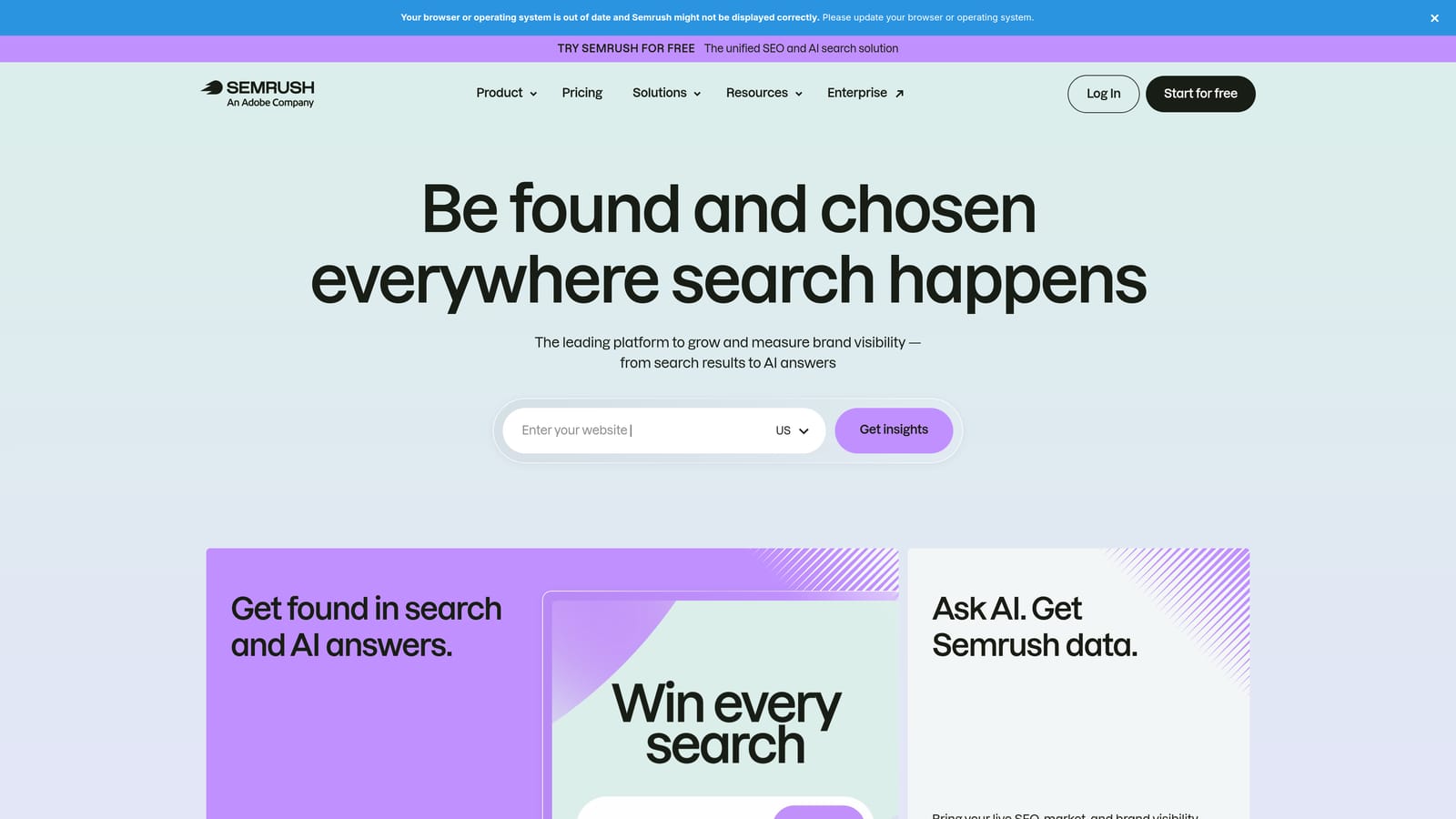
Where it stands apart on this list is competitor PPC keyword research sitting right next to that database. You can look at what rivals bid on and then explore related terms in the same place.
- Match-type filters, so you can narrow lists to the phrasing patterns you plan to bid on.
- Intent filters, which separate commercial and transactional searches from informational ones.
- Competitor PPC keyword research, to see which terms other advertisers pay for.
- CPC data, which helps estimate whether a keyword fits your budget.
It connects with Google Search Console and Google Analytics, and may connect with Google Ads (check the current integration list on their site). Setup is light, though learning the suite takes time because it does a lot. Expect an SEO or PPC lead to own it.
The downsides: cost, and the fact that keyword difficulty is an organic search metric with limited relevance to paid bidding. Solo advertisers who only need a starter list will probably be paying for far more than they use. It also doesn't replace search term review in your live account.
Pricing is subscription-based with tiers. See the Semrush website for current prices, since they change.
Best for: Agencies needing broad keyword and competitor research in one suite.
4. Ahrefs Keywords Explorer
Ahrefs is best known for SEO, but Keywords Explorer is useful for paid research too. It's built for teams that want one research source for both organic and paid decisions.
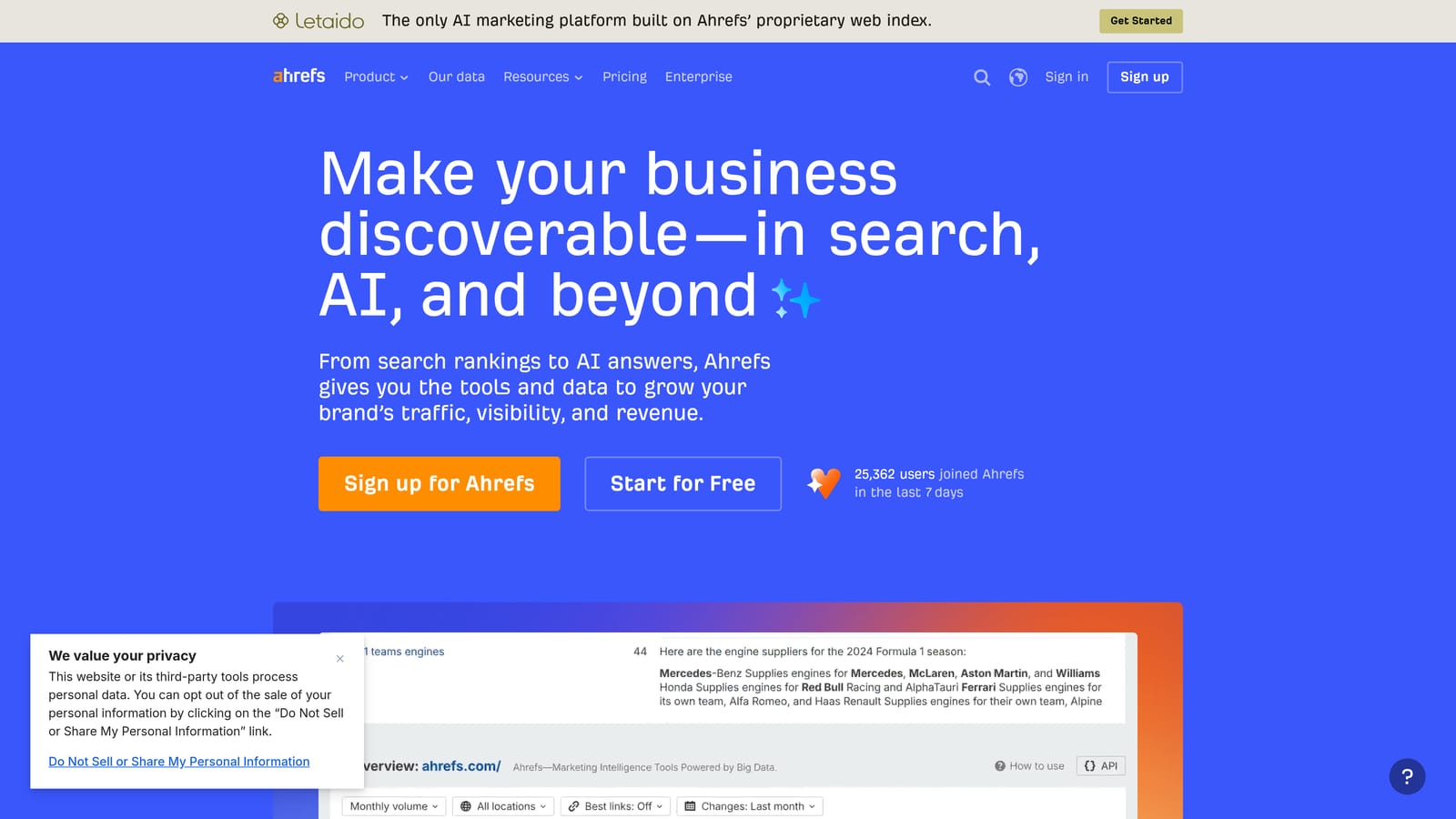
The standout is its clicks metric. Search volume tells you how often a phrase is searched; clicks data estimates how often those searches actually lead to clicks. That matters for paid, because a high-volume query where results rarely get clicked may not deliver the traffic the volume suggests.
- Clicks versus volume metrics, so you can spot terms that look big but send little traffic.
- Parent topic grouping, which clusters variations and saves you from building near-duplicate ad groups.
- CPC data, for a quick read on cost expectations.
- SERP overview, showing what currently ranks and what searchers see.
It integrates with Google Search Console and Google Analytics. Setup is quick, and it's typically used by an SEO or content strategist, with PPC folks borrowing the data.
Be clear on the limits: there's no Google Ads account integration and no negative keyword workflow. It tells you what to consider, not what your campaigns are matching. Teams doing only PPC may find the SEO-heavy interface more than they need.
Pricing is by subscription tier. See the Ahrefs website for current prices and what each plan includes.
Best for: Teams running SEO and PPC from one research source.
5. WordStream Free Keyword Tool
The WordStream Free Keyword Tool is a simple generator for small advertisers who want a starting list without learning a full platform. Enter a term or pick an industry, and you get suggestions back quickly.
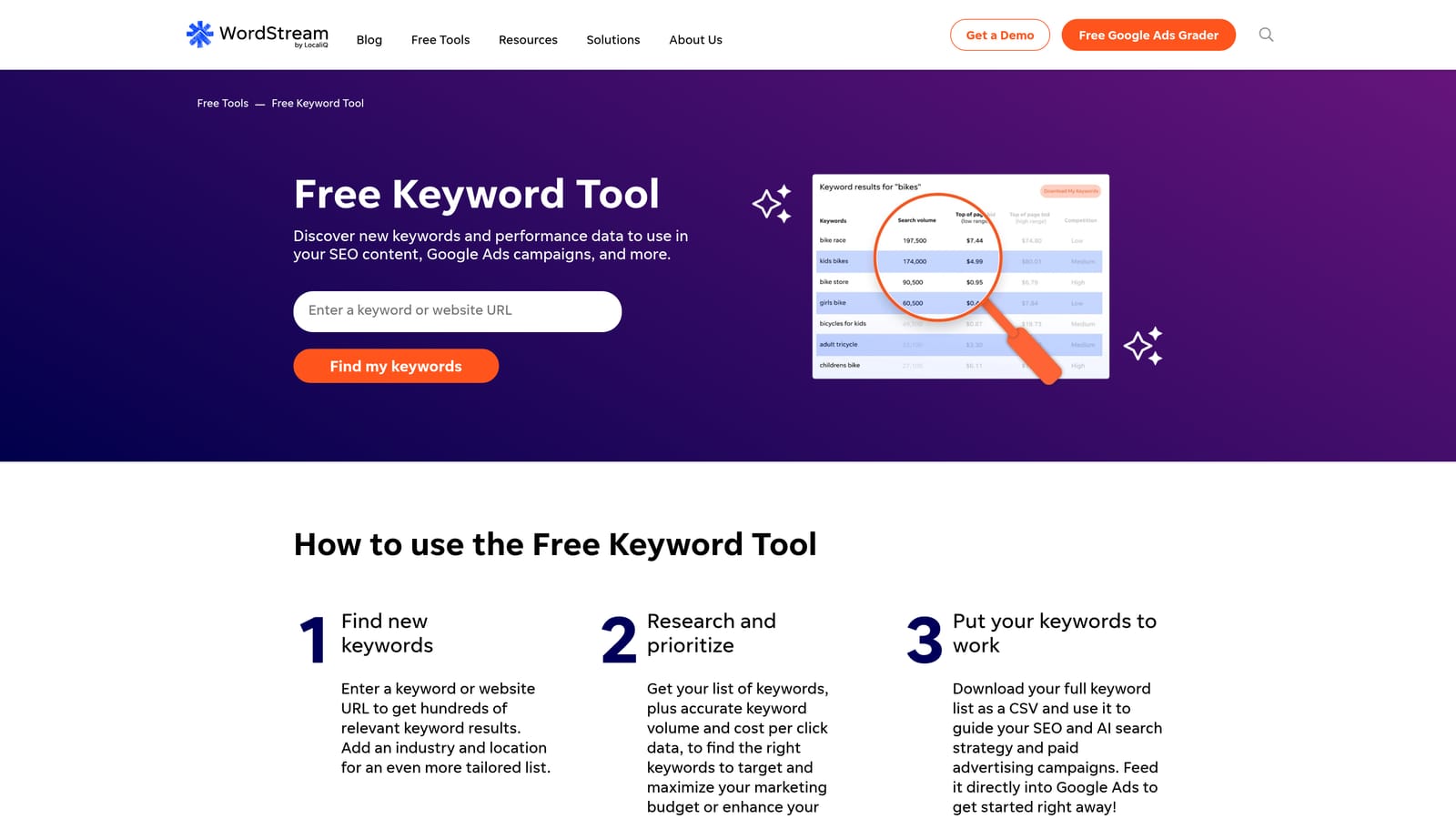
Its advantage is low friction. Ideas are organized by industry, so a local business owner can get relevant starting points in a couple of minutes without a subscription.
- Keyword ideas by industry, giving non-specialists a head start on structure.
- Free to use, so there's no commitment while you're still figuring out a campaign.
- Beginner-friendly output that doesn't require interpreting complex metrics.
WordStream's paid platform can connect with Google Ads, though check current details on their site. The free tool itself needs no setup, and the business owner or a junior marketer can run it.
The tradeoffs are plain: the data is shallower than paid suites, and there are usage limits. It's a way to get a first draft, not a basis for serious budget decisions. Agencies will outgrow it quickly, and it offers nothing for cleaning up live campaigns.
Pricing: the keyword tool is free. WordStream's paid platform is priced separately, so see their website.
Best for: Small business owners wanting a fast starter list.
6. SpyFu
SpyFu starts from competitors rather than seed keywords. You enter a domain and see the keywords it has bought, the ads it has run, and how those have changed over time.
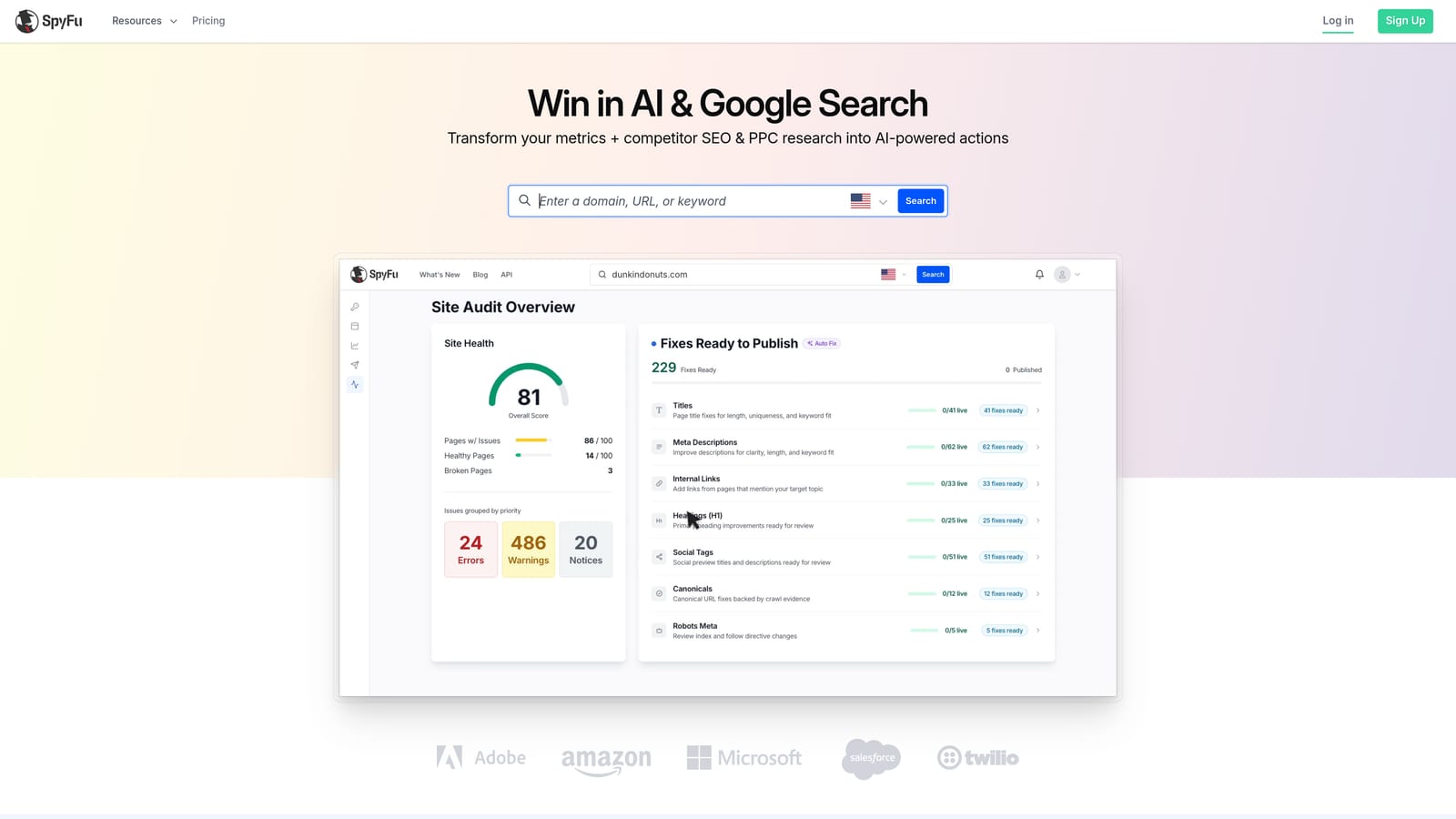
What sets it apart is the multi-year history. Seeing which keywords and ad copy a competitor kept running for years is a better signal than a one-day snapshot, because persistent spend usually means something is working.
- Competitor PPC keyword history, to find terms rivals have bought consistently.
- Ad copy history, which shows messaging angles that have survived testing.
- Keyword gap analysis, revealing terms competitors bid on that you don't.
- Estimated CPC data, for rough budget planning.
Check SpyFu's website for current integrations, as I wouldn't assume a direct Google Ads connection. It's easy to start, since you only need a domain. An account strategist or agency lead usually owns it, especially during pitches and audits.
Limitations: the numbers are estimates, and coverage can be uneven outside major markets. It's also more useful for entering an unfamiliar vertical than for day-to-day account management. You'll still need to verify ideas against your own search terms.
Pricing is tiered by subscription. See the SpyFu website for current plans.
Best for: Agencies auditing competitors when entering a new vertical.
7. Moz Keyword Explorer
Moz Keyword Explorer is an SEO-first research tool. It can still help paid teams, mainly as a source of commercial-intent phrases and a quick way to rank a large list.
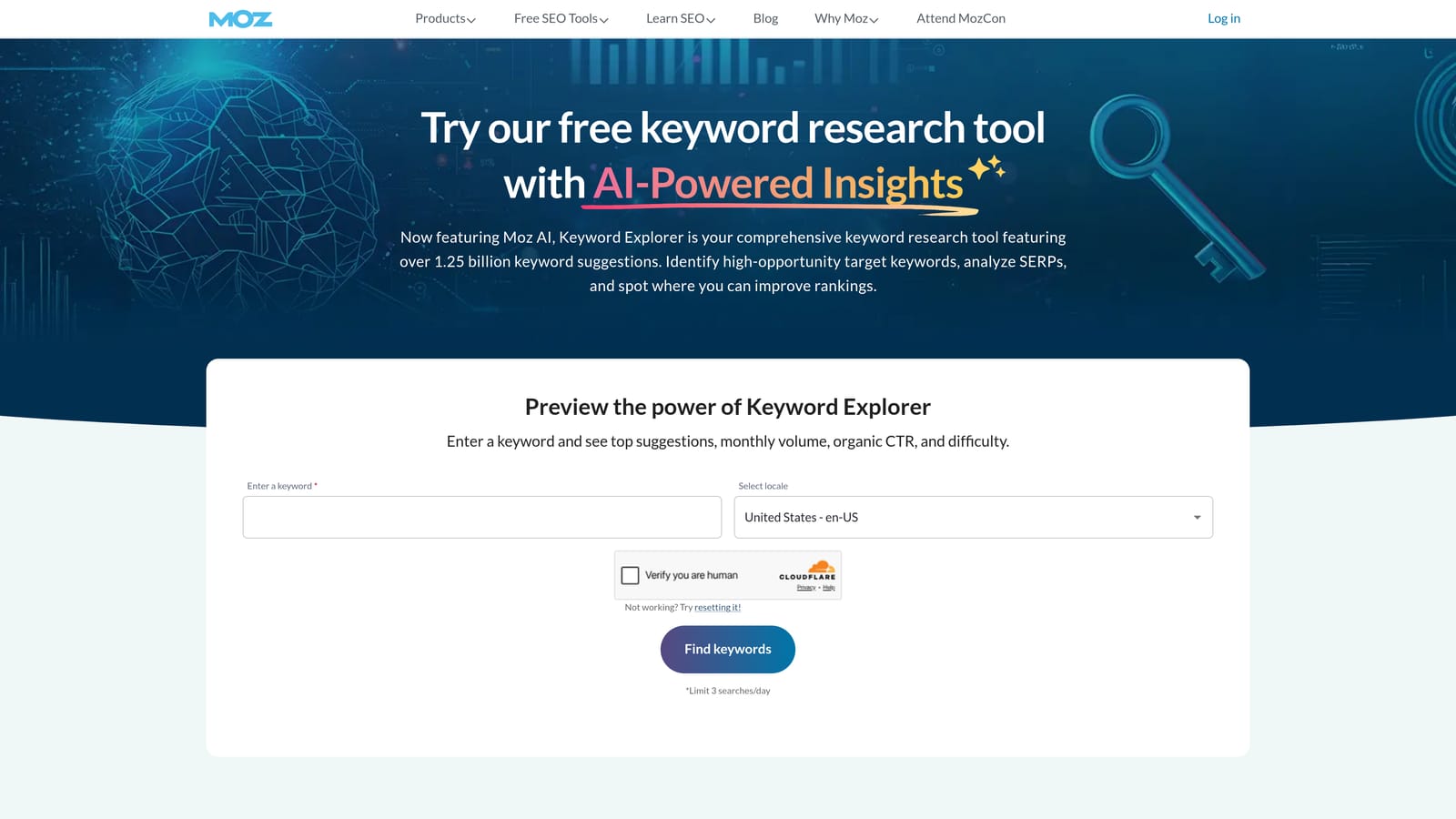
Its distinctive feature is the priority score, which blends volume, difficulty, and opportunity into one number. When you're staring at hundreds of candidate keywords, a single sorting metric saves time, though you should treat it as a starting filter.
- Priority score, which gives you a fast first-pass ranking of a long list.
- Keyword suggestions, expanding a seed into related phrases.
- SERP analysis, showing what the results page looks like for a query.
- Difficulty and opportunity metrics, useful if you're pairing paid tests with organic content.
Check Moz's website for current integrations. Setup is simple, and an SEO specialist is the most likely daily user.
Be realistic about fit: there's little paid-specific data and no ad platform connection. Difficulty scores describe organic competition, not auction pressure. If your work is entirely paid search, other tools on this list will serve you better.
Pricing is a subscription, with a limited number of free queries. See the Moz website for current details.
Best for: SEO-led marketers who also want commercial-intent phrases for paid.
8. Google Trends and Search Console
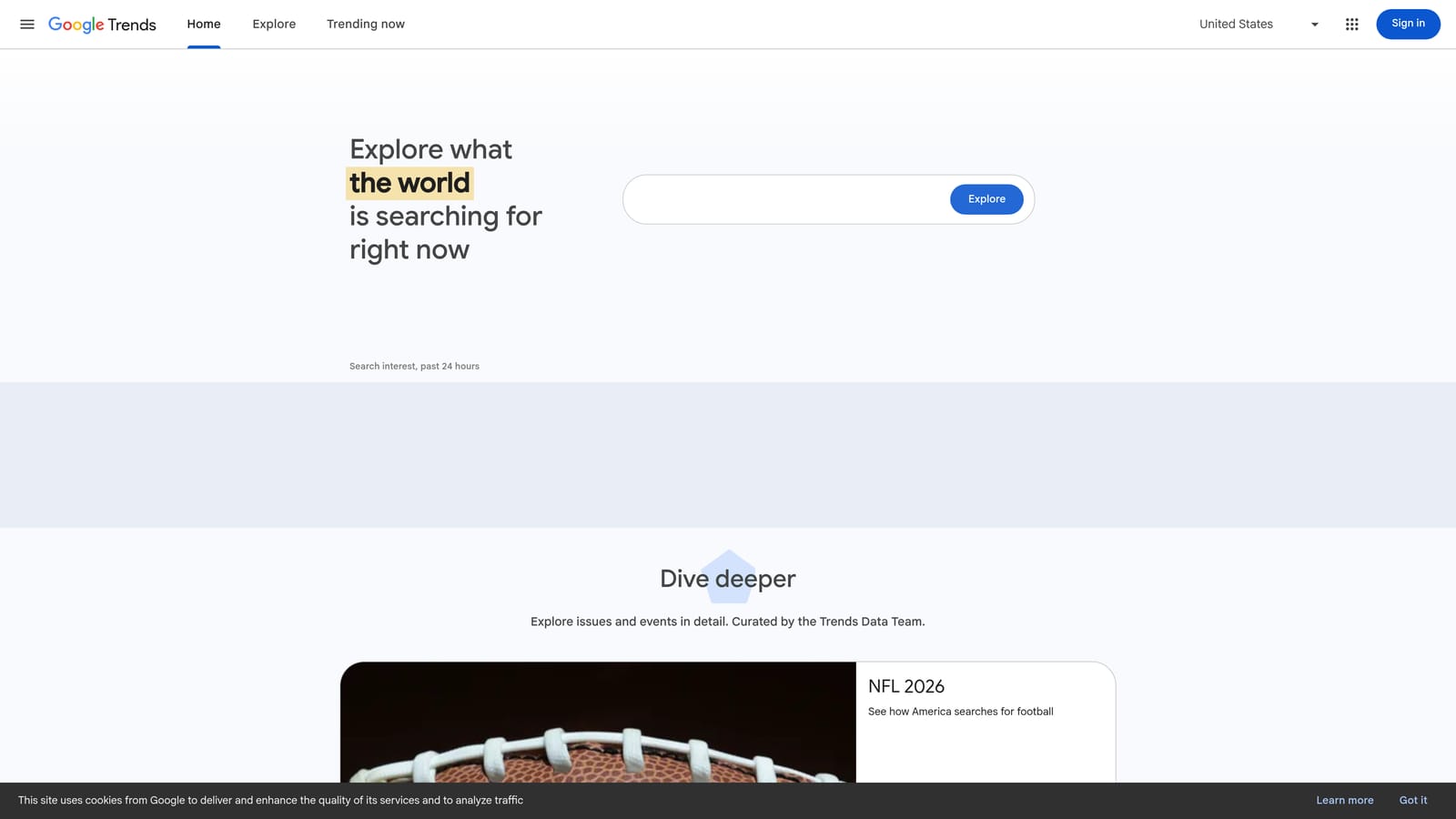
Google Trends and Google Search Console are two separate free tools, but together they cover ground the paid suites often miss: timing and your own real query data.
Google Trends for timing
Trends shows relative interest over time, with seasonality and regional comparisons. It's useful for deciding when to raise budgets ahead of a peak, or whether a term is growing or fading. The numbers are relative indices, not search volumes, and there's no CPC data.
Search Console for real queries
Search Console reports the queries that already bring people to your site through organic results. Those are proven phrases, which makes them good candidates for exact match tests in a Search campaign. It only covers your own site, so it won't help with new topics you haven't ranked for.
- Relative interest over time, to spot rising and declining demand.
- Seasonality and regional comparison, to time budget increases and geo targeting.
- Query reports for your own site, giving you real phrases to test as keywords.
Both link with Google Analytics, and Search Console requires site verification. A marketer or the site owner can handle either.
Pricing: free.
Best for: Timing seasonal budgets and finding exact-match test ideas from existing organic queries.
9. AnswerThePublic
AnswerThePublic turns autocomplete data into visual maps of questions and phrases around a topic. It's more of a brainstorming tool than a research database.
Its edge is exposing modifiers: "how," "vs," "for," "without," "free," "jobs." Those words tell you about intent, and they double as negative keyword candidates. If your product is a paid service, you might spot "free" or "diy" phrases worth excluding before they waste spend.
- Question and preposition-based ideas, which surface long-tail searches you'd otherwise miss.
- Visual query maps, making patterns easy to scan and share with clients.
- Export options, so ideas can move into your working keyword list.
It has no significant integrations (check the website), and setup is nothing more than entering a topic. Anyone on the team can use it.
The main limitations: the core output has no volume or CPC data, and free use is limited. You'll have to validate ideas elsewhere, such as in Keyword Planner, before committing budget.
Pricing: a limited number of free searches per day, with paid plans. See the website for current prices.
Best for: Long-tail ideation and pre-launch negative keyword brainstorming.
Matching Keyword Tools to Your Google Ads Situation
The most useful thing to remember is that discovery tools and search term cleanup solve different problems. Discovery tools guess what people might search. The Search Terms Report shows what they did search, and that's where wasted spend shows up.
- Lean Google Ads accounts: Keyword Planner for research, then Keywordme for refining live search terms and negatives.
- Competitor research: Semrush or SpyFu, depending on whether you want a full suite or competitor history.
- SEO and PPC teams: Ahrefs or Moz as a shared research source.
- Quick small-business lists: WordStream or AnswerThePublic.
Whichever discovery tool you pick, expect the search terms report to disagree with your assumptions. That's normal, and it's the reason ongoing review matters more than the initial list.
If search term cleanup is the job you're behind on, Keywordme lets you remove junk search terms, build high-intent keyword lists, and apply match types instantly, right inside Google Ads. No spreadsheets, no switching tabs, just quick, seamless optimization. Start your free 7-day trial (then just $12/month) and see how much faster your next search terms review goes.
