
9 Best AdWords Keyword Checker Tools for Google Ads in 2026
AdWords is now Google Ads, but people still search for an adwords keyword checker to validate keyword ideas, audit live search terms, or spy on competitor bids. This guide compares nine tools on data source, pricing clarity, and fit for freelancers and agencies, so you can match the right checker to the job.


"AdWords keyword checker" is an old name (Google renamed AdWords to Google Ads in 2018), but people still search it, and they usually mean one of three jobs: checking keyword ideas and volume before you launch, checking what your live keywords and search terms actually trigger, or checking which keywords competitors are bidding on. These tools were picked by how well they handle each job, where their data comes from, how clear the pricing is, and how well they fit freelancers and agencies running real accounts.
Quick Comparison of the Keyword Checkers
- Keywordme: freelancers and agencies cleaning up live search terms; $12/month per user; checks and acts on real search terms without leaving the Google Ads interface.
- Google Keyword Planner: free pre-launch keyword and bid checks; free with a Google Ads account; first-party Google data and forecasts for planned keywords.
- Semrush Keyword Magic Tool: teams doing combined SEO and PPC research; paid subscription, see website; the largest keyword database paired with competitor ad research.
- SpyFu: checking which keywords competitors keep bidding on; paid plans, see website; years of historical competitor keyword and ad copy data.
- WordStream Free Keyword Tool: beginners brainstorming a first list; free; no-setup idea generation filtered by industry.
- Ahrefs Keywords Explorer: checking intent and click potential before bidding; paid plans, see website; clicks-versus-volume data.
- Google Ads Editor: auditing and bulk-fixing keywords in large accounts; free; account-wide bulk editing, including offline.
- Optmyzr: agencies wanting systematic account-wide optimization; paid plans, see website; rule-based optimization across the whole account.
- Ubersuggest: solo marketers on a tight budget; paid plans with limited free use, see website; low-cost, simple idea and CPC checks.
1. Keywordme
Keywordme is our own product, so weigh this entry with that in mind. It's a Chrome extension that adds one-click actions inside the Search Terms Report in Google Ads. It's built for people who manage live accounts and want to act on what searchers really typed, not on estimates.
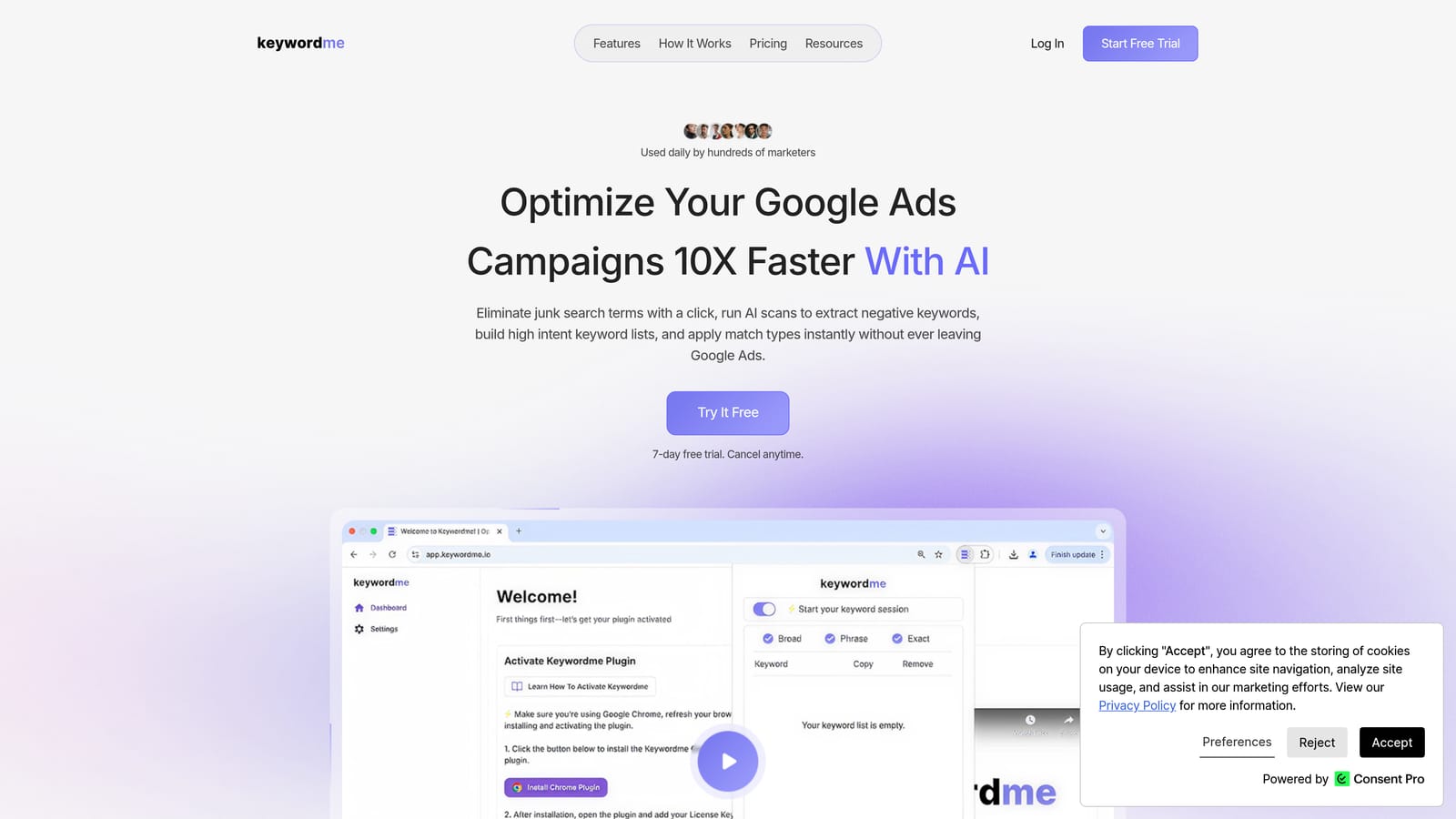
That distinction matters. A keyword is what you bid on; a search term is the actual query someone typed that triggered your ad. Keyword Planner and its peers estimate what people might search. The Search Terms Report shows what they did search, and Keywordme is built around that report.
What sets it apart on this list is that you check and act in the same screen. You don't export to a spreadsheet, sort, and re-upload. You see a junk query, click, and it's a negative keyword. You see a strong one, pick a match type, and it's added as a keyword.
- One-click negative keywords and negative keyword lists, so irrelevant queries stop eating budget.
- Add search terms as keywords with the match type you choose (broad, phrase, or exact), so you control how tightly each one targets.
- Keyword clustering, which groups related terms so you can review patterns instead of single rows.
- Bulk editing for applying changes across many terms at once.
- Multi-account and team support, handy when several people manage several clients.
Setup is installing the extension and opening the Search Terms Report in an account you already use. It integrates with Google Ads only, through the browser. The person running the account uses it day to day, and you review each action yourself; nothing is changed on its own.
The limits are plain. It has no third-party search volume, no competitor data, and no keyword discovery from scratch. It needs existing search term data, so it's no help before a campaign has run. Pair it with a research tool for that stage.
Pricing is a flat $12 per month per user, with a 7-day free trial. Cost scales with the number of users, not with ad spend or accounts.
Best for: Freelancers and agencies cleaning up live search terms quickly.
2. Google Keyword Planner
Google Keyword Planner is the free research and forecasting tool inside Google Ads. It's the default first stop for anyone planning a Search campaign, and the one with first-party Google data behind it.
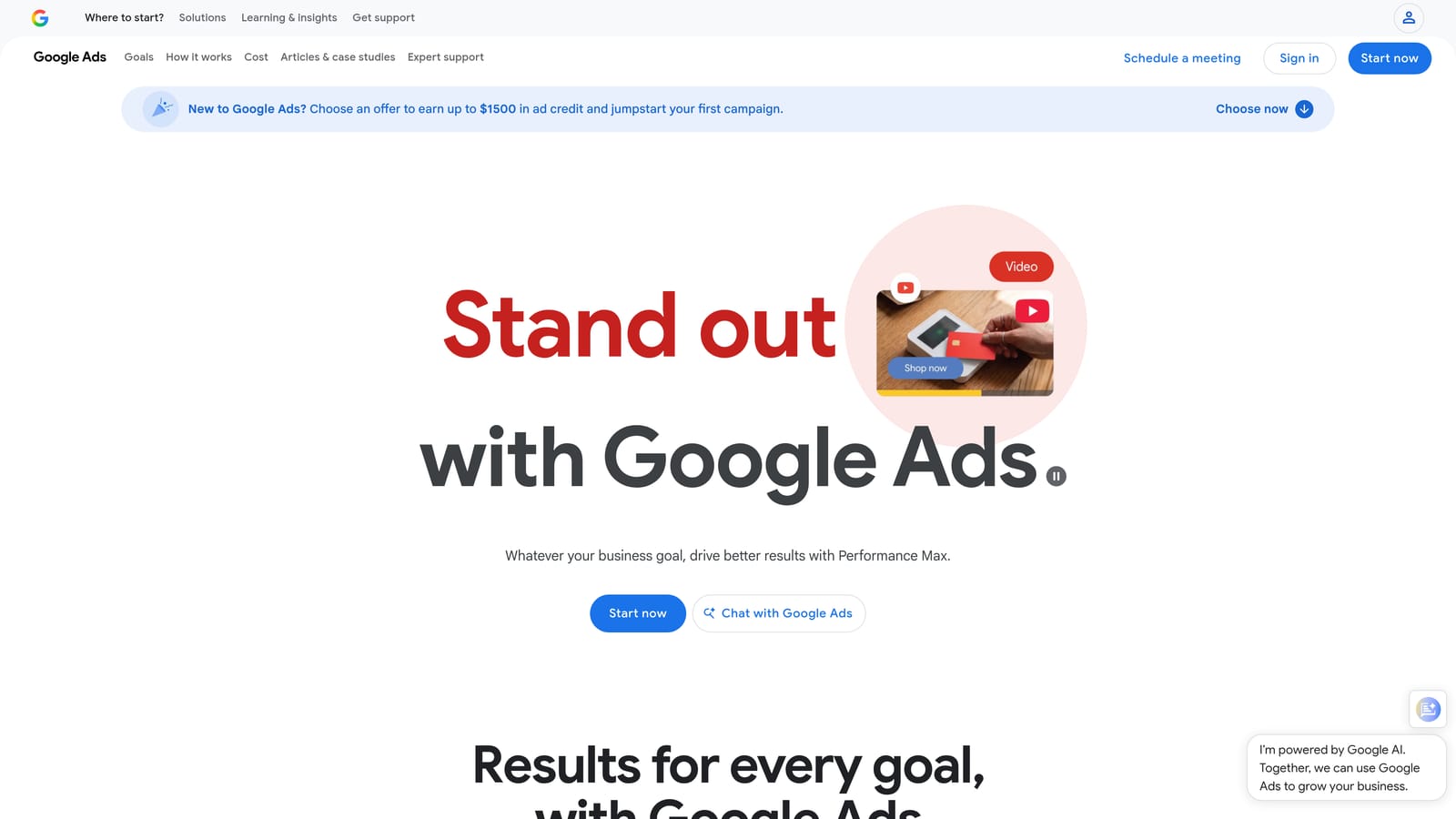
Its edge over the rest of this list is that forecasts and bid estimates come straight from Google's own system, so you're checking planned keywords against the platform you'll actually buy on. Third-party tools model their numbers; this one doesn't have to.
- Keyword ideas from seed terms or a website URL, which gets you a starting list fast.
- Historical search volume, so you can see which ideas have demand.
- Bid range estimates that help you budget before spending.
- Forecasts showing likely clicks and costs for a planned set of keywords.
- Import of existing keyword lists, so you can check what you already have.
It lives inside any Google Ads account, so setup is just having one. A marketer or account manager uses it during planning, not daily.
The catch is that it shows estimates, not your real queries. Volume can also show up as broad ranges for accounts with low or no spend, which makes fine comparisons between similar keywords hard. Once campaigns run, you'll learn more from the Search Terms Report than from here. It also offers no competitor view.
It's free with a Google Ads account.
Best for: Free pre-launch keyword and bid checks.
3. Semrush Keyword Magic Tool
Inside the Semrush suite, the Keyword Magic Tool is the part most relevant here. Its draw is a very large keyword database that sits next to competitor advertising research, so you can generate ideas and see who's already bidding on them without leaving the platform.
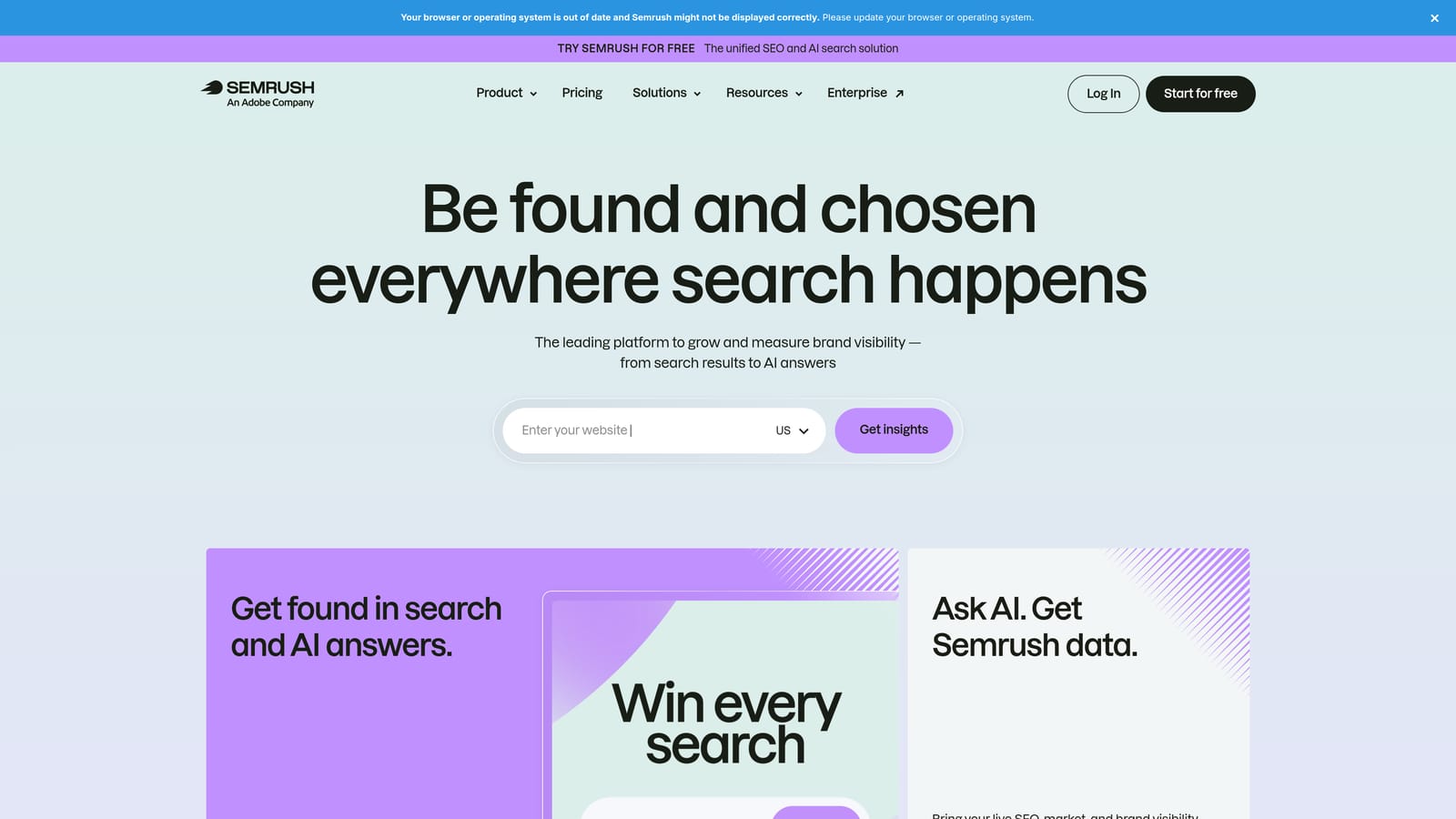
- Keyword Magic Tool for expanding one seed term into large, filterable lists.
- CPC and competitive density figures, so you can gauge how contested and costly a term is.
- Keyword difficulty, useful if the same list feeds SEO work.
- Advertising research that shows what competitors are running.
It connects to Google Ads, Google Analytics, and Google Search Console. Setup is light: sign up, connect accounts if you want, and start searching. Because it covers SEO as well as PPC, it tends to be run by whoever owns search research overall, not only the PPC manager.
The weakness for this use case is cost and scope. If you only need to check a keyword's volume and CPC, a full suite is more than you need, and solo advertisers will feel it. It also doesn't look at your live search terms.
It's a paid subscription; check the Semrush site for current plans, since tiers and limits change.
Best for: Teams doing combined SEO and PPC keyword research.
4. SpyFu
SpyFu flips the question. Rather than asking what you could bid on, it shows what rivals have bid on, and for how long. A keyword a competitor has kept buying for years is a decent hint that it converts for them.
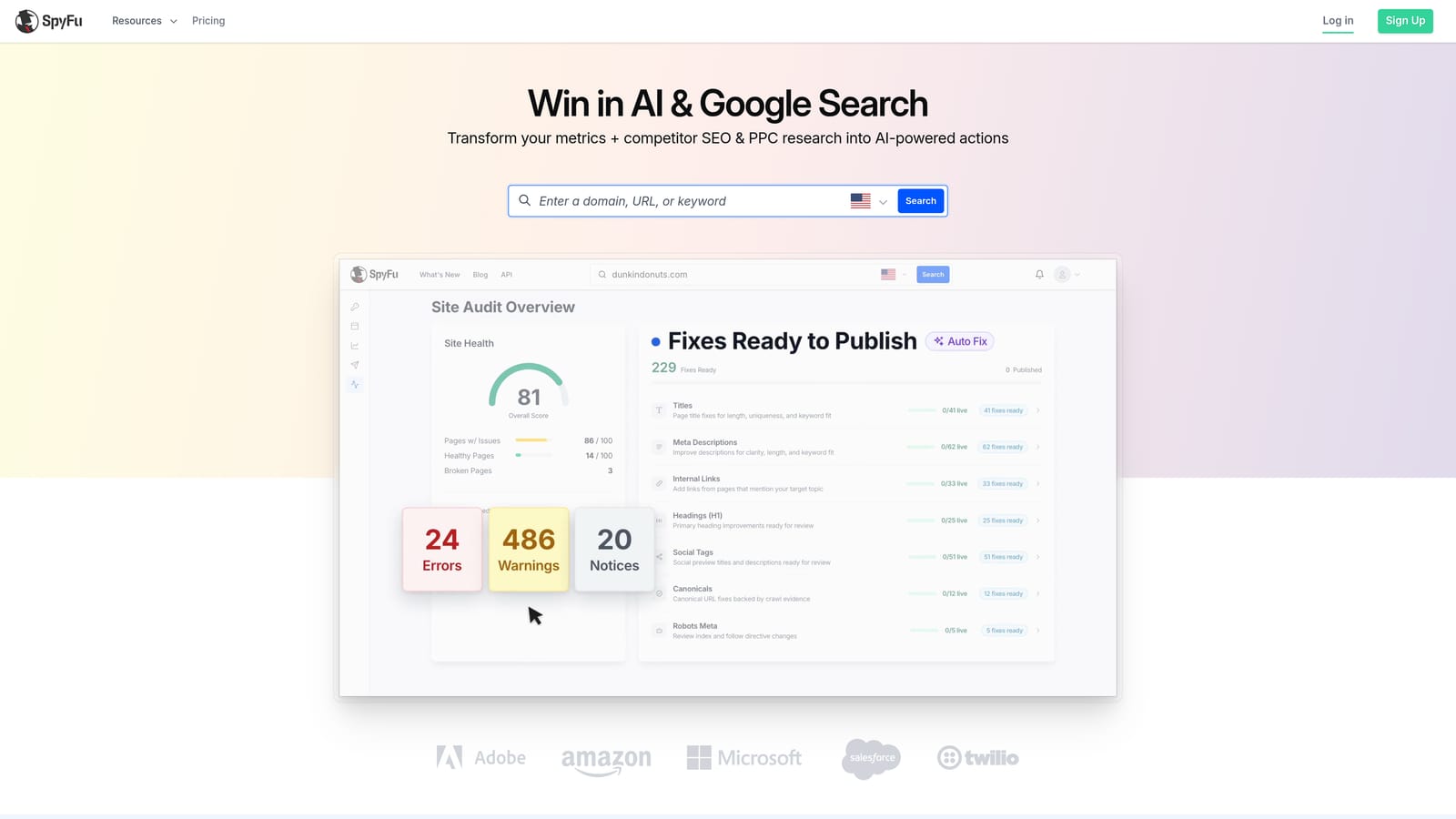
That history is the standout. Many tools give you a snapshot; SpyFu gives you years of competitor paid-keyword and ad copy data.
- Competitor PPC keywords, so you can see the terms a rival buys.
- Historical ad copy, which shows what messaging they kept versus dropped.
- Keyword overlap, to find shared terms and gaps between you and a competitor.
- Kombat, a competitor comparison feature for finding keywords to target.
Check the SpyFu site for its current integrations. Setup is simple: enter a competitor's domain and read the results, which makes it quick for an analyst or account lead to run.
Know the limits. The data is modeled estimates, not exact figures from the advertiser's account, and coverage is strongest for US search. If you advertise in other markets, test it on a few known competitors before trusting it. It also says nothing about your own queries.
It runs on paid plans; see the website for current pricing.
Best for: Checking which keywords competitors have kept bidding on.
5. WordStream Free Keyword Tool
The WordStream Free Keyword Tool is a simple idea generator for Google Ads and Bing. You pick an industry and country, enter a term, and get a list back. It asks nothing of you, which is the point.
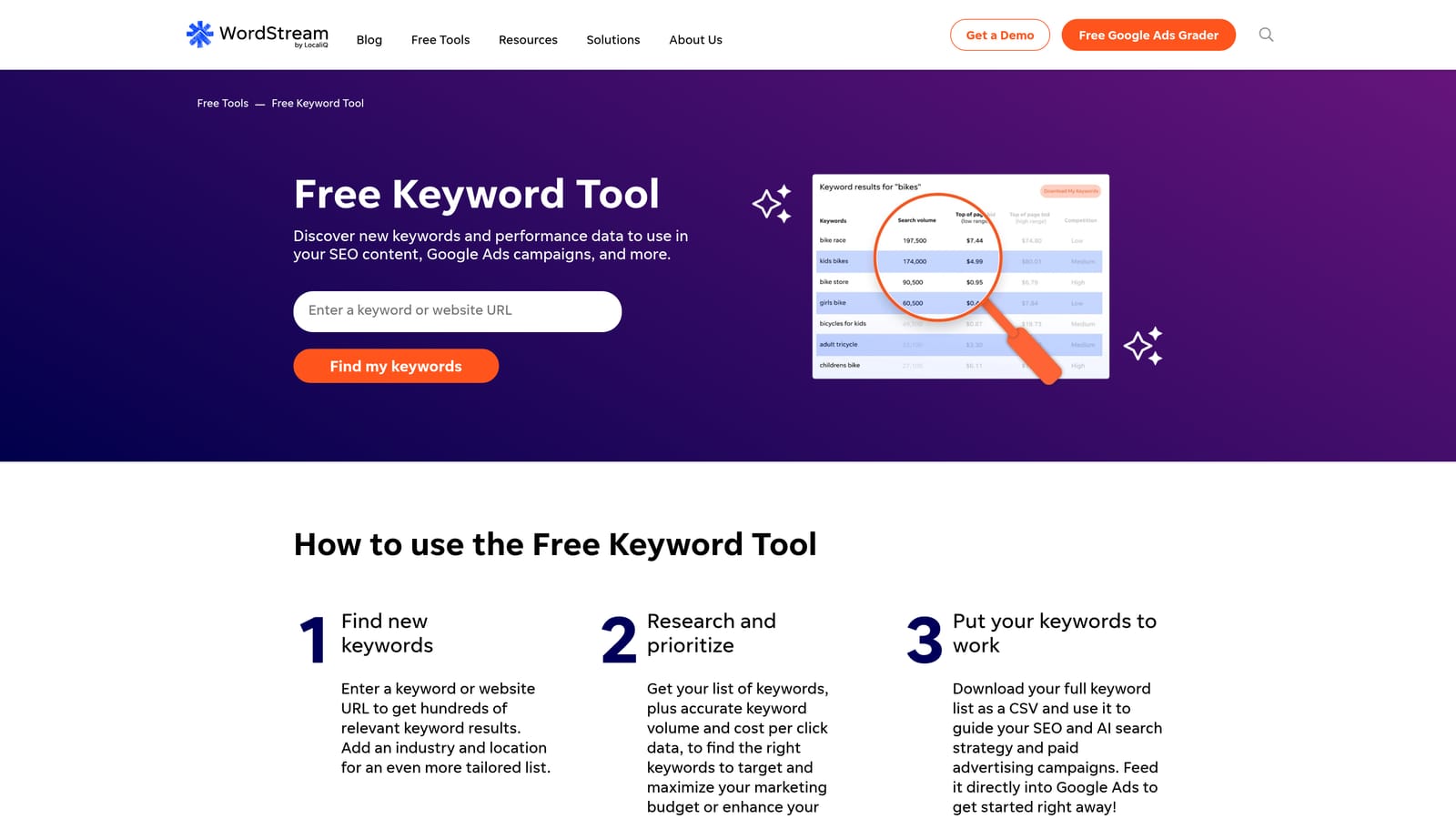
Its distinct strength is that low barrier. Filtering ideas by industry helps beginners who don't yet know the vocabulary of their market.
- Keyword ideas by industry and country, to tailor suggestions to your market.
- Search volume and competition indicators for a quick read on demand and difficulty.
- Google and Bing coverage, handy if you run on both.
There's no real setup and no integration to configure (check the site for specifics). Anyone can run it in a minute.
The trade-off is depth. Data is shallow, and each search returns a limited number of results, so it won't support serious research on a big account. Agencies will outgrow it fast. Treat it as a brainstorming aid, then validate in Keyword Planner.
The tool is free. WordStream's broader platform is paid, but you don't need it to use this page.
Best for: Beginners brainstorming a first keyword list.
6. Ahrefs Keywords Explorer
Ahrefs is an SEO platform, and its Keywords Explorer brings a useful angle to paid checks: it separates search volume from clicks. A term can be searched often yet earn few clicks because the results page answers the question outright. Seeing that before you bid saves guesswork.
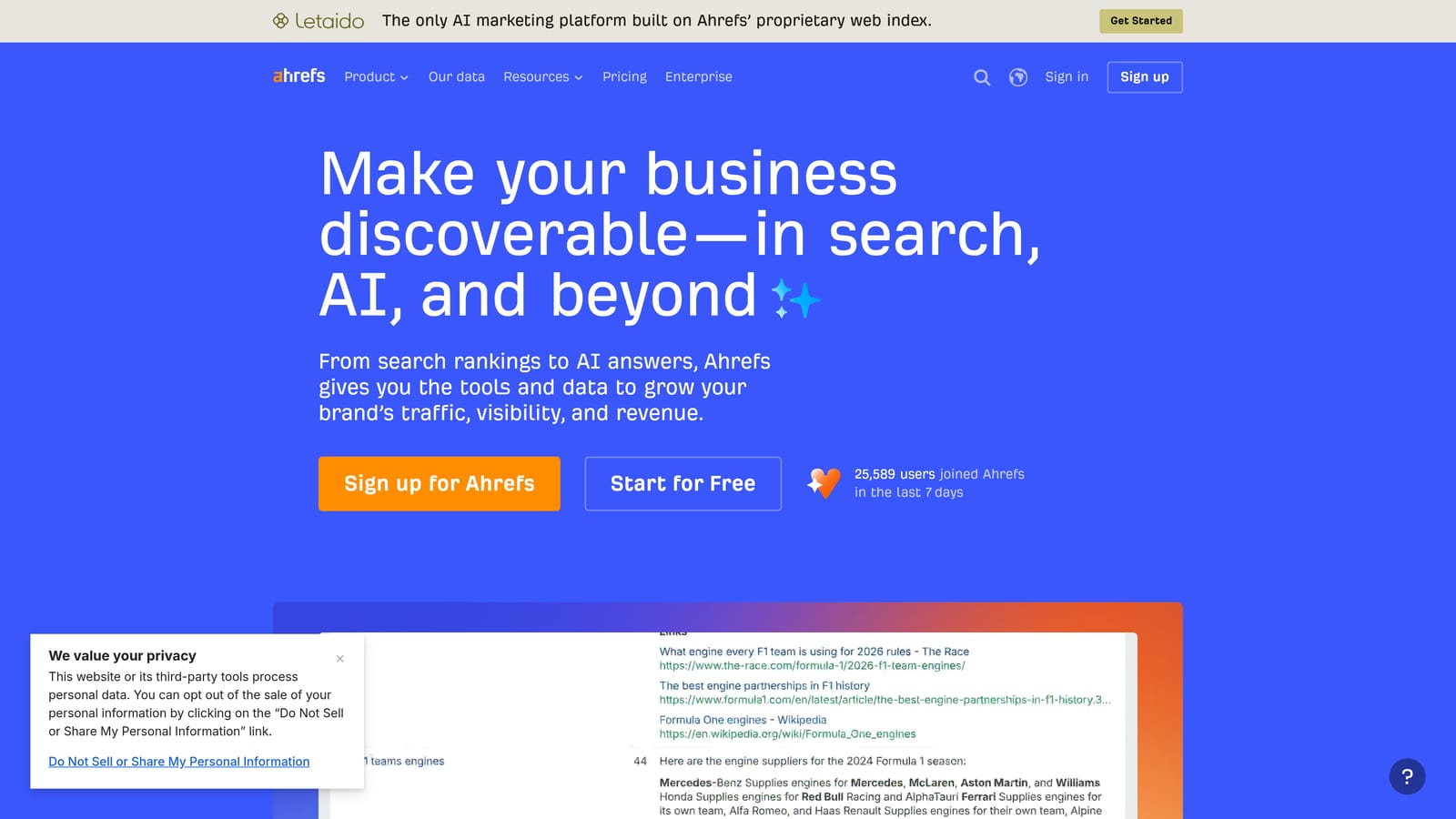
- Search volume and clicks metrics, so you can tell demand from actual click-through.
- Parent topic, which shows the broader theme a keyword belongs to.
- SERP overview, so you can see what the results page looks like before you commit budget.
- Data across multiple search engines.
It connects with Google Search Console and Google Analytics. Setup is light, and it's typically run by SEO or content staff, which is a clue to its limitation: it's SEO-first, with little PPC-specific workflow. You won't find bid forecasts or ad account tools here.
That makes it a good second opinion on intent, not a primary PPC checker. It also doesn't touch your live search terms.
It's on paid plans; see the Ahrefs site for current pricing.
Best for: Checking intent and click potential before bidding.
7. Google Ads Editor
Google Ads Editor is Google's free desktop app for bulk editing accounts. It isn't a research tool at all, yet it earns a place because "checking keywords" often means auditing what's already in the account.
Its strength is scale. You can download an account, review every keyword, match type, and negative in one view, make changes offline, and push them live when ready.
- Bulk keyword and match type edits, so a fix applies to hundreds of rows at once.
- Multi-account management from one app.
- Offline editing, so you can work without a live connection.
- Change review before posting, which lets you check everything before it goes live.
It integrates with Google Ads only. Setup means downloading and installing the app and signing in. It tends to be used by whoever audits or restructures accounts.
The limitations: no research data, and no search-term triage workflow built around spotting junk queries. There's also a learning curve if you've only used the web interface. It shows what's in the account, not what to add.
It's free.
Best for: Auditing and bulk-fixing keywords across large accounts.
8. Optmyzr
Optmyzr is a PPC management platform, not a single-purpose checker. It audits accounts, runs rule-based optimizations, and produces reporting, with keyword and search term analysis as one part of that.

What it does that the others here don't is span the whole account. If you want consistent, repeatable checks across many accounts, rules and audits give you structure that one-off tools don't.
- Account audits that flag issues without you hunting for them.
- Search term and keyword analysis tools for finding waste and opportunities.
- Rule-based optimizations to apply your own logic consistently.
- Reporting for client updates.
It connects to Google Ads, Microsoft Advertising, and Google Analytics. Setup takes more effort than the lightweight options, since you connect accounts and configure rules, and it's usually run by a dedicated PPC lead or agency team.
That's also its limit for this topic. For a simple keyword check, it's more setup and cost than most freelancers or small agencies need.
It's on paid plans; see the website for current pricing.
Best for: Agencies wanting systematic account-wide optimization.
9. Ubersuggest
Ubersuggest, from Neil Patel, is a budget keyword research tool. It has a simple interface and returns volume, CPC, and difficulty data without the bulk of the bigger suites.
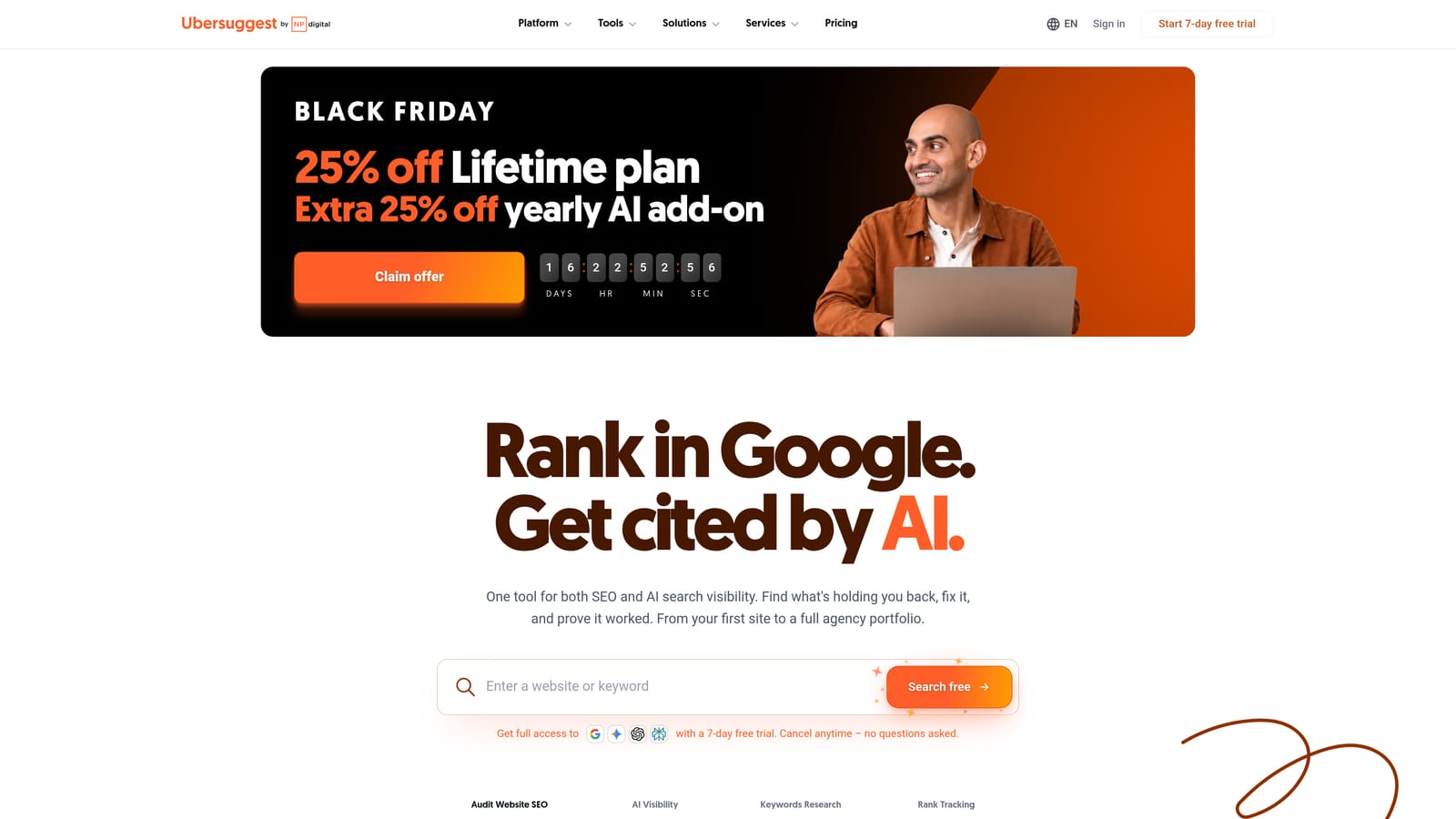
Its distinguishing quality is low cost and speed for quick idea and CPC checks. If you want a sanity check on a few terms and don't need a deep platform, it's approachable.
- Keyword ideas from a seed term to widen your list.
- Search volume and CPC so you can estimate demand and cost.
- A paid difficulty score for a read on competitiveness.
- Content ideas, useful if the same person handles blog topics.
It integrates with Google Search Console and Google Analytics. Setup is minimal, and a solo marketer or small business owner can run it alone.
The trade-off is data quality: the database is smaller and the numbers less precise than larger suites. For high-spend accounts, cross-check against Keyword Planner. It doesn't look at your live search terms.
It has paid plans with limited free use; confirm current plans on the site.
Best for: Solo marketers and small businesses on a tight budget.
Which Keyword Checker Fits Which Job
The mistake to avoid is relying on volume alone and never reviewing search terms. Volume tells you what people might search; the Search Terms Report tells you what triggered your ads and what it cost. You need both views.
- Free pre-launch checks: Google Keyword Planner. First-party data, forecasts, and no cost.
- Triaging live search terms and negatives: Keywordme. It works inside the Search Terms Report, so you can add negatives and keywords with chosen match types in a click.
- Competitor research: Semrush or SpyFu. Semrush if you want SEO and PPC in one suite, SpyFu if historical competitor keywords and ads are the priority.
- Account-wide audits: Google Ads Editor for free bulk review and edits, or Optmyzr if you want audits and rules across many accounts.
A sensible combo for most freelancers and agencies is one research tool plus one live-account tool. Keyword Planner (or a competitor tool) finds what to bid on, and Keywordme keeps the account clean once real queries come in.
Optimize Google Ads Campaigns 10X Faster. Without Leaving Your Account. Keywordme lets you remove junk search terms, build high-intent keyword lists, and apply match types instantly, right inside Google Ads. No spreadsheets, no switching tabs, just quick, seamless optimization. Start your free 7-day trial (then just $12/month) and take your Google Ads game to the next level.
