
9 Best AdWord Keyword Tools for Google Ads in 2026
A practical guide to adword keyword tool.


"AdWords" got retired as a name years ago, but plenty of people still search for an adword keyword tool when they mean software for Google Ads keywords. That usually covers two jobs: finding new keywords to bid on, and cleaning up the search terms you are already paying for. This list is for marketers, freelancers, and agency owners, and it covers both. Tools were chosen on data source, workflow fit, price transparency, and how well they work for a solo advertiser versus an agency team.
Quick Comparison of the Tools
- Keywordme: advertisers and agencies cleaning up search terms; $12/month per user; works inside the native Google Ads Search Terms Report with no exports.
- Google Keyword Planner: new Search campaigns needing free discovery; free with a Google Ads account; first-party Google data and bid estimates.
- Semrush Keyword Magic Tool: agencies doing SEO and PPC research together; subscription, see website; competitor PPC research next to a large keyword database.
- SpyFu: seeding campaigns from competitor keywords; subscription, see website; historical ad copy and keyword history for rival domains.
- WordStream: small businesses wanting a quick audit; free tools, quote-based platform; a free Google Ads Grader that flags wasted spend.
- Ubersuggest: freelancers on tight budgets; subscription, see website; a low-cost entry with a lifetime option that may be offered.
- Ahrefs Keywords Explorer: validating high-volume keywords before bidding; subscription, see website; a Clicks metric showing how many searches lead to clicks.
- Google Ads Editor: bulk changes across large accounts; free; offline editing with a review step before posting.
- Optmyzr: agencies managing many accounts; subscription, see website; cross-account audits and optimization tools built for agencies.
1. Keywordme
Keywordme is a Chrome extension that adds one-click actions to the Search Terms Report inside Google Ads. A quick distinction helps here: a search term is what someone actually typed, while a keyword is what you bid on. Keywordme sits in the gap between them, letting you promote good search terms to keywords and block bad ones as negative keywords without leaving the page.
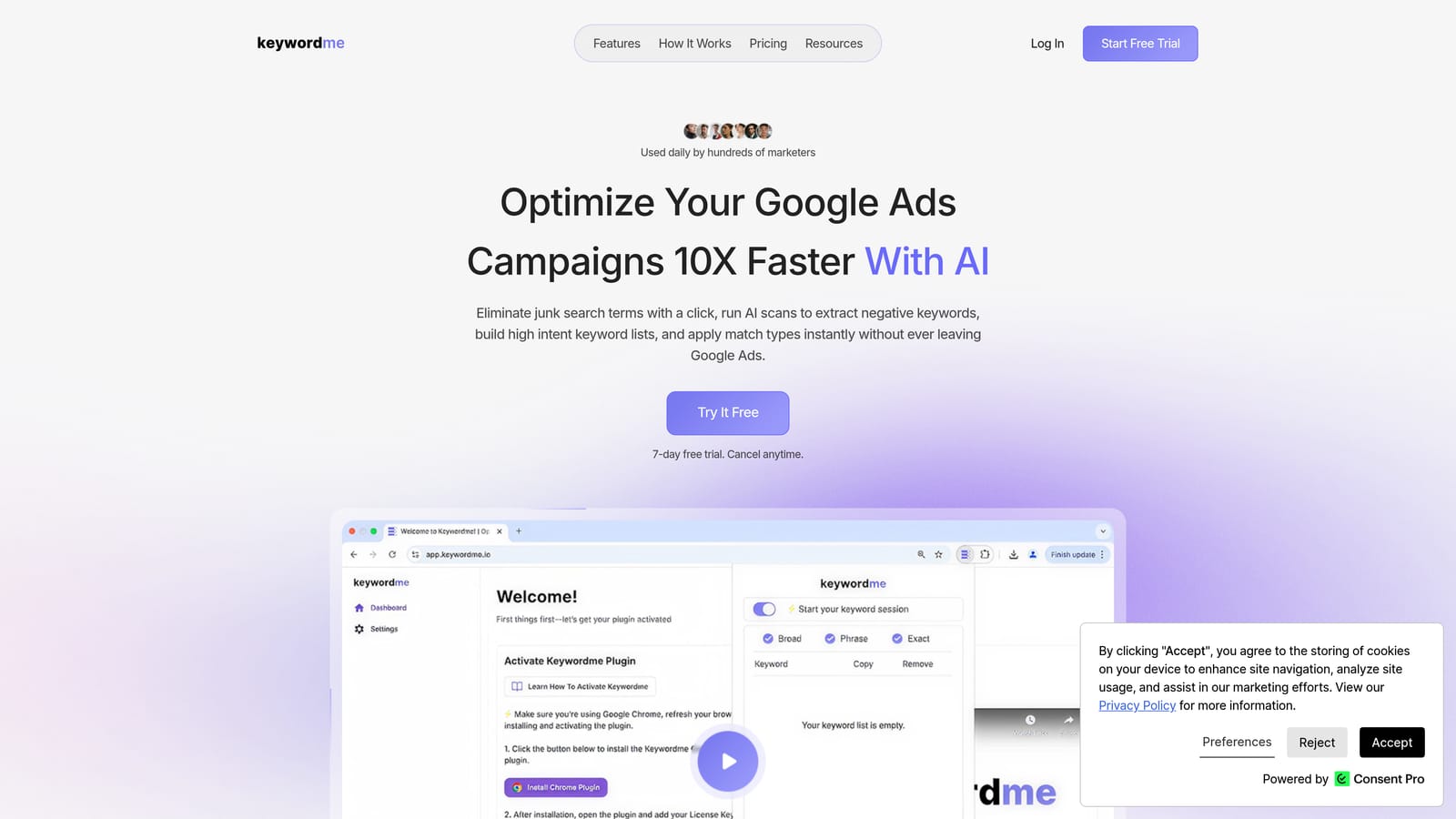
Its main advantage over everything else on this list is where it works. There are no spreadsheets, no exports, and no separate dashboard. You review the report in the interface you already use and act on rows as you read them. Keywordme claims this makes optimization up to 10x faster; that is the company's own figure, so treat it as a vendor claim rather than an independent benchmark.
- One-click negative keywords from search terms, so junk queries stop costing you money as soon as you spot them.
- Add keywords with match types applied instantly, which removes the manual typing of brackets and quotes.
- Keyword clustering, which helps you group related terms when building new lists.
- Bulk editing, for handling many rows at once instead of one at a time.
- Multi-account and team support, so agencies can work across client accounts with several users.
Setup is light: install the extension, open Google Ads in Chrome, and work from the Search Terms Report. Whoever already reviews search terms (a freelancer, an in-house marketer, an account manager) runs it day to day. There is no admin layer to configure.
The limits are real. Keywordme is not a keyword research database, so it gives you no search volume and no competitor data. It also requires Chrome. If you need to discover keywords you are not already getting traffic for, pair it with a discovery tool below.
Pricing is $12/month per user with a 7-day free trial (as of November 2026), so cost scales with the number of seats rather than ad spend or accounts.
Best for: Advertisers and agencies who want to clean up search terms and build keyword lists faster.
2. Google Keyword Planner
Google Keyword Planner is Google's own free keyword discovery and forecasting tool, found inside Google Ads. It is built for anyone planning a Search campaign, from first-timers to experienced managers who want a sanity check on bids.

Its edge is the data source. Volume and bid estimates come straight from Google, so you are not relying on a third party's model of Google's auction. No other tool here offers that.
- Keyword discovery from seed terms or a URL, which gives you a starting list when you have nothing yet.
- Search volume ranges, so you can rank ideas by relative demand.
- Bid range estimates, which help you judge whether a keyword fits your budget before launch.
- Forecasts, so you can project clicks and cost for a proposed keyword set.
Setup means having a Google Ads account, and the tool runs inside it. Whoever builds campaigns uses it, usually at the planning stage rather than daily.
The main limitation is precision. Volume can appear as broad ranges for accounts with low spend, which makes close comparisons between keywords hard. It also does nothing for search term cleanup: it tells you what might be worth bidding on, not what is wasting money now.
It is free with a Google Ads account (as of November 2026).
Best for: Free initial keyword discovery for new Search campaigns.
3. Semrush Keyword Magic Tool
Semrush includes the Keyword Magic Tool, a large keyword database with strong filtering and grouping, inside its wider marketing suite. It is aimed at agencies and in-house teams that research SEO and PPC together.
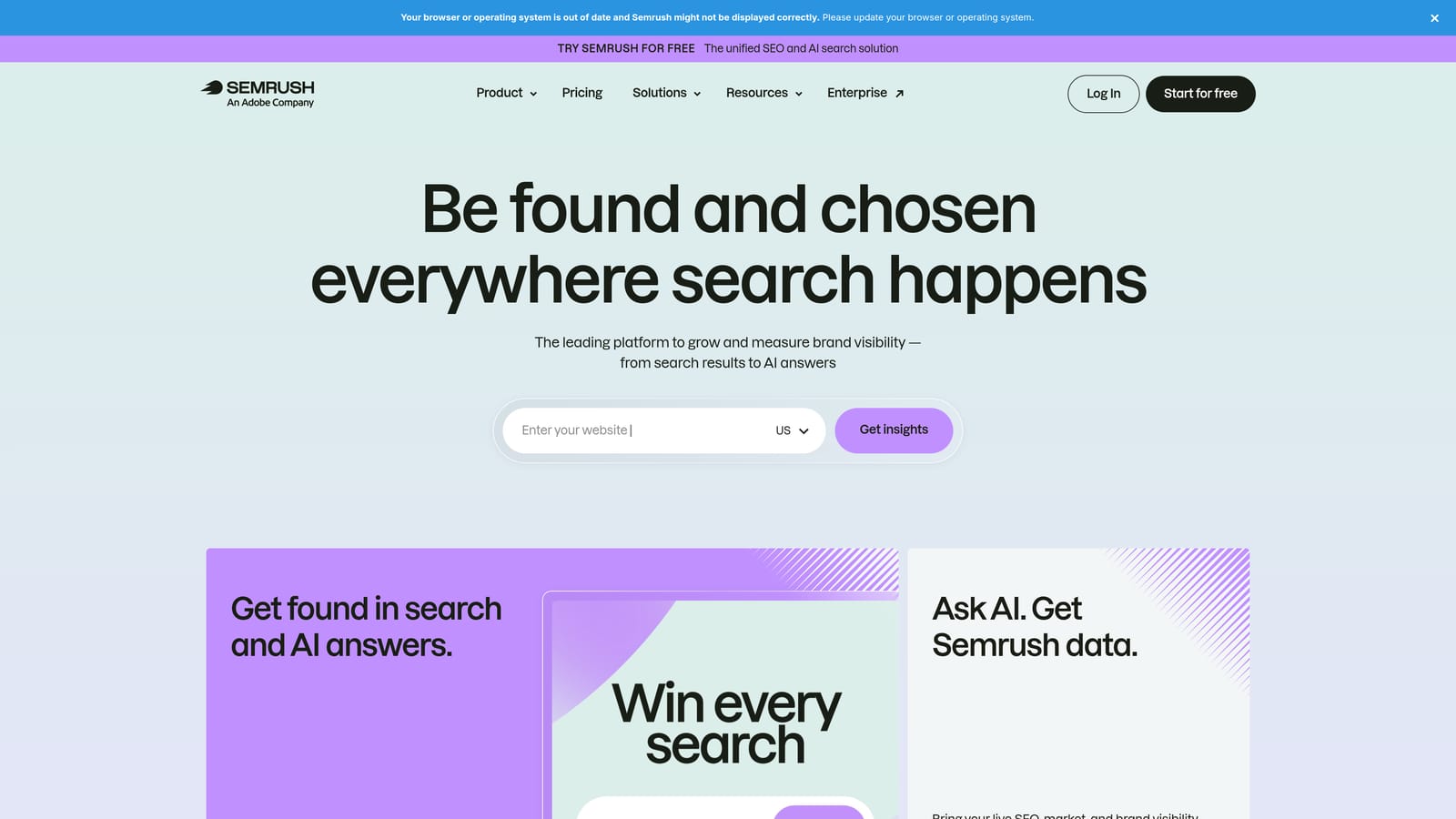
What sets it apart here is competitor PPC research sitting beside the keyword database. You can see what rivals bid on, then expand those ideas into full lists without switching products.
- Keyword grouping and filtering, which turns a huge result set into themes you can build ad groups from.
- Intent and difficulty metrics, so you can separate buyers from browsers.
- Match type filters, to narrow results to broad, phrase, or exact variants.
- Competitor PPC research, which shows keywords rival advertisers target.
It connects with Google Search Console, Google Analytics, and Google Ads. Setup is straightforward, but the suite is deep, so expect some learning time. Typically an SEO or PPC lead owns it.
Be clear on the downsides: it costs more than most tools here, and it is built for broad research rather than in-account cleanup. It will not help you work through a Search Terms Report.
Pricing is subscription based; check the website for current plans, as tiers and limits change.
Best for: Agencies doing combined SEO and PPC research.
4. SpyFu
Start with the idea, then the tool: SpyFu lets you look at what competing domains have already tested. It shows the keywords and ads rivals have used, which is a shortcut when you would rather start from proven ideas than a blank page.
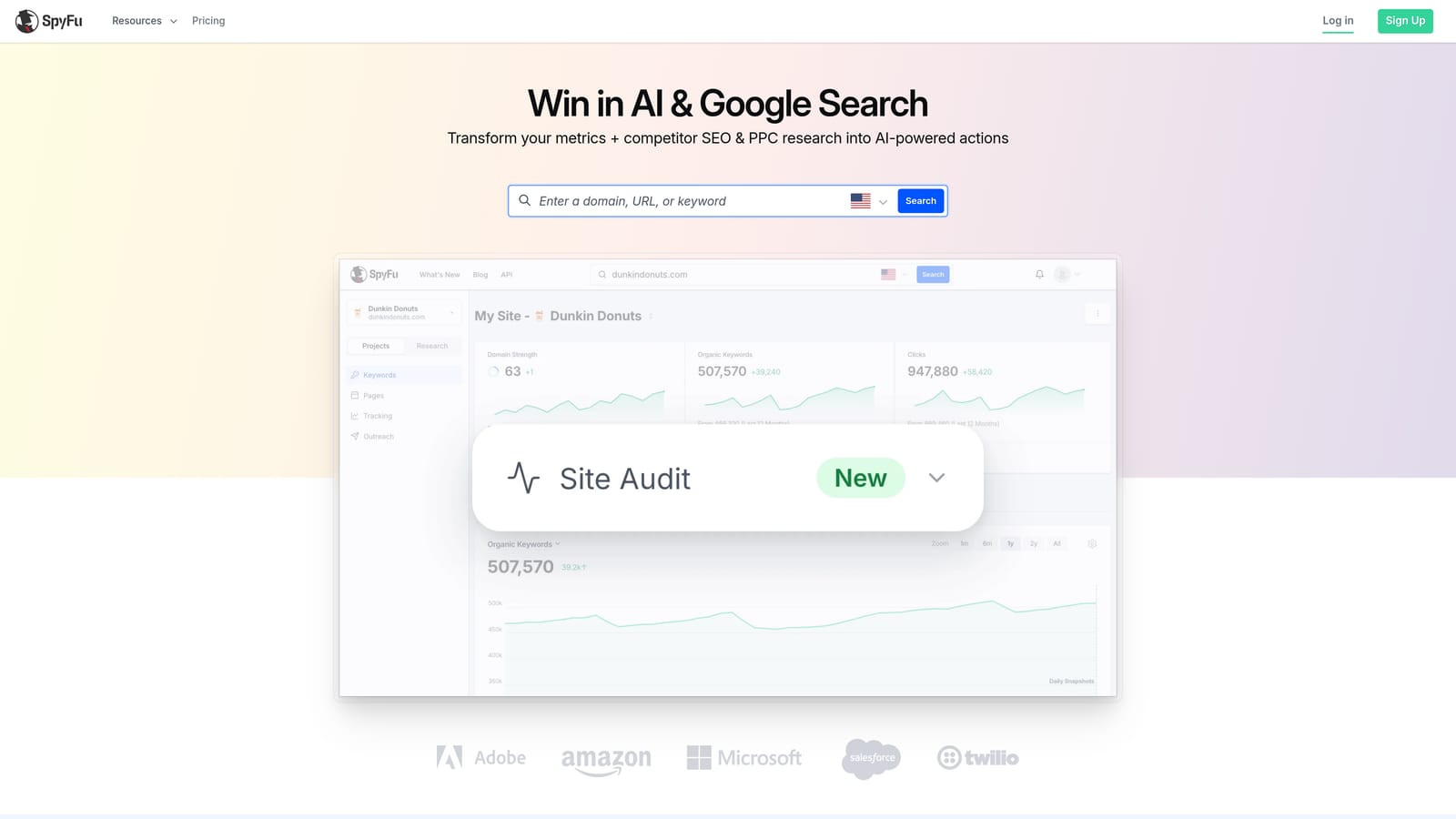
Its distinctive strength is history. You can see past ad copy and keyword activity for a domain, not just a current snapshot, which hints at what an advertiser kept running versus dropped.
- Competitor keyword lists, so you can pull terms a rival bids on.
- Historical ad copy, which shows messaging angles that have lasted.
- Domain comparison, to find overlap and gaps between you and competitors.
- Keyword group exports, for moving lists into your campaign build.
Integration details are best confirmed on the website. Setup is minimal since it is a web tool, and one researcher can run it for a whole team.
Know its limits. The data is estimated, not first-party, and coverage is strongest in the US market, so advertisers elsewhere should check results against their own numbers. It does not manage or clean an account.
Pricing is subscription based; see the website for current plans.
Best for: Seeding campaigns with competitor-tested keywords.
5. WordStream
WordStream pairs a free keyword tool and a Google Ads Grader with a paid PPC management platform. It leans toward small businesses that want guidance rather than a pile of raw data.
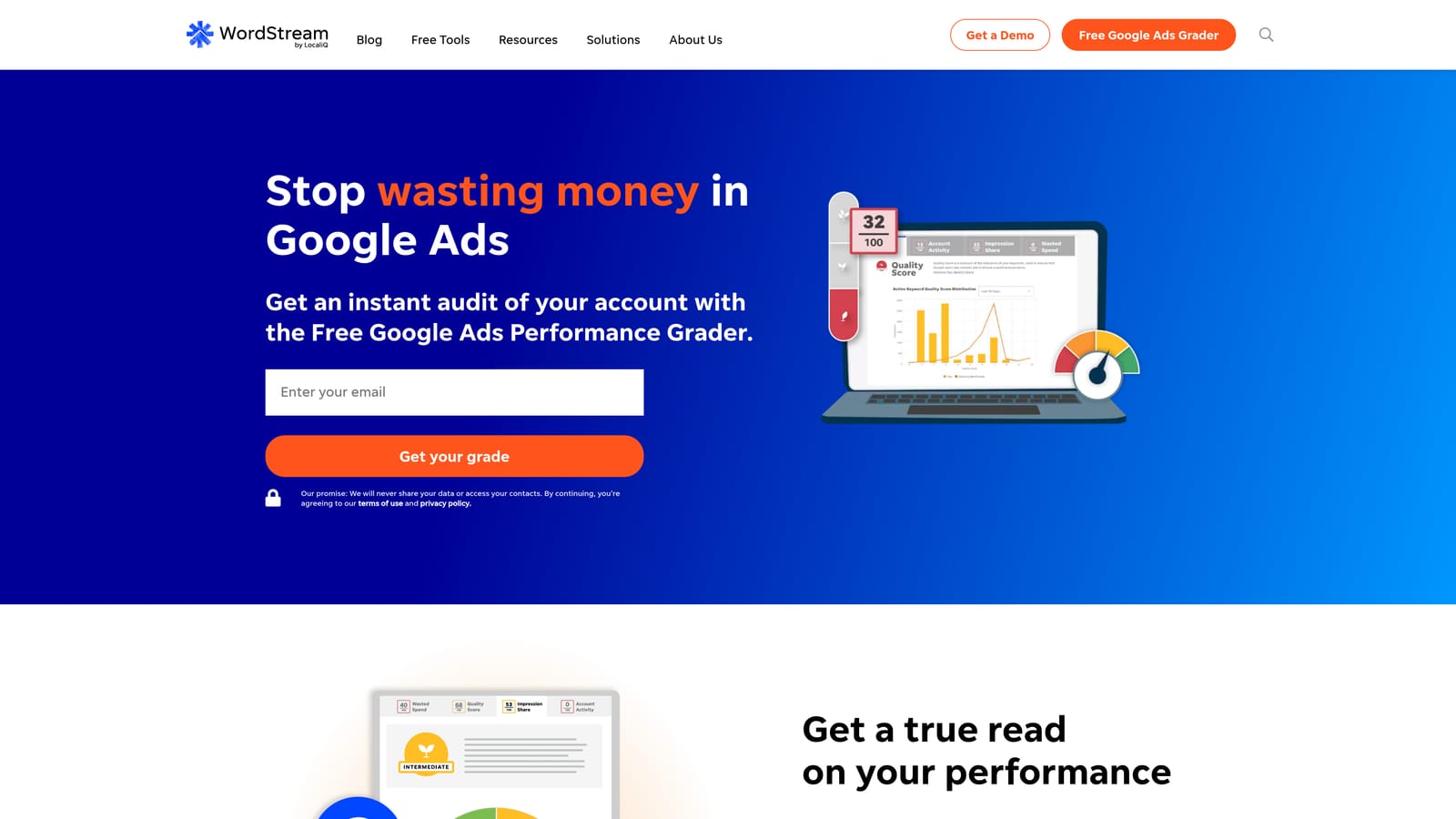
The Grader is the standout. It reviews an account and flags issues, including wasted spend, which gives a non-specialist a fast read on where to look first.
- Free keyword tool, for basic idea generation without a subscription.
- Google Ads Grader, which audits your account and points out problems.
- Account recommendations, so you get suggested next steps.
- Performance benchmarking, to compare your results against typical ranges.
It integrates with Google Ads, Microsoft Advertising, and Meta Ads. The free tools take minutes to try; the paid platform involves a sales conversation.
The limits: the free keyword tool is lightweight compared with the databases above, and paid plans are quote-based, so you cannot compare cost upfront. Experienced managers may find the audit too general.
Free tools cost nothing; the platform is quote-based, with price depending on the scope of your advertising.
Best for: Small businesses wanting a quick account audit.
6. Ubersuggest
Ubersuggest is Neil Patel's budget keyword research tool, giving volume, CPC, and difficulty data at a low entry cost. It suits freelancers and small teams who need ideas without paying agency-grade prices.
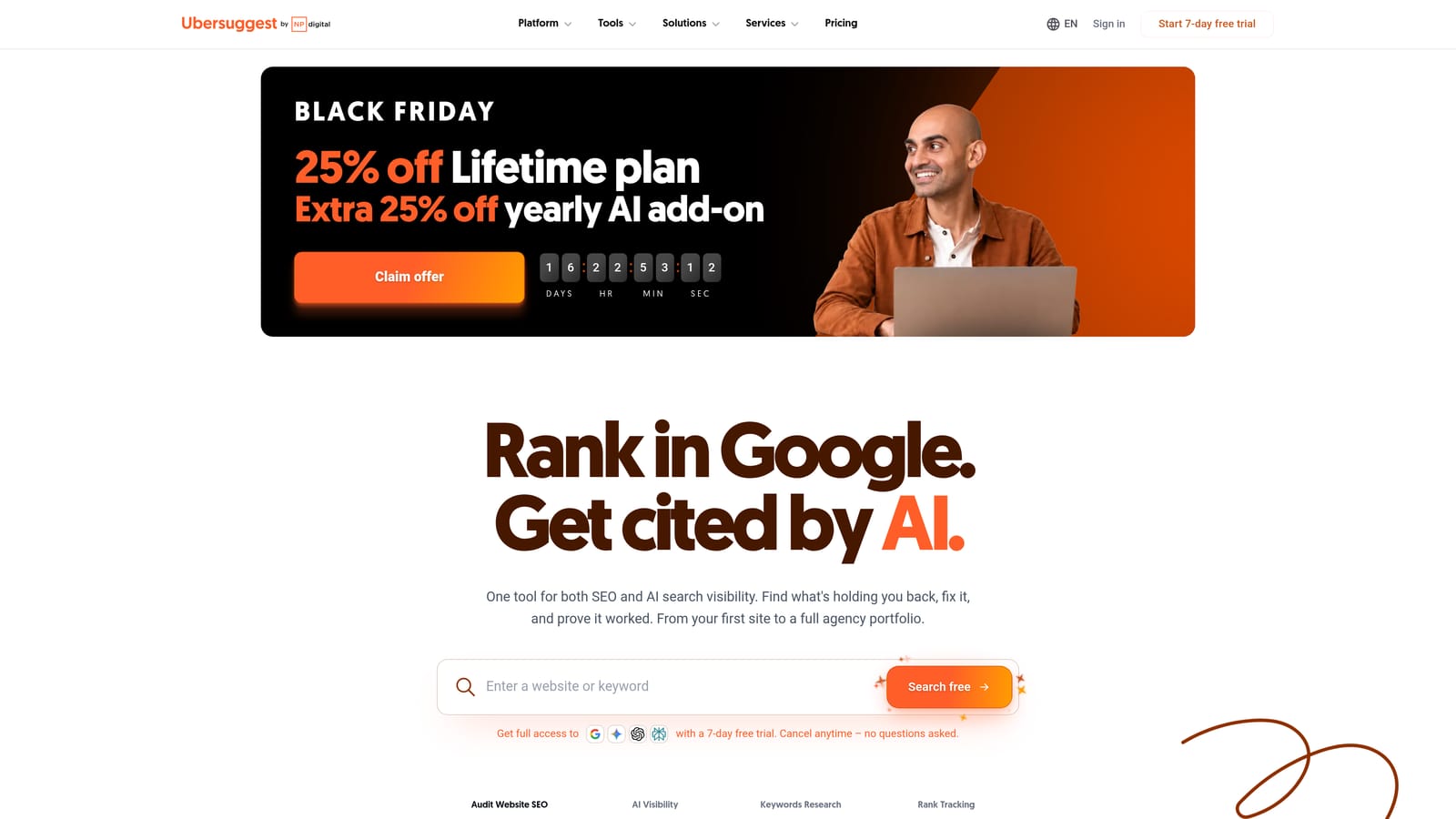
Its angle is affordability. A lifetime license option has been offered in the past, which is unusual in a market of monthly subscriptions, though you should verify whether it is currently available.
- Keyword suggestions, to expand a seed term into many related ideas.
- CPC and volume data, for a rough read on cost and demand.
- Difficulty scores, which matter more for SEO but add context.
- Content ideas, useful if you also plan landing pages or blog content.
It connects with Google Search Console and Google Analytics. Setup is quick and one person can handle it.
The limitation is focus: it is SEO-first, so PPC-specific data is thin. It will not tell you much about auction competition, and it offers no account cleanup.
Pricing is subscription based, and a lifetime option may be offered; check the website for current terms.
Best for: Freelancers on tight budgets needing basic keyword ideas.
7. Ahrefs Keywords Explorer
Ahrefs offers Keywords Explorer, a research tool with search volume, CPC, and click data. It is priced and designed for SEO teams, but PPC marketers can use it as a second opinion.
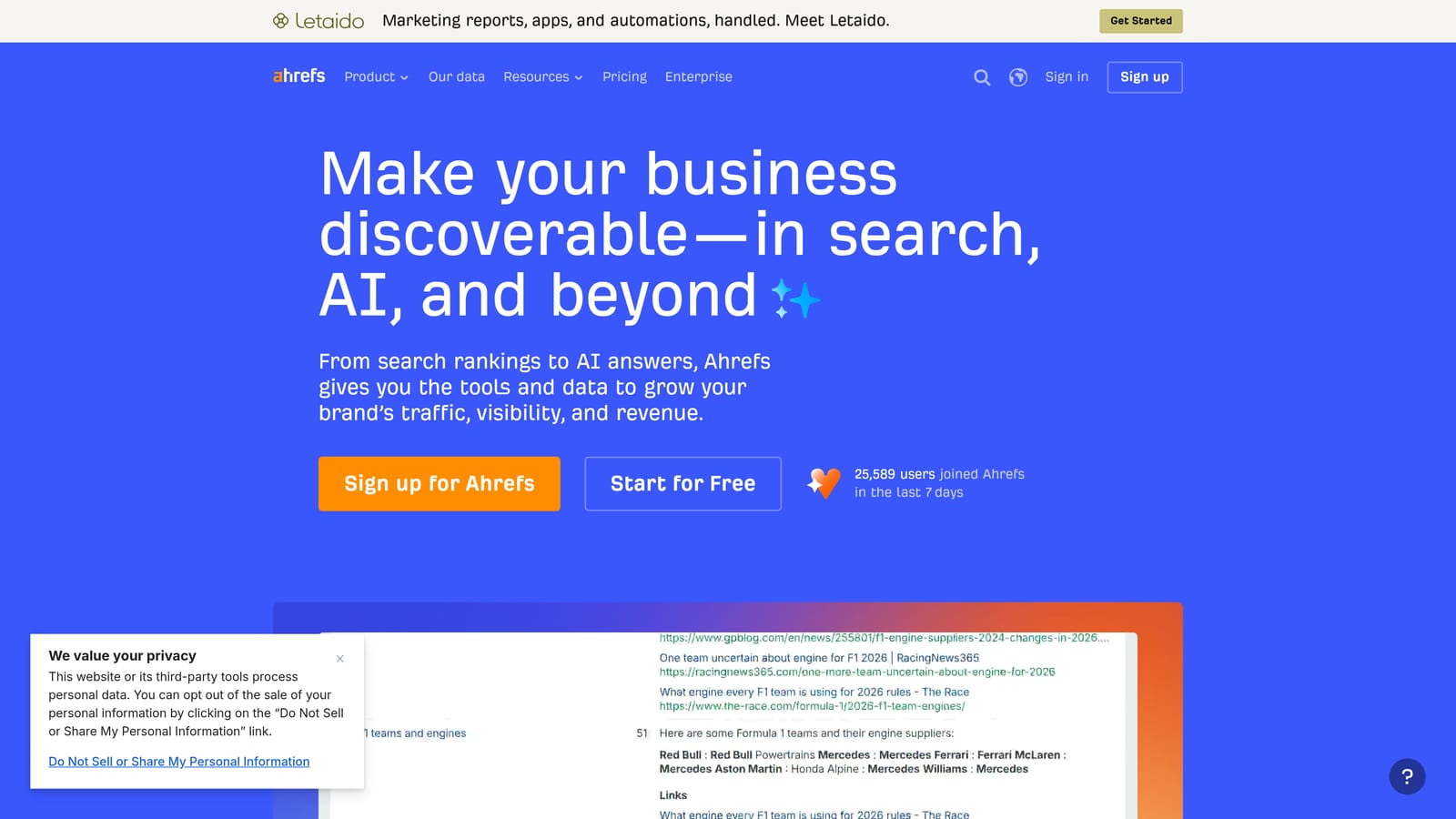
The Clicks metric is its unique contribution. It estimates how many searches actually produce clicks, which matters because a high-volume keyword can have many searches that never lead to a visit. For a bidder, that is a reality check on whether volume translates into traffic.
- Search volume and CPC, for baseline demand and cost.
- Clicks metric, to see whether searches actually generate clicks.
- Parent topic grouping, which shows related terms that share a main topic.
- SERP overview, so you can see what the results page looks like before bidding.
It integrates with Google Search Console and Google Analytics. Setup is easy, though getting value takes some research skill.
The drawbacks: it is priced for SEO teams, which may be hard to justify for PPC alone, and it does not manage Google Ads accounts.
Pricing is subscription based; see the website for current tiers.
Best for: Validating whether high-volume keywords are worth bidding on.
8. Google Ads Editor
Where most tools here help you find keywords, Google Ads Editor helps you change them in volume. It is Google's free desktop app for editing accounts in bulk, including offline, aimed at managers handling large structures.

Its standout is the review step. You make changes locally, check them, and only then post them to the account, which cuts down on costly mistakes in big edits.
- Bulk keyword and negative edits, for changing hundreds of rows at once.
- Match type changes, applied across many keywords in one pass.
- Multi-account management, so agencies can move between clients.
- Review changes before posting, which acts as a safety net.
It works with Google Ads and requires downloading and syncing accounts, so setup takes longer than a browser tool. Experienced account managers usually run it.
Its limits are plain: it edits existing structures and does not discover keywords. It is also less convenient for quick, in-the-moment search term decisions, since you work from a downloaded copy.
It is free.
Best for: Bulk keyword and match type changes across large accounts.
9. Optmyzr
Optmyzr is a PPC management suite with search term analysis, audits, and rule-based optimizations. It is built for agencies and established teams running many accounts.

What distinguishes it is the cross-account view. Audits and optimization tools are designed to work across a book of clients, which is where manual review stops scaling.
- Search term analysis, to surface queries worth adding or blocking.
- Account audits, which flag issues across campaigns.
- Rule-based automation, so recurring checks run on your conditions.
- Bulk optimization tools, for applying changes at scale.
It integrates with Google Ads, Microsoft Advertising, and Meta Ads. Setup takes real effort: connecting accounts, configuring rules, and learning the platform. A dedicated PPC lead typically owns it.
The trade-off is cost and complexity. Solo advertisers and small freelancers will likely find it more than they need, and the learning curve suits established agencies better.
Pricing is subscription based; see the website for current plans, which commonly depend on the scale of managed spend or accounts.
Best for: Agencies managing many Google Ads accounts.
Which Tool Fits Which Job
Start by deciding whether you need discovery or maintenance. For free discovery on a new campaign, use Keyword Planner. For competitor-led research, Semrush or SpyFu will give you more to work with. Whatever you find, avoid trusting volume estimates alone, and do not add broad match keywords without a plan for negatives.
Once campaigns run, the Search Terms Report is where money leaks. Keywordme handles quick in-account cleanup, and Google Ads Editor suits larger bulk edits and match type changes. If you manage many client accounts, Optmyzr covers audits at agency scale.
Many advertisers end up with one free discovery tool plus one maintenance tool, and that is a perfectly good setup.
Optimize Google Ads Campaigns 10X Faster. Without Leaving Your Account. Keywordme lets you remove junk search terms, build high-intent keyword lists, and apply match types instantly, right inside Google Ads. No spreadsheets, no switching tabs, just quick, seamless optimization. Start your free 7-day trial (then just $12/month) and take your Google Ads game to the next level.
