
9 Best Ads Keyword Tools for Google Ads
This guide reviews nine ads keyword tools purpose-built for Google Ads practitioners — covering discovery, optimization, negative keyword management, and ongoing maintenance — so marketers, freelancers, and agency owners can find high-intent terms, cut wasted spend, and run tighter, more profitable campaigns.


The keyword tools that matter for Google Ads aren't the ones built for SEO—they're the ones that help you find high-intent terms before you launch, cut wasted spend while campaigns are live, and keep your keyword list clean without living in spreadsheets. The right combination depends on where your biggest gaps are: pre-launch research, in-campaign optimization, or ongoing negative keyword management.
This list covers nine tools built specifically for Google Ads keyword work in 2026. We've separated PPC-focused tools from generic SEO platforms that happen to show search volume, because those solve different problems. Every tool here addresses a real workflow challenge for Google Ads practitioners: finding what to bid on, deciding what to block, and keeping campaigns tight as search behavior evolves.
Rankings reflect practical value for daily use—whether you're a solo advertiser, a freelancer managing a handful of accounts, or an agency owner running campaigns for dozens of clients.
1. Keywordme
Best for: In-campaign search term optimization directly inside the Google Ads interface
Keywordme is a Chrome extension built to streamline Google Ads keyword management inside the Search Terms Report, without requiring exports or a separate dashboard.

Where This Tool Shines
Most optimization tools ask you to leave Google Ads, export data, work in a spreadsheet or external platform, and then manually apply changes back into your account. Keywordme removes that round-trip entirely. You work directly in the native Search Terms Report, clicking to add negatives, apply match types, or build keyword groups as you review actual search query data.
This makes it especially practical for the weekly optimization routine that most advertisers dread: sorting through what triggered your ads, deciding what to keep, what to block, and how to structure it. That workflow gets significantly faster when every action is a single click in the interface you're already using.
Key Features
In-interface operation: Works directly inside Google Ads' Search Terms Report, so no CSV exports or tab-switching are required.
One-click negative keyword addition: Flag junk search terms and add them as negative keywords instantly, with match type selection built in.
Keyword clustering and bulk editing: Group related search terms into keyword clusters and apply changes in bulk rather than one at a time.
Multi-account and team support: Agencies can manage multiple client accounts and collaborate across team members without per-account fees.
Flat-rate pricing: One price per user regardless of how many accounts you manage, which matters for agencies handling multiple clients.
Best For
Freelancers and agency owners who spend meaningful time each week reviewing search terms and manually categorizing what to keep or block. Also well-suited for solo advertisers who want to run tighter campaigns without building elaborate spreadsheet workflows.
Pricing
$12/month per user. A 7-day free trial is available with no commitment required.
2. Google Keyword Planner
Best for: Initial keyword discovery and bid estimation before launching a campaign
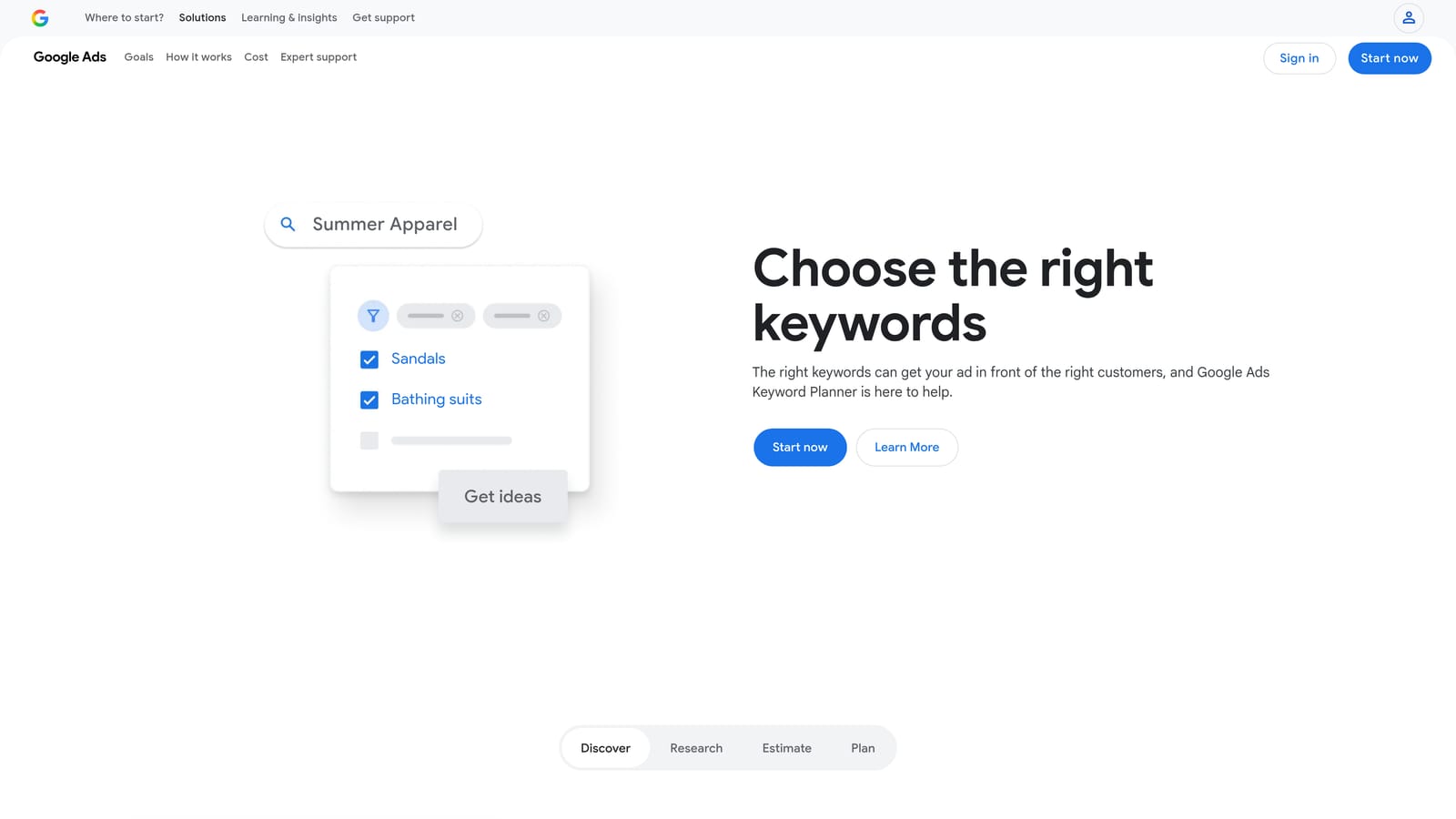
Google Keyword Planner is Google's native keyword research tool, built directly into the Google Ads platform and powered by first-party Google search data.
Where This Tool Shines
Because the data comes directly from Google, Keyword Planner gives you the most authoritative view of what people are searching on Google's network. You can start with a seed keyword or a URL and get keyword suggestions alongside search volume ranges, competition levels, and bid estimates—all in one place.
The main limitation to know upfront: if your Google Ads account doesn't have active spend, search volumes appear as broad ranges rather than precise numbers. Active advertisers get more granular data, which makes it more useful once campaigns are running.
Key Features
Keyword discovery: Generate keyword ideas from seed terms or a website URL using Google's own search data.
Search volume ranges: See estimated monthly search volumes and how they trend over time.
Competition and bid estimates: Understand keyword competitiveness and expected cost-per-click ranges for budget planning.
Keyword grouping suggestions: Get initial ad group structure ideas based on keyword themes.
Free access: Available at no cost with any Google Ads account.
Best For
Any advertiser building a new campaign from scratch, especially those who want to stay within the Google Ads ecosystem. It's the logical starting point for keyword research before layering in third-party tools.
Pricing
Free with a Google Ads account. No additional subscription required.
3. SEMrush Keyword Magic Tool
Best for: Large-scale keyword research with competitive intelligence and PPC-specific filters
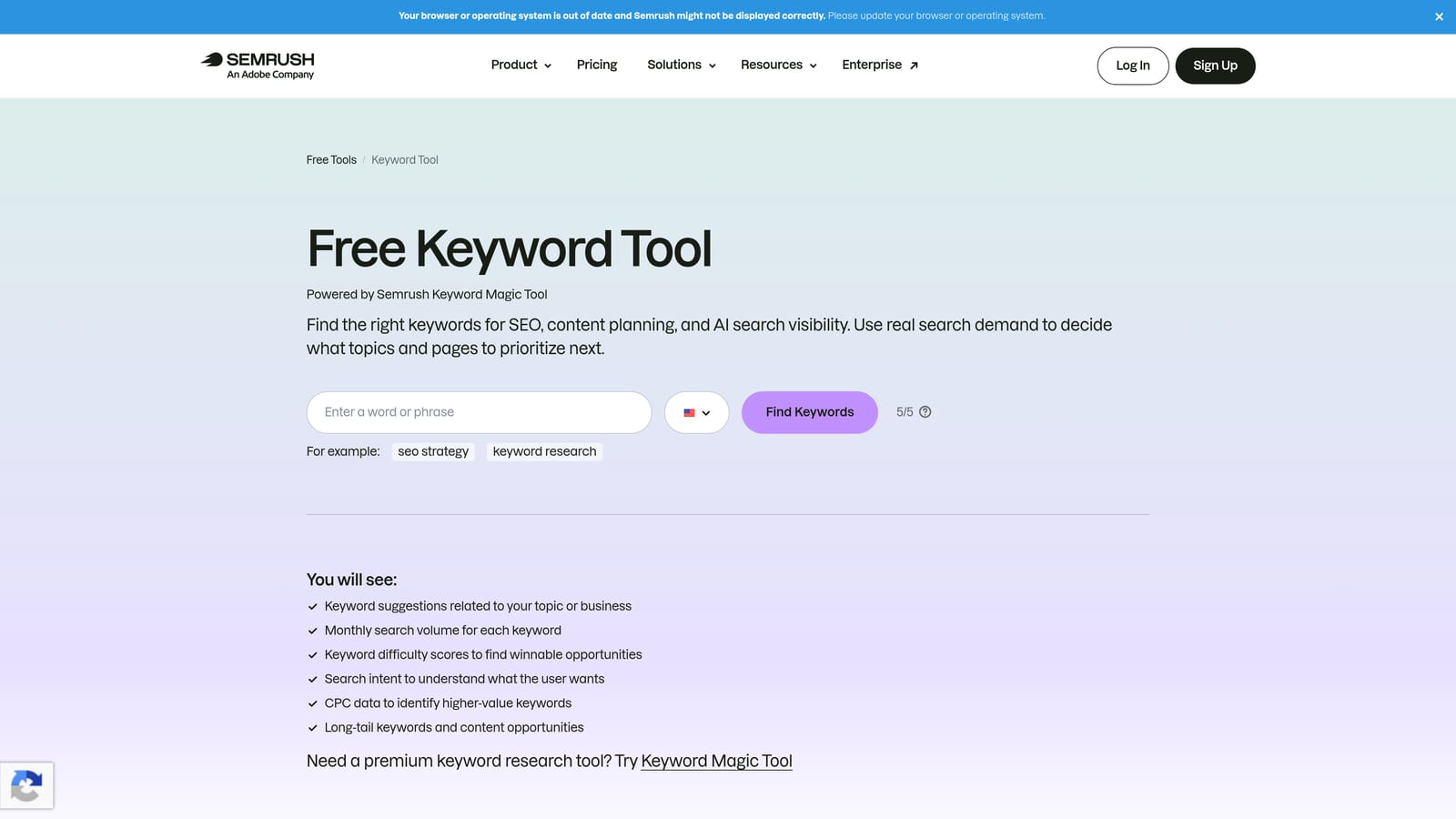
SEMrush Keyword Magic Tool is part of SEMrush's broader marketing suite, offering an extensive keyword database with filters specifically useful for PPC campaign planning.
Where This Tool Shines
Where Google Keyword Planner gives you Google's own data, SEMrush adds a competitive layer. You can see what keywords your competitors are bidding on, filter by keyword intent, and identify gaps in your current keyword strategy. The intent classification—informational, commercial, transactional, navigational—helps you prioritize which keywords are worth bidding on versus which are likely to generate low-quality clicks.
The PPC-specific filters are genuinely useful for building campaign lists. You can narrow results by CPC range, competition level, or keyword type, which speeds up the process of moving from a raw keyword list to a structured ad group plan.
Key Features
Keyword intent filters: Classify keywords by intent type to prioritize terms most likely to convert in paid campaigns.
CPC and competition data: See estimated cost-per-click and competitive density alongside search volume.
Competitor keyword gap analysis: Identify keywords your competitors bid on that you're currently missing.
Keyword grouping: Organize keyword lists into logical ad group structures before importing to Google Ads.
PPC-specific filters: Narrow results by CPC range, competition level, and other paid search metrics.
Best For
Agencies and experienced advertisers building keyword lists for new campaigns or auditing existing ones. Most valuable when competitor research is part of the strategy.
Pricing
Paid plans start at approximately $139.95/month (Pro). Verify current pricing at semrush.com before subscribing.
4. Ahrefs Keywords Explorer
Best for: Identifying which keywords actually drive paid clicks versus organic results
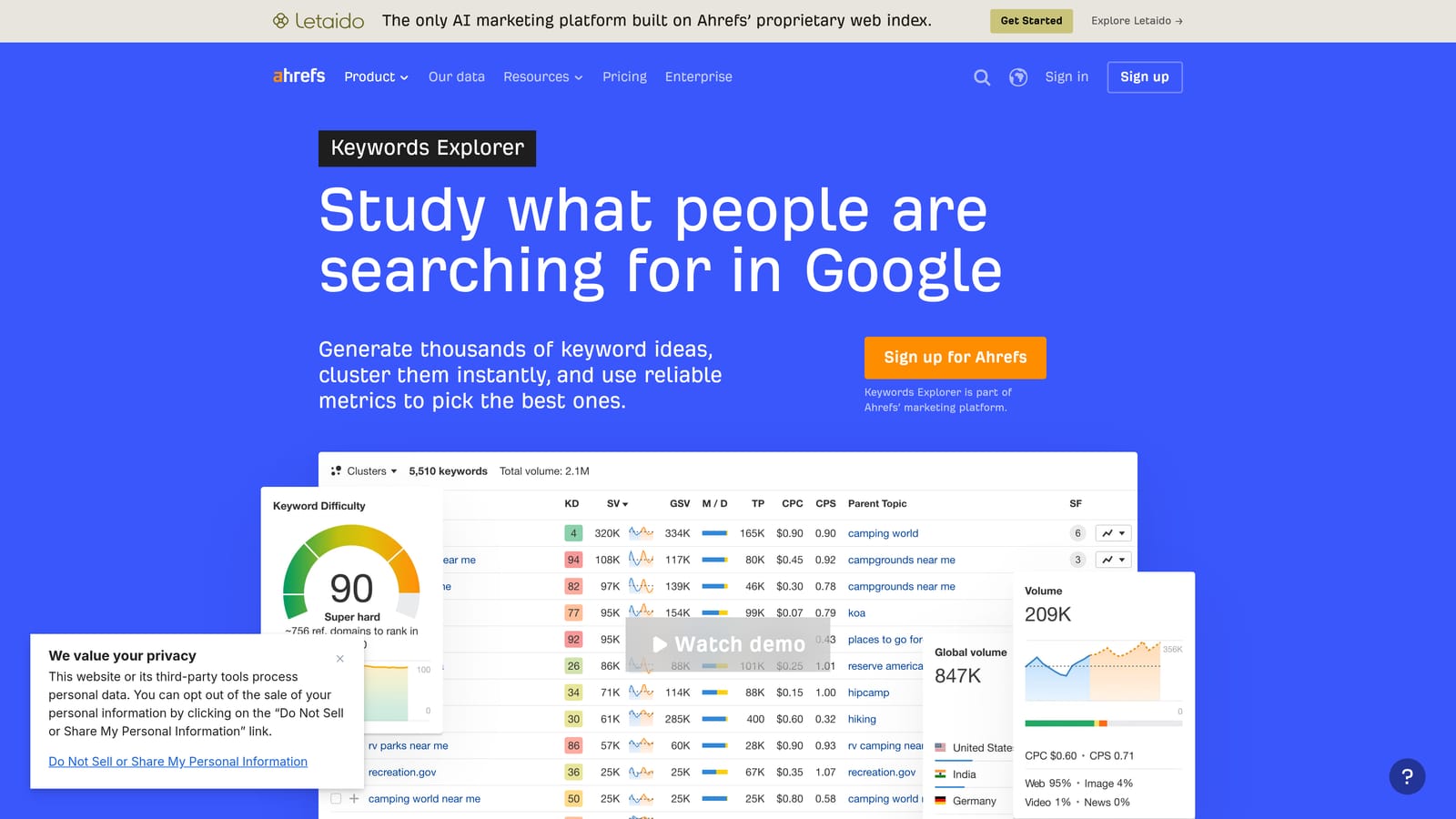
Ahrefs Keywords Explorer is a keyword research tool with detailed click-through rate data and SERP analysis, making it useful for understanding paid versus organic click dynamics before you bid.
Where This Tool Shines
Ahrefs adds a layer of analysis that most keyword tools skip: click data. Knowing a keyword has high search volume is useful, but knowing how many of those searches result in a click—and whether those clicks go to paid ads or organic results—helps you decide whether bidding on that keyword is worth the spend. Some high-volume keywords are dominated by organic results and generate very few paid clicks, which makes them poor candidates for PPC investment.
The SERP analysis feature shows you how many paid ads appear for a given keyword and how competitive the paid landscape is, giving you a clearer picture before you commit budget.
Key Features
Click-through rate data: See what share of searches result in clicks, and how those clicks split between paid and organic results.
Keyword difficulty scoring: Assess how competitive a keyword is across both paid and organic channels.
SERP analysis: View which ads appear for a keyword and how the paid landscape is structured.
Parent topic identification: Group related keywords under a parent theme for more structured ad group planning.
Multi-country data: Research keyword performance across different markets and geographies.
Best For
Advertisers who want to understand the full competitive picture before allocating budget, and those running campaigns alongside organic search efforts where understanding click share matters.
Pricing
Paid plans start at approximately $129/month (Lite). Verify current pricing at ahrefs.com before subscribing.
5. SpyFu
Best for: Competitor keyword intelligence and historical Google Ads research
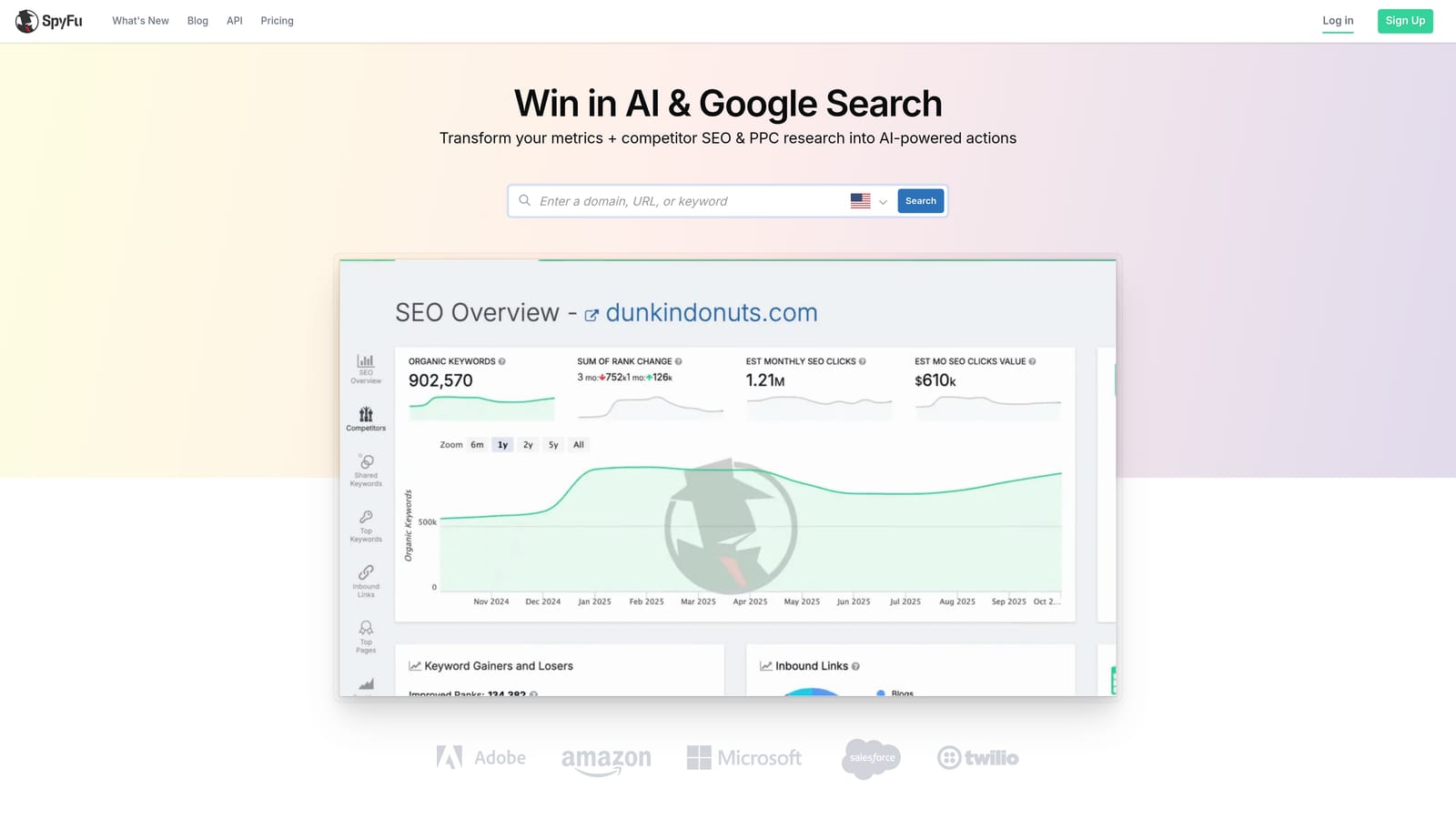
SpyFu is a competitor intelligence tool with a strong Google Ads focus, showing which keywords competitors have historically bid on, their estimated spend, and their ad copy over time.
Where This Tool Shines
SpyFu's differentiator is historical depth. Rather than just showing what a competitor is bidding on today, it shows what they've bid on over years—which reveals which keywords they've consistently invested in (likely profitable) versus ones they've tested and abandoned (likely unprofitable). That kind of signal is genuinely useful for shaping your own keyword strategy.
The ad copy history feature is an underrated bonus. Seeing how a competitor's messaging has evolved helps you understand what angles they've tested and what they've settled on, which informs both keyword selection and ad creative direction.
Key Features
Historical competitor keyword data: See years of keyword bidding history for any domain, not just current activity.
Estimated ad spend: Get a rough sense of how much competitors invest in specific keywords and overall.
Ad copy history: Review competitor ad copy over time to understand messaging evolution and positioning.
Keyword overlap analysis: Identify where your keyword strategy overlaps with or diverges from competitors.
Most profitable keywords report: Surface the keywords competitors appear to have invested in consistently.
Best For
Advertisers entering a competitive market who want to shortcut keyword research by learning from what competitors have already tested. Also useful for agencies conducting competitive audits for new clients.
Pricing
Plans start at approximately $39/month. Verify current pricing at spyfu.com before subscribing.
6. WordStream Free Keyword Tool
Best for: Quick keyword lookups with no account setup required
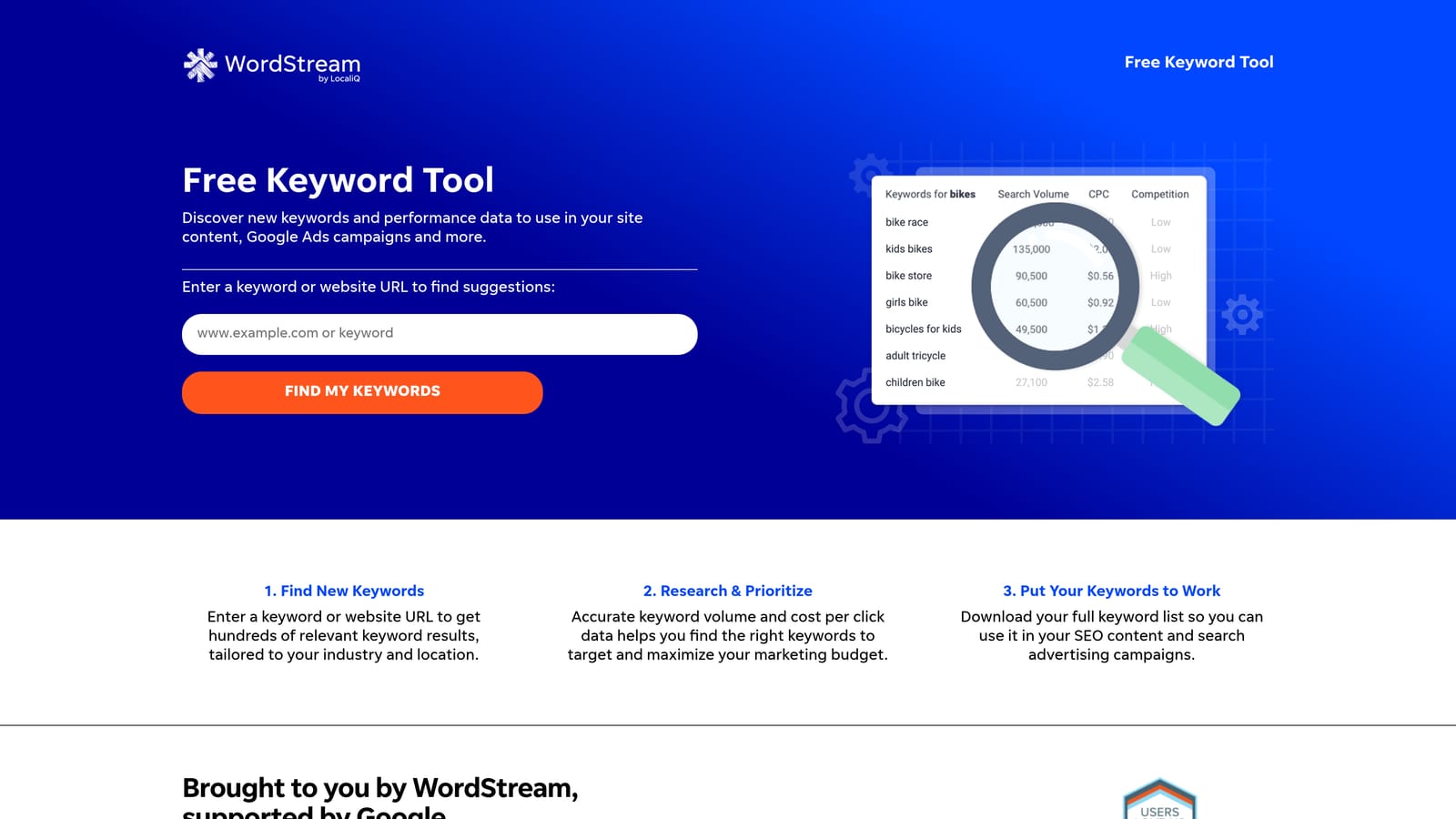
WordStream's Free Keyword Tool generates keyword suggestions with basic CPC and competition data, filtered by industry and country, with no Google Ads account needed to get started.
Where This Tool Shines
Sometimes you just need a fast answer. WordStream's free tool is low-friction: enter a keyword, pick your industry and country, and get a list of suggestions with rough CPC and competition indicators. There's no account to set up, no credit card, and no onboarding process to navigate.
It's not a replacement for a full keyword research platform, but for quick gut-checks, initial brainstorming, or situations where you don't have access to your main tools, it covers the basics without getting in the way.
Key Features
No account required: Run basic keyword searches immediately without signing up for anything.
Industry and country filters: Narrow results to a specific vertical and geographic market.
Basic CPC and competition data: Get directional cost and competitiveness signals alongside keyword suggestions.
Keyword export: Download results for further analysis in your own tools.
Low barrier to entry: Useful for quick lookups, client demos, or initial research without committing to a paid tool.
Best For
Freelancers or advertisers who need a quick keyword reference without logging into a full platform. Also useful as a starting point for clients who want to see keyword data before committing to a research tool.
Pricing
Free for basic use. Full data access and higher result volumes may require a sign-up or paid plan.
7. Keyword Tool (keywordtool.io)
Best for: Generating long-tail keyword variations from real Google Autocomplete data
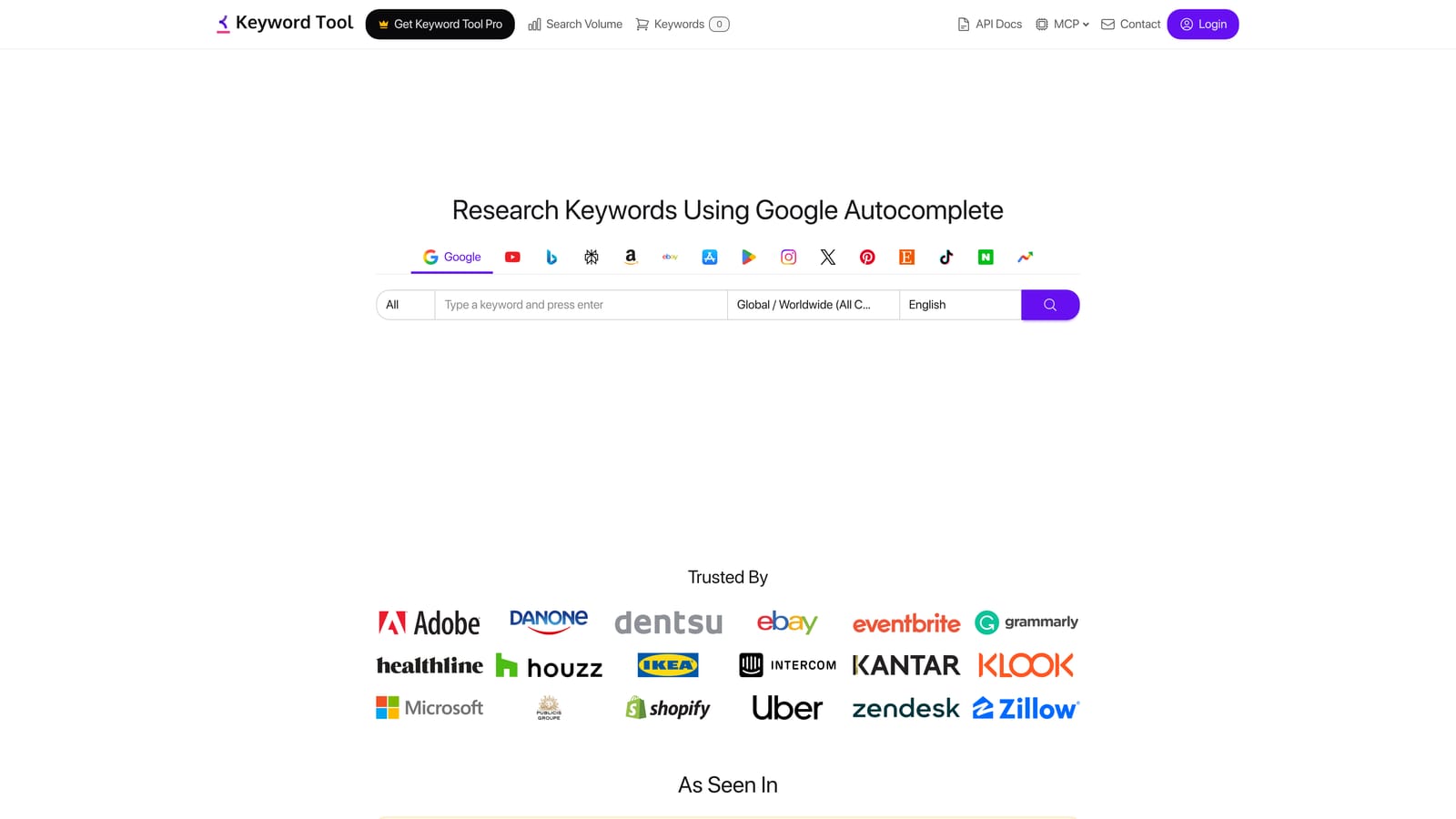
Keyword Tool generates keyword suggestions by pulling from Google Autocomplete, surfacing real user queries that standard keyword planners often miss entirely.
Where This Tool Shines
Google Autocomplete reflects what people are actually typing into the search bar in real time. Keyword Tool taps into that data to generate long-tail variations, question-based keywords, and preposition-based phrases that tend to fly under the radar in traditional keyword research. These terms often have lower competition and higher specificity, which can make them valuable additions to a well-structured campaign.
The platform also pulls data from YouTube, Bing, Amazon, and other platforms, which is useful if you're running campaigns across multiple channels or want to understand how search behavior differs by platform.
Key Features
Autocomplete-based generation: Pulls real user queries from Google Autocomplete rather than relying solely on historical volume data.
Question and preposition variations: Surfaces "how to," "what is," "best for," and similar long-tail patterns automatically.
Multi-platform support: Generates keyword ideas for Google, YouTube, Bing, Amazon, and other search platforms.
Search volume and CPC data: Available in paid plans for advertisers who need volume and cost signals alongside suggestions.
No Google Ads account required: The free version is accessible without any account setup.
Best For
Advertisers looking to expand beyond obvious head terms and build out long-tail keyword lists. Particularly useful for finding specific, intent-driven queries that broader keyword tools tend to underrepresent.
Pricing
Free version available with keyword suggestions but no volume data. Pro plans start at approximately $89/month. Verify current pricing at keywordtool.io before subscribing.
8. Microsoft Advertising Intelligence
Best for: Keyword research for Microsoft Advertising campaigns using native Bing data
Microsoft Advertising Intelligence is a free Excel add-in that provides keyword research using Bing search data, including keyword suggestions, bid estimates, and traffic forecasts.
Where This Tool Shines
If you're running or planning Microsoft Advertising campaigns, this tool gives you direct access to Bing's own search data—the same way Google Keyword Planner gives you Google's data. Because it's an Excel add-in, the workflow is familiar for anyone already comfortable manipulating keyword lists in spreadsheets, and the data integrates directly into your existing files without any export steps.
The demographic data by keyword is a feature worth noting. Being able to see how different audience segments interact with a keyword can inform both keyword selection and audience targeting decisions within your campaigns.
Key Features
Native Bing search data: Keyword suggestions and volume data sourced directly from the Microsoft search network.
Bid estimates and traffic forecasts: Plan budgets and expected traffic before launching campaigns on Microsoft Advertising.
Demographic data by keyword: See how keyword traffic breaks down by audience demographics to inform targeting decisions.
Excel integration: Work directly within Excel, making it easy to combine with your existing keyword lists and analysis workflows.
Free access: Available at no cost with a Microsoft Advertising account.
Best For
Advertisers running Microsoft Advertising campaigns who want first-party keyword data from the Bing network. Also useful for agencies managing clients across both Google and Microsoft Advertising platforms.
Pricing
Free with a Microsoft Advertising account. No additional subscription required.
9. Optmyzr
Best for: Keyword management automation across large or multi-client Google Ads accounts
Optmyzr is a PPC management platform with automation features for keyword optimization at scale, including rule-based workflows for bids, match types, and negative keywords across multiple accounts.
Where This Tool Shines
Optmyzr is built for situations where the volume of keyword decisions exceeds what manual review can handle efficiently. Rather than reviewing every search term individually, you can set rules that automatically flag or apply changes based on performance thresholds—like automatically adding a search term as a negative keyword if it generates clicks but no conversions after a defined spend level.
For agencies managing many client accounts, the multi-account management and custom reporting features reduce the overhead of running consistent optimization processes across different campaigns. The keyword harvesting feature, which surfaces high-performing search terms as new keyword candidates, is particularly useful for scaling campaigns based on actual performance data.
Key Features
Rule-based keyword optimization: Set conditions that trigger keyword actions automatically, reducing manual review time for large accounts.
One-click recommendations: Review and apply suggested changes for match types, negatives, and bids without building rules from scratch.
Keyword harvesting: Identify high-performing search terms and promote them as new keywords based on actual campaign data.
Multi-account management: Manage and optimize keyword strategies across multiple client accounts from a single interface.
Custom reporting and workflow automation: Build repeatable optimization workflows and generate client-ready reports within the platform.
Best For
Agencies and in-house teams managing large Google Ads accounts where manual keyword review doesn't scale. The price point makes it most appropriate for accounts with enough spend to justify the investment.
Pricing
Plans start at approximately $249/month. Verify current pricing at optmyzr.com before subscribing.
Which Tool Is Right for Your Workflow?
The honest answer is that most advertisers need two types of tools working together: one for research before a campaign launches, and one for optimization once it's live. These are different jobs, and conflating them leads to either over-investing in a tool you rarely use or under-investing in the part of the workflow that costs you the most money.
For keyword discovery before launch, Google Keyword Planner is the free, logical starting point. If you need competitive intelligence or deeper filtering, SEMrush or Ahrefs add meaningful depth. For competitor-specific research, SpyFu's historical data is hard to match. For long-tail expansion using real user queries, Keyword Tool fills gaps that standard planners miss.
For Microsoft Advertising campaigns specifically, Microsoft Advertising Intelligence gives you first-party Bing data for free. For large accounts or agencies needing automation at scale, Optmyzr handles keyword management workflows that would otherwise require significant manual effort.
For in-campaign optimization—the ongoing work of reviewing search terms, adding negatives, applying match types, and keeping your keyword list clean—Keywordme is the most focused tool on this list. It's the only one that operates directly inside the Google Ads Search Terms Report, which means no exports, no tab-switching, and no spreadsheet cleanup.
If you're currently exporting search term data into spreadsheets and manually sorting what to keep or block, that's exactly the workflow Keywordme replaces. Optimize Google Ads campaigns up to 10x faster, without leaving your account. Remove junk search terms, build high-intent keyword lists, and apply match types instantly—right inside Google Ads. No spreadsheets, no switching tabs, just quick, seamless optimization. Start your free 7-day trial (then just $12/month) and see how much faster your weekly optimization routine gets.
.svg)